

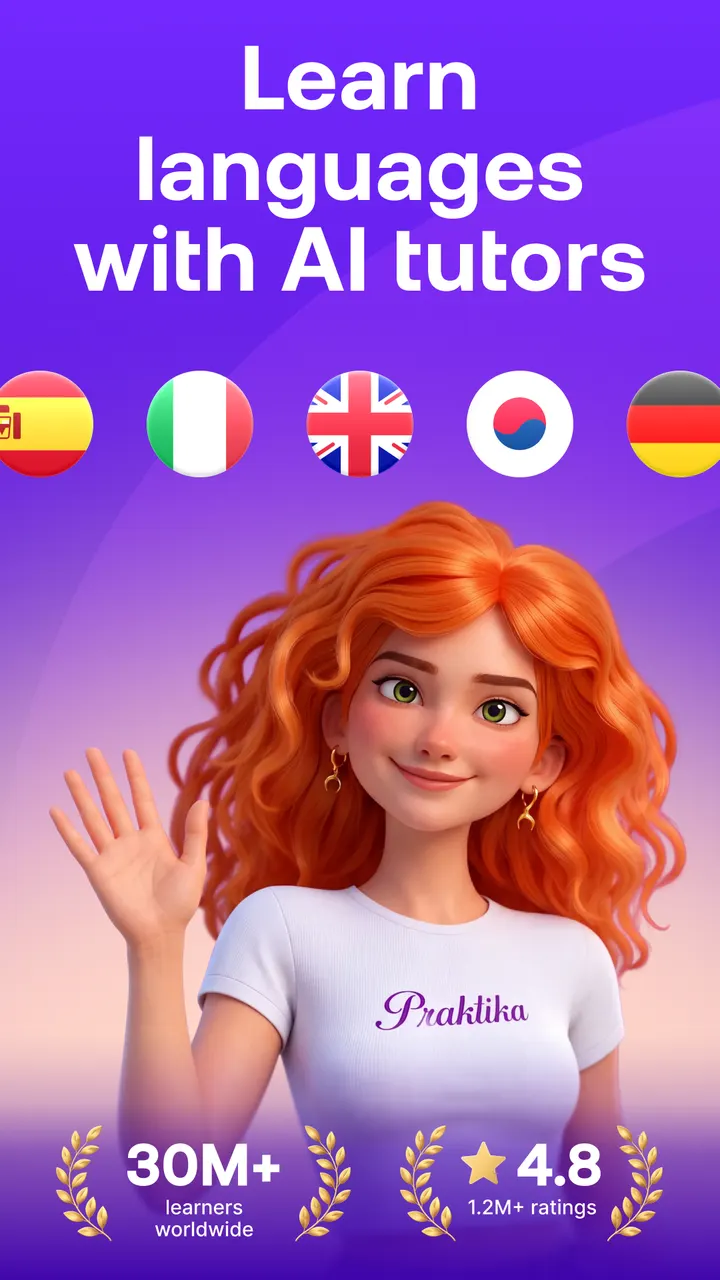
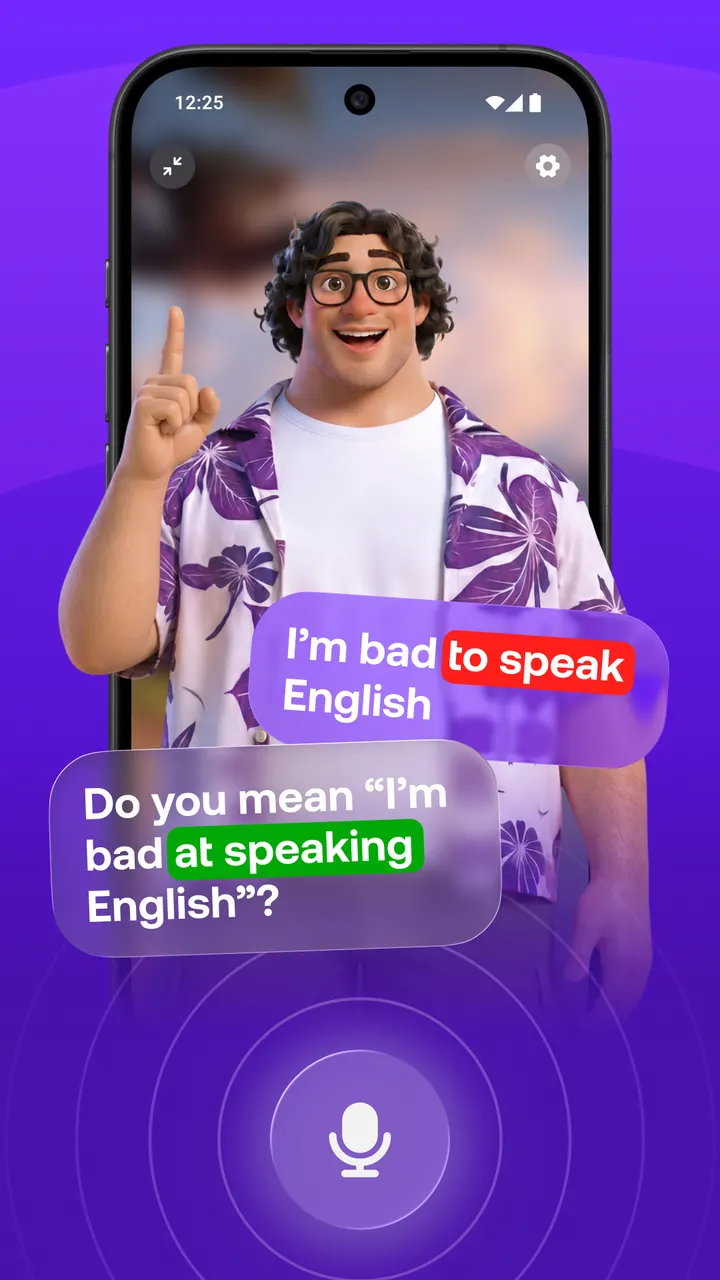
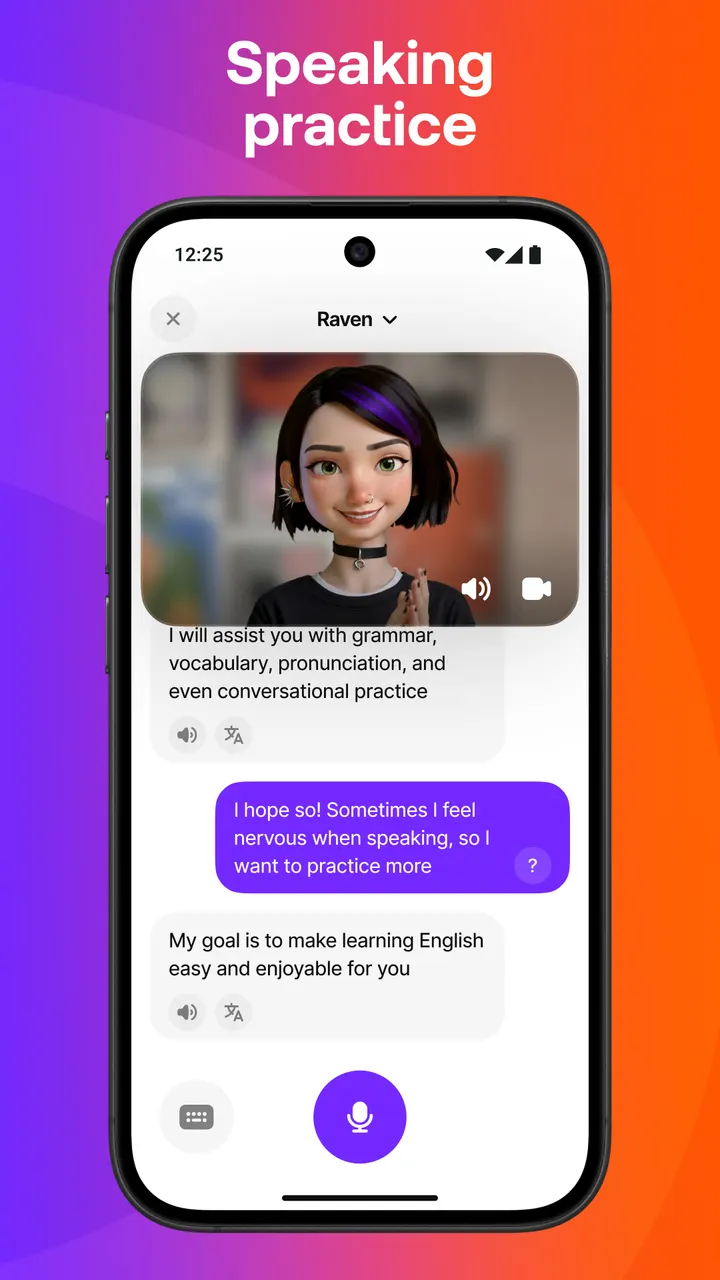
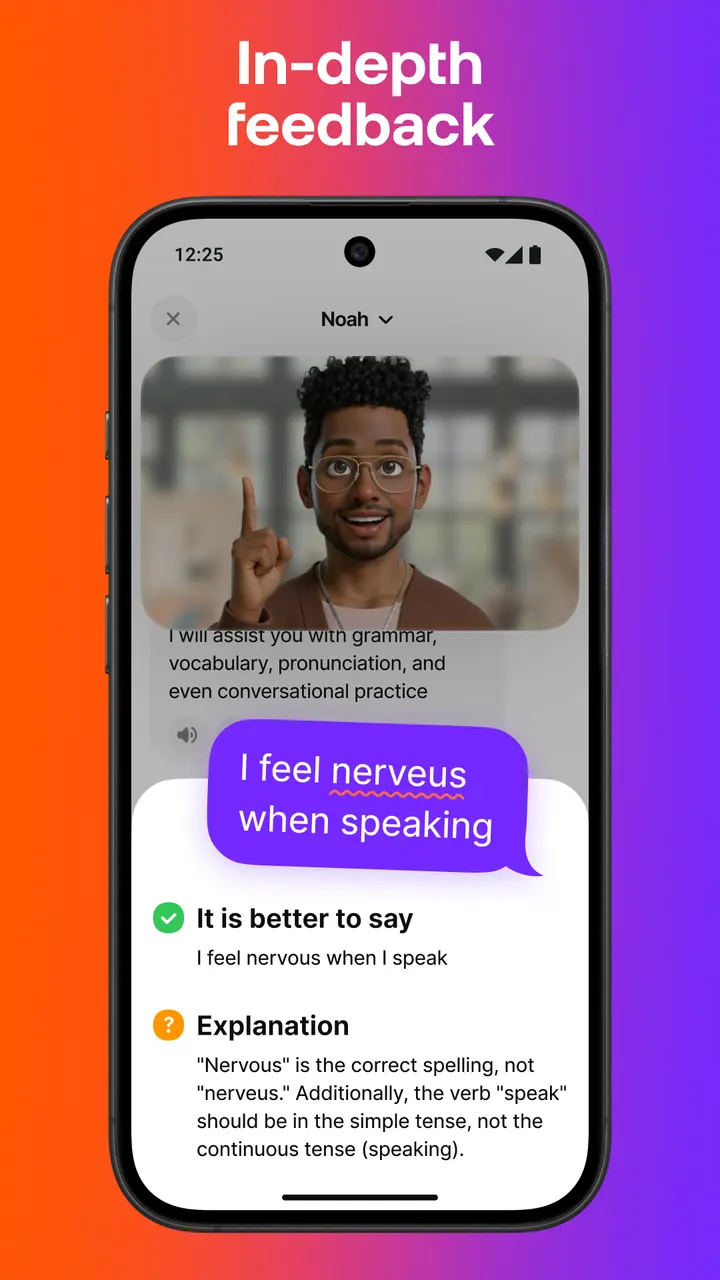
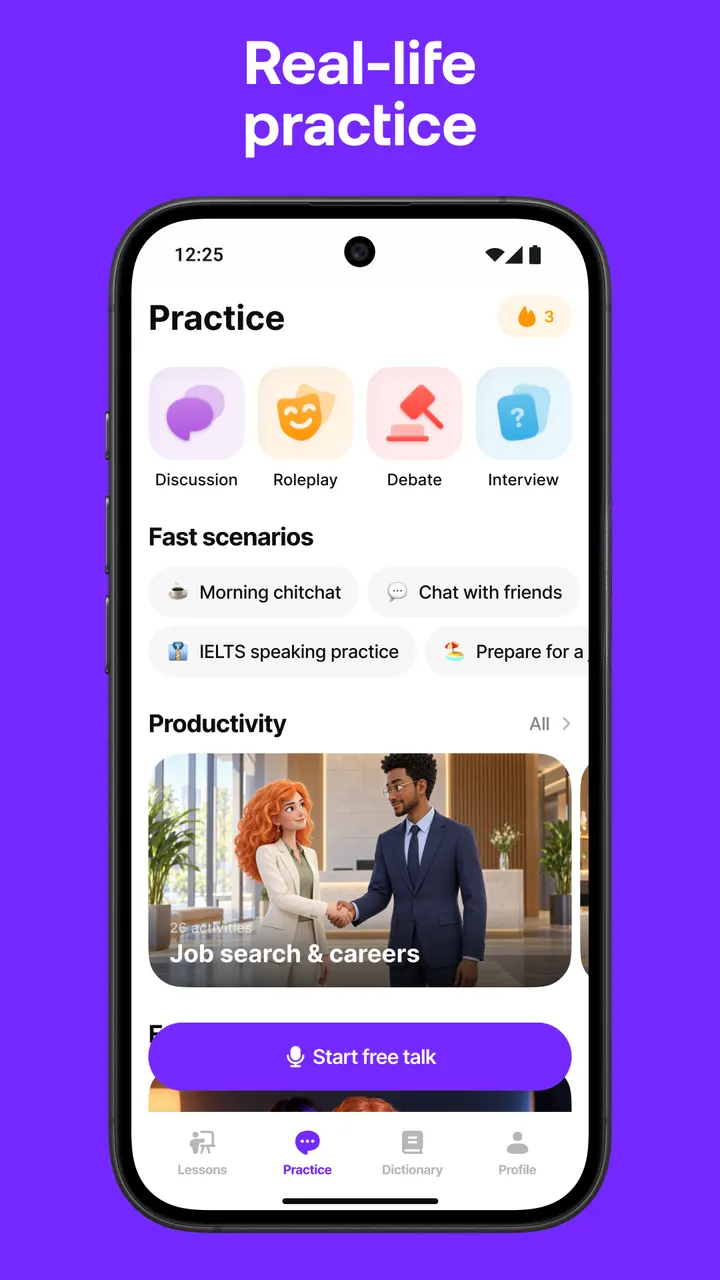
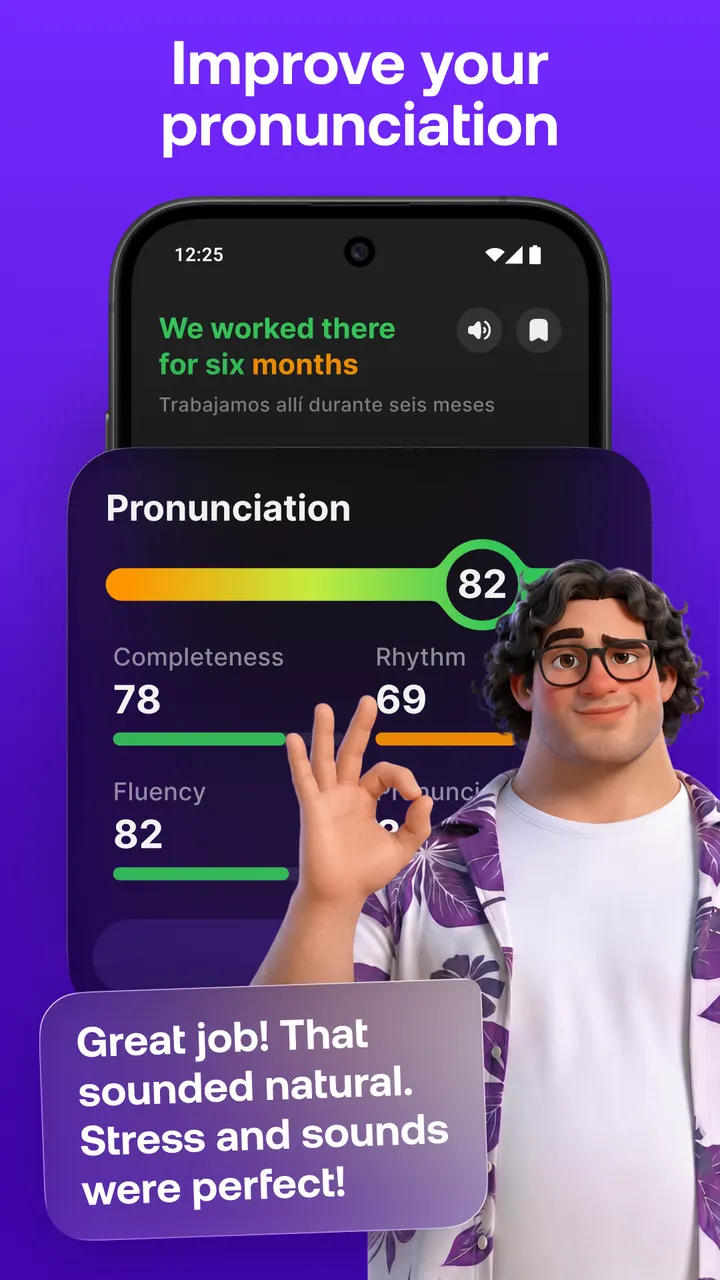
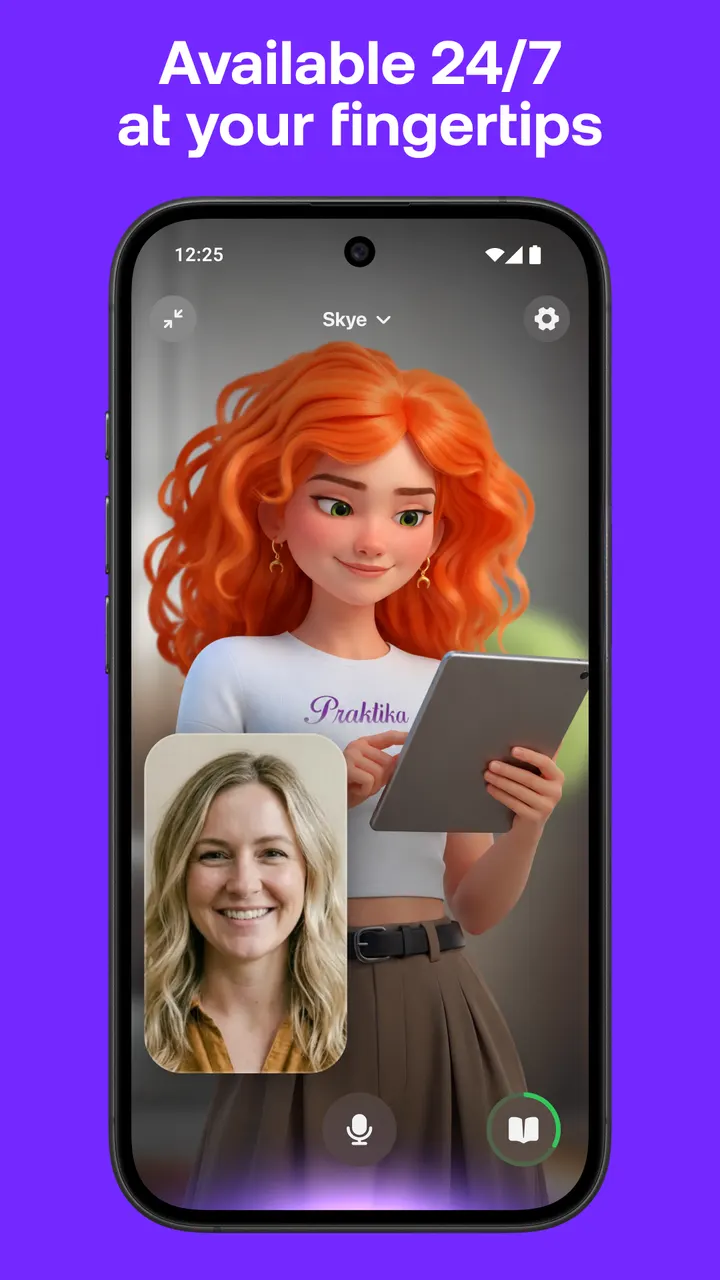
Duolingo, one of the alternatives in our catalog, leans on short drills, while Praktika centers on spoken conversation with AI avatars. The app comes from Praktika.ai Company and has over 10 million installs. Its Google Play rating is 4.6 from 1.3 million ratings.
Who the avatar tutors suit best
Praktika fits learners who want to speak rather than memorize. It covers English, Spanish, Japanese, Korean, French, Portuguese, Brazilian Portuguese, Italian and German. The avatars have set backstories and accents, so you can pick a coach by region, such as Valentina for Mexican Spanish or Charlie for British English.
Exam candidates are covered too. The lesson library includes IELTS and TOEFL preparation alongside travel, career and slang courses.
Conversation, uploads and progress tracking
The main activity is a spoken session with an avatar that adapts to your tone, pace and goals. Role-play topics include a sports commentator, a startup founder or a tourist. The library holds more than 1000 lessons.
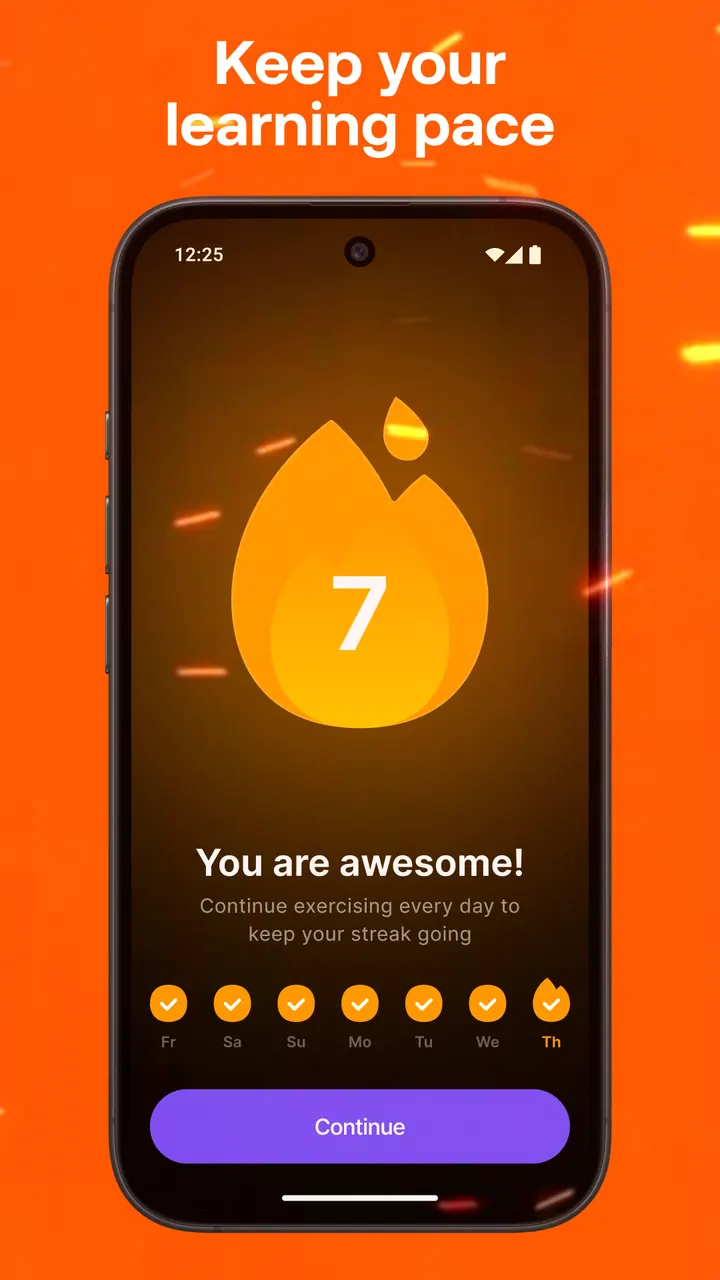
A multimodal tool lets you upload photos, audio, videos, documents or PDFs to start a conversation or get corrections. The developer's example is uploading a resume to practice interview pronunciation. Progress shows up as speaking metrics, streaks and in-app challenges.
Free download, in-app purchases and requirements
Praktika costs nothing to start and shows no ads, so conversations with its AI avatars are not interrupted by banners. In-app purchases are part of the app, so look at the subscription prices in the store before paying for anything.
It runs on Android 8.0 or higher. The current version is 4.42.0.
Praktika pros and cons
Pros
- No ads
- Nine learning languages with avatars from different regions
- More than 1000 lessons, including IELTS and TOEFL prep
- Upload photos, audio or documents to build a conversation
- Rated 4.6 on Google Play from 1.3 million ratings
Cons
- In-app purchases are needed for the advanced tools
- Requires Android 8.0 or newer
- Version 4.42.0 is the current release
Is Praktika safe?
Google Play is the place to install Praktika. The publisher is Praktika.ai Company, and the app is rated Everyone. It shows no ads but offers in-app purchases. Look over the permissions Google Play displays before you install, especially if you plan to share personal files with the AI avatars.
How to install Praktika
- Press the Google Play button on this page.
- Check the listing in the Play Store and press Install.
- Open Praktika when the install finishes. Updates arrive through Google Play.


