

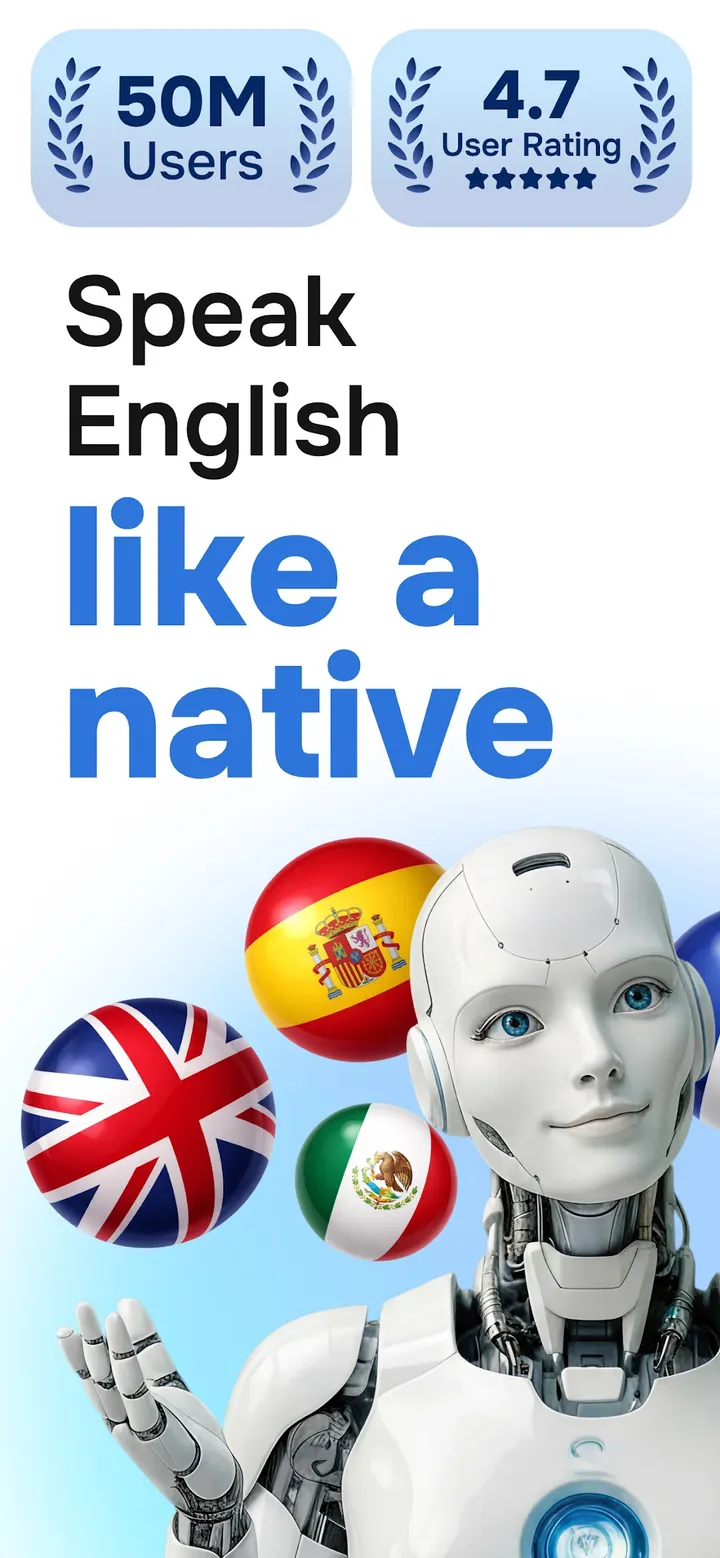
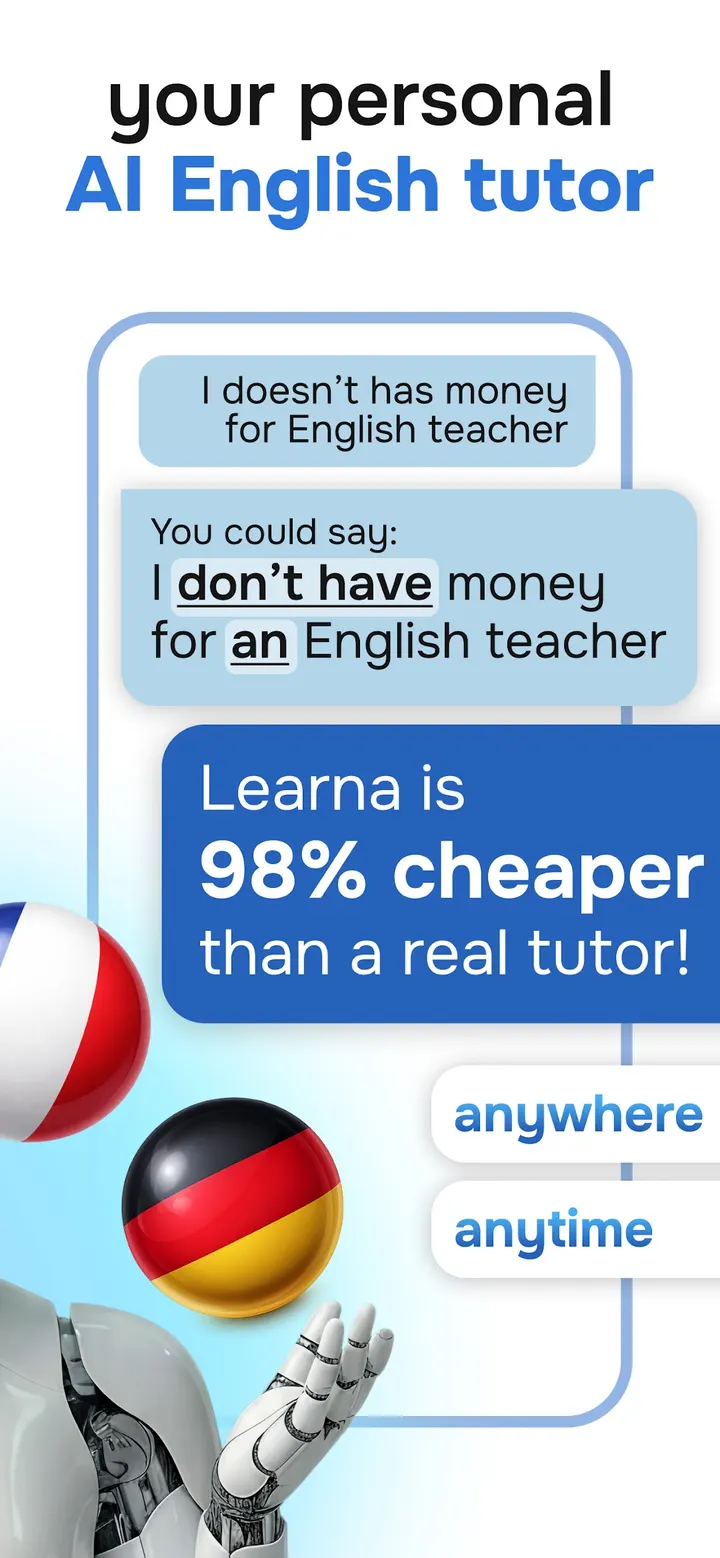
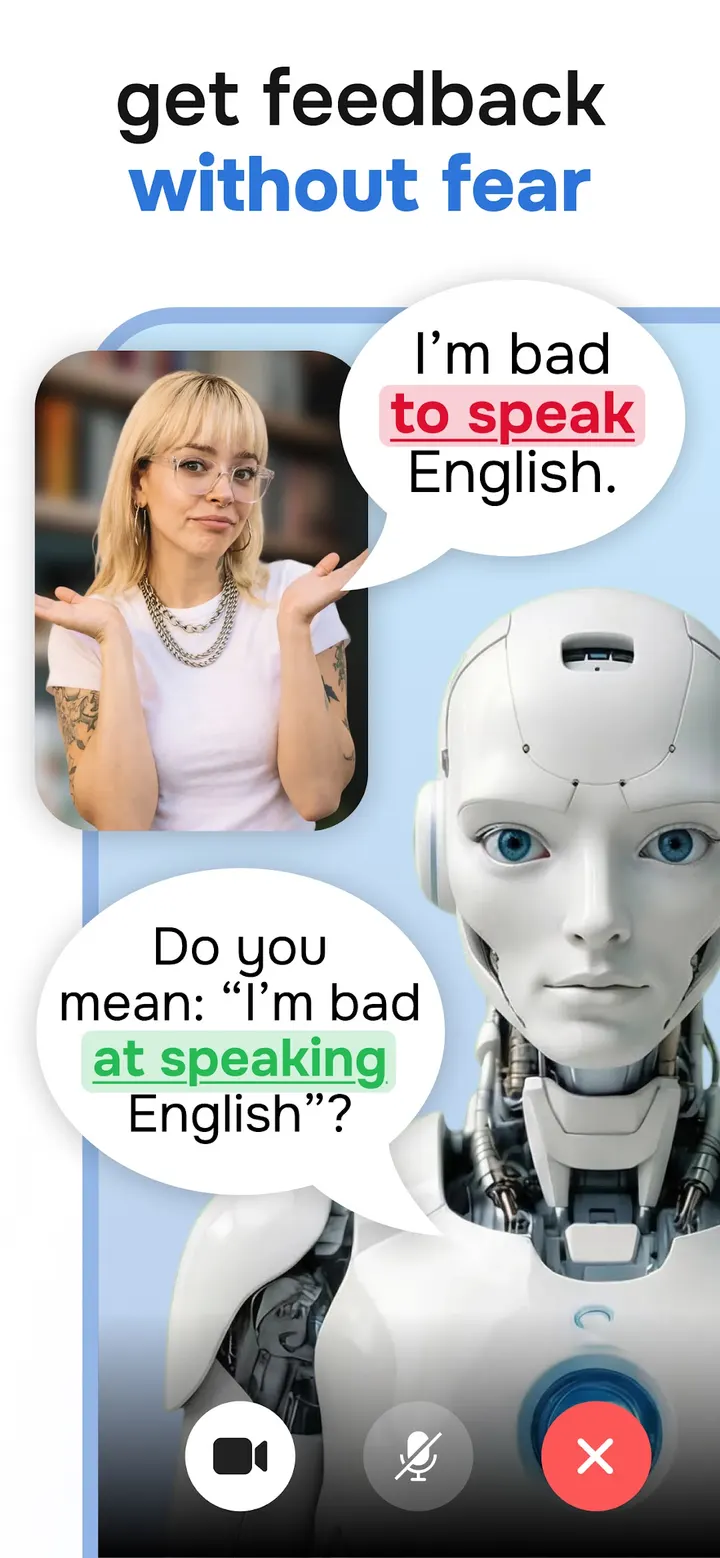

Learn English, Spanish from Codeway Technologies takes a different route from Duolingo, the name many people reach for first in language apps. An AI character called Learna sits at the center: you talk with it, get corrections on your mistakes, and work through grammar, reading, spelling and pronunciation exercises built around those chats.
Free to install, no ads, with in-app purchases
Learna costs nothing to start and shows no ads while you practice. In-app purchases are part of it, so check what the paid options cover inside the app before you commit.
The content rating is Everyone, and the app is tagged as education. It needs Android 7.0 or newer, which keeps it within reach of many older phones.
Talking with Learna AI and the lesson types around it
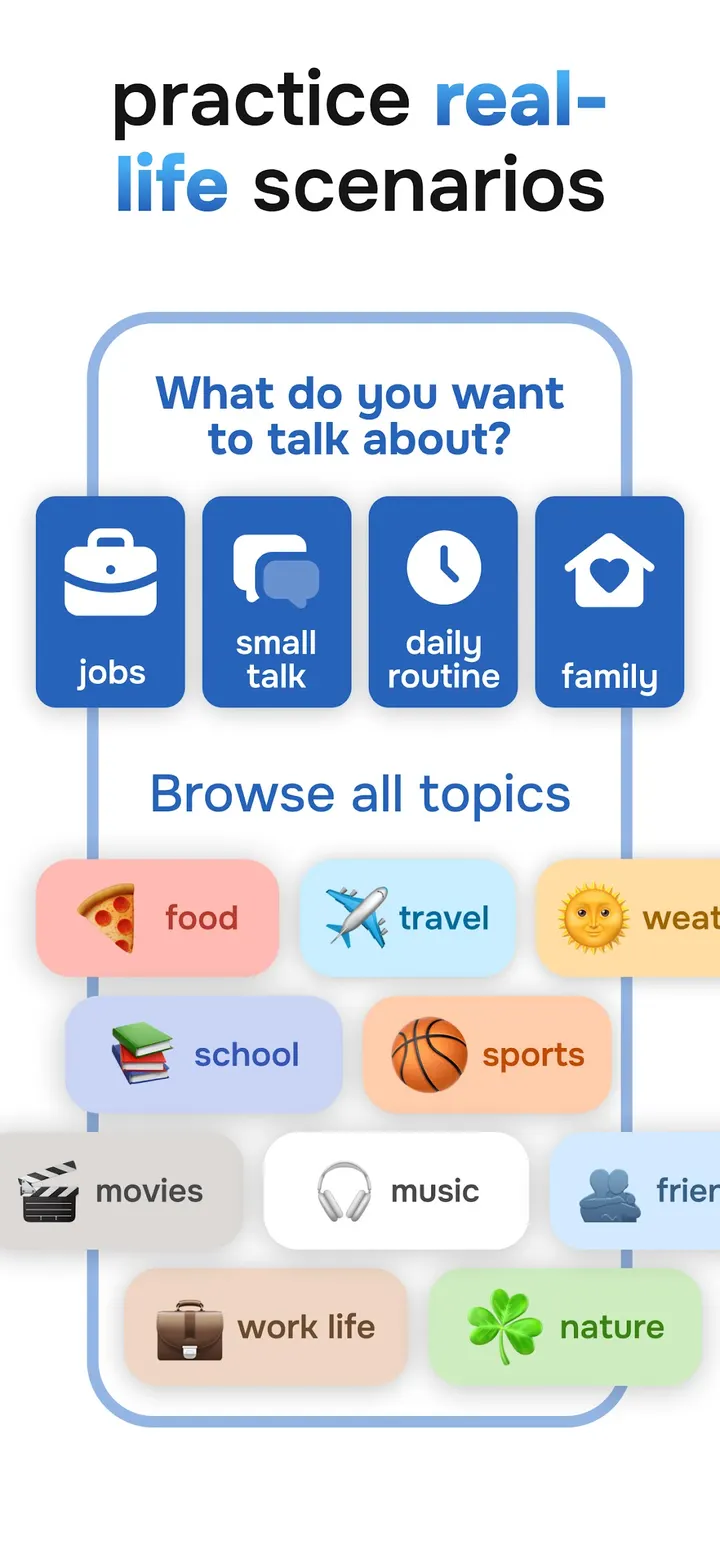
The core feature is conversation practice with Learna AI, a virtual chat character. It gives feedback on your mistakes, so the practice is meant to correct you rather than just let you talk. Pronunciation exercises are interactive and cover both English and Spanish.
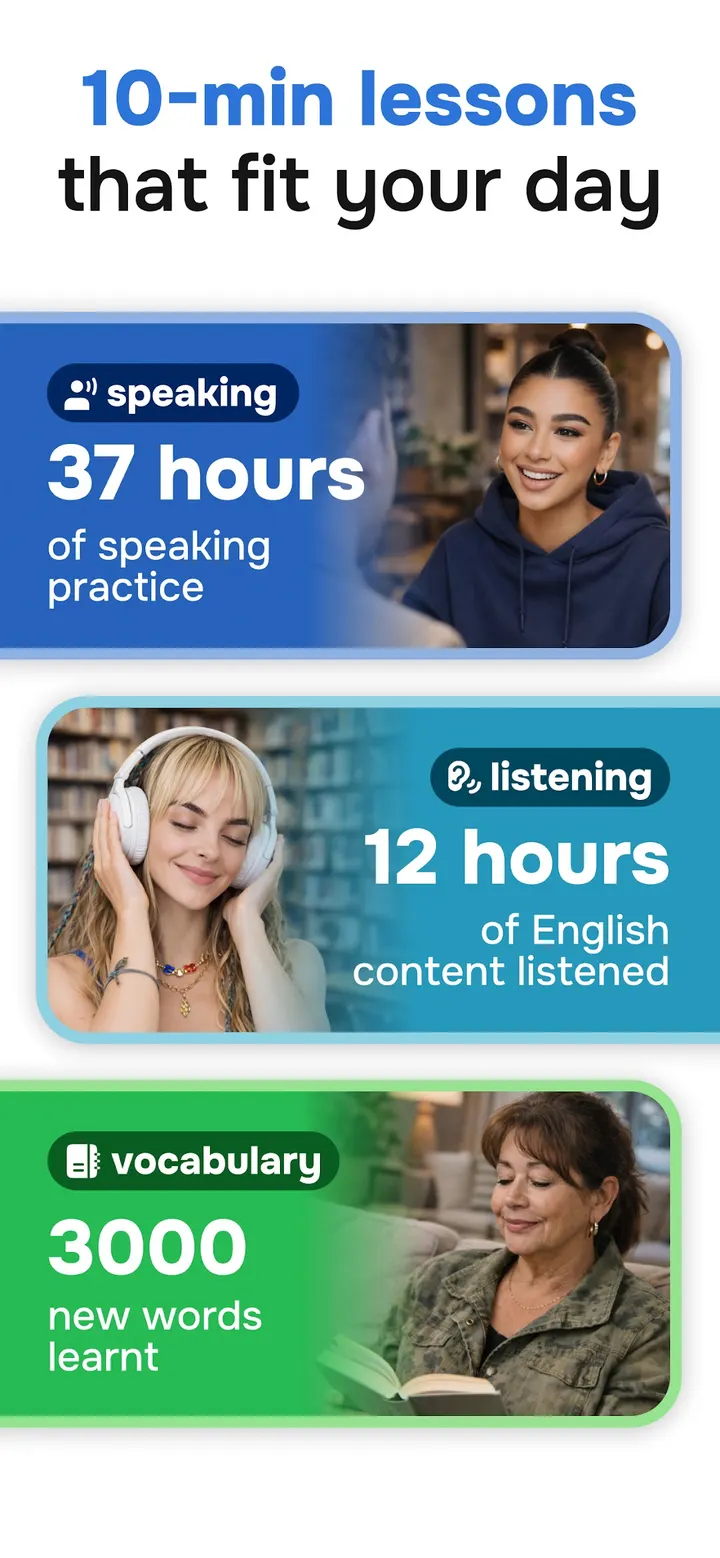
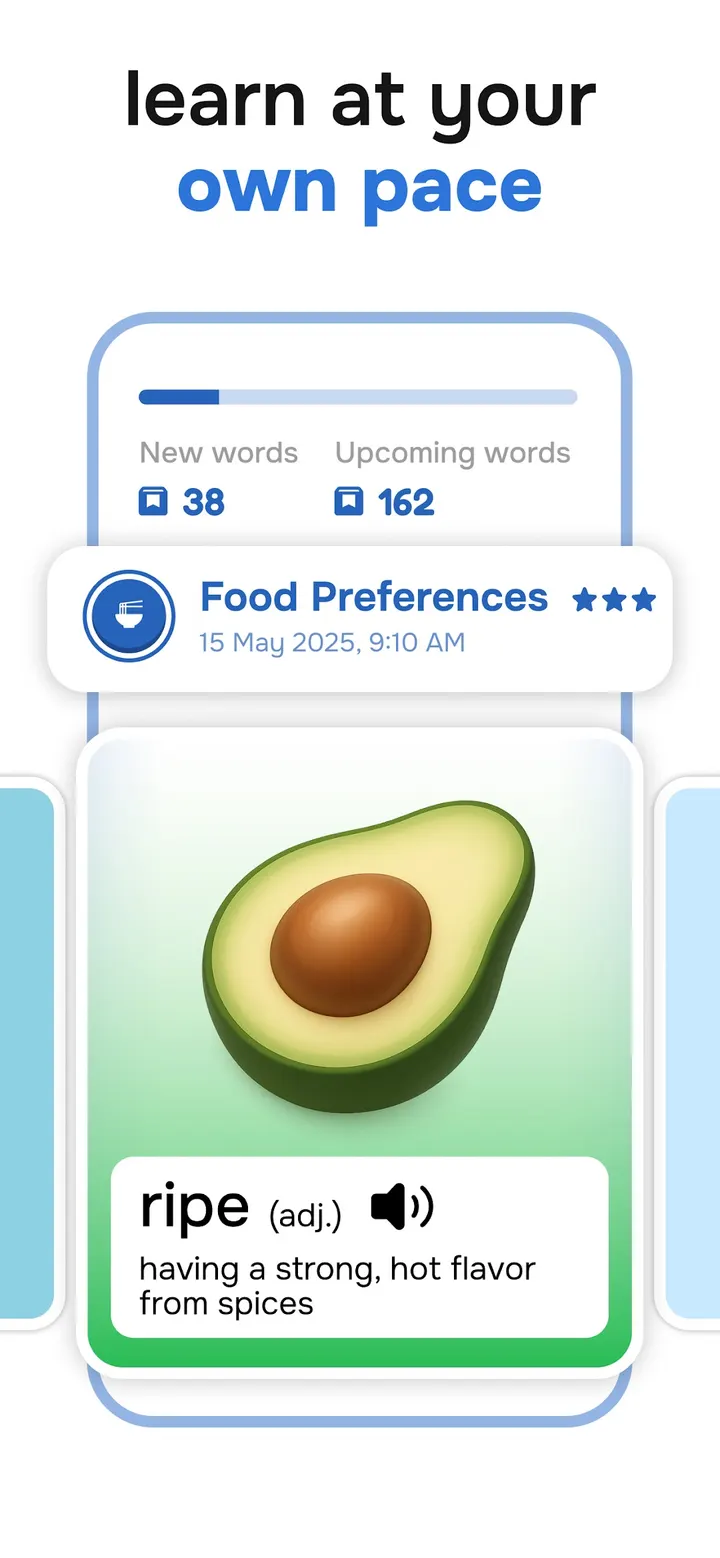
Around the chats sit several other lesson types. Grammar lessons are described as tailored, reading practice targets both languages, and daily vocabulary sessions teach new words. A spelling check and vocabulary reinforcement round out the set.
The store description also mentions progress metrics, milestones and learning goals.
Version 4.1.0 and how recently it was maintained
The current version is 4.1.0, last updated on October 28, 2026. The app first appeared on September 23, 2024, so it is just over two years old at that update. A recent update date suggests the developer is still maintaining it.
Codeway Technologies lists its site at codeway.co.
Learn English, Spanish pros and cons
Pros
- No ads
- Free to install
- AI conversation practice with feedback on mistakes
- Covers grammar, reading, vocabulary, spelling and pronunciation
- Updated on October 28, 2026 and runs on Android 7.0 or newer
Cons
- Includes in-app purchases
- Covers only English and Spanish
- Version 4.1.0 is the current release
Is Learn English, Spanish safe?
Install it from Google Play. The publisher is Codeway Technologies and the package ID is com.codeway.aitutor. It shows no ads and has an Everyone content rating. Nothing here describes how it handles your data, so read the privacy details on its store page.
How to install Learn English, Spanish
- Press the Google Play button on this page.
- Check the listing in the Play Store and press Install.
- Open Learn English, Spanish when the install finishes. Updates arrive through Google Play.


