
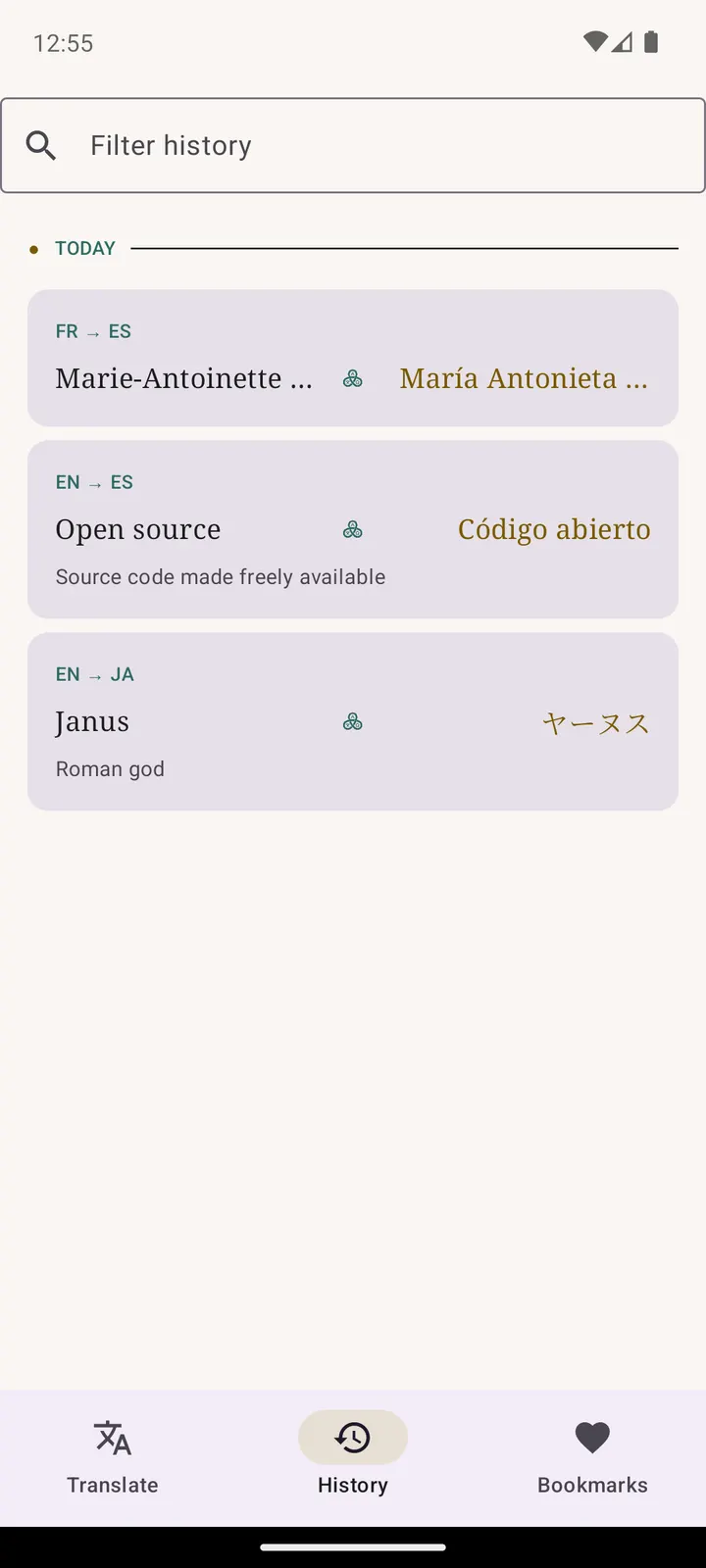
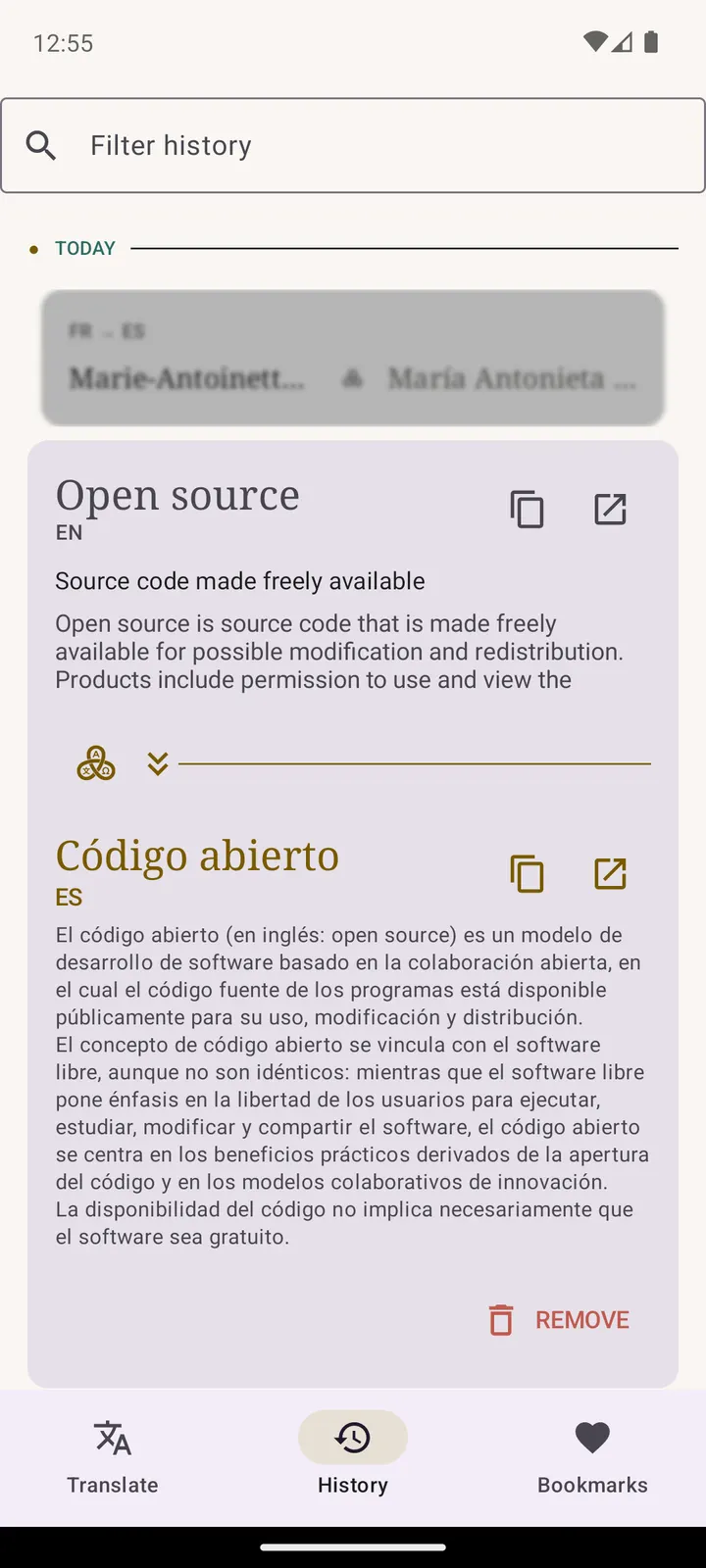
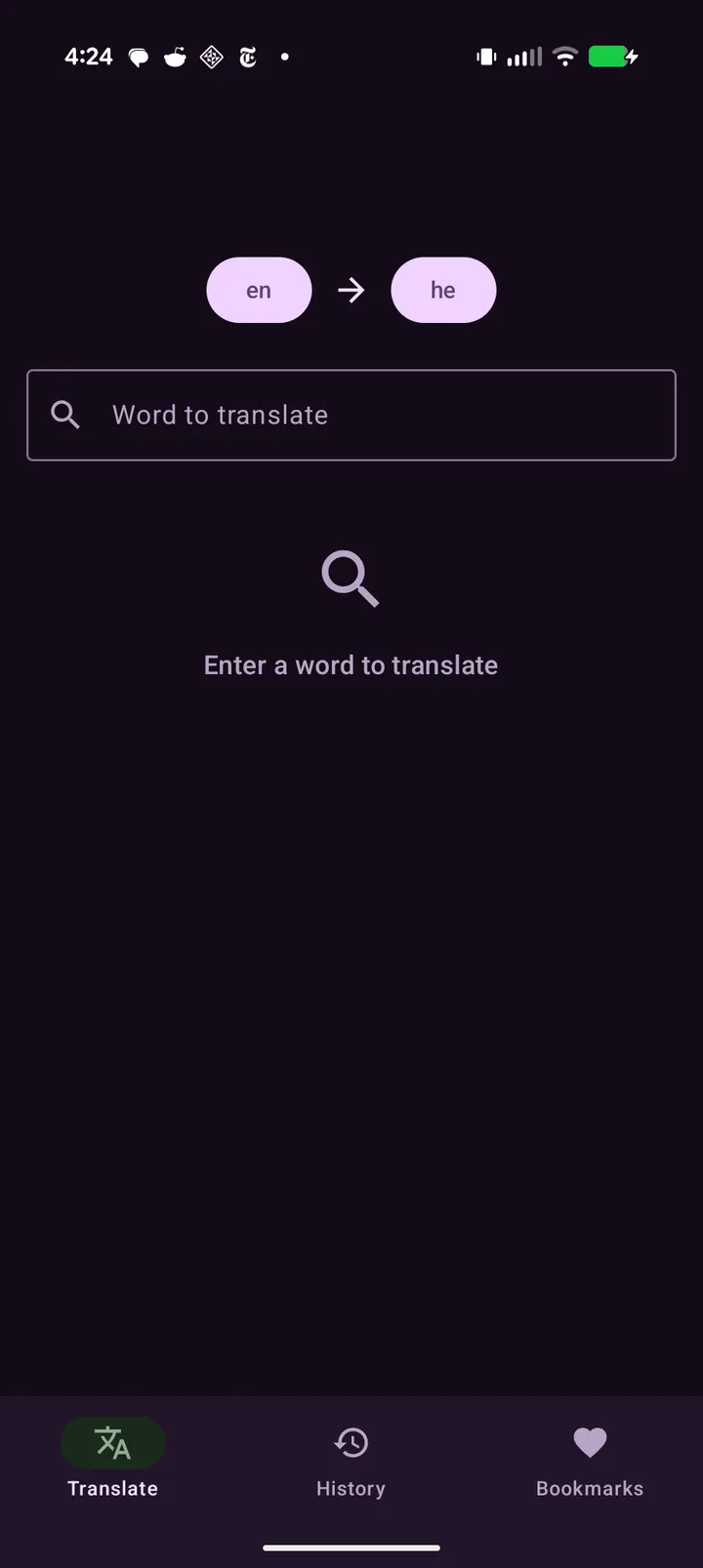
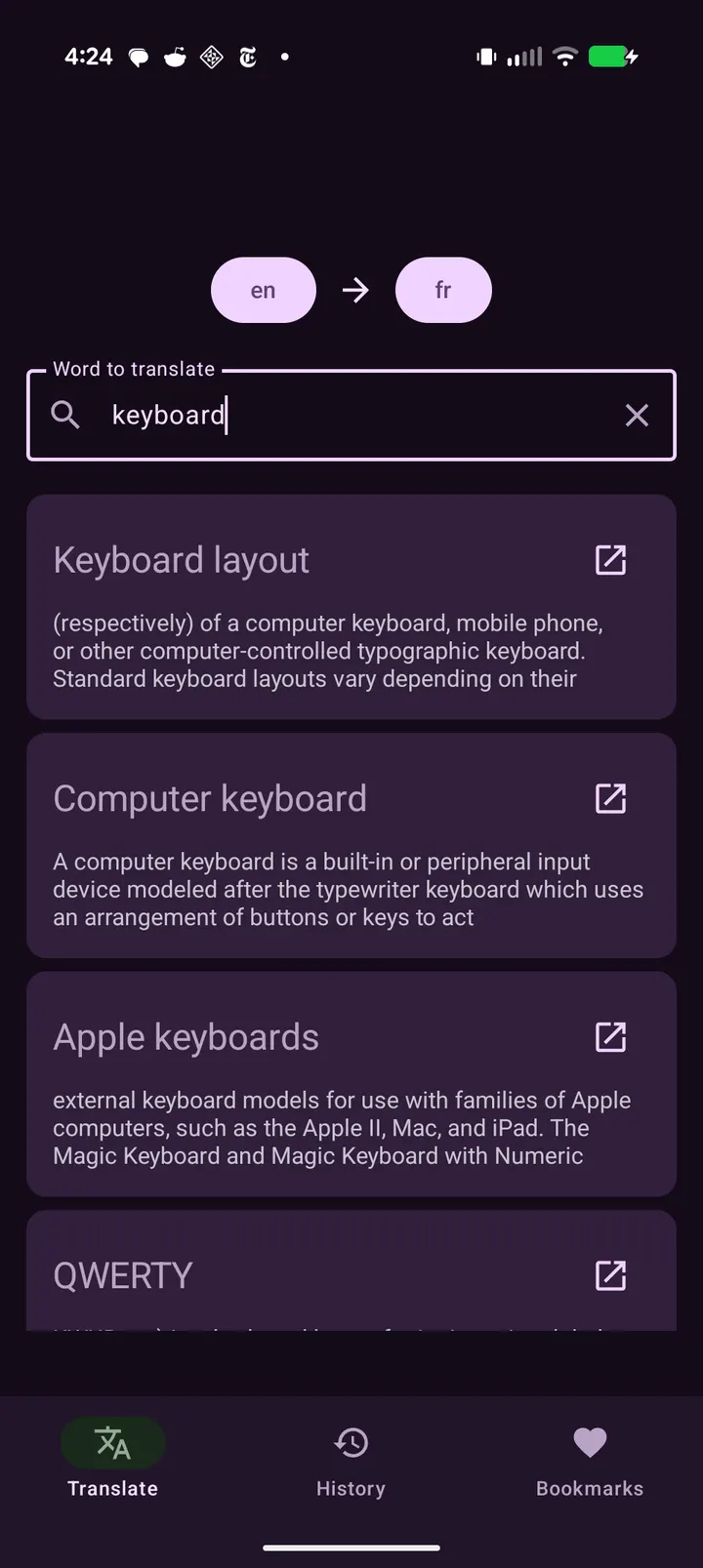
Janus Glossa is for readers, students and language learners who want to translate names, terms and concepts rather than whole sentences. It looks up the matching Wikipedia article in another language and shows that article's title as the translation. This page covers the project, its features and what the device needs to run it.
An open-source project from Menny Even Danan
Janus Glossa comes from Menny Even Danan and uses the package ID com.anysoftkeyboard.janus. Its source code is public on GitHub at AnySoftKeyboard/janus under the Apache-2.0 license. The app is free and carries no ads.
The first release was on November 25, 2025, and version 0.1.8 was last updated on September 9, 2026. A 0.x number points to an early-stage project.
The APK on this site is the original, unmodified file. To check your download, compare its SHA-256 checksum with this value: b4b2b51e6cfc27b0a7726e9f4230f95f3542900bb7536333c89bbff83e9f0a5f.
How Wikipedia article titles replace literal translation
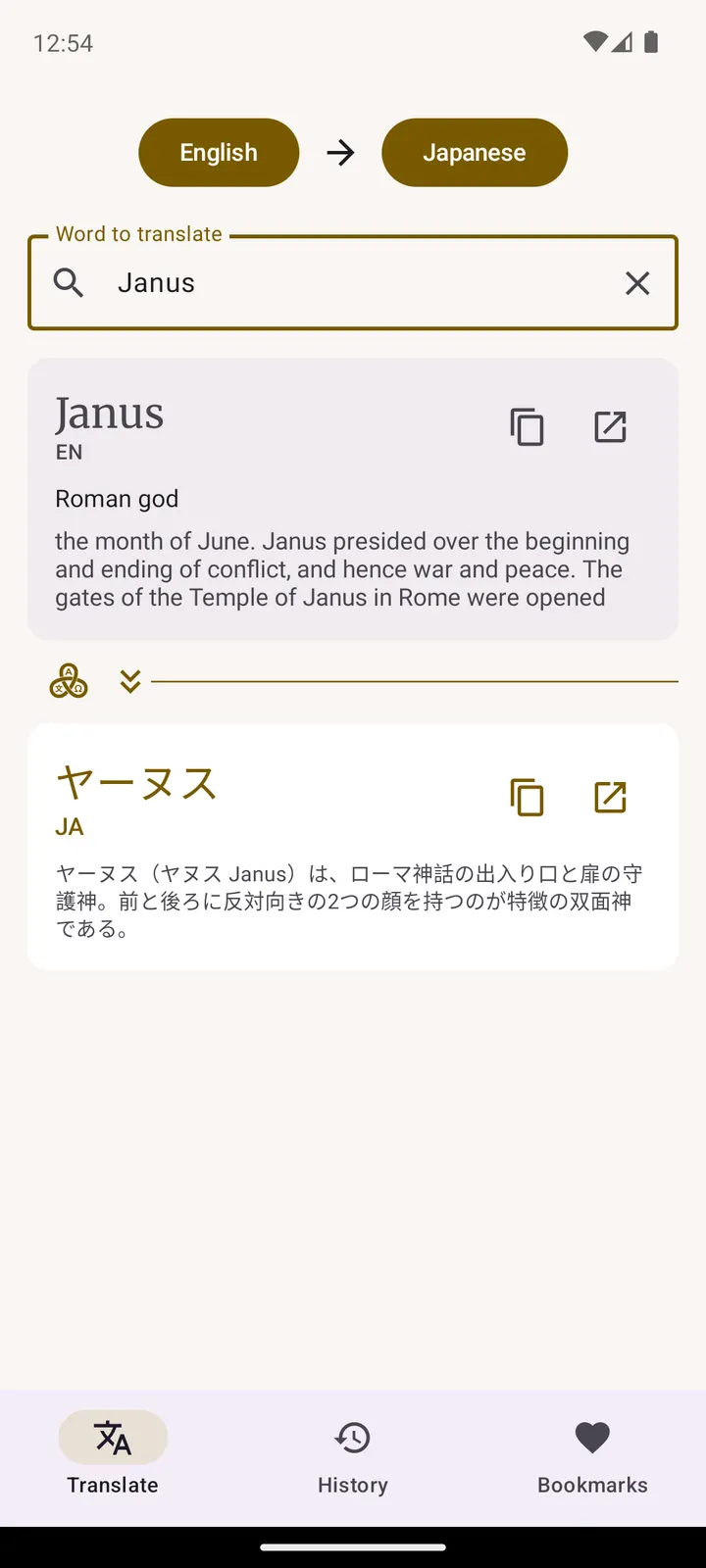
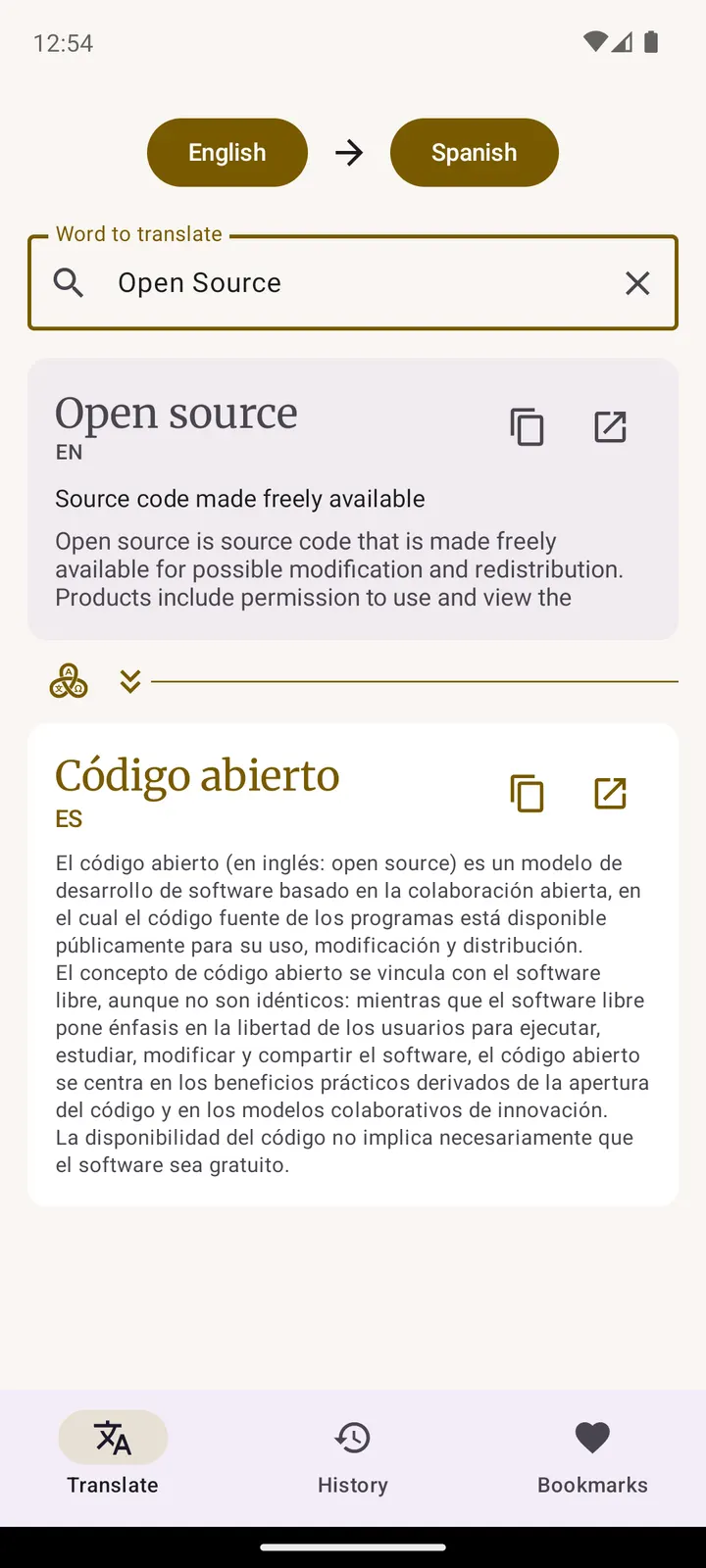
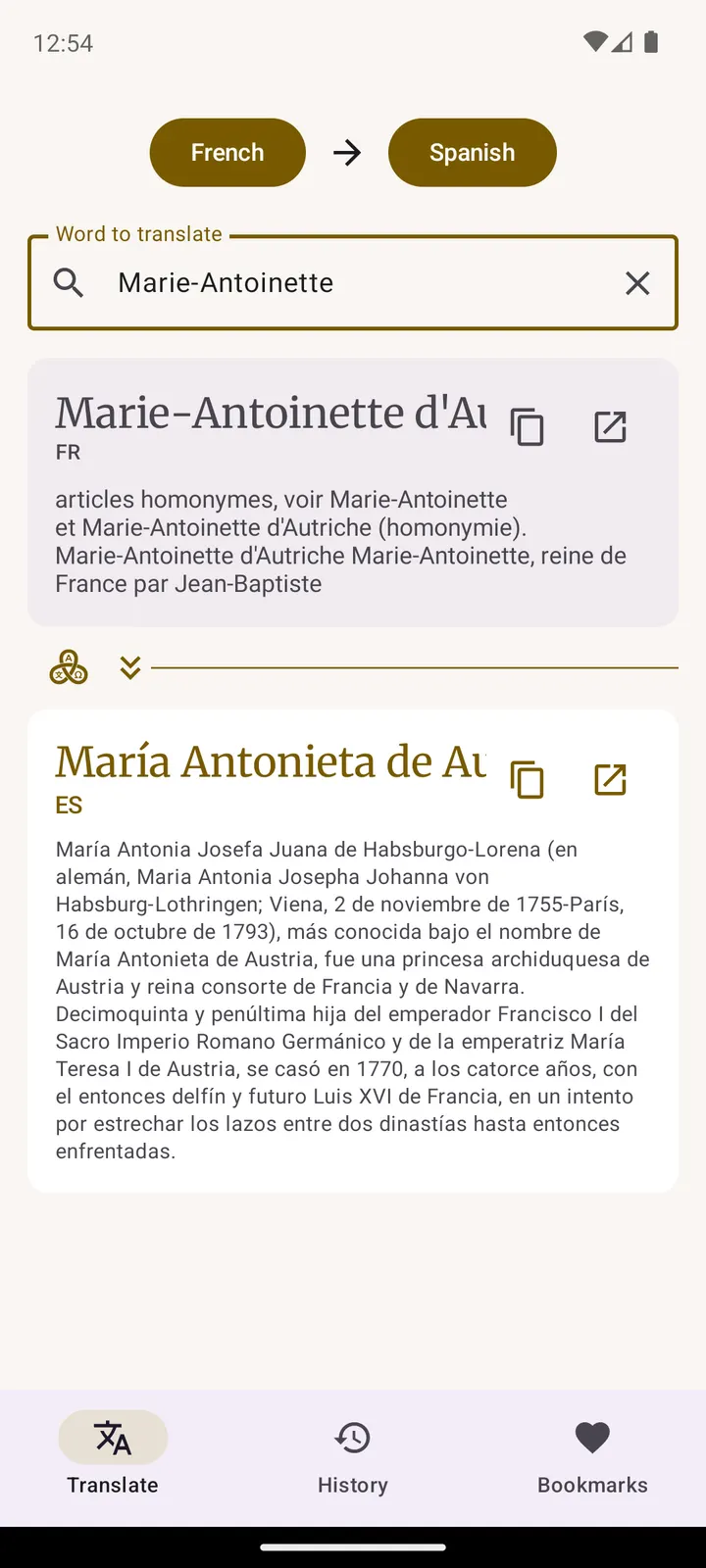
The app does not run a machine translation of the text you type. It finds the Wikipedia article for your term and returns the title of the matching article in the target language. That makes it a good fit for proper nouns, technical terms and ideas that a word-for-word translator tends to mangle.
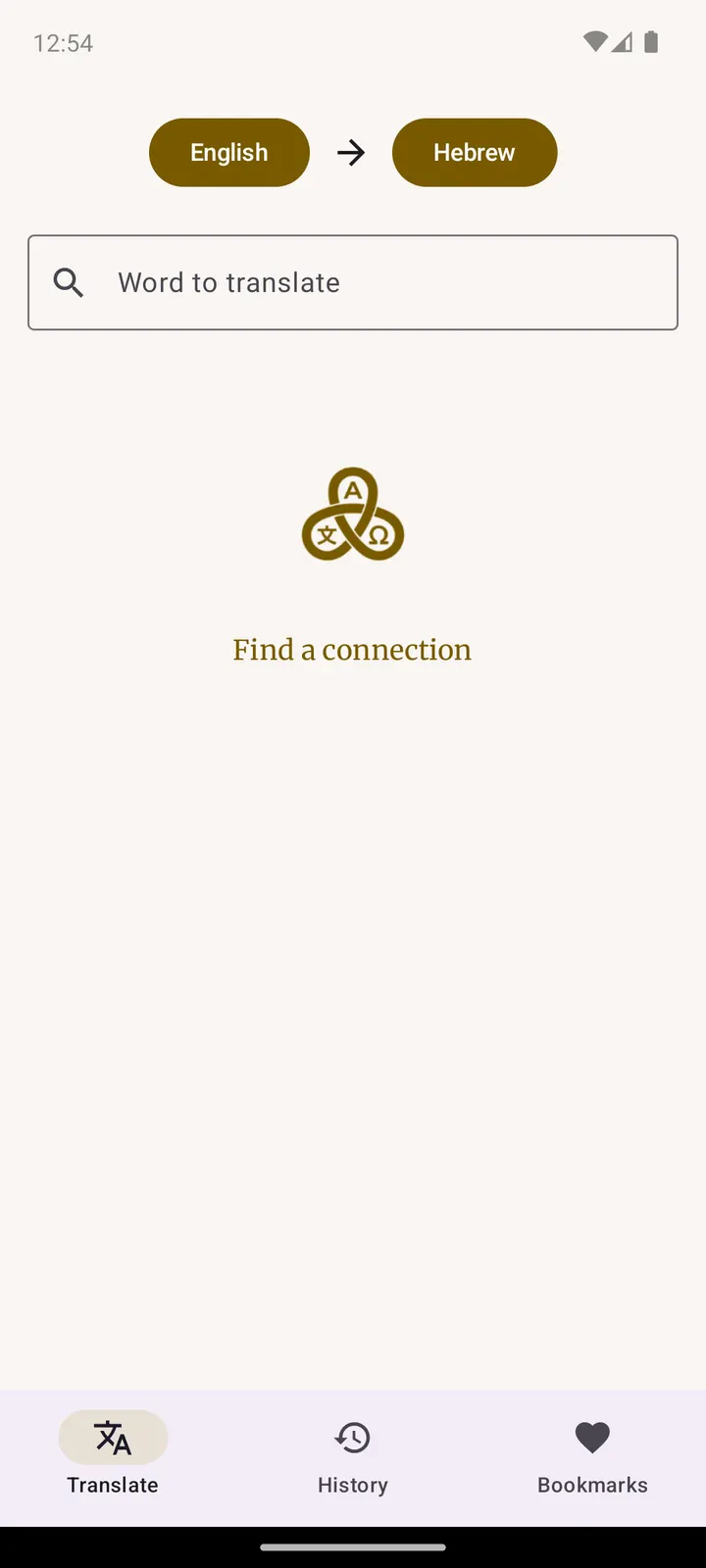
You can translate from any language Wikipedia supports into any other. Each result also shows a short description and an article summary, so you can check that the match is the concept you meant.
History is saved automatically and can be searched, and you can bookmark translations worth keeping. Two quick actions let you copy a translation or open the Wikipedia article itself. The interface follows light and dark themes.
Android 8.0 and a 20.8 MB install
Janus Glossa needs Android 8.0 or newer. The download is 20.8 MB, which is modest for an app with search, history and bookmarks.
Since results come from Wikipedia, expect the app to need network access for lookups.
Janus Glossa pros and cons
Pros
- Free, with no ads
- Open source under Apache-2.0, with code on GitHub
- Matches concepts through Wikipedia articles, not literal text
- Searchable history and bookmarks for saved translations
- Small 20.8 MB download that runs on Android 8.0
Cons
- Version 0.1.8 points to an early-stage app
- Only terms with a Wikipedia article can be translated this way
- No Google Play rating or install count yet
- Early-stage version number (0.1.8)
Is Janus Glossa safe?
Janus Glossa is published under the Apache-2.0 license, and its source sits on GitHub for anyone to read. Menny Even Danan is the developer, and the app carries no ads. A SHA-256 checksum is listed so you can compare it with the file you get. Look over the permissions Android requests when you set it up.
How to install Janus Glossa
- Download the APK with the button on this page and wait for it to finish.
- Compare the file with the SHA-256 checksum shown here if you want to confirm it arrived intact.
- Open the file on your phone and allow installs from this source when Android asks.
- Finish the install, then open Janus Glossa from your app drawer.


