
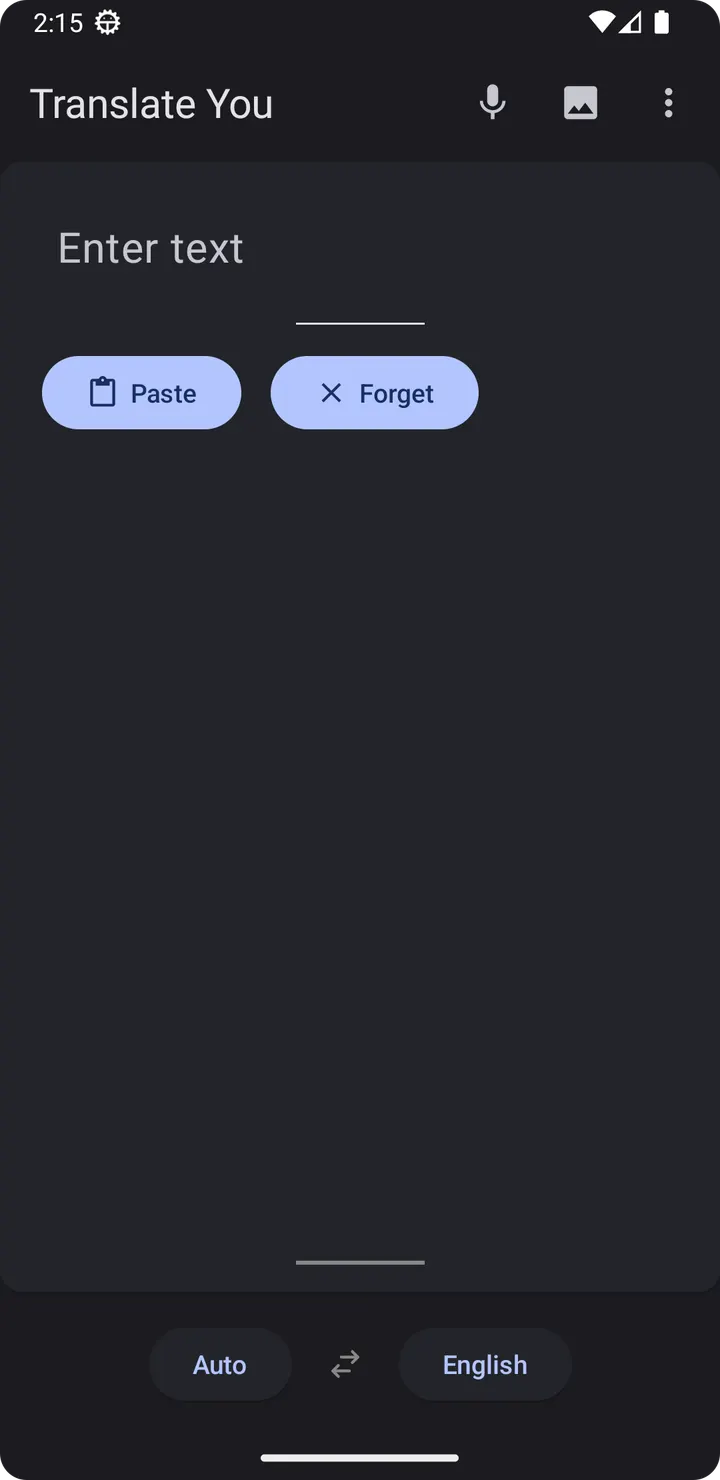
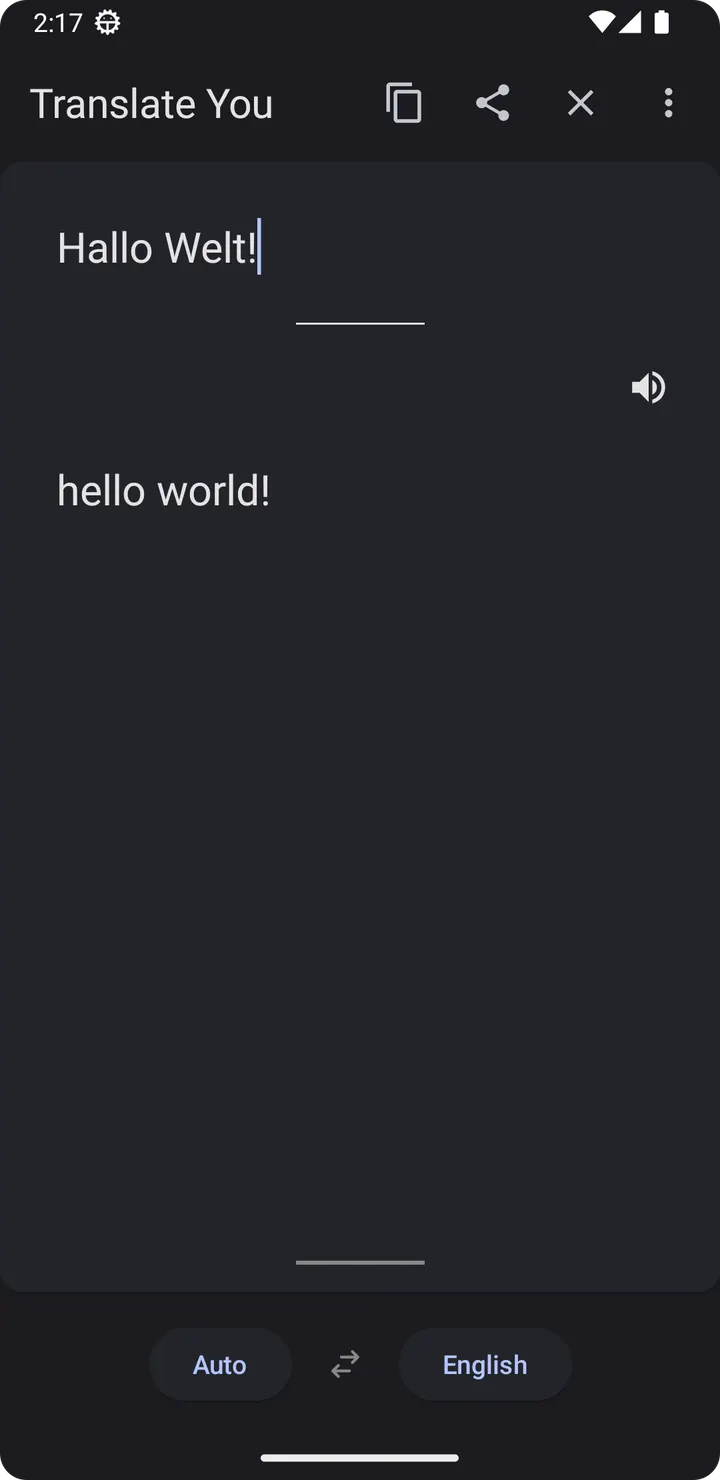
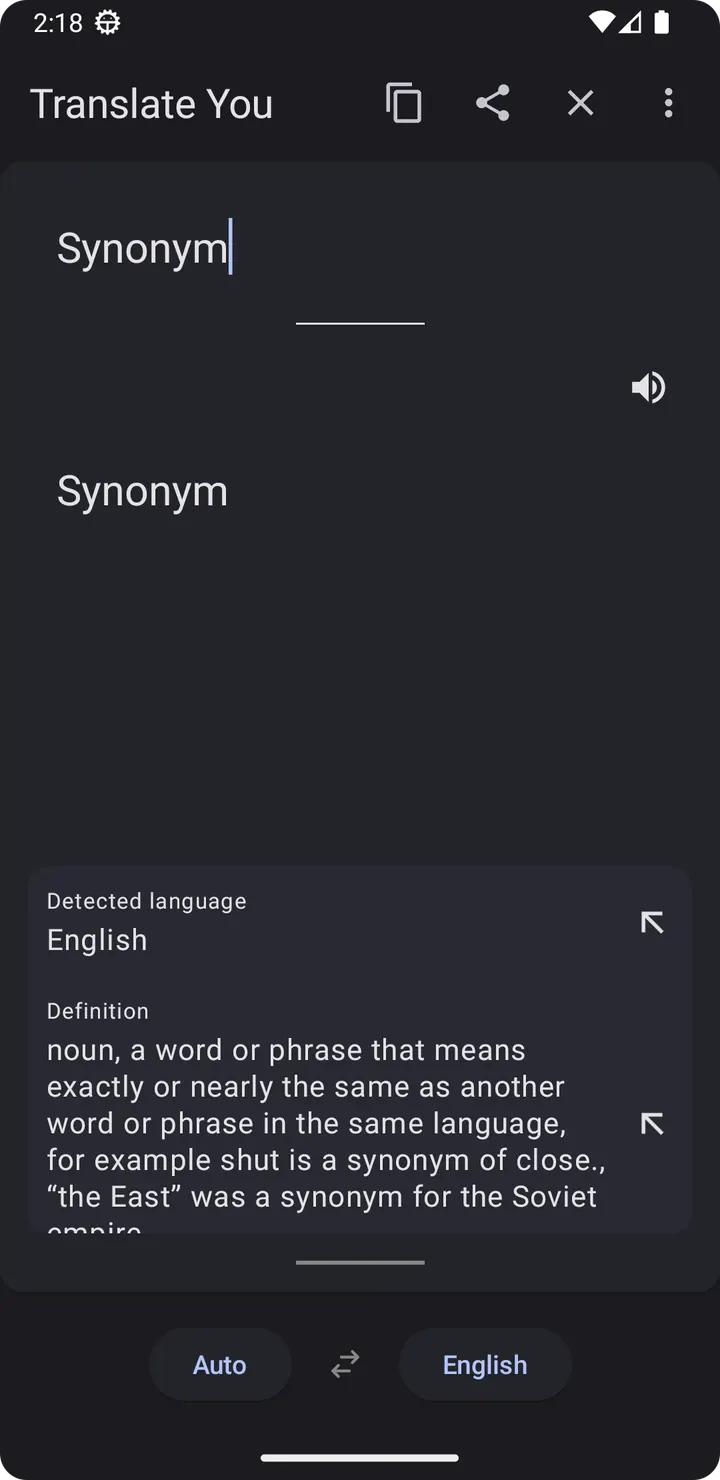
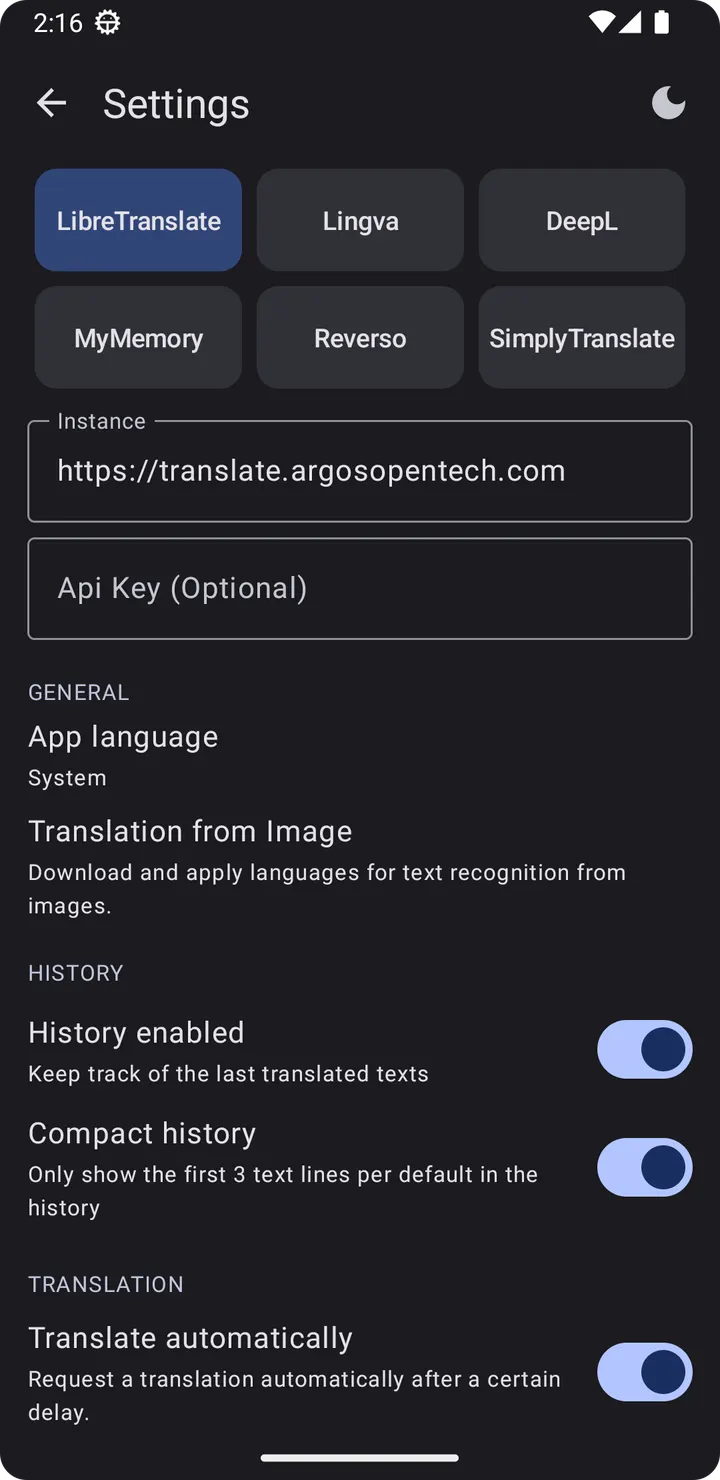
You are reading a menu abroad and want to compare how two different engines render the same sentence. Translate You, from developer You Apps, lets you switch between engines such as LibreTranslate, Lingva and DeepL inside one app. This page covers cost, features, and maintenance of version 20.0.
Free, no ads, GPL-3.0 licence
Translate You costs nothing and shows no ads. Its code is released under GPL-3.0-only, and the source sits on GitHub at you-apps/TranslateYou. Nothing in the information we have mentions in-app purchases or paid plans.
The engines it connects to, such as LibreTranslate, Lingva and DeepL, may have their own account or key rules. Those rules are not described here, so check each service before relying on it.
Six engines, more than 200 languages
The main idea is choice of backend. The app works across 6 translation engines and more than 200 languages in total. LibreTranslate, Lingva and DeepL are named, and the developer says there are more.
The interface follows Material Design 3, and the app is described as a privacy-focused translator. The APK is 9.5 MB and needs Android 6.0 or later.
Release history since September 2023
Translate You first appeared on September 25, 2023. The latest update is version 20.0 from November 4, 2026, which shows the project is still maintained.
Translate You pros and cons
Pros
- Free, with no ads listed
- Open source under GPL-3.0-only, with a public GitHub repository
- Six translation engines, including LibreTranslate, Lingva and DeepL
- More than 200 languages supported across engines
- Small 9.5 MB download that runs on Android 6.0 and up
Cons
- Release notes for version 20.0 are not published
- Some engines may need keys or accounts
- It is a translator, not a structured language course like some alternatives
Is Translate You safe?
We keep the unmodified APK for com.bnyro.translate together with its SHA-256 checksum, 7dc12dfbd9efed6775c73da3002b8230aa75b627b80d0575be54f23464cff818. The code is open under GPL-3.0-only, so anyone can inspect it. What each connected engine does with the text you translate is not described here, so read the policies of those services separately.
How to install Translate You
- Download the APK with the button on this page and wait for it to finish.
- Compare the file with the SHA-256 checksum shown here if you want to confirm it arrived intact.
- Open the file on your phone and allow installs from this source when Android asks.
- Finish the install, then open Translate You from your app drawer.


