
Fujiten is for people who read Japanese and need a dictionary that works without a connection, especially learners who sometimes meet a kanji they cannot type or name. It is a free Android app by Olivier Drevet, built with Flutter, and the version covered here is 3.1.0. We host the unmodified APK and list its SHA-256 checksum so you can check the download.
Looking up words when you cannot type the kanji
A common snag in reading Japanese is finding a word when you only half know it. You may recognize part of a kanji but not its reading, or your phone may lack a Japanese keyboard. Fujiten is designed around those gaps.
Definitions and kanji data come from the EDICT dictionary, compiled into a database by the edict_database project. The app is listed under language-learning apps, but it is a reference tool rather than a course. It does not teach lessons and has no quizzes or progress tracking.
Regular expressions, radicals and romaji conversion
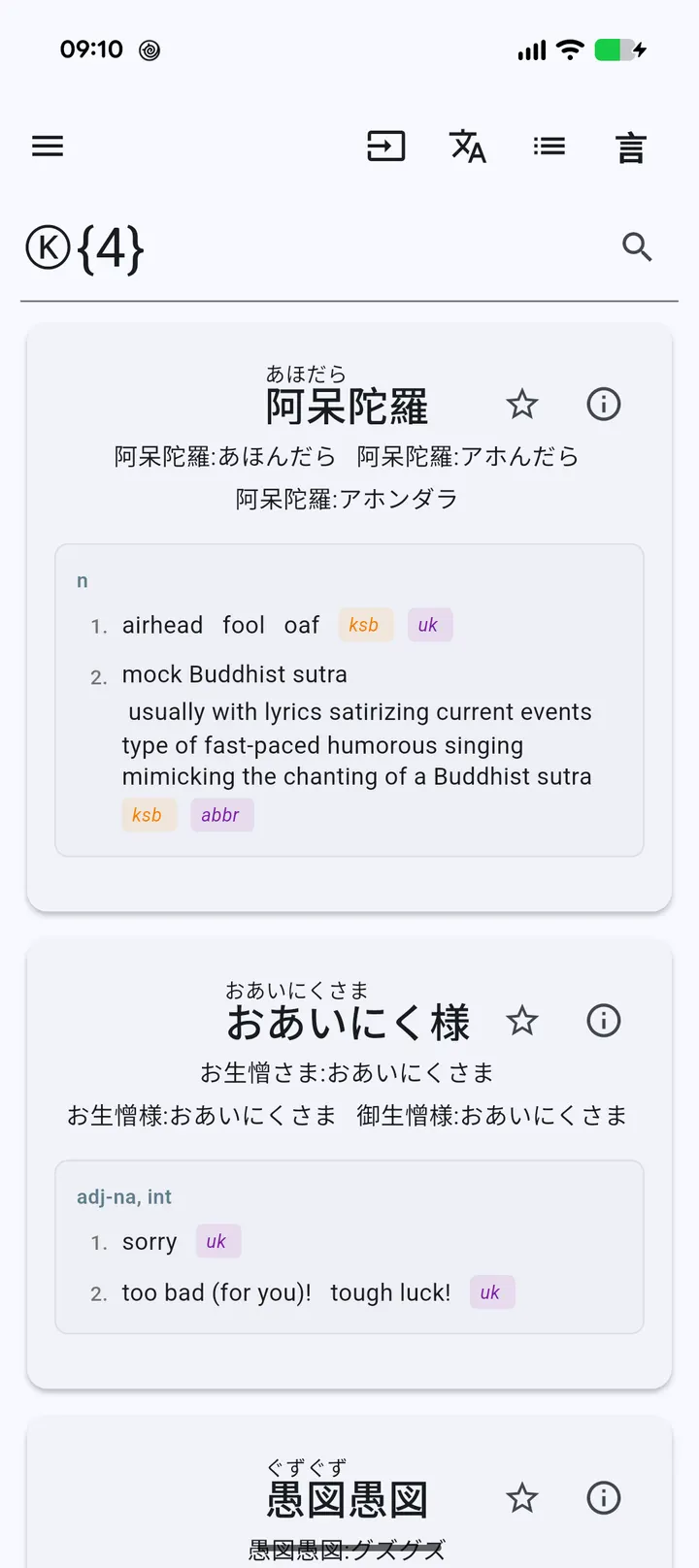
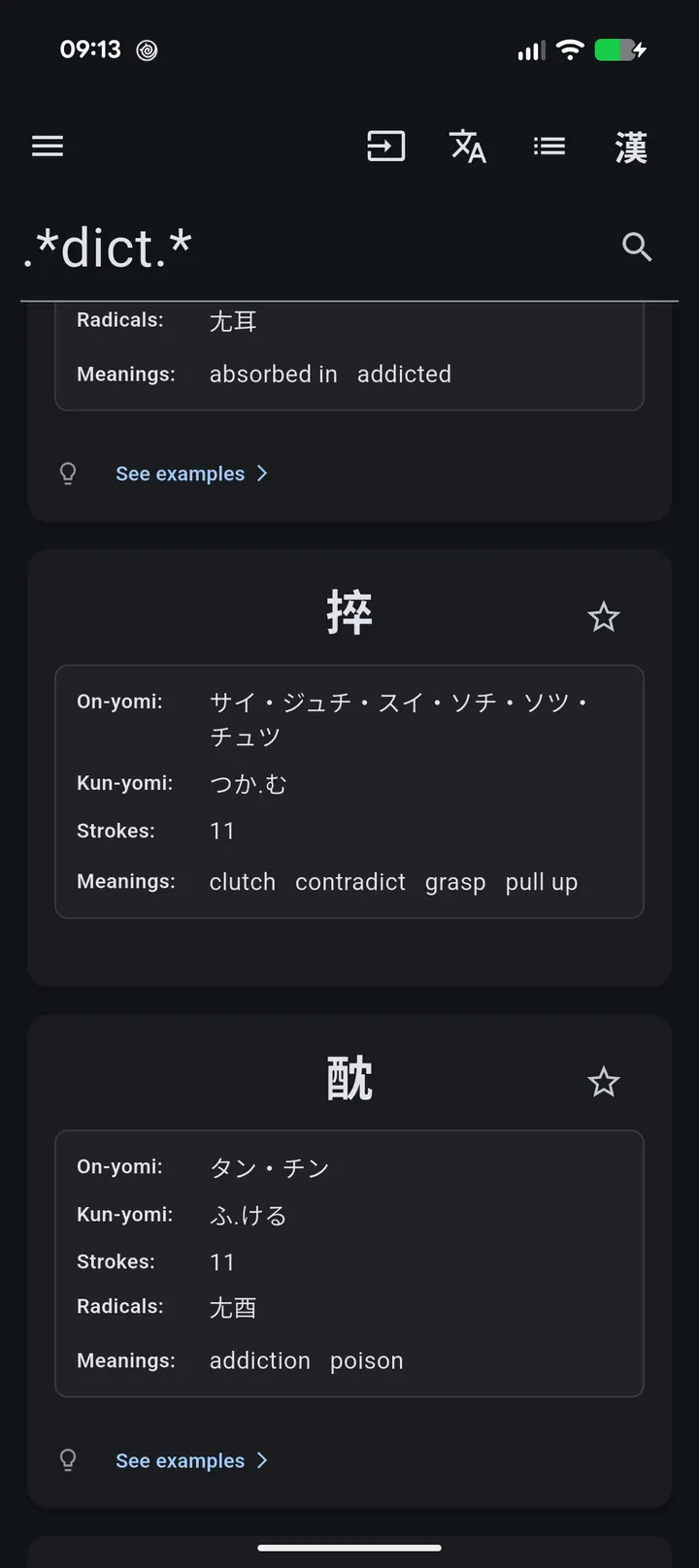
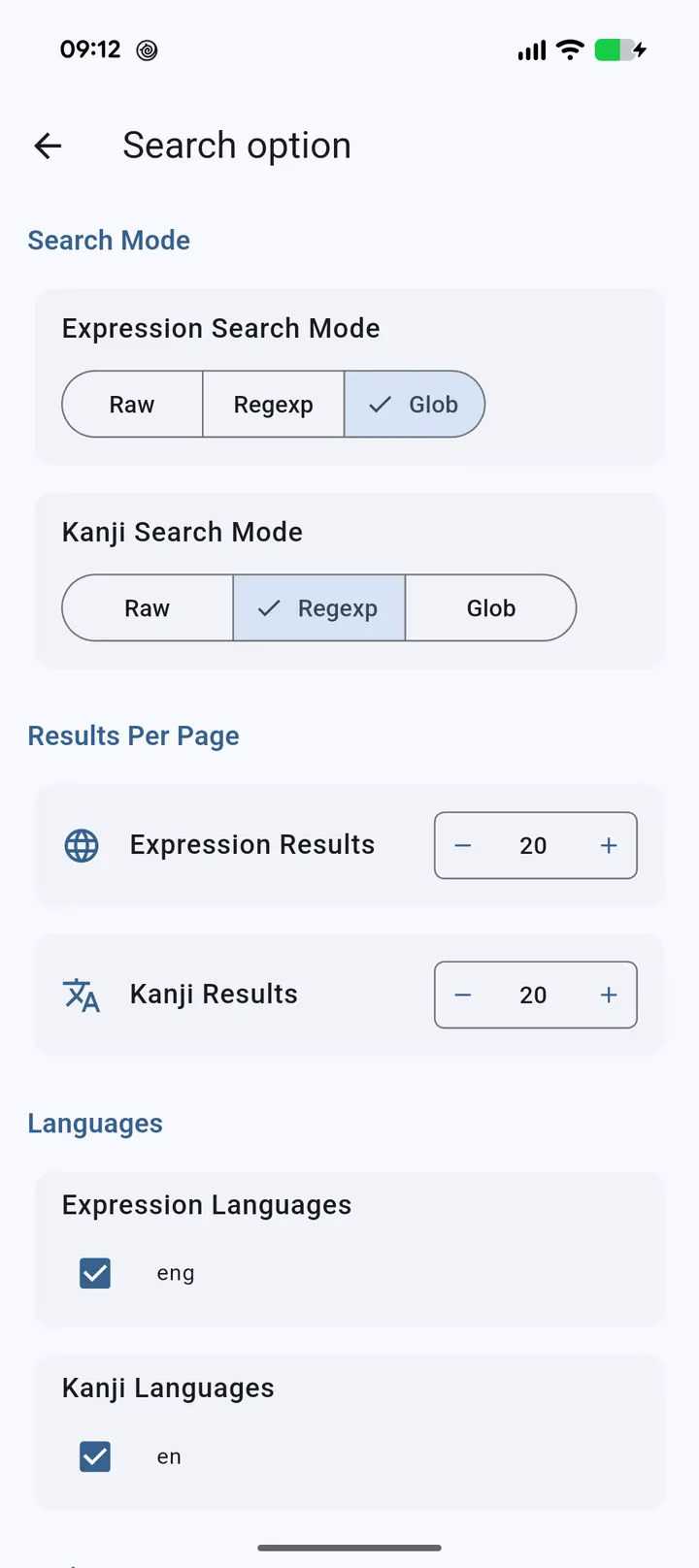
Searches run as regular expressions. You can use quantifiers in curly braces and meta-characters such as the dot. If a search returns nothing, the developer suggests adding ".*" at the start, the end, or both.
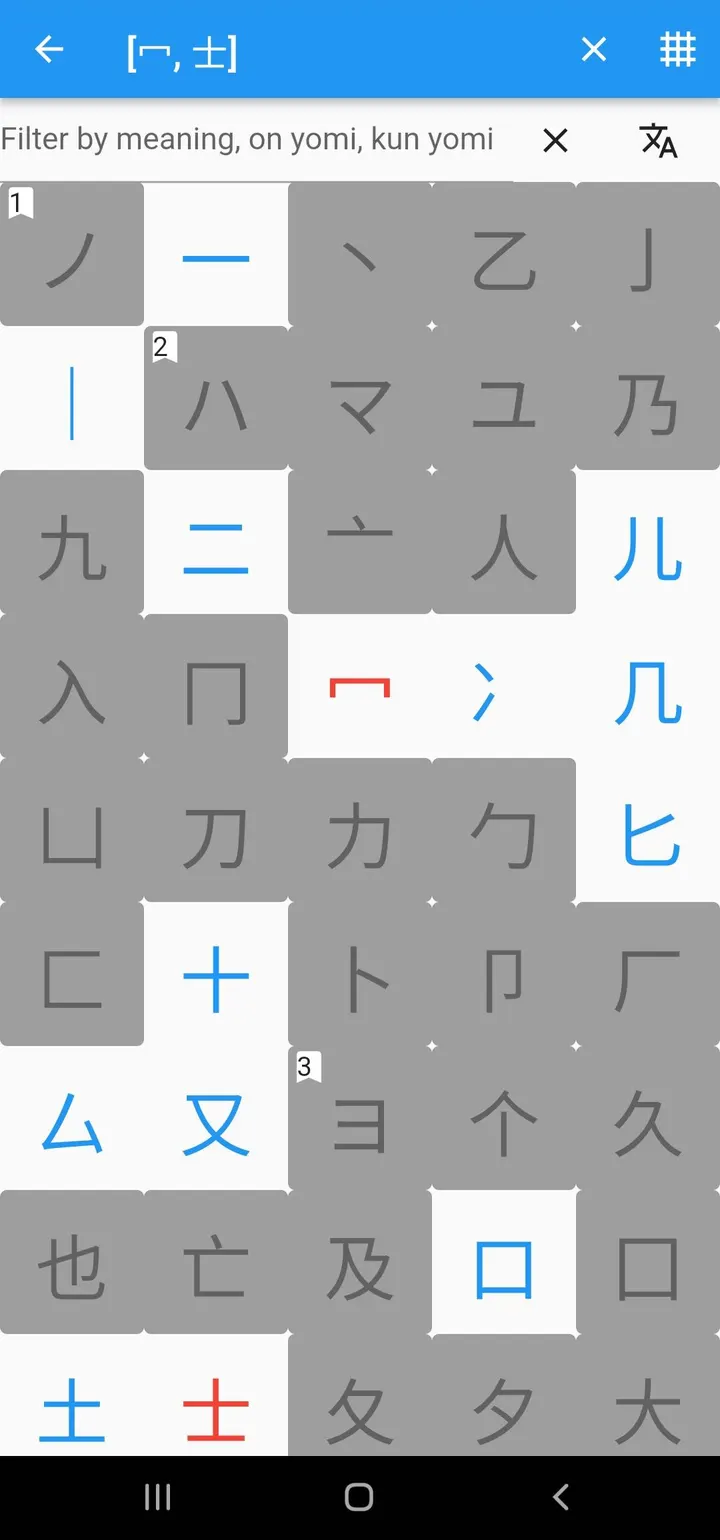
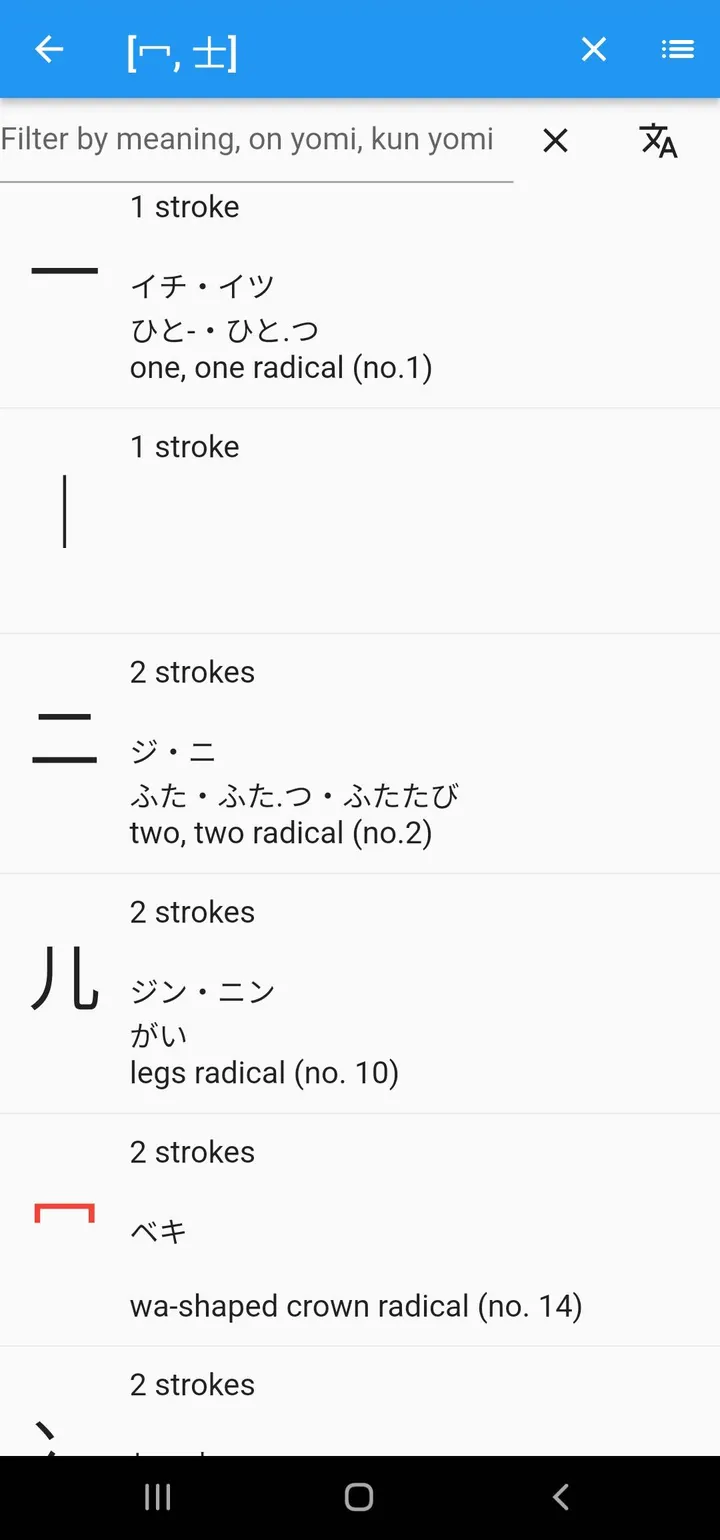
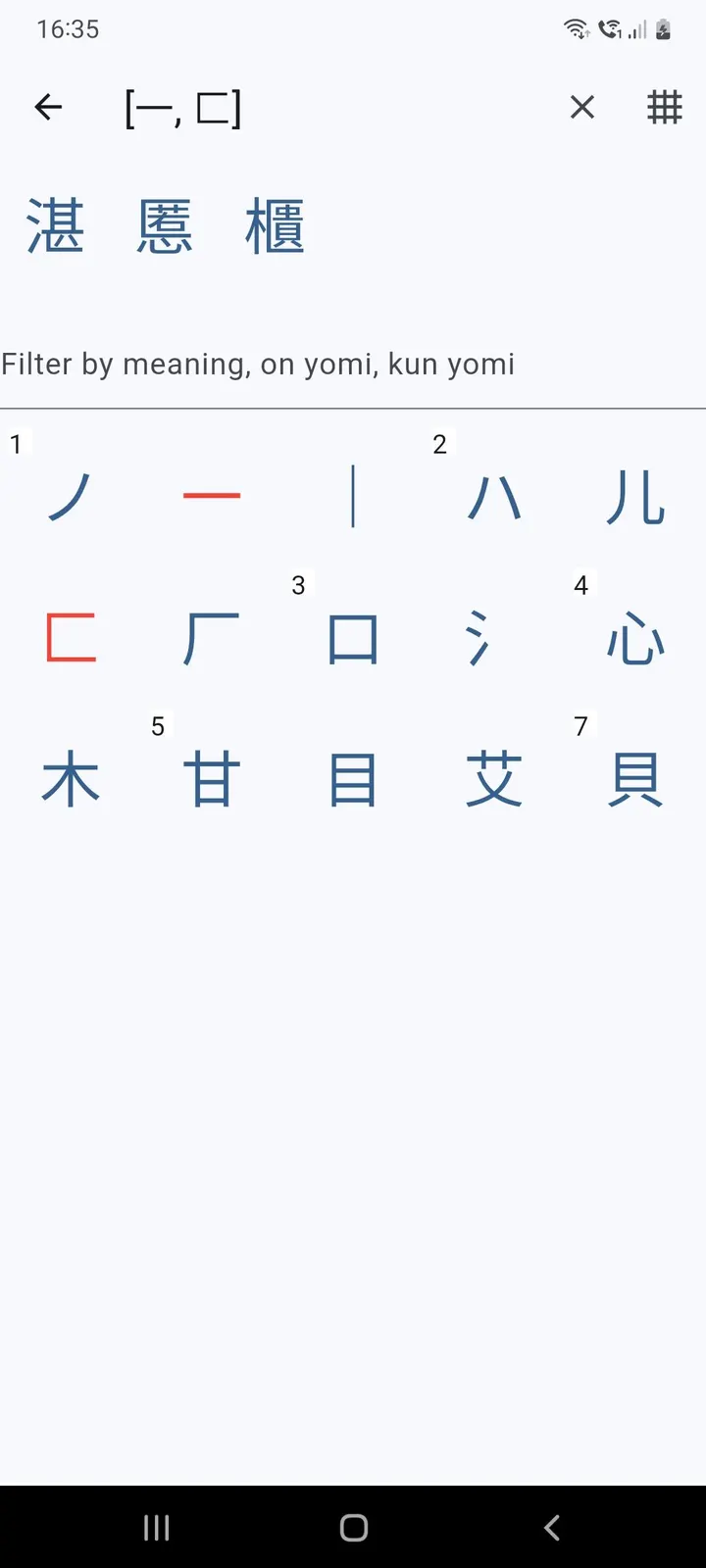
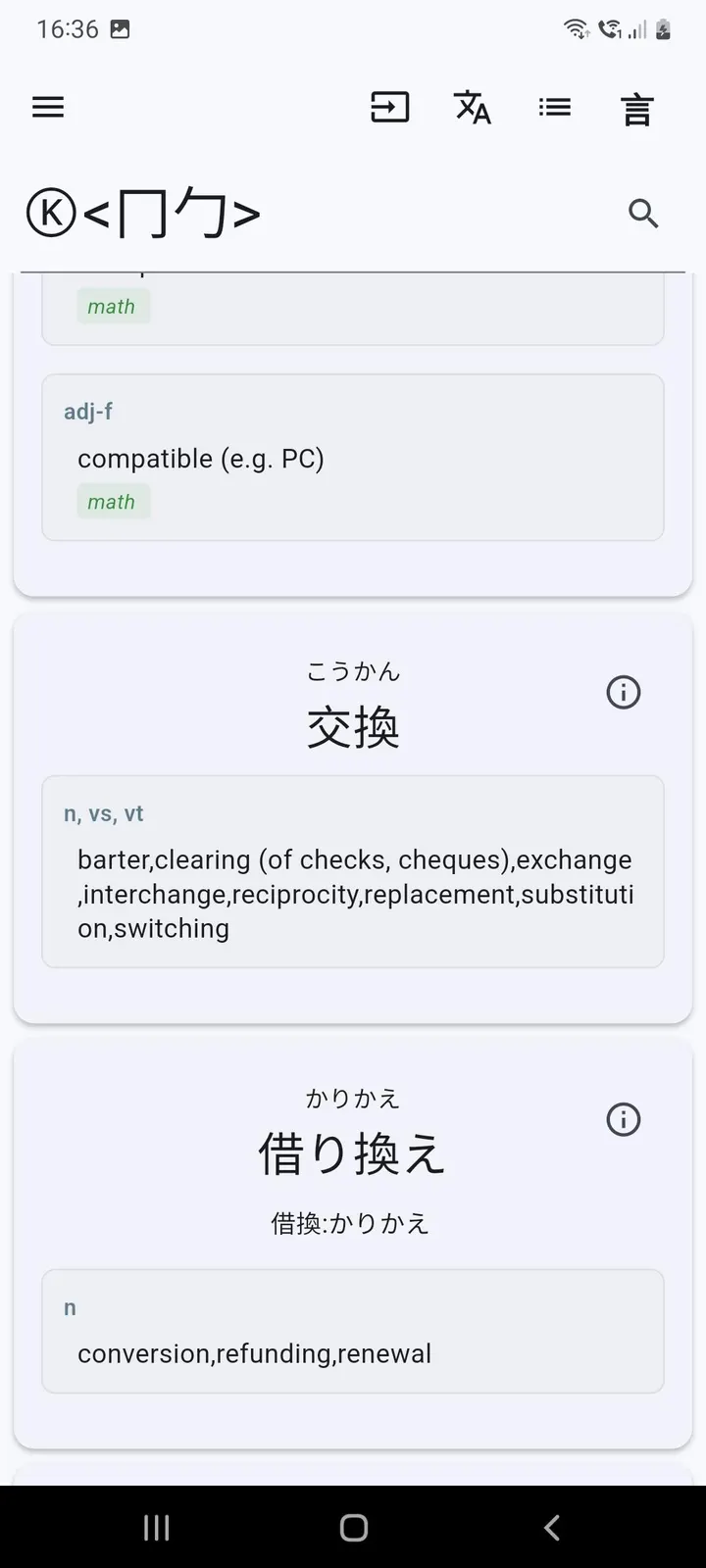
Radical search covers the case of a partly known kanji. You pick radicals inside angle brackets, and the app matches kanji built from them. The example given is a search using the radical 化. Other insert buttons add a any-kanji placeholder, a hiragana or katakana placeholder, and a joker for any match.
For devices without a Japanese keyboard, Fujiten converts romaji to kana. Lowercase input becomes hiragana and uppercase becomes katakana. A switch lets you search either expressions (Kotoba) or kanji.
Database setup and file details to check first
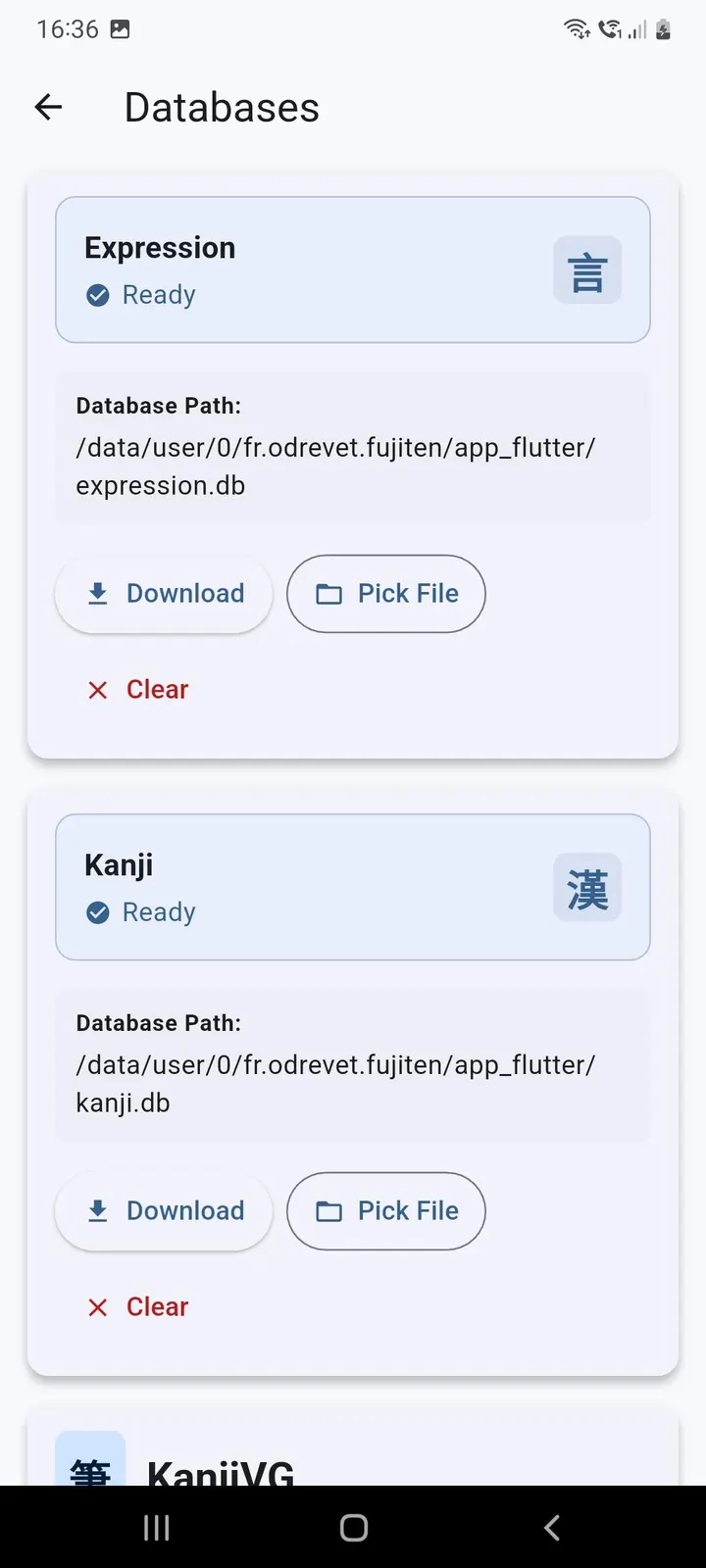
The app does not work until you add the Expression Database and the Kanji Database. You can download both from the settings menu under databases, or fetch them by hand from the edict_database repository on GitHub. Plan for that extra step before you rely on it offline.
The APK is 59.8 MB, requires Android 7.0 or newer, and has the package ID fr.odrevet.fujiten. It was first released on October 31, 2022, and the latest update listed is October 14, 2026. The page carries 8 screenshots. Regex syntax has a learning curve if you have not used it before.
Fujiten pros and cons
Pros
- Works offline once the Expression and Kanji databases are installed
- Regular expression search with quantifiers and meta-characters
- Radical search for kanji you only partly recognize
- Romaji-to-kana conversion for devices without a Japanese keyboard
- Free, no ads, and open source under GPL-3.0-only
Cons
- Needs a separate database download before first use
- Regex-style searching takes some learning
- No lessons or exercises, so it does not replace a course
- Version 3.1.0 is the current release, with no update notes to read before installing
Is Fujiten safe?
The Fujiten 3.1.0 APK is stored unmodified, and its SHA-256 is 76f54f1064647e8673b2bb54e162b70942a017b44a165060f6c58de94ff3ab8e, so you can compare it with your downloaded copy. Olivier Drevet releases the dictionary under GPL-3.0-only and keeps the Flutter source public on GitHub, so anyone can read how the search works. It shows no ads. The EDICT-based databases are fetched separately from the settings menu or from the edict_database project.
How to install Fujiten
- Download the APK with the button on this page and wait for it to finish.
- Compare the file with the SHA-256 checksum shown here if you want to confirm it arrived intact.
- Open the file on your phone and allow installs from this source when Android asks.
- Finish the install, then open Fujiten from your app drawer.


