Smart Edge is a free, open-source side panel for Android, written by Imtiaz and licensed under MIT. Swipe in from the screen edge to reach your apps, tools and shortcuts in a panel styled after OriginOS, with HyperOS, Realme UI and Rich UI looks as alternatives. Version 1.3.7 needs Android 8.0 or newer and takes up 2.5 MB.
Who a swipe-in edge panel suits
The app fits people who switch between apps all day and want a quick launcher that sits over whatever is on screen. It also suits anyone who likes the look of other Android skins. The theme options cover OriginOS, HyperOS, Realme UI and Rich UI styles, so the panel can match a few different looks.
People who care about licensing will notice the MIT licence and the public source repository on GitHub. The app carries no ads and is free.
Split-screen drag, freeform windows and the app picker
The most practical feature is drag-to-split. You drag an app icon to the top or bottom of the screen and the app opens in split-screen mode. The productivity hub adds a section for active notifications, from which you can launch a freeform window instantly.
The smart app picker has built-in search and lets you pin the apps you use most. Icon pack support covers appfilter.xml and icon masking, which keeps icons consistent with the rest of your setup.
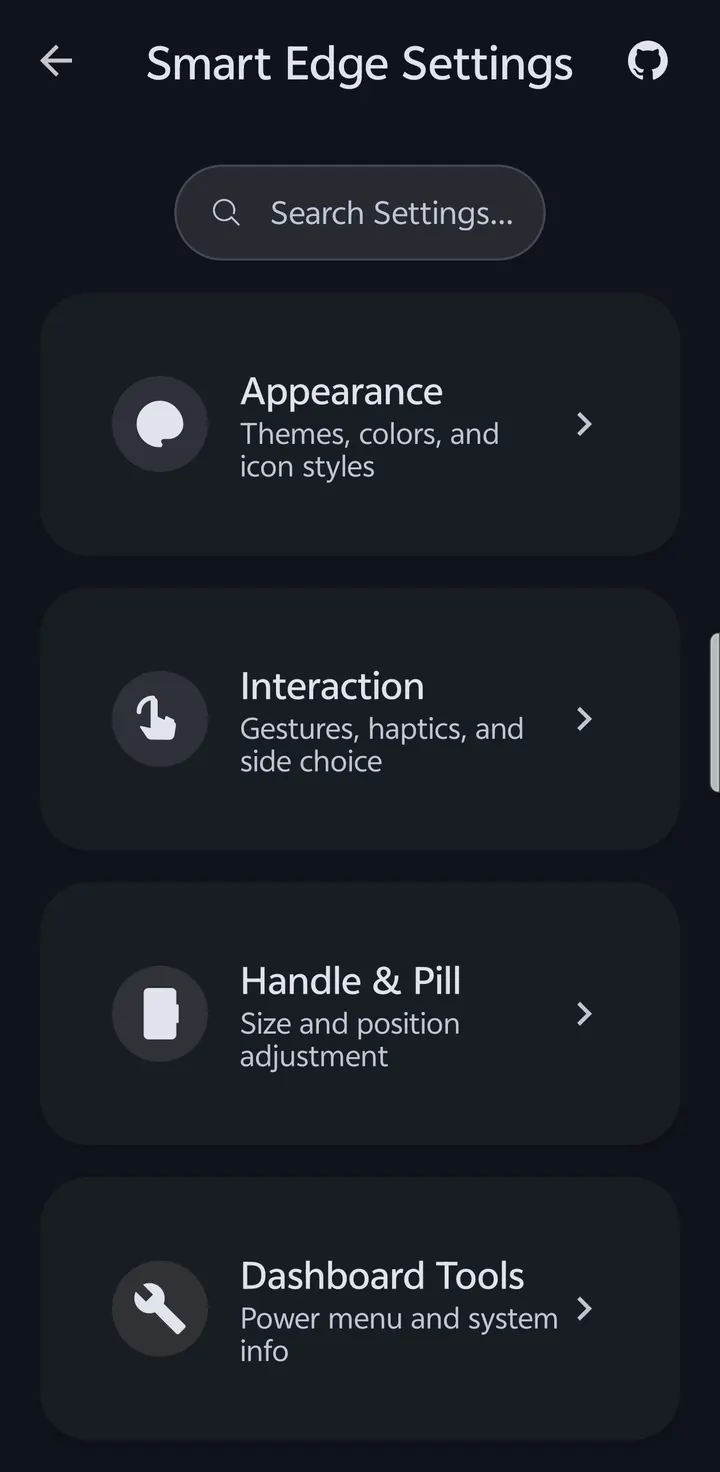
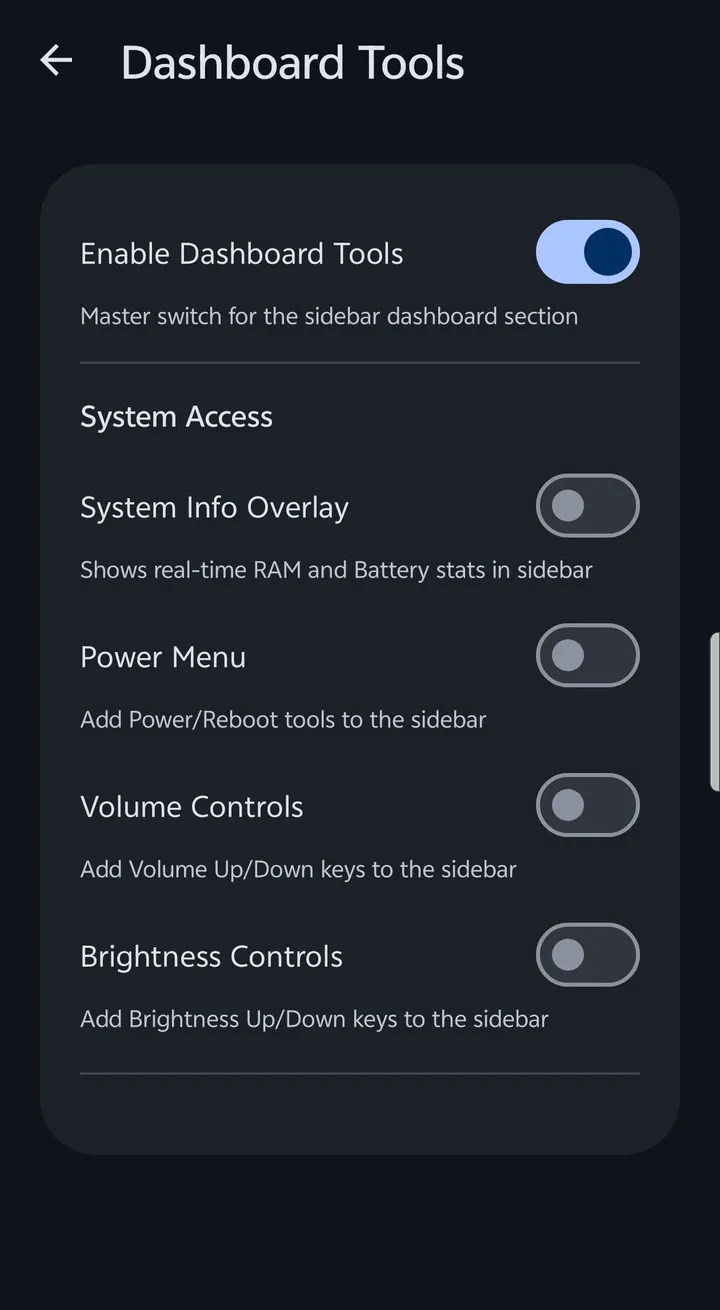
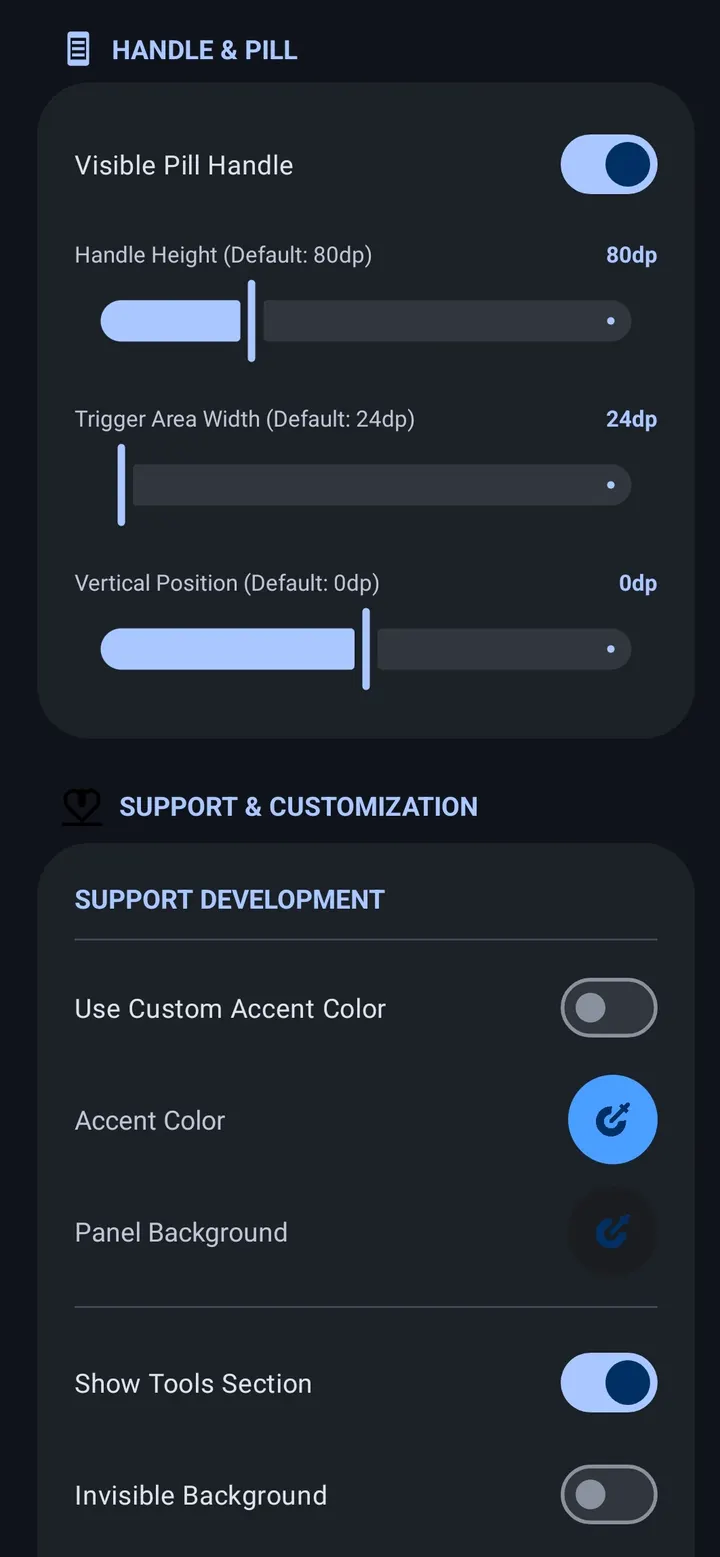
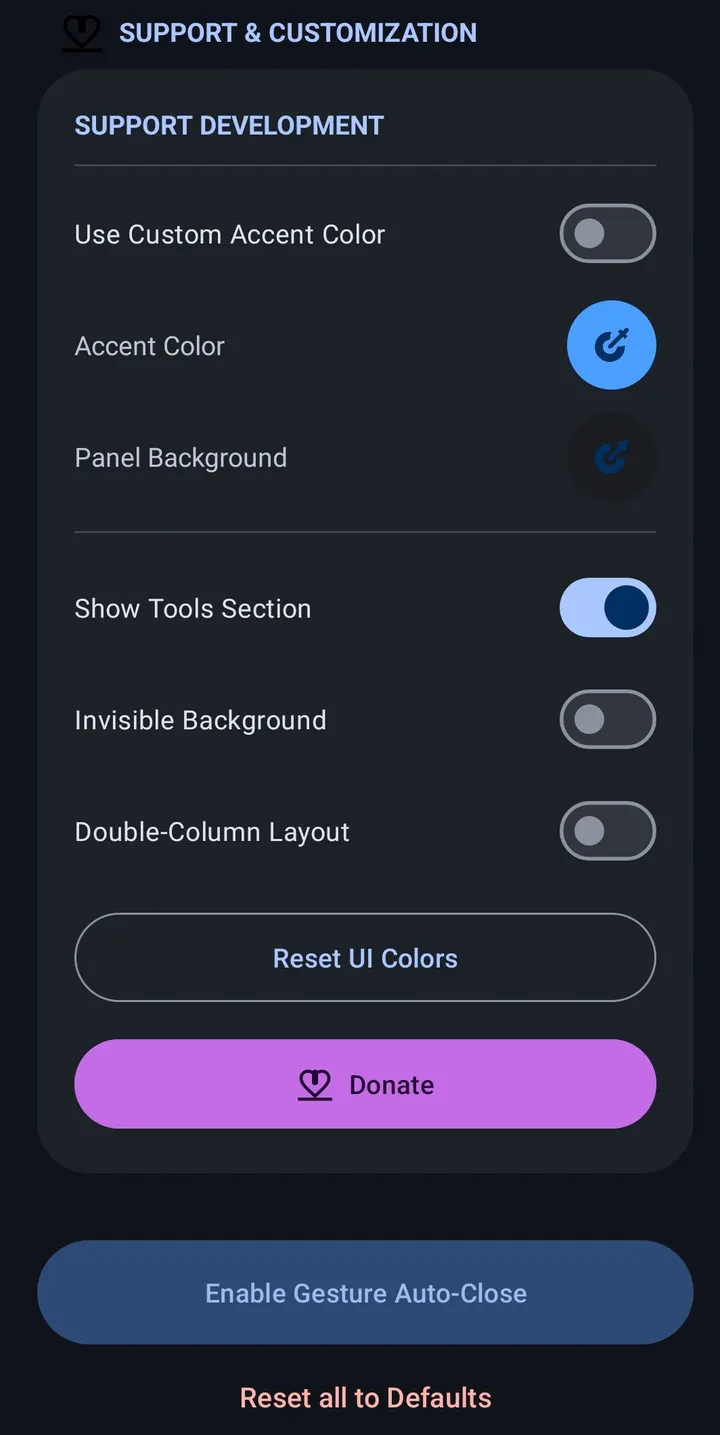
Looks are adjustable too. Glassmorphic blur works in real time with an intensity setting, and Material You support brings dynamic accent colors and Material 3 components. The source description adds utility tools such as screenshot, volume and brightness controls and a power menu, plus spring-based animations and adjustable sidebar width, height and icon scale.
ADB and root options
The developer describes ADB and root integration for toggling system multitasking settings automatically. Check the project page for which settings are covered and how to set this up before relying on it.
The app is free.
Smart Edge pros and cons
Pros
- Free, with no ads
- MIT licence with public source code on GitHub
- Drag-to-split launches apps in split-screen from the panel
- Four theme styles plus Material You dynamic colors
- Small download at 2.5 MB
Cons
- Requires Android 8.0 or newer
- ADB and root automation details are limited, so check the project page
- No Google Play rating or install data is available
- Version 1.3.7 has no published changelog
Is Smart Edge safe?
The file is the unmodified APK, and you can compare it against this SHA-256 checksum: ed3d55fa6ff1af7c29b673c3afa15ca8b9b2e2e78f91412025c8158750d117d7. Smart Edge is MIT-licensed with its source public on GitHub, so the code behind the side panel can be read by anyone. It shows no ads.
How to install Smart Edge
- Download the APK with the button on this page and wait for it to finish.
- Compare the file with the SHA-256 checksum shown here if you want to confirm it arrived intact.
- Open the file on your phone and allow installs from this source when Android asks.
- Finish the install, then open Smart Edge from your app drawer.


