
Unlike WhatsApp or Messenger, which record voice through a chat service, SoundTree Recorder is built only for capturing and organizing audio on your own phone. It comes from developer CodeMarbles, costs nothing and shows no ads. The version covered here is 0.10.28, updated on August 11, 2026.
Long recordings are hard to search later
A recorder that dumps everything into one flat list gets unusable fast. Finding the one moment you need inside an hour of audio is the real problem, and SoundTree is designed around it.
The app was first released on June 9, 2026, so it is a young project. The developer puts the emphasis on bookmarks.
Marks, topic tree and page-like waveforms
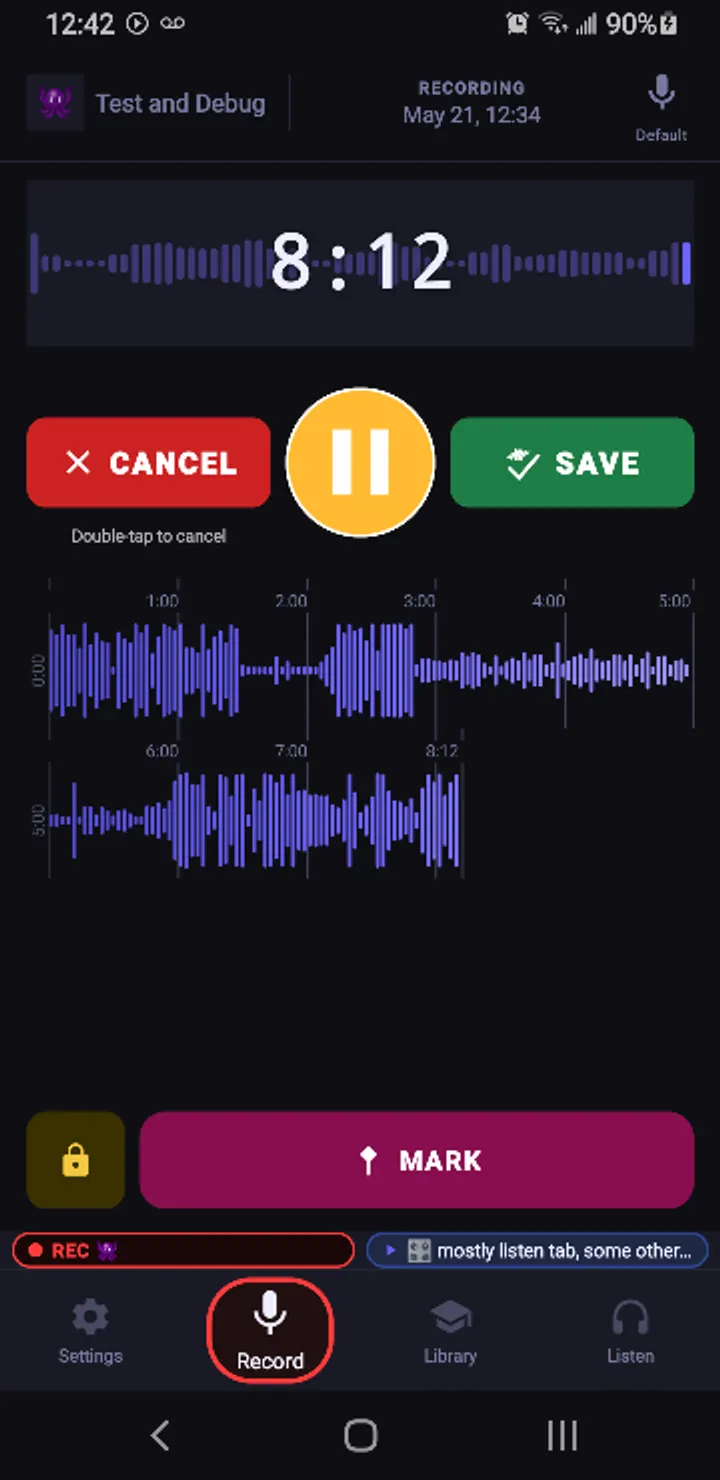
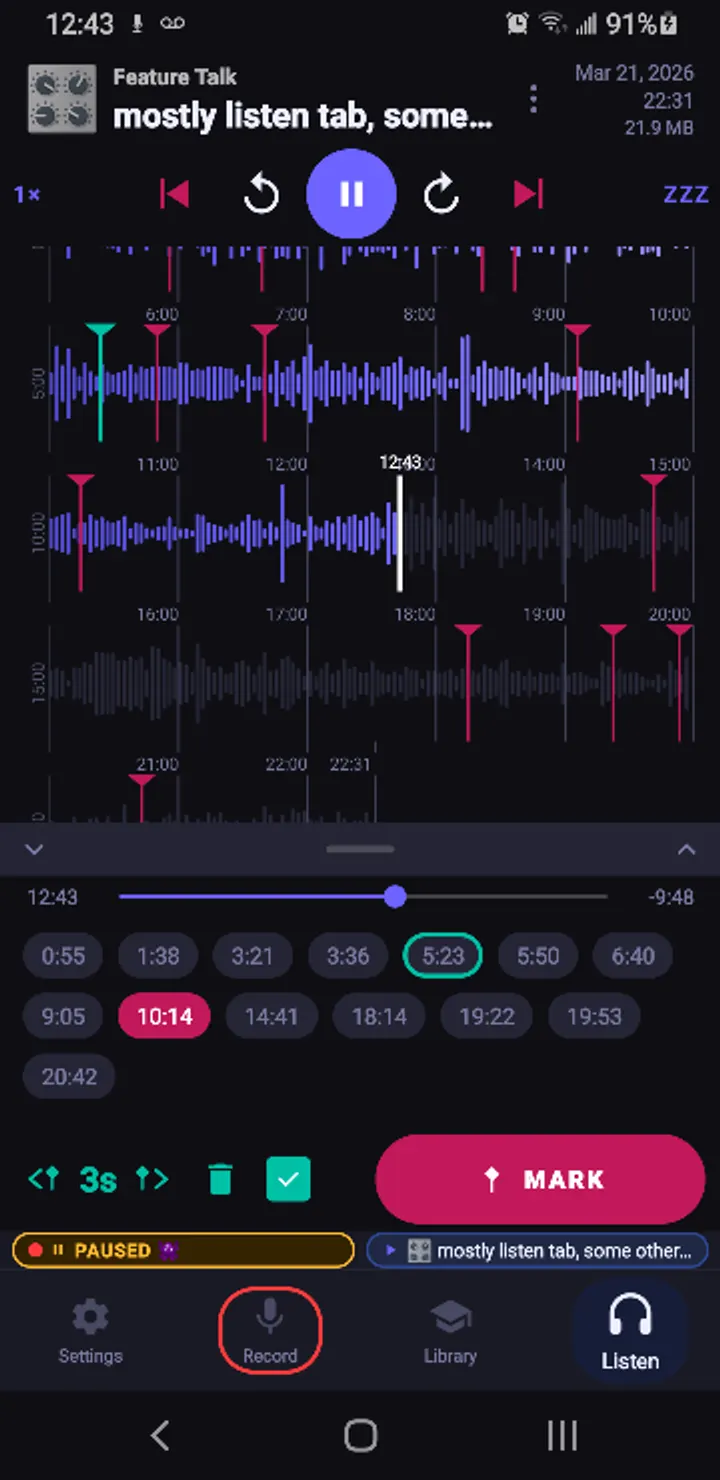
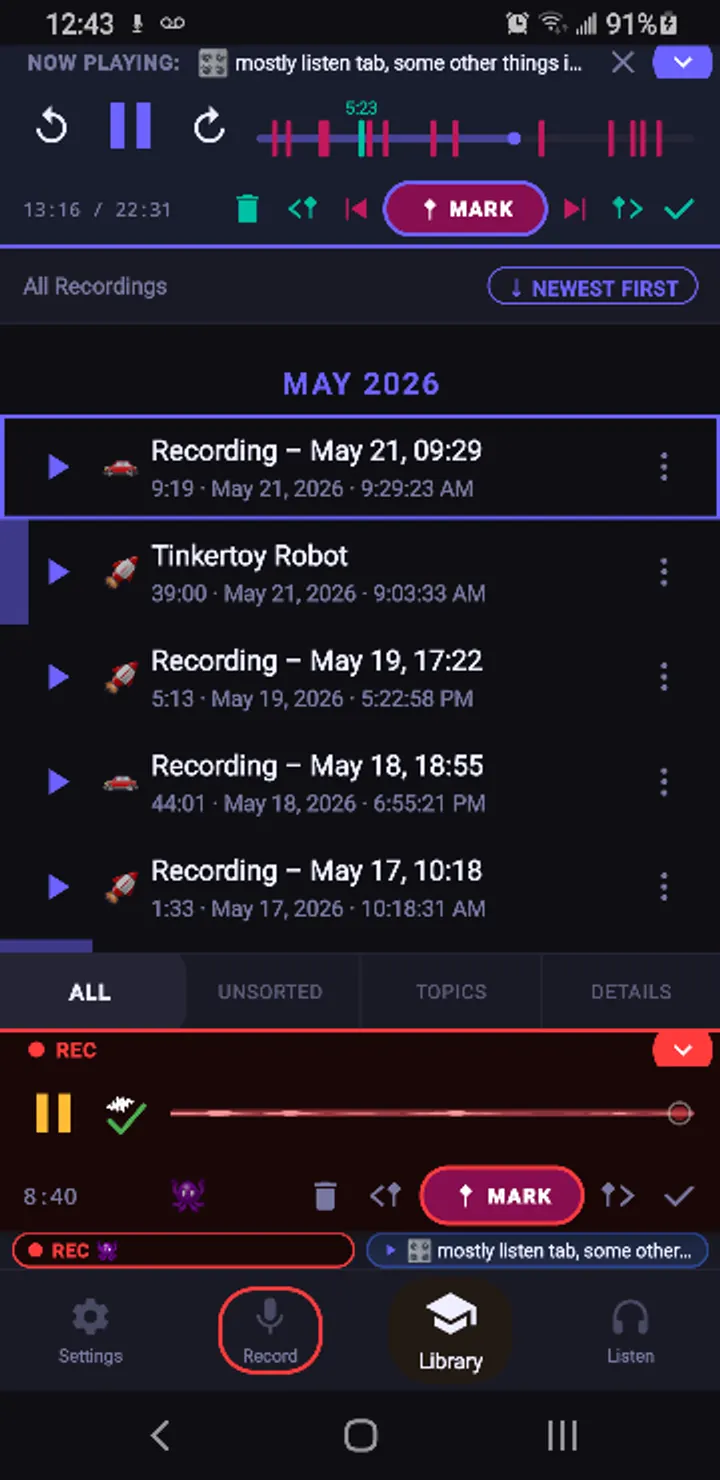
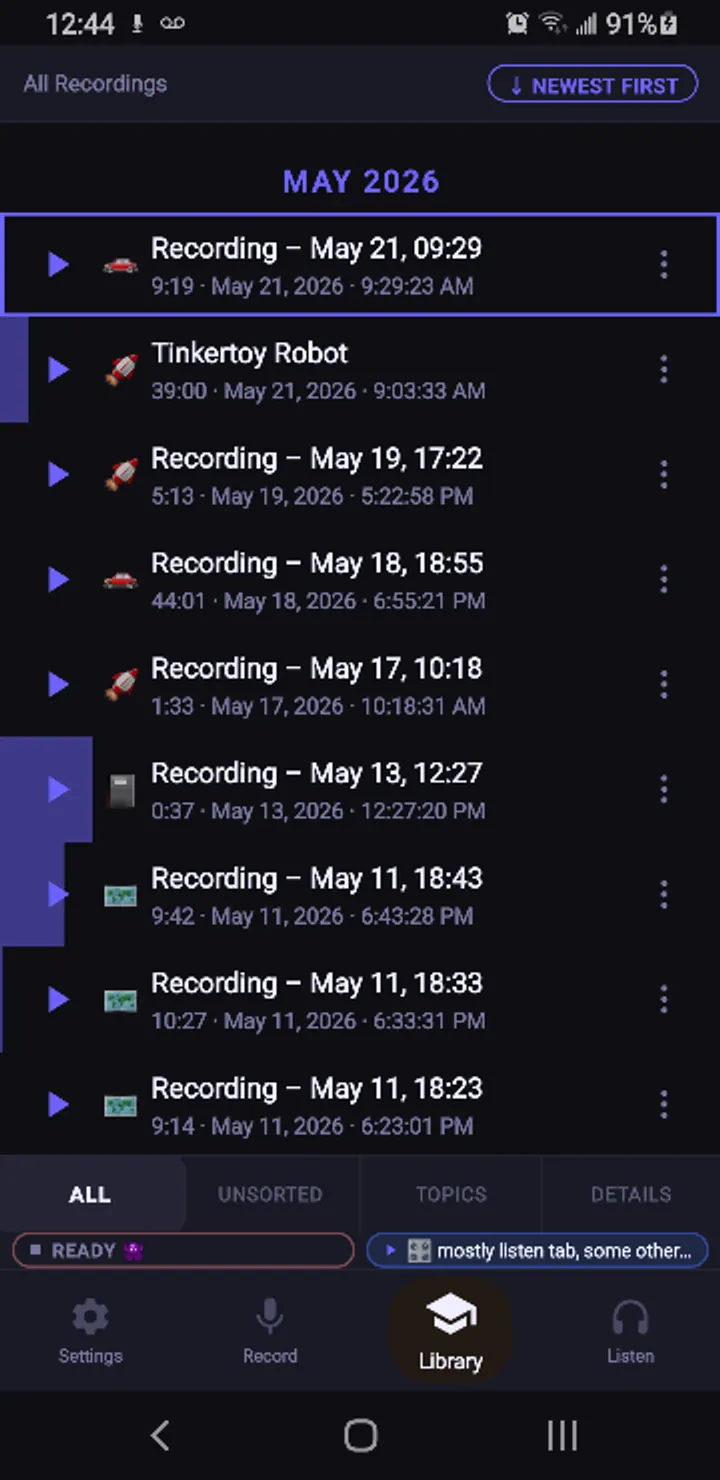
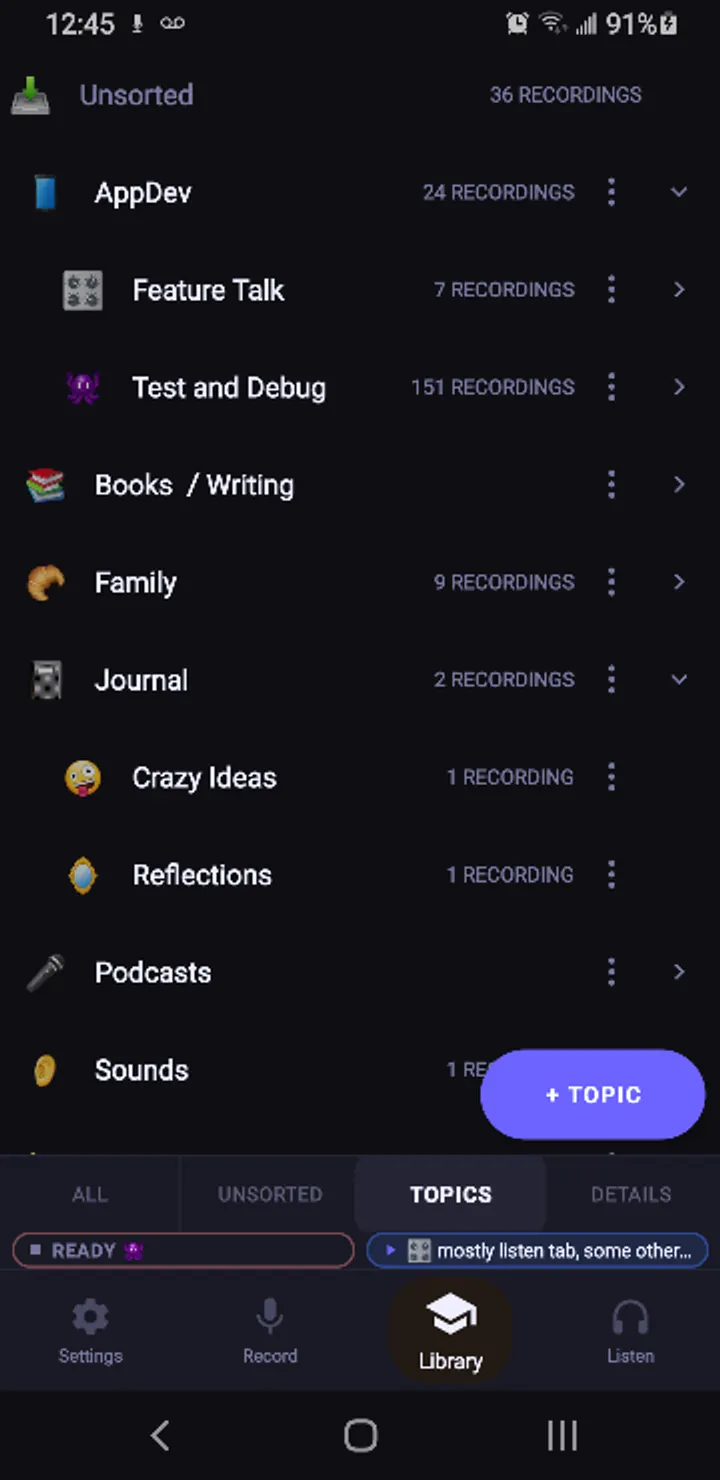
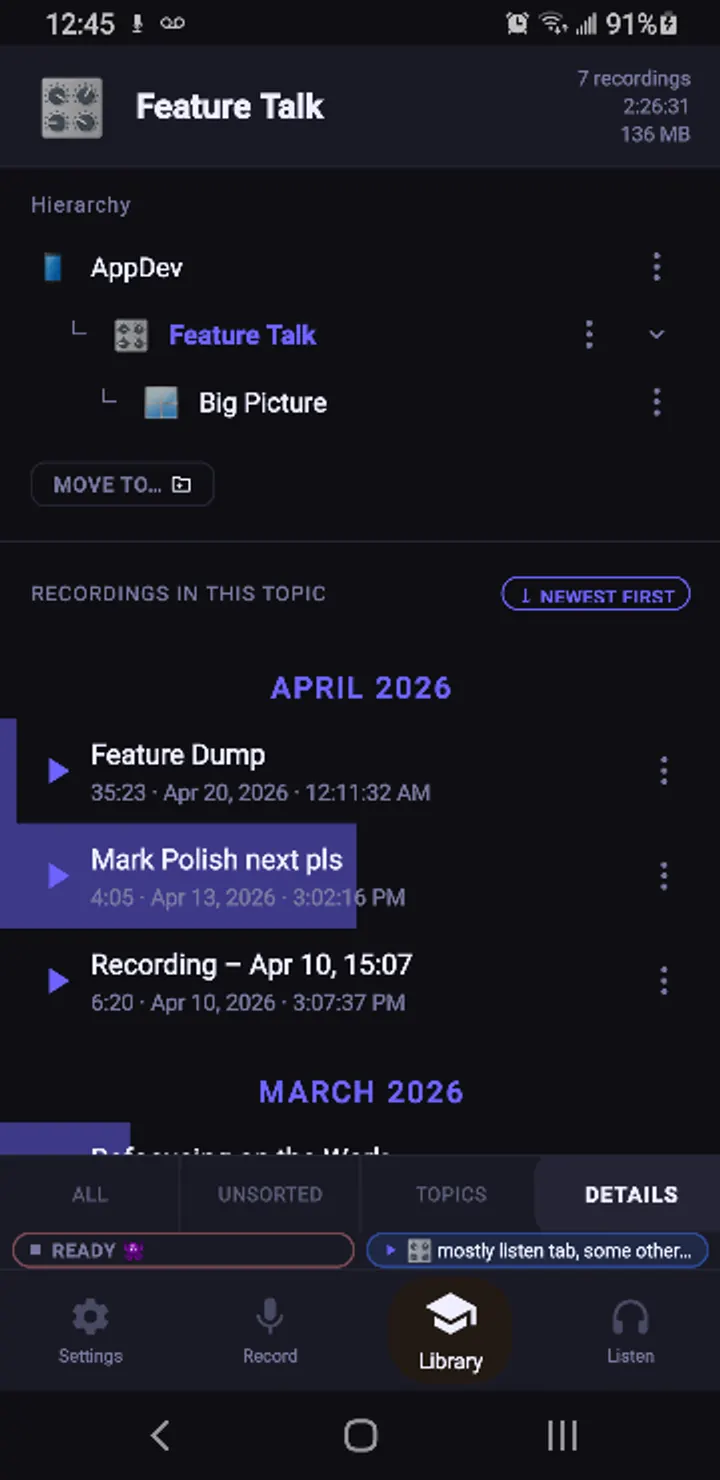
You can drop marks during recording or playback to flag moments worth revisiting. Recordings are sorted into a hierarchical topic tree. The recorder includes page-like waveforms, and the live waveform scrolls while you record.
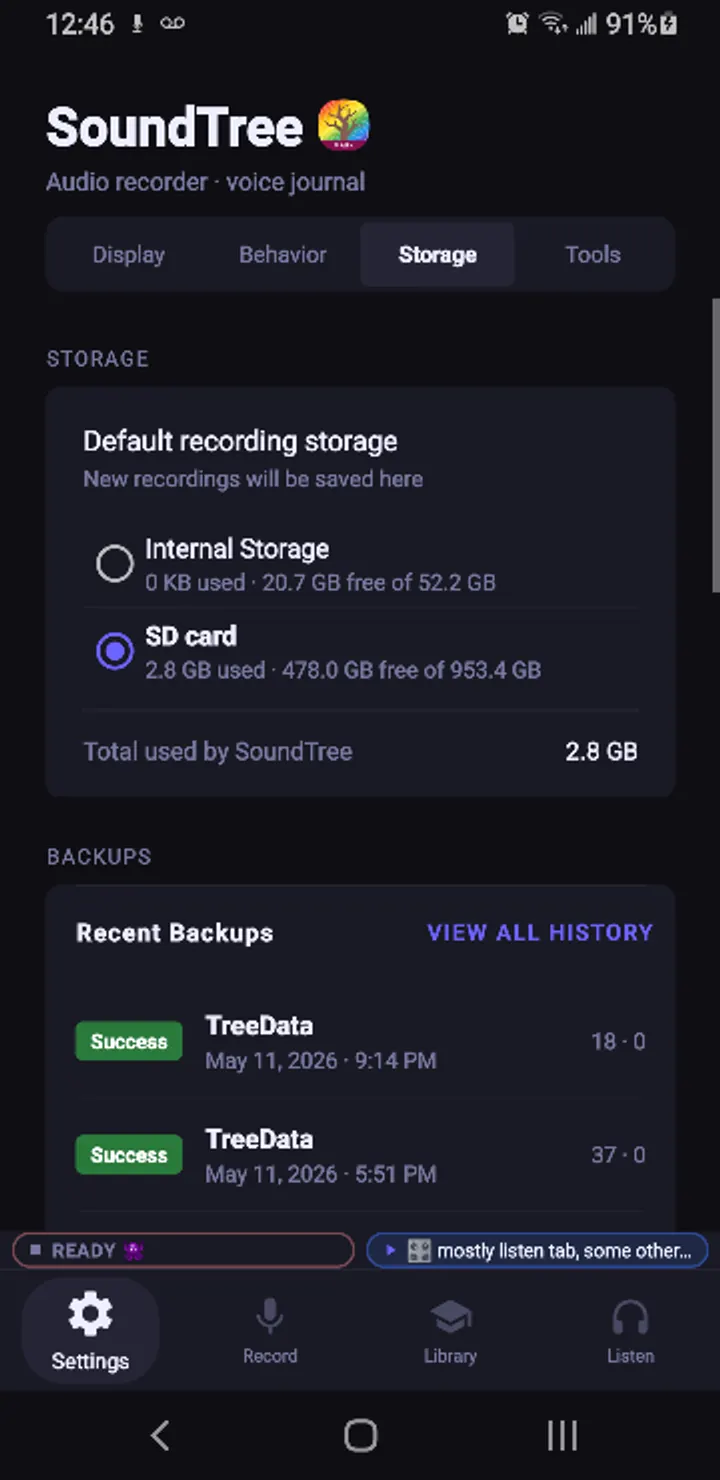
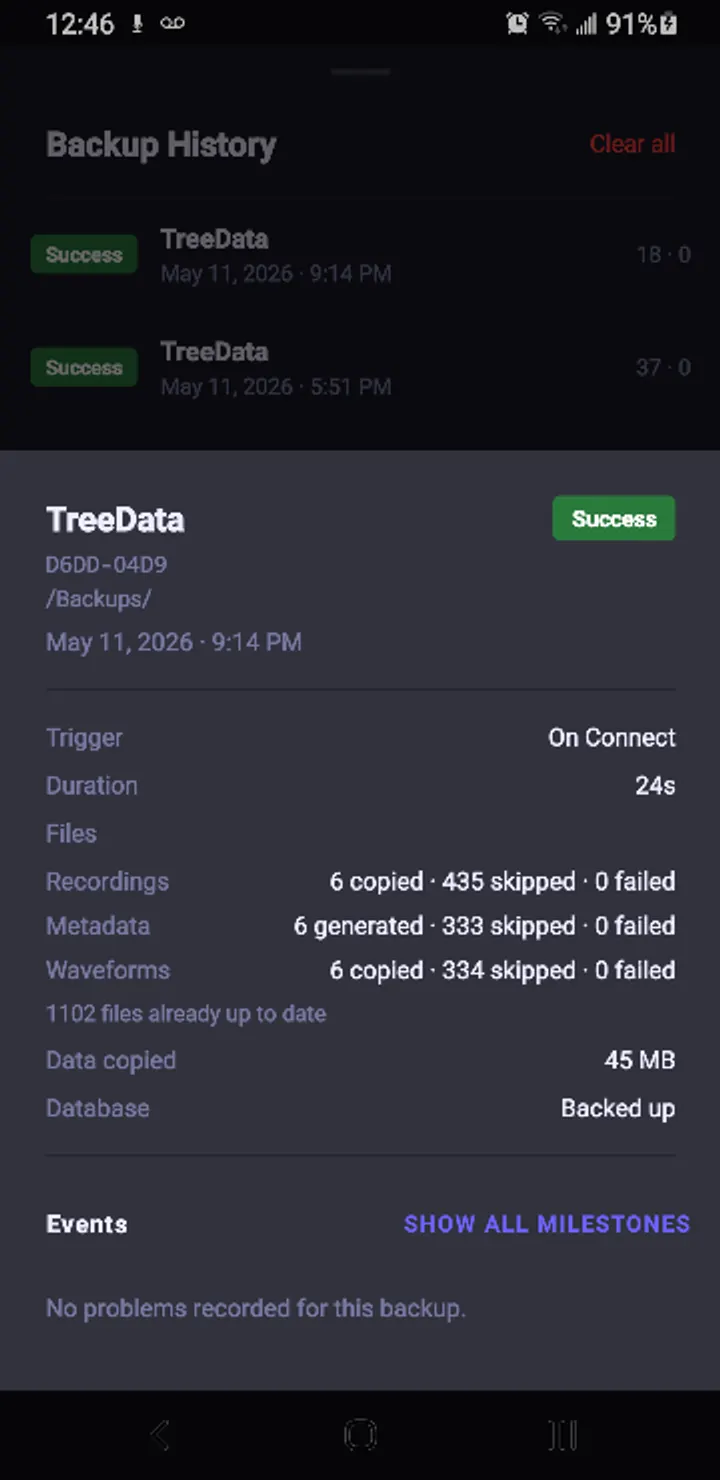
Audio is saved as M4A. You can pause and resume without starting a new file, and you can save from the notification while the screen is locked. Audio passthrough to earphones is also supported for monitoring inputs, and automatic backup can target an external drive or USB device.
What to check before installing
SoundTree Recorder runs on Android 9 or newer and weighs 6.9 MB. The developer says it asks for no network permission and keeps everything on the device, with no accounts or cloud. Since nothing is copied online, the automatic backup to an external drive or USB device is the way to protect your recordings.
The source is public on GitHub under GPL-3.0-only. The version number, 0.10.28, suggests the app is still young.
SoundTree Recorder pros and cons
Pros
- Free, with no ads and no price
- Open source under GPL-3.0-only with a public GitHub repository
- Marks and a nested topic tree for sorting recordings
- Pause and resume within one file, and save from the lock screen
- Small 6.9 MB package
Cons
- Requires Android 9 or newer
- Version 0.10.28 points to an early-stage project
- No Google Play rating or install figures yet
- No cloud storage, so backups depend on an external drive or USB device
Is SoundTree Recorder safe?
The APK we store for SoundTree Recorder is unmodified, and its SHA-256 checksum is 1fd04a065c7bc5a133b01004870a2a985cafdda93b87d7624f9365dbee646b6f. Because the code is published under GPL-3.0-only, anyone can read it. The developer's description says the app has no network permission, but we have not verified that claim ourselves. Compare the checksum with your downloaded file before installing.
How to install SoundTree Recorder
- Download the APK with the button on this page and wait for it to finish.
- Compare the file with the SHA-256 checksum shown here if you want to confirm it arrived intact.
- Open the file on your phone and allow installs from this source when Android asks.
- Finish the install, then open SoundTree Recorder from your app drawer.


