

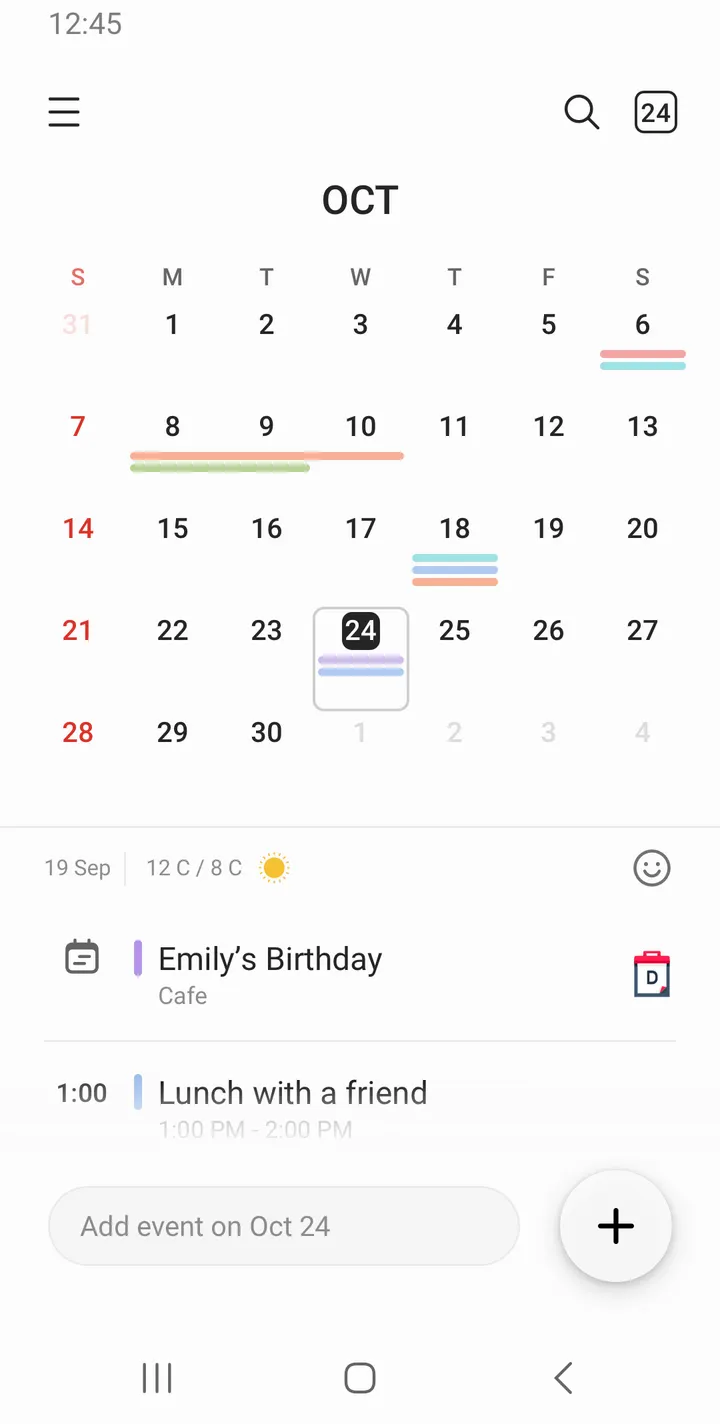
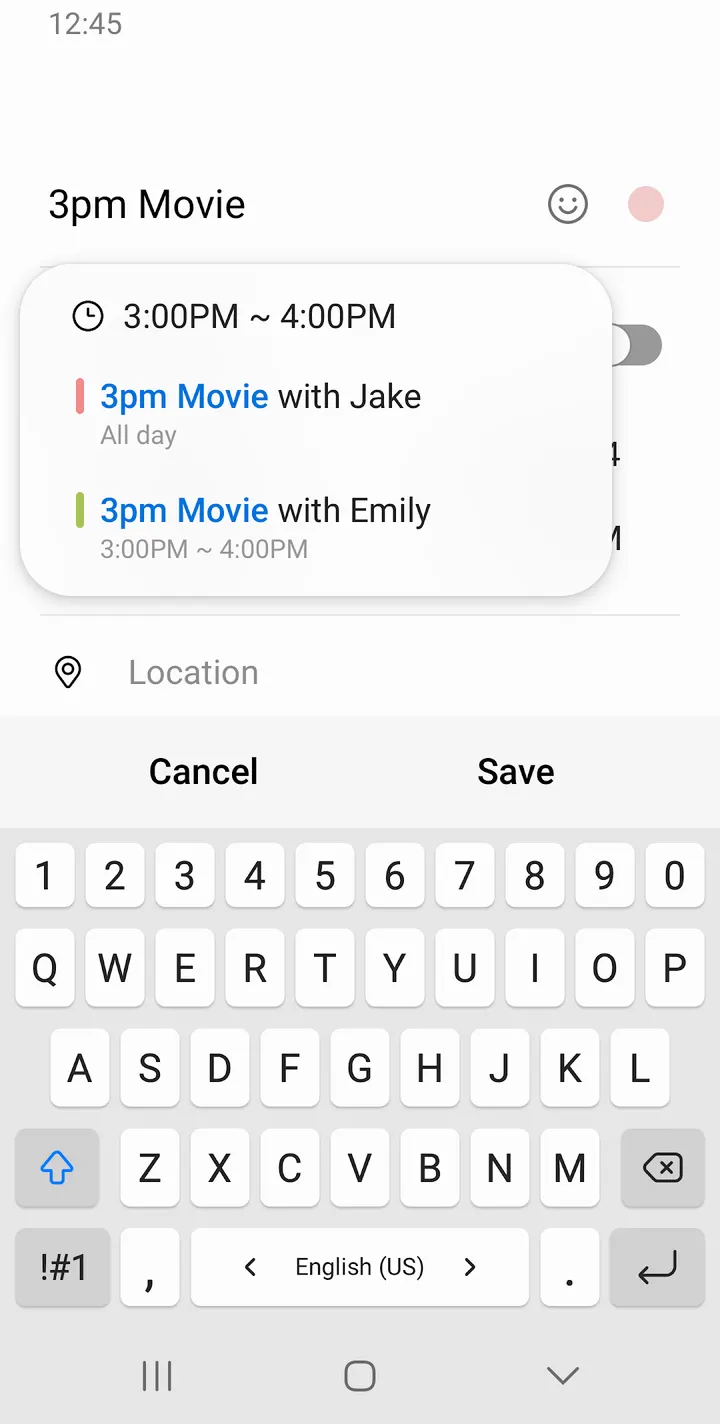
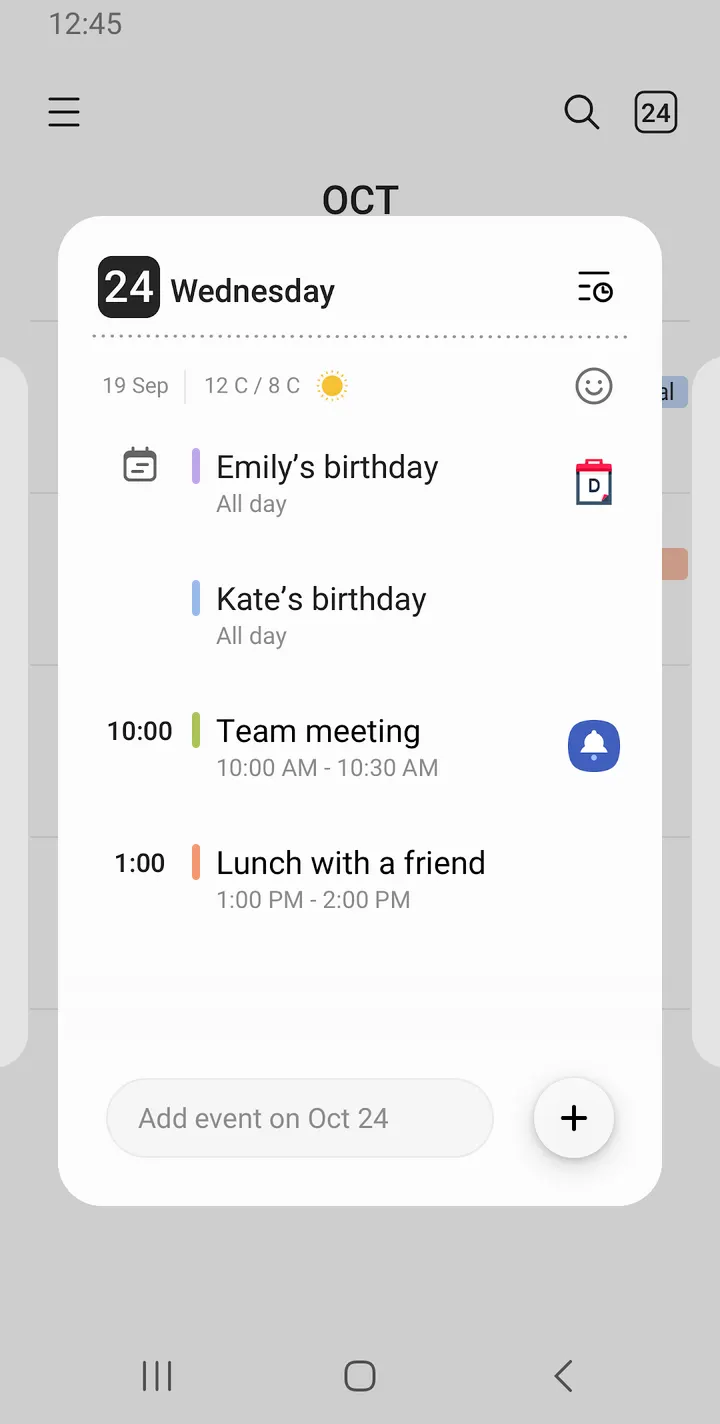
You tap a date on your phone, type a dinner plan, attach the restaurant's location and set a reminder for an hour before. Samsung Calendar is built around that quick path from a tapped date to a saved event. It costs nothing, shows no ads and has no in-app purchases.
A free calendar with over 1 billion installs and no ads
The scale stands alongside a clean price sheet. Google Play shows over 1 billion installs for com.samsung.android.calendar, with a 4.1 rating from about 117.9 thousand ratings. The app is free, shows no ads and sells nothing inside the app.
The publisher is Samsung Electronics Co., Ltd., and the content rating is Everyone. The version varies by device.
What a session looks like, from date tap to reminder
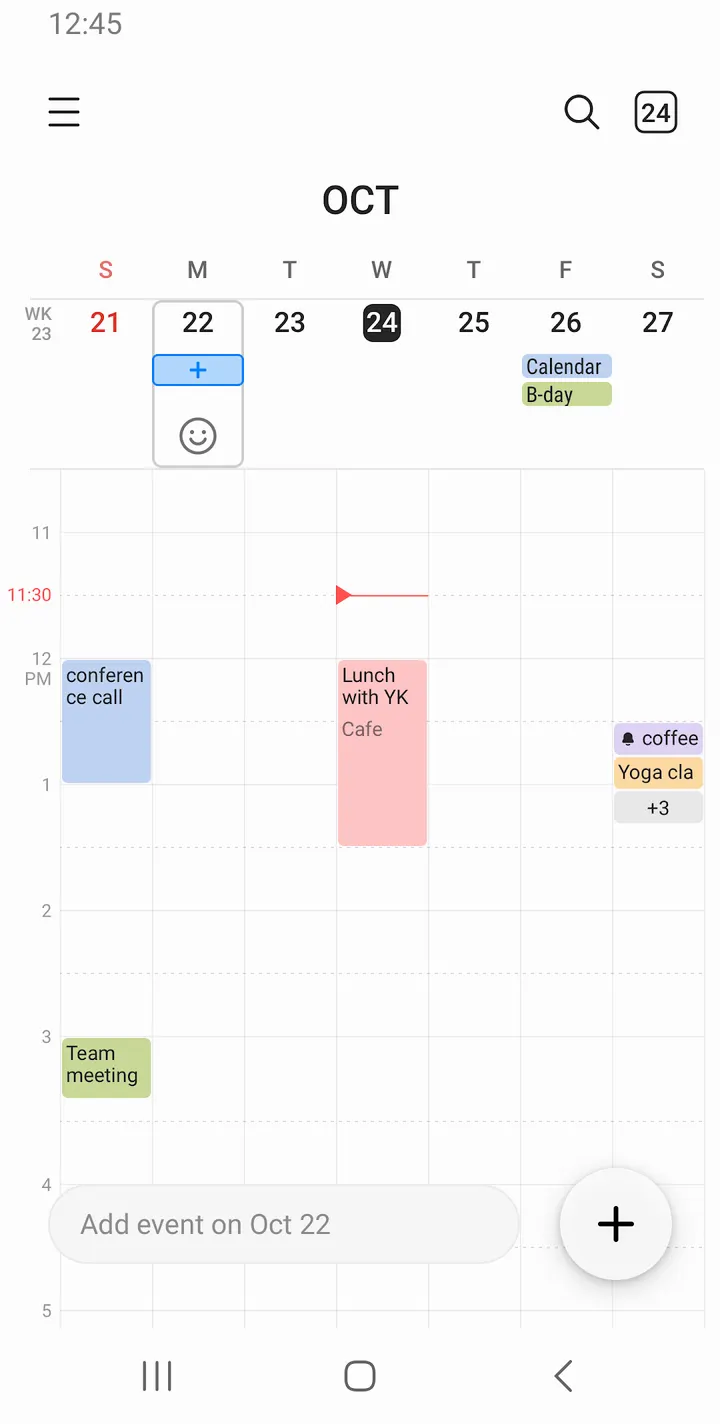
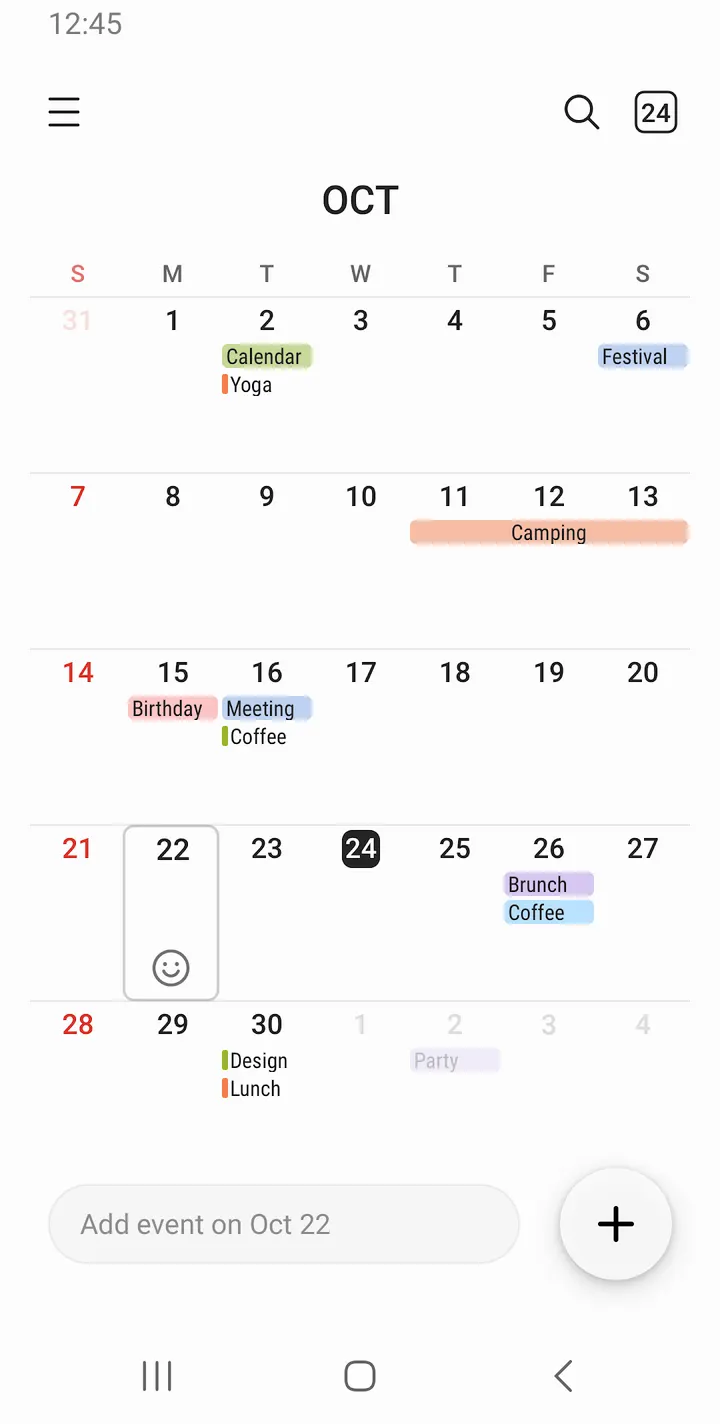
A new event starts when you tap a date. You can set a recurrence pattern and a time zone while creating it, and add a notification for the event. Color codes can be assigned to events in each calendar, which helps when several calendars share one screen.
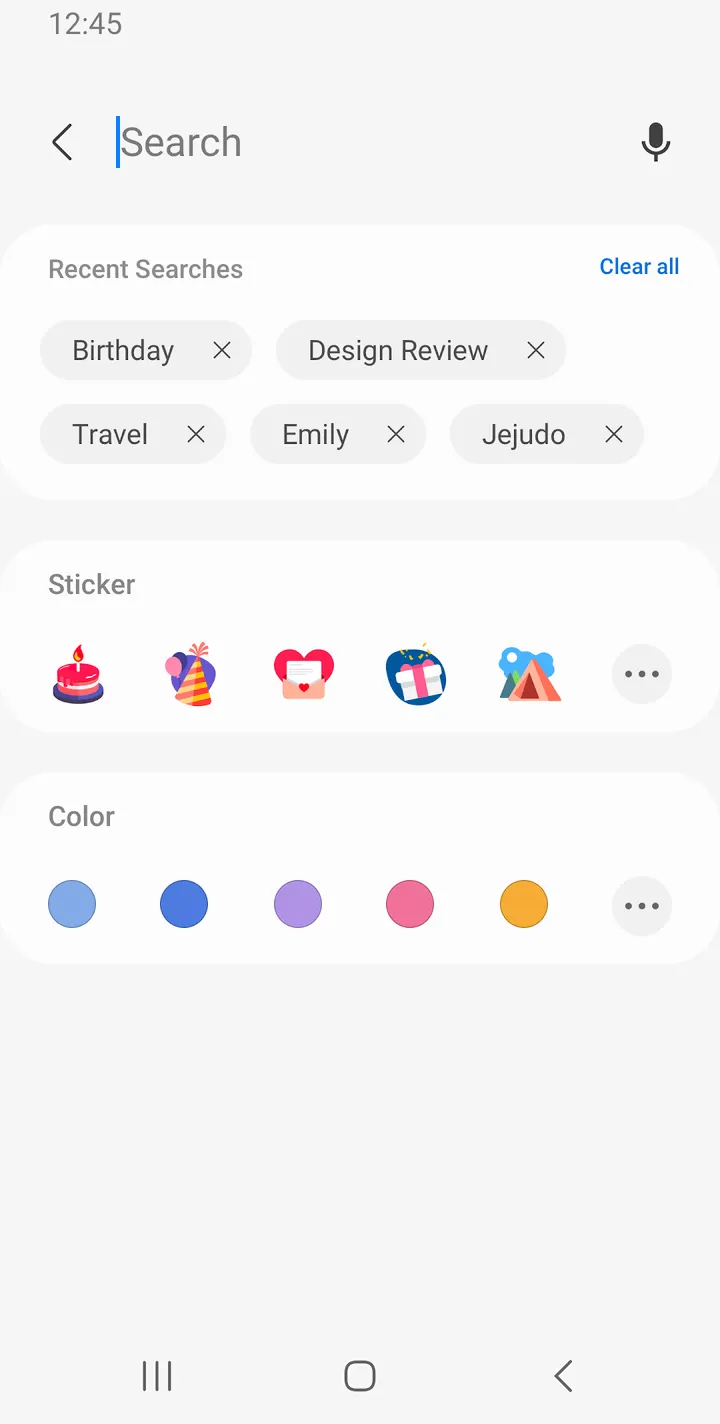
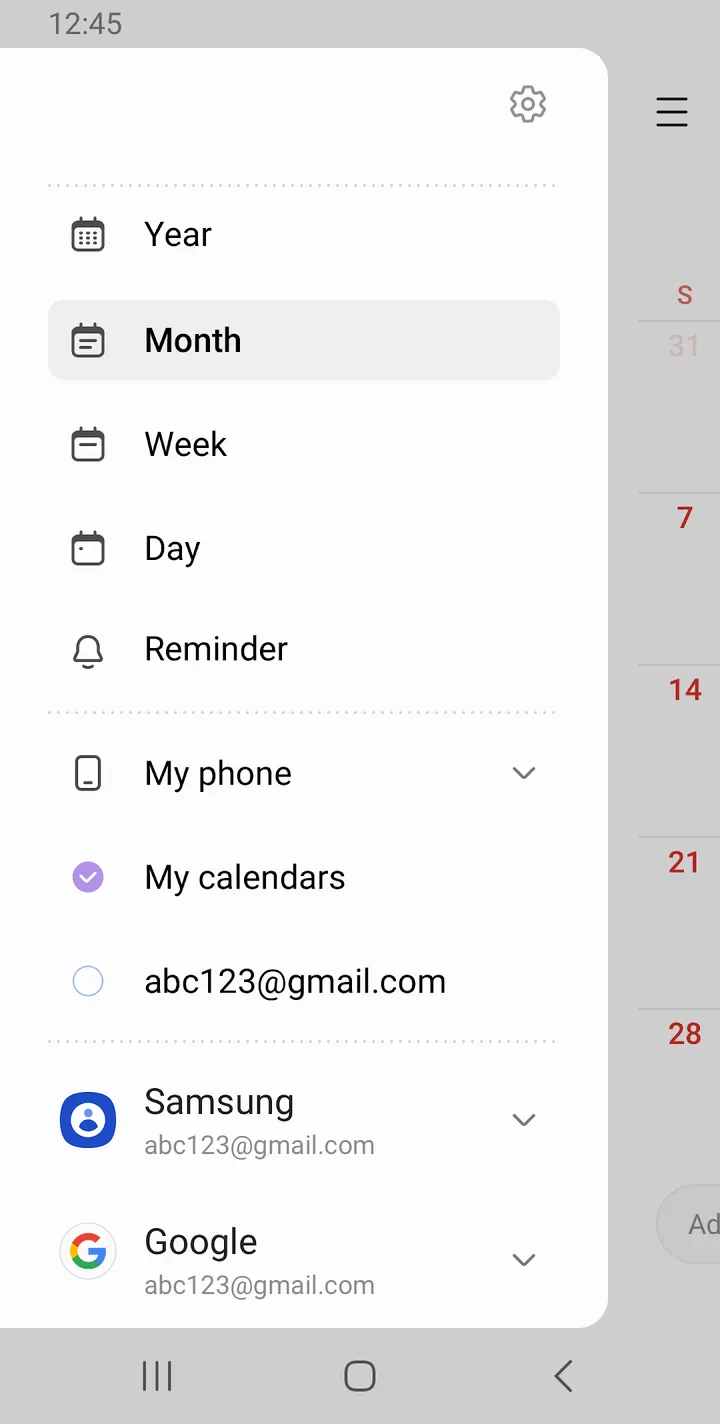
Navigation relies on a horizontal swipe to move to the next day, week, month or year. Display options include year, month, week, day and task views, and the app can show weekly weather information. Several calendars, Google Calendar among them, can be added and read together.
On the home screen, you can place widgets in several types with adjustable transparency.
Permissions: two required, three optional
Calendar access is required to add and check schedules, and notification access is required to alert you to events. Contacts, location and photos and videos are optional. Contacts let you invite attendees or show birthdays, location saves a place in an event, and photos and videos attach files to a schedule.
The developer says optional features stay switched on by default but are not allowed until you grant permission. Devices below Android 6.0 need a software update before permissions can be configured.
Against Fossify Calendar, Google Calendar and the rest
The alternatives are Fossify Calendar, Google Calendar, Period Calendar Period Tracker, Hebrew Calendar, jtx Board and Persian Calendar.
Samsung Calendar reads Google Calendar accounts alongside others, so it can sit on top of Google's service rather than replace it. Some alternatives, such as Hebrew Calendar and Persian Calendar, are built around specific calendar systems, while Samsung Calendar is a general scheduling app.
Samsung Calendar pros and cons
Pros
- Free, with no ads and no in-app purchases
- Can combine several calendars, including Google Calendar
- Year, month, week, day and task views with swipe navigation
- Optional permissions for contacts, location and attachments stay off until granted
- Transparent home screen widgets with adjustable transparency
Cons
- The version is listed as varying, so the exact build is unclear
- Recent changes are hard to track because the app has no published changelog
- Some features need extra permissions, such as contacts for attendee invites and birthdays
Is Samsung Calendar safe?
Samsung Calendar comes from Samsung Electronics Co., Ltd. It shows no ads and has no in-app purchases, and the content rating is Everyone. Contacts, location and photos can all be linked to events, so check which of those permissions you actually want to grant.
How to install Samsung Calendar
- Press the Google Play button on this page.
- Check the listing in the Play Store and press Install.
- Open Samsung Calendar when the install finishes. Updates arrive through Google Play.


