
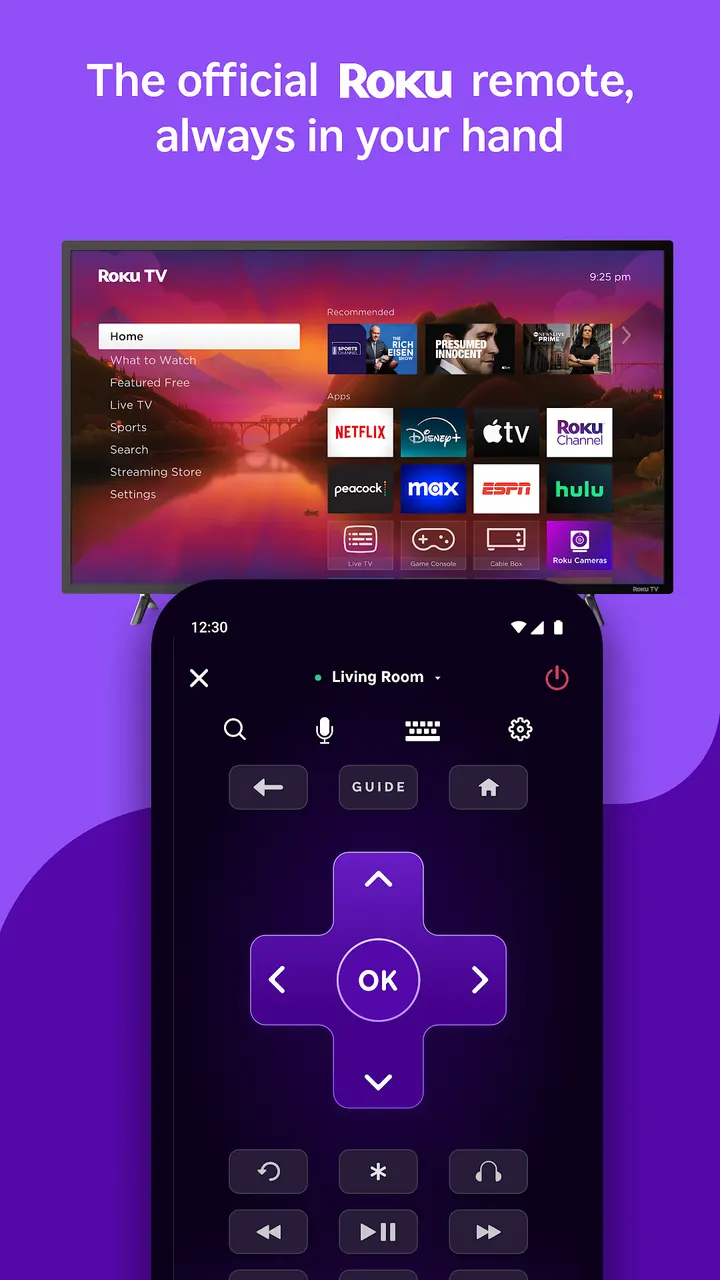
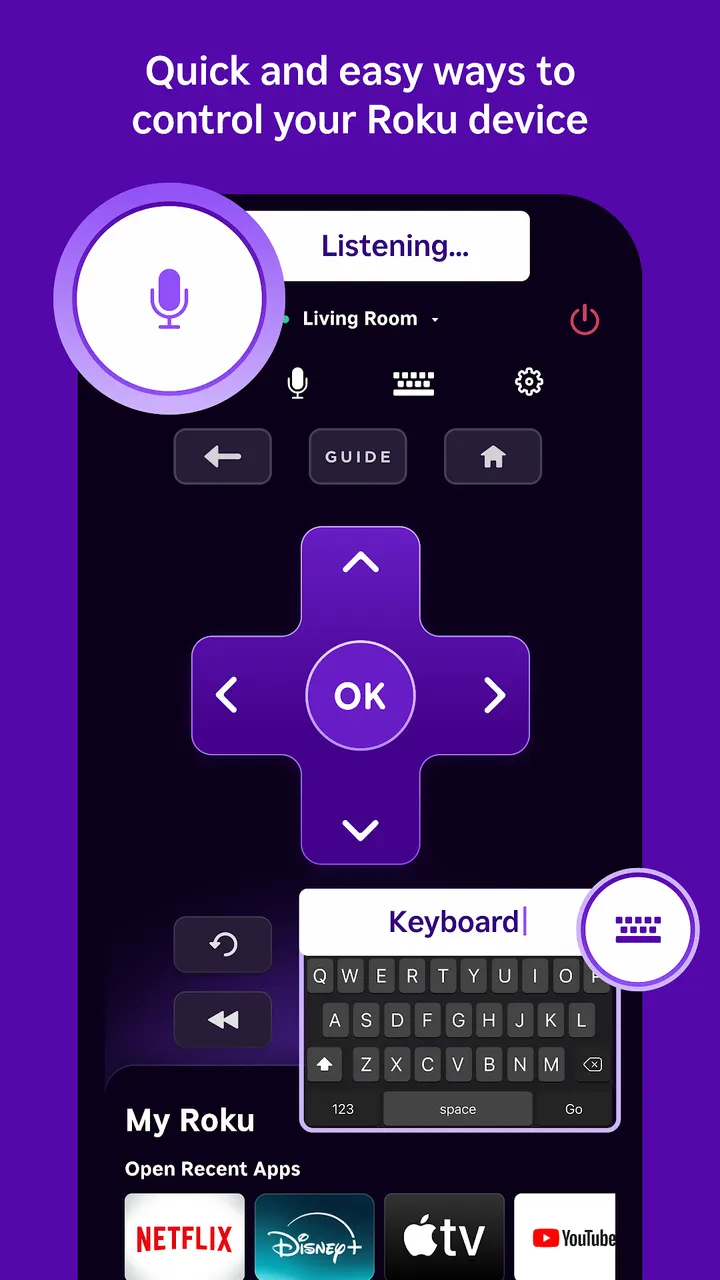
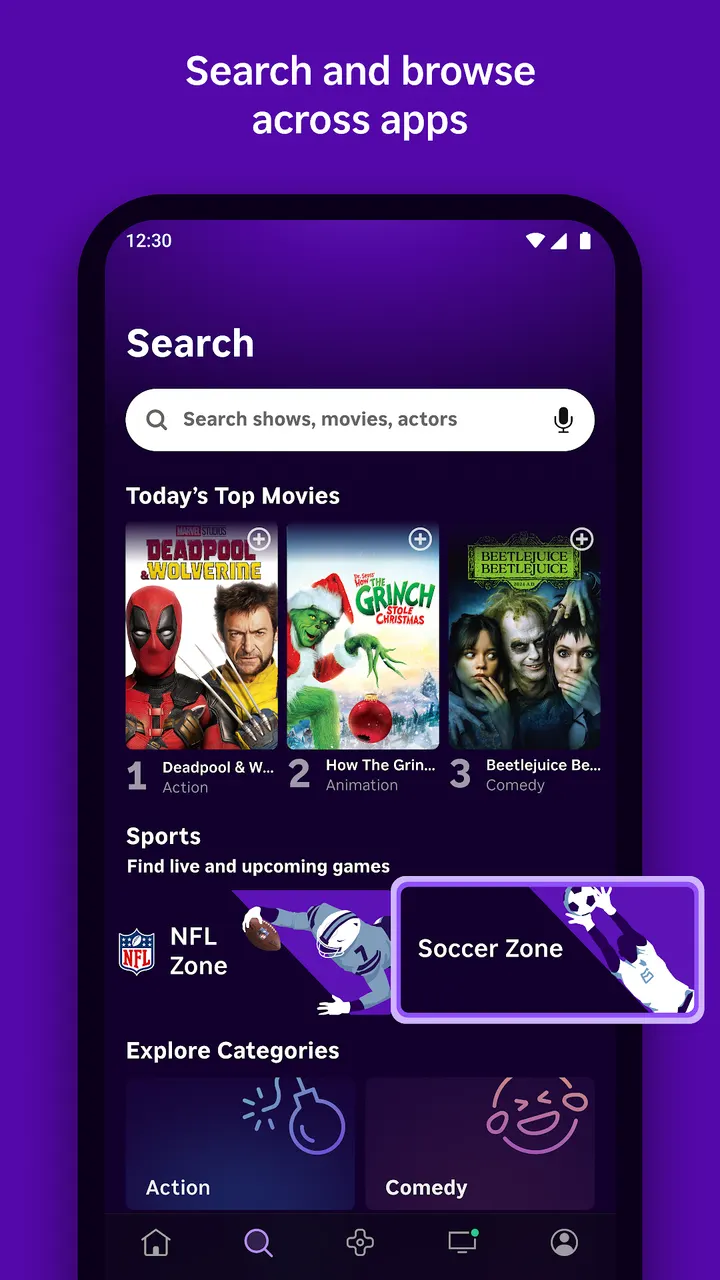
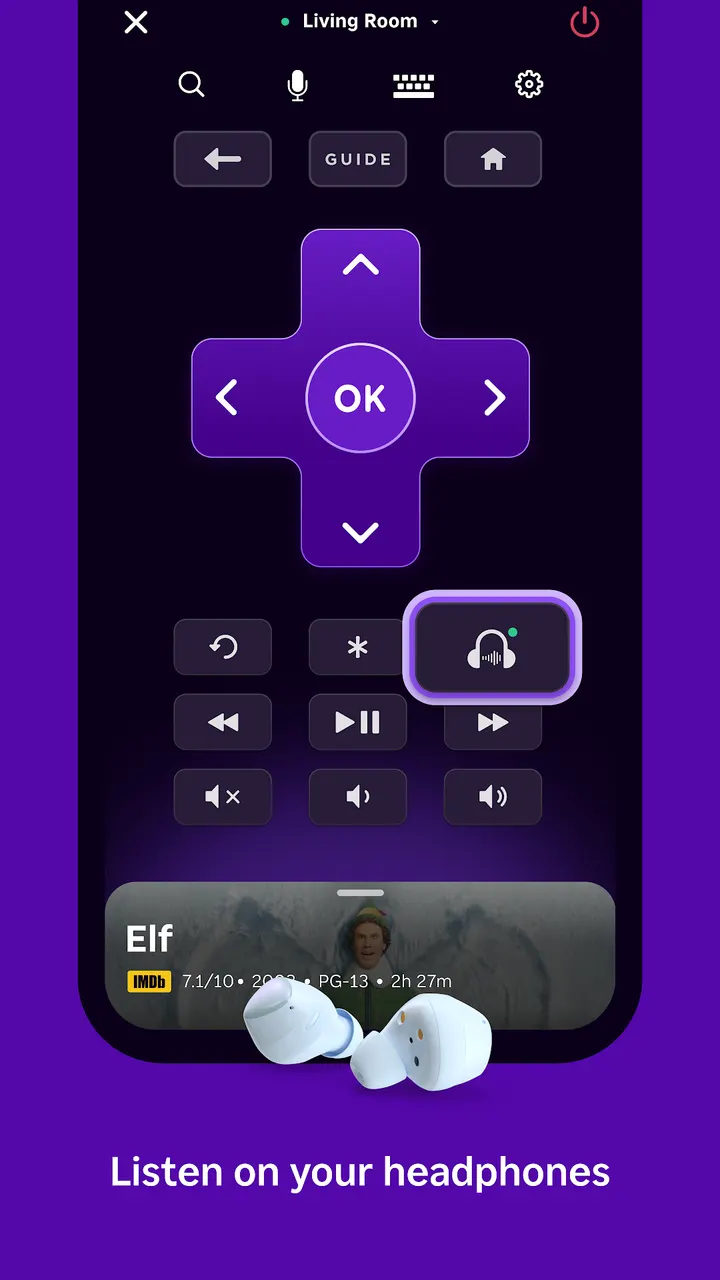
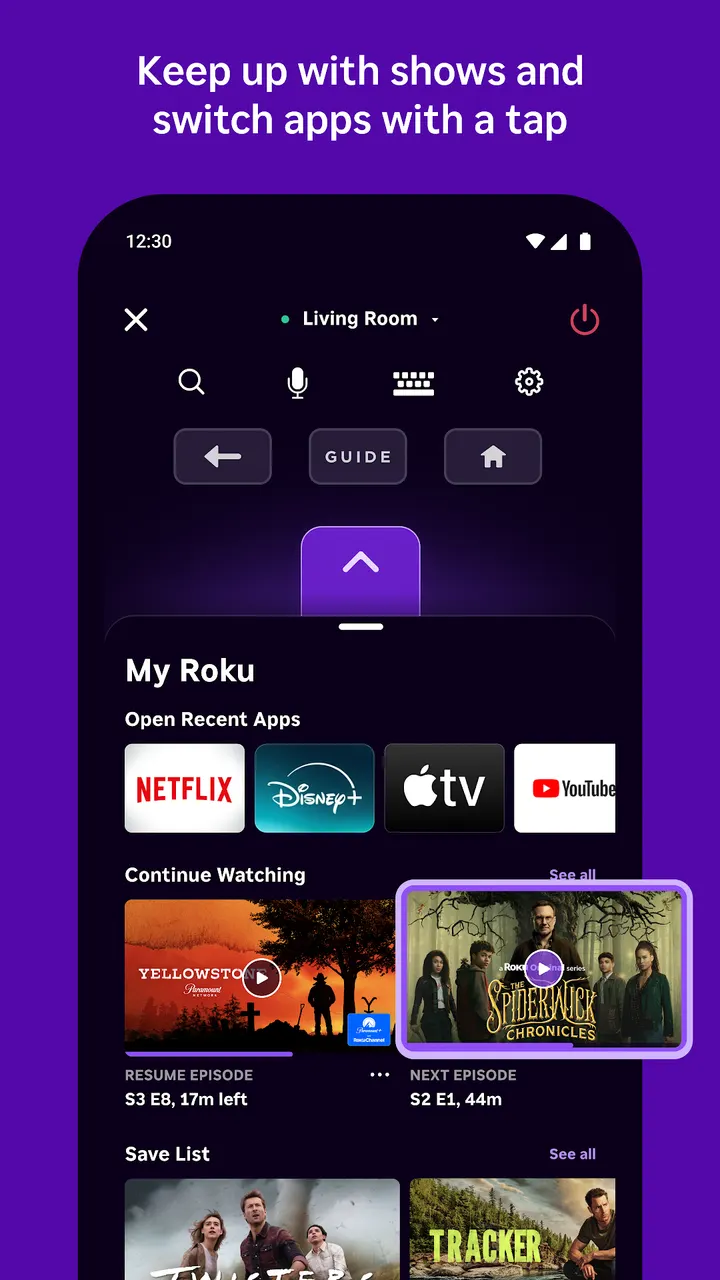
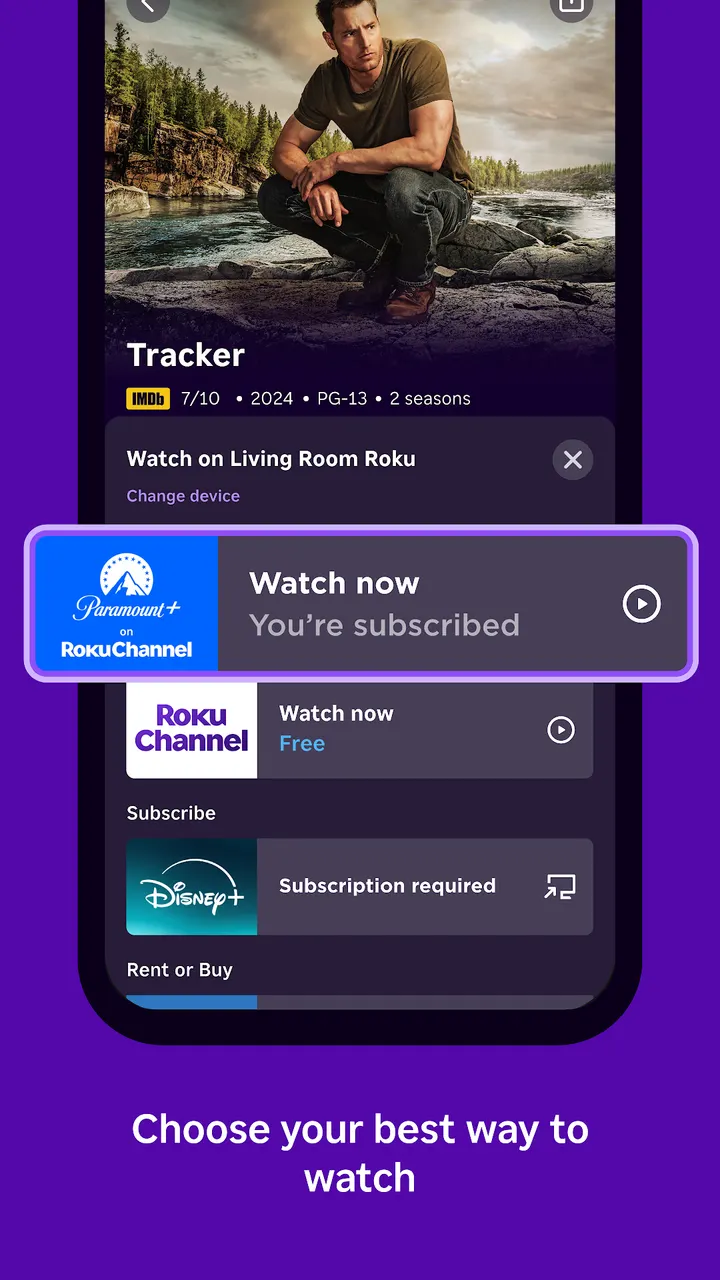
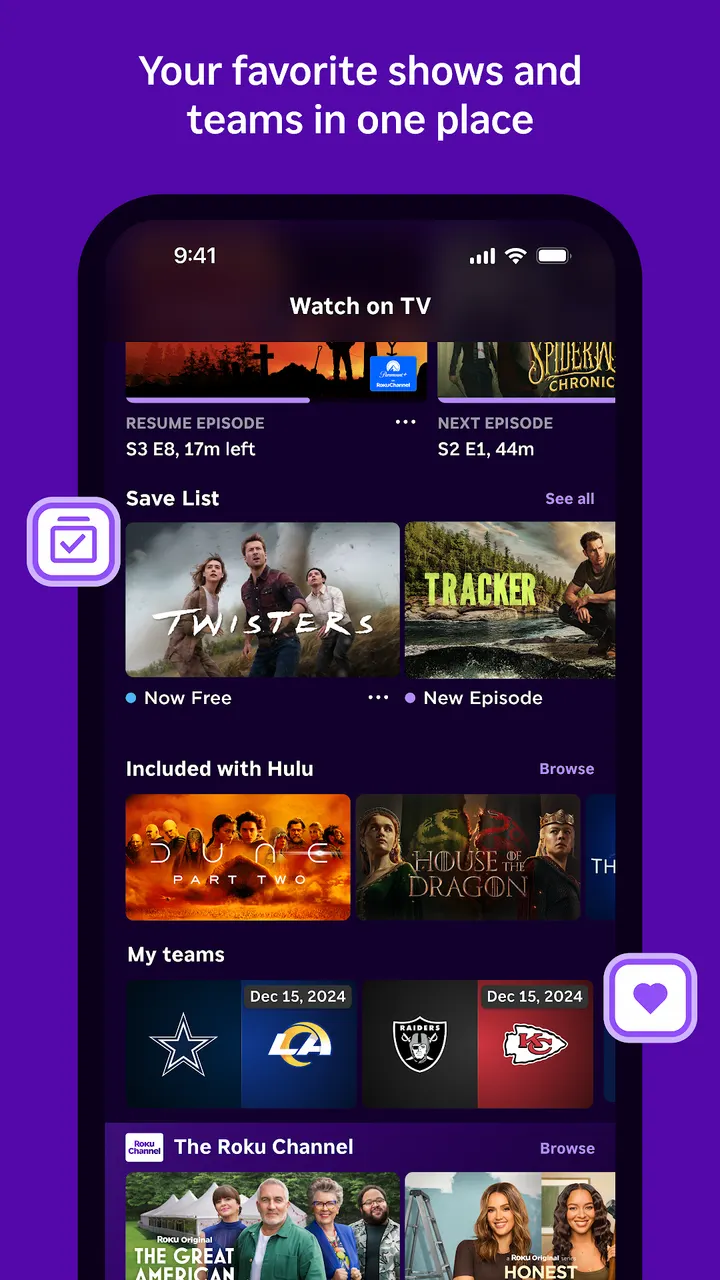
Roku Remote (Official) turns an Android phone into a controller for Roku players and Roku TVs. It offers a full set of remote buttons, voice search, and a phone keyboard for typing search terms, passwords, and Wi-Fi info. Headphones can be plugged into the phone for private listening, and photos and video can be cast to the big screen.
Roku, Inc. and a Play listing dating to 2012
The app comes from Roku, Inc. and its affiliates, which also run the Roku site at roku.com. Its first release was on March 1, 2012, which makes it one of the longer-running remote apps in the tv-remote-apps category.
The current version is 14.1.2.10730047, last updated on September 22, 2026. It is free and carries a Teen content rating.
Keyboard, voice search and private listening
The core is a full remote with the same buttons as a physical Roku remote. Typing is the practical gain: you can enter search terms, passwords and Wi-Fi details on the phone keyboard instead of picking letters from the on-screen grid.
Voice search lets you say what you want to watch. Private listening routes audio to headphones plugged into the phone, so streaming does not disturb others in the house.
The app also casts photos and video from the phone to the TV. You can add apps to a Roku device or launch favorites, and a Free TV section streams free movies and live TV from the phone.
Android 9, same Wi-Fi and regional limits
The app needs Android 9 or newer. For certain features, the phone or tablet must be on the same wireless network as the Roku device. Some features need a compatible Roku device and may ask you to sign in to a Roku account.
Regional limits apply. Voice search works in English in the US, UK and Canada, and in Spanish in Mexico and the US. The Roku Channel can be viewed in the mobile app only in the US and Mexico. Some channels require payment and vary by country.
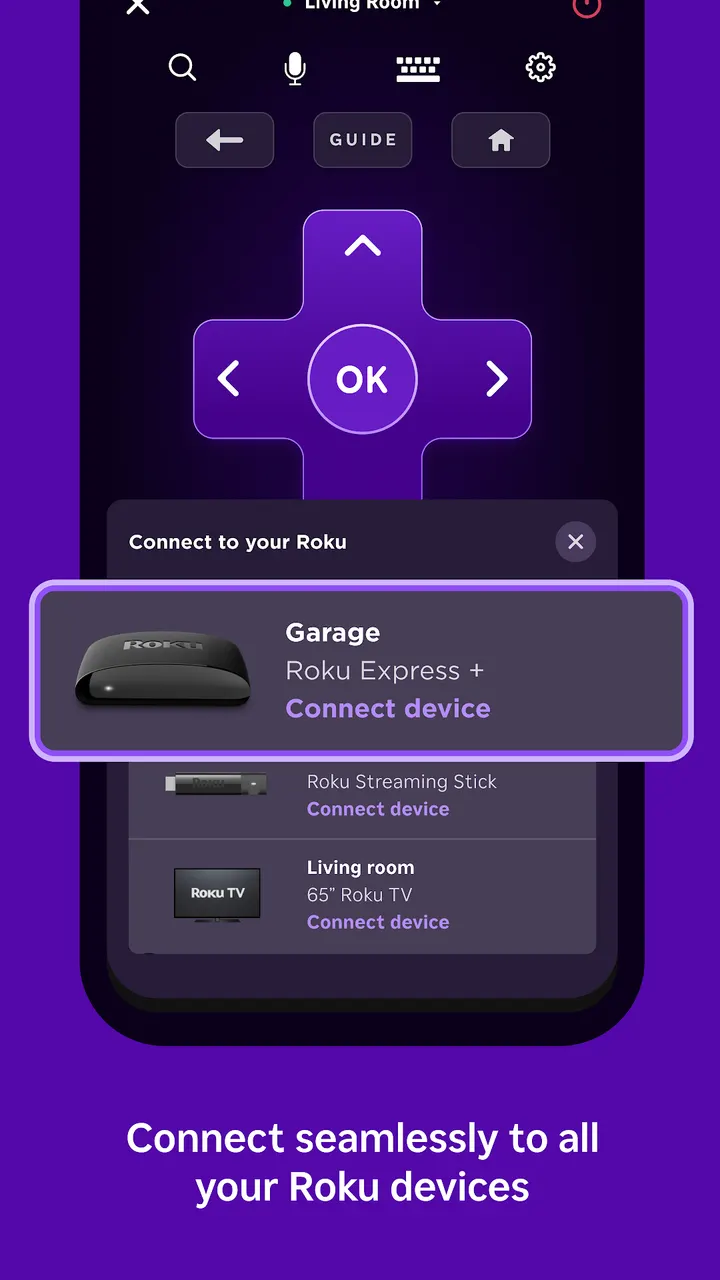
It works with Roku TV models and Roku streaming players.
Roku Remote (Official) pros and cons
Pros
- Free to install, with no in-app purchases listed
- Keyboard input for passwords and Wi-Fi details instead of the on-screen grid
- Private listening through headphones plugged into the phone
- Official app from Roku, Inc. with a 4.7 Google Play rating
- Casts photos and video from the phone to the TV
Cons
- Contains ads
- Voice search is limited to English and Spanish in a few countries
- The Roku Channel in the app is available only in the US and Mexico
- Works only with Roku devices and needs the same Wi-Fi network
Is Roku Remote (Official) safe?
Roku, Inc. and its affiliates publish this app. It is rated Teen, free to use, and has no in-app purchases, though it does show ads. Because it also streams free movies and live TV, parents of younger household members may want to check what the rating covers before handing over the phone.
How to install Roku Remote (Official)
- Press the Google Play button on this page.
- Check the listing in the Play Store and press Install.
- Open Roku Remote (Official) when the install finishes. Updates arrive through Google Play.


