
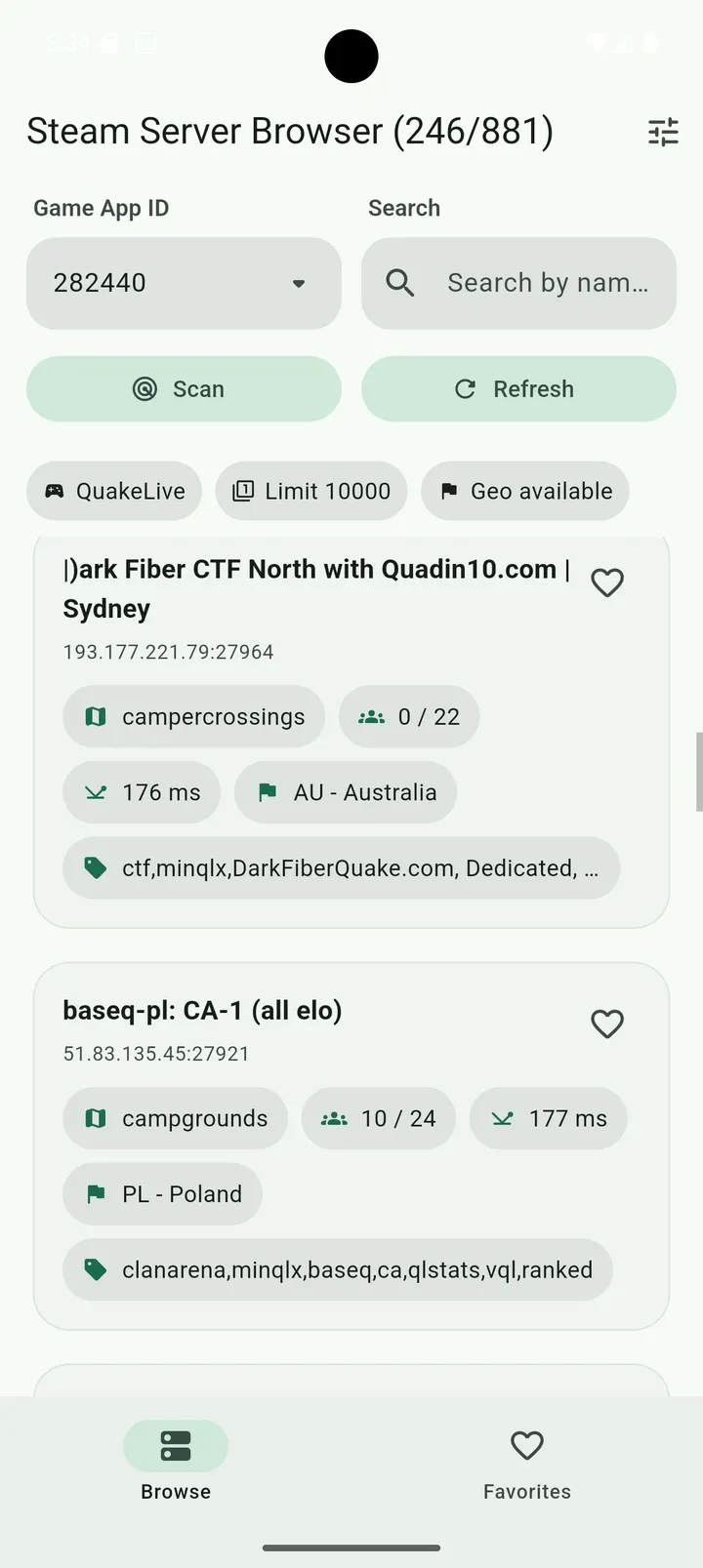

You want to join a game server tonight, but the in-game list is slow and you only care about one map with a low ping. Steam Server Browser is a Flutter port that lets you find Steam servers from an Android phone and check them before you connect. It is free, carries no ads, and the source code is public under the GPL-3.0-only license.
Who a server list on your phone suits
The app is built for players who run or join community servers for Steam games that answer A2S queries. It also suits server admins who want to check a server's state while away from a PC. The developer, surf5726, keeps the focus on server discovery rather than chat, accounts or stores.
It needs Android 7.0 or newer and takes 27.2 MB. Version 1.0.6 was updated on August 31, 2026, and the first release dates to April 29, 2026.
A2S queries, favorites and filters in practice
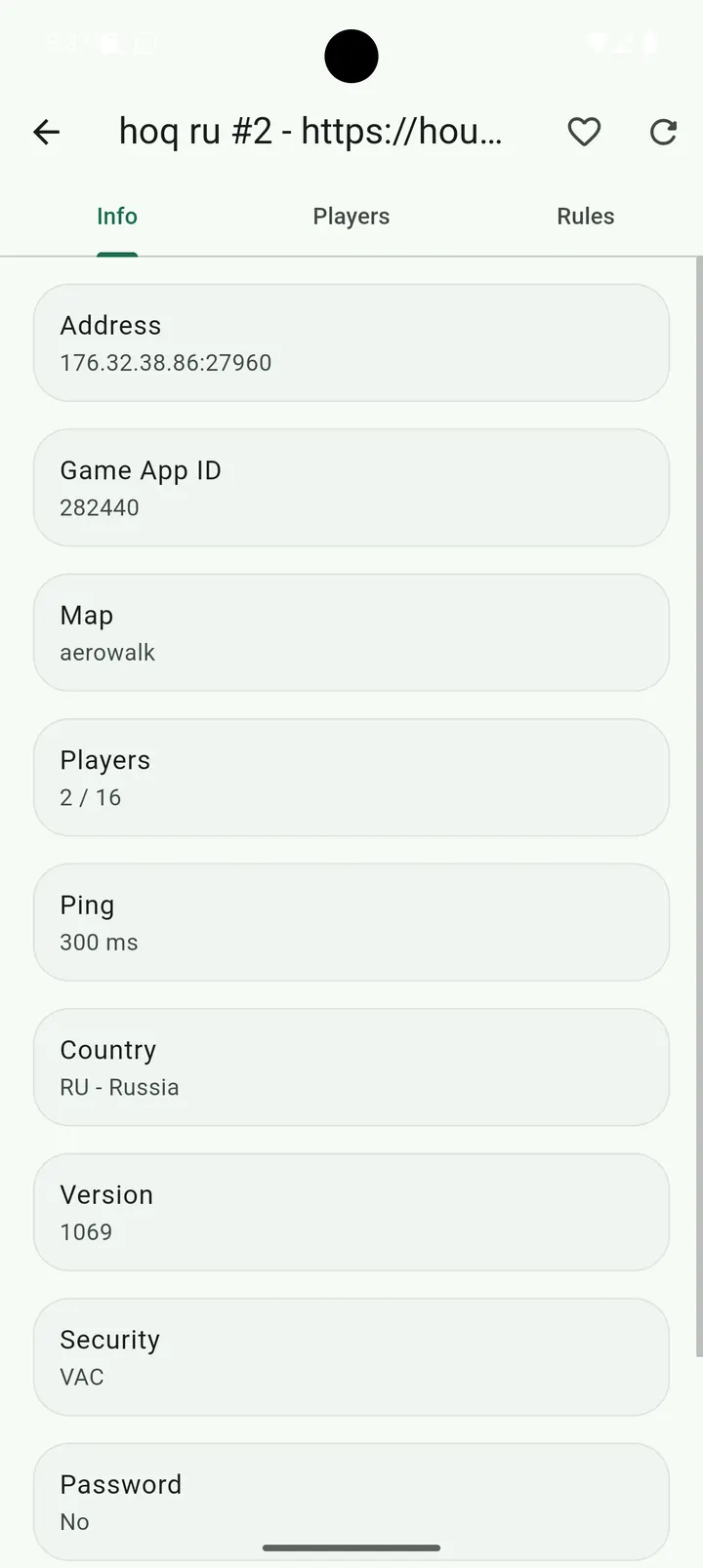
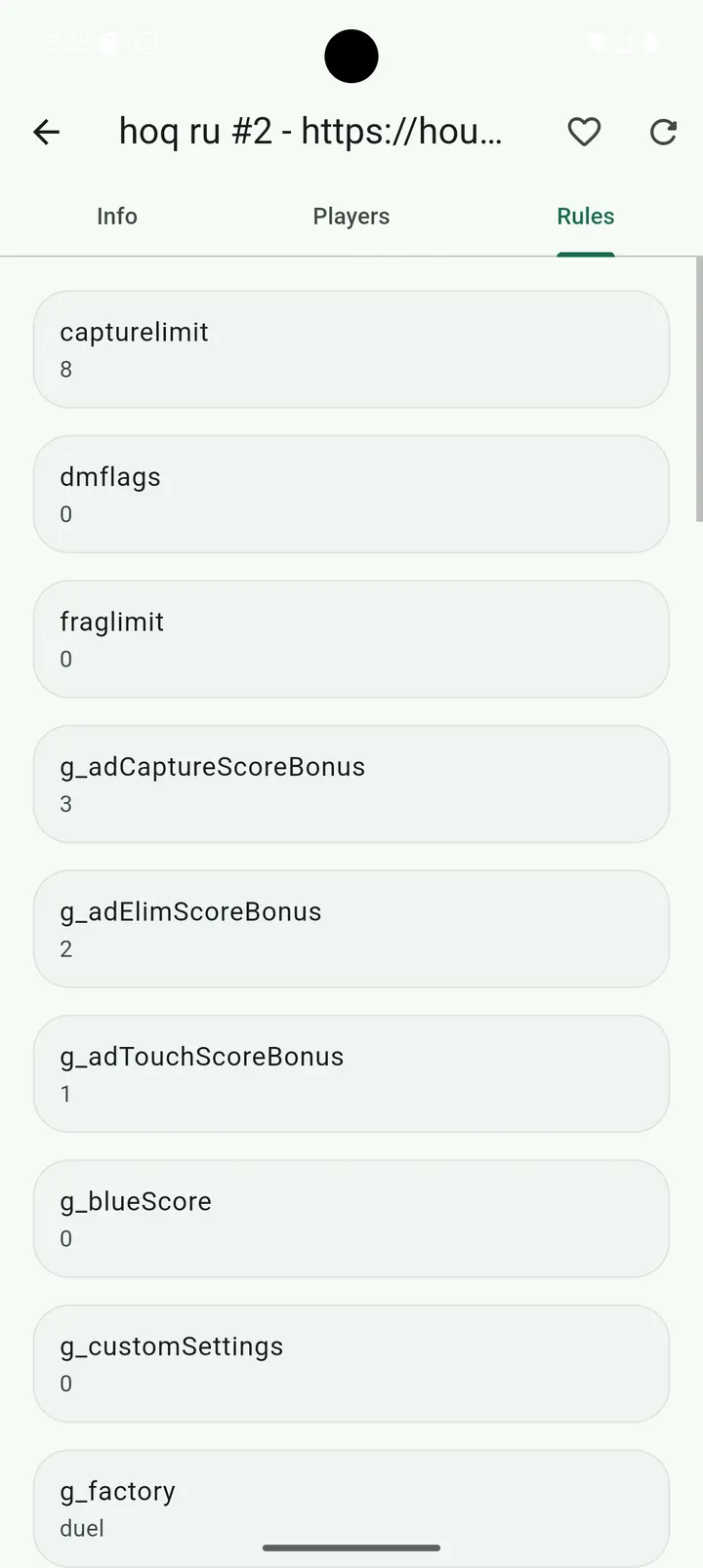
Server lists come from the Steam master server through the Steam Web API. For each server the app can query live A2S_INFO, A2S_PLAYER and A2S_RULES data, which covers basic server details, the player list and the server's rules.
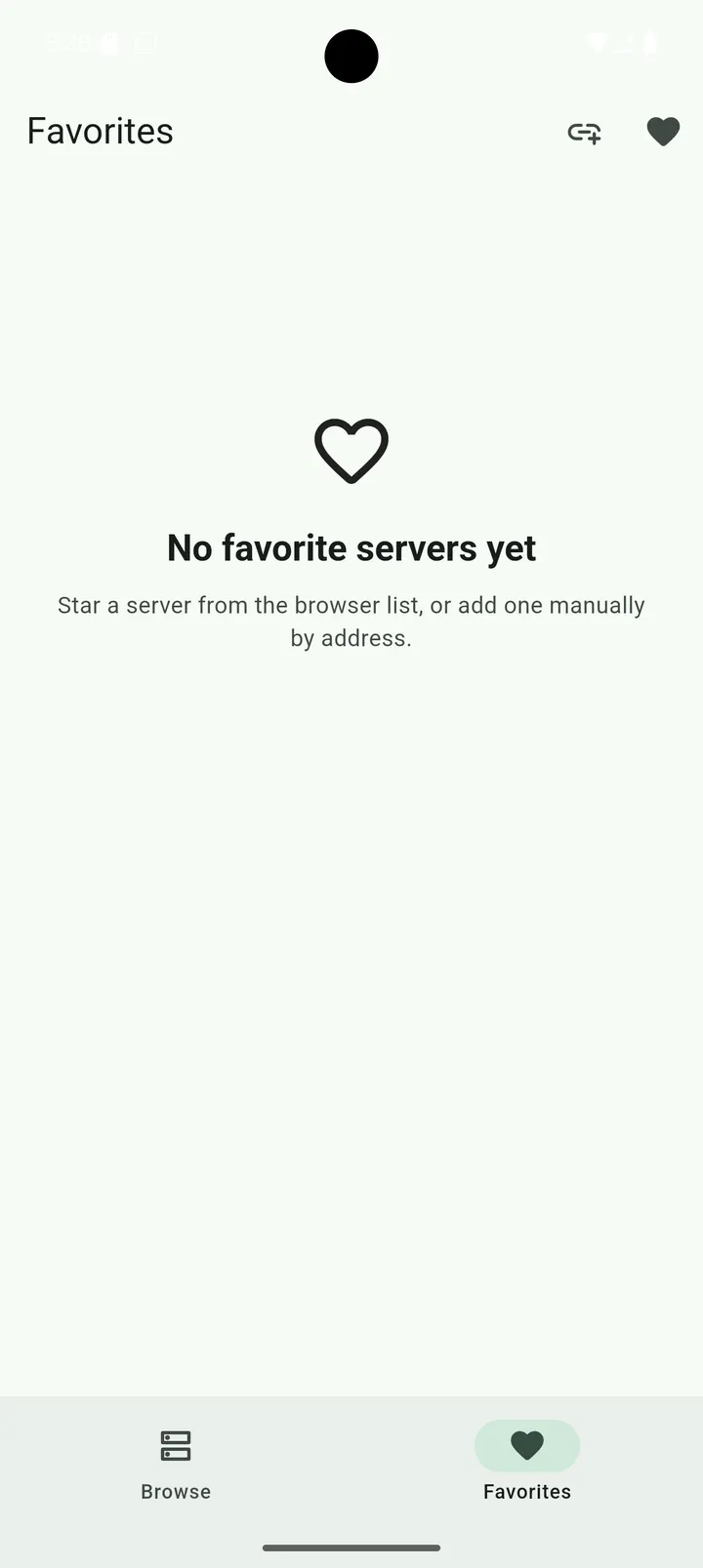
Once a list is loaded, you can refresh it without requesting a new master list. You can also save favorites and type in an IP:port entry by hand, which helps for servers that do not appear in master results.
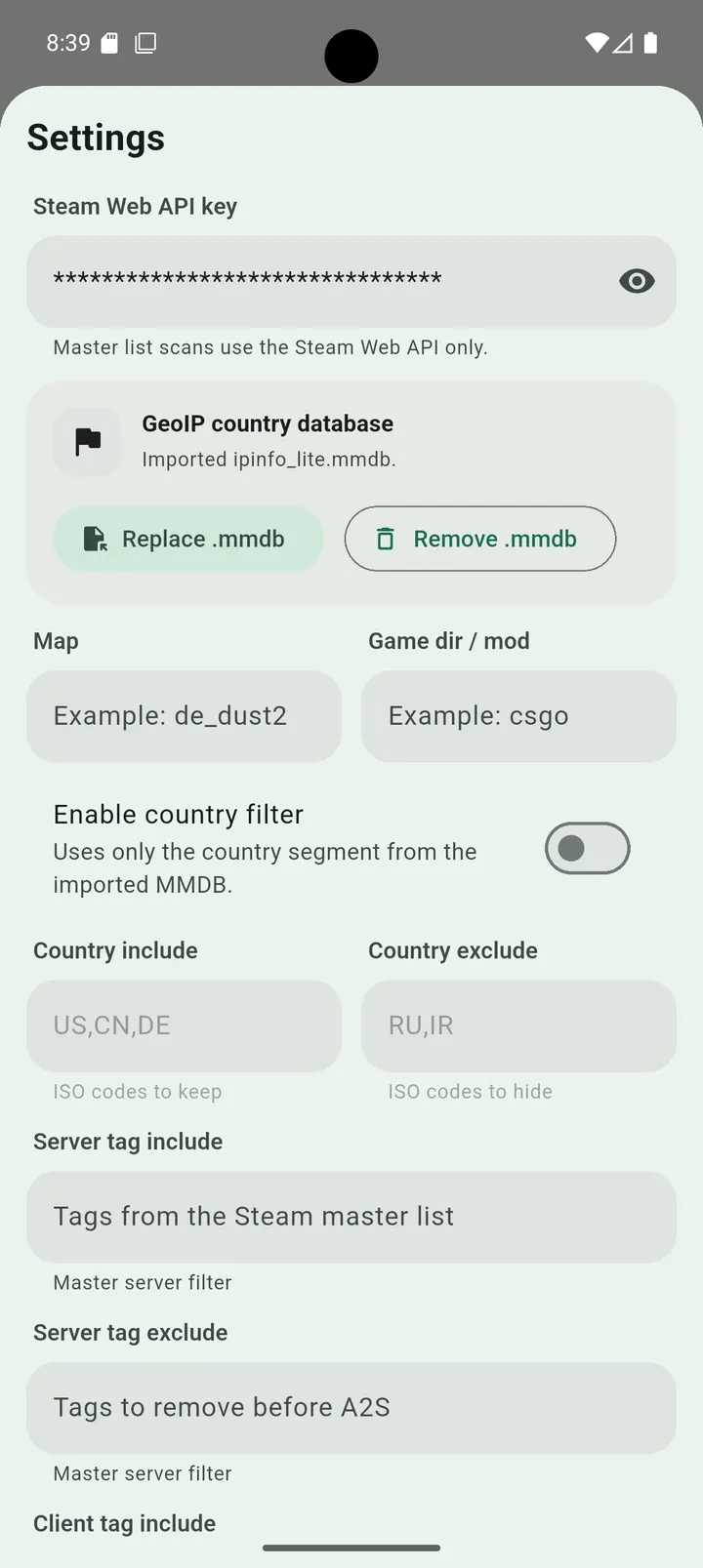
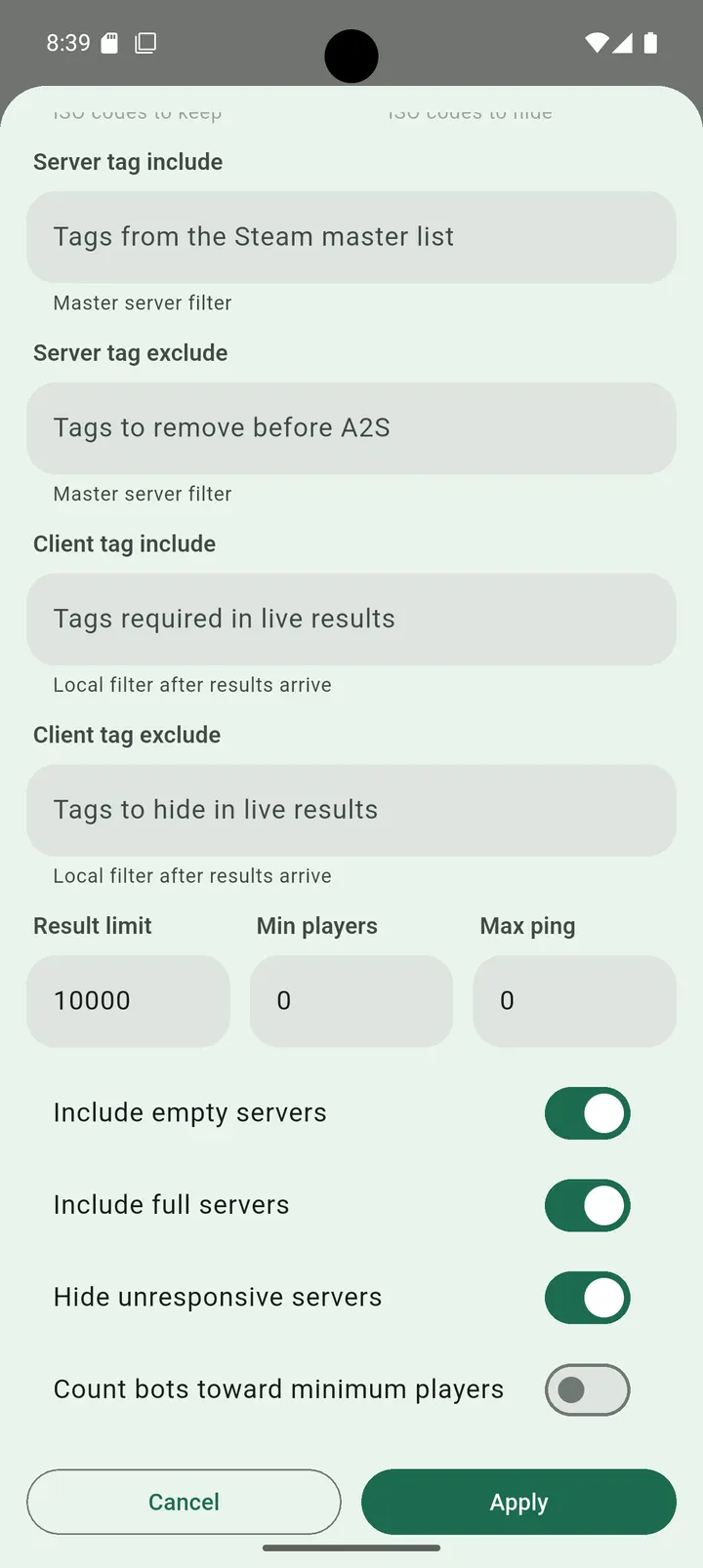
Filtering works on map, tags, ping, players and countries, plus local search text. That combination covers the scenario of finding a specific map with a decent ping.
The MMDB country database is not included
Country lookup depends on an optional MMDB database that you import yourself. The app does not bundle one, so geo features stay disabled until you add a file. Country filtering is therefore unavailable on a fresh install.
The app is free, with no in-app purchases and no ads.
Steam Server Browser pros and cons
Pros
- Free, with no ads
- Open source under GPL-3.0-only, with a public GitHub repository
- Live A2S_INFO, A2S_PLAYER and A2S_RULES queries
- Filters for map, tags, ping, players and countries
- Manual IP:port entries and saved favorites
Cons
- Country lookup stays off until you import an MMDB database yourself
- Requires Android 7.0 or newer
- Server lists depend on the Steam Web API
Is Steam Server Browser safe?
The file is unmodified, and its SHA-256 checksum is 72e12262d9a6a39d9dc452a1be25963c3cf43495d538467c761676413f9cfd3b, so you can compare it with your download. The license is GPL-3.0-only and the source is public on GitHub, so the code can be inspected. There are no ads. Country lookup stays off until you import your own MMDB database, since the app does not bundle one.
How to install Steam Server Browser
- Download the APK with the button on this page and wait for it to finish.
- Compare the file with the SHA-256 checksum shown here if you want to confirm it arrived intact.
- Open the file on your phone and allow installs from this source when Android asks.
- Finish the install, then open Steam Server Browser from your app drawer.


