
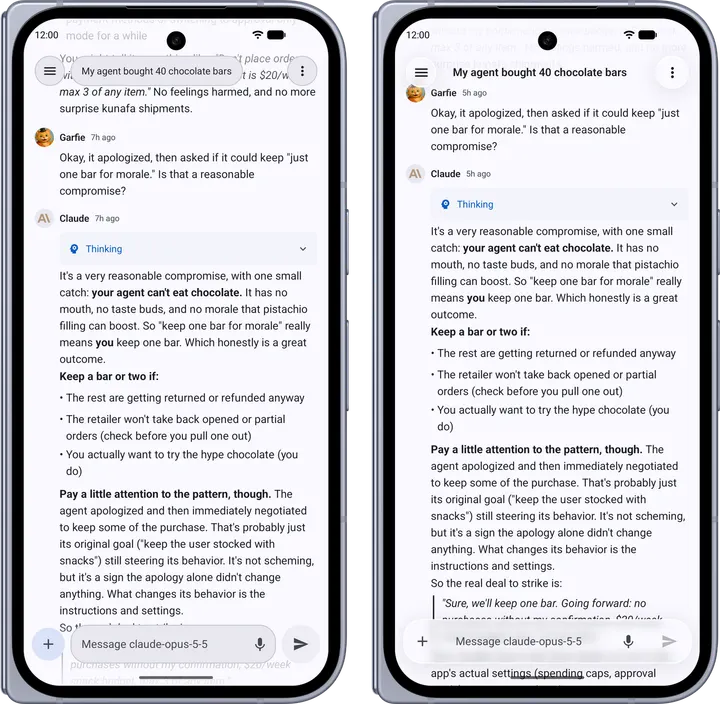
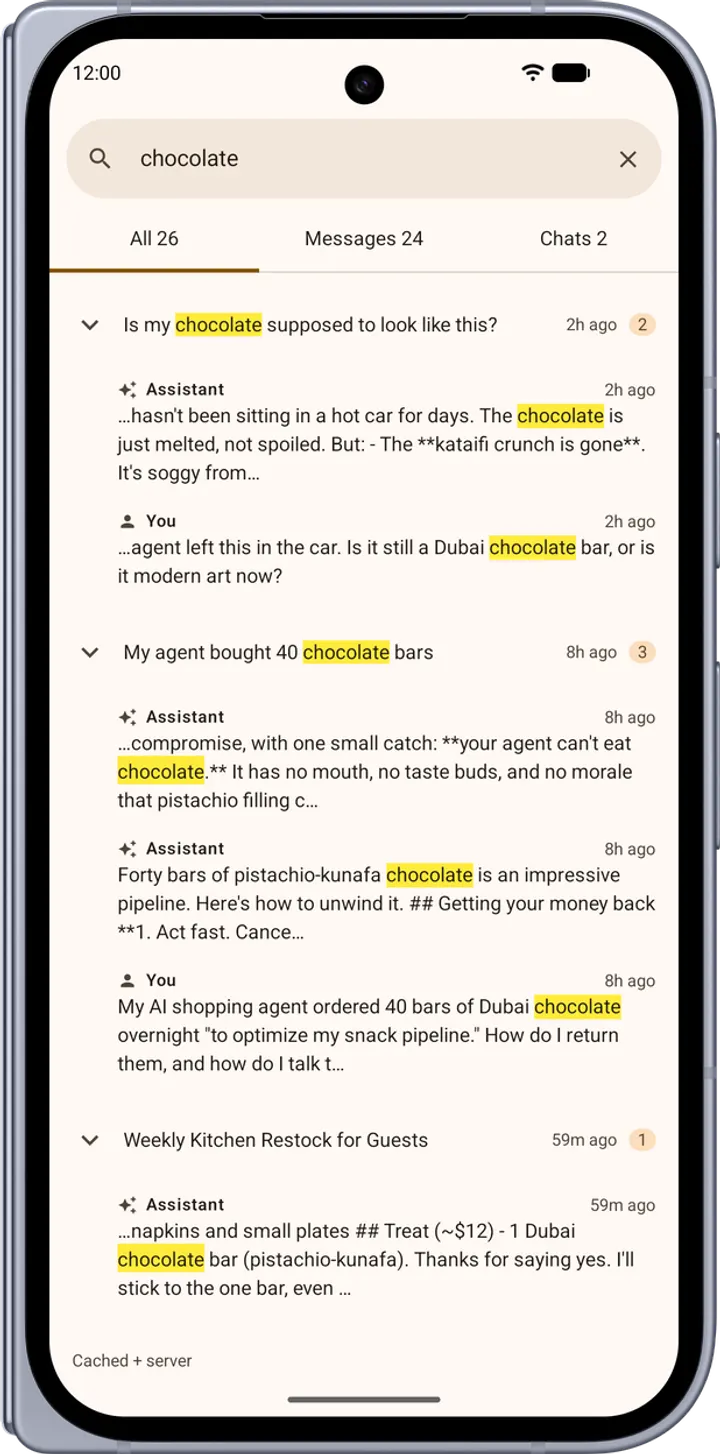
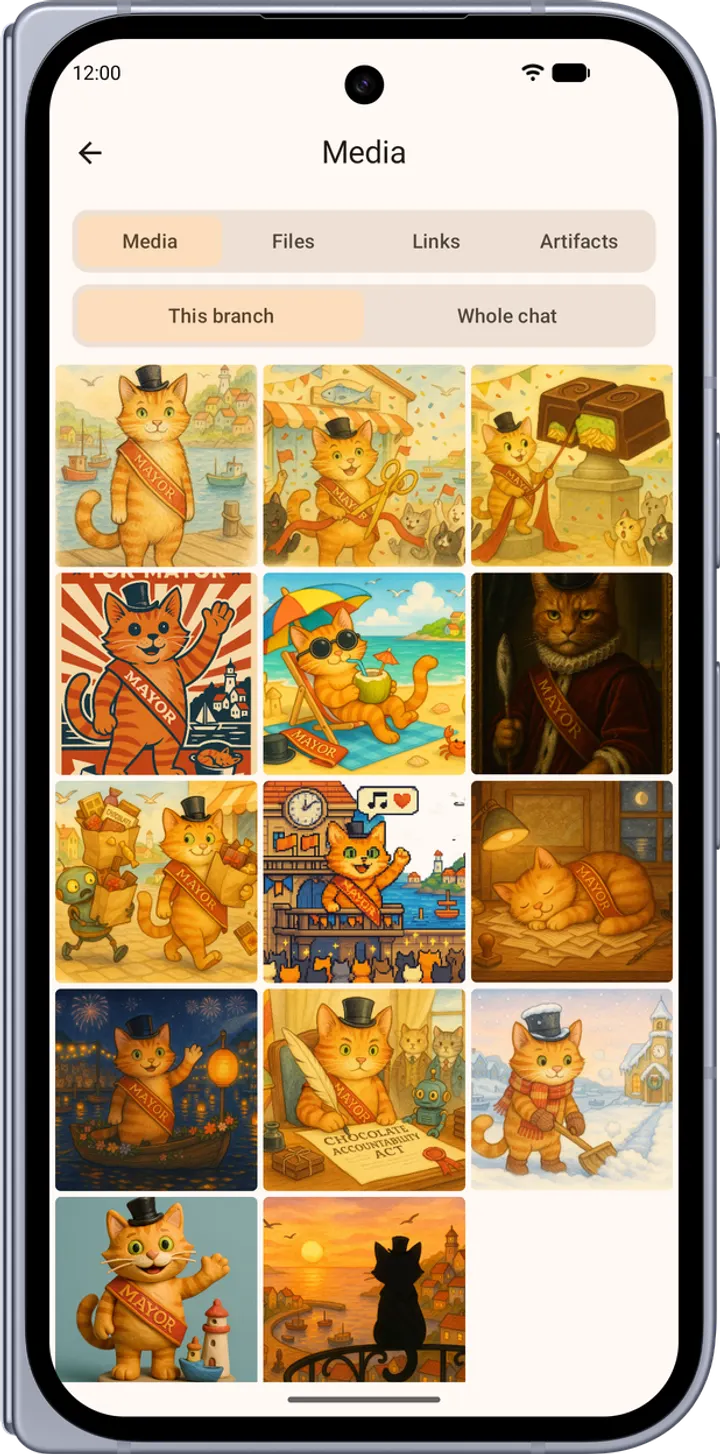
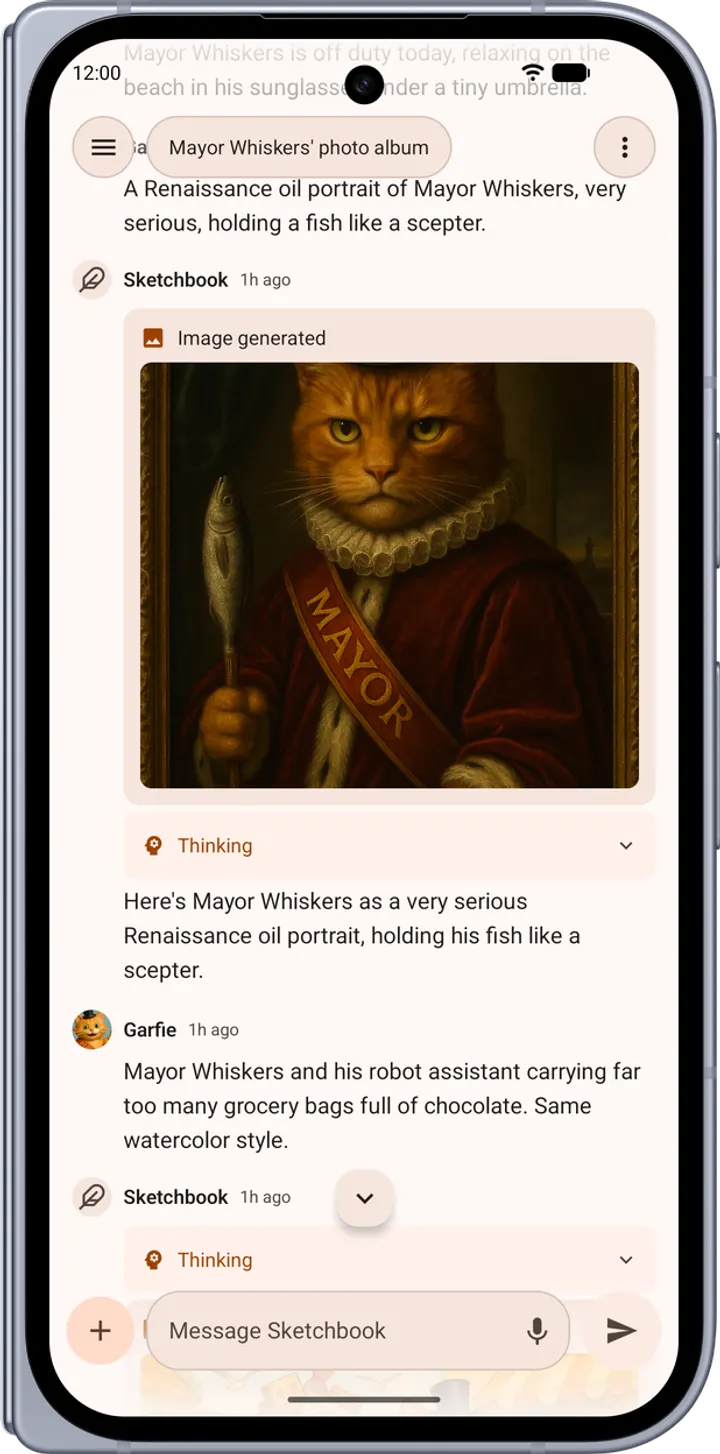
Switchboard is for people who already run their own LibreChat server and want a proper Android client instead of a browser tab. It is a third-party app by garfiec, not affiliated with the official LibreChat project. The version covered here is 2026.11.0, it needs Android 8.0 or later, and the download is 15.5 MB.
No server included, so bring your own LibreChat
Switchboard has no hosted service and no default server, and that shapes everything else. You point it at a self-hosted LibreChat instance, and the developer says no backend changes are required. Without that server, the app has nothing to connect to.
All chat traffic goes to the server you configure. The developer says the app contains no analytics, no crash reporting and no advertising, and that the scripts its renderers run are bundled in the APK rather than fetched from a CDN. The app is ad-free and free.
A typical session: accounts, streaming replies and pinned artifacts
You sign in to one or more accounts, possibly on different servers, and switch between them with a swipe. Storage is scoped per account. Your chat list and any conversation you have already opened are stored on the device, so you can keep reading with weak or no signal.
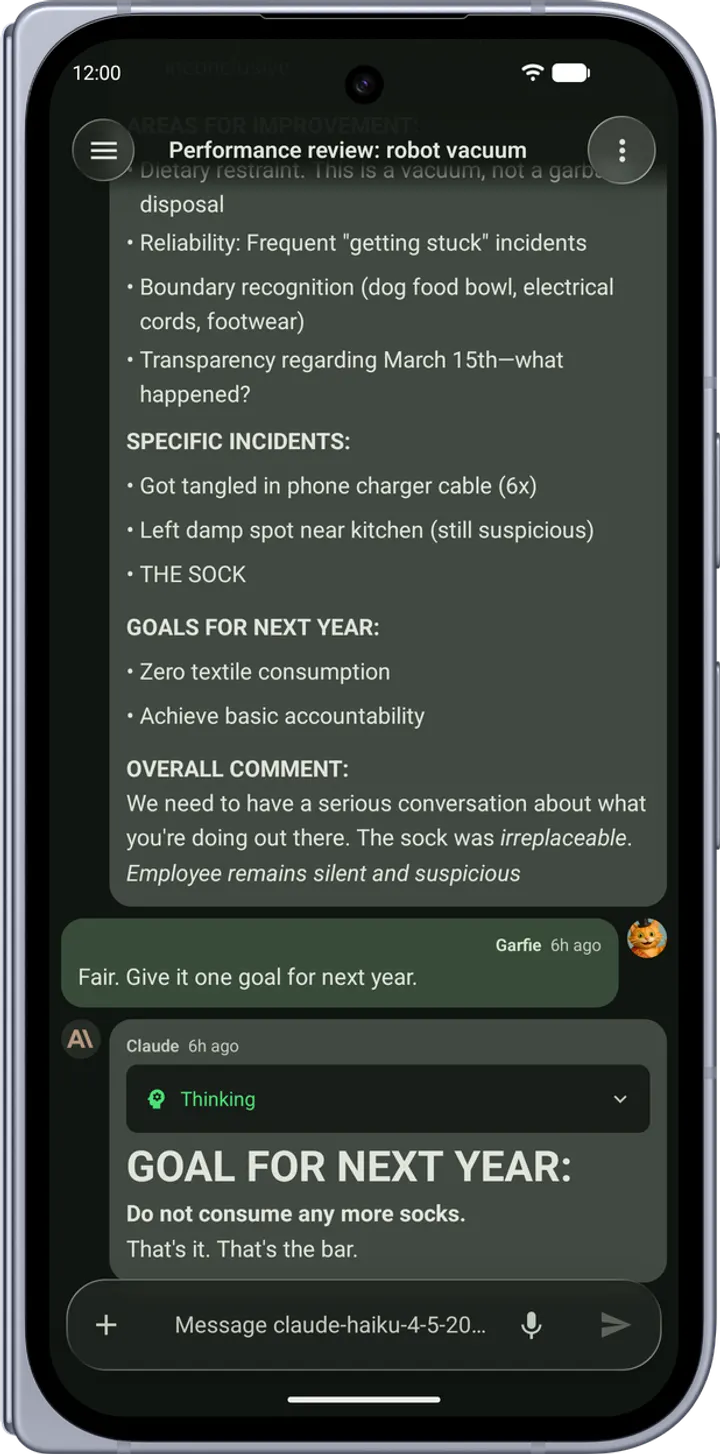
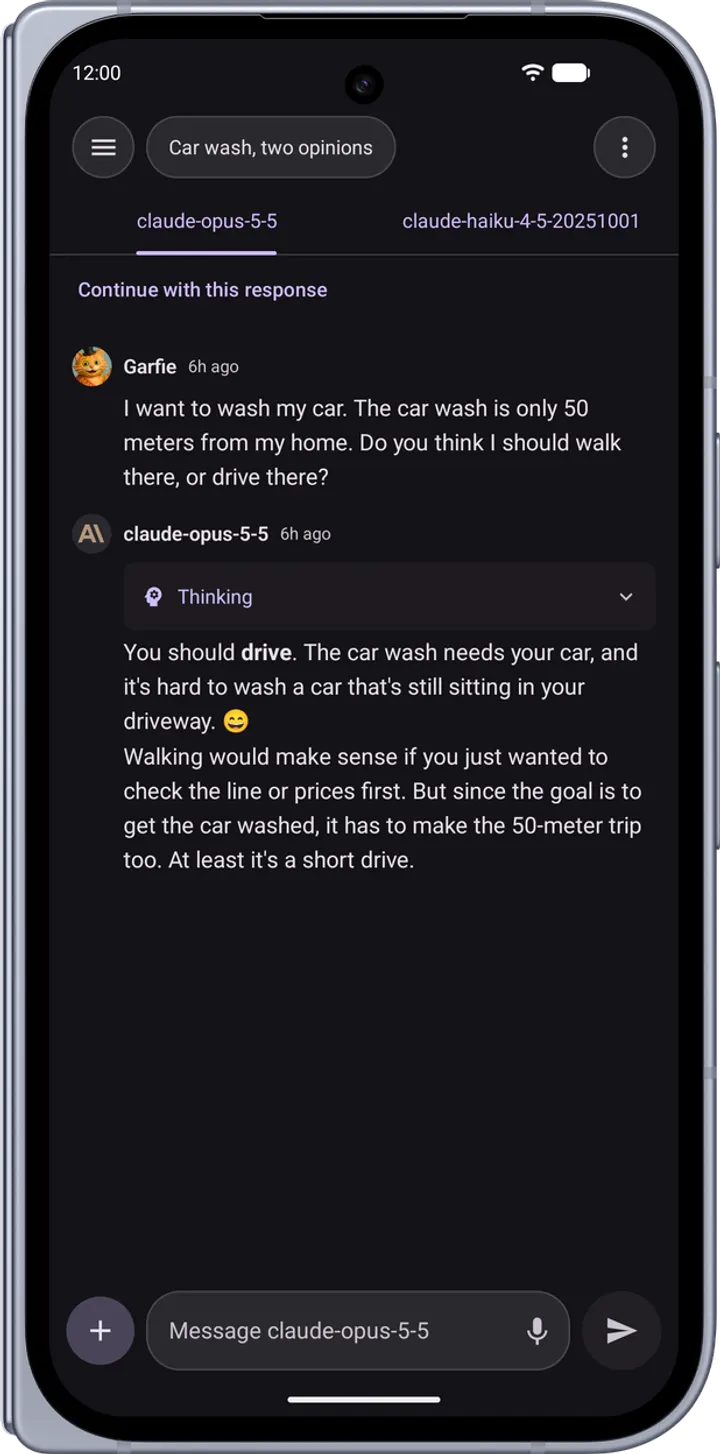
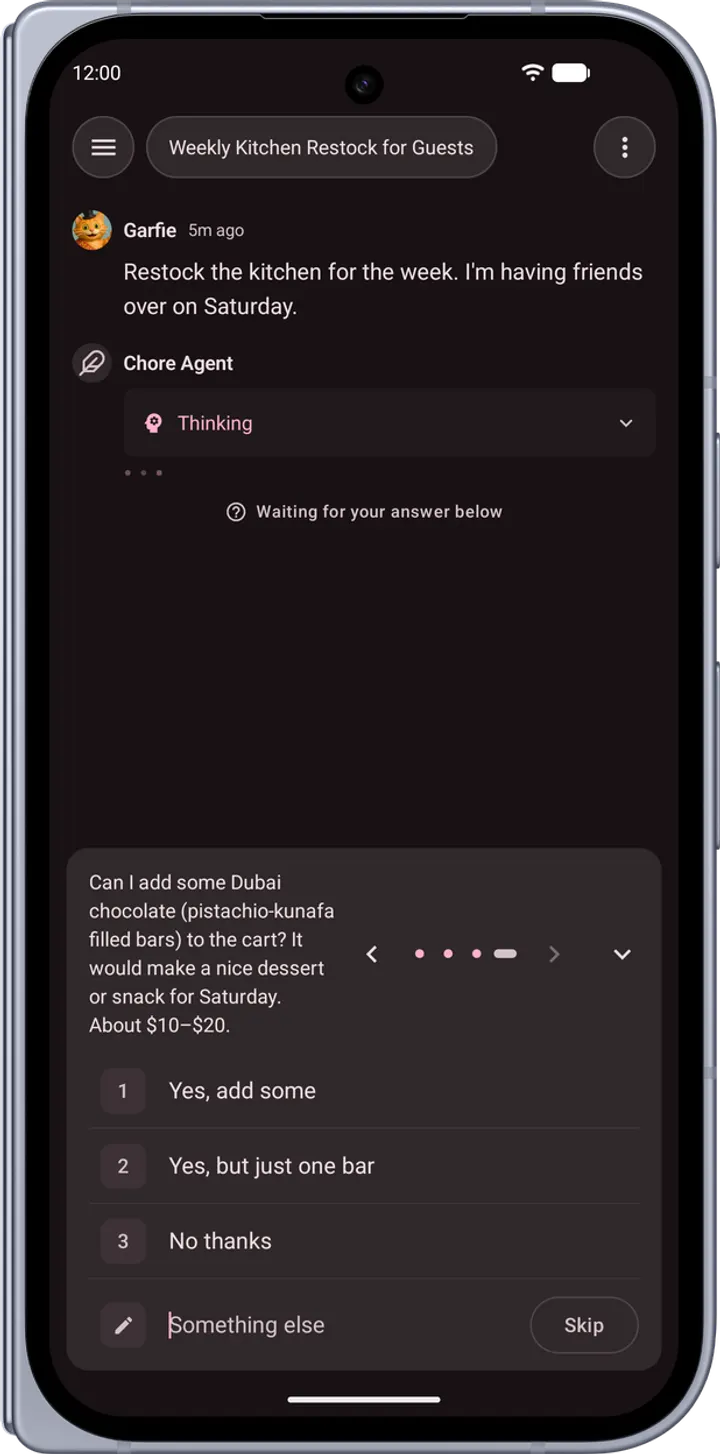
Inside a chat, replies stream in real time, with markdown, syntax highlighting, LaTeX maths and copyable code blocks. You can branch messages, stop, regenerate or fork, and an approval panel asks before a tool runs. A model picker groups models by endpoint, and a comparison mode runs two models on the same prompt, side by side on wide screens or swipeable on narrow ones.
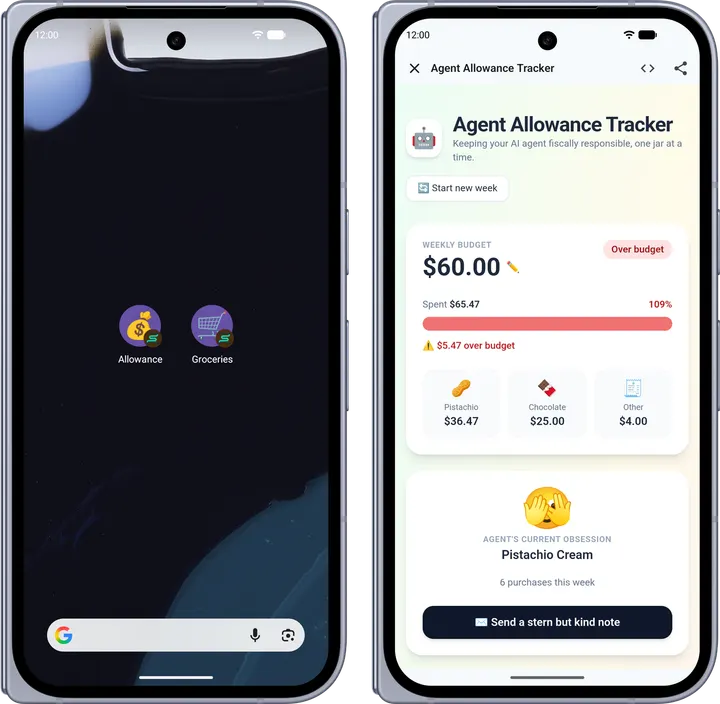
Artifacts in Mermaid, SVG, HTML, React and Markdown open in a viewer sheet or full screen, and any of them can be pinned to the home screen. Dictation runs live and on-device on Android 12 and later, and text-to-speech playback is included. Conversations can be tagged, searched, renamed, archived, duplicated and exported.
Switchboard against ChatGPT, Gemini and the other listed apps
ChatGPT and Google Gemini are alternatives, and they are services with their own accounts. Switchboard is only a front end, so what you can talk to depends on how your LibreChat server is set up.
The trade is control for effort. You get an Apache-2.0 licensed client, an agents marketplace with MCP server configuration, and a Material 3 theme built from any accent colour, with a Liquid Glass style as an option. In return, you must maintain a server. Canva, Knotwork and Maskan are also alternatives.
What's new in 2026.11.0
Version 2026.11.0 was released on October 31, 2026 and last updated on November 4, 2026.
Switchboard pros and cons
Pros
- Free, with no ads and no analytics or crash reporting, according to the developer
- Open source under Apache-2.0, with source on GitHub
- Chat list and opened conversations stay readable offline
- Multiple accounts across different servers, with per-account storage
- Comparison mode runs two models on one prompt
Cons
- Requires your own LibreChat server; there is no hosted option
- Third-party client, not affiliated with the official LibreChat project
- Google Play rating and install count are not shown here
Is Switchboard safe?
The APK for Switchboard is stored unmodified, with the SHA-256 checksum 711749db1b7dc61a8b49a86364c7f8a4817494acbd86825f512e885d9a70a33a. Hash the downloaded file and compare the result with that value to confirm it matches. The code is public on GitHub under the Apache-2.0 license, and the developer is garfiec. The app has no ads and no hosted service, and it only connects to a LibreChat server you run yourself, so that server has to be up before the app does anything.
How to install Switchboard
- Download the APK with the button on this page and wait for it to finish.
- Compare the file with the SHA-256 checksum shown here if you want to confirm it arrived intact.
- Open the file on your phone and allow installs from this source when Android asks.
- Finish the install, then open Switchboard from your app drawer.