
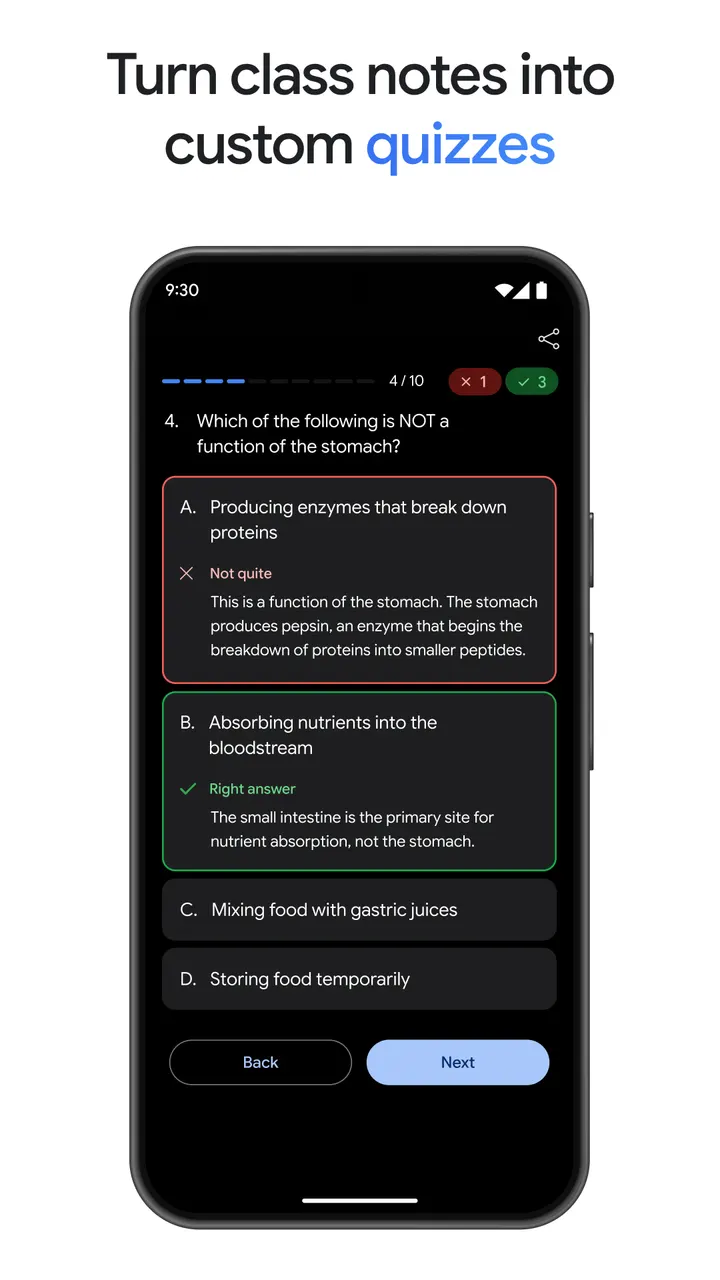
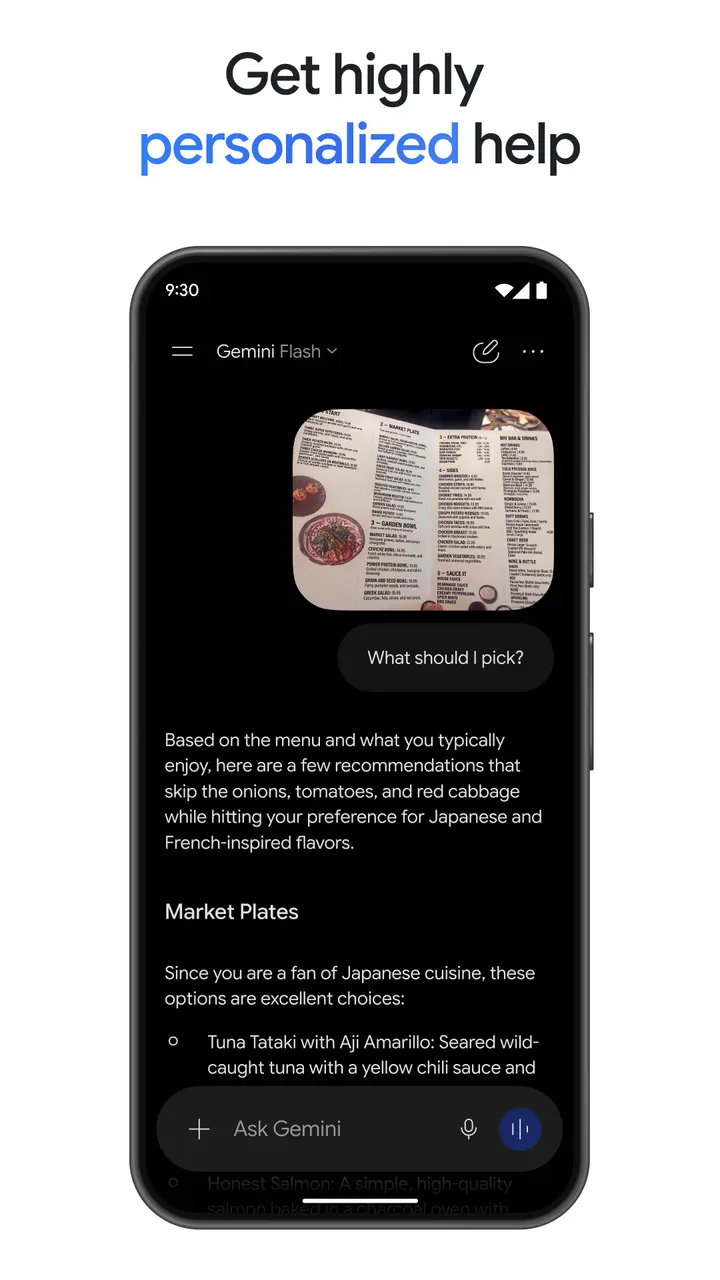
You are on a commute and want to turn a pile of class notes into a practice quiz, or ask about something your camera is pointing at. Google Gemini, published by Google LLC, handles both from one chat screen. The Android app has over 1 billion installs on Google Play and needs Android 9 or later.
Free to install, with paid plans for video
Installing Gemini from Google Play is free, and the app shows no ads and offers no in-app purchases.
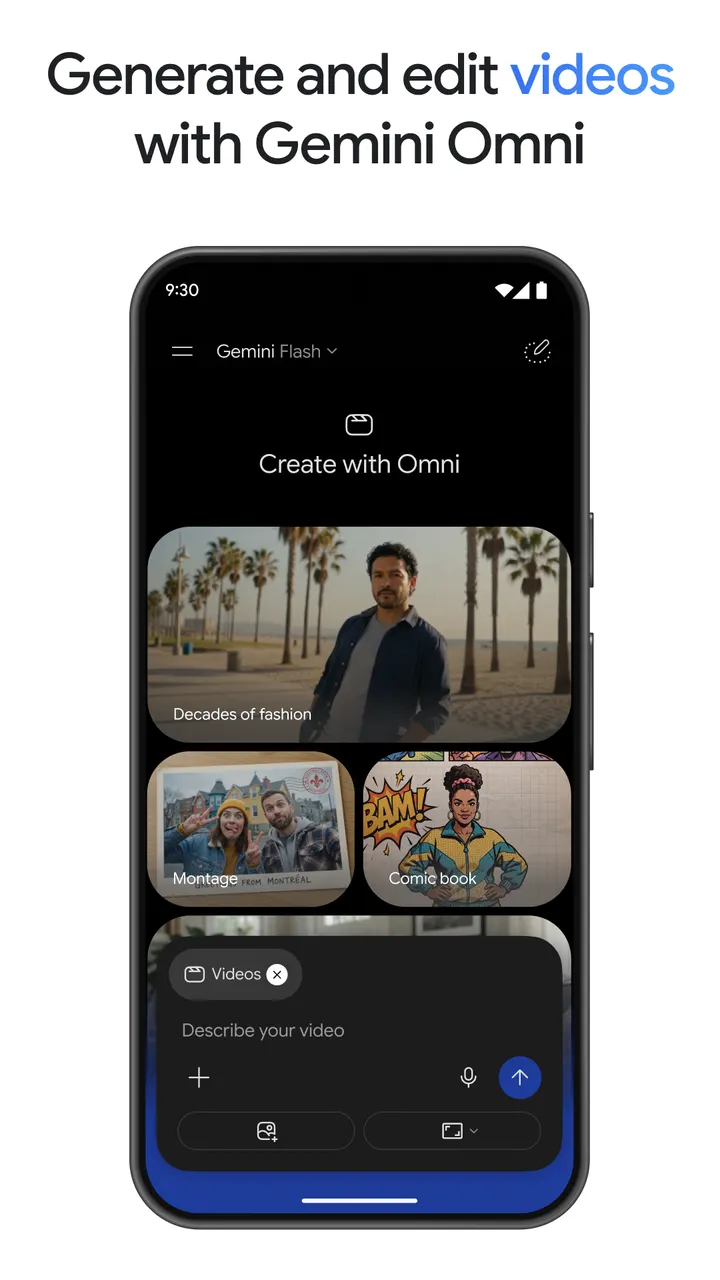
More capable plans exist outside the install itself. Google AI Plus, Pro and Ultra plans help with more complex tasks and projects. Cinematic video creation with Gemini Omni is reserved for Google AI Plus, Pro, Ultra and Workspace users, so it is not part of the free app.
Gemini Live, Google app links and file uploads
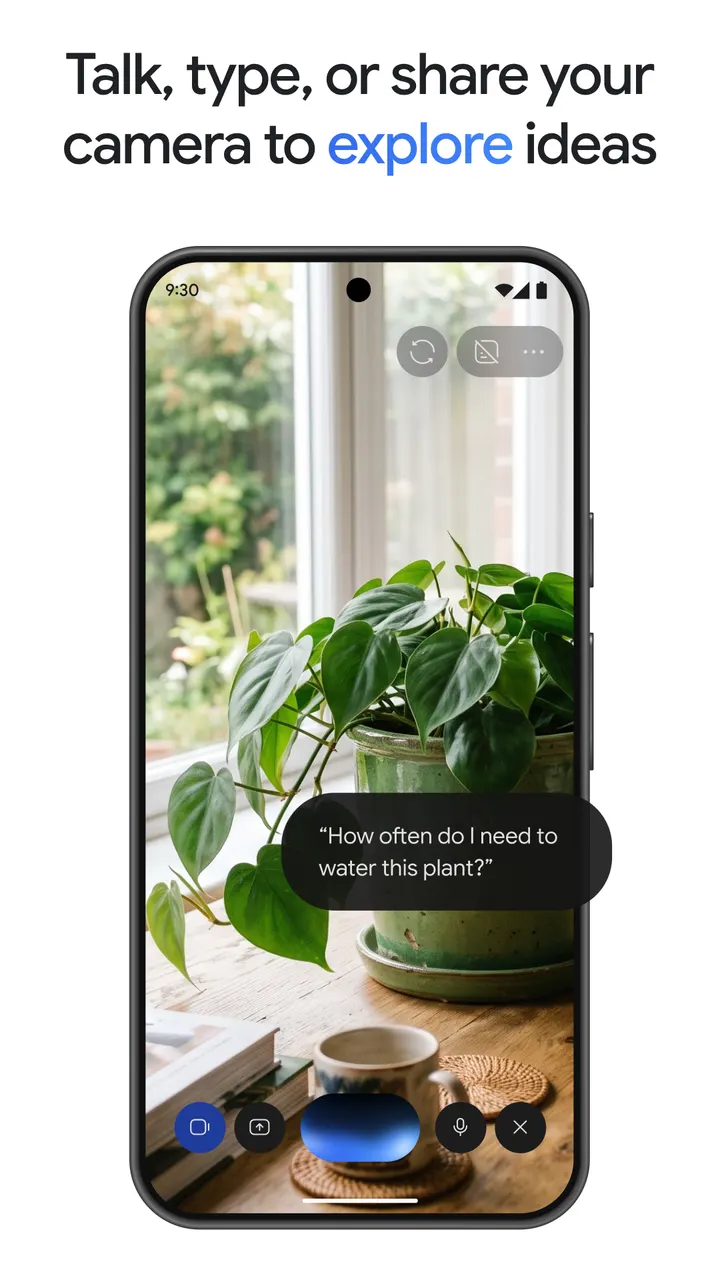
Gemini Live is the conversational mode. You can brainstorm in real time or share your screen or camera and talk about what you see.
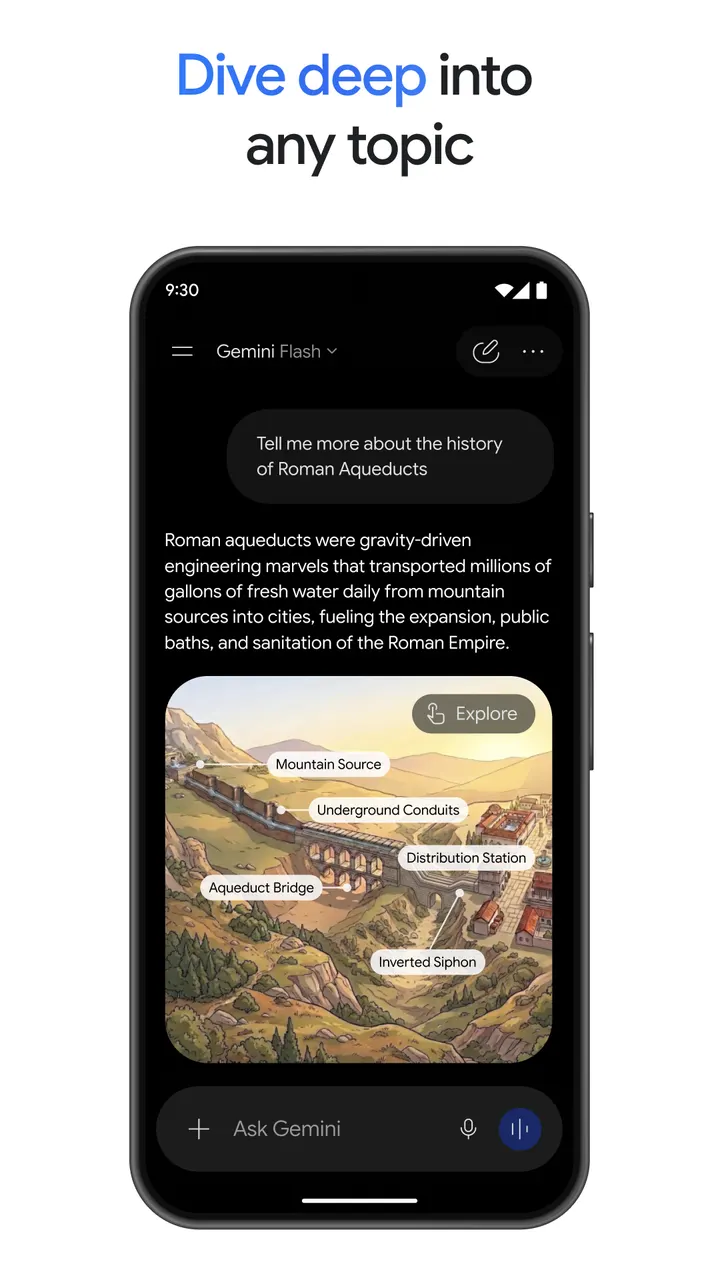
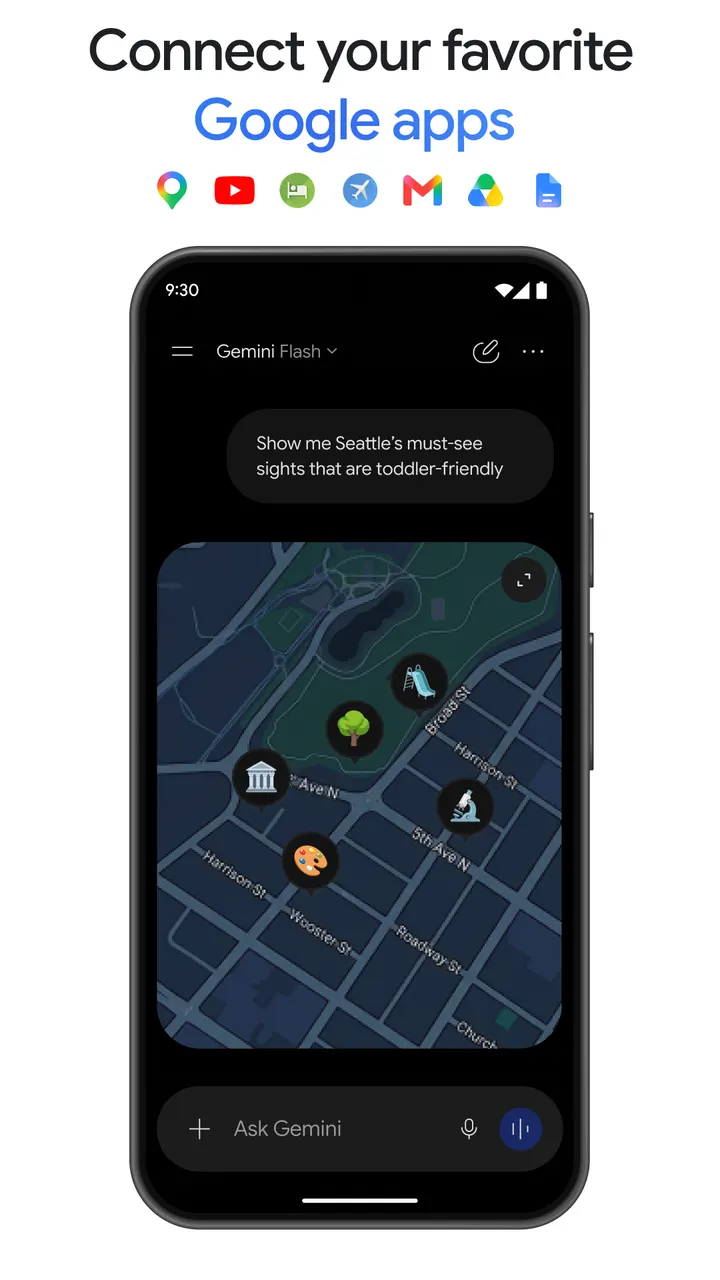
The app can also connect to Gmail, Calendar, Google Photos, YouTube and Search for more personal answers. You can upload documents, spreadsheets, photos and videos and ask for answers, summaries or insights about them. Responses may include interleaved images, timelines and interactive visuals rather than plain text alone.
One point to check before installing: if you opt in, Gemini replaces Google Assistant as the main assistant on the phone. Some Assistant voice features are not available in Gemini yet, and you can switch back in settings.
Photos, soundtracks, study tools and prototypes
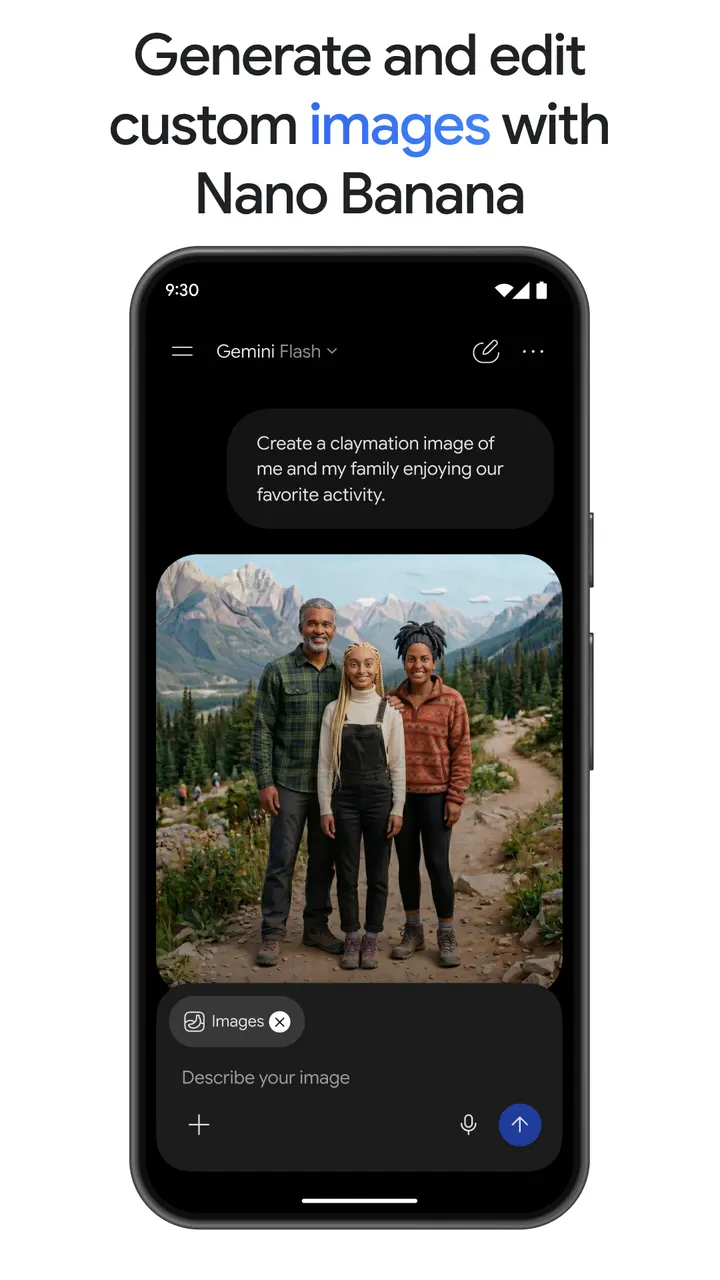
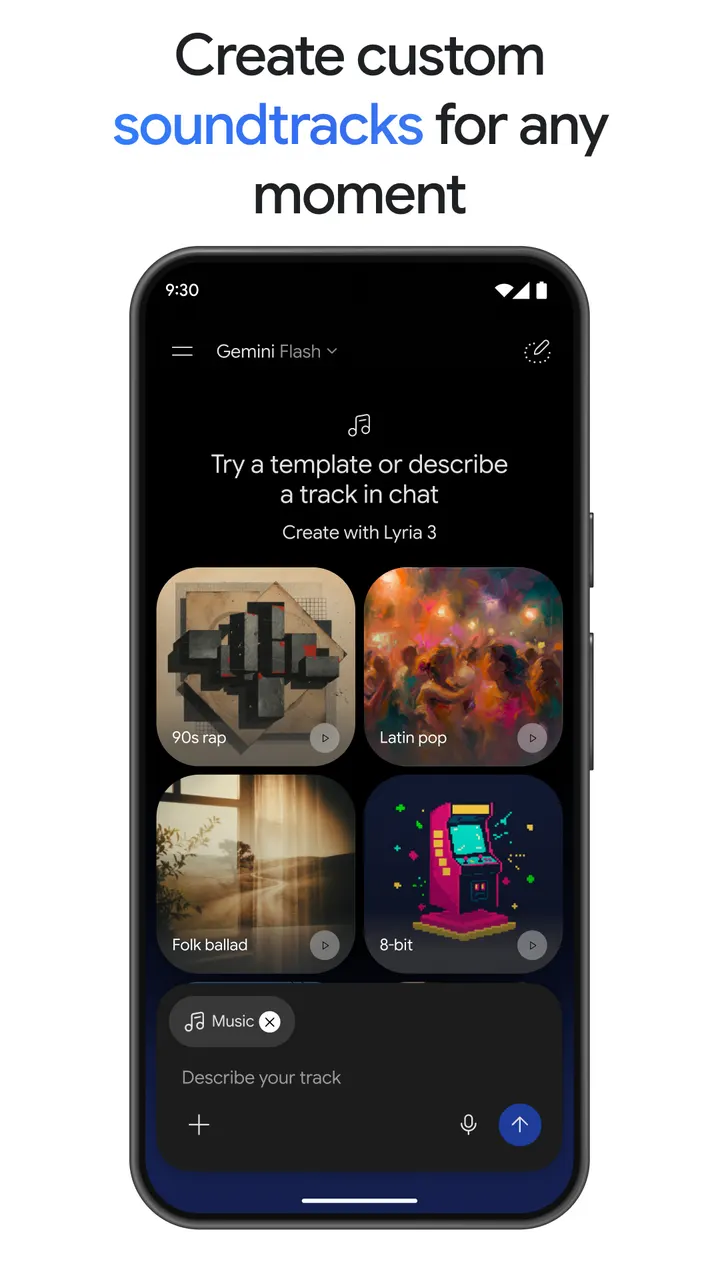
For images, Gemini offers Nano Banana 2. It covers camera and lighting controls, mockups made by blending several images, posters with sharp text, diagrams and resizing. Lyria 3 creates custom soundtracks.
On the productivity side, NotebookLM research gives answers grounded in the sources in your notebook. For study, you can upload class notes to produce practice quizzes and interactive visuals. A simple prompt can become a web page, game or dashboard, and files can be converted into a podcast-style overview. The latest models are Gemini 3.6 and Gemini Omni.
Version 1.0.995038376 and Play ratings
The current version is 1.0.995038376, updated on October 13, 2026. Gemini first appeared on February 4, 2024.
Google Play users have rated it 4.5 across roughly 50.9 million ratings, and the content rating is Teen.
Google Gemini pros and cons
Pros
- Free to install with no ads and no in-app purchases listed on Google Play
- Gemini Live accepts screen or camera sharing for real-time conversation
- Connects to Gmail, Calendar, Google Photos, YouTube and Search
- Accepts uploaded documents, spreadsheets, photos and videos for summaries
- Google Play rating of 4.5 across over 50.9 million ratings
Cons
- Gemini Omni video creation requires Google AI Plus, Pro, Ultra or Workspace
- Replaces Google Assistant if you opt in, and some Assistant voice features are missing
- Requires Android 9 or later
- Some features, such as Gemini Omni video creation, require a paid plan
Is Google Gemini safe?
Google LLC publishes Gemini under the package ID com.google.android.apps.bard, and its content rating is Teen. It carries no ads and no in-app purchases, so the assistant is free to use without upsells. Because it can connect to Gmail, Calendar, Google Photos and YouTube, and accepts uploaded documents, photos and videos, it is worth checking which of those you link. The description points to the Gemini Apps Privacy Notice for data handling, and nothing more about data practices was provided.
How to install Google Gemini
- Press the Google Play button on this page.
- Check the listing in the Play Store and press Install.
- Open Google Gemini when the install finishes. Updates arrive through Google Play.