

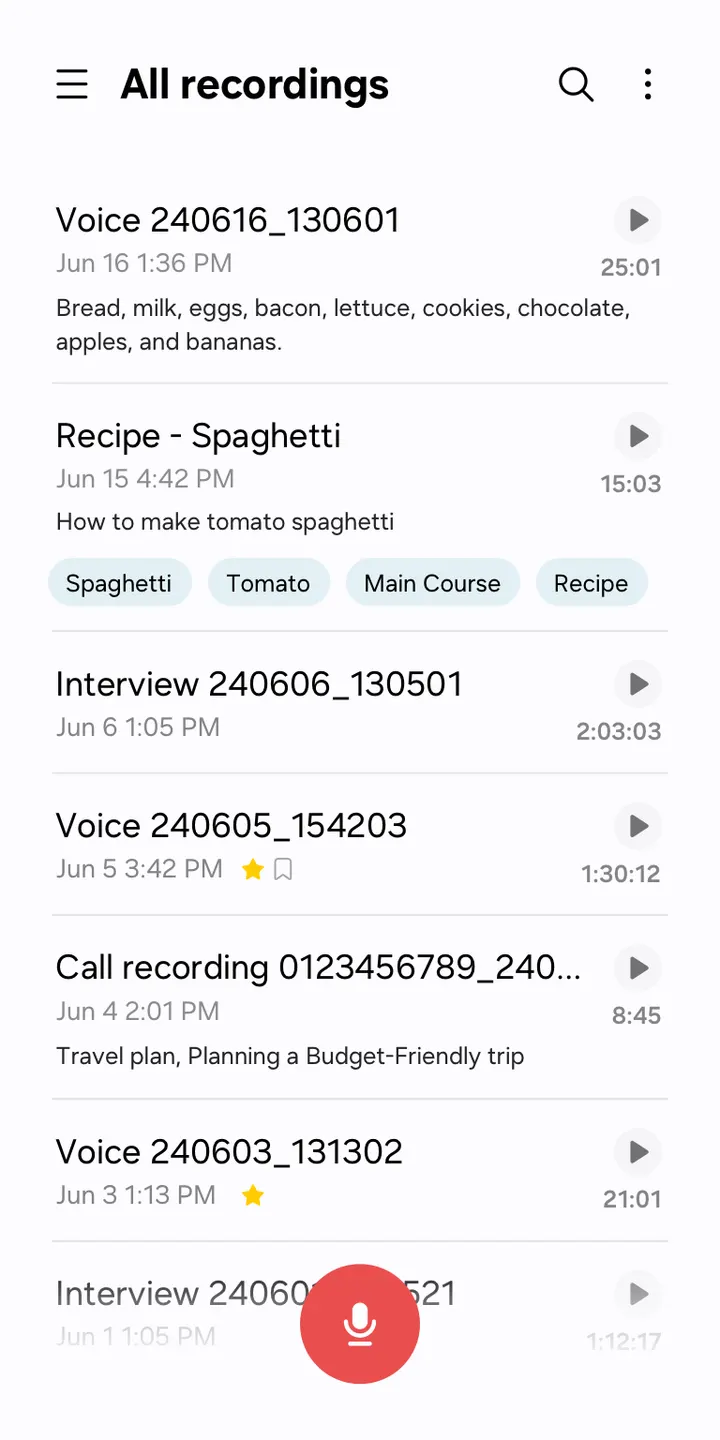
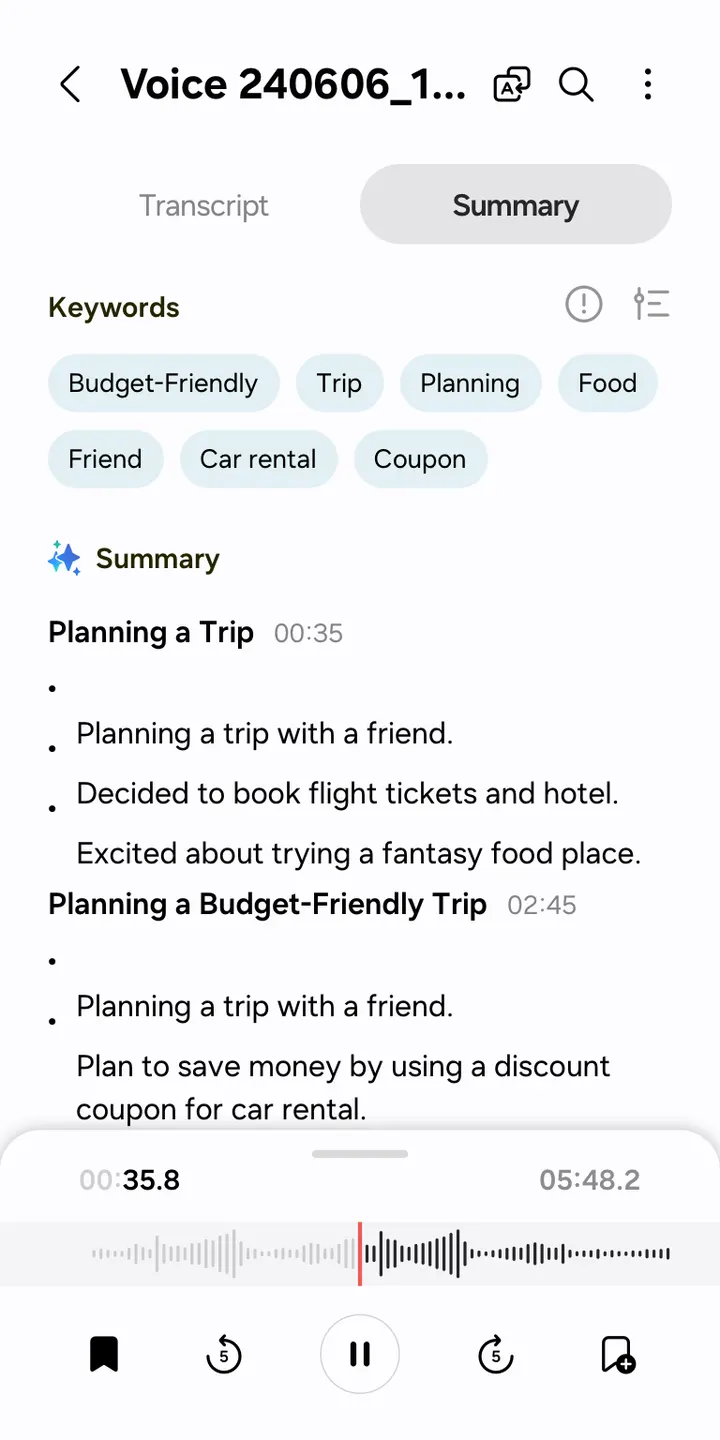
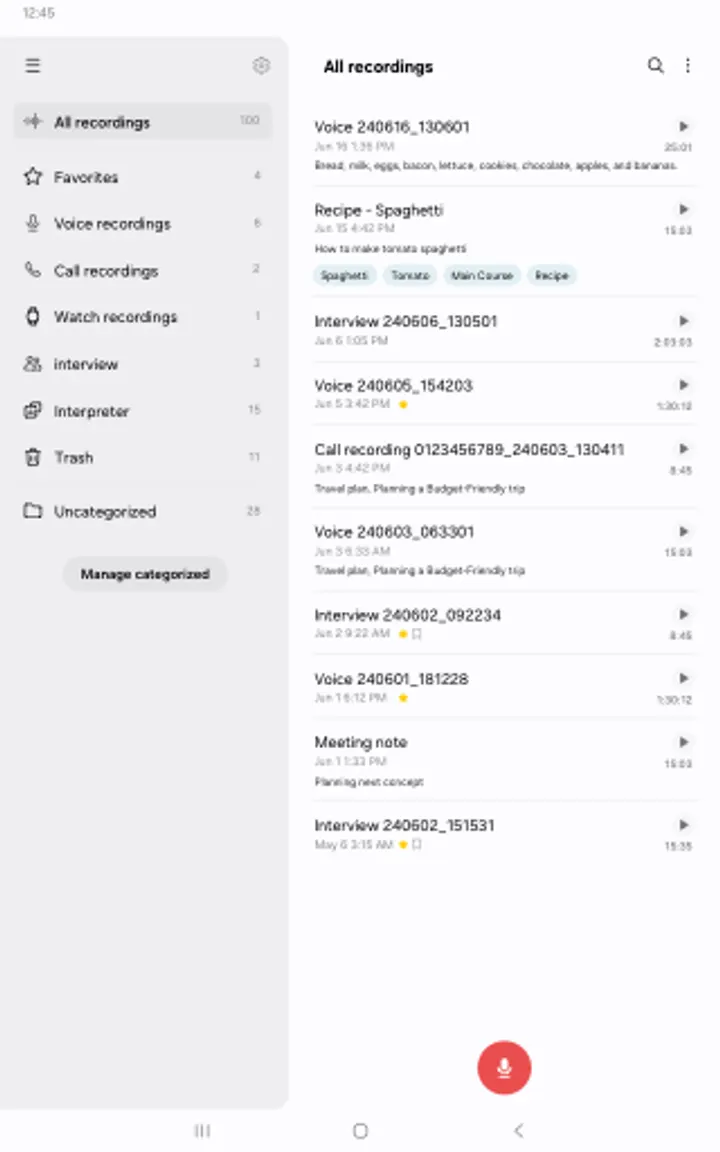
A long interview or lecture is hard enough without a phone call cutting in. Voice Recorder from Samsung Electronics can block calls while it records, and it works on Galaxy phones, tablets and watches. It costs nothing, shows no ads and has no in-app purchases.
Who the Galaxy recorder suits best
The app is made for owners of Samsung Galaxy devices and works as a voice recorder for the Galaxy series. It fits students, reporters and anyone who records meetings or conversations on a phone they already own. Google Play shows over 1 billion installs and a rating of 4 from 295.4 thousand ratings.
The content rating is Everyone. Supported features may vary depending on the device, so a non-Samsung phone may not show every option.
Interview mode, bookmarks and call blocking in practice
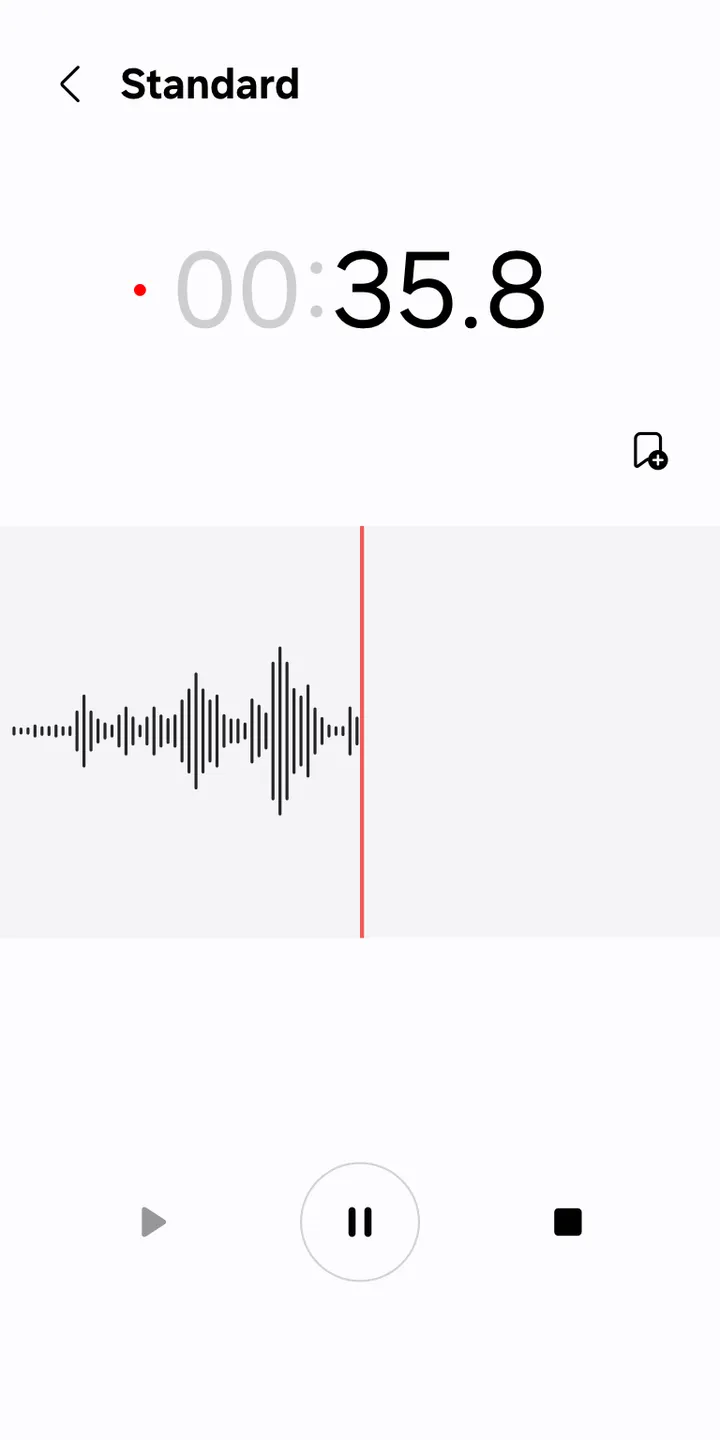
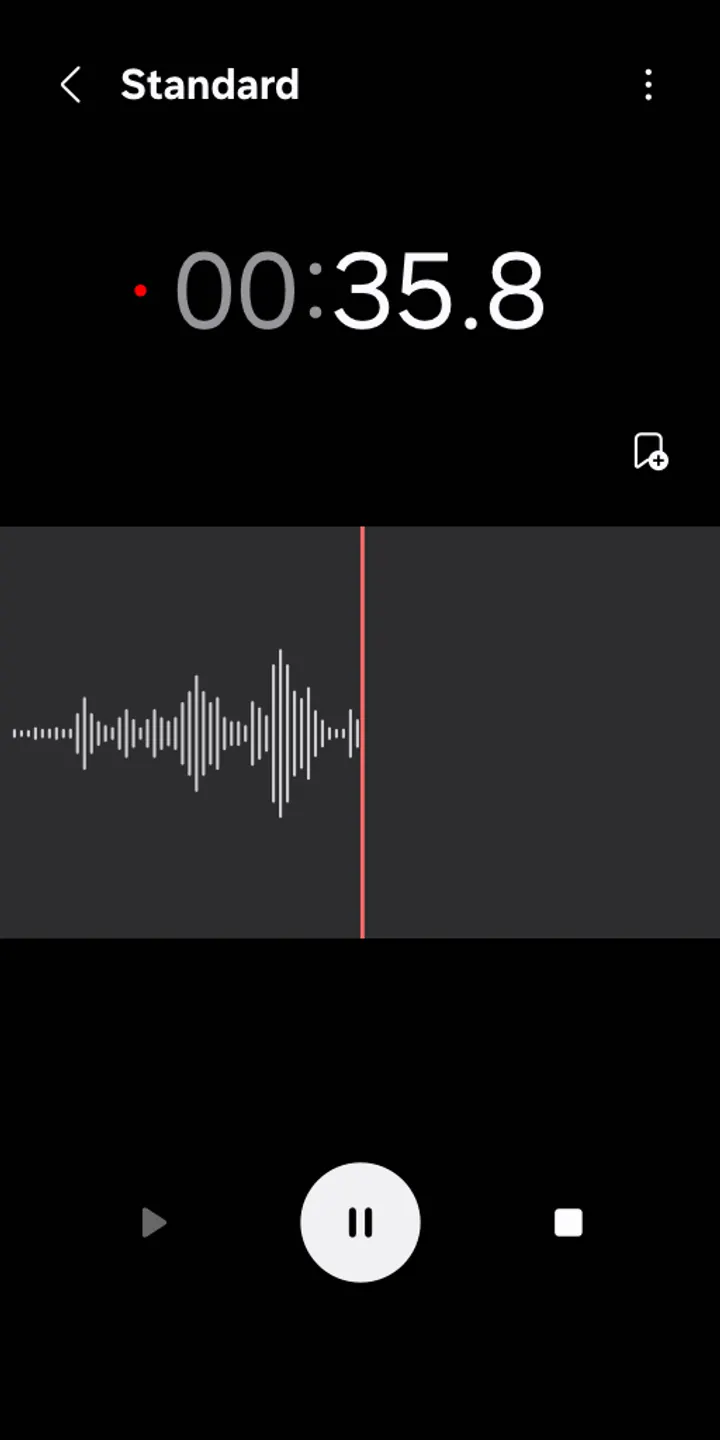
General mode records simply and draws the waveform of the audio. Interview mode uses the microphones at the top and bottom of the phone to capture two voices, shows a waveform for each and lets you play them back separately.
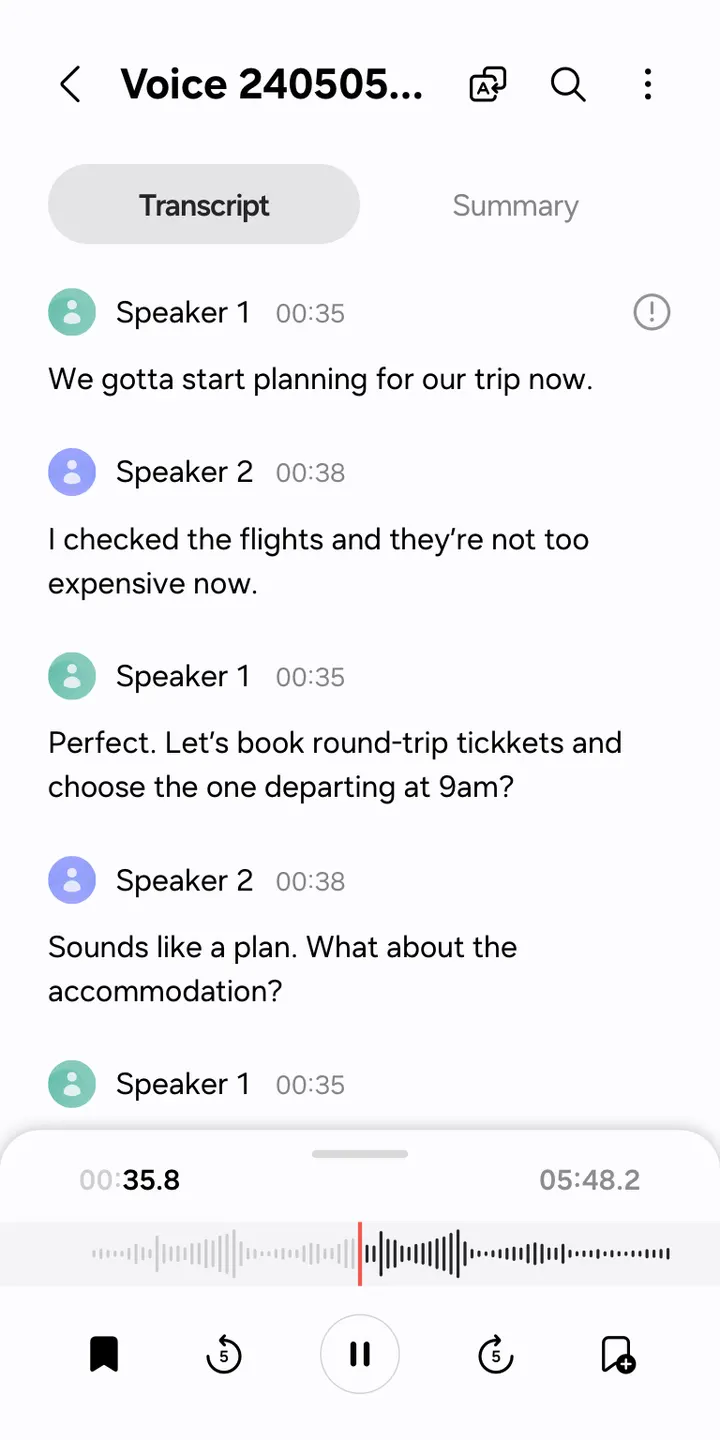
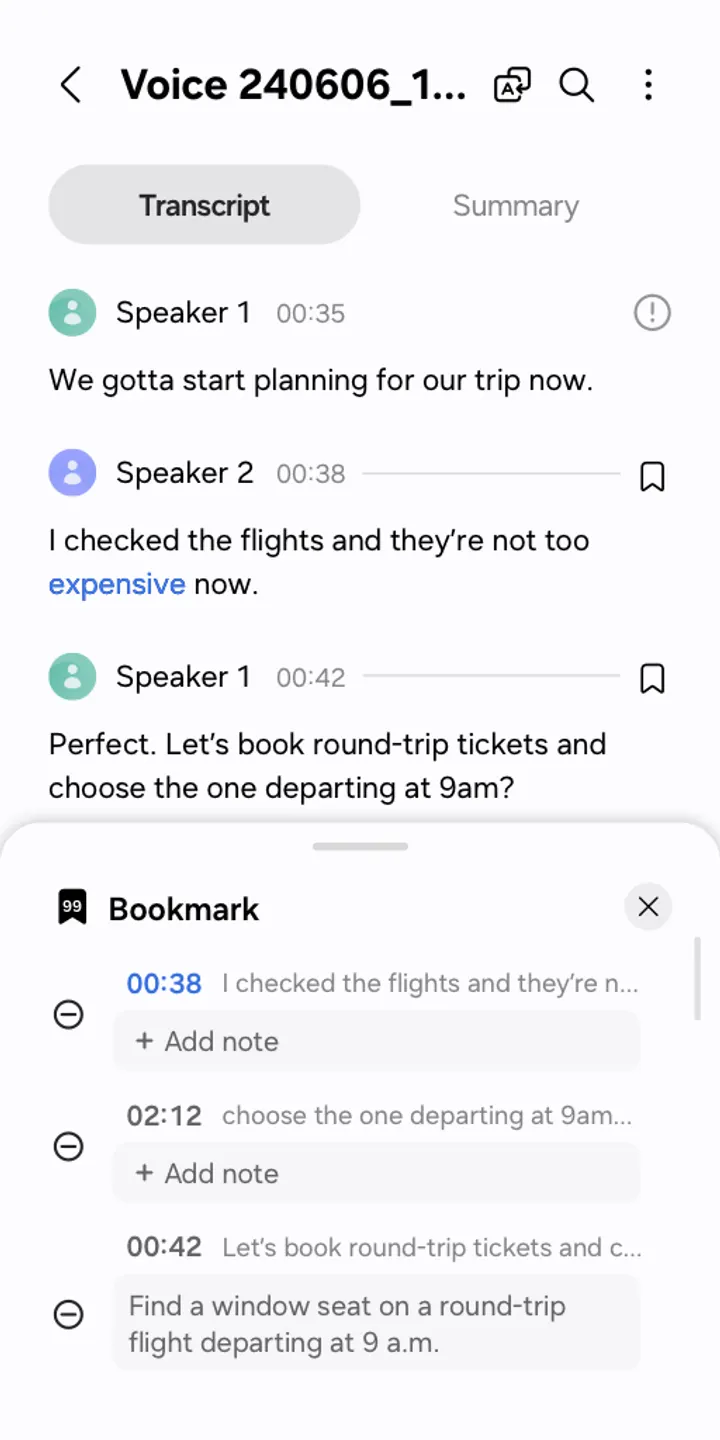
Bookmarks mark important moments during a recording. Afterwards you can collect only the bookmarked snippets or play them right away. If a call arrives mid-recording, the app lets you keep recording without answering.
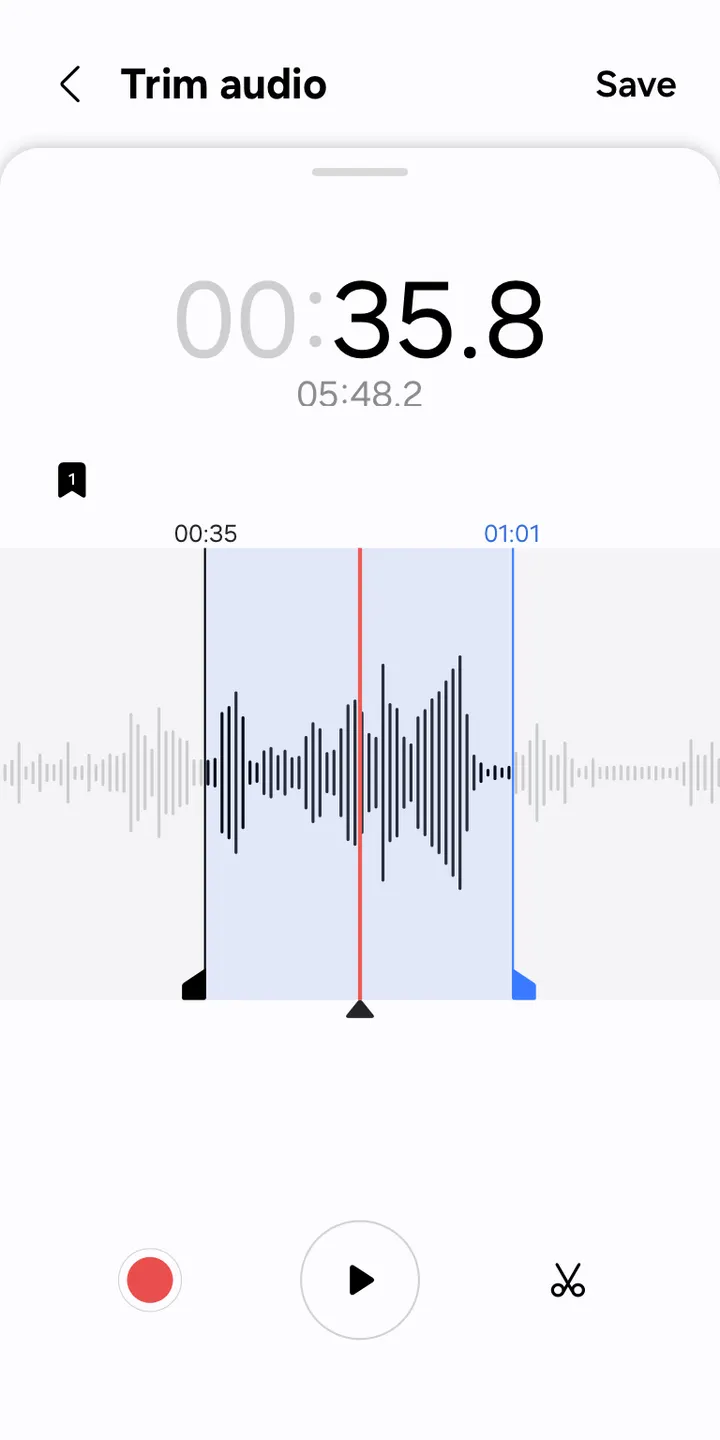
You can record through the built-in microphone, a Bluetooth headset or a compatible external microphone. Recordings and transcribed text can be edited, and you choose which data to share when sending a file.
Permissions, limits and cost
Two permissions are required: Microphone, to record sound, and Music and audio, to save the files. Optional ones cover Nearby devices for Bluetooth headset information, Notifications, Contacts for call blocking, and Call log for importing call recording files. The basic features work without the optional permissions.
The app is free, and it shows no ads or purchases. The feature list depends on the device.
Voice Recorder pros and cons
Pros
- Interview mode records two voices with separate waveforms
- Bookmarks let you replay only the marked snippets
- Recording continues when a call comes in
- Free, with no ads and no in-app purchases
- Works with built-in, Bluetooth or compatible external microphones
Cons
- Aimed at Samsung Galaxy devices, and features vary by device
- Some features need optional permissions such as Contacts
- Version differs by device
Is Voice Recorder safe?
Samsung Electronics Co., Ltd. publishes the app under the package ID com.sec.android.app.voicenote. It is rated Everyone and shows no ads. Only Microphone and Music and audio are required permissions, and the rest are optional. Install it from Google Play.
How to install Voice Recorder
- Press the Google Play button on this page.
- Check the listing in the Play Store and press Install.
- Open Voice Recorder when the install finishes. Updates arrive through Google Play.


