


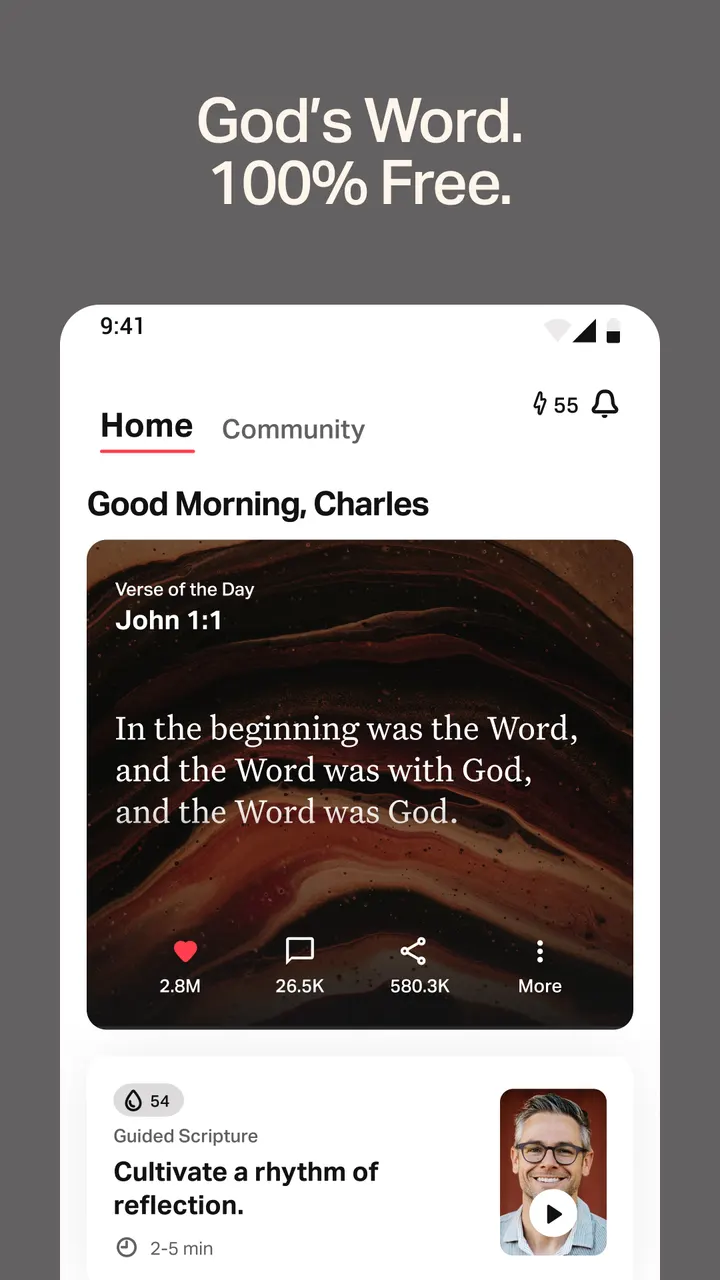
A free Bible for Android with audio, daily reading plans and a way to follow along with friends. YouVersion Bible App + Audio comes from Life.Church and sits in Books and Reference. It also offers a Verse of the Day widget and offline reading for select versions.
First steps after installing on Android 7.0 or later
The current version is 11.35.1+7099318, last updated on October 29, 2026. It needs Android 7.0 or newer, and the package ID is com.sirma.mobile.bible.android.
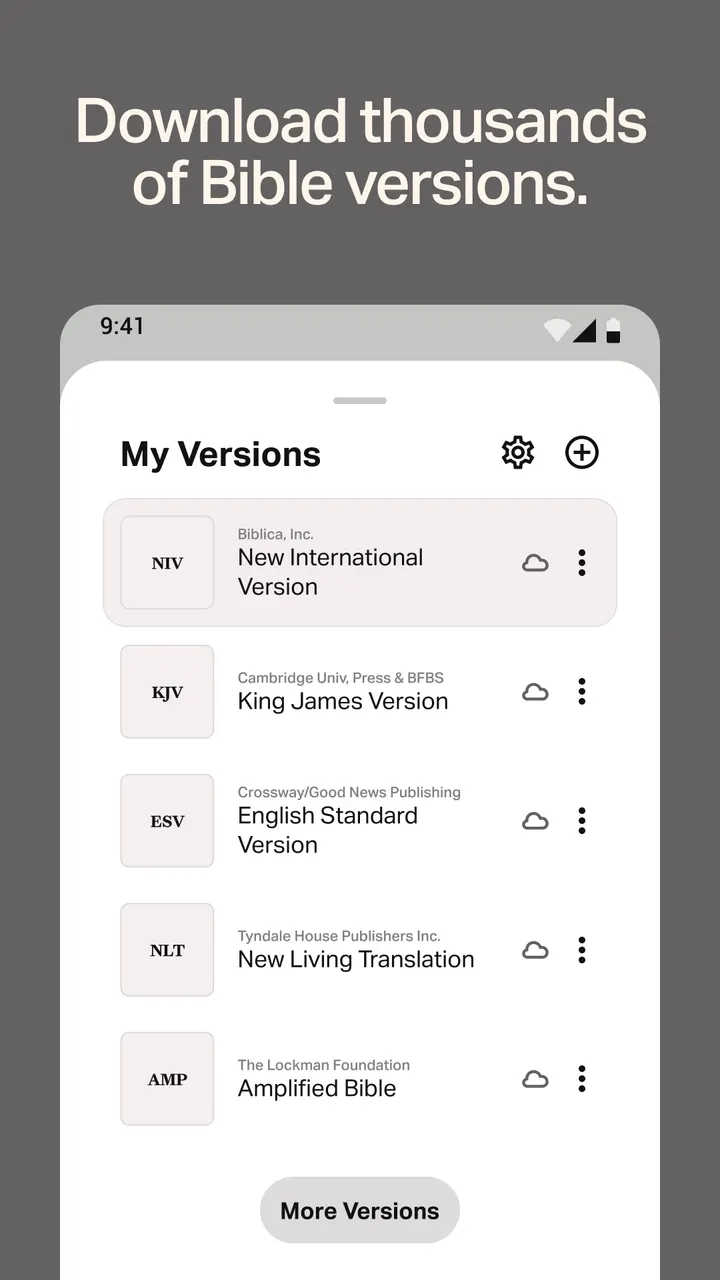
Begin with two separate choices. The interface comes in more than 65 languages, and the Bible translation you read is picked independently. For translations, popular options include King James Version, New International Version, New Living Translation, English Standard Version, NASB and New Revised Standard Version.
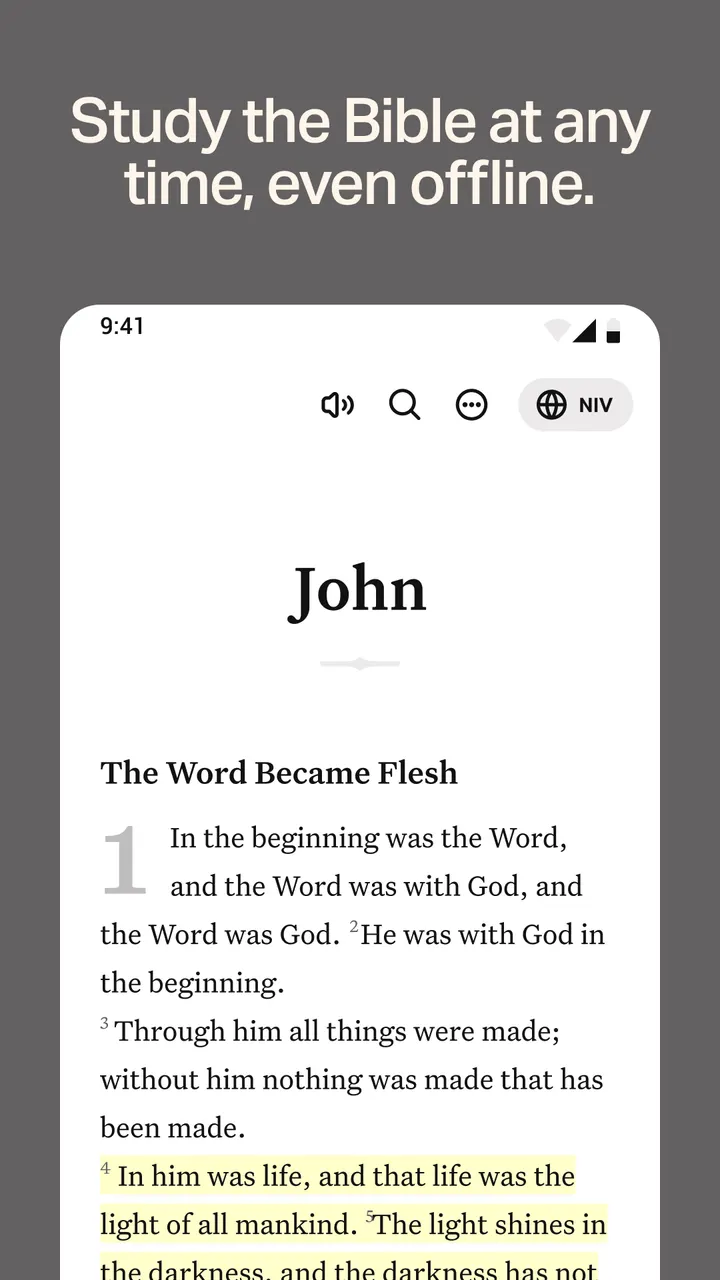
If you expect to read without a connection, download your chosen version ahead of time. Offline reading works only for select versions, so confirm yours is one of them. A Verse of the Day widget can also put a verse on your home screen.
2,500+ versions, audio and the offline limits
The library is the main draw. It offers more than 2,500 Bible versions across more than 2,100 languages, far beyond the six English versions named above. It is free, with no ads and no in-app purchases.
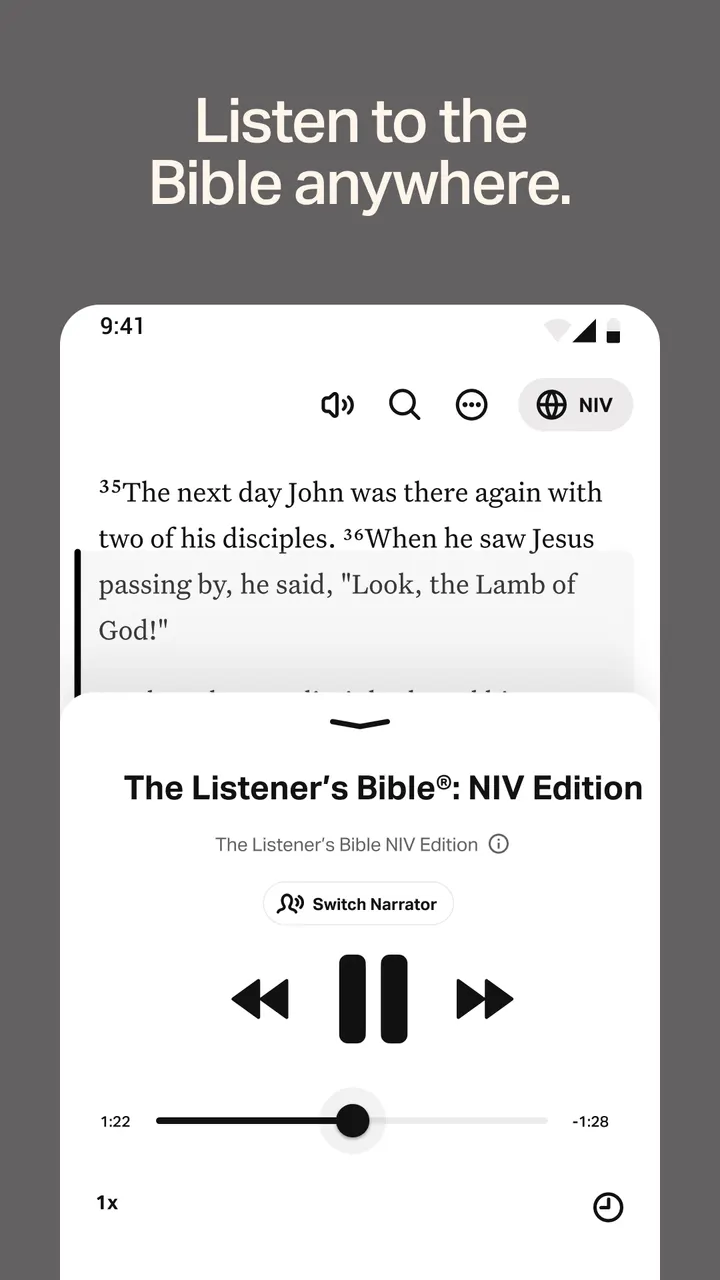
Audio Bibles cover select versions. Audio is not available offline, so a long trip without signal means reading text only. That is a real gap if listening is your main use.
You can also add friends and center your friendships around Scripture.
Reading plans, video clips and the Friends feature
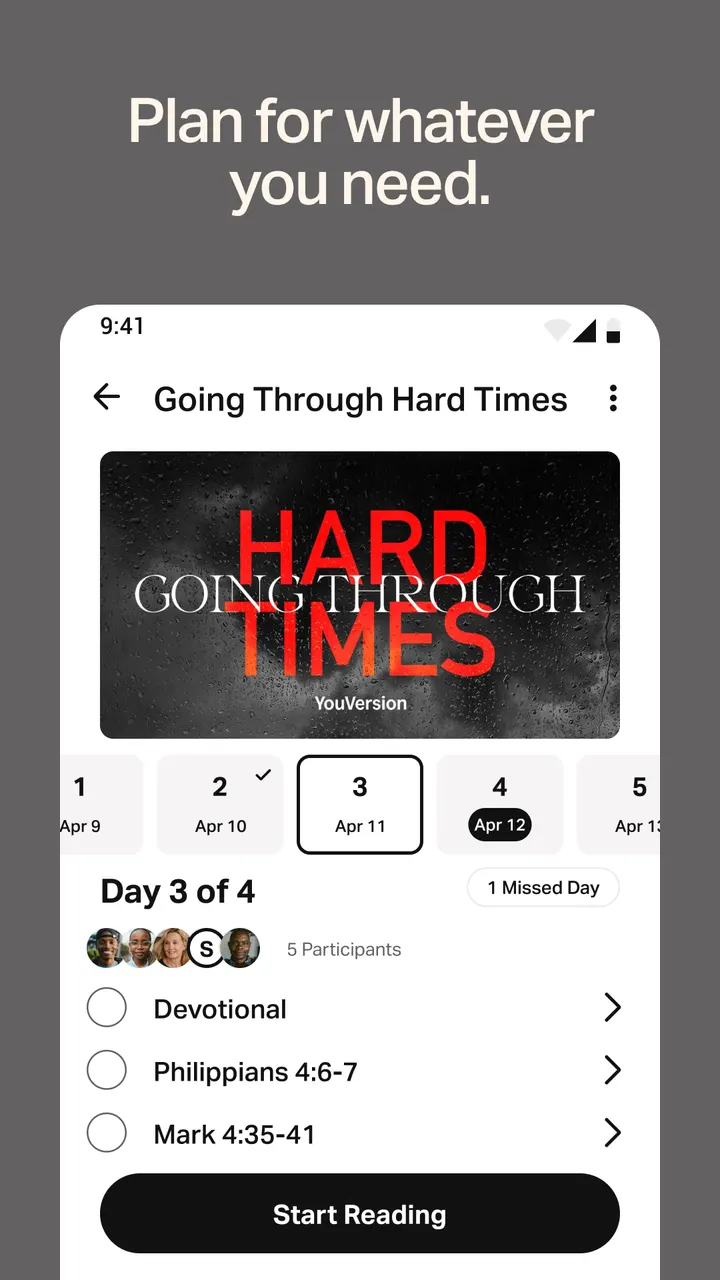
Study material goes well beyond the text itself. The app carries thousands of devotionals and Bible plans, covering topics, portions of Scripture, or the whole Bible. It names both the One Year Bible and a Bible-in-one-year plan. Plan languages reach past 99.
Video is built in as well. Clips come from sources such as the JESUS film, Bible Project, Lumo Project, The Chosen, Spoken Gospel and Streetlights.
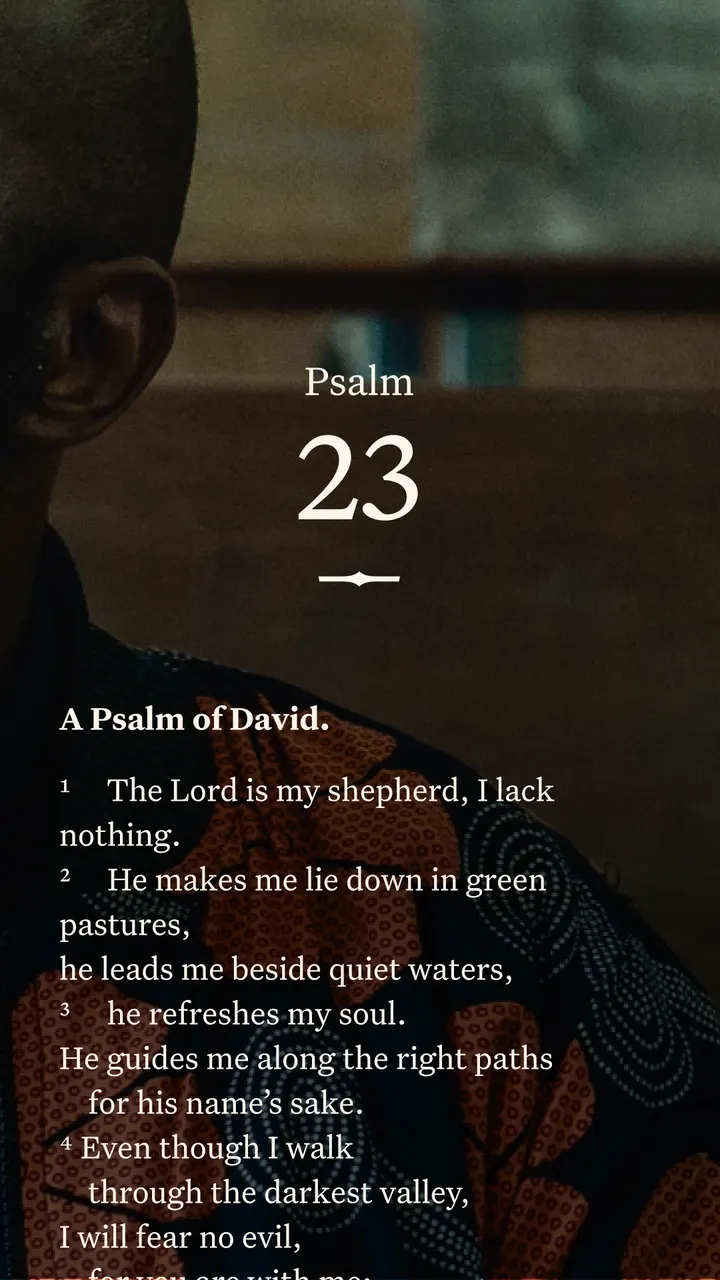
The social side is optional but extensive. Once you add friends, an activity feed shows what they note, bookmark and highlight. You can comment on the daily verse, write prayers and share them, and work through plans together. Verses can also be placed on your own photos to make images, then sent by social media, email or text message.
Who should pick a different app
If you want a quiet, single-user reader with no community layer, the Friends feature and public notes may be more than you need.
People who rely on audio away from a network should plan ahead, since audio does not work offline. The same goes for readers whose preferred translation is not among the select offline versions.
The listed alternatives are WhatsApp, Facebook, Messenger, Google Photos, X and Aegis Authenticator. None of them is a Bible reader, so they do not replace its core job. They only make sense if you really want messaging, photo storage or sharing rather than Bible study.
YouVersion Bible App + Audio pros and cons
Pros
- Free, with no ads and no in-app purchases
- More than 2,500 Bible versions in over 2,100 languages
- Offline reading for select versions, including popular English options
- Thousands of reading plans and devotionals, plus video clips
- Cloud sync of notes, highlights, bookmarks and plans with a free account
Cons
- Audio Bibles do not work offline
- Offline reading is limited to select versions
- The Friends feed and public notes add a social layer that cannot be turned off
- Rated Teen on Google Play
Is YouVersion Bible App + Audio safe?
The publisher is Life.Church, with a developer site at youversion.com. The app has no ads and no in-app purchases. Review the permissions listed on the store page before installing.
How to install YouVersion Bible App + Audio
- Press the Google Play button on this page.
- Check the listing in the Play Store and press Install.
- Open YouVersion Bible App + Audio when the install finishes. Updates arrive through Google Play.


