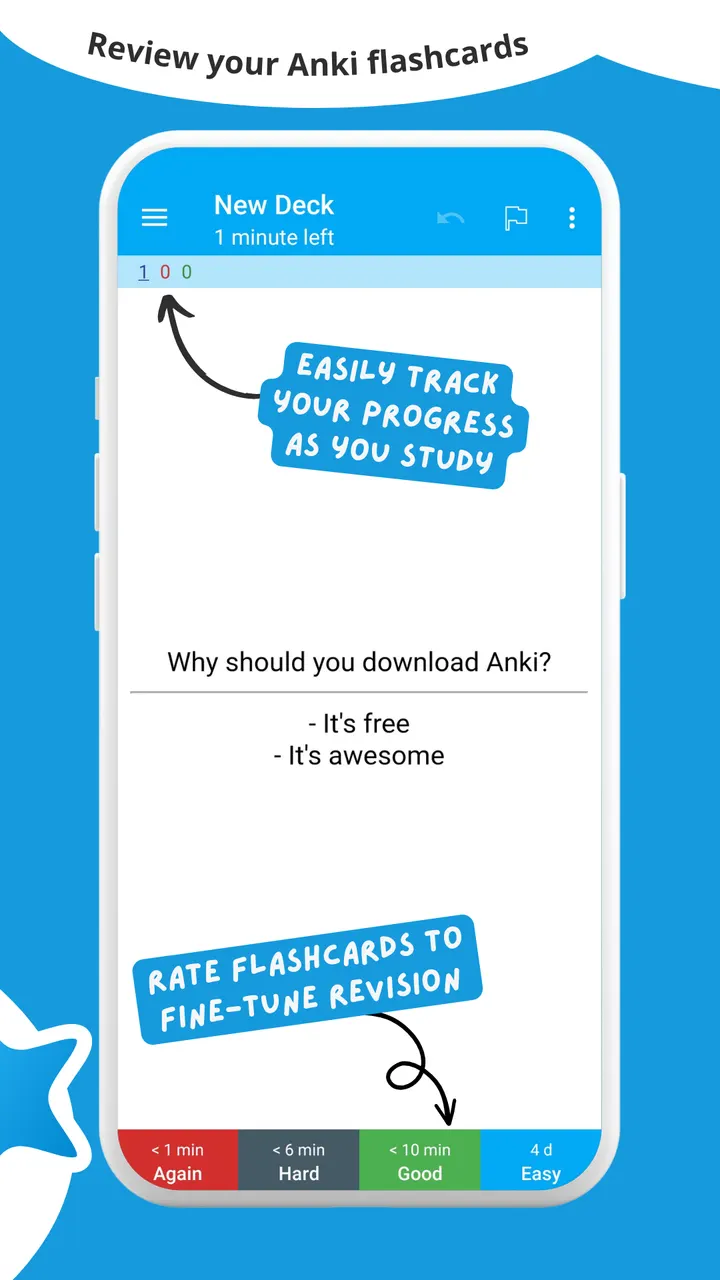
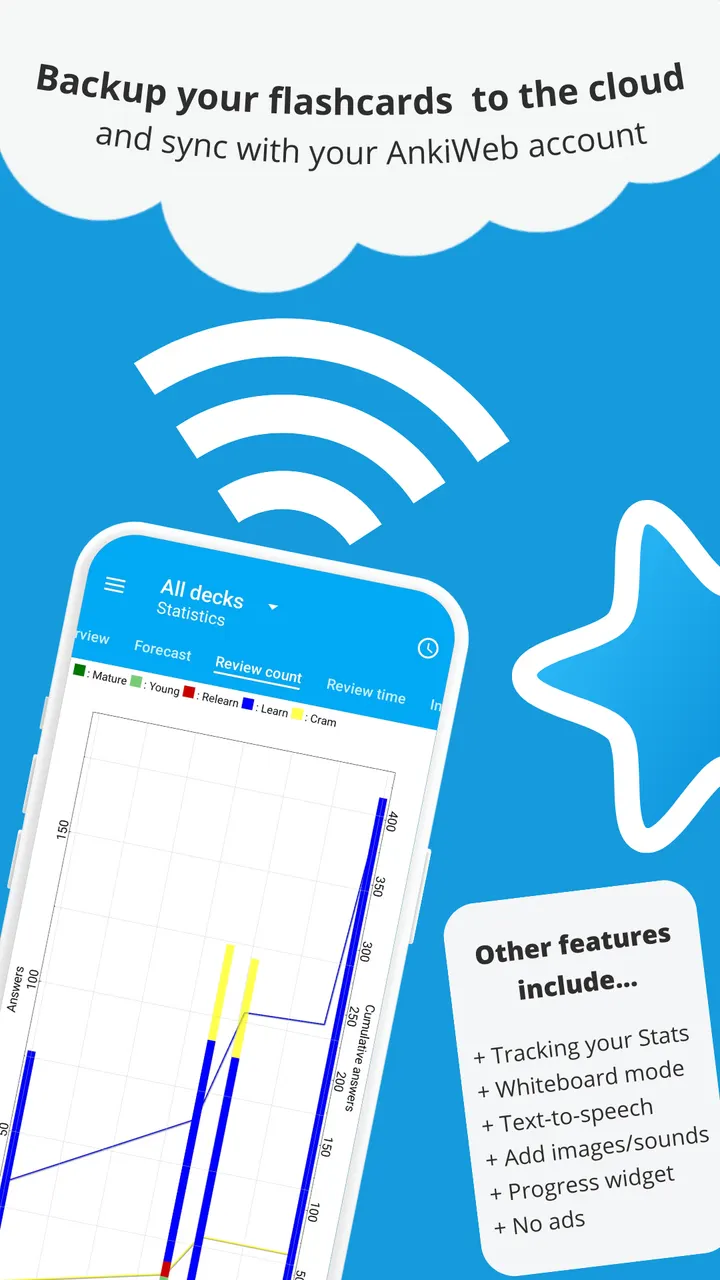
You are waiting for a bus, so you open AnkiDroid and work through the cards that are due today. The app schedules each card to return shortly before you would forget it, which keeps short gaps in the day useful. It comes from the AnkiDroid Open Source Team, costs nothing, and shows no ads. We host version 2.25.3 as the unmodified APK, and the SHA-256 checksum is listed on this page so you can check the file you download.
Compatible with desktop Anki, including sync
AnkiDroid is defined by its link to Anki, the spaced repetition software for Windows, Linux and macOS. The Android app reads the same collections and synchronizes with them through AnkiWeb. You can build decks on a computer and review them on a phone, or add cards directly on the phone.
The project was first released on November 12, 2010, and the current build in our catalog was updated on October 29, 2026. The source code is public on GitHub under the AGPL-3.0-or-later licence. Sync is opt-in, and the settings let you point it at an unofficial Anki Sync Server instead of AnkiWeb.
What a session looks like, from card browser to widget
A session starts with the due cards from your decks. Cards can hold text, images, sounds, video, MathJax and LaTeX, so a language deck can play audio while a chemistry deck shows formulas. Text-to-speech integration is listed as well, which helps when a card has no recorded sound.
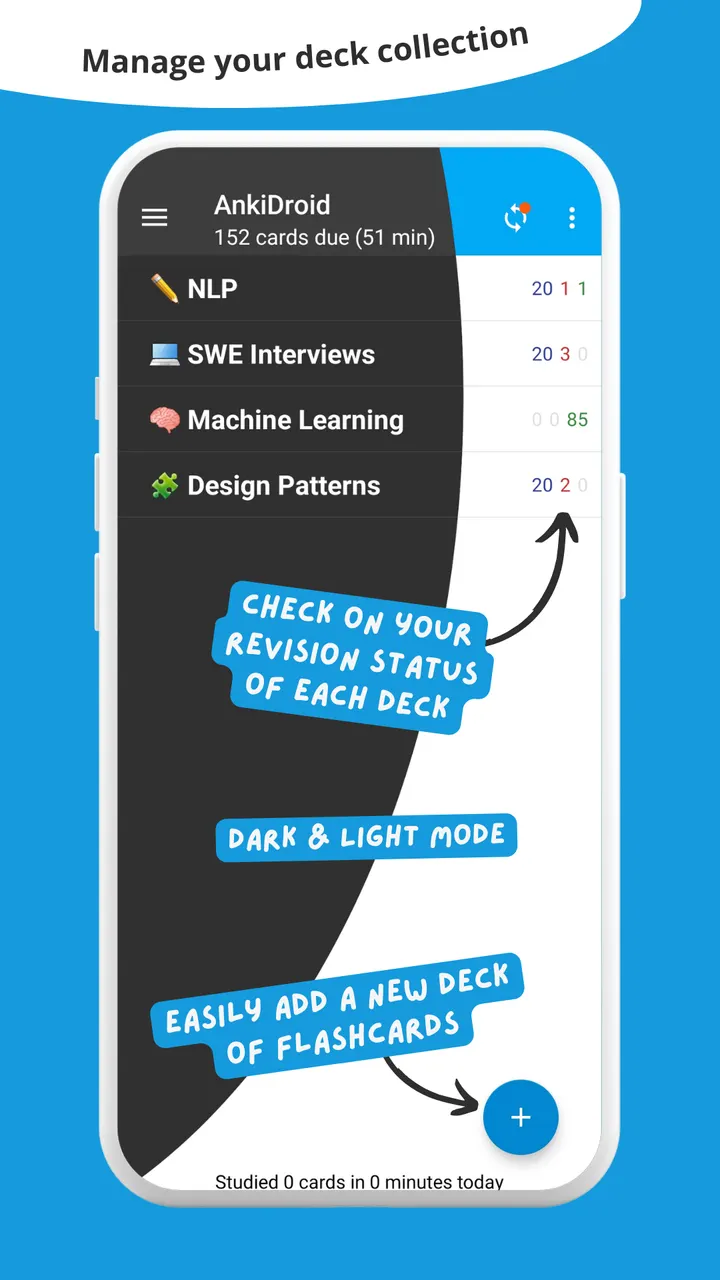
You can answer by swiping, tapping or shaking the phone, and typing the answer is optional. A whiteboard is available for drawing, and night mode helps with dark rooms. Between sessions, the progress widget and the detailed statistics show how much you have covered.
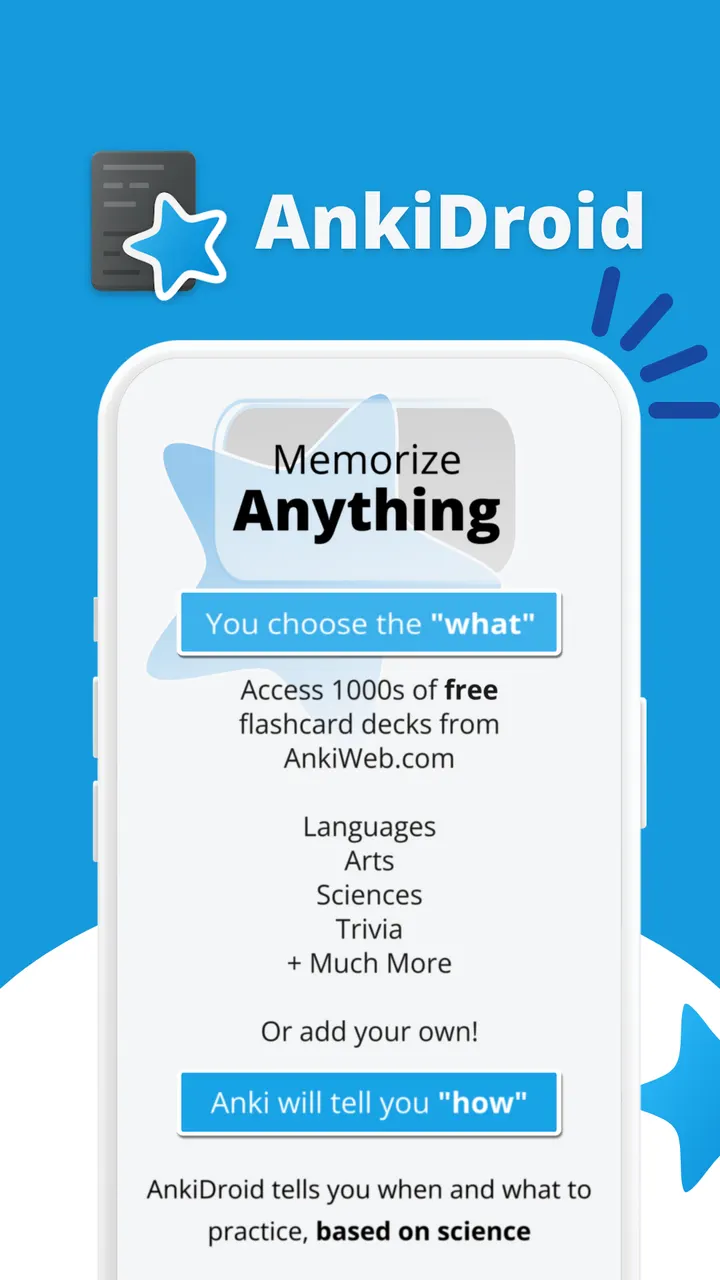
If you do not want to build decks yourself, more than 6000 premade decks are available for download. Existing collection files can be imported, and a full backup system is included. The app also accepts cards sent from other applications such as dictionaries, and it lists integration with ColorDict, GoldenDict, Leo.org and Aedict.
Why WhatsApp, Google Photos and Aegis are not true rivals
The alternatives listed for this page are WhatsApp, Facebook, Messenger, Google Photos, X and Aegis Authenticator. None of them is a flashcard tool, so a feature-by-feature comparison does not apply. They cover messaging, social networking, photo storage and two-factor codes.
The closest comparison is the desktop Anki program that AnkiDroid is built to work with. Choose AnkiDroid when the goal is memorizing material on an Android device that runs Android 7.0 or later. The install is 39.4 MB.
AnkiDroid pros and cons
Pros
- No ads and no price, with the source published under AGPL-3.0-or-later
- Syncs with AnkiWeb, or with an unofficial sync server chosen in settings
- Cards can include text, images, sounds, video, MathJax and LaTeX
- More than 6000 premade decks, plus import of existing collection files
- Covers a full study loop: statistics, a progress widget, backups and night mode
Cons
- The default sync service, AnkiWeb, is not open source
- Requires Android 7.0 or later, so older devices are excluded
- The listed alternatives are unrelated apps, so there is no like-for-like comparison here
- Some depth, such as dictionary integration, depends on other apps being installed
Is AnkiDroid safe?
We host the unmodified APK for package com.ichi2.anki, version 2.25.3, and list its SHA-256 checksum so you can verify the download. The publisher is the AnkiDroid Open Source Team, and the code is open for inspection on GitHub. Crash reporting and analytics are both opt-in and off by default, according to the app description. Sync with AnkiWeb only happens if you turn it on.
How to install AnkiDroid
- Download the APK with the button on this page and wait for it to finish.
- Compare the file with the SHA-256 checksum shown here if you want to confirm it arrived intact.
- Open the file on your phone and allow installs from this source when Android asks.
- Finish the install, then open AnkiDroid from your app drawer.


