
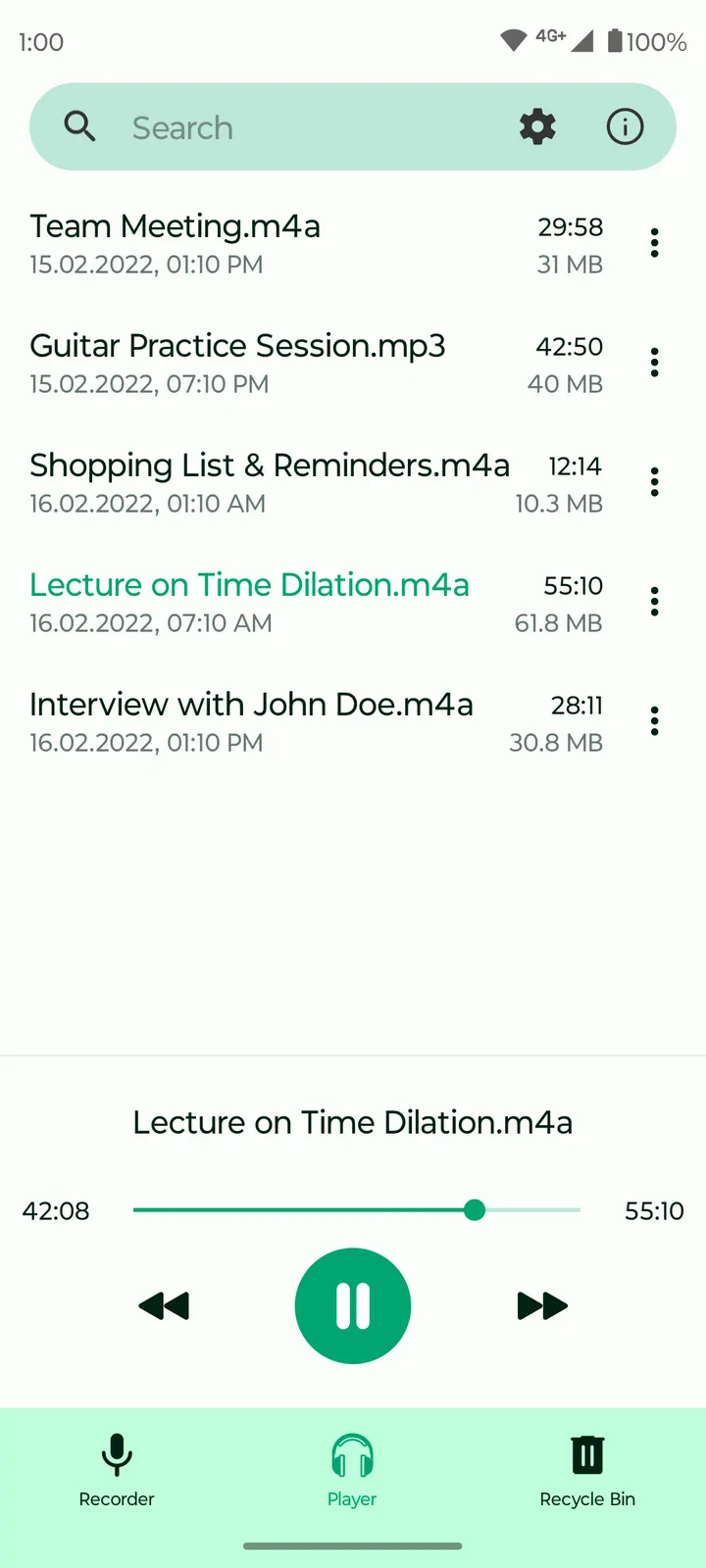
Most people who want to record audio on a phone start with a big messaging app such as WhatsApp, which can send voice notes but is not built to keep recordings. Fossify Voice Recorder Beta does one job instead: it records sound and stores it. The app comes from the Fossify project, is licensed GPL-3.0-only, and the 1.7.4 build needs Android 8.0 or newer. It is a 7 MB download.
Free, no ads, and a public source repository
The app is free and shows no ads. There is no paid tier. The tags on the page read open-source, multimedia, recorder and no-ads.
The code lives on GitHub under the FossifyOrg account, in a repository named Voice-Recorder. The license is GPL-3.0-only, so anyone can read the source. The developer website is fossify.org, which also lists the other apps from the project.
Volume display, widgets and filename formats
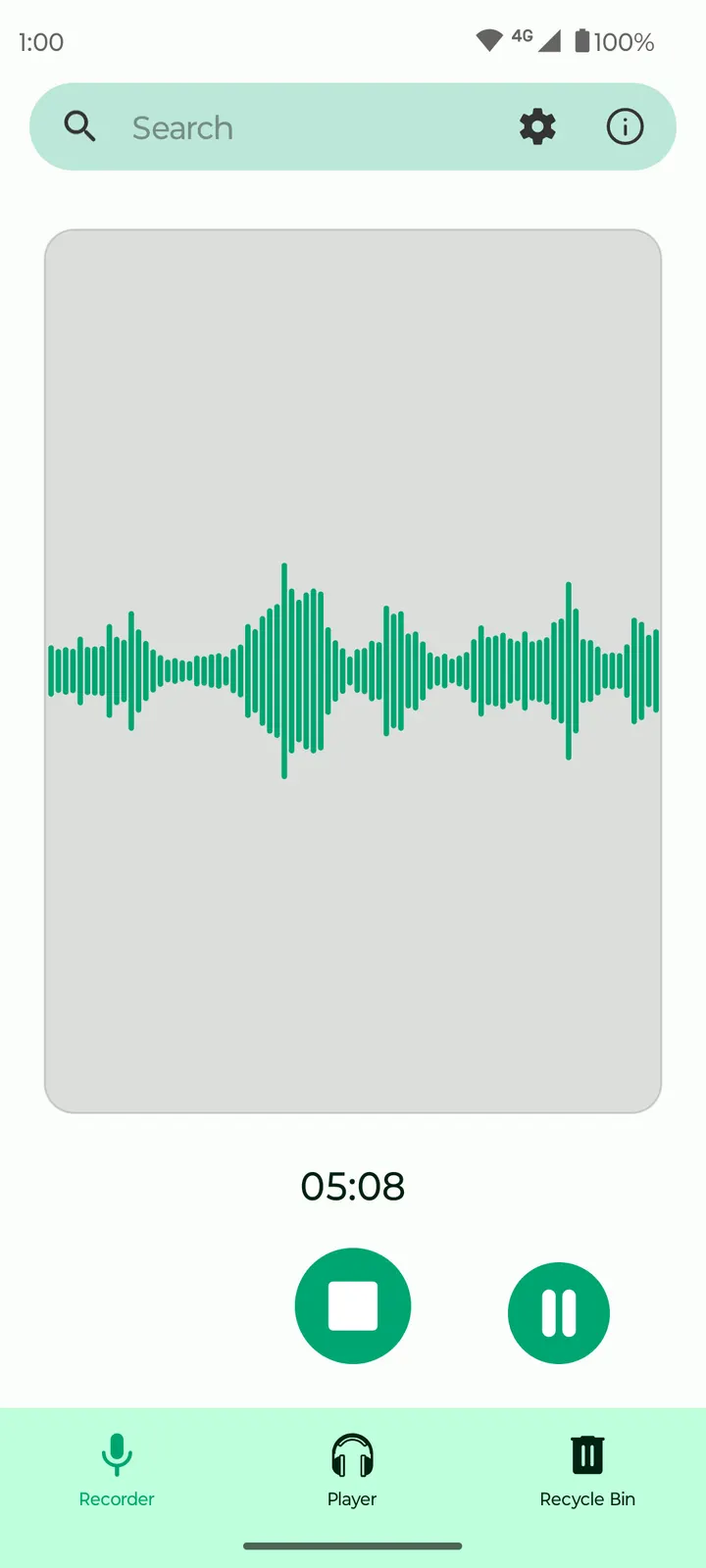
The app focuses on simple recording. It offers real-time sound volume visualization, so you can see the input level while you record. There are also widgets for starting a recording quickly, and customizable filename formats for organizing saved files.
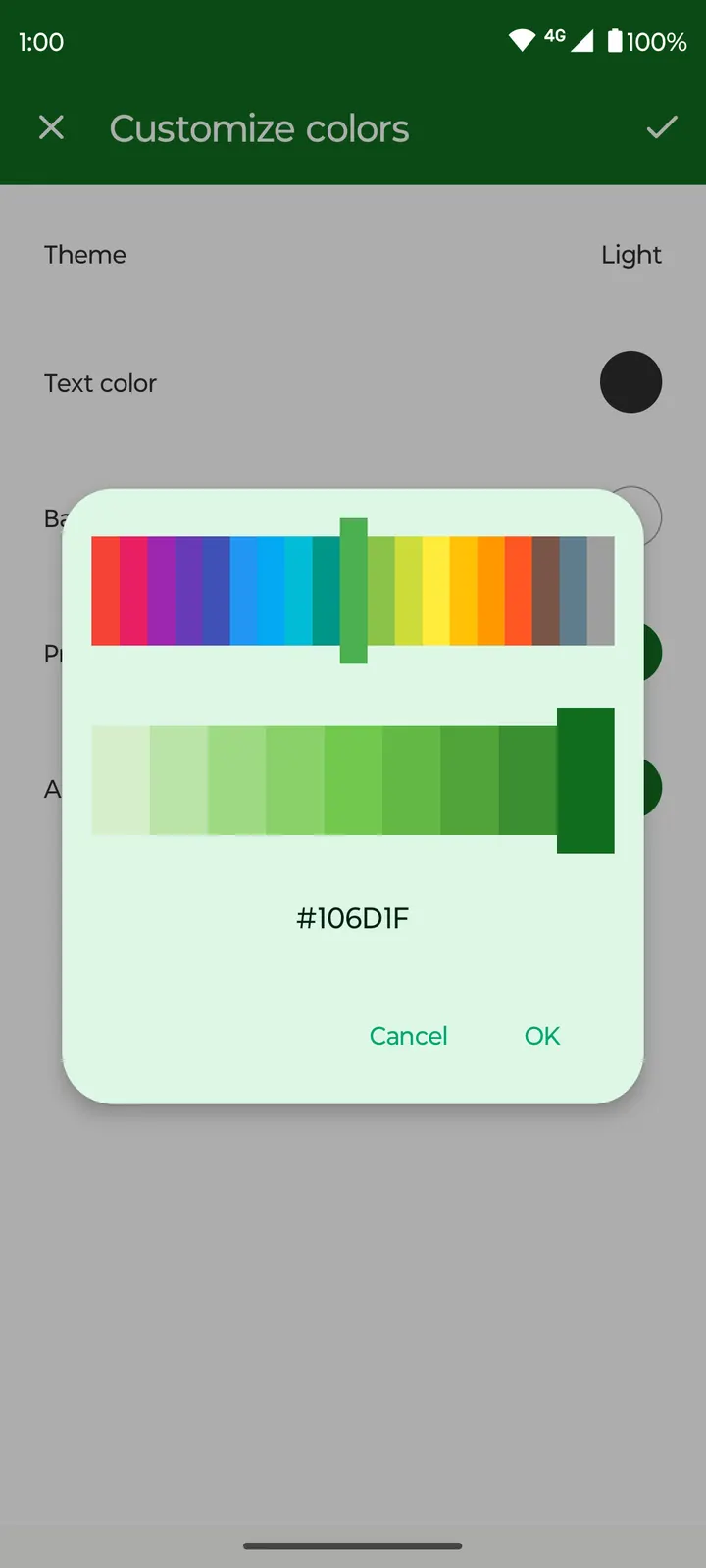
The interface can be themed, with custom colors, material design and a dark theme option. The app works offline and does not need internet access, which keeps recordings on the device.
In short, it is a recorder that is open-source and ad-free.
Version 1.7.4 and its update history
Version 1.7.4 is the current build, updated on October 27, 2026. The first release dates to February 24, 2024, so the project has been maintained for a while.
The Beta label in the name points to a testing build. The GitHub repository is the place to check if the difference from the stable release matters to you.
Fossify Voice Recorder Beta pros and cons
Pros
- Free, with no ads
- Source code is public on GitHub under GPL-3.0-only
- Works offline according to the store description
- Small 7 MB package that runs on Android 8.0 and up
- Customizable filename formats, widgets and a dark theme
Cons
- Beta build, so it may be less settled than a stable release
- The app carries a Beta label, so it may still change
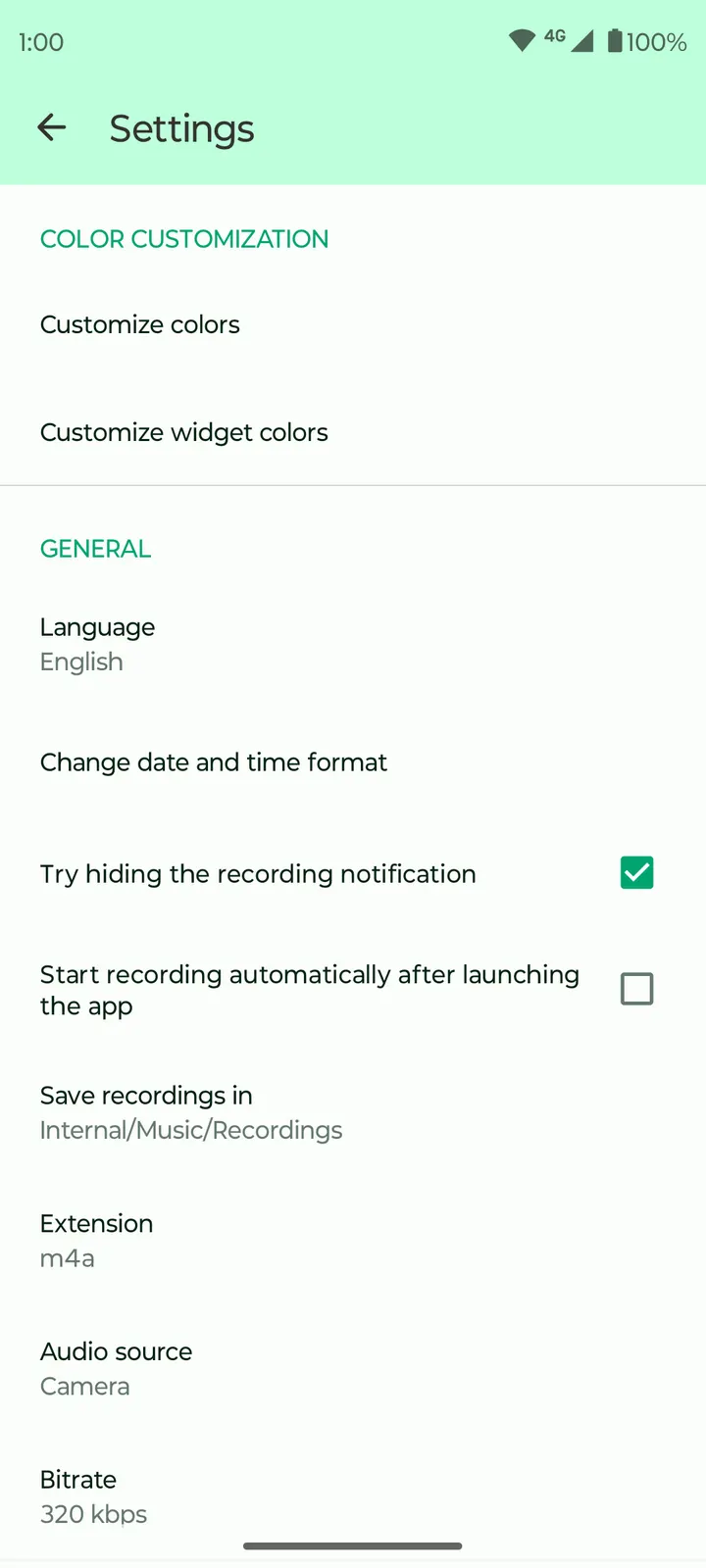
- Supported audio formats and quality settings are unclear
Is Fossify Voice Recorder Beta safe?
The APK is served from TopDown APK as an unmodified file. Its SHA-256 checksum is 1b3efb263bd152299aada8bb6ed3cca4a340425cd755472f7d799c9e0e024cc8, so you can compare it against your download. Fossify publishes the recorder under GPL-3.0-only and the source code is open for inspection. It carries no ads. No permissions list is provided, so read what Android asks for at install.
How to install Fossify Voice Recorder Beta
- Download the APK with the button on this page and wait for it to finish.
- Compare the file with the SHA-256 checksum shown here if you want to confirm it arrived intact.
- Open the file on your phone and allow installs from this source when Android asks.
- Finish the install, then open Fossify Voice Recorder Beta from your app drawer.


