

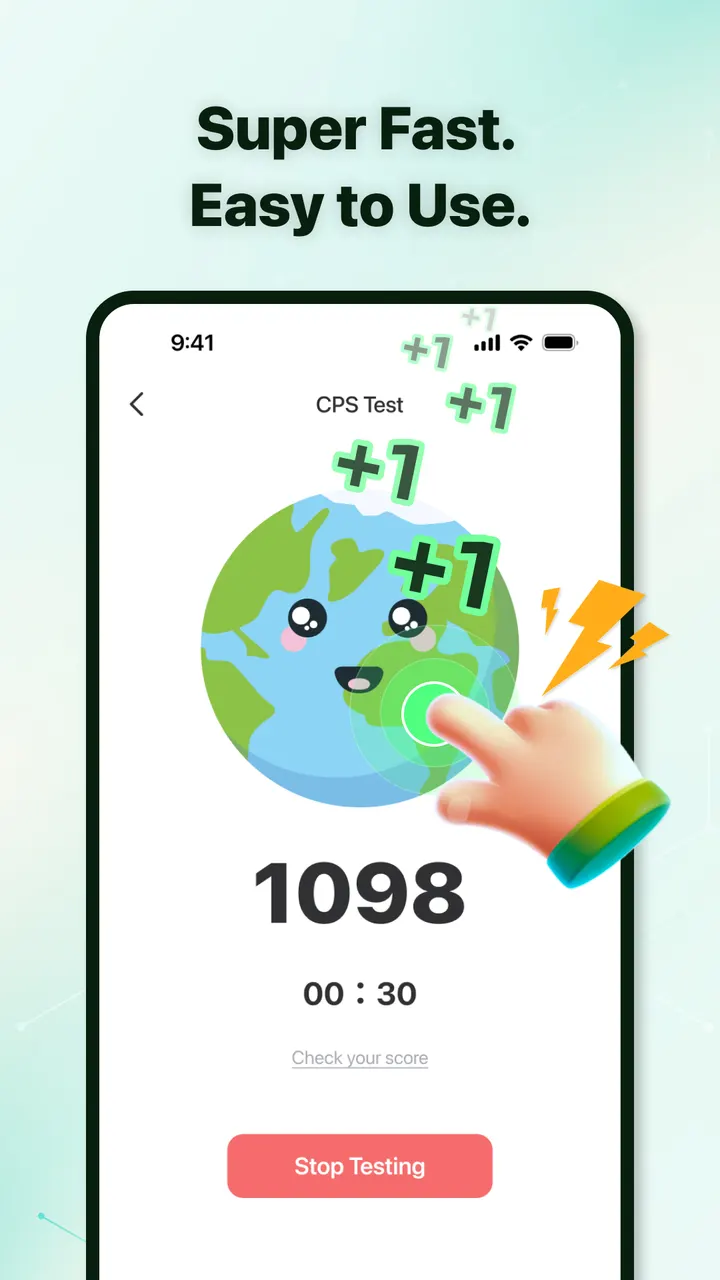
Compared with alternatives such as OP Auto Clicker or Klick'r, Auto Clicker-Auto Tap & Swipe leans toward multi-point setups and gesture recording. It comes from Bright Prospect and is listed on Google Play under the package com.tapassistant.autoclicker. Google Play shows over 10 million installs and a 4.1 rating from 69.5 thousand ratings.
Who needs repeated taps and swipes
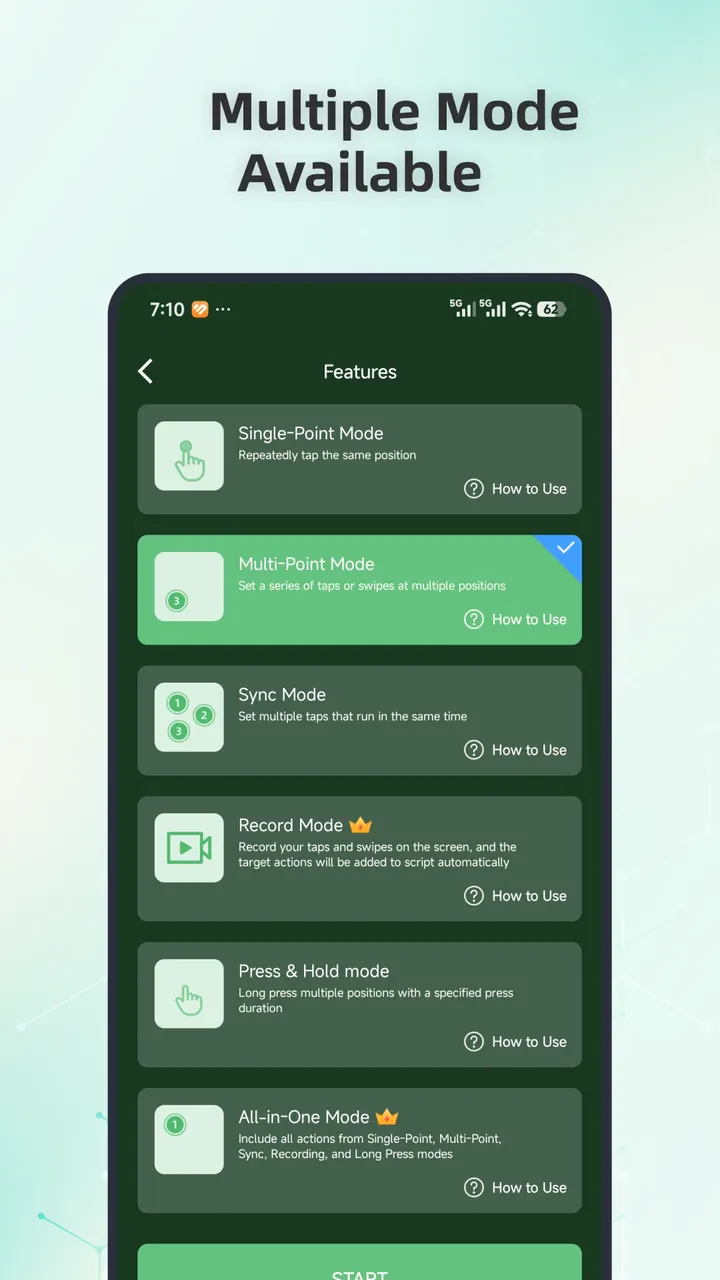
This app suits people who repeat the same screen action many times and want a tool to do it for them. It covers taps, swipes and long presses, so it goes beyond simple single-point clicking.
The app is rated Everyone and carries the tags tools and no-ads. It needs Android 8.0 or newer, and it is described as compatible with Android 12 and above, so older devices may behave differently.
Record and playback, multi-point taps and the floating panel
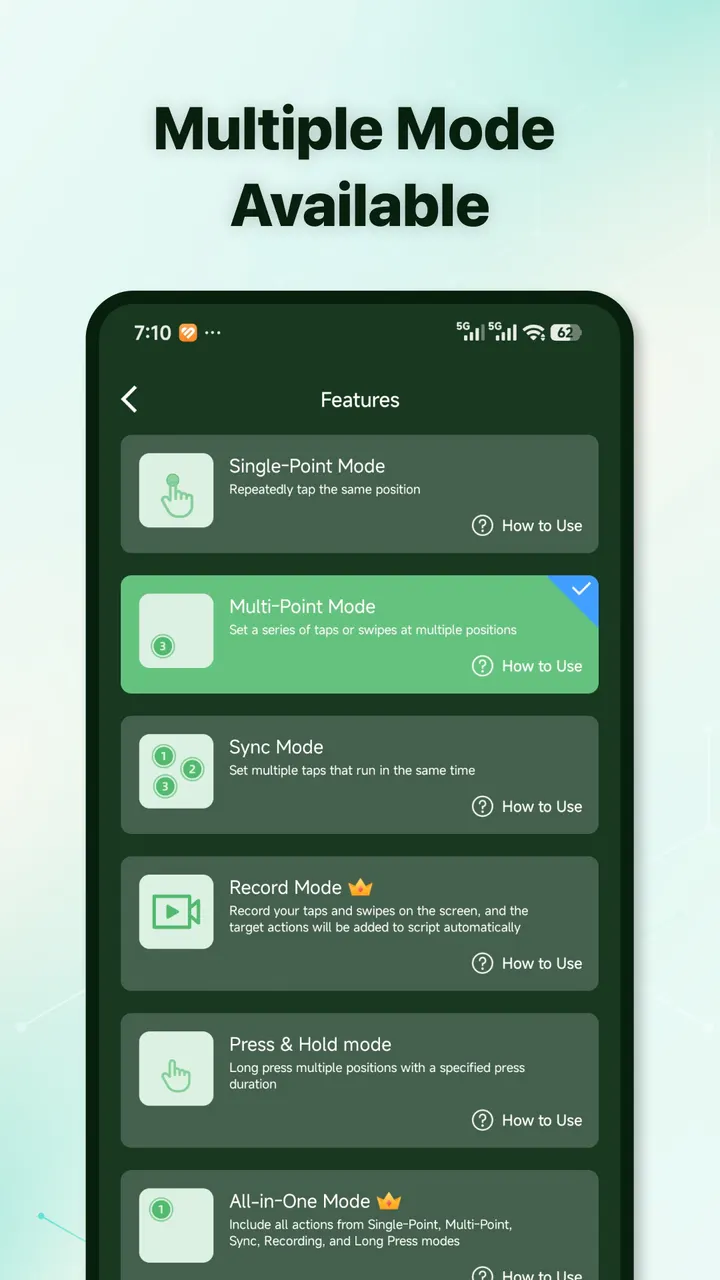
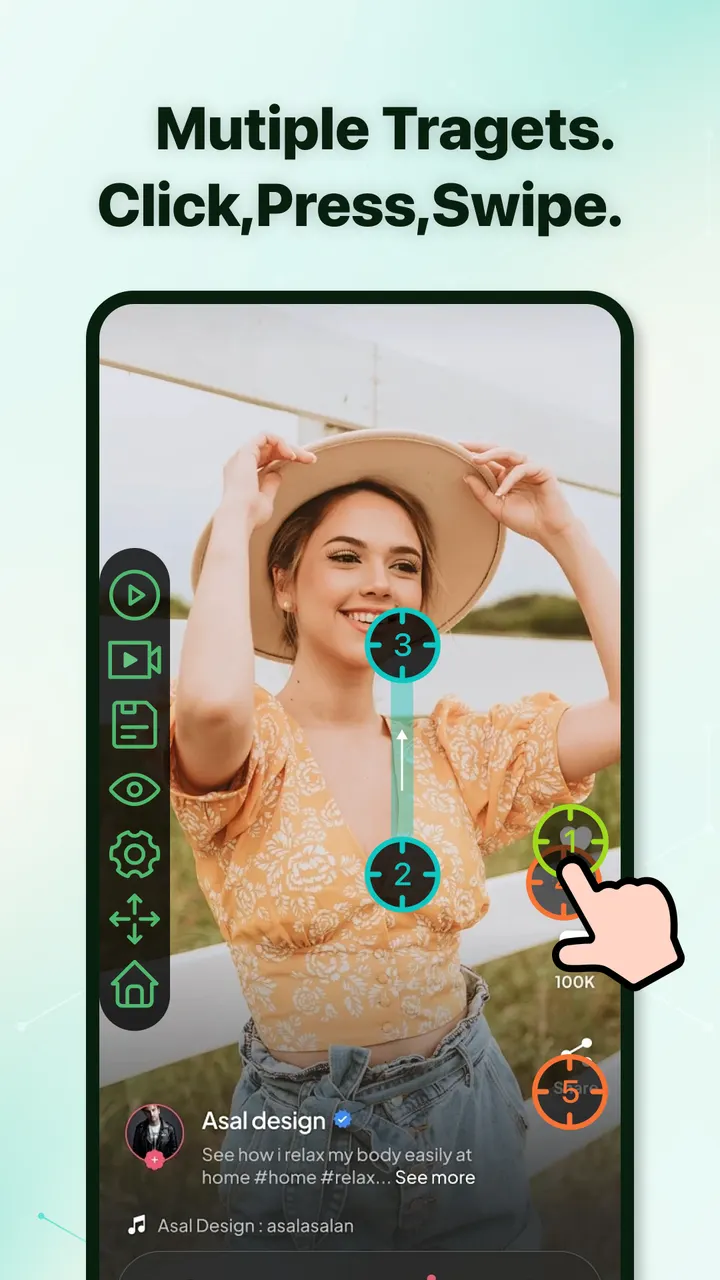
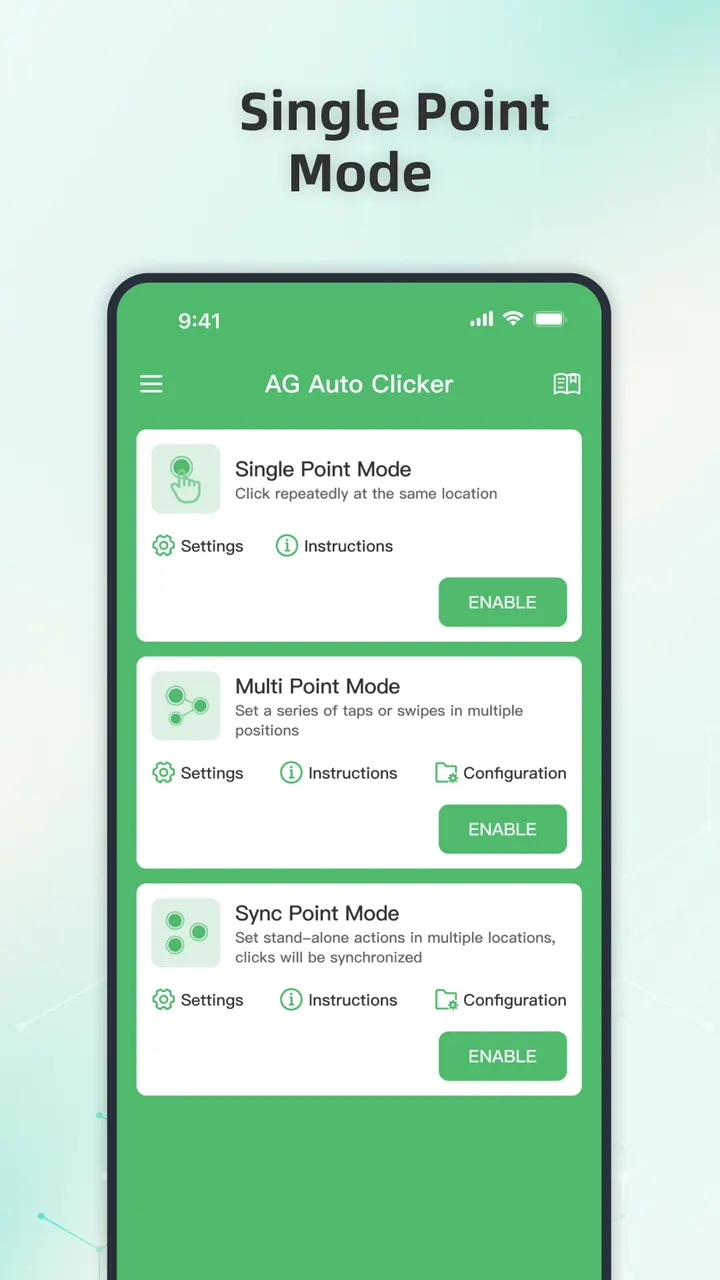
Users can build sequences of taps or swipes that run in order or at the same moment. A synchronous mode triggers several click points at once, which helps with tasks that need coordinated input.
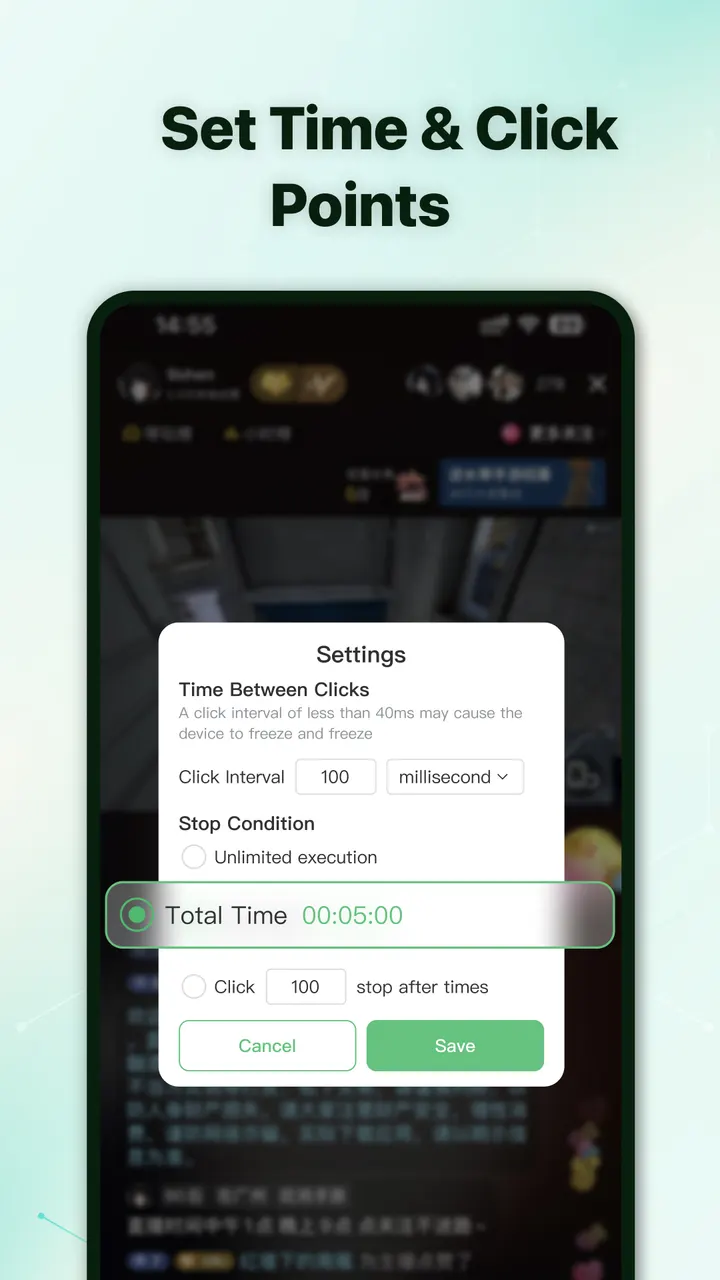
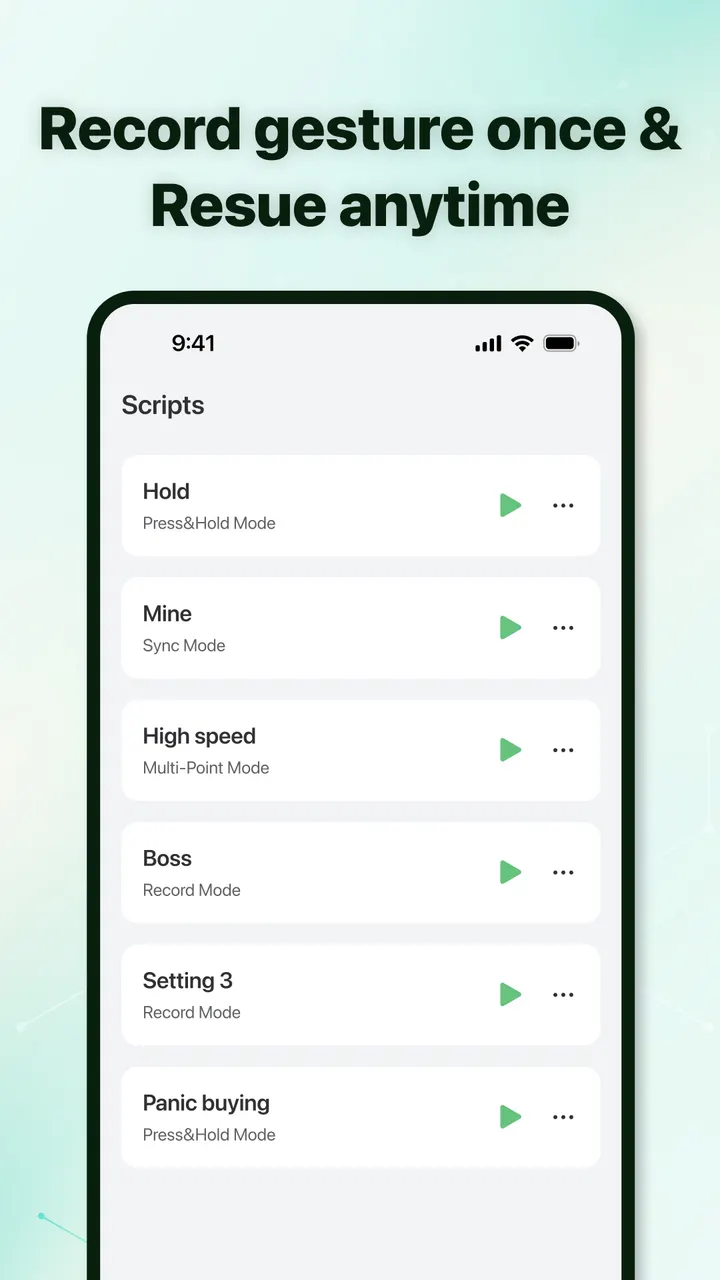
Record and playback captures on-screen gestures and replays them. You can also set a delayed start and adjust click intervals. An adjustable floating panel lets you start or stop a run at any time.
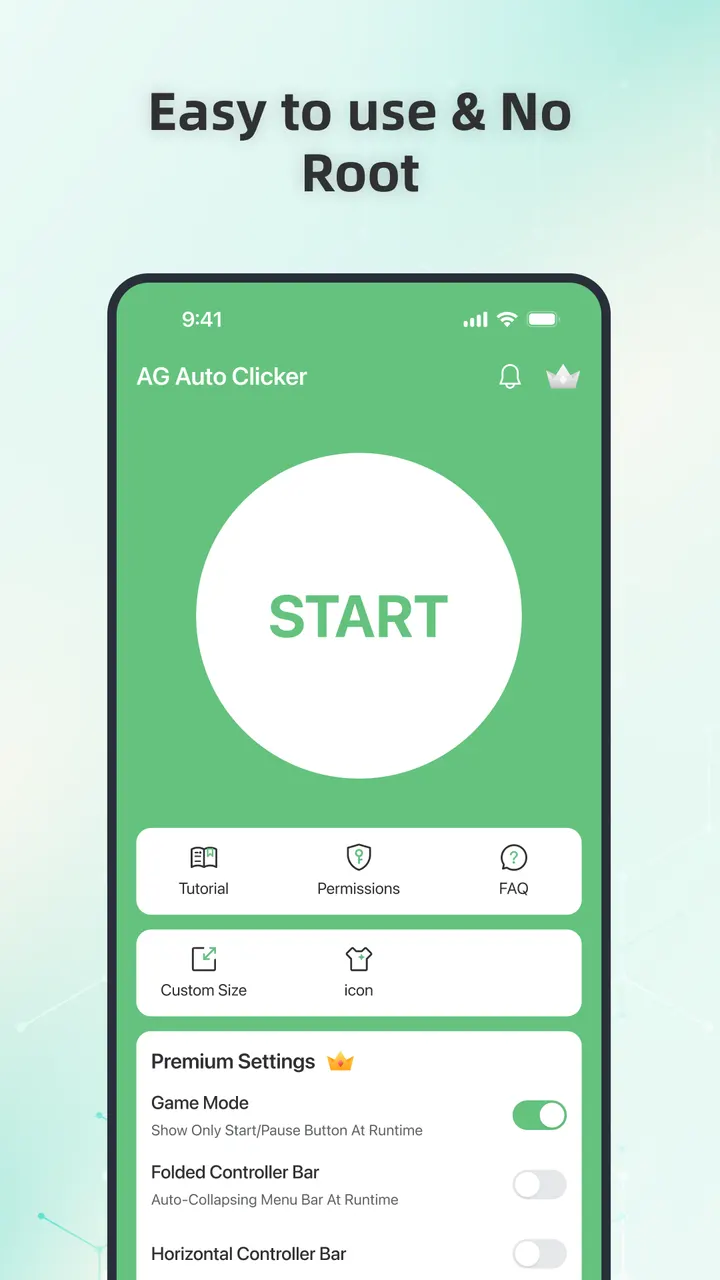
No root access is required, but the Accessibility permission must be enabled manually before any feature works.
In-app purchases and the version on record
The app is free to install and shows no ads. It does include in-app purchases.
The current version is 1.5.8, last updated October 20, 2026. The app first appeared on May 9, 2023.
Auto Clicker-Auto Tap & Swipe pros and cons
Pros
- Free to install with no ads
- Multi-point and synchronous tapping
- Record and playback of gestures
- Scheduled start and adjustable click intervals
- No root access required
Cons
- Contains in-app purchases
- Requires the Accessibility permission to work
- Rated 4.1 on Google Play, which is middling for the category
Is Auto Clicker-Auto Tap & Swipe safe?
Bright Prospect publishes this app, and Google Play is the place to install it. The developer says it does not collect usernames, passwords or personal data, and that Accessibility access is optional and off by default. Those are the developer's own claims and we have not verified them.
How to install Auto Clicker-Auto Tap & Swipe
- Press the Google Play button on this page.
- Check the listing in the Play Store and press Install.
- Open Auto Clicker-Auto Tap & Swipe when the install finishes. Updates arrive through Google Play.


