

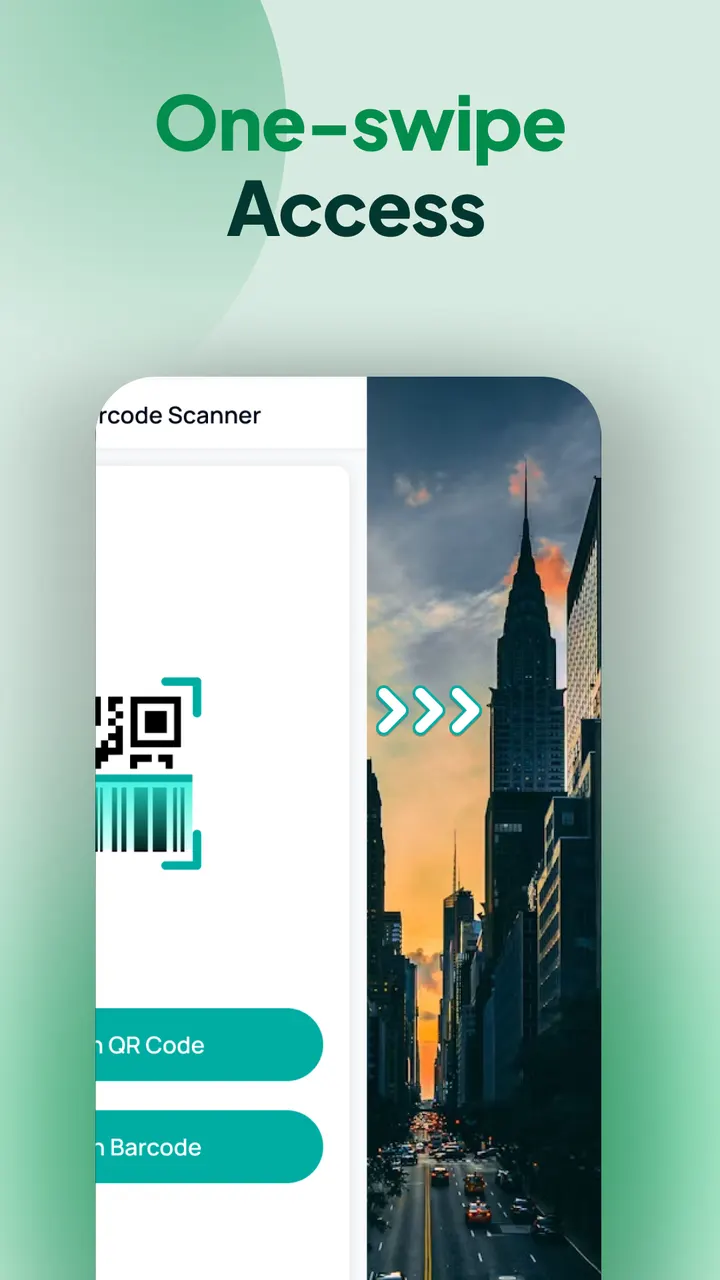
You are standing in a shop aisle and want a product code read without hunting for an app icon. This app puts the scanner one swipe right of your home screen. It comes from AtomApplications, has over 5 million installs on Google Play, and needs Android 10 or newer.
Who a scanner built into the home screen suits
The app is a launcher, not only a scanner. That suits people who scan often and are fine letting it take over the home screen, which is also where the search, widget and wallpaper tools live. The developer notes that the layout may change after install, and that apps stay on the phone but may move.
If you want a scanner you open a few times a year, a plain scanner may fit better. Alternatives include QR & Barcode Scanner and Barcode Scanner.
Scanning, history and auto-copy in practice
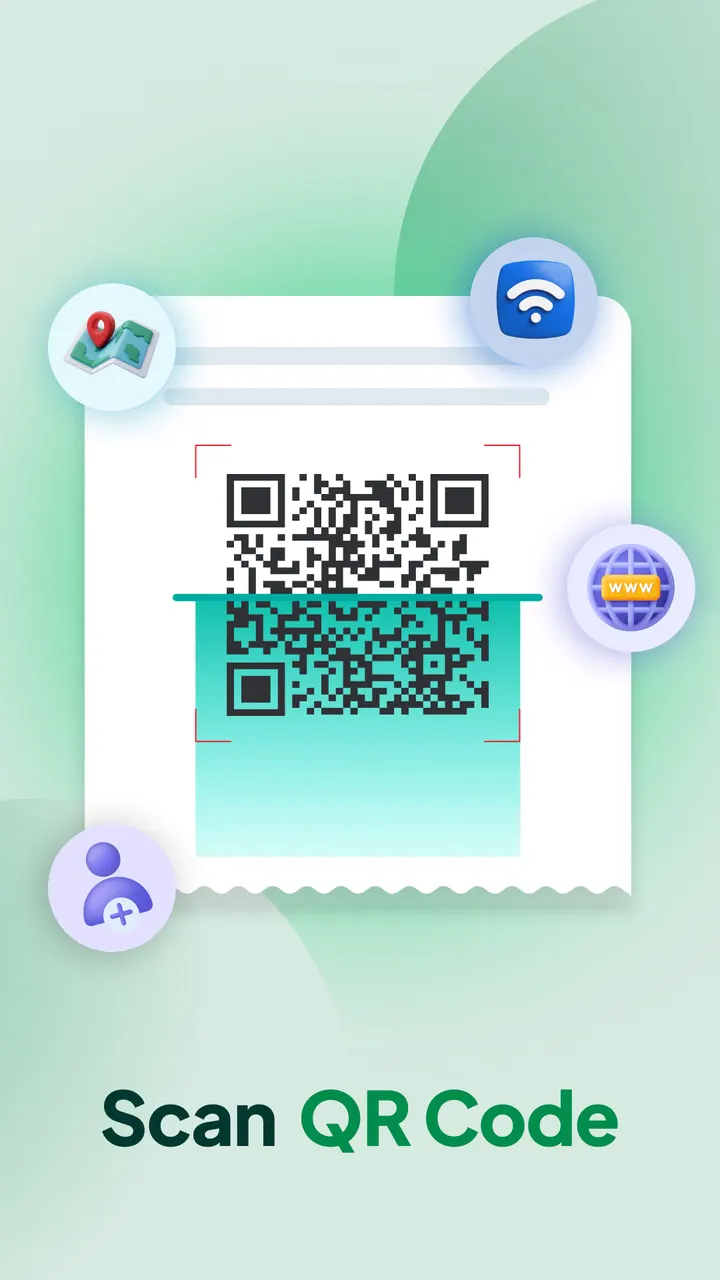
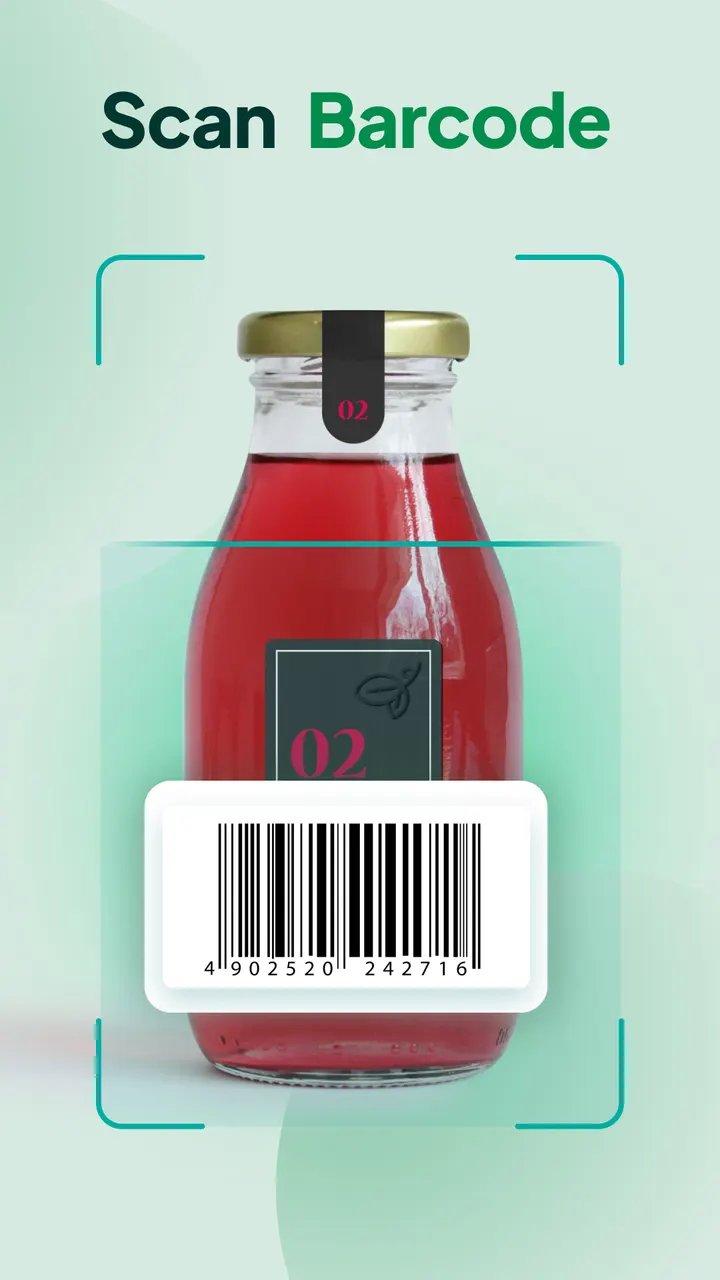
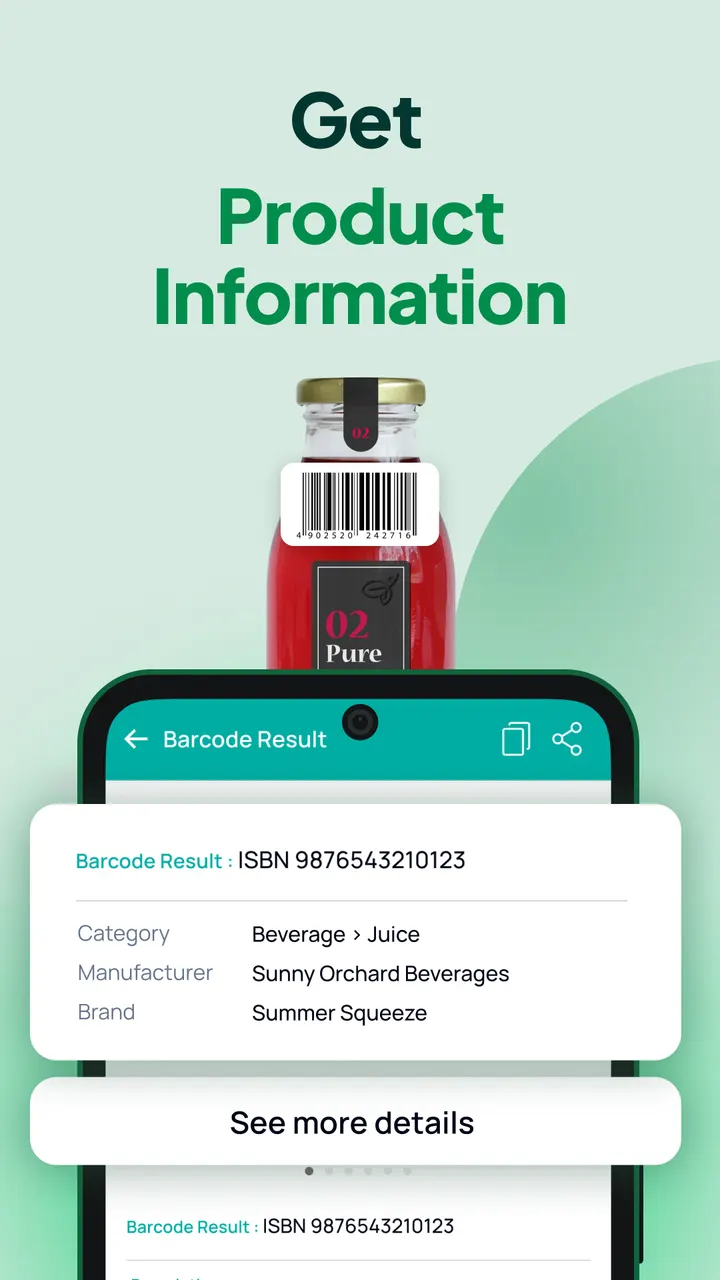
The app reads QR codes and barcodes through the phone camera. The store text mentions Wi-Fi credentials, event invitations, contact details and coupons as QR content, and product details for barcodes.
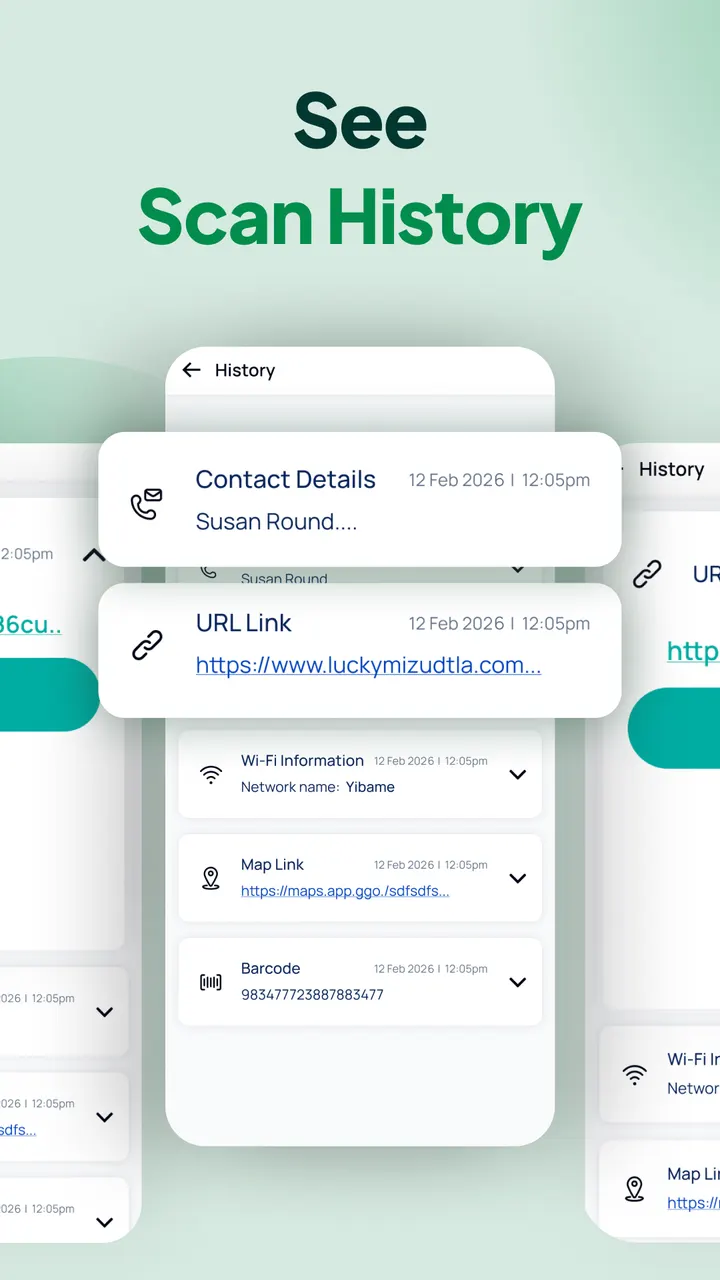
Scan History keeps earlier results in one place so you can reopen a link later. Auto-copy puts the scanned content on the clipboard, and you can choose vibration or a beep to confirm a scan.
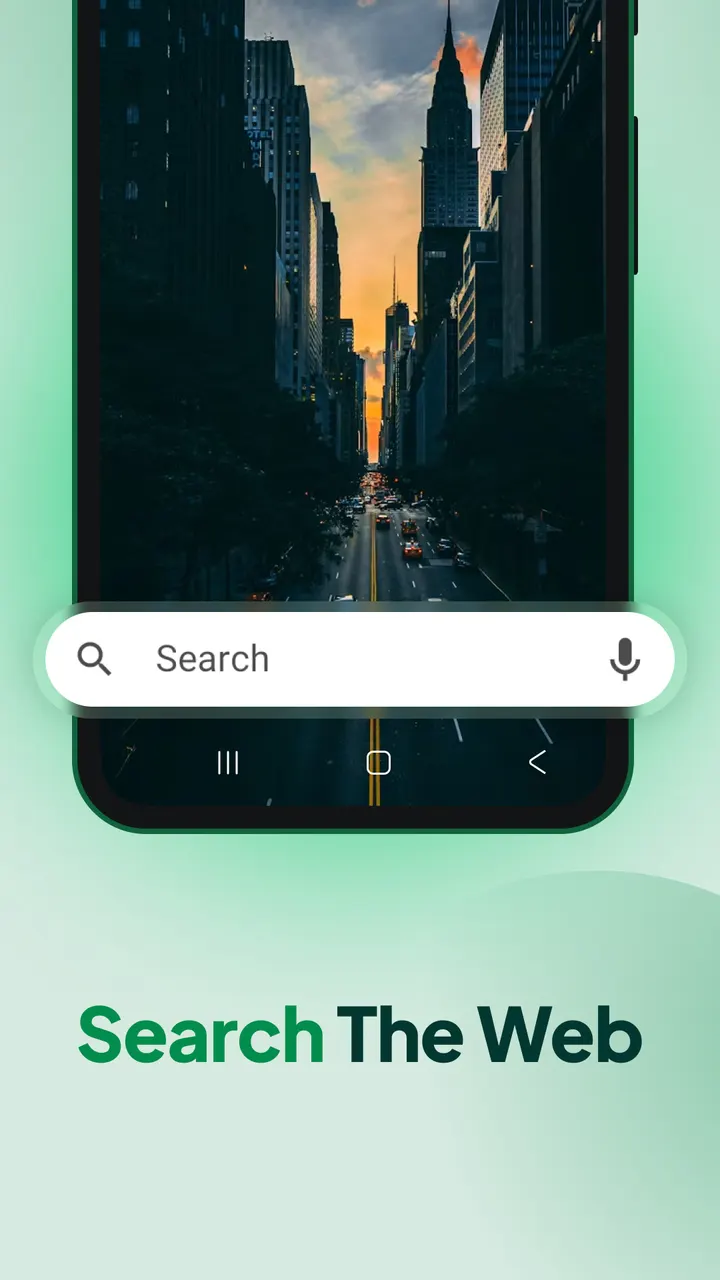
The launcher extras include a home screen widget showing time and weather, themed wallpapers, a home screen shortcut, and search for apps or the web powered by Google, Brave and Yahoo!.
Ads and no purchases
The app is free and has no in-app purchases, but it does contain ads. Google Play rates it 4.3 from 38.2 thousand ratings, and the content rating is Everyone.
What's new in 3.22.0
Version 3.22.0 is the current build, updated on November 4, 2026.
QR & Barcode Scanner Launcher pros and cons
Pros
- Scanner reachable with one swipe right from the home screen
- Scan History stores earlier QR codes and barcodes
- Auto-copy sends scanned content to the clipboard
- Vibration or beep confirms a scan
- Free, with no in-app purchases listed
Cons
- Contains ads
- Works as a launcher, so the home screen layout may change after install
- Requires Android 10 or newer
Is QR & Barcode Scanner Launcher safe?
Google Play is the place to install this scanner. AtomApplications publishes it and runs a site at qrscanner.com. We have no permission list or licence details to share. Since the app works as a launcher and takes over your home screen, read what it asks for during setup and expect your app layout to shift afterward.
How to install QR & Barcode Scanner Launcher
- Press the Google Play button on this page.
- Check the listing in the Play Store and press Install.
- Open QR & Barcode Scanner Launcher when the install finishes. Updates arrive through Google Play.