
Klick'r is an open-source auto-clicker from Buzbuz Software that watches the screen and acts only when a chosen image or piece of text shows up. Instead of tapping at fixed intervals, it reacts to what is visible, and conditions can be combined with AND/OR logic. Version 4.1.2 needs Android 7.0 or newer and takes up 19.3 MB. The APK comes with a checksum and signature details, and the file is stored unmodified.
Free with an ad before each scenario, Pro to remove it
The app is free to download, and all features are free. The trade-off is that starting a scenario requires watching a short ad. Google Play marks the app as containing ads and in-app purchases.
Pro is a one-time purchase that removes the ads, with no subscription. Check the store listing for its price.
Image detection, OCR and AND/OR conditions
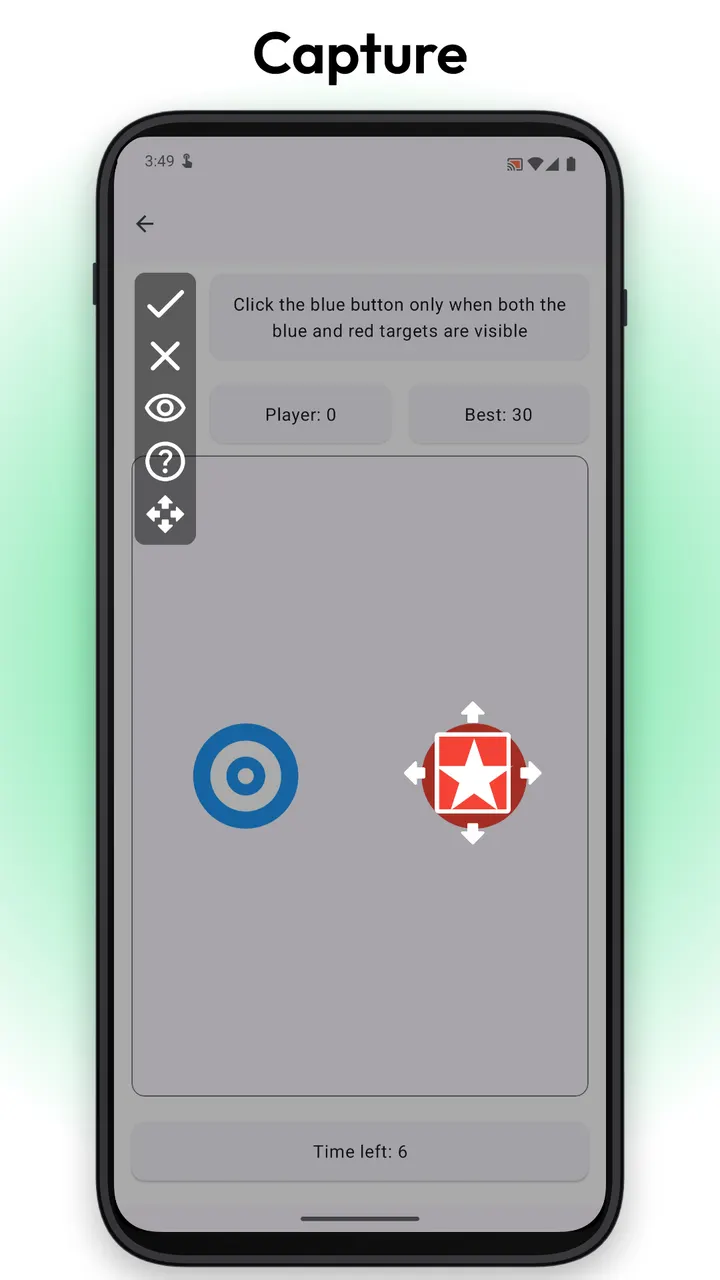
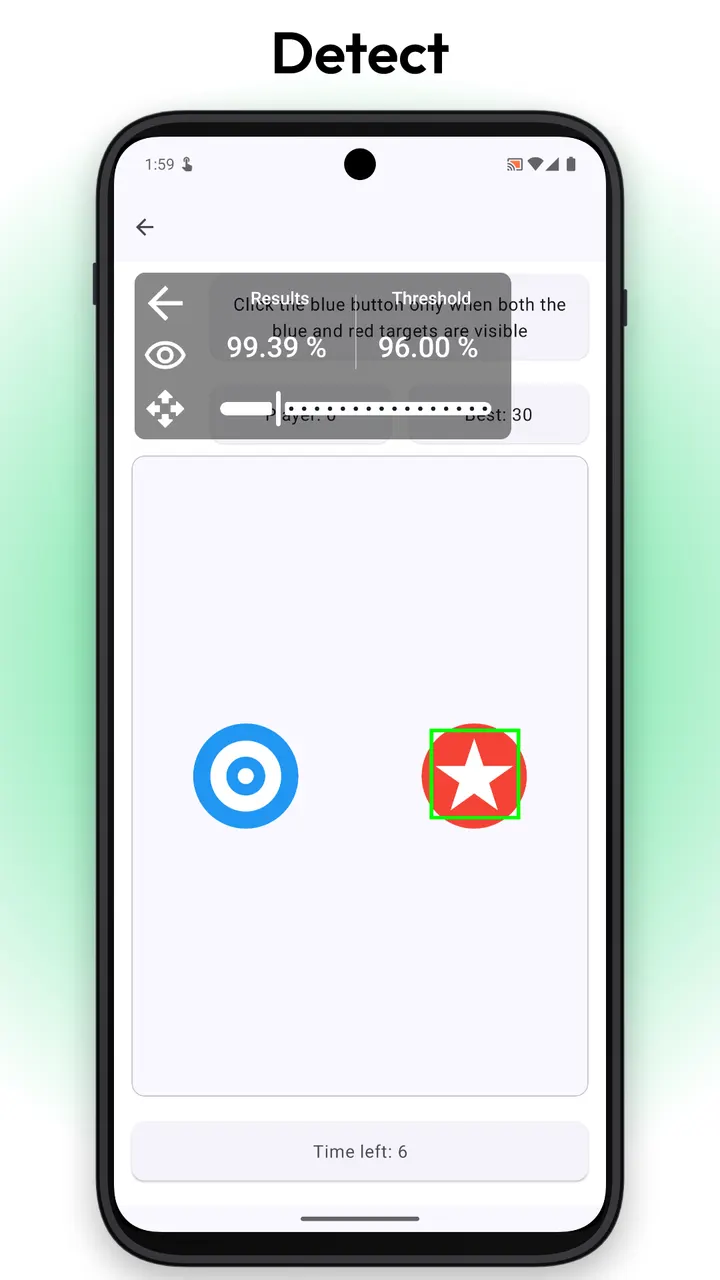
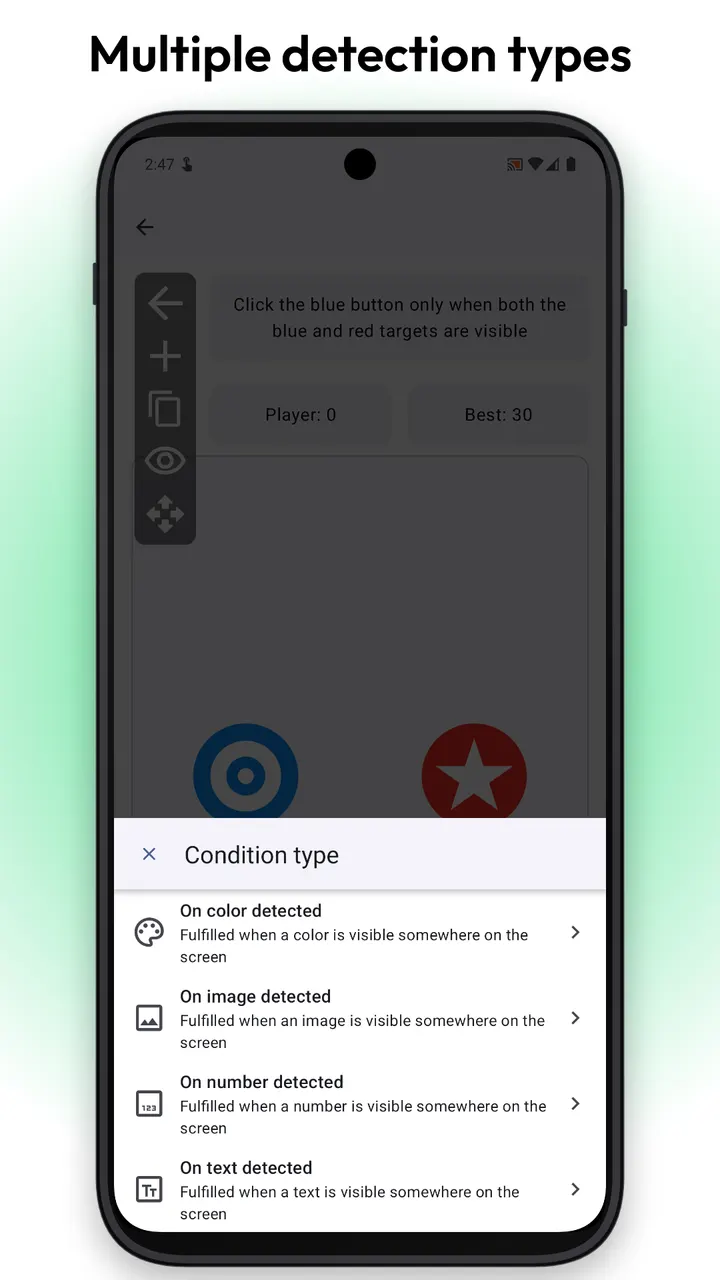
Klick'r has two modes. Normal scenarios repeat taps with precise timing and need no conditions. Smart scenarios capture part of the screen as a reference image, set a tolerance, and let the app look for it.
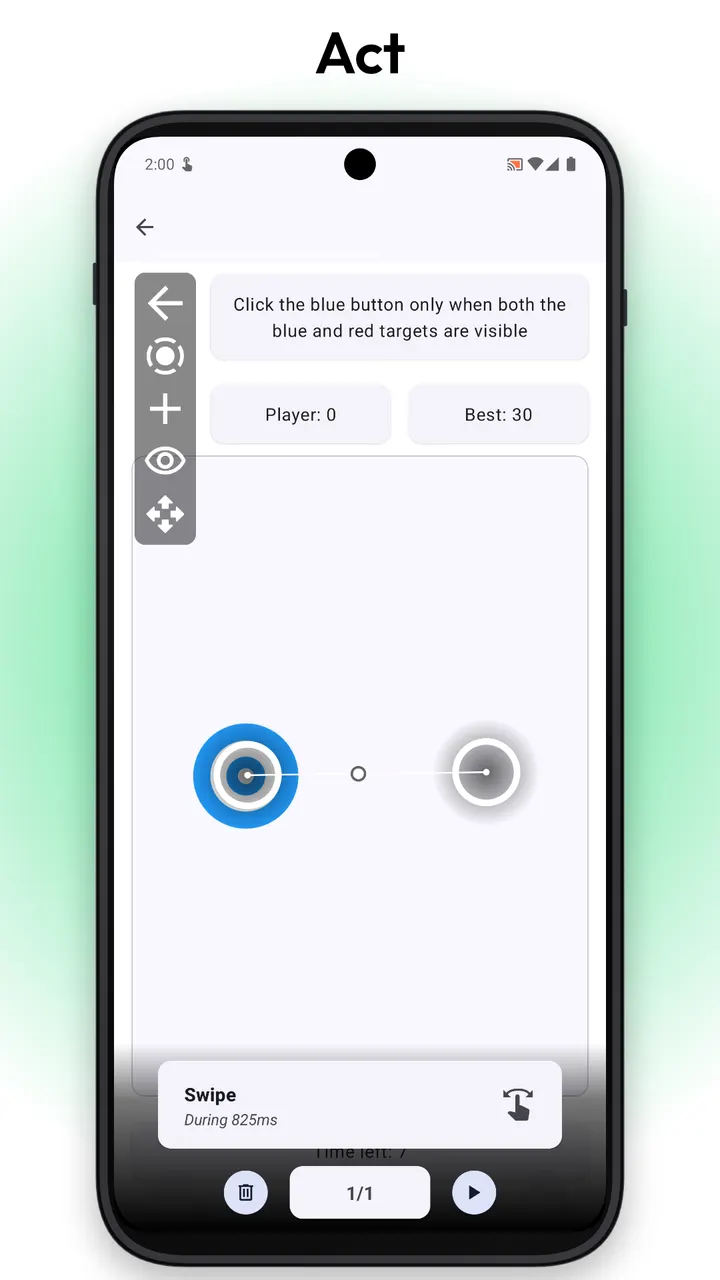
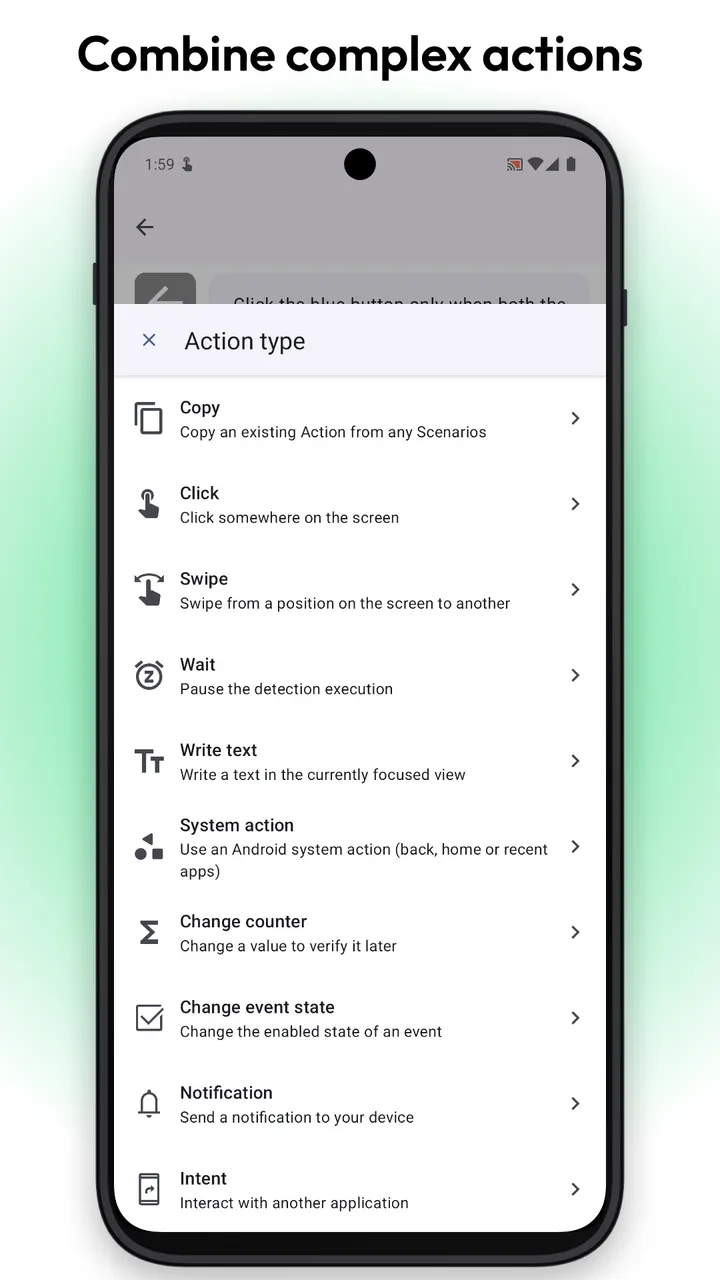
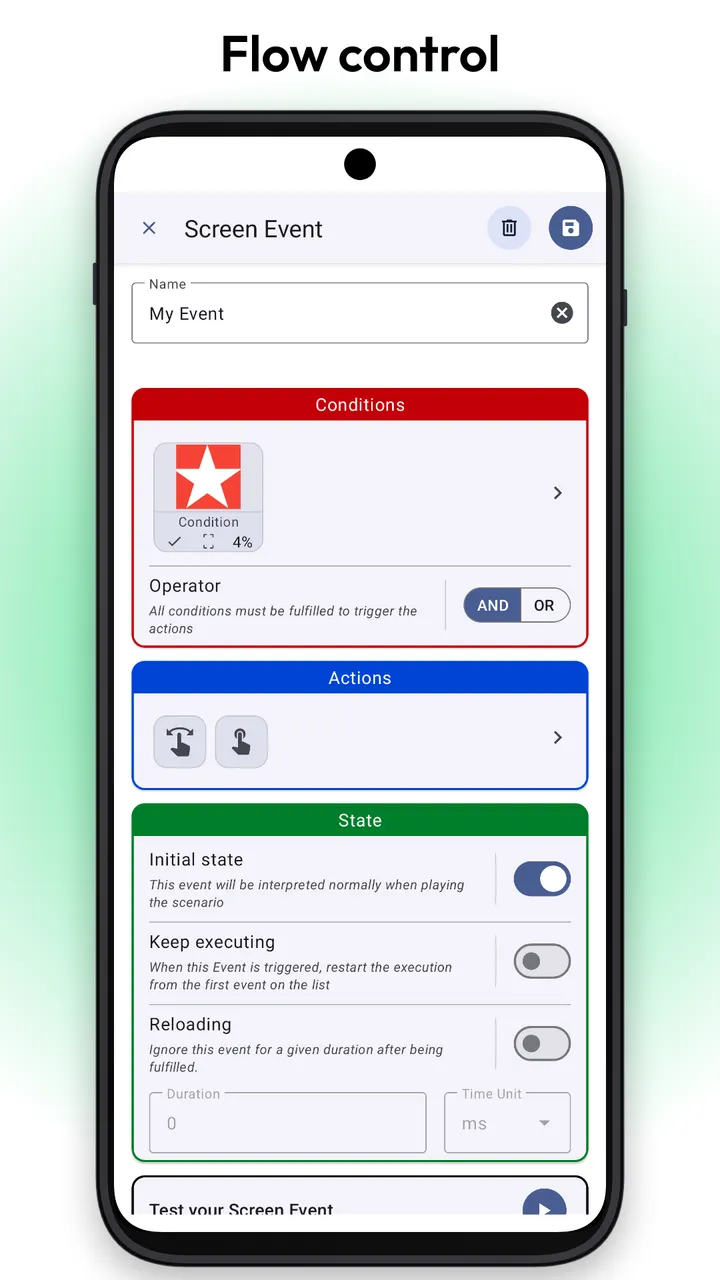
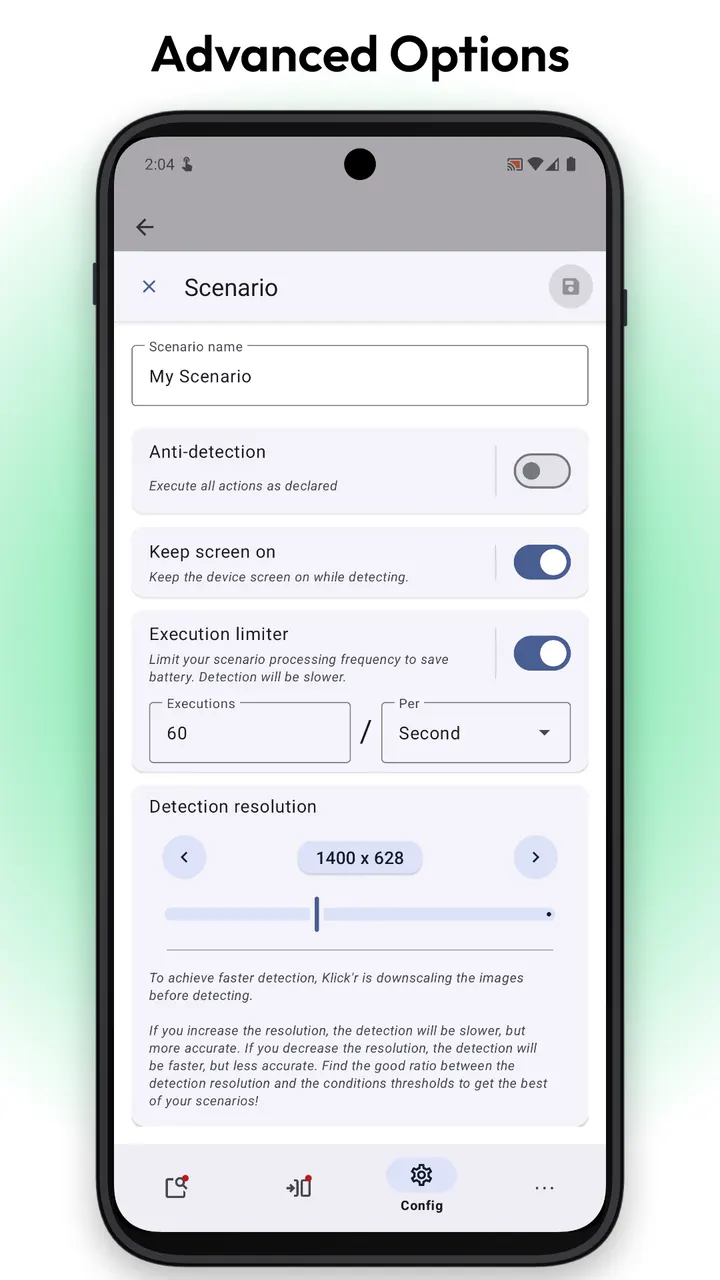
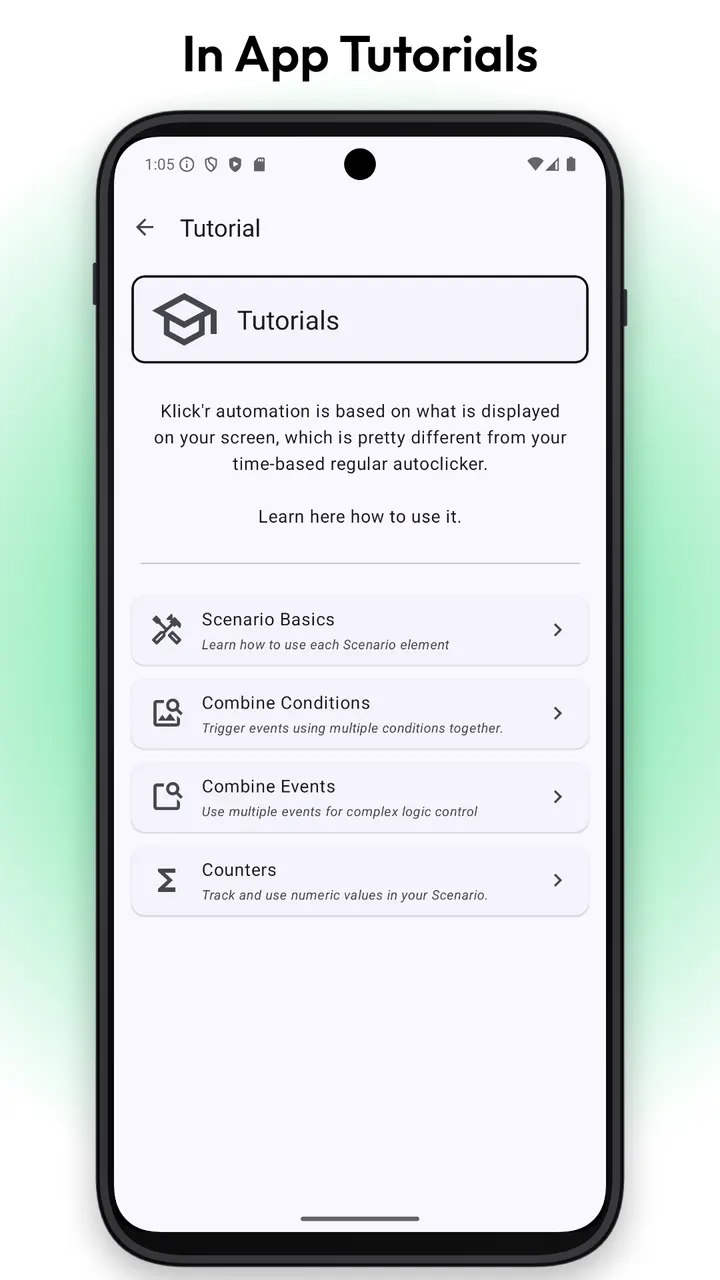
Text detection through OCR can also trigger an action. An action can have several conditions combined with AND/OR logic. Clicks, swipes and pauses carry configurable delays and priorities, and the app can talk to other apps through Android Intents. Everything is grouped into reusable scenarios, and built-in tutorials explain the basics.
Maintenance since the 2021 release
Klick'r first appeared on May 11, 2021, and its latest update is dated October 27, 2026. The source code is public on GitHub under GPL-2.0-or-later, so anyone can read how the image and text detection works.
Klick'r pros and cons
Pros
- Detects images and on-screen text, so taps do not depend on fixed timing
- Combines several conditions per action with AND/OR logic
- All features are free; Pro is a one-time purchase with no subscription
- Source code is public on GitHub under GPL-2.0-or-later
- Includes a simple mode for plain rapid tapping
Cons
- Each scenario start requires watching a short ad unless Pro is bought
- Needs the Accessibility Service enabled to tap and swipe in other apps
- Requires Android 7.0 or newer
- Ads appear before scenarios start unless you buy Pro
Is Klick'r safe?
We host the unmodified APK as a verified file, with SHA-256 checksum 01eb9702bc2de6eeb207433a69e5ed8016574fca9ed1b48f8f0f34cbe42daa40. The publisher is Buzbuz Software and the code is open under GPL-2.0-or-later. The developer says the Accessibility Service is used only for the taps and swipes you configure, with no data collection, no account and no network calls. Google Play rates the content Everyone.
How to install Klick'r
- Download the APK with the button on this page and wait for it to finish.
- Compare the file with the SHA-256 checksum shown here if you want to confirm it arrived intact.
- Open the file on your phone and allow installs from this source when Android asks.
- Finish the install, then open Klick'r from your app drawer.


