

Auto Click suits Android users who repeat the same screen gestures and want to set them up once with exact timing. It is made by gc auto clicker and sits in the auto-clickers category. Google Play lists over 10 million installs, and the app is available through Google Play only.
Free to install, with ads and in-app purchases
Auto Click is free to install from Google Play. The store page flags both ads and in-app purchases.
Google Play users have given it a rating of 4 across about 345.6 thousand ratings. The content rating is Everyone.
Tap, swipe and long-press sequences with per-app presets
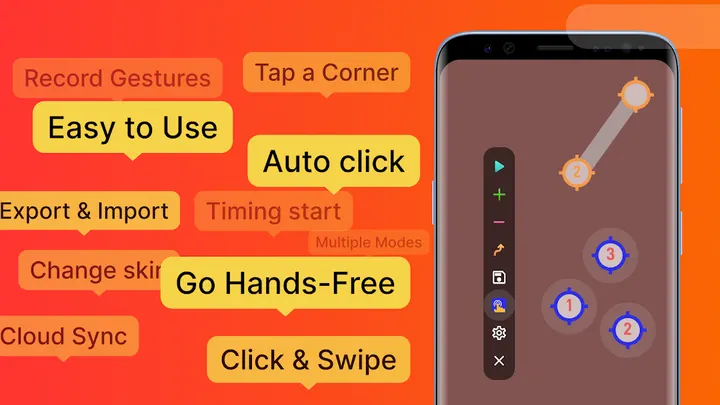
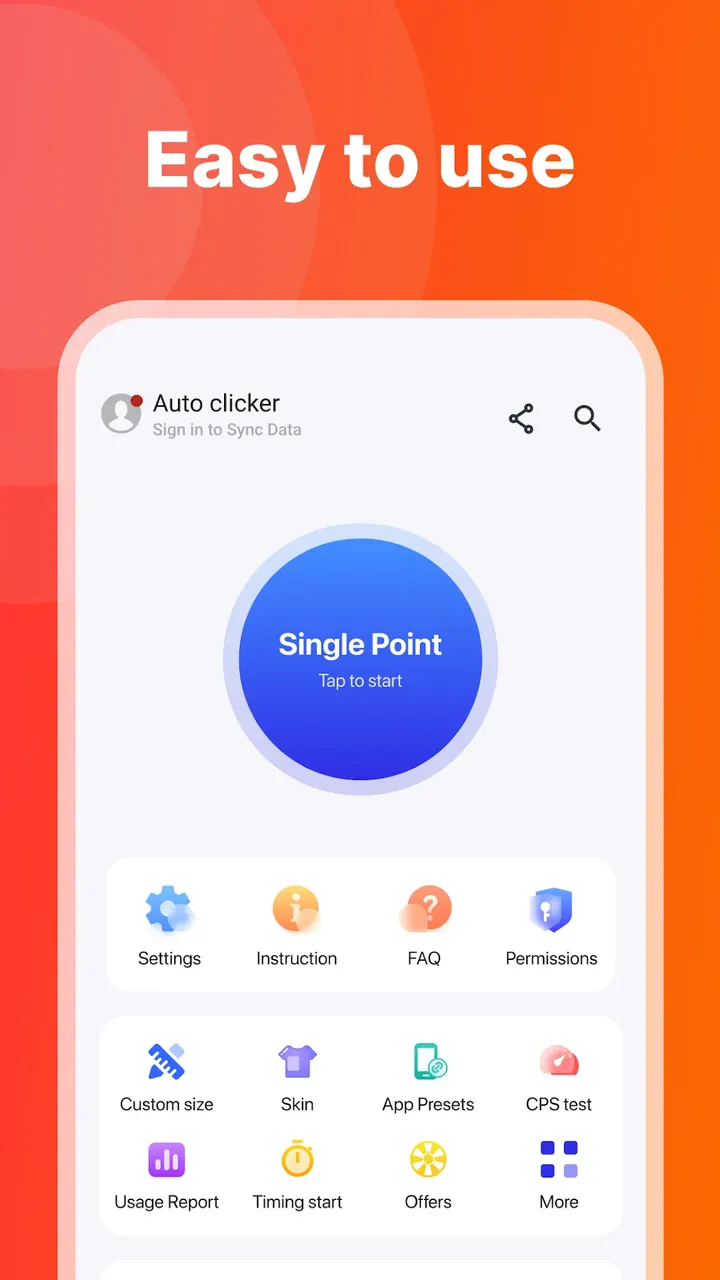
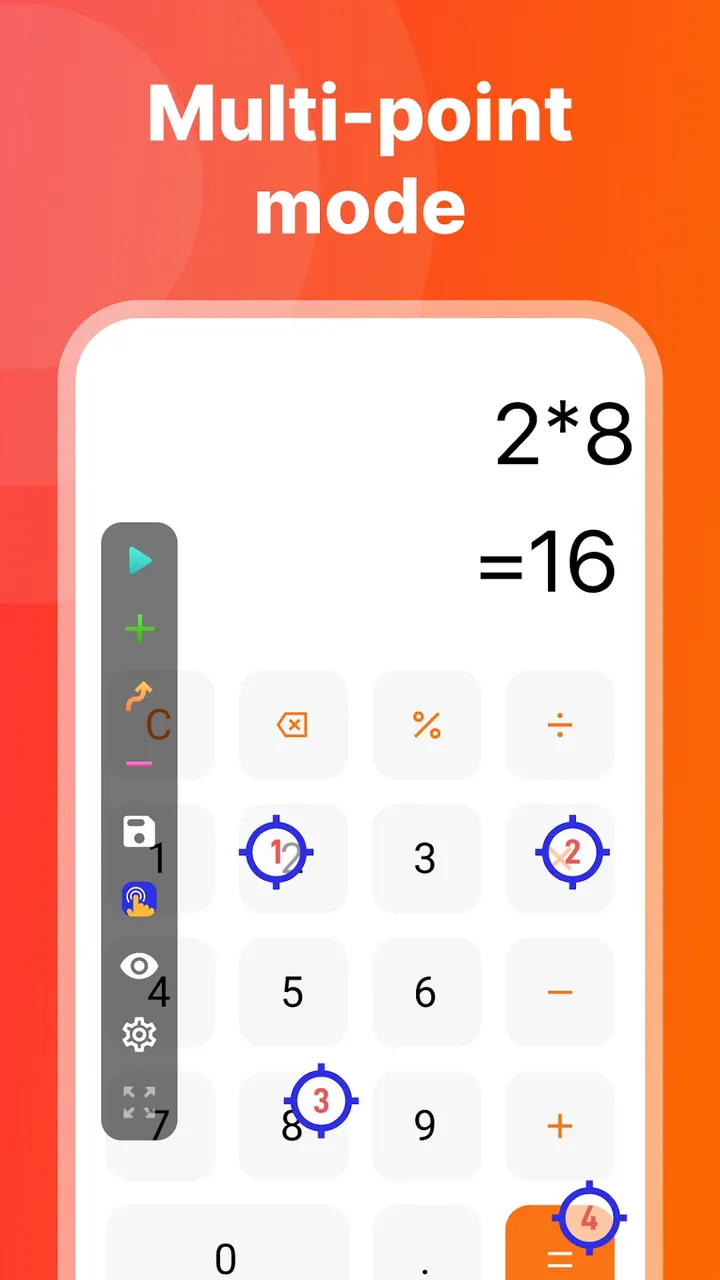
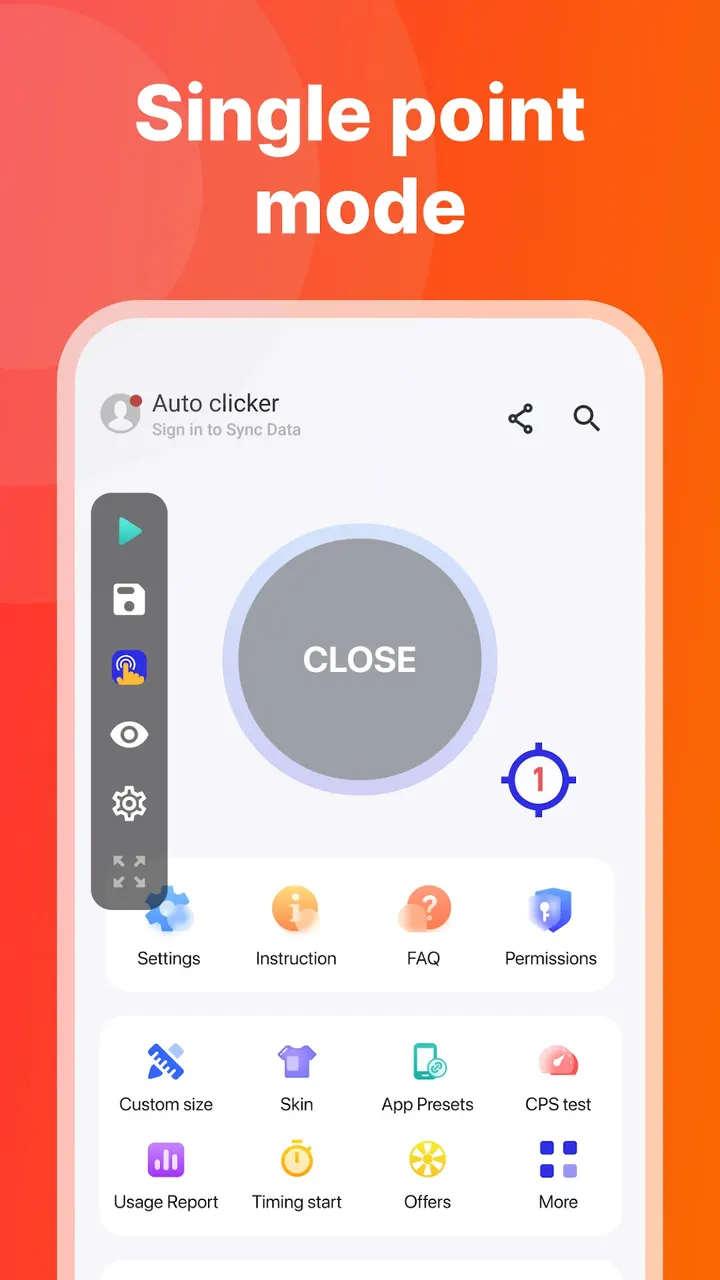
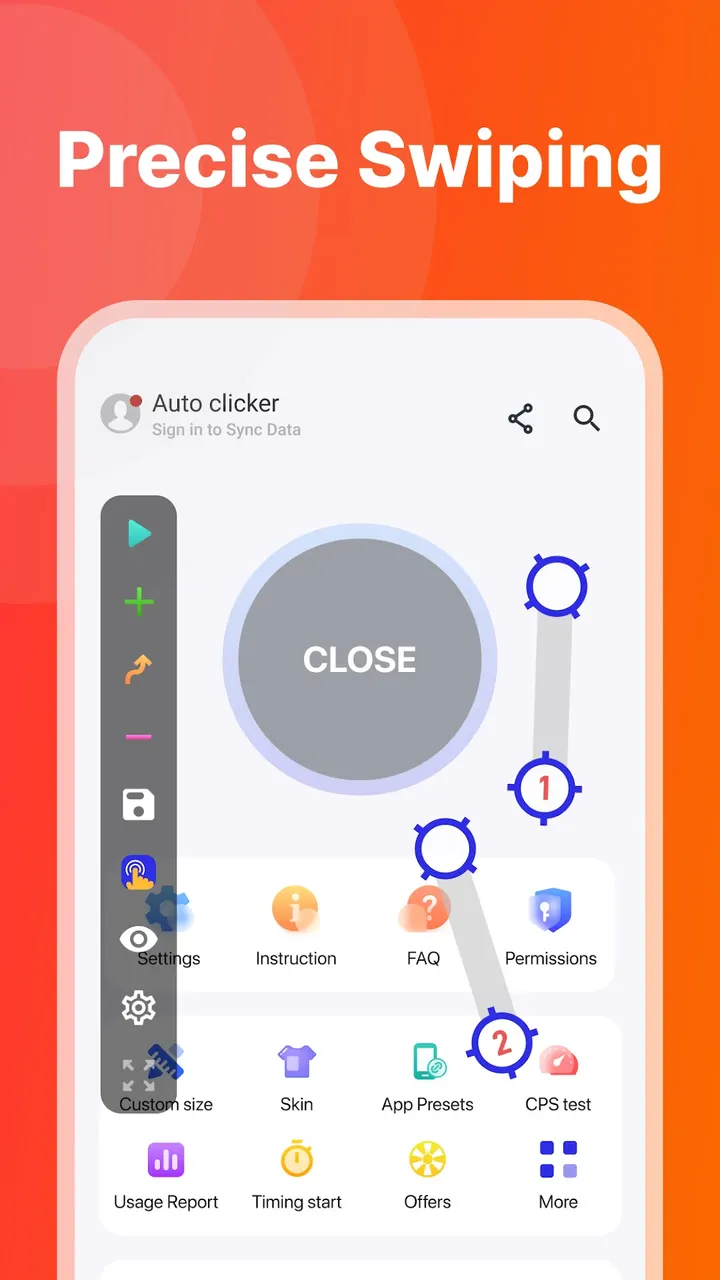
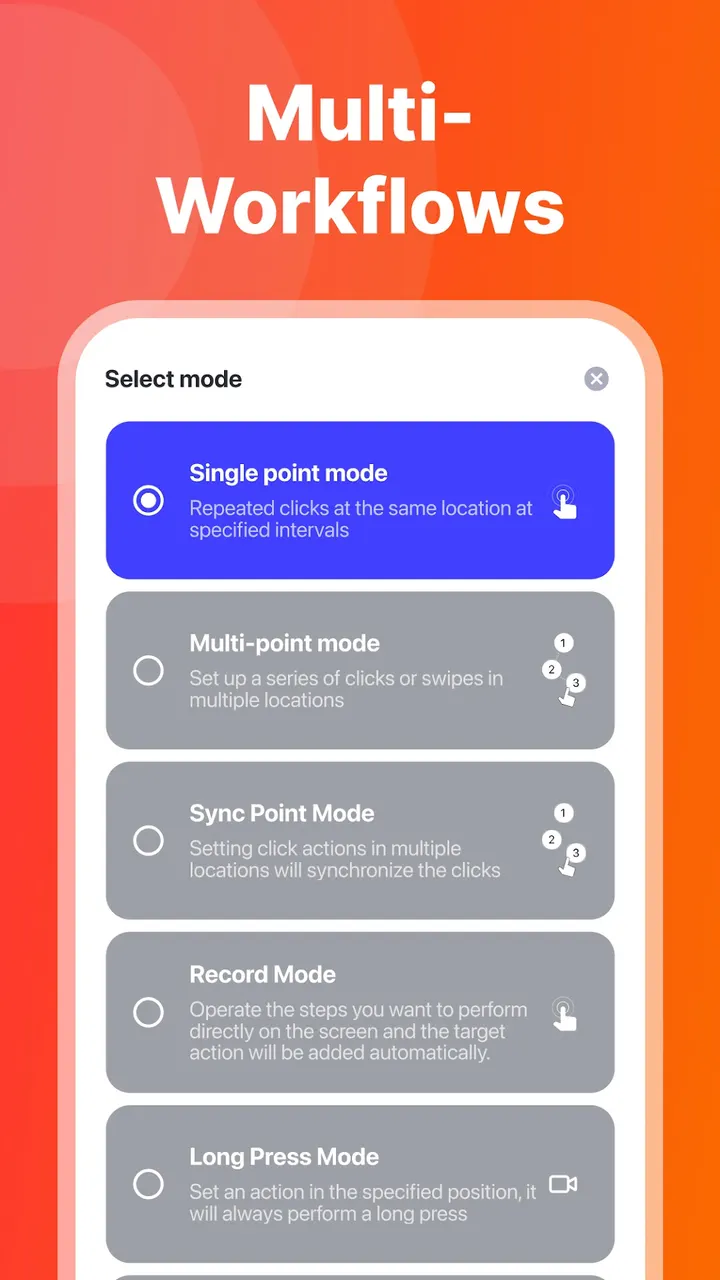
You build a sequence from tap points, swipe paths, long-press duration, intervals and repeat cycles. Multi-touch click mode taps several target points in order, and each point gets its own cycle count. A combined gesture mode puts tap, swipe and long press into a single workflow.
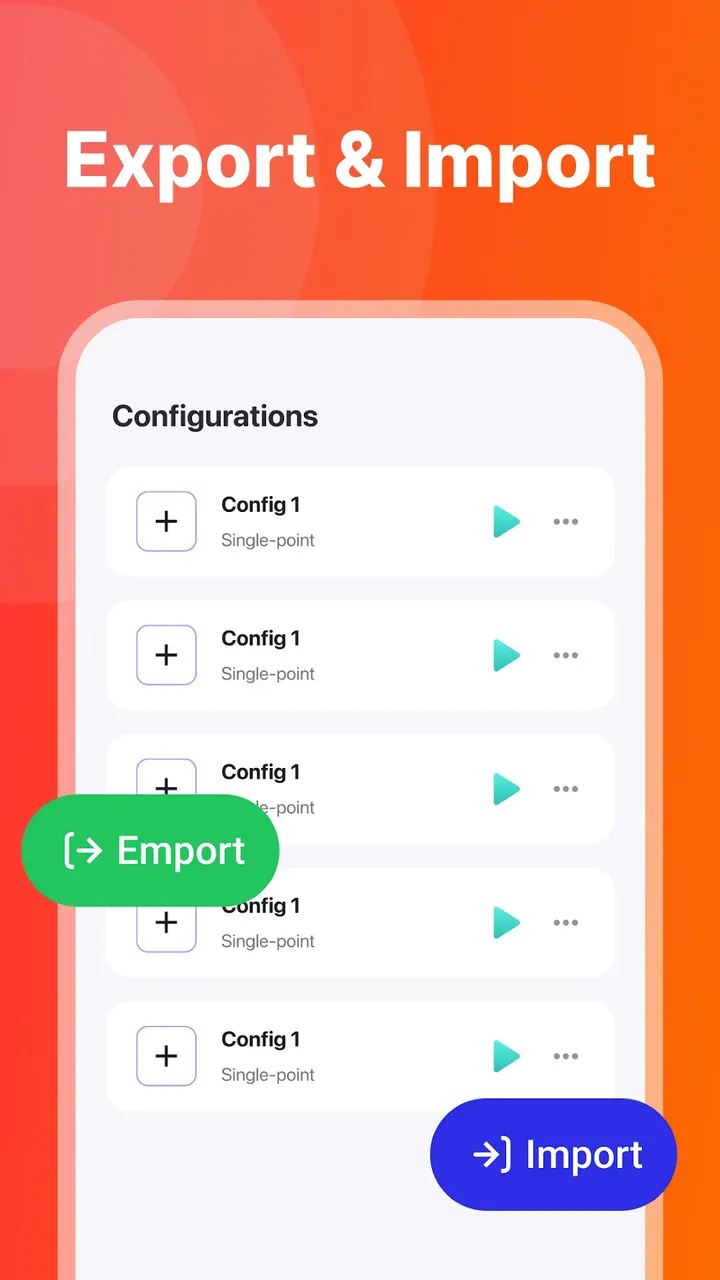
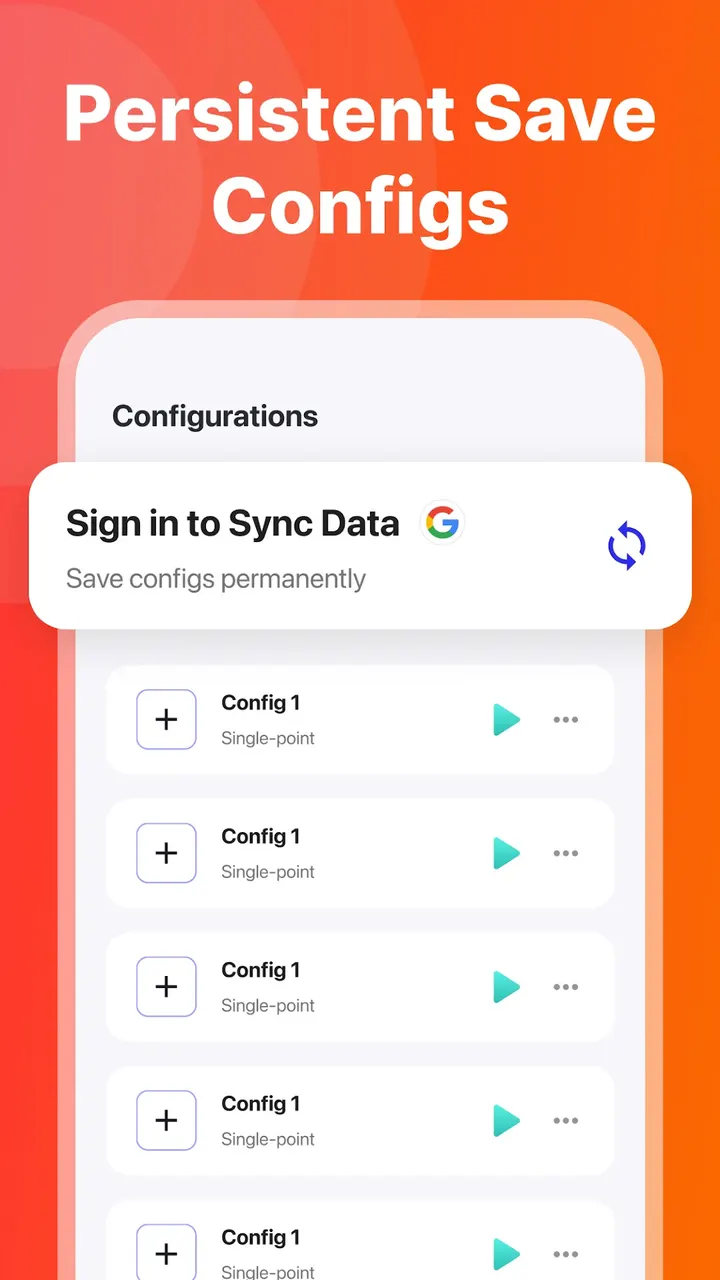
Presets can be saved for selected apps. When one of those apps is in the foreground, the matching preset loads, and you start it by hand from the floating control panel. Configurations can be imported and exported through local storage permission.
Smaller options include changeable click target skins, adjustable panel transparency and full-screen coverage for placing points near screen edges.
Accessibility service use and the Android 7.0 floor
Core functions rely on the AccessibilityService API to simulate clicks and swipes and to read the package name of the active app locally. The developer states that nothing starts on its own and that no personal data is collected through this service. Root is not required, and Android 7.0 or later is needed.
The current version is 2.4.14, updated on October 23, 2026. The app first appeared on December 19, 2021.
Auto Click pros and cons
Pros
- Gestures include tap, swipe and long press with set intervals and repeat cycles
- Per-app presets load when the chosen app is active
- Multi-touch mode gives each target point its own cycle count
- No root needed, works on Android 7.0 and later
- Configurations can be imported and exported
Cons
- Contains ads
- Includes in-app purchases
- Needs the AccessibilityService permission to work
- Available through Google Play only
Is Auto Click safe?
Install Auto Click from Google Play. The developer, gc auto clicker, links a website and a privacy policy. It states that AccessibilityService collects no personal data, and that other data handling is covered in the policy and in the Google Play Data Safety section. Read both before you grant any permissions.
How to install Auto Click
- Press the Google Play button on this page.
- Check the listing in the Play Store and press Install.
- Open Auto Click when the install finishes. Updates arrive through Google Play.


