

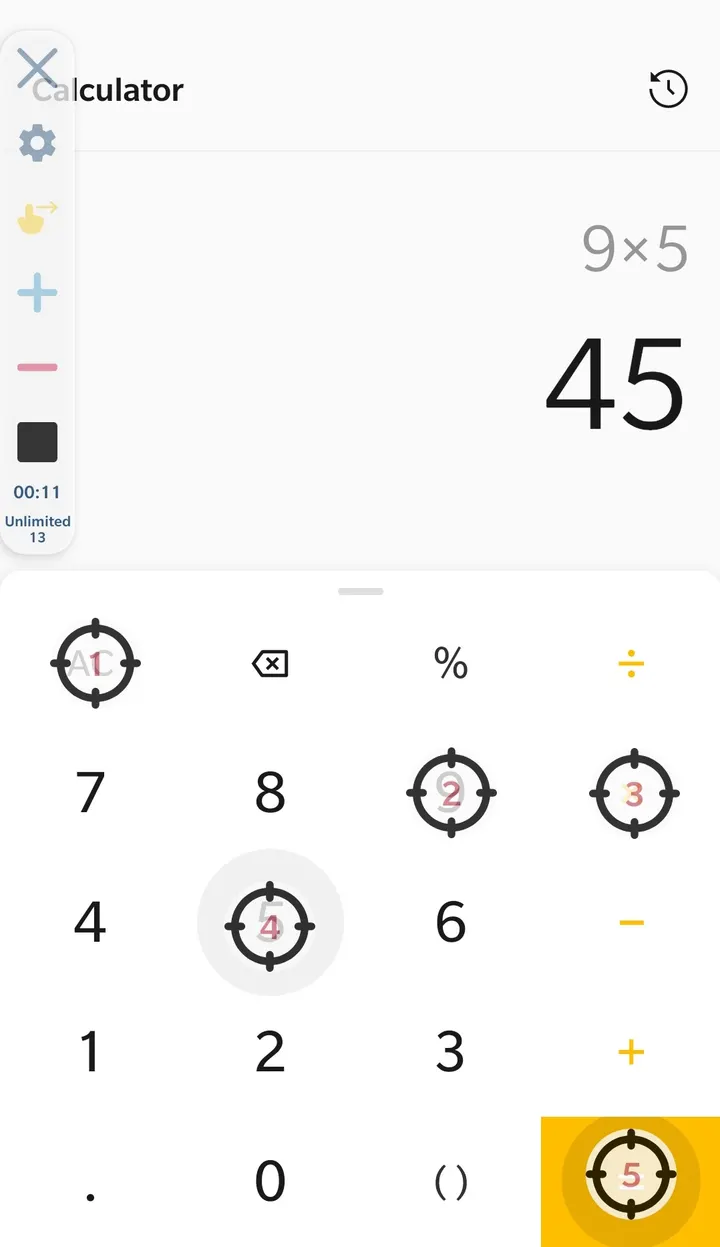
OP Auto Clicker is for people who want their phone to repeat taps and swipes without touching the screen, and who run Android 7.0 or newer. It is listed in the auto-clickers category and rated for Everyone. This page covers it as a Google Play listing only.
Single target or multi target, your choice
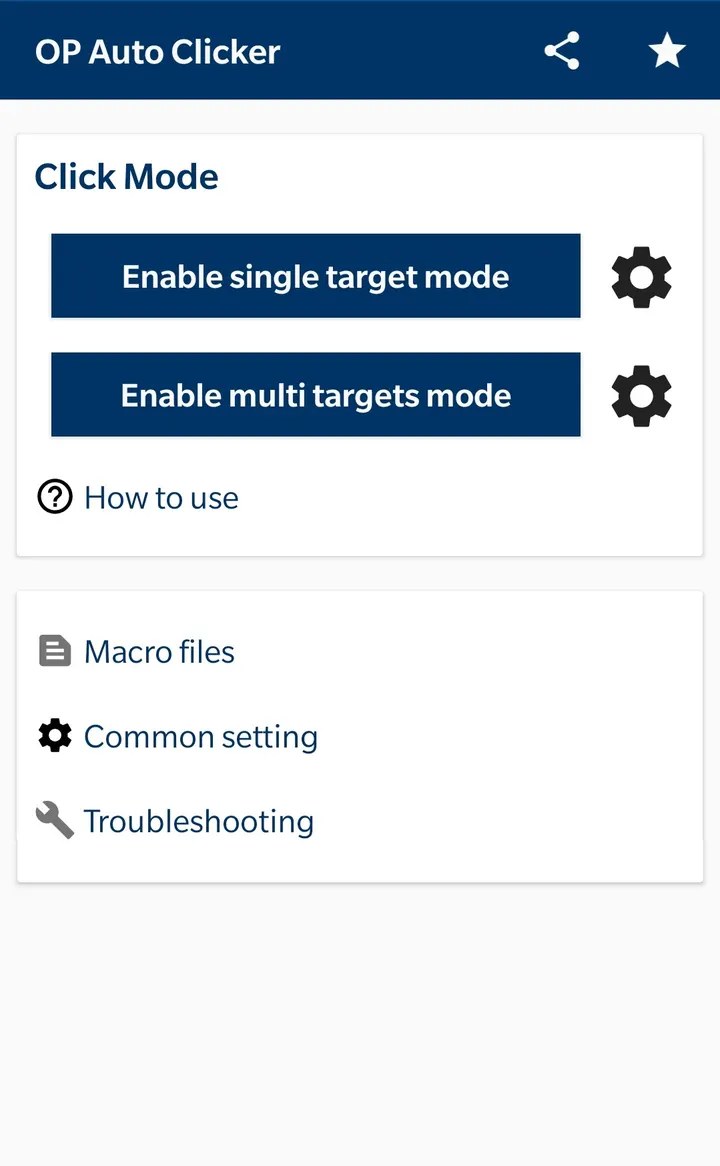
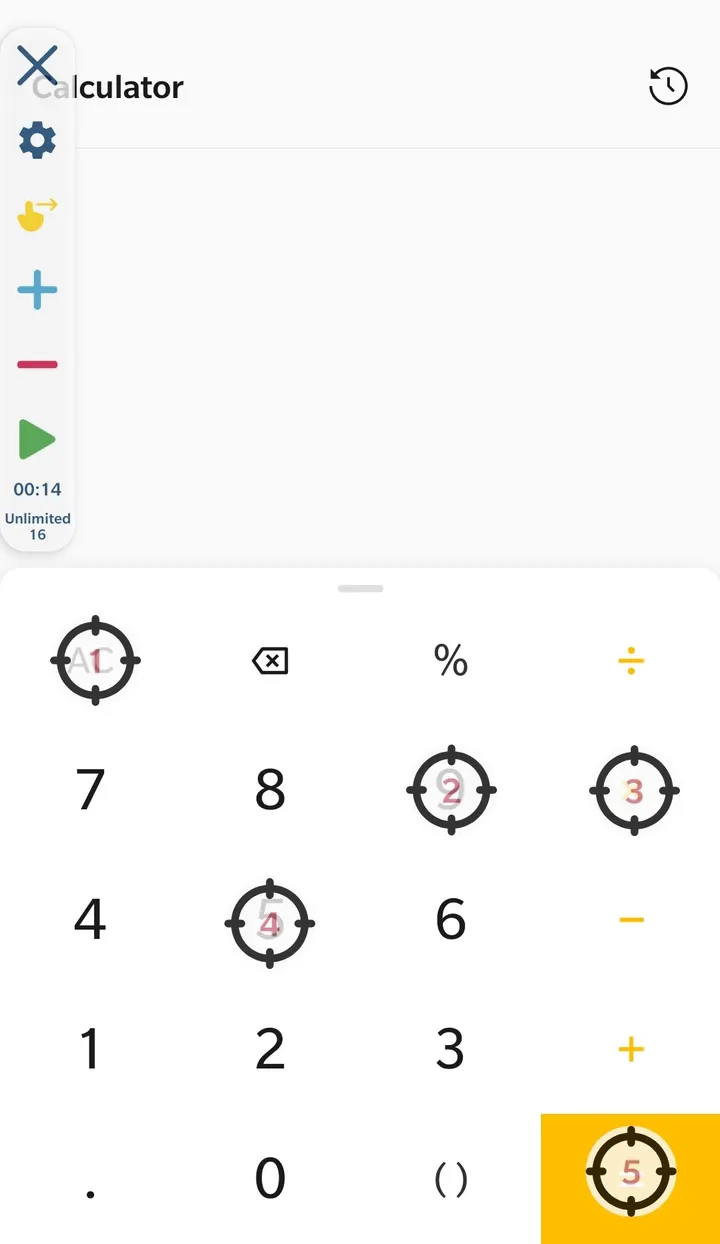
The app works in two modes. Single target mode repeats one tap in one place, while multi target mode runs a series of click points. Swipes are supported as well, so it can handle more than plain tapping.
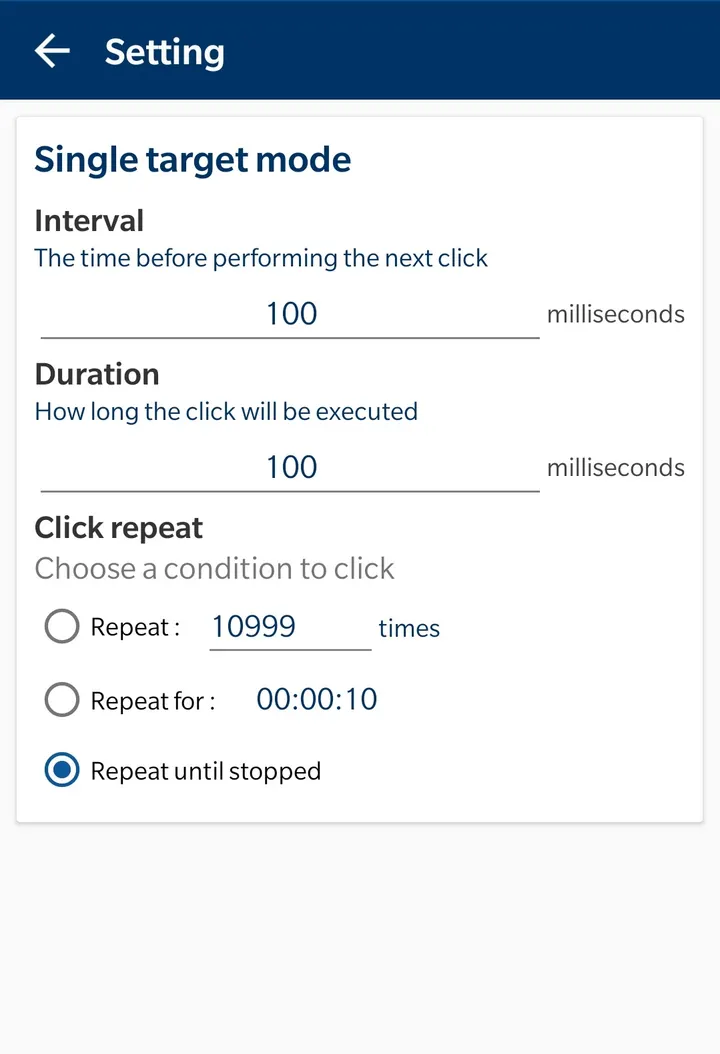
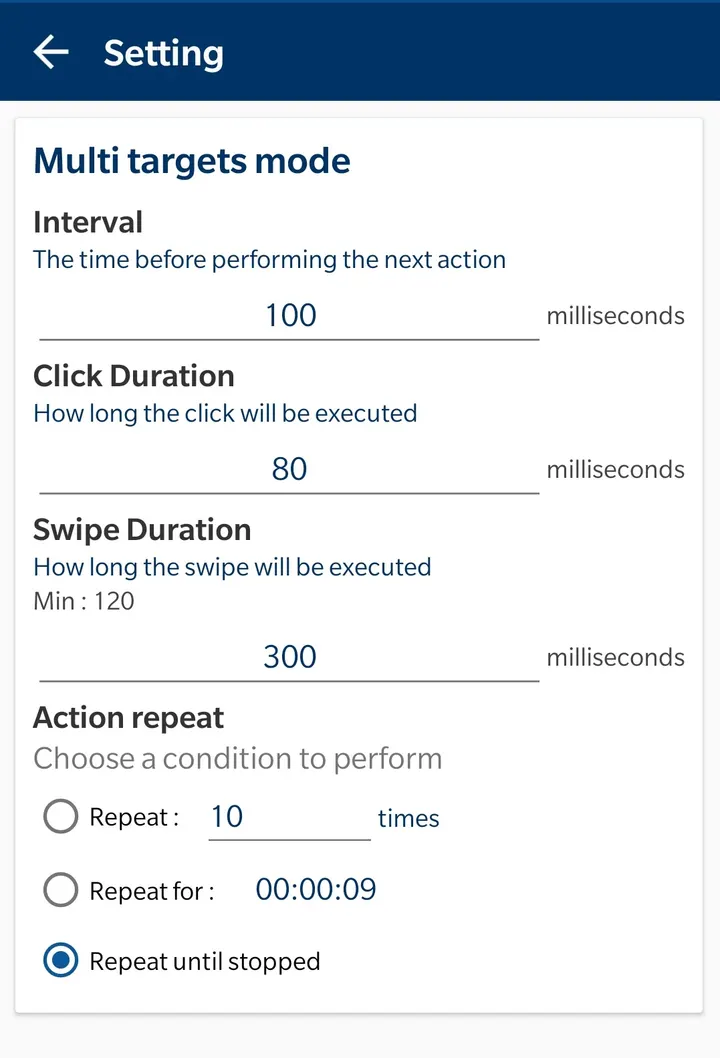
You can limit a run by the number of clicks or by time. That makes it practical for repetitive taps that should stop on their own.
Delay, touch time and repeat settings
Each click can be tuned with its own delay, touch time and number of repetitions. The size and opacity of the on-screen control panel can also be changed, which helps when the panel covers part of what you are tapping.
Scripts can be saved and loaded, so a setup does not need to be rebuilt every session. The developer states that no root is needed.
Accessibility permission and what it costs
To perform clicks and swipes, OP Auto Clicker asks you to enable its Accessibility Service. The developer explains that this is how the app handles its core actions, and says no private data is collected that way.
The app costs nothing, shows no ads and has no in-app purchases. Version 2.0.0 needs Android 7.0 or newer and does not require root.
OP Auto Clicker pros and cons
Pros
- Free, with no ads and no in-app purchases
- Single target and multi target modes
- Click count or time limits for each run
- Scripts can be saved and loaded
- Works without root
Cons
- Requires Accessibility Service authorization
- Needs Android 7.0 or above
- Update history is not shown inside the app
Is OP Auto Clicker safe?
OP Auto Clicker is installed from Google Play and comes from the developer mouse tool, whose site is opautoclicker.com. The developer states that the Accessibility Service permission is not used to collect private data. Even so, that permission gives an app wide control over what happens on screen, so enable it only if you are comfortable with that. We have not run an independent security check on the app.
How to install OP Auto Clicker
- Press the Google Play button on this page.
- Check the listing in the Play Store and press Install.
- Open OP Auto Clicker when the install finishes. Updates arrive through Google Play.


