
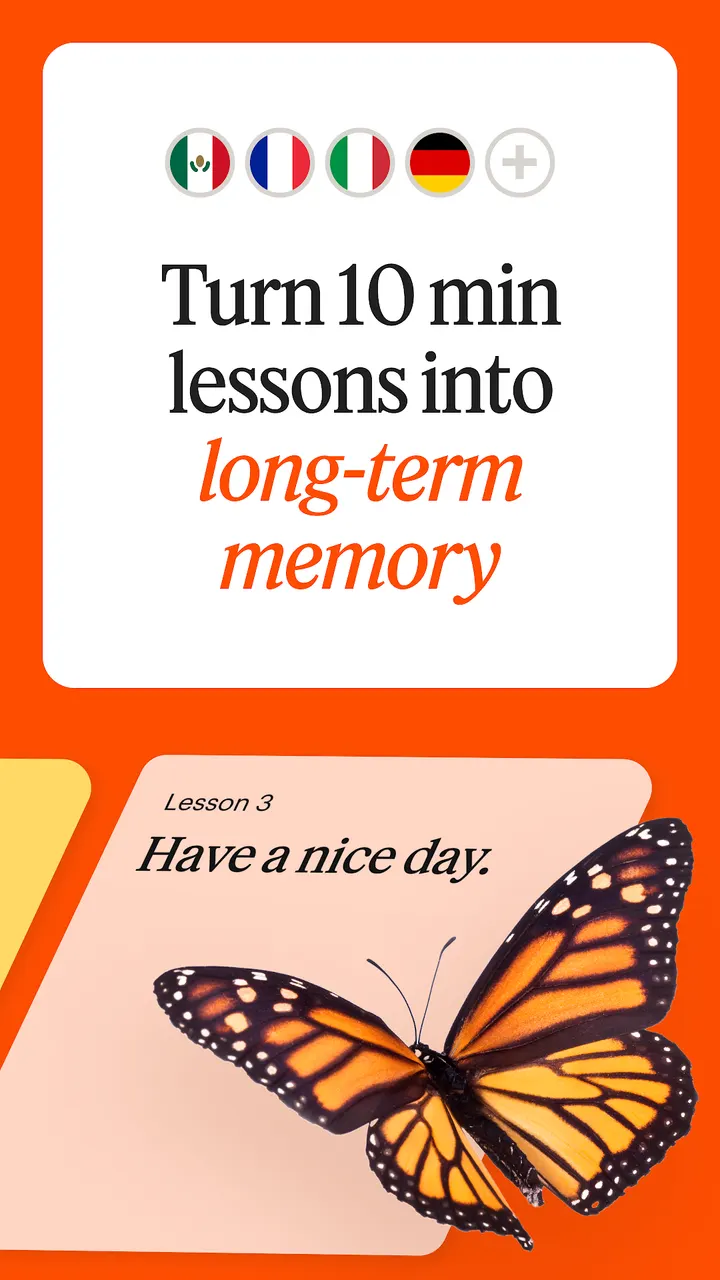
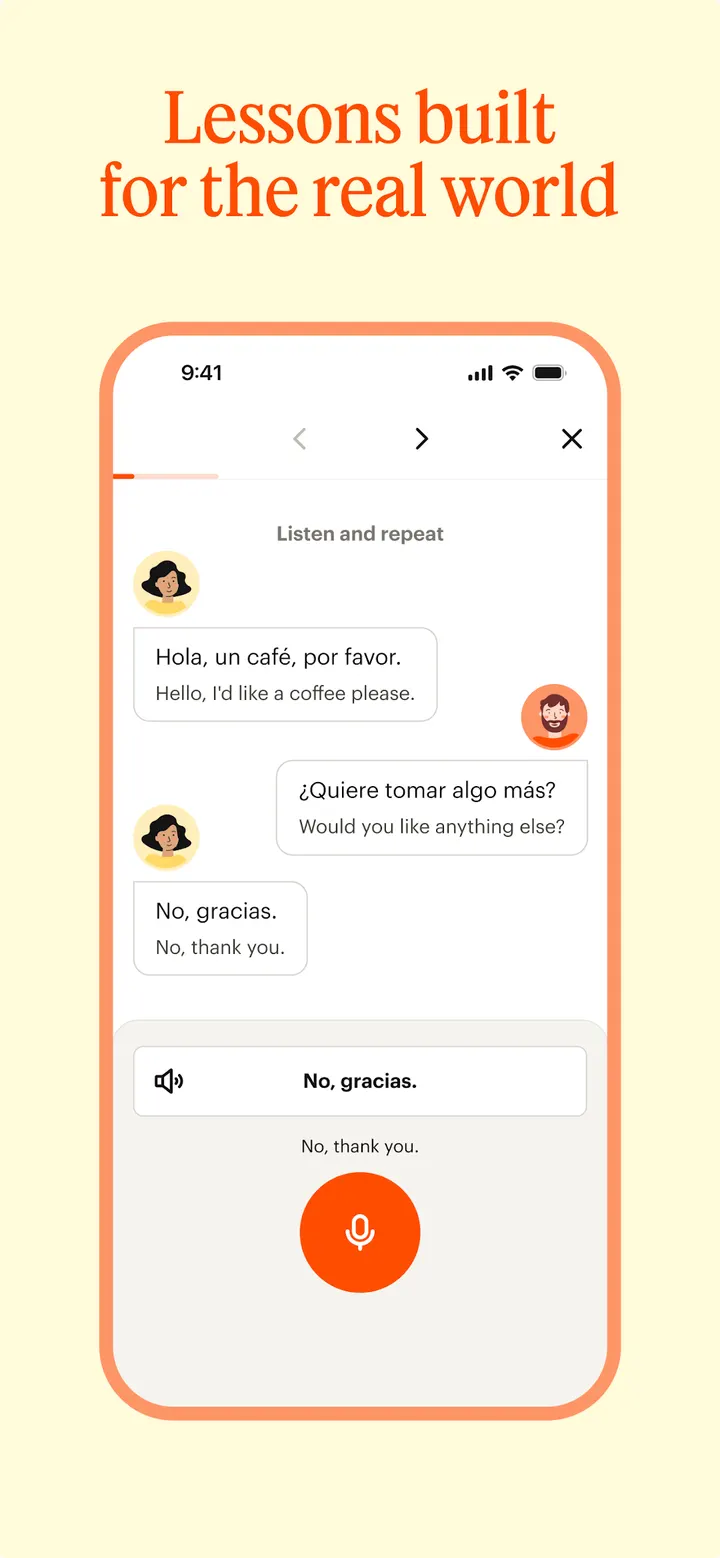
You have fifteen minutes on a commute and want to spend them on Spanish instead of a feed. Babbel is built for that kind of slot, with short interactive lessons that fit into a quarter of an hour a day. Besides Spanish it covers French, Italian, German, Portuguese, Russian and several other languages, and it carries no ads.
Free to install, but with in-app purchases
Babbel is free to install on Google Play, and it shows no ads. It does carry in-app purchases.
The content rating is Everyone.
Fourteen languages and short lessons built around your own
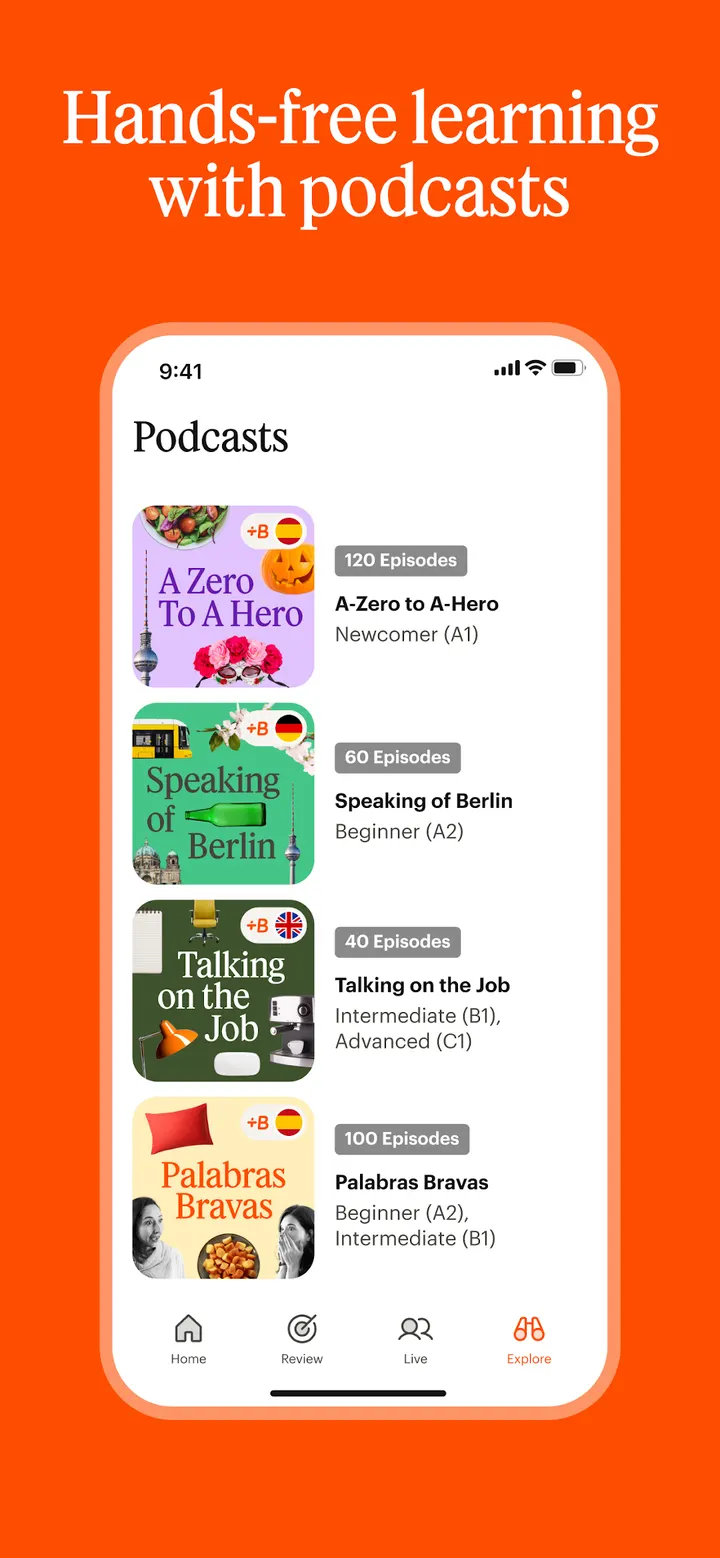
The app teaches Spanish, French, Italian, German, Portuguese, Russian, Polish, Turkish, Norwegian, Danish, Swedish, Dutch, Indonesian and English. The developer says courses are built around the learner's native language.
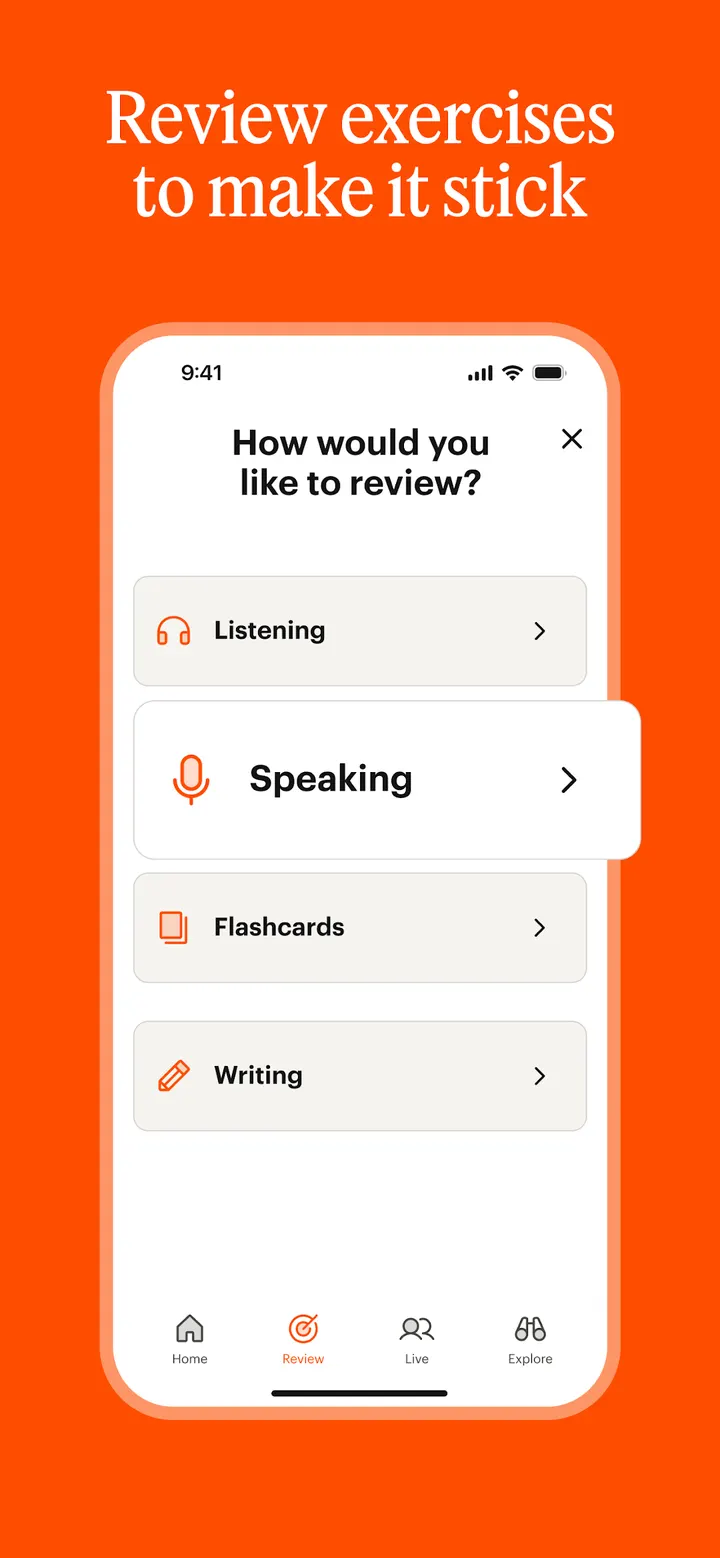
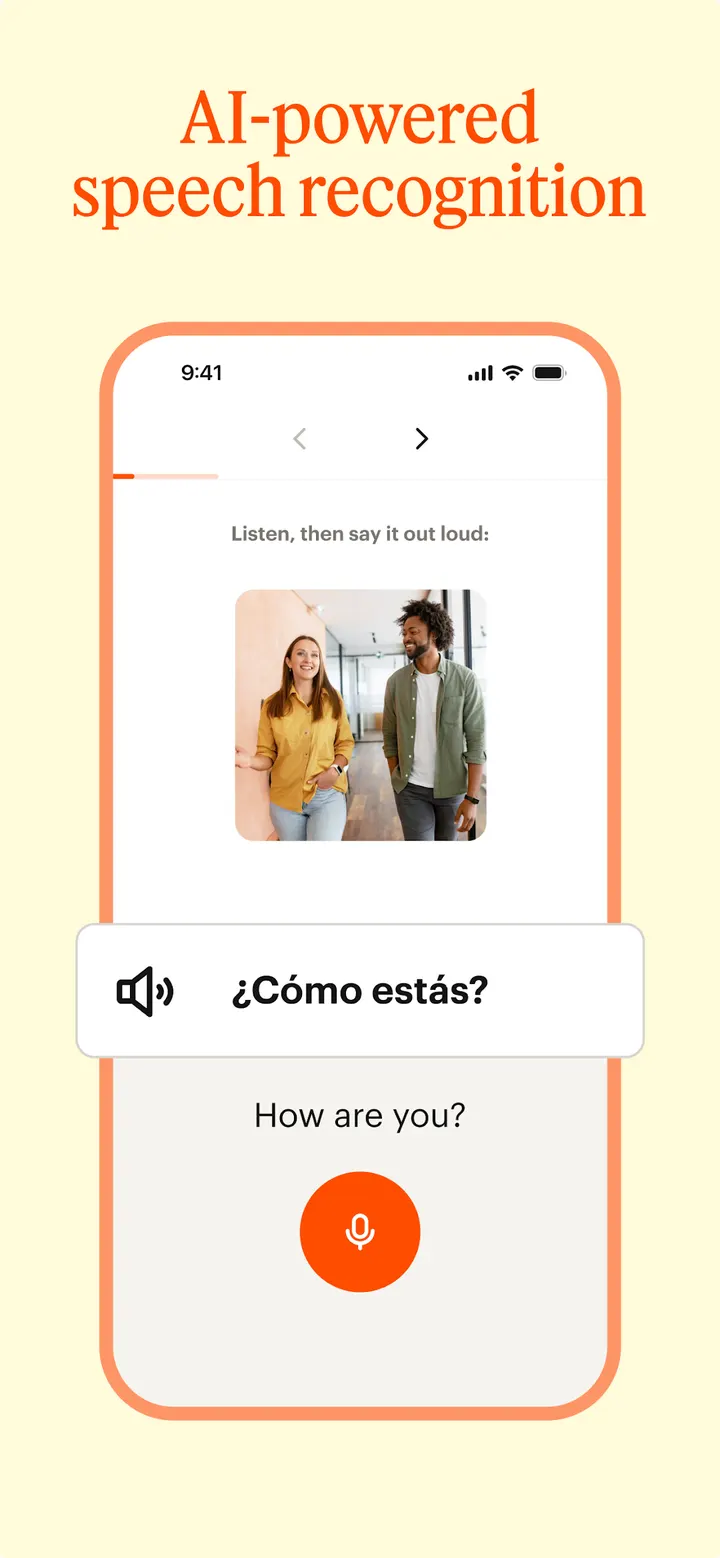
The publisher cites more than 6,000 courses and over 60,000 lessons. Practice covers listening, speaking, reading and writing, with speech recognition for pronunciation and a review feature for earlier lessons.
The developer also points to two studies on Spanish learners, one from Yale University and one from Michigan State University. Both are the publisher's own claims, and we have not checked them.
Version 22.21.1 and Android 9 or newer
The current version is 22.21.1, updated on November 2, 2026. It needs Android 9 or later. The app first appeared on February 20, 2012, so it has a long maintenance history.
Babbel pros and cons
Pros
- No ads in the Google Play listing
- Covers 14 languages, from Spanish to Indonesian
- Lessons run 10 to 15 minutes
- Speech recognition for pronunciation practice
- Rated 4.6 on Google Play across 1.1 million ratings
Cons
- Has in-app purchases
- Some content sits behind in-app purchases
- Research claims come from the publisher and are unverified here
Is Babbel safe?
Babbel comes from the company of the same name (babbel.com) and uses the package name com.babbel.mobile.android.en. The lessons run without ads and carry an Everyone content rating, though a free download can still lead to in-app purchases for further language courses. Before installing, check the data safety section on the Google Play listing to see what a language app like this collects.
How to install Babbel
- Press the Google Play button on this page.
- Check the listing in the Play Store and press Install.
- Open Babbel when the install finishes. Updates arrive through Google Play.


