
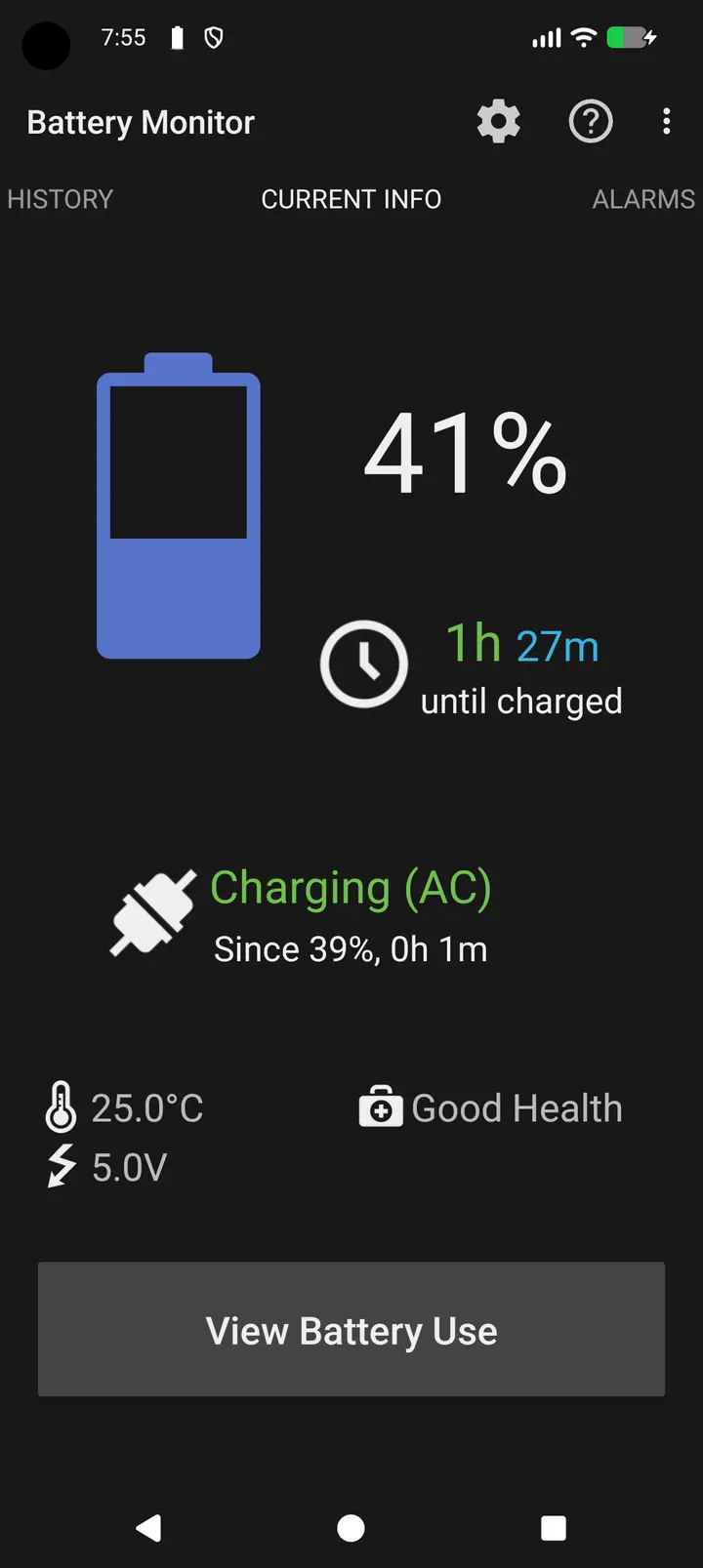
Next to alternatives such as WhatsApp or Facebook, Battery Monitor has a very narrow job: it watches the battery of the phone it runs on and nothing else. Developer Tomasz Świstak released it on June 22, 2026, and the current version is 1.7.3, updated October 6, 2026. It is free, shows no ads, and the source code is public under GPL-3.0-or-later.
Setting up the status notification and alarms on Android 8.0 or newer
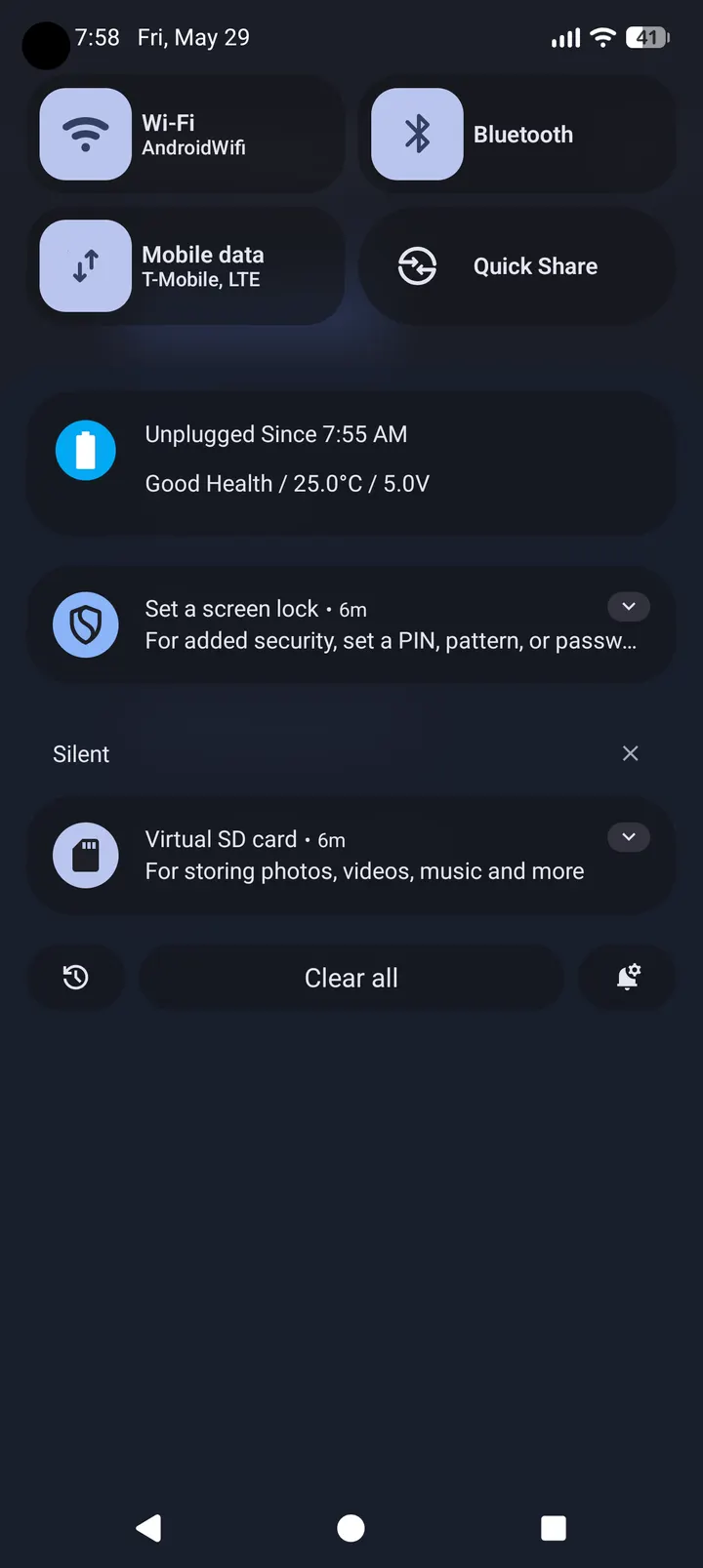
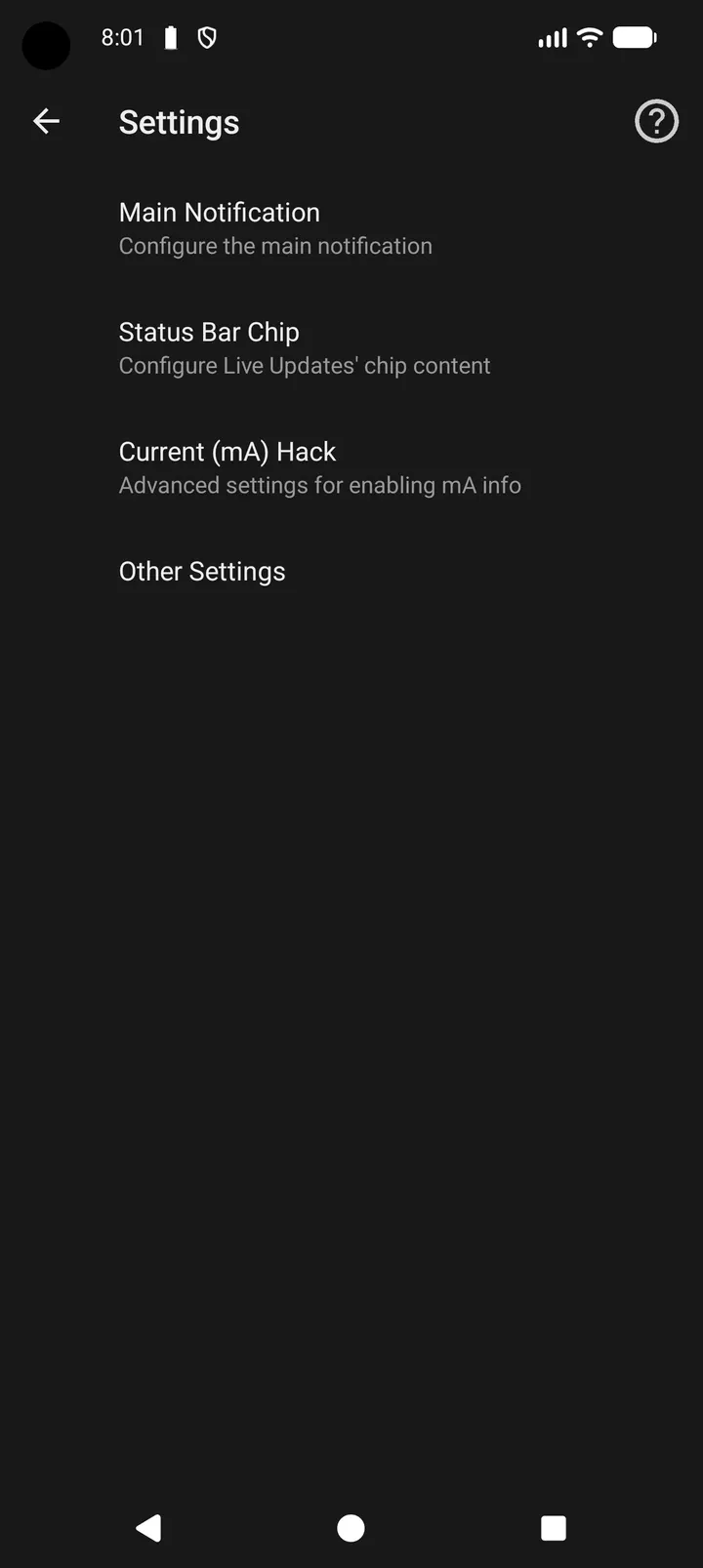
The app needs Android 8.0 or later and takes up 4.1 MB, so it fits on almost any device that meets the version requirement. After installing, the first thing to configure is the ongoing notification. It shows battery level and charging status, and you choose which extra details appear beside them.
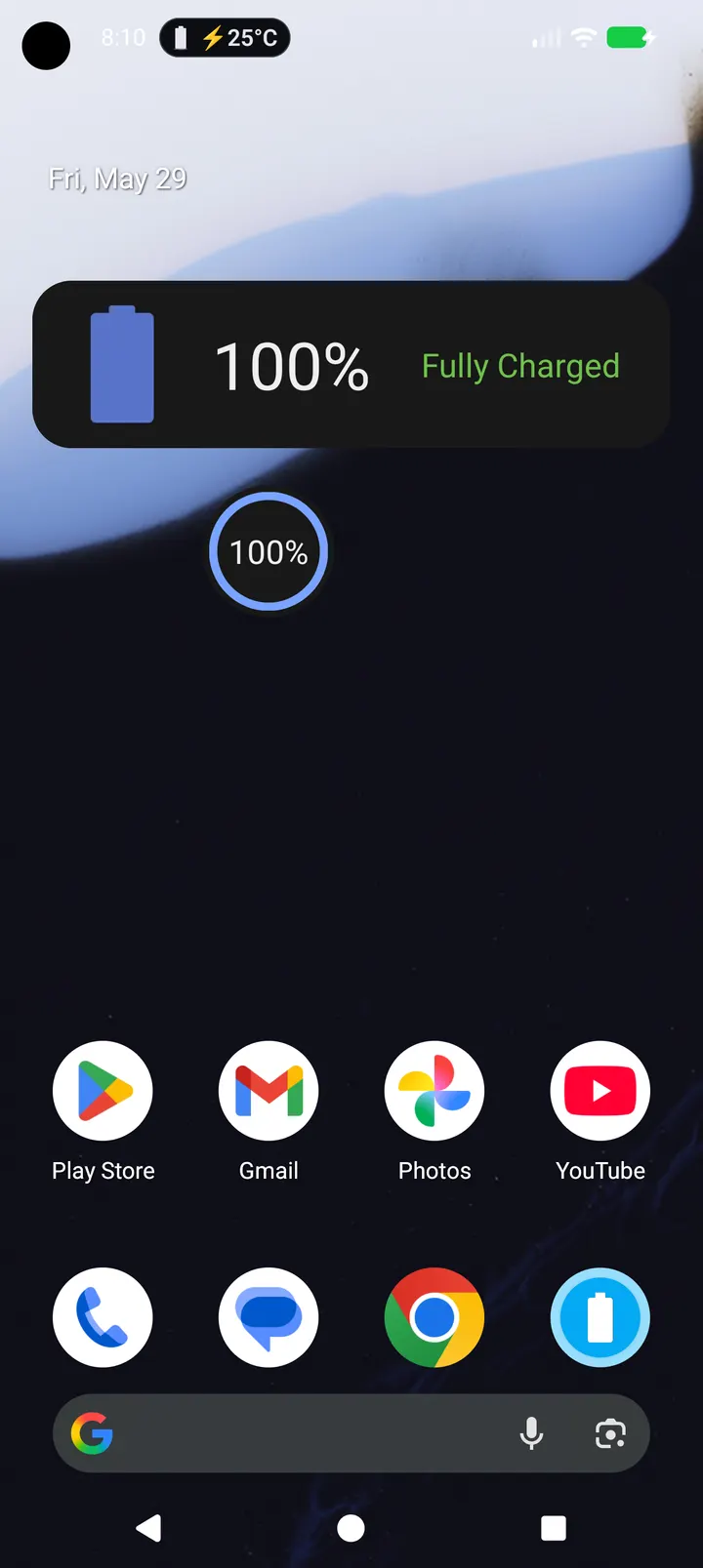
On Android 16 and newer, the main notification can be swapped for a Live Update that shows either the battery level or the temperature. Older versions keep the regular notification.
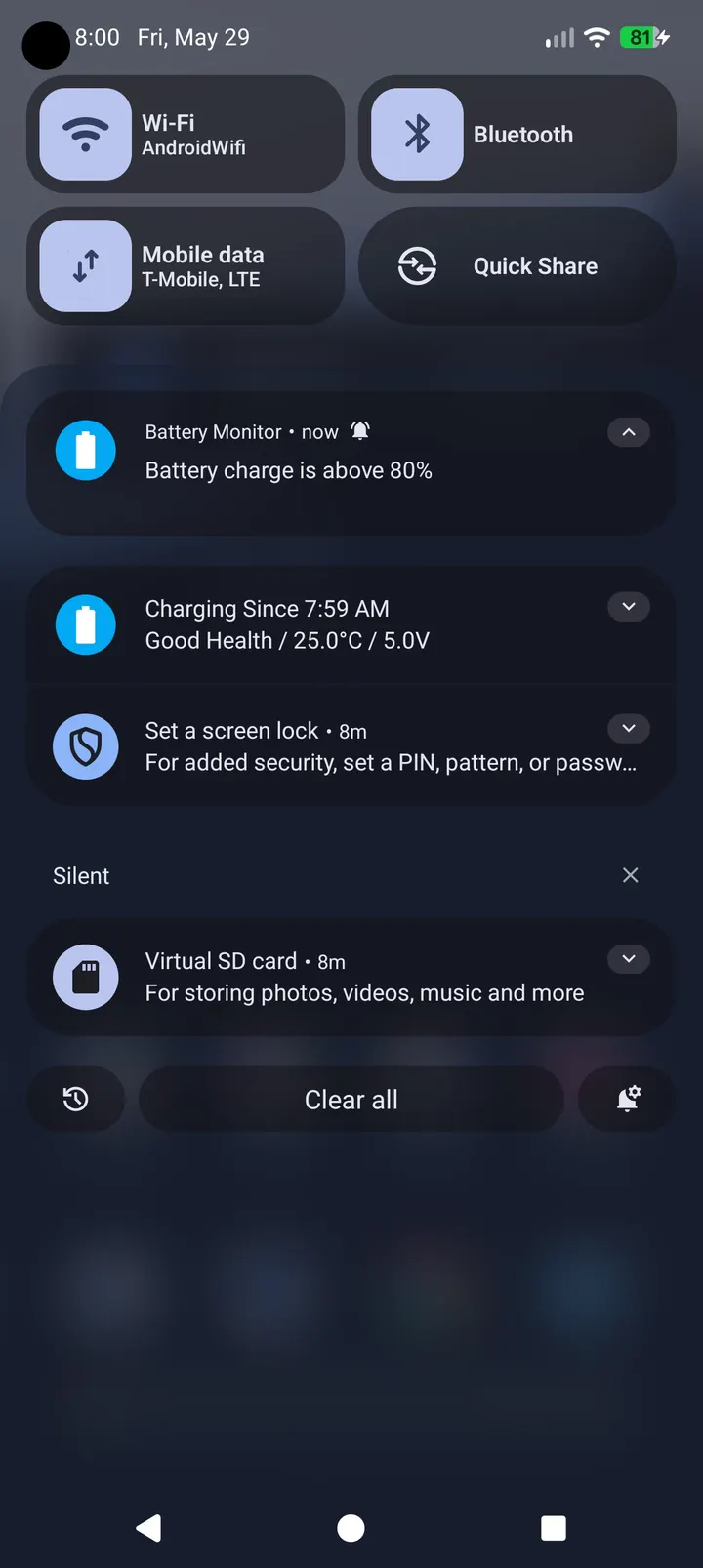
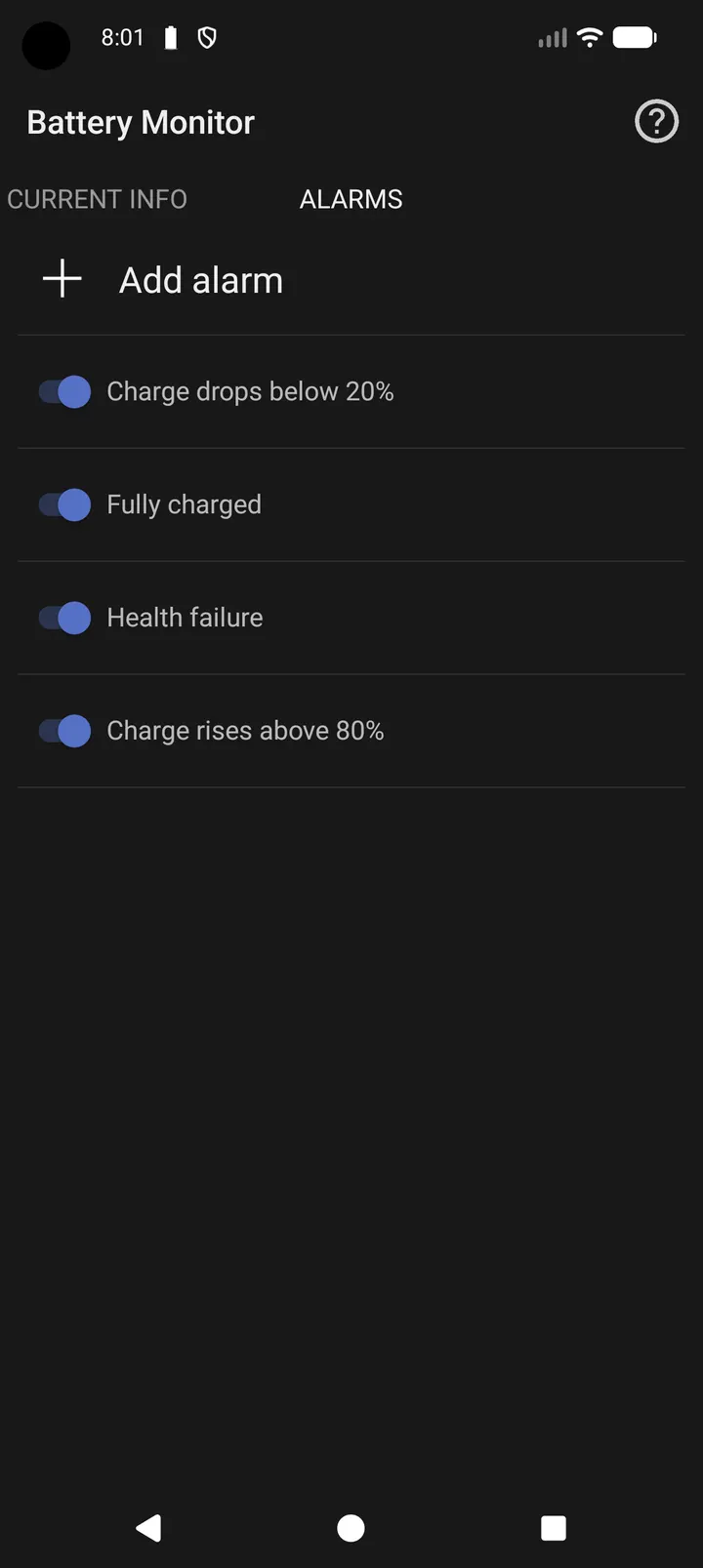
Next, set up alarms. You can trigger one for a full charge, a low battery, or a custom charge threshold. Alarms for temperature and battery health are also available.
If the device is rooted, or if you use Shizuku, the app can read more advanced battery data. Without either, you still get charge level, temperature, voltage, health and power source.
History log, CSV export and home screen widgets
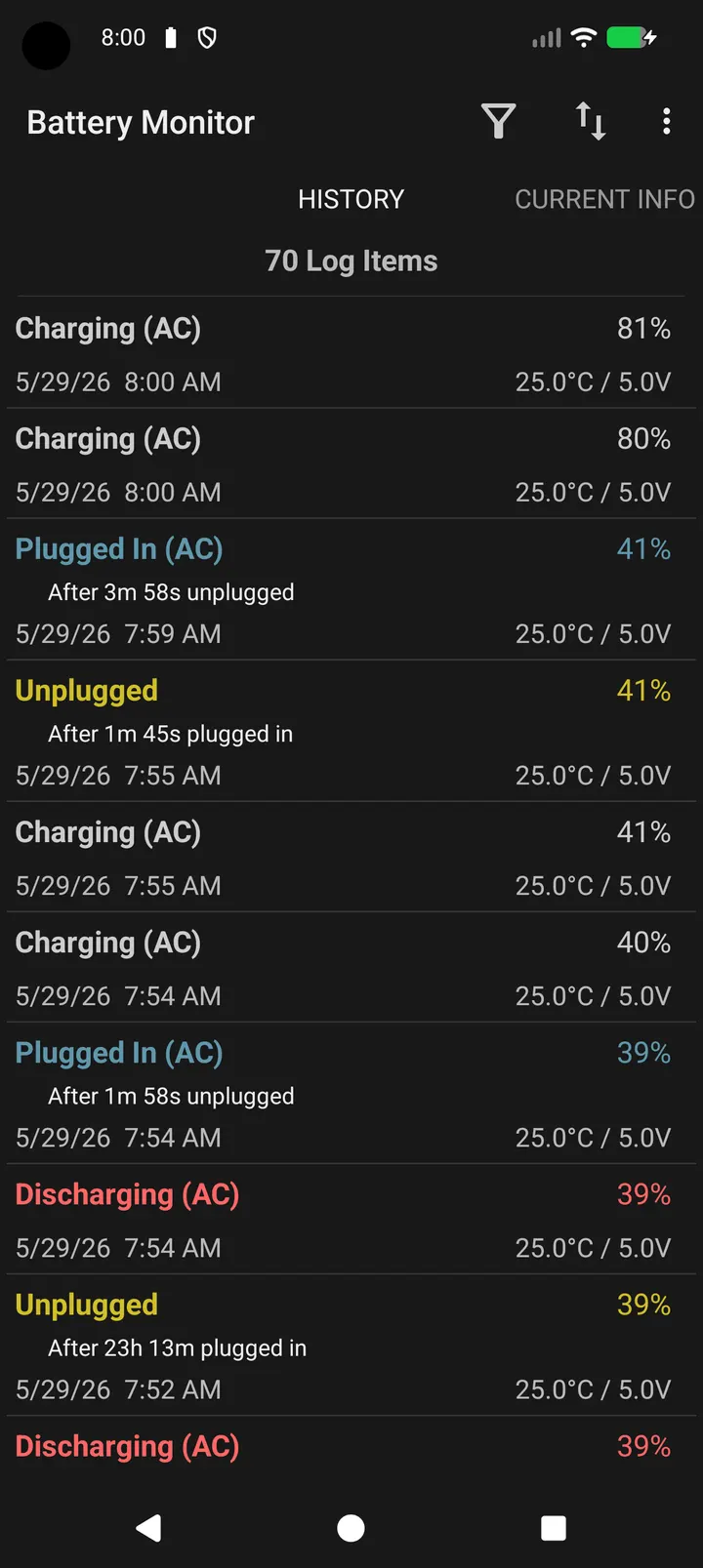
The most useful part for anyone who wants to look back is the event history. The app records battery-related events, and you can filter the list to find what you need. A CSV export then moves that history into a spreadsheet or another tool for closer analysis.
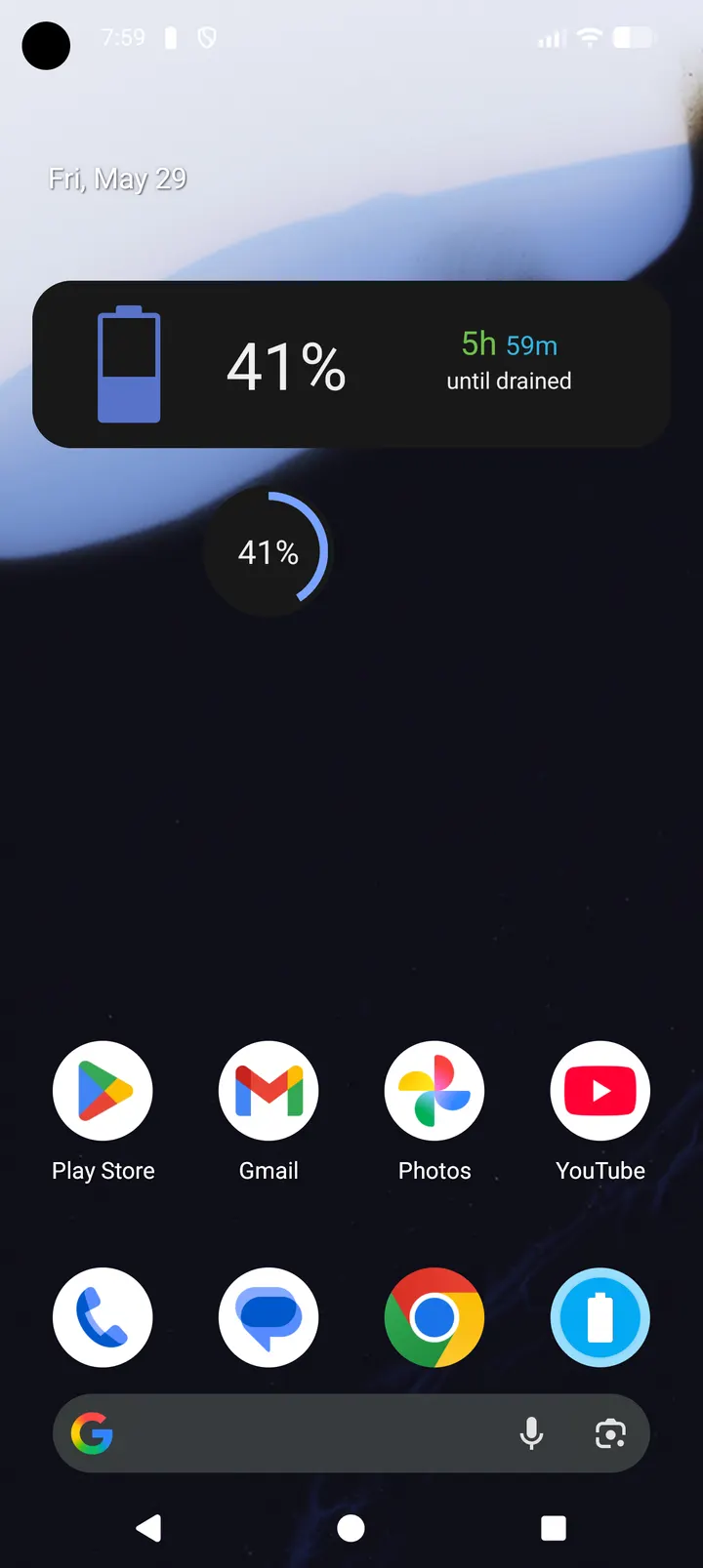
Widgets cover the quick-glance case. Home screen widgets keep key battery information visible without opening the app.
The project is a continued and rebranded version of Battery Indicator Pro, also known as BatteryBot Pro. The developer says the aim is to keep that classic, clear style of battery monitoring working on current Android versions.
When another app is the better pick
Battery Monitor does not try to be anything beyond a battery tool. It has no messaging, photo, social or authentication features, so if you came looking for those, alternatives such as WhatsApp, Facebook, Messenger, Google Photos, X or Aegis Authenticator belong to different categories of app.
Advanced readings depend on root access or Shizuku, which not every owner wants to set up. Those people will get the basic set of readings only.
Battery Monitor pros and cons
Pros
- No ads and free
- Open-source under GPL-3.0-or-later, with public code on GitHub
- Alarms for full charge, low battery, custom thresholds, temperature and battery health
- Filterable event history with CSV export
- Small download at 4.1 MB, with home screen widgets
Cons
- Advanced battery data needs root access or Shizuku
- The Live Update notification only works on Android 16 and newer
- Advanced readings require root access or Shizuku
Is Battery Monitor safe?
The APK here is the unmodified file for codes.swistak.batterymonitor. After downloading, compare its SHA-256 checksum with eb5d370187c3699a9d4d74d1890e8226a165ed65f66a16e6a968aa5baf19aec7 to confirm it is intact. The app is free of ads and its source code is public on GitHub under GPL-3.0-or-later, so anyone can inspect how it reads battery data.
How to install Battery Monitor
- Download the APK with the button on this page and wait for it to finish.
- Compare the file with the SHA-256 checksum shown here if you want to confirm it arrived intact.
- Open the file on your phone and allow installs from this source when Android asks.
- Finish the install, then open Battery Monitor from your app drawer.


