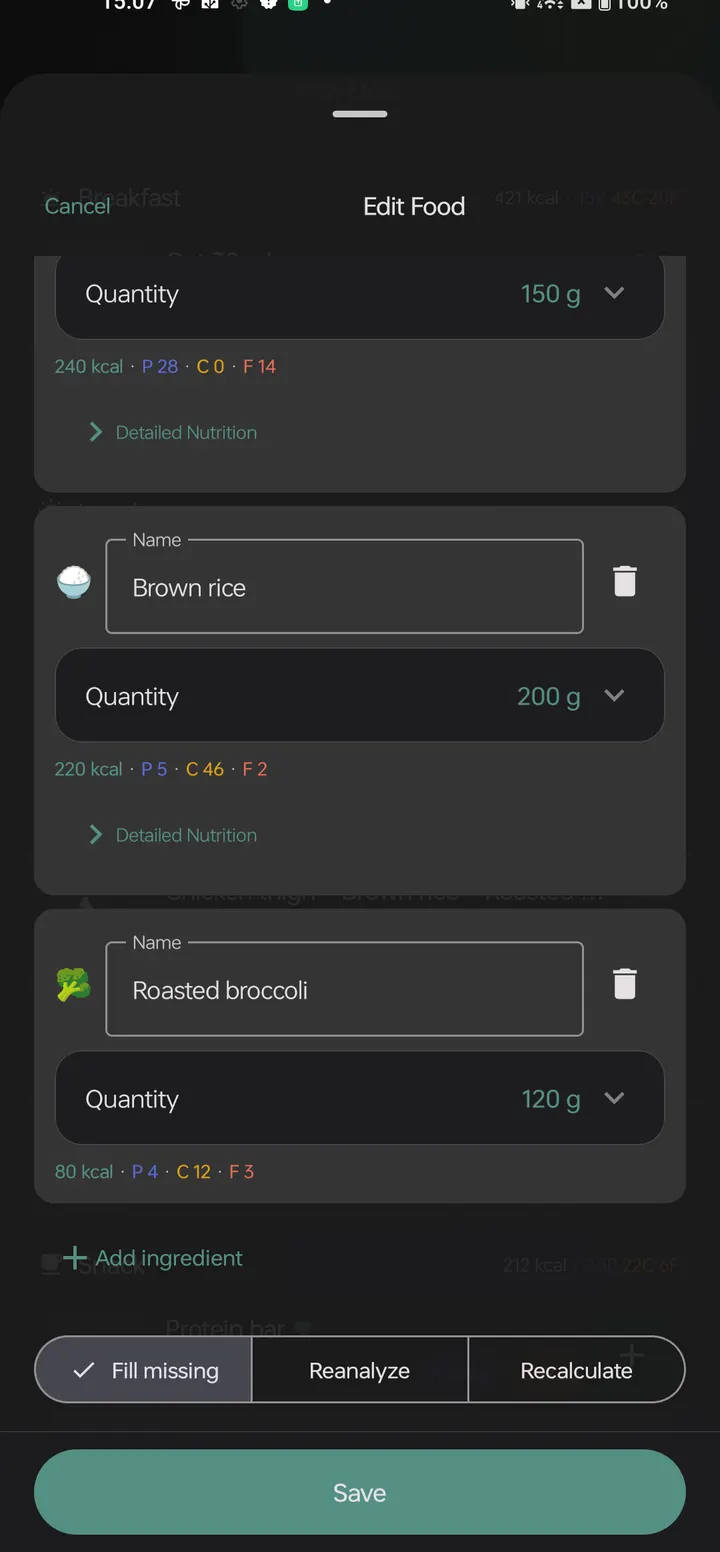
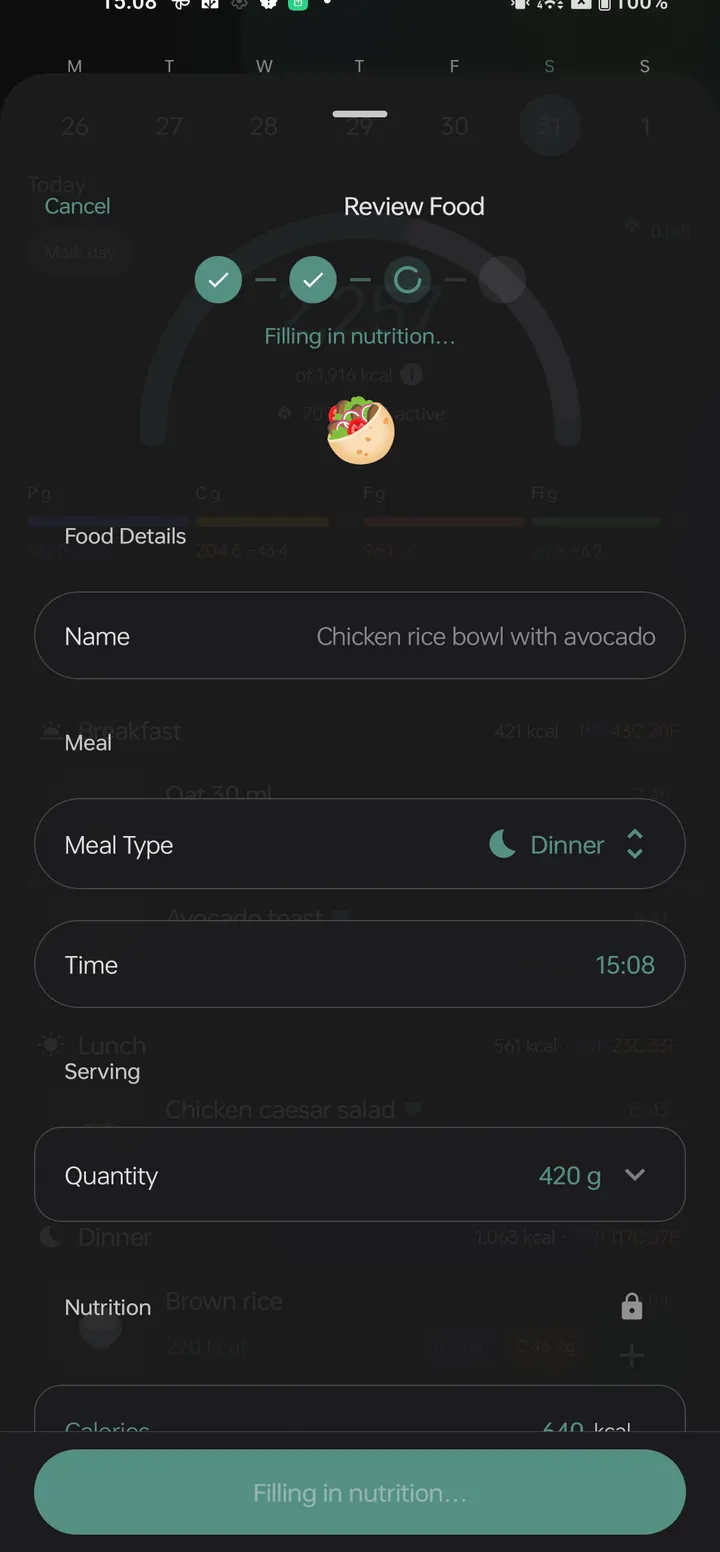
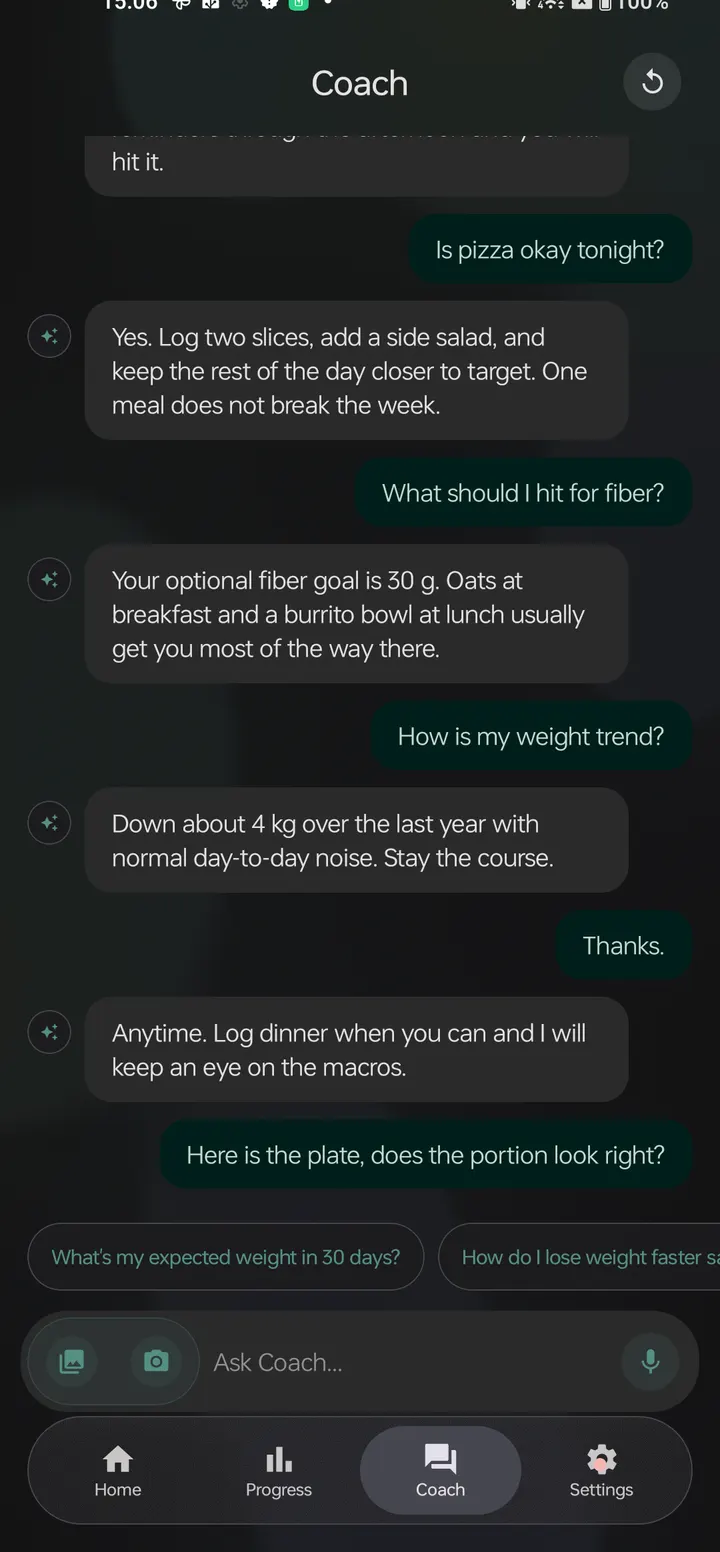
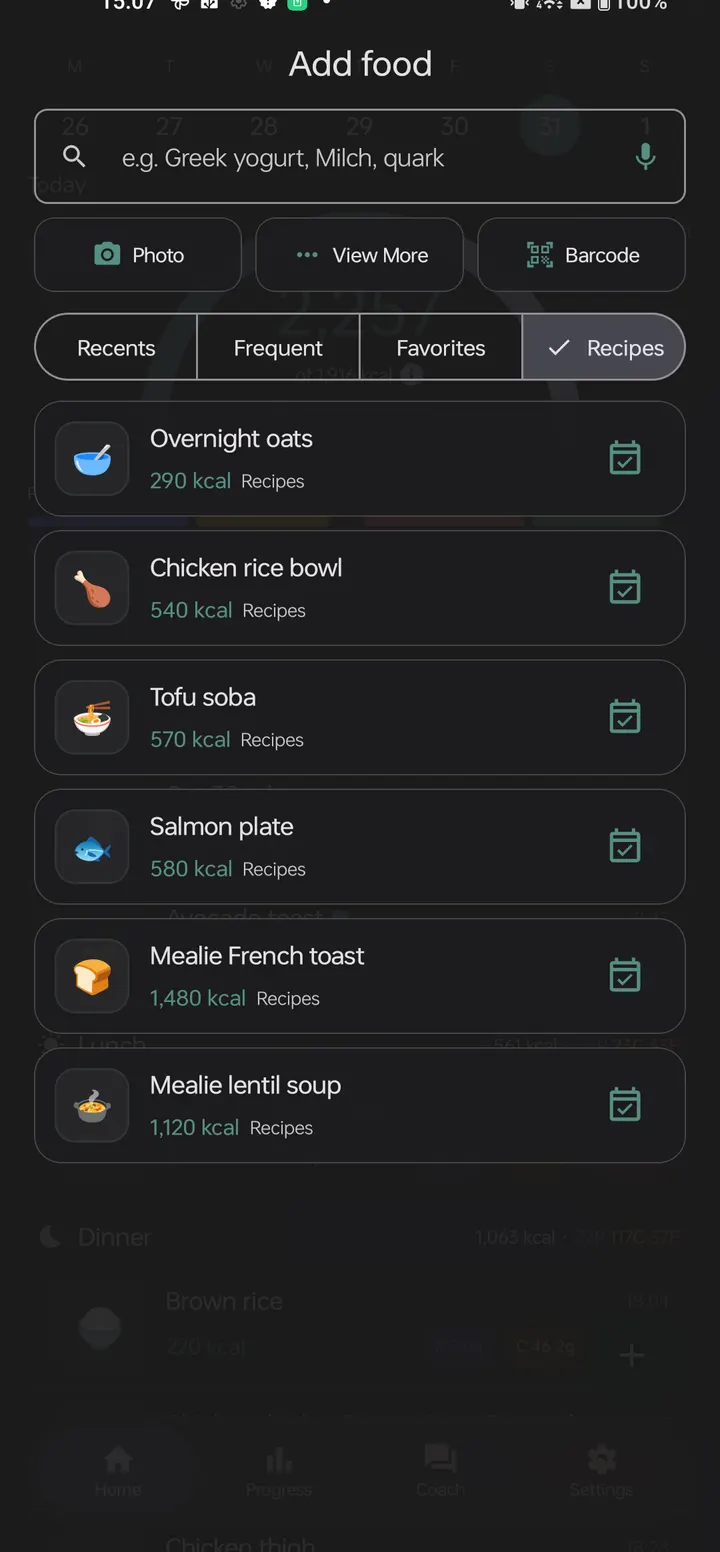
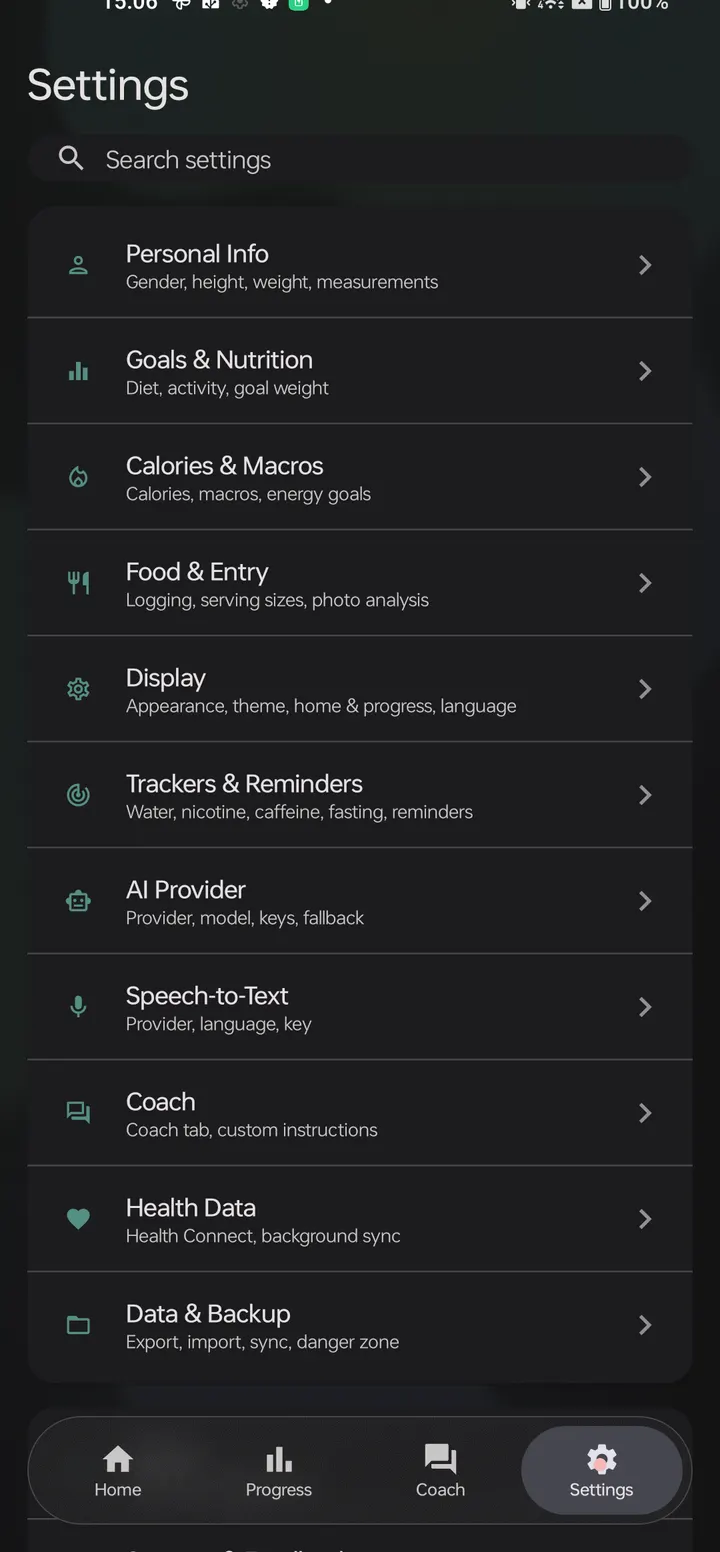
Chompass is a free, open-source calorie tracker from developer fitguy, and version 6.0.0 needs Android 8.0 or newer. It runs without ads and is a fork of Fud AI. You can log food by photo, voice, barcode or typing, and the AI that reads the meal is your choice. The download here is the unmodified APK, 20.4 MB in size, with a published SHA-256 checksum for verification.
Setting up Chompass: AI provider and Health Connect
The first decision after install is where meal analysis runs. You can supply your own cloud key, with Google AI Studio and OpenRouter named as examples, or opt in to Gemma 4 running on the device through LiteRT-LM. The local model needs a one-time download and an arm64 phone with 6 GB or more of RAM.
Next, decide whether to connect Health Connect. The sync works in both directions. Chompass writes meals, weight, body fat and height, and reads sleep, heart rate, hydration, steps and energy. Water tracking is optional and stays local to the phone.
Logging meals by photo, voice or Open Food Facts barcode
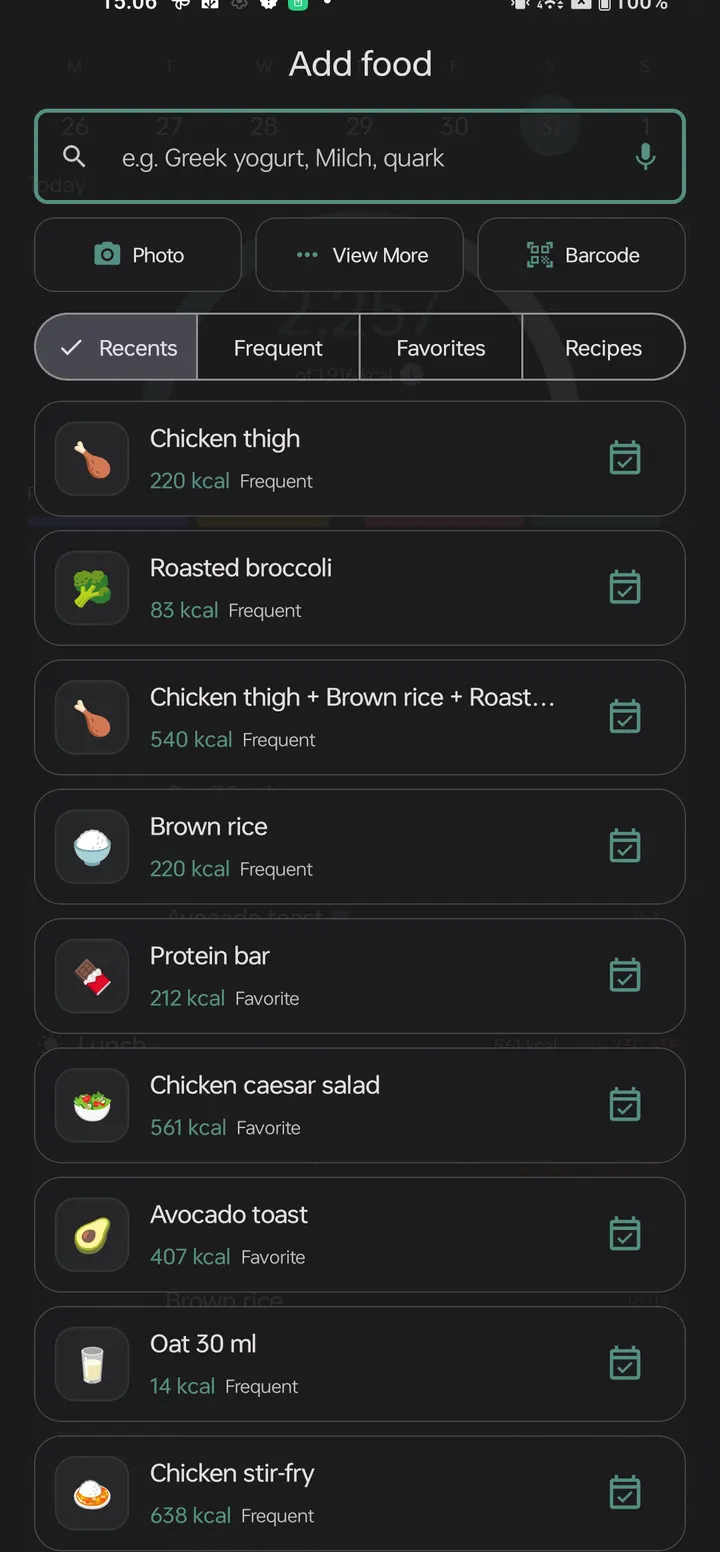
Chompass accepts several input paths: several photos for one meal, images shared into the app from elsewhere, spoken descriptions, barcodes and plain manual entries. Meals and recipes you repeat can be saved for reuse.
Barcode scanning looks up Open Food Facts, which covers over 4.6M products. Lookups are cached so they can work offline. Photo analysis can also pick up a barcode that appears in the picture.
How the daily calorie ring adjusts to your activity
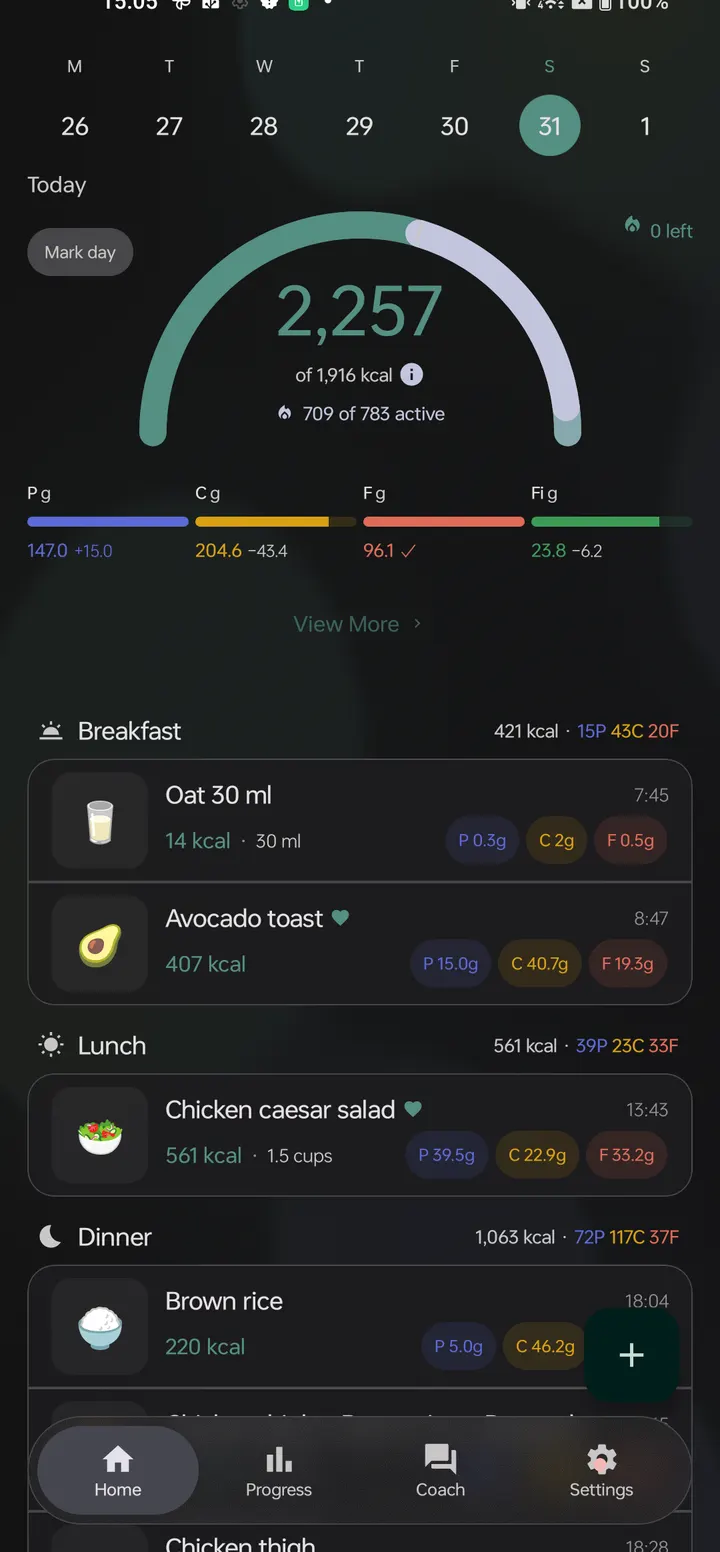
The home ring does not hold your goal fixed. It raises the daily target by the calories you burn that day. That burn can come from Health Connect, from a figure you enter by hand, or from an estimate based on your 14-day active average.
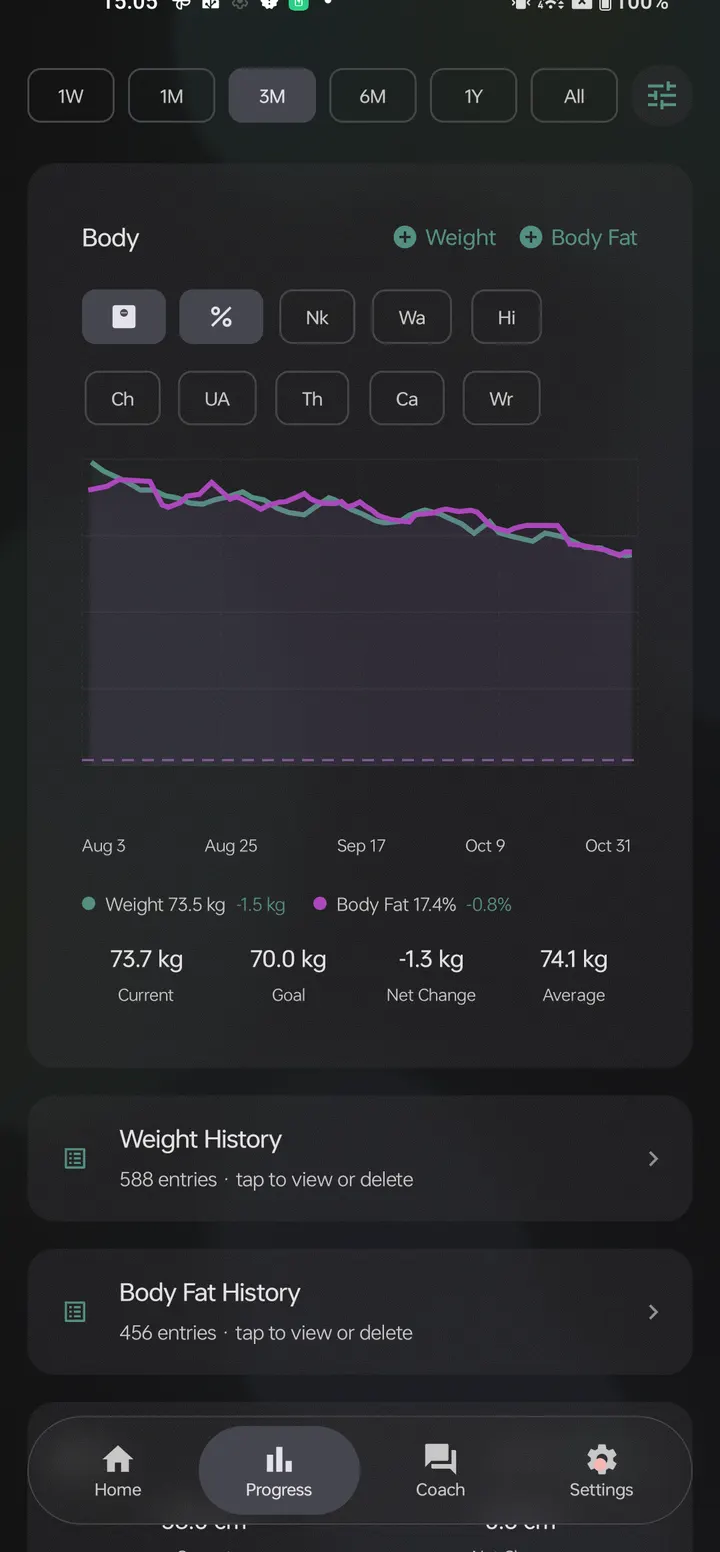
Beyond the ring, the app tracks weight, body fat, calorie history, goals, steps and exercise. Diary and body-metric data can be exported as JSON, Markdown or CSV. Home-screen widgets are available as well.
When another app is the better pick
Chompass asks for some setup. Without a cloud key or a phone that meets the 6 GB RAM requirement for Gemma 4, photo analysis has no AI engine to use, though barcode and manual entry still apply. People who want a ready-made account with cloud sync may find that gap awkward.
The alternatives listed for this page, such as WhatsApp, Google Photos and Aegis Authenticator, are not calorie trackers, so a direct comparison would not be meaningful. If you want a diet app, check other entries in the diet category.
Chompass pros and cons
Pros
- No ads and free to install
- Open-source code, published on Codeberg under GPL-3.0-or-later
- Logging by photo, voice, barcode or text, plus saved meals and recipes
- Optional on-device Gemma 4 keeps analysis off cloud servers
- Two-way Health Connect sync and CSV, JSON or Markdown export
Cons
- On-device AI requires an arm64 phone with 6 GB or more of RAM
- Cloud analysis means bringing your own API key from a provider
- Needs Android 8.0 or newer
- The store description names MIT while the project is listed as GPL-3.0-or-later
Is Chompass safe?
This is a Tier A listing, so we host the unmodified APK and publish its SHA-256 checksum: d63c255fcd7ca156934a79f132a9ba4e735147601ad7e31e5b59ca018244c7d0. The source is public on Codeberg and the developer is fitguy, with a website at chompass.app. The project is listed as GPL-3.0-or-later while the store text says MIT, so confirm the licence in the repository. No independent security review is available.
How to install Chompass
- Download the APK with the button on this page and wait for it to finish.
- Compare the file with the SHA-256 checksum shown here if you want to confirm it arrived intact.
- Open the file on your phone and allow installs from this source when Android asks.
- Finish the install, then open Chompass from your app drawer.


