

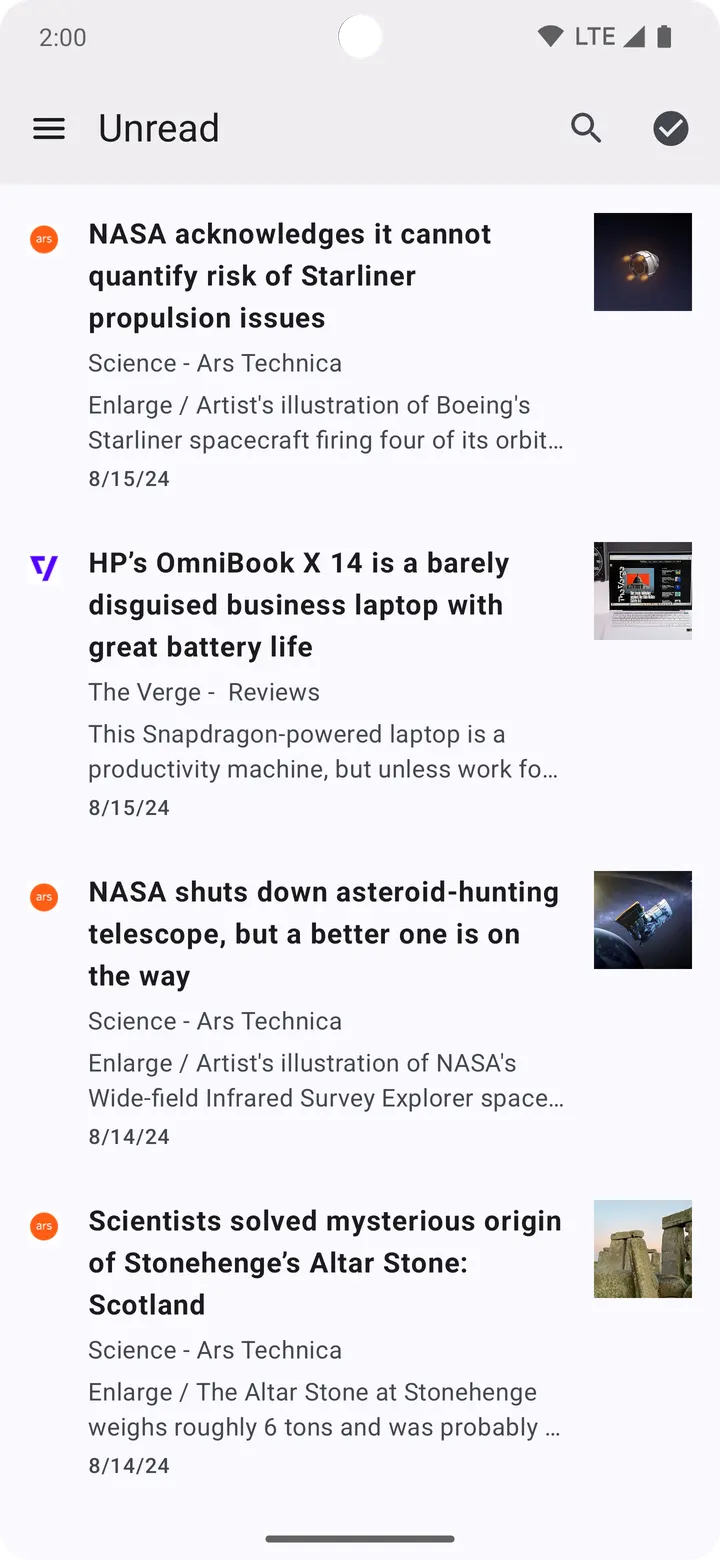
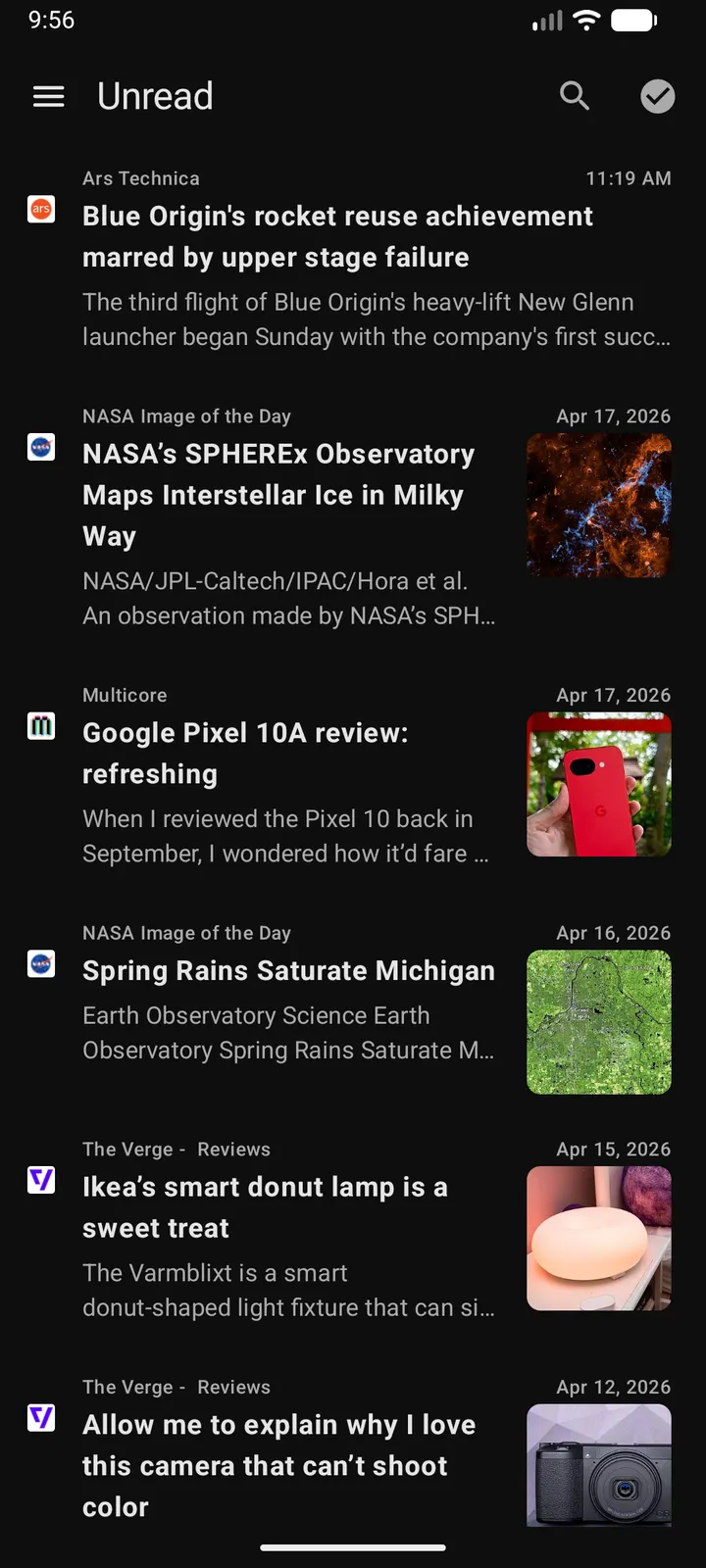
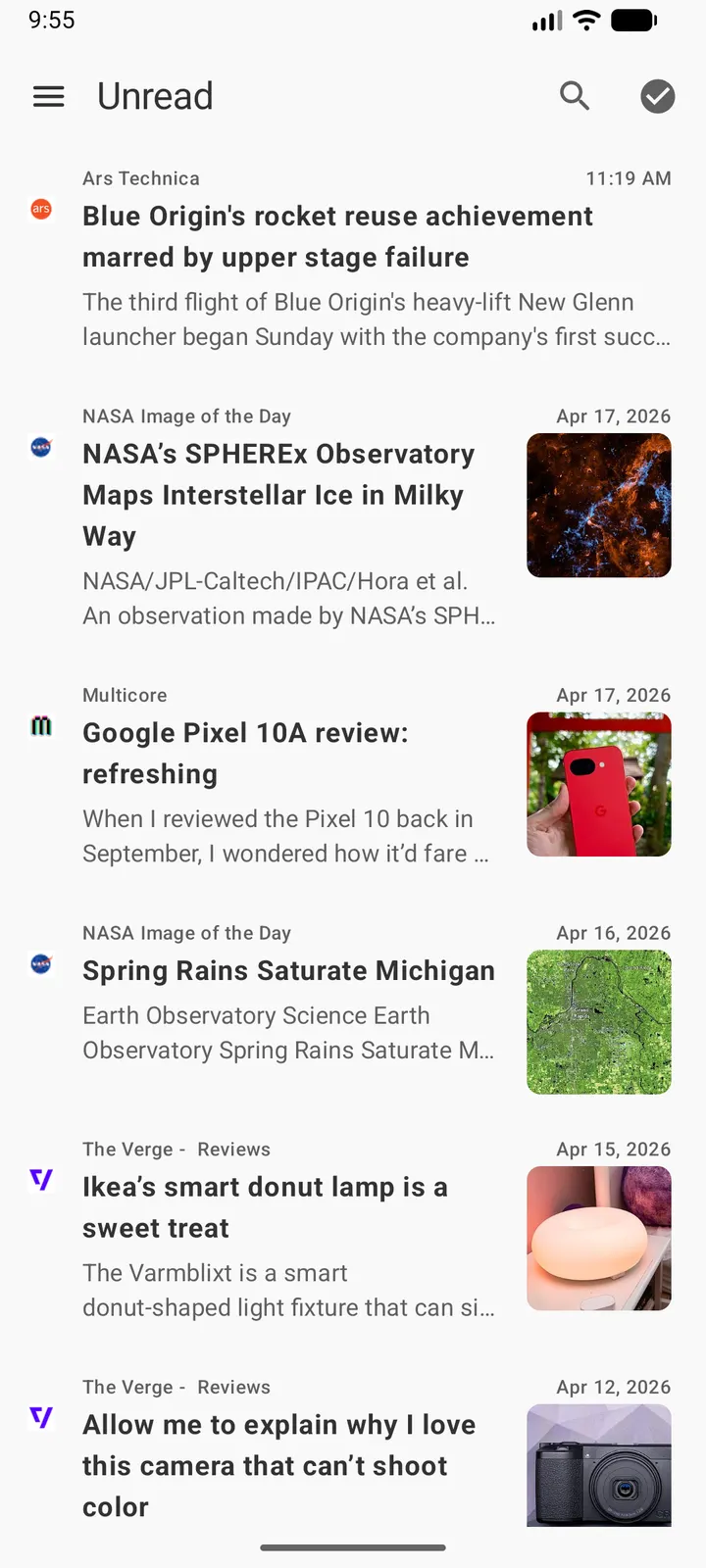
Capy Reader is a free, ad-free RSS reader for Android from developer jocmp, licensed under GPL-3.0-only. The current version is 2026.10.1215, it needs Android 11 or newer, and the download is 13.4 MB. TopDown APK hosts the unmodified APK, with a verified file and a published checksum.
No price, no ads, source on GitHub
The app is free and has no ads. The code is public on GitHub under GPL-3.0-only, so anyone can read how the app works.
The app is tagged open-source, news, reading and no-ads.
Feedbin, FreshRSS or local feeds
Feeds can sync through Feedbin or FreshRSS, or stay on the device with no outside service. That makes the app usable with or without a self-hosted setup.
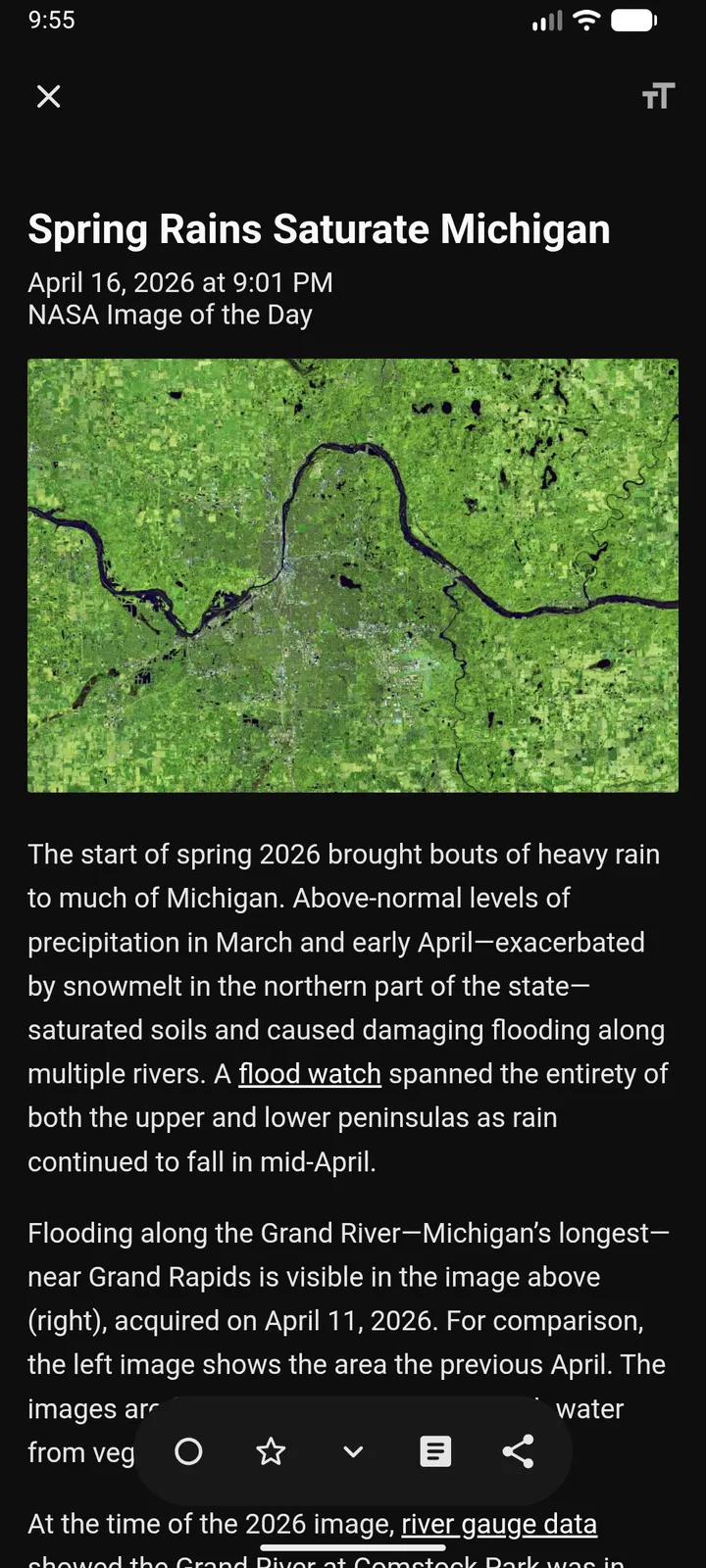
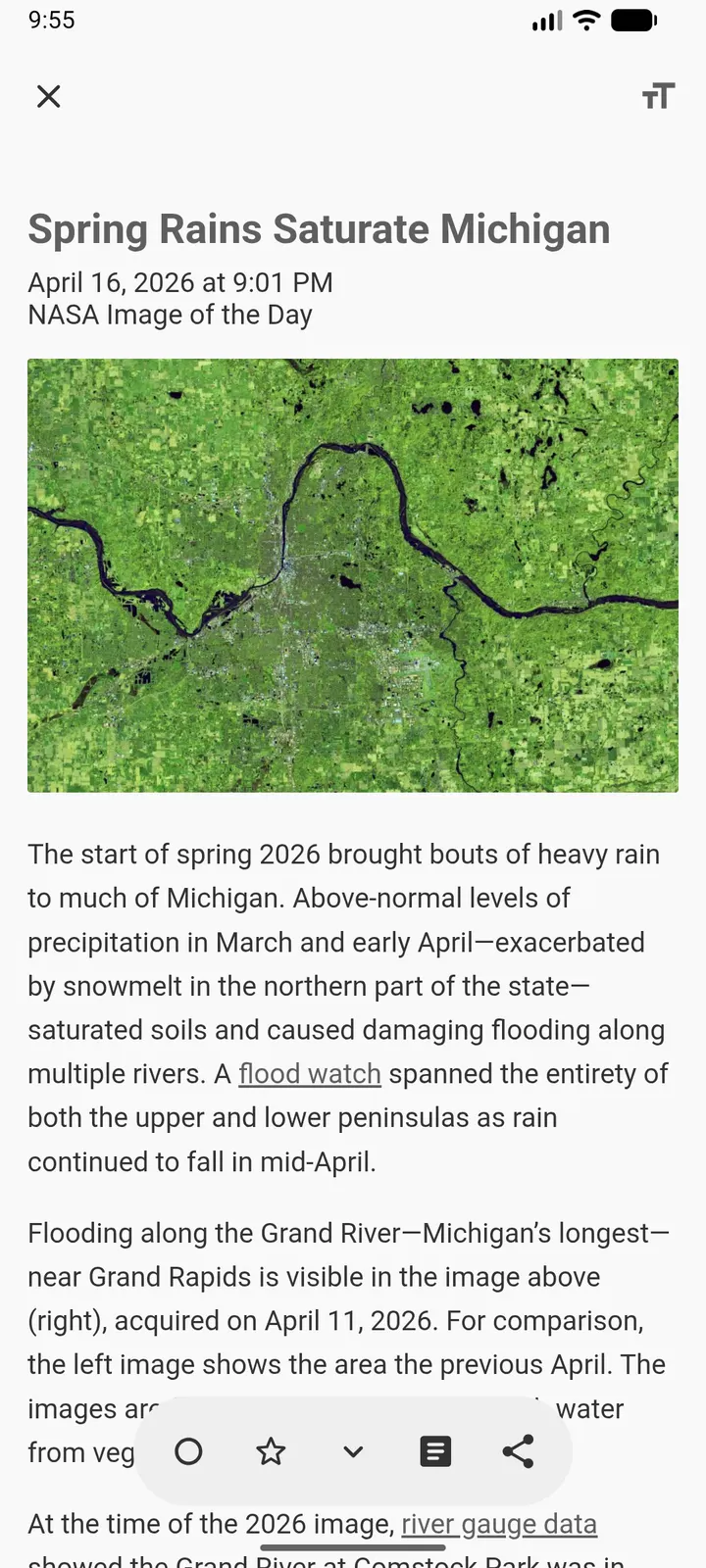
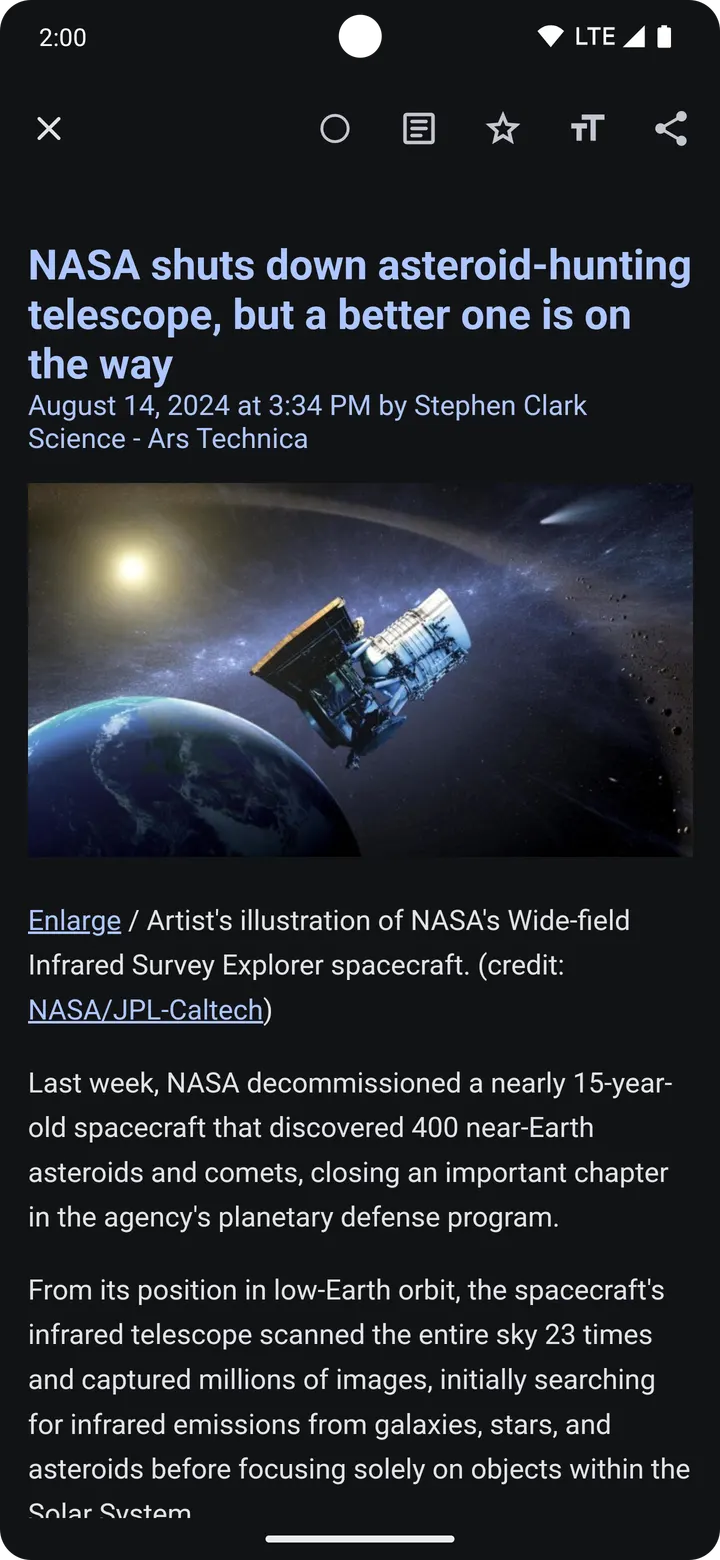
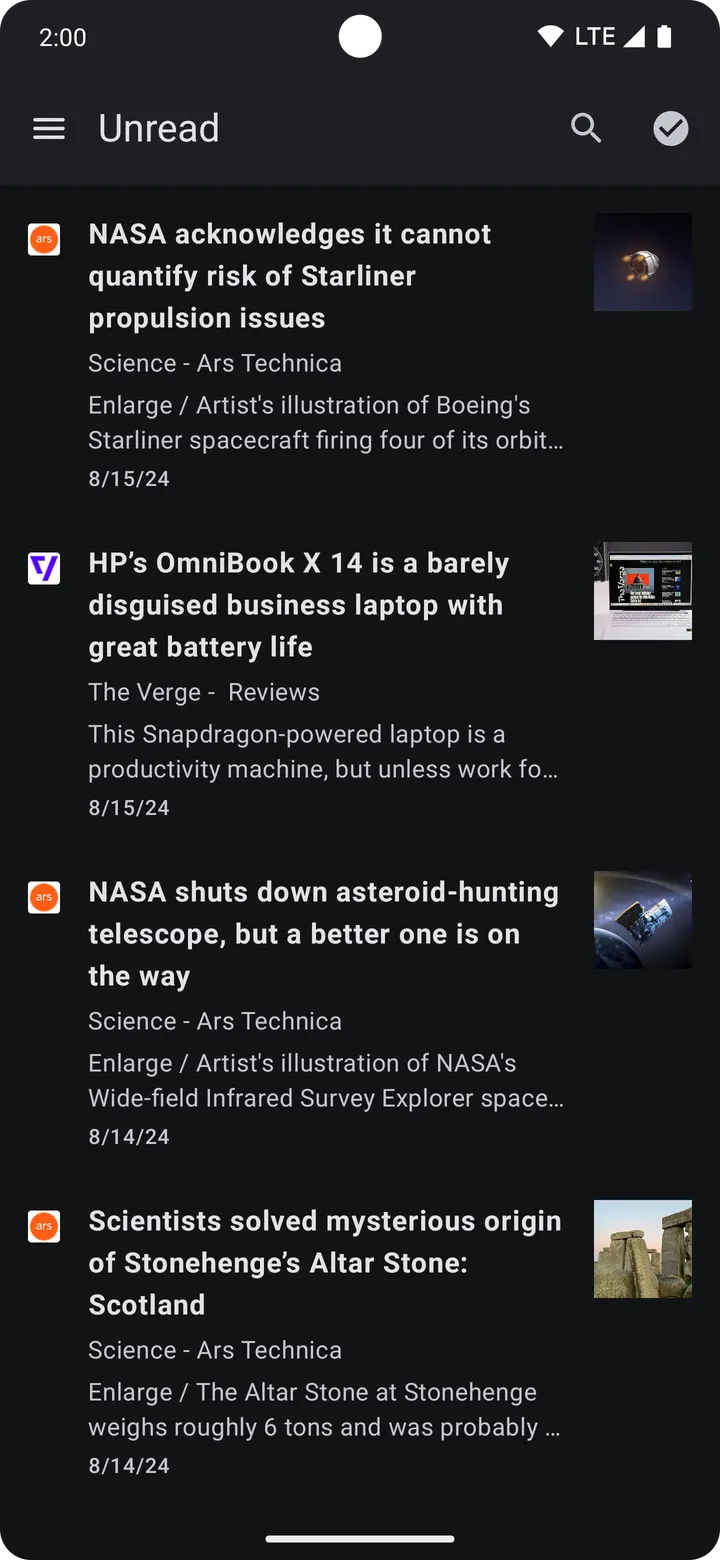
Reading tools include read and starred article tracking, article search and a full content mode. A headlines widget and notifications are listed, and so is big screen support. The store description also mentions dark mode and import and export of saved feeds.
Updated October 2026, first released in 2024
The app first appeared on August 3, 2024, and the latest build is dated October 29, 2026, which points to ongoing maintenance. The package ID is com.capyreader.app.
Capy Reader pros and cons
Pros
- Free, with no ads listed
- Open source under GPL-3.0-only
- Syncs with Feedbin, FreshRSS or directly on the device
- Search, starred articles and a headlines widget
- Small 13.4 MB download
Cons
- Requires Android 11 or newer
- Version 2026.10.1215 has no published changelog
- No Google Play rating or install count is available
Is Capy Reader safe?
The APK is unmodified, and its SHA-256 checksum is 82ce815d0809e9e399ff887a5be1e67e43dc95004b6d3b9b3a991299f0b61b6f, so you can compare it against the file you get. Capy Reader is written by jocmp, and its source is public under GPL-3.0-only at github.com/jocmp/capyreader, so anyone can read how the feed reader works. It carries no ads and costs nothing.
How to install Capy Reader
- Download the APK with the button on this page and wait for it to finish.
- Compare the file with the SHA-256 checksum shown here if you want to confirm it arrived intact.
- Open the file on your phone and allow installs from this source when Android asks.
- Finish the install, then open Capy Reader from your app drawer.


