
Google Photos is listed among the alternatives for this app, yet the two do different jobs. Camera Date Folders does not run an online library. It rearranges the files in your camera folder into subfolders by date. Version 1.5.3 comes from developer Andreas Kromke, weighs 2.7 MB and needs Android 6.0 or newer.
Who benefits from date folders on a phone
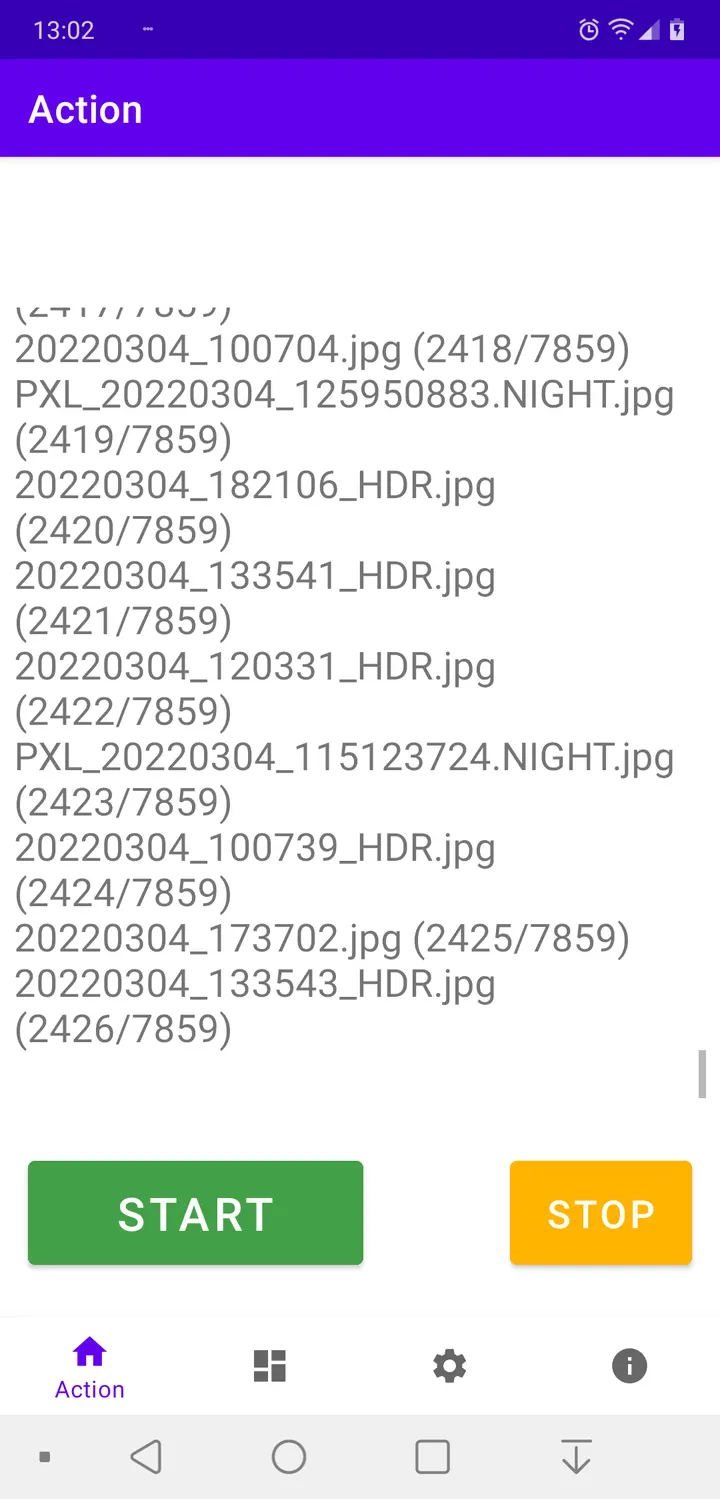
The app is built for people who move photos to a computer by USB cable using the MTP protocol. A camera folder with every shot in one place makes it hard to pick a single day, and sorted subfolders fix that.
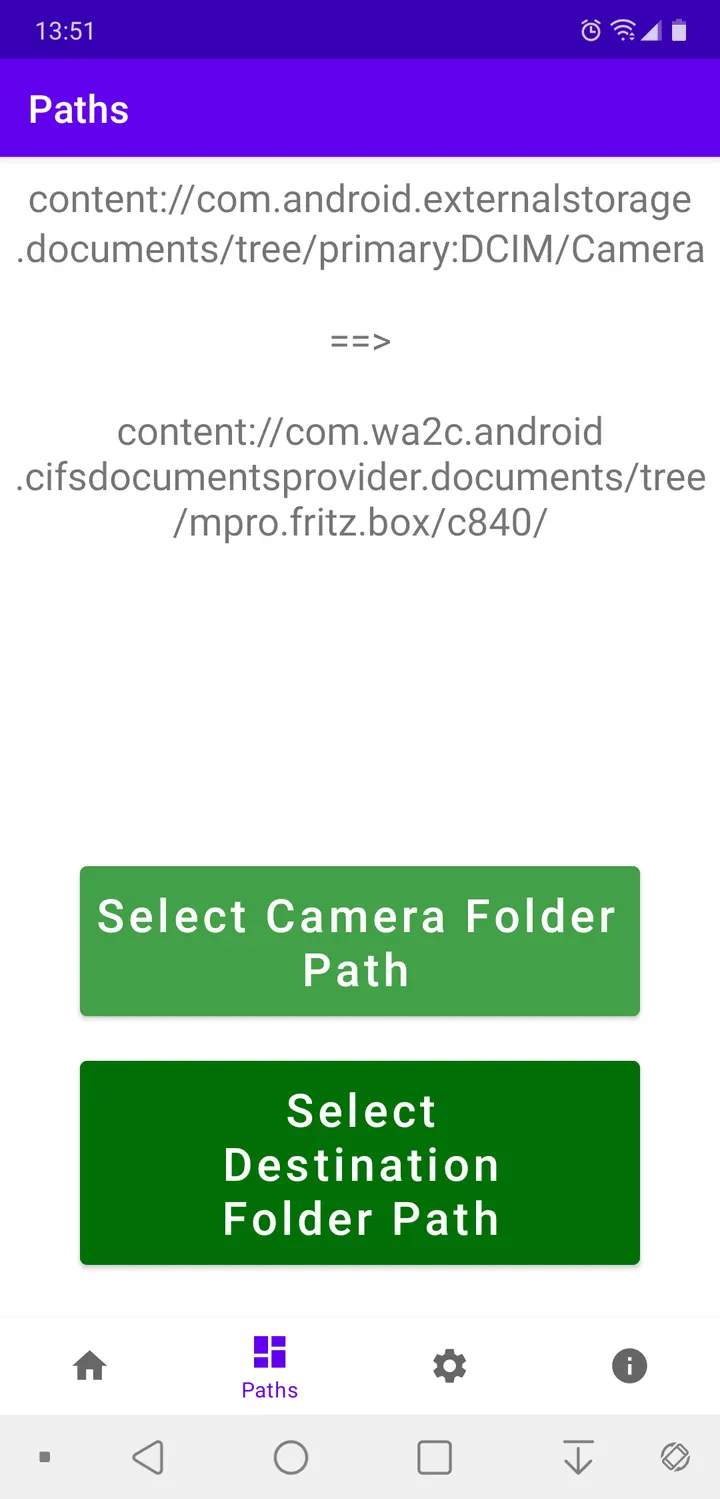
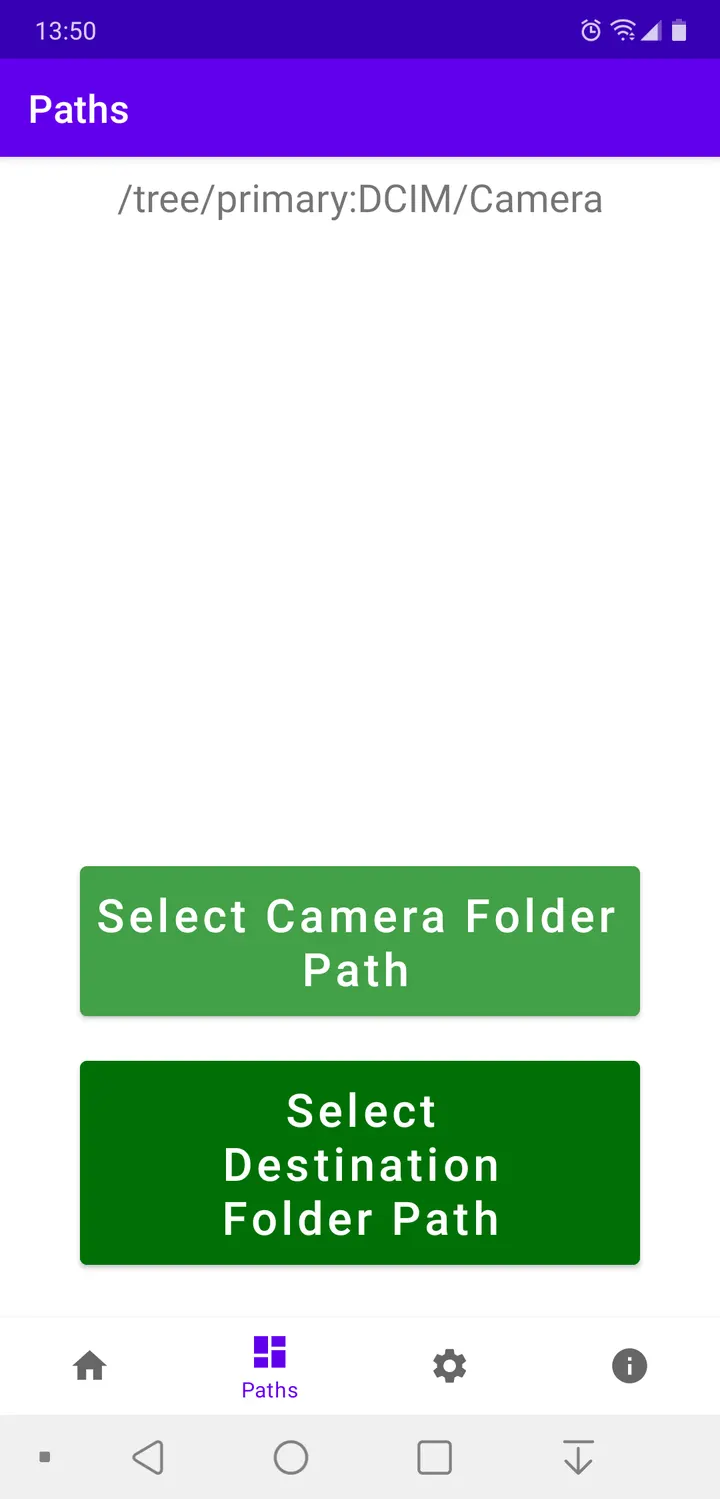
It also works as a basic backup step. Photos can stay inside the camera folder tree, or the app can move or copy them to a separate directory.
Year, month and day levels and the filename prefix option
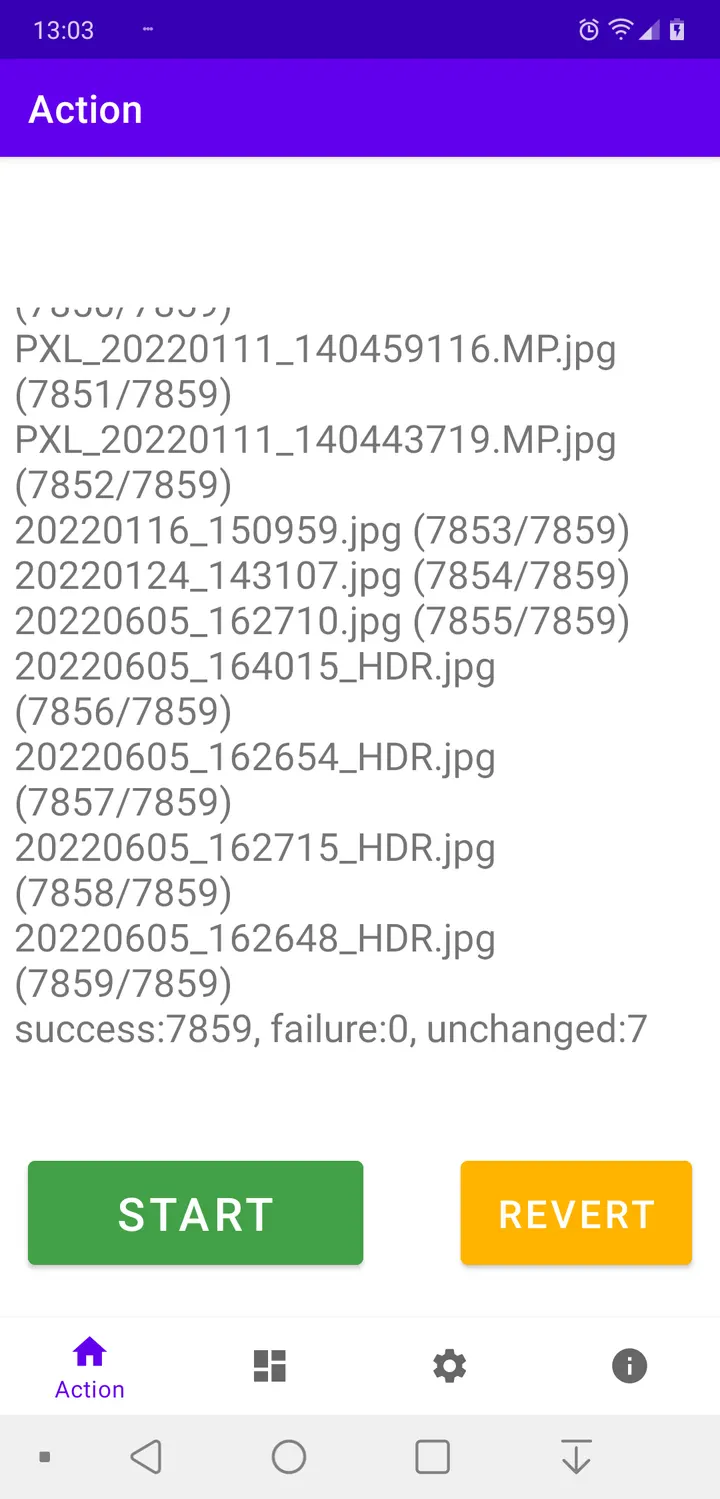
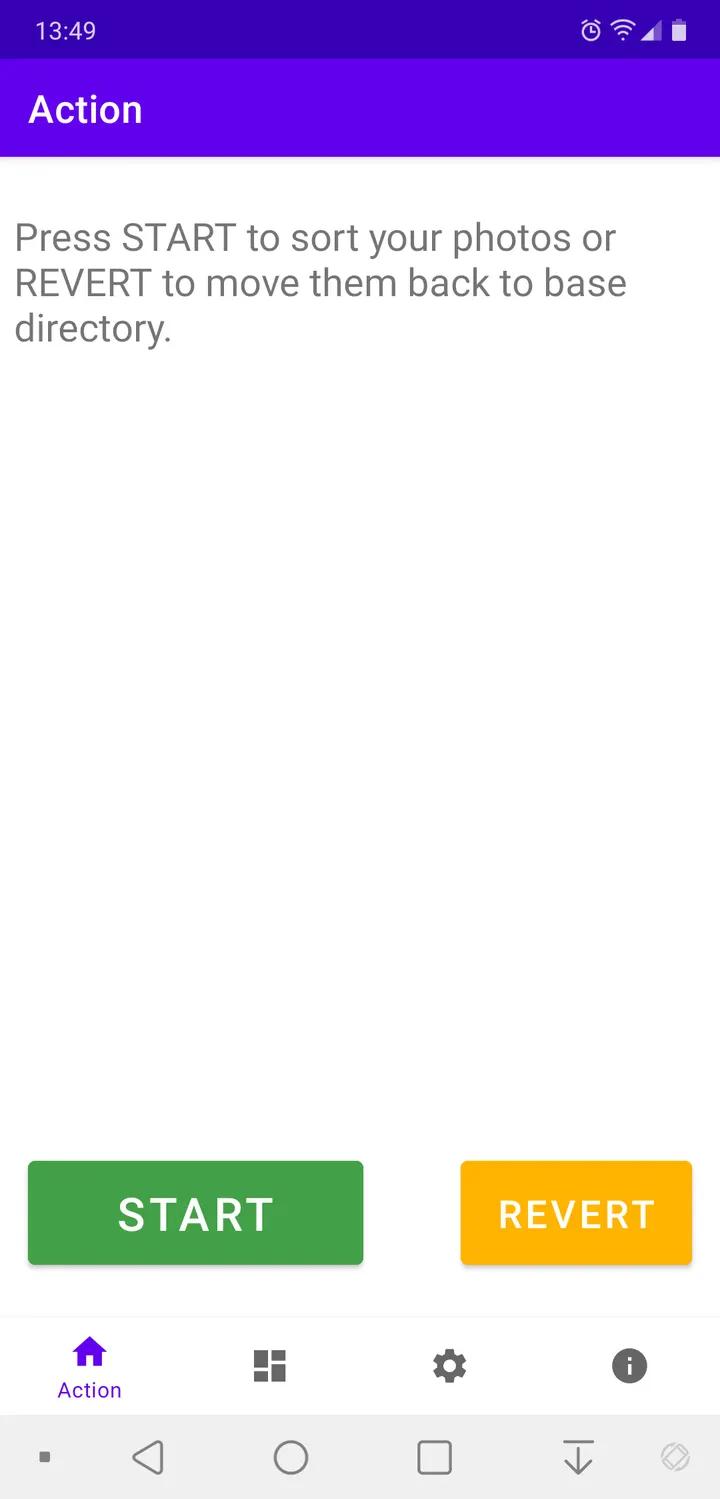
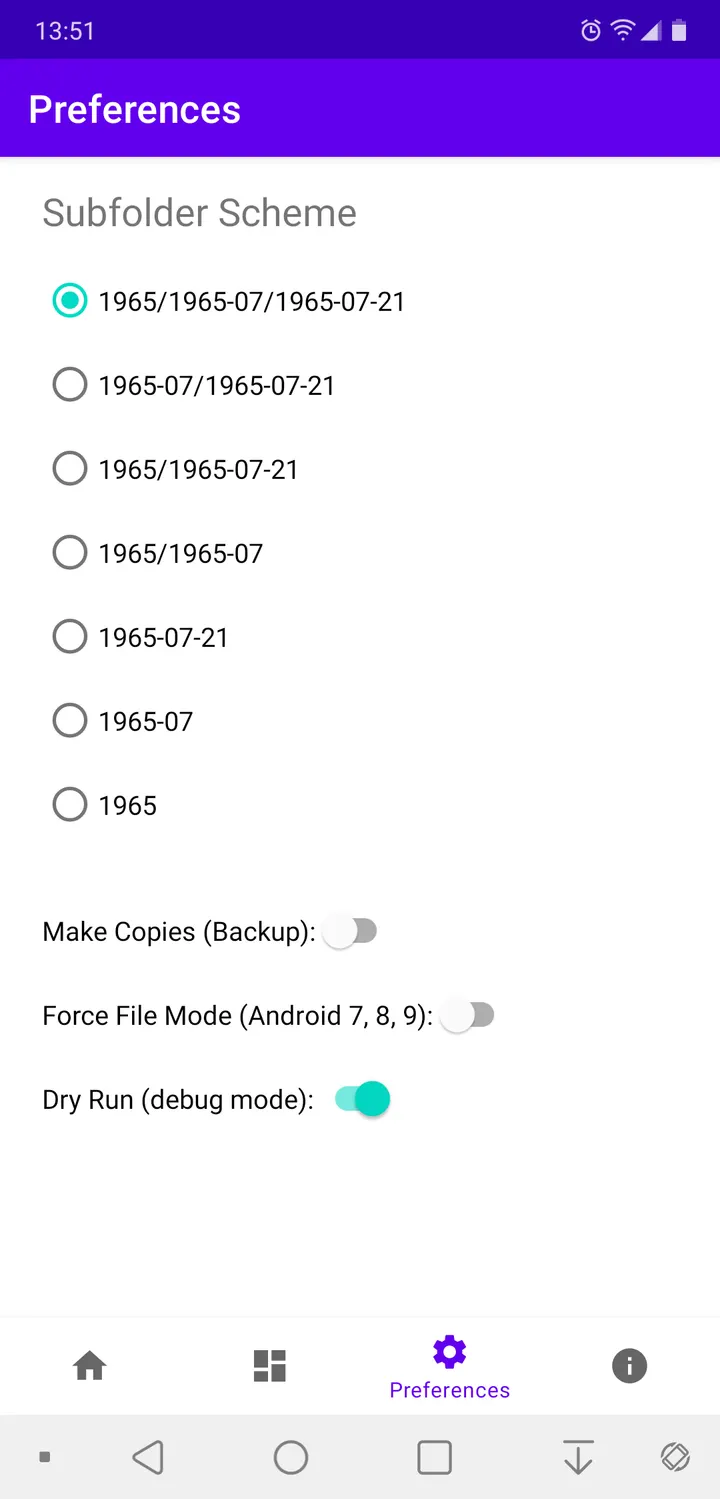
The sorting supports up to three levels: year, month and day. You choose how deep the structure goes. The sorting can be undone, and all photos then return to the base directory. If you set a destination directory, they cannot be sent back to the camera directory.
A second function deals with file name prefixes such as IMG_ or PXL_. The app can append such a prefix or remove it completely. This change cannot be reverted, so it deserves a pause before you run it.
The app does not read EXIF metadata from the photos. It takes the date from the information encoded in each file name.
Play Store speed limits and the F-Droid route
The developer explains a trade-off in the Play Store variant. To meet Google's policy, it must use the Storage Access Framework on Android 11 or newer, and file operations become extremely slow. The restriction partly applies to older Android versions too.
The F-Droid version has no such limit. Standard file access calls can be switched on there, which the developer says speeds up file operations by a factor of approximately 90.
The app is free, shows no ads and is licensed GPL-3.0-only. The last update was on September 21, 2026, and the first release dates to July 19, 2022.
Camera Date Folders pros and cons
Pros
- Sorts photos into year, month and day subfolders, up to three levels
- Sorting can be reverted to the base directory
- Free, no ads, open source under GPL-3.0-only
- Small download at 2.7 MB, runs on Android 6.0 or newer
Cons
- Date comes from file names, because the app does not read EXIF metadata
- Removing or adding file name prefixes cannot be undone
- Play Store variant is extremely slow on Android 11 or newer
Is Camera Date Folders safe?
Camera Date Folders is open source under GPL-3.0-only, and Andreas Kromke publishes the code on GitLab, so anyone can read how it moves and renames photos. It contains no ads. The APK checksum (SHA-256) begins 8d2a94e3, which lets you compare the file you downloaded against the listing.
How to install Camera Date Folders
- Download the APK with the button on this page and wait for it to finish.
- Compare the file with the SHA-256 checksum shown here if you want to confirm it arrived intact.
- Open the file on your phone and allow installs from this source when Android asks.
- Finish the install, then open Camera Date Folders from your app drawer.


