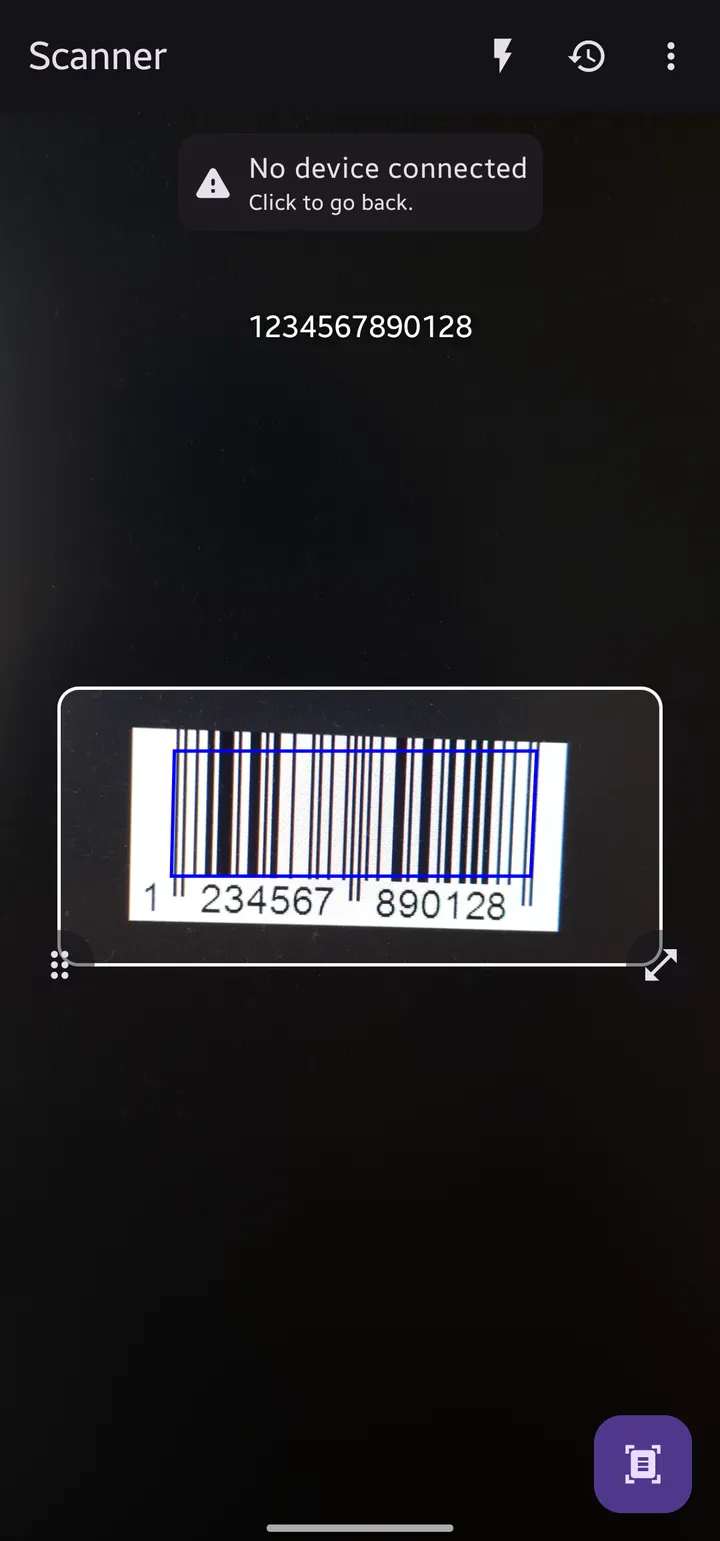
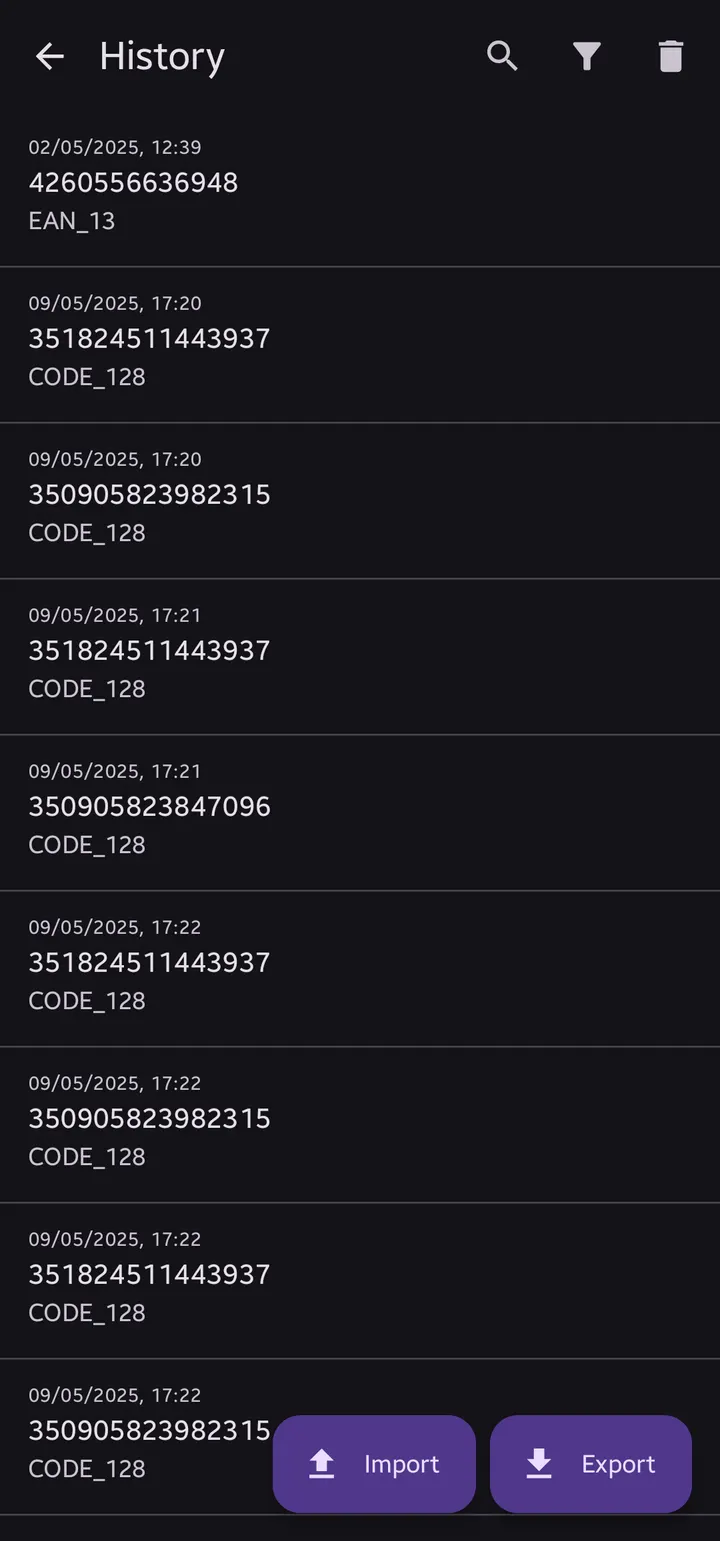
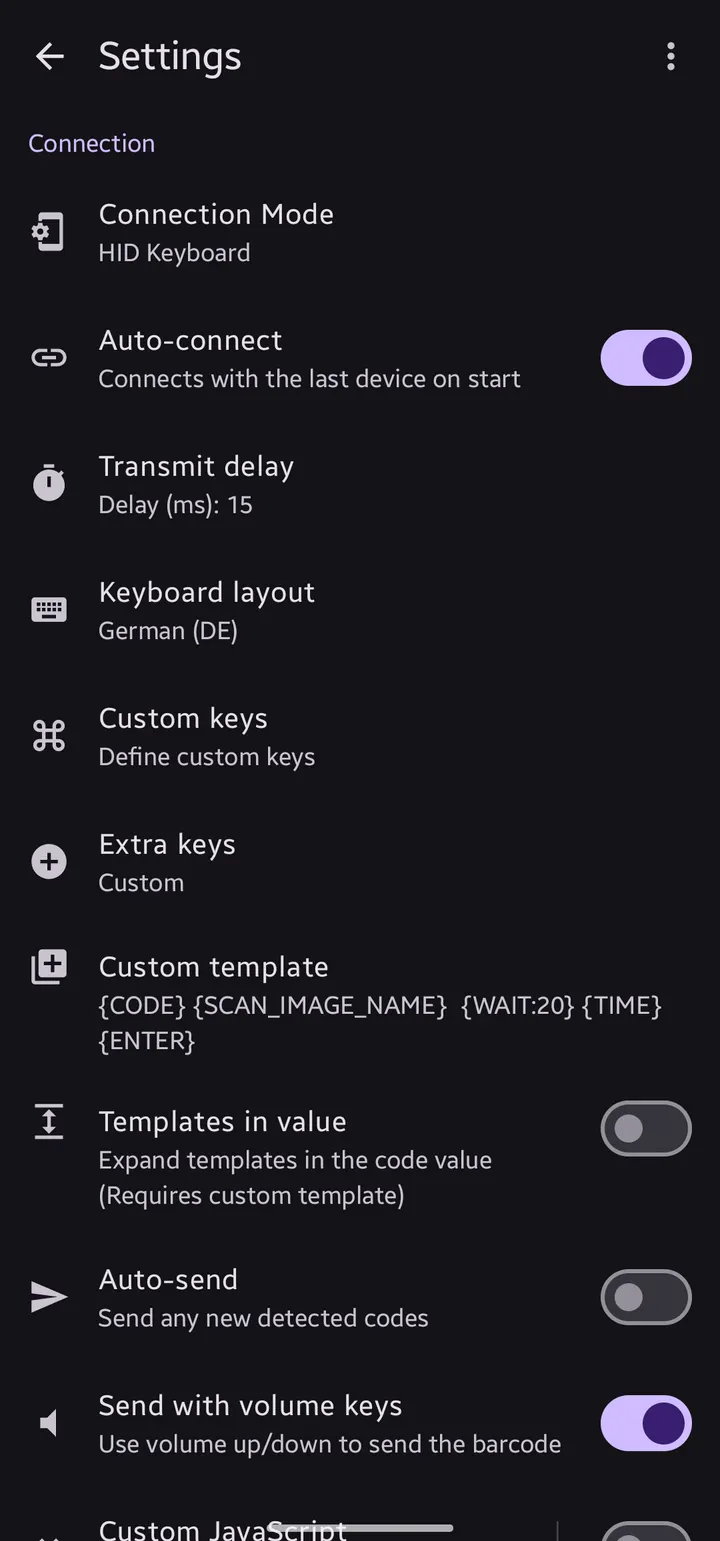
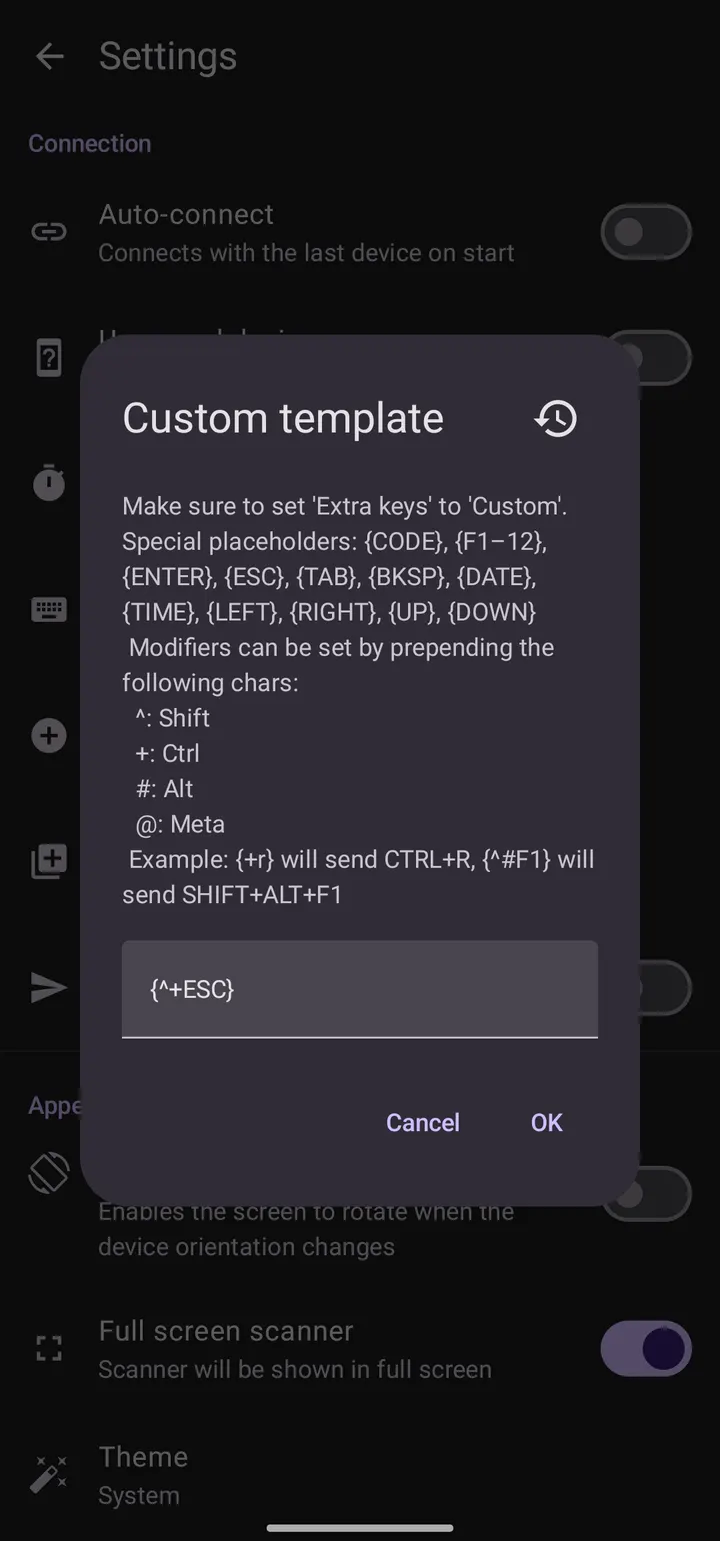
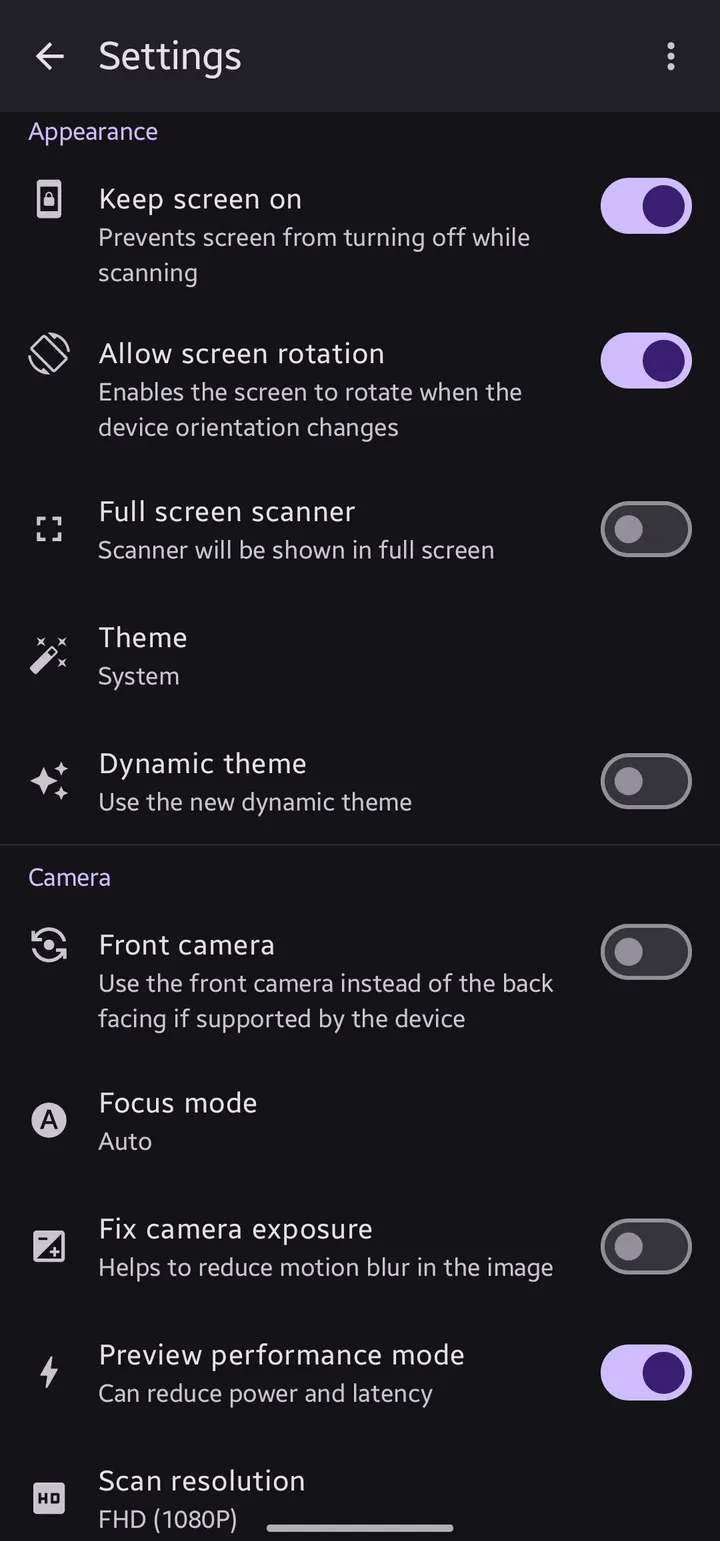
You have a spreadsheet open on a laptop and a shelf of labelled boxes to log. Instead of typing each code, you scan it with your phone and the value appears in the active cell. Bluetooth QR & Barcode to PC does this by making the phone behave like a wireless keyboard.
A GPL-3.0 project by fabik
The app is published by fabik under the package ID dev.fabik.bluetoothhid. Its source code is public on GitHub in the hid-barcode-scanner repository, and it is licensed GPL-3.0-only. It sits in the QR scanners category and carries the tags open-source, multimedia and task.
The current version is 2.3.2, updated on September 15, 2026. The initial release was on March 4, 2026. The app is free.
Scanning on the phone, typing on the PC
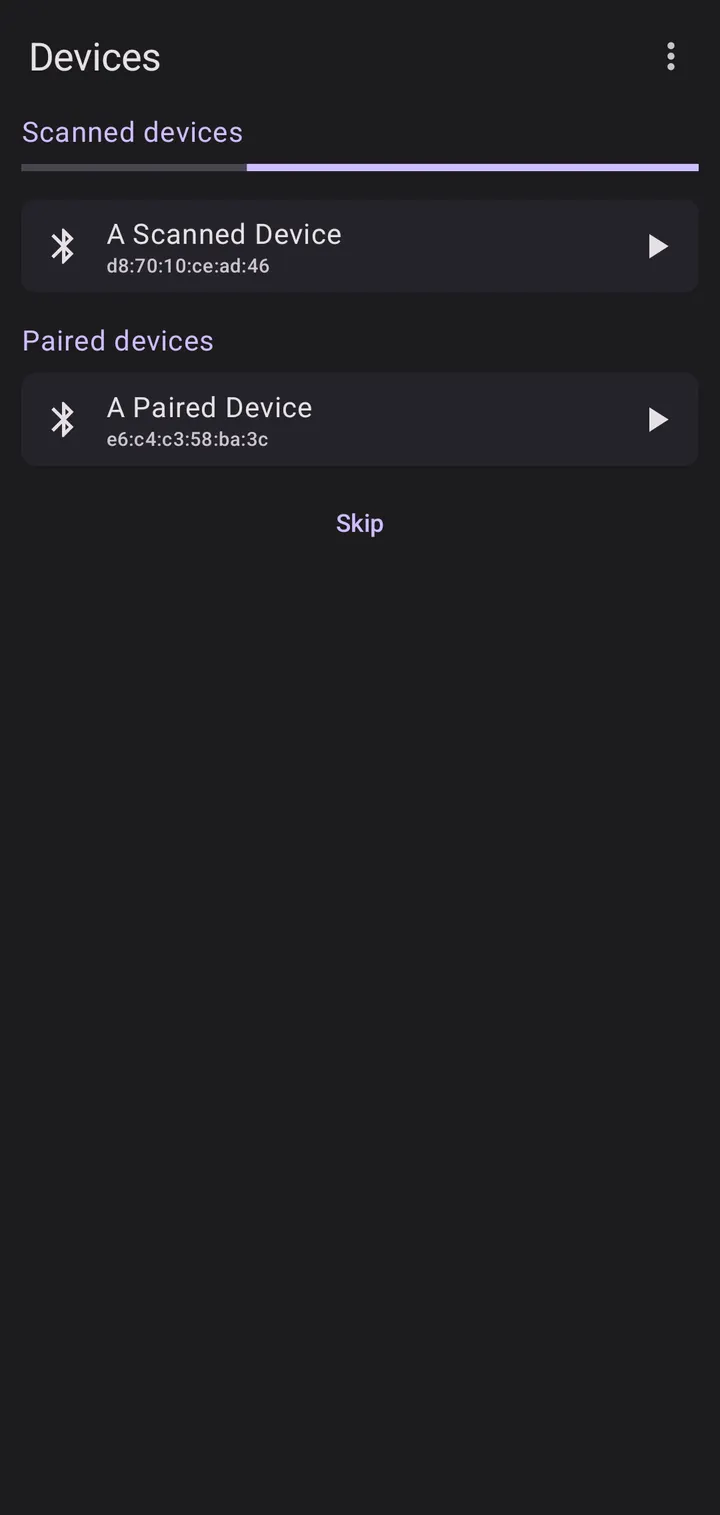
The phone scans a code and sends its value as text input to a paired Bluetooth device. The receiving computer needs no special software, because it sees the phone as an ordinary keyboard. The developer says this works with any device that accepts a Bluetooth keyboard, including a PC, a laptop or another phone.
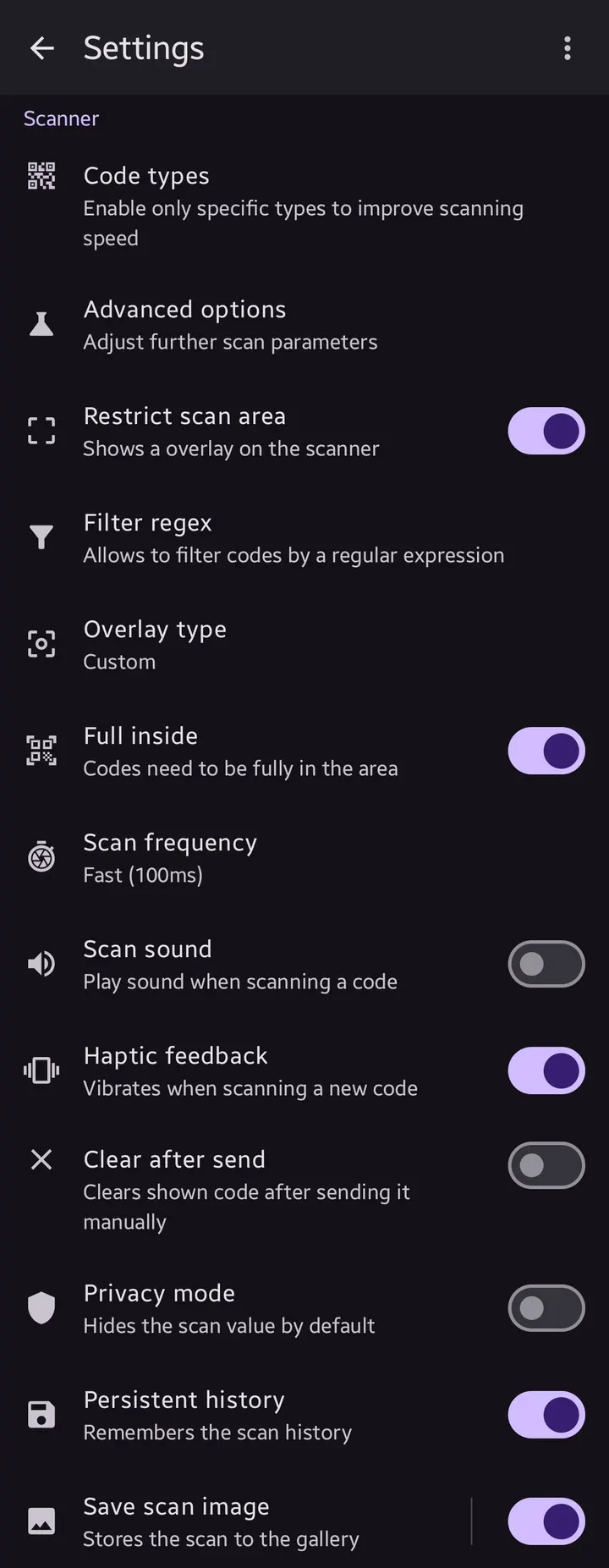
Several keyboard layouts can be chosen, which matters when the receiving machine uses a non-default layout. The developer describes the app as highly customizable for many use cases. A wide variety of QR and barcode types is supported.
Scanning works completely offline. There are no ads and no in-app purchases.
Android 9 and the Bluetooth HID requirement
The app relies on the Bluetooth HID feature, which Android exposes from version 9 onward. That is why the minimum OS is Android 9. Older phones cannot use it.
The download is 11.2 MB. Because the target only has to support a Bluetooth keyboard, the PC side needs no driver or companion install.
Bluetooth QR & Barcode to PC pros and cons
Pros
- Sends scanned values to a PC with no software on the receiving side
- Works completely offline
- No ads and no in-app purchases
- Source code public under GPL-3.0-only
- Several keyboard layouts to choose from
Cons
- Requires Android 9 or later for Bluetooth HID
- No list of supported barcode formats is published
- Update history is not published within the app page
Is Bluetooth QR & Barcode to PC safe?
The APK on this page is the unmodified file, and its SHA-256 checksum is 295993115787483d6557478f0b99139220a3783f10598035e76684e423b53c01, so you can compare it with your download. The app is open source under GPL-3.0-only, and its code is on GitHub at https://github.com/Fabi019/hid-barcode-scanner. It shows no ads and has no in-app purchases. No permission list is given here, so check what Android asks for when you install.
How to install Bluetooth QR & Barcode to PC
- Download the APK with the button on this page and wait for it to finish.
- Compare the file with the SHA-256 checksum shown here if you want to confirm it arrived intact.
- Open the file on your phone and allow installs from this source when Android asks.
- Finish the install, then open Bluetooth QR & Barcode to PC from your app drawer.