Barcode Scanner is an open-source reader and generator for barcodes, published by Atharok under the GPL-3.0-only licence. It shows no ads and is free. Version 1.26.3 needs Android 6.0 or newer and takes up 7.9 MB.
Open source code with product lookups built in
The source code sits on GitLab, which lets anyone check what the app does. The developer says the app contains no trackers and collects no data. No independent audit is available, so that claim rests on the developer's word.
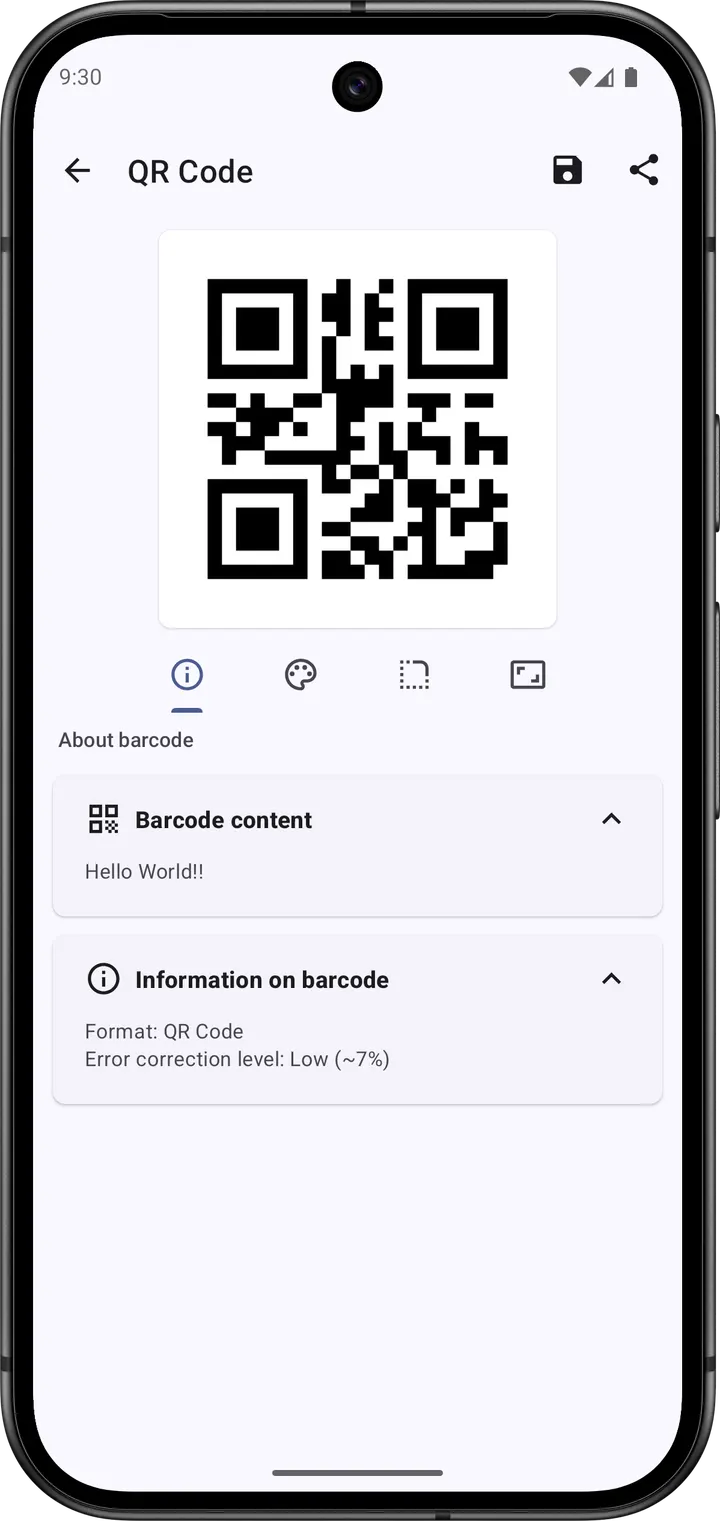
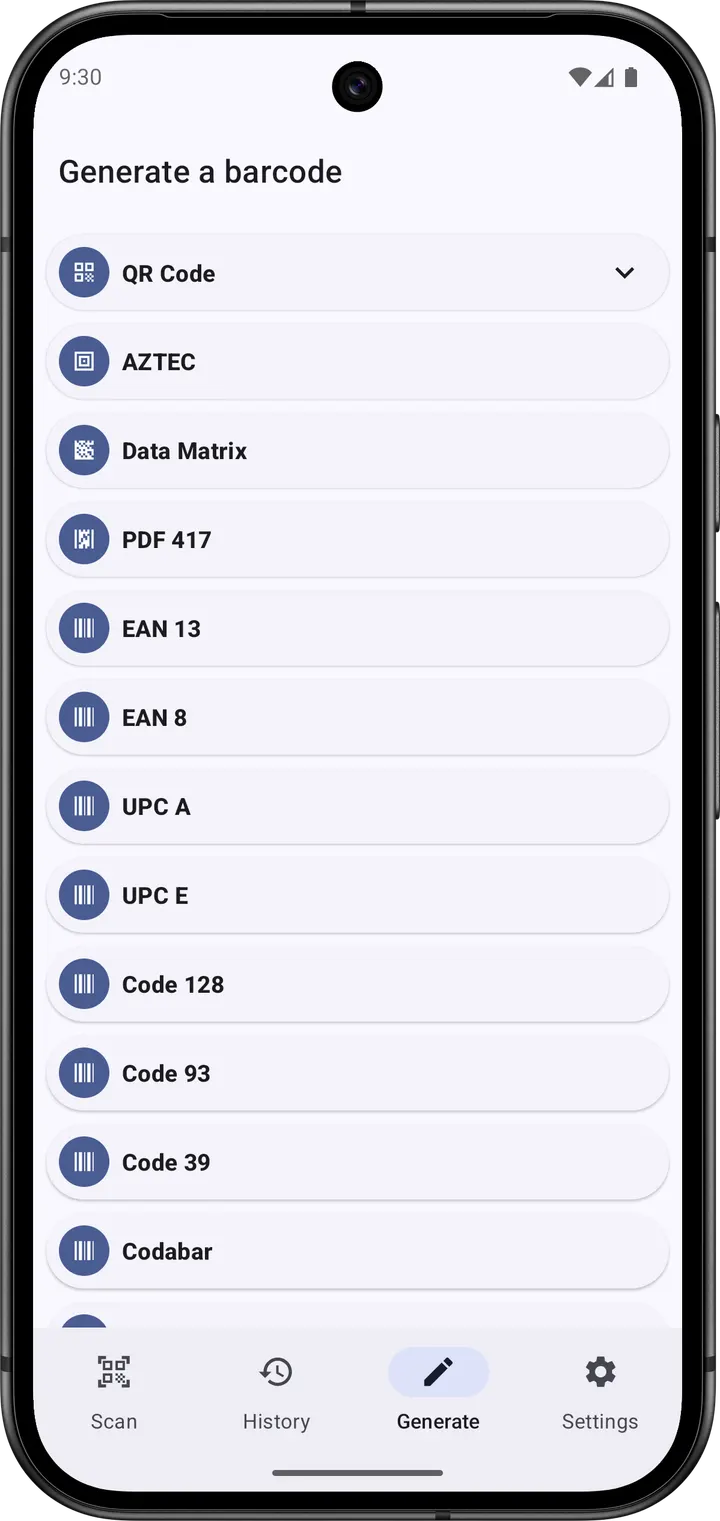
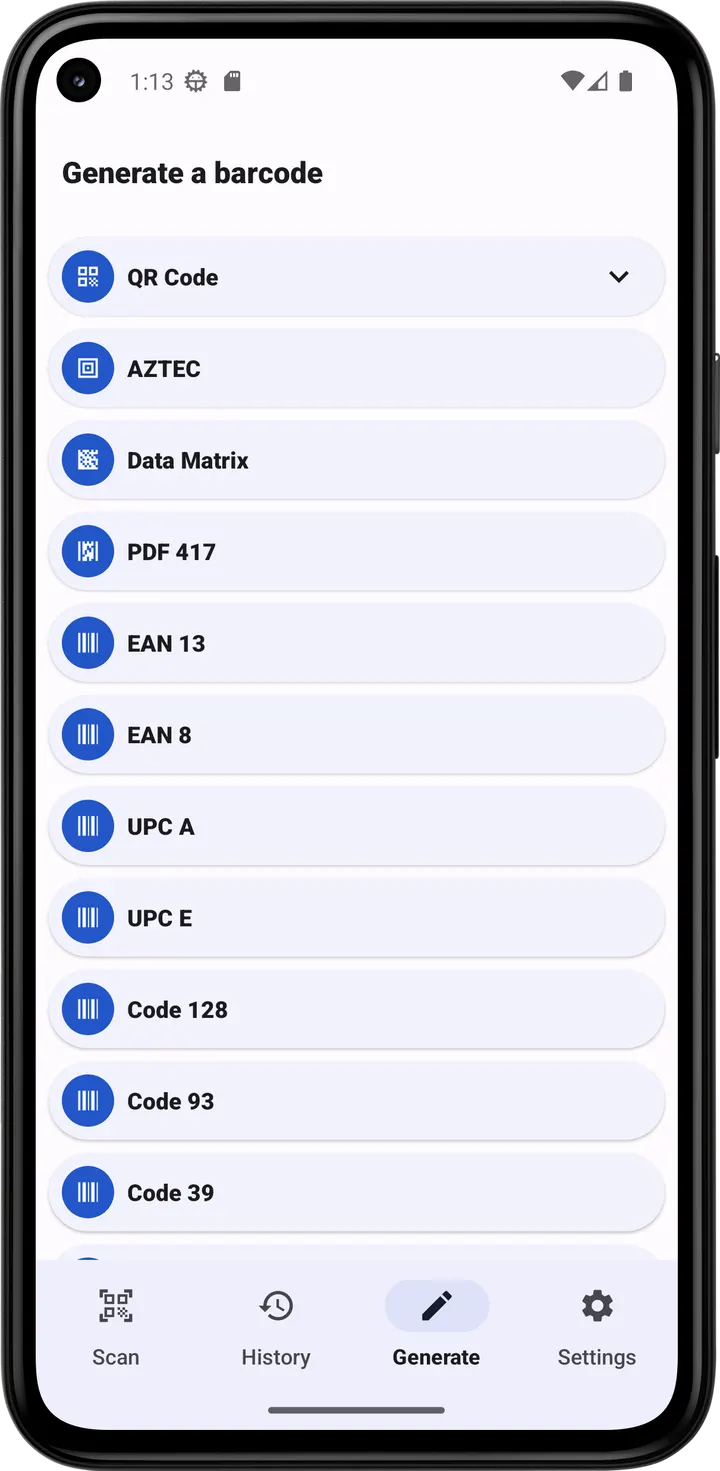
The app handles two families of codes. Two-dimensional formats are QR Code, Data Matrix, PDF 417 and AZTEC. One-dimensional formats are EAN 13, EAN 8, UPC A, UPC E, Code 128, Code 93, Code 39, Codabar and ITF.
A typical scan, from camera to product page
You point the camera at a code, or load a picture from the phone, and the result appears at once. Depending on the content, you can read a business card, add a contact, create a calendar event, open a URL or join a Wi-Fi network.
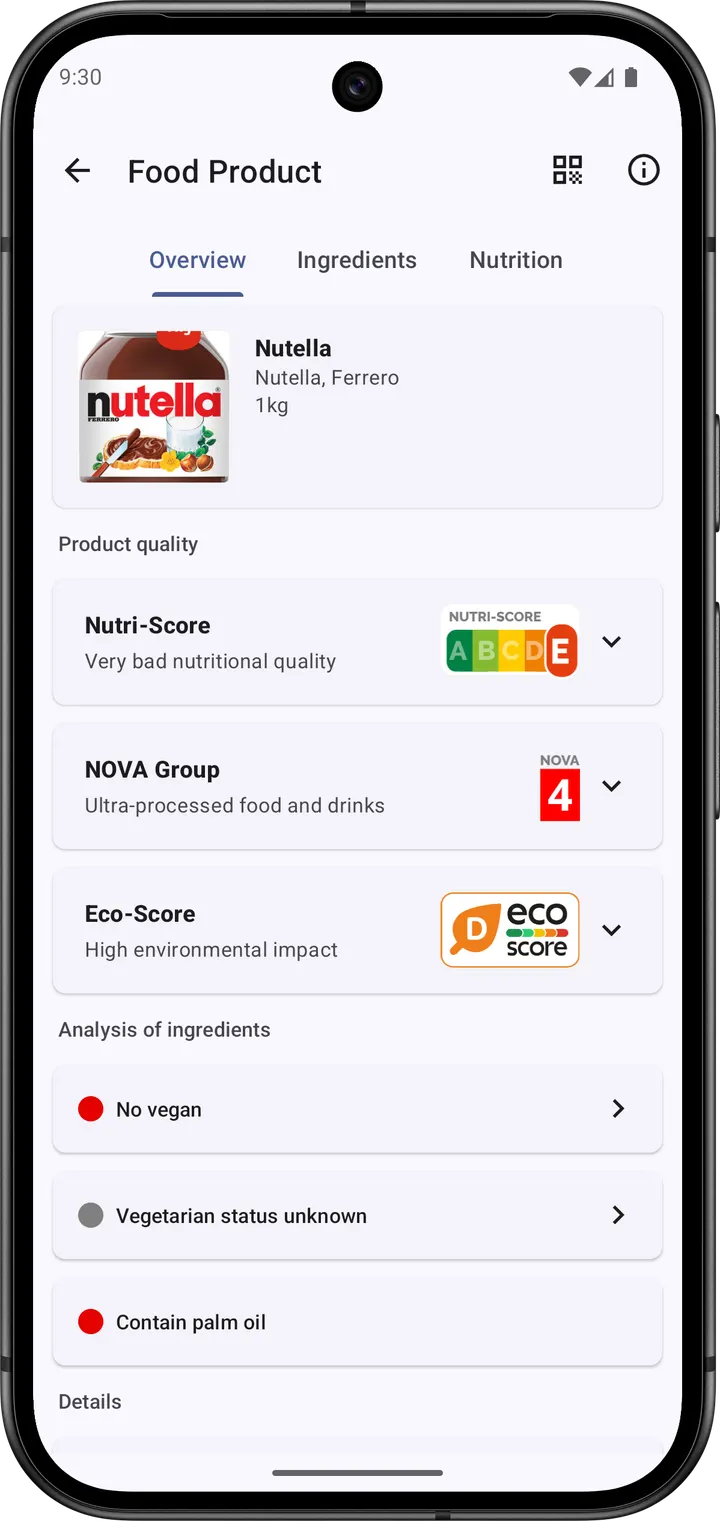
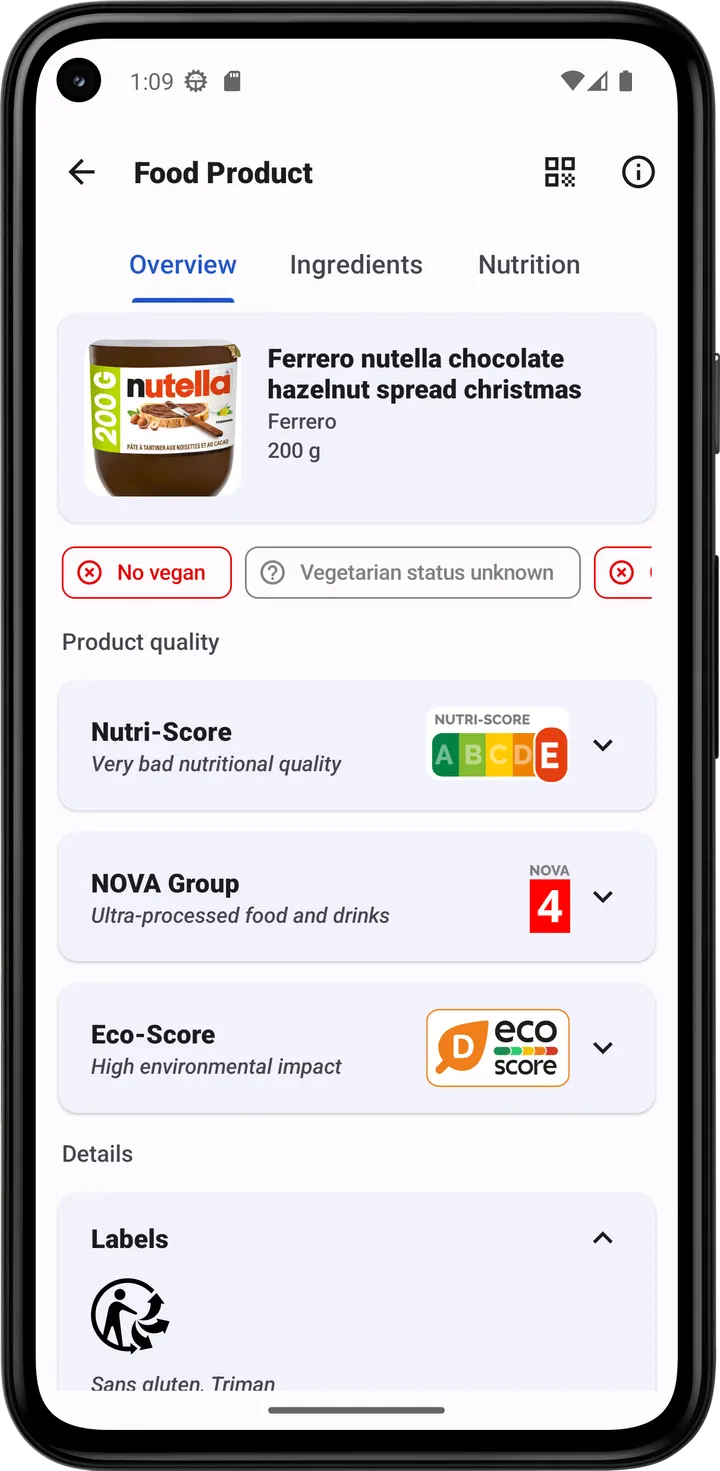
Product codes trigger lookups in open databases. Open Food Facts covers food, Open Beauty Facts covers cosmetics, Open Pet Food Facts covers pet food, Open Library covers books and MusicBrainz covers CDs and vinyl. You can also search the product on shopping sites such as Amazon or Fnac.
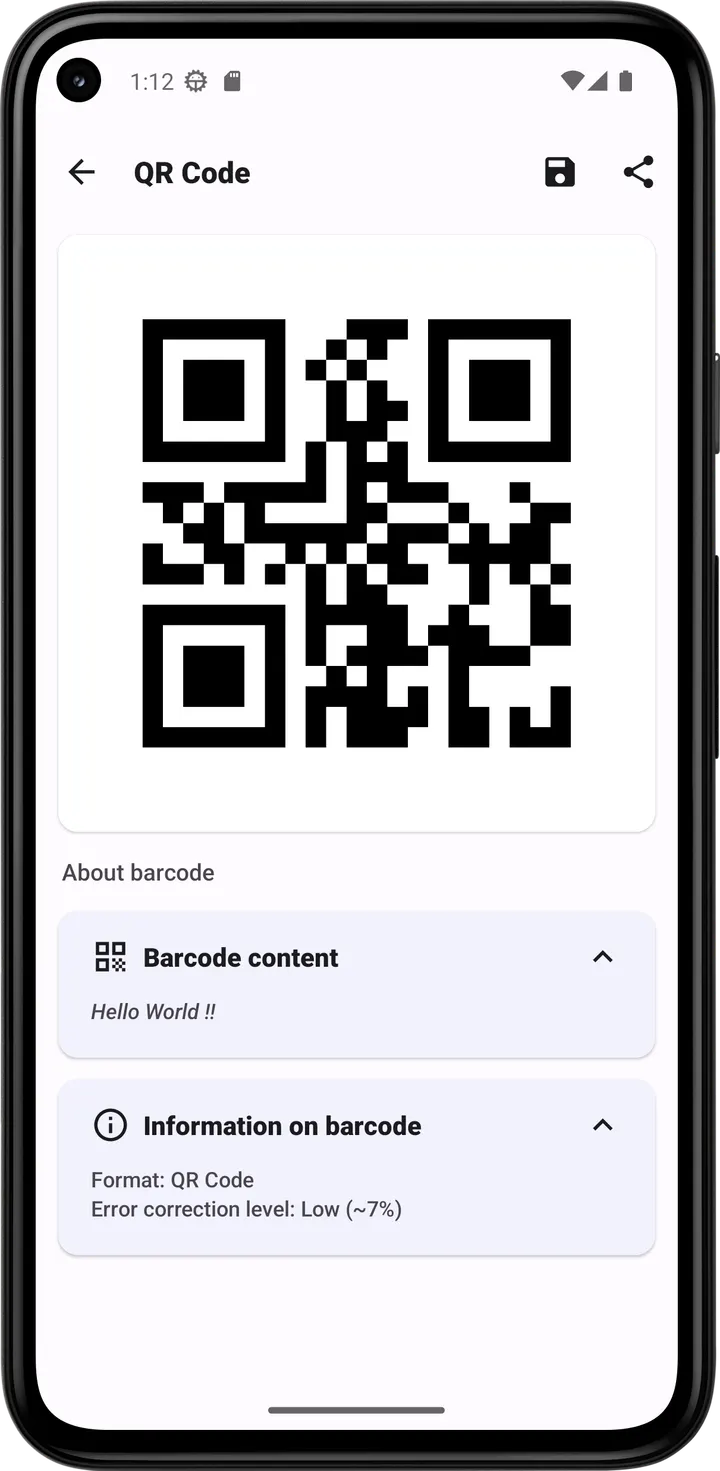
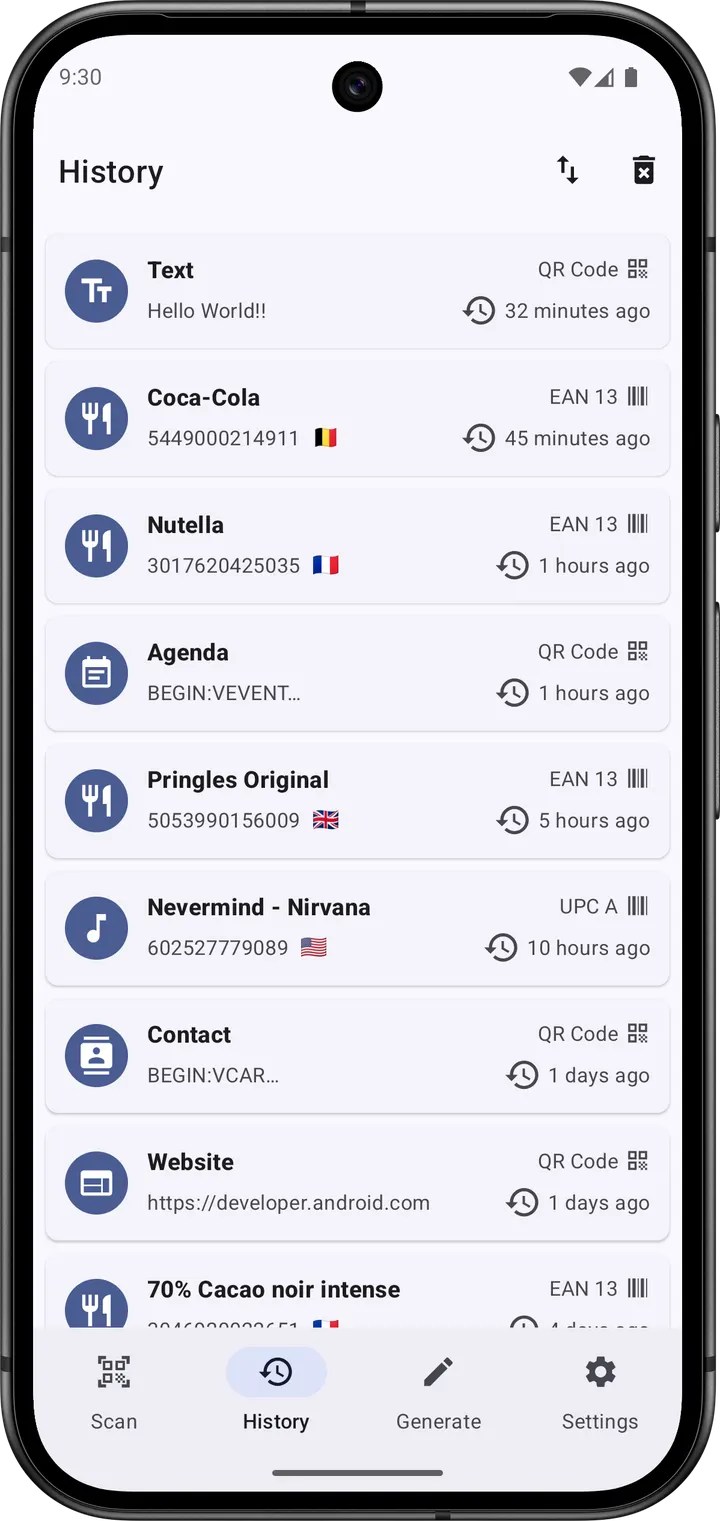
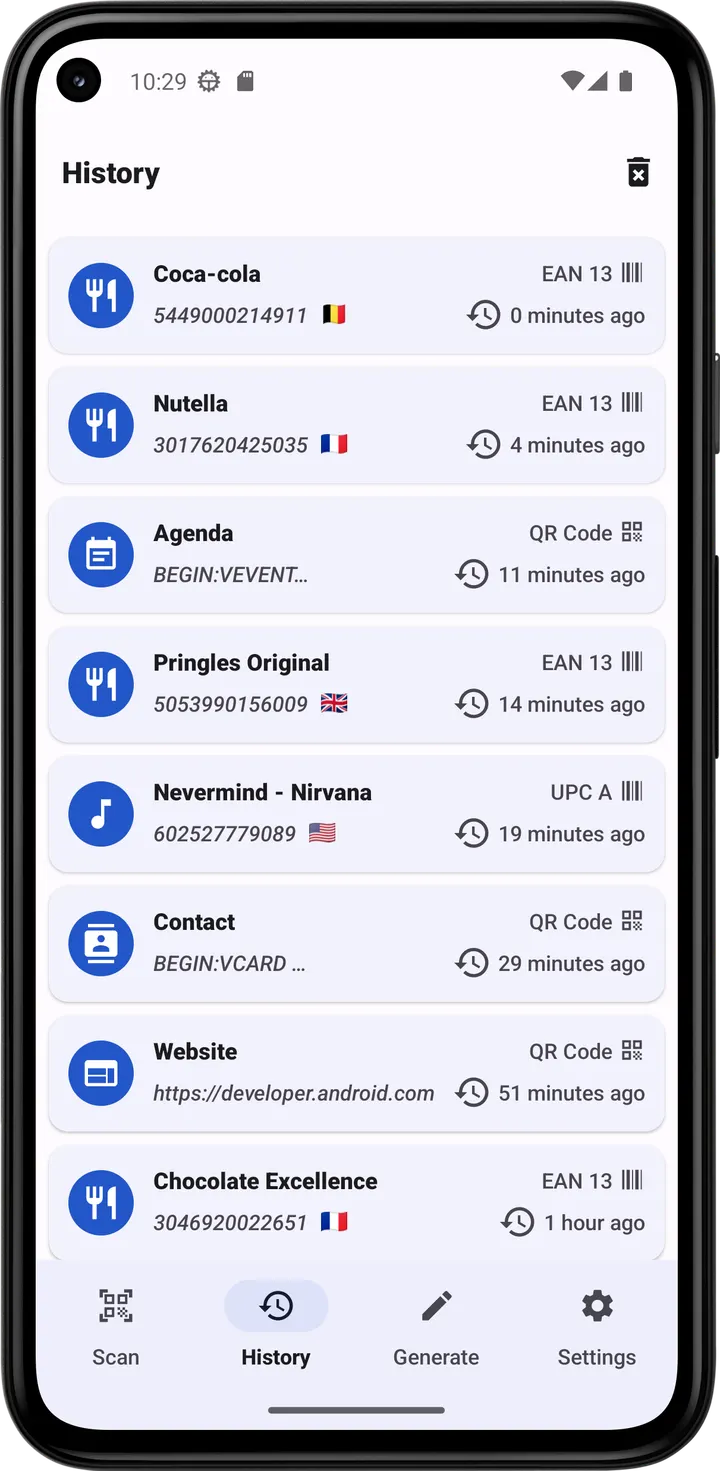
A history tool keeps your earlier scans, and the app can generate barcodes of your own. The interface uses Material 3, offers light and dark themes, and follows wallpaper colors through Material You on Android 12 or later. Text is translated into languages including English, Arabic, Spanish, French, German and Chinese.
How it differs from the listed alternatives
Our catalog lists six alternatives, among them QR & Barcode Scanner, QRshare, Secure QR Share and FreeScan QR Code Scanner.
What this app brings is clear. It has no ads, a public licence, source code on GitLab and lookups across five open databases. Someone who only needs to read an occasional QR code may find that more than necessary, while someone who checks food labels or books will use it often.
Barcode Scanner pros and cons
Pros
- No ads, and free
- Source code on GitLab under GPL-3.0-only
- Reads nine one-dimensional and four two-dimensional formats
- Looks up food, cosmetics, pet food, books and music through open databases
- Small download at 7.9 MB
Cons
- Requires Android 6.0 or newer
- No independent audit backs the no-tracker claim
- The no-tracker claim comes from the developer and has not been independently audited
Is Barcode Scanner safe?
We host the unmodified APK for this Tier A listing, and the file can be checked against its SHA-256 checksum, f76c033c47bf2d79aa1b40aa8869e2d659b82d4ce41048e0a6b1c70c48309cb6. The publisher is Atharok, and the code is public under GPL-3.0-only. The developer says the app has no trackers and collects no data, but no independent security review is available. Install only from sources you trust and compare the checksum after download.
How to install Barcode Scanner
- Download the APK with the button on this page and wait for it to finish.
- Compare the file with the SHA-256 checksum shown here if you want to confirm it arrived intact.
- Open the file on your phone and allow installs from this source when Android asks.
- Finish the install, then open Barcode Scanner from your app drawer.