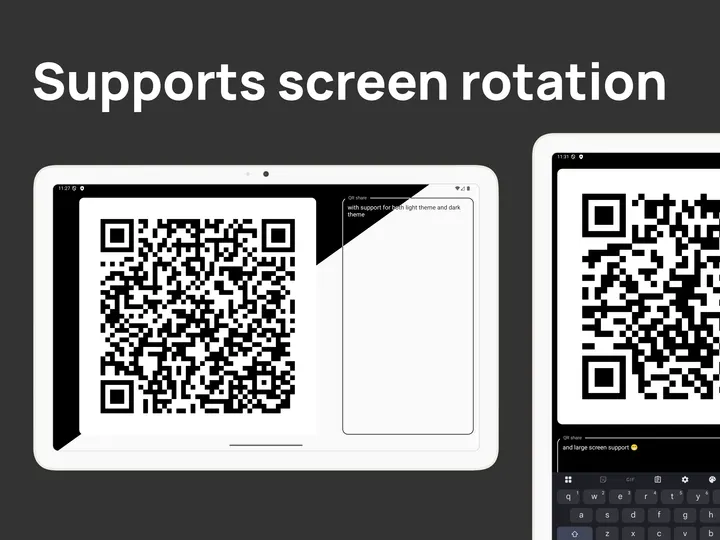
QRshare suits people who often hand a link, contact or snippet of text to someone standing next to them and want a scannable code without typing anything. It is a small Android app from developer mrwm, listed in the QR scanners category. Version 1.0.22 needs Android 5.0 or newer and weighs 0.8 MB.
Made for the Android share menu
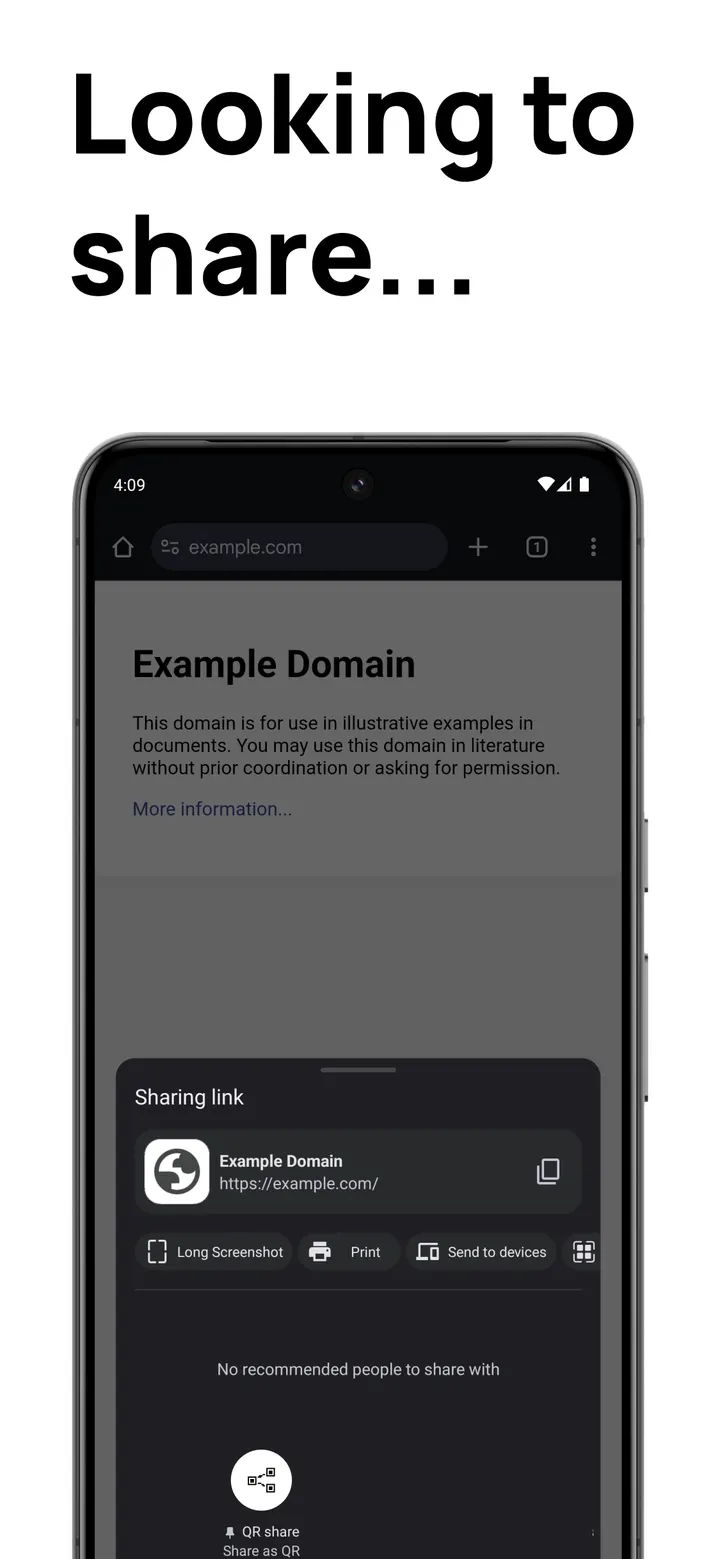
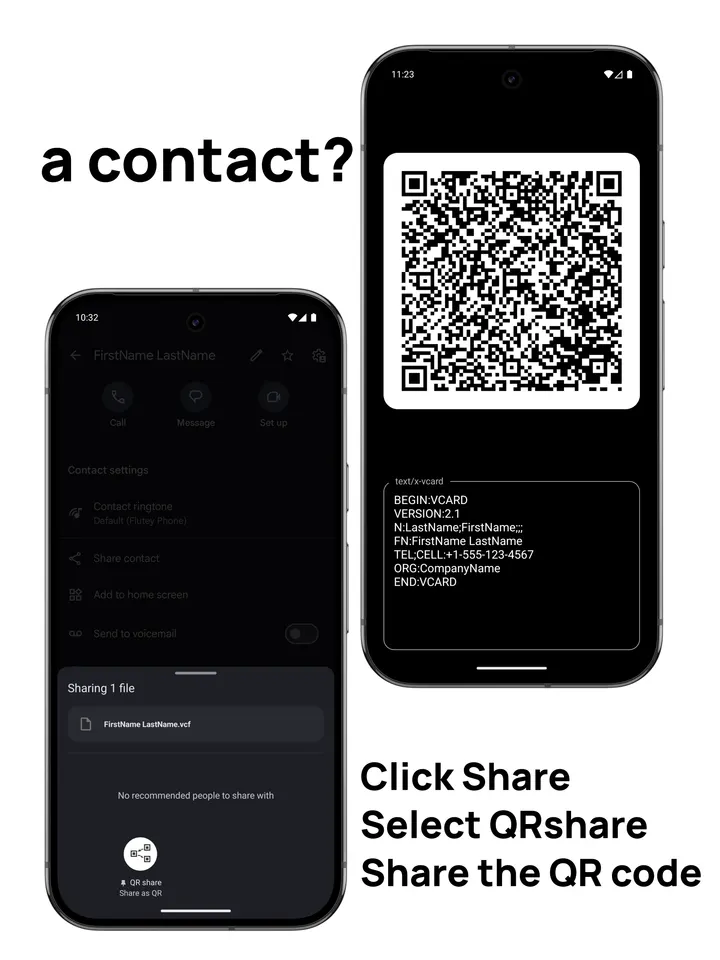
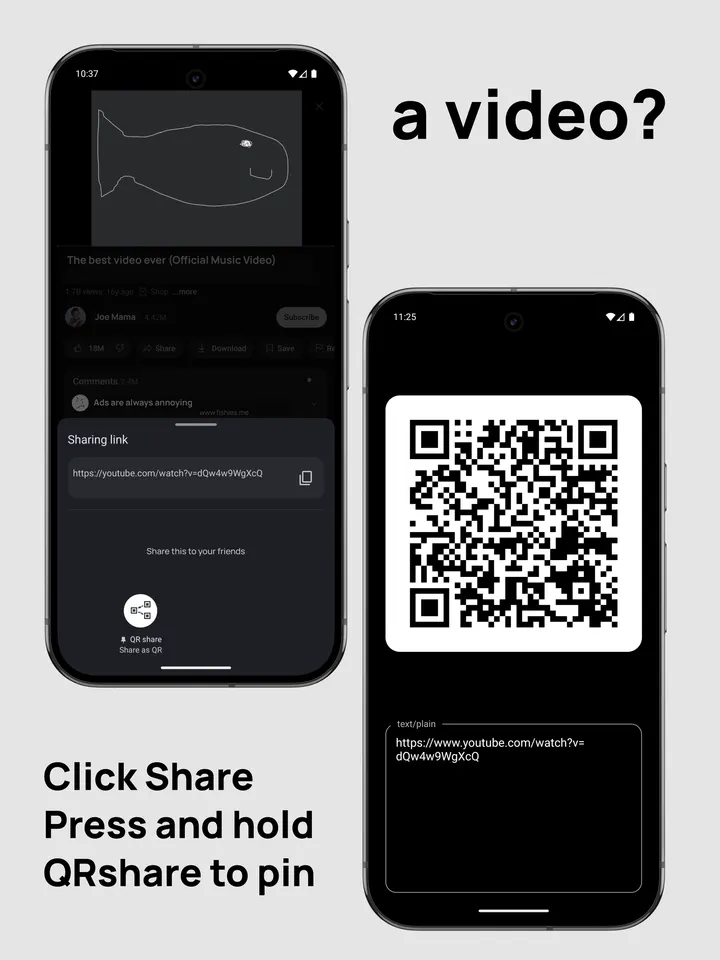
The app works through the share intent. You pick a link, contact or text in another app, choose QRshare from the share sheet, and a QR code appears. There is no separate scanning or account step.
That makes it a fit for quick handoffs, such as passing a web address to a nearby phone or a contact card to a colleague.
Editing, copying and sharing the generated code
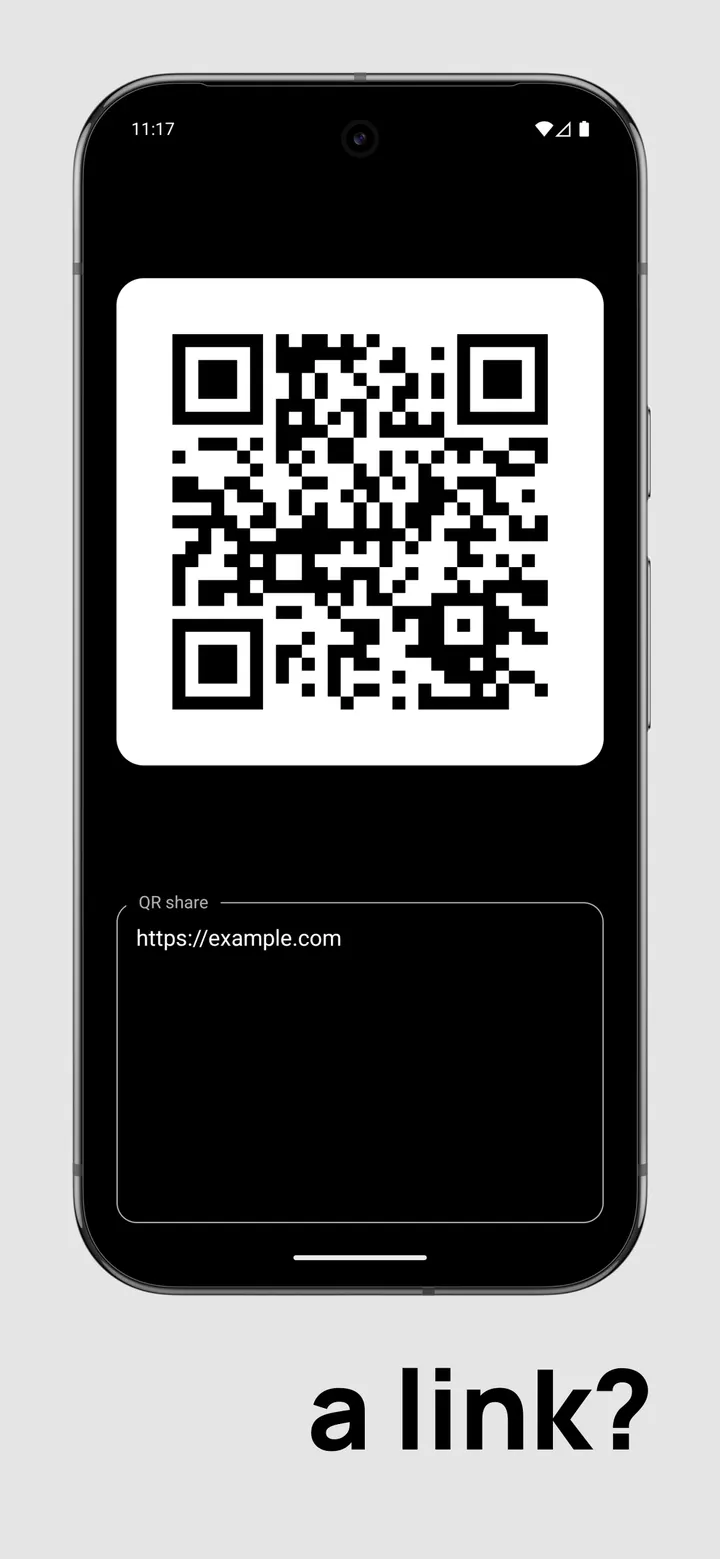
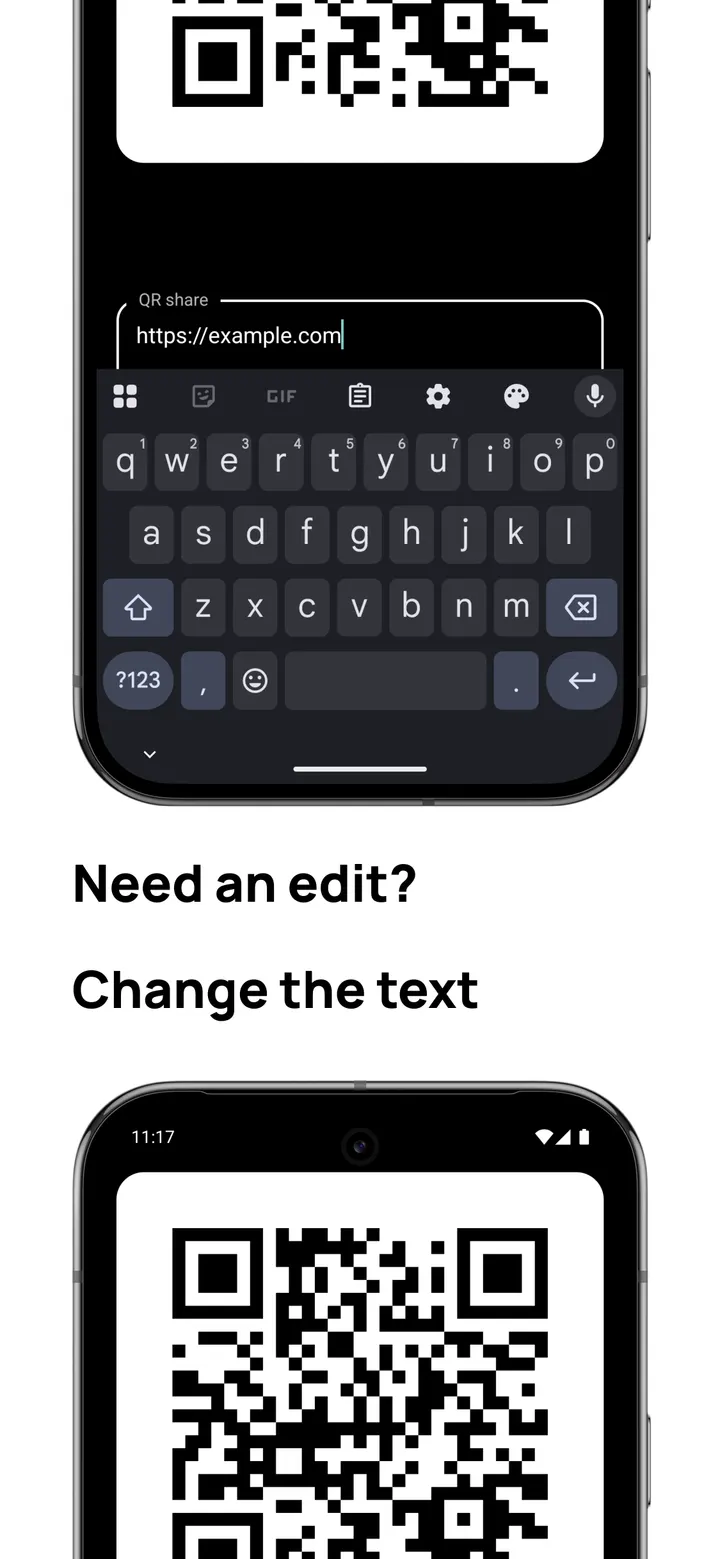
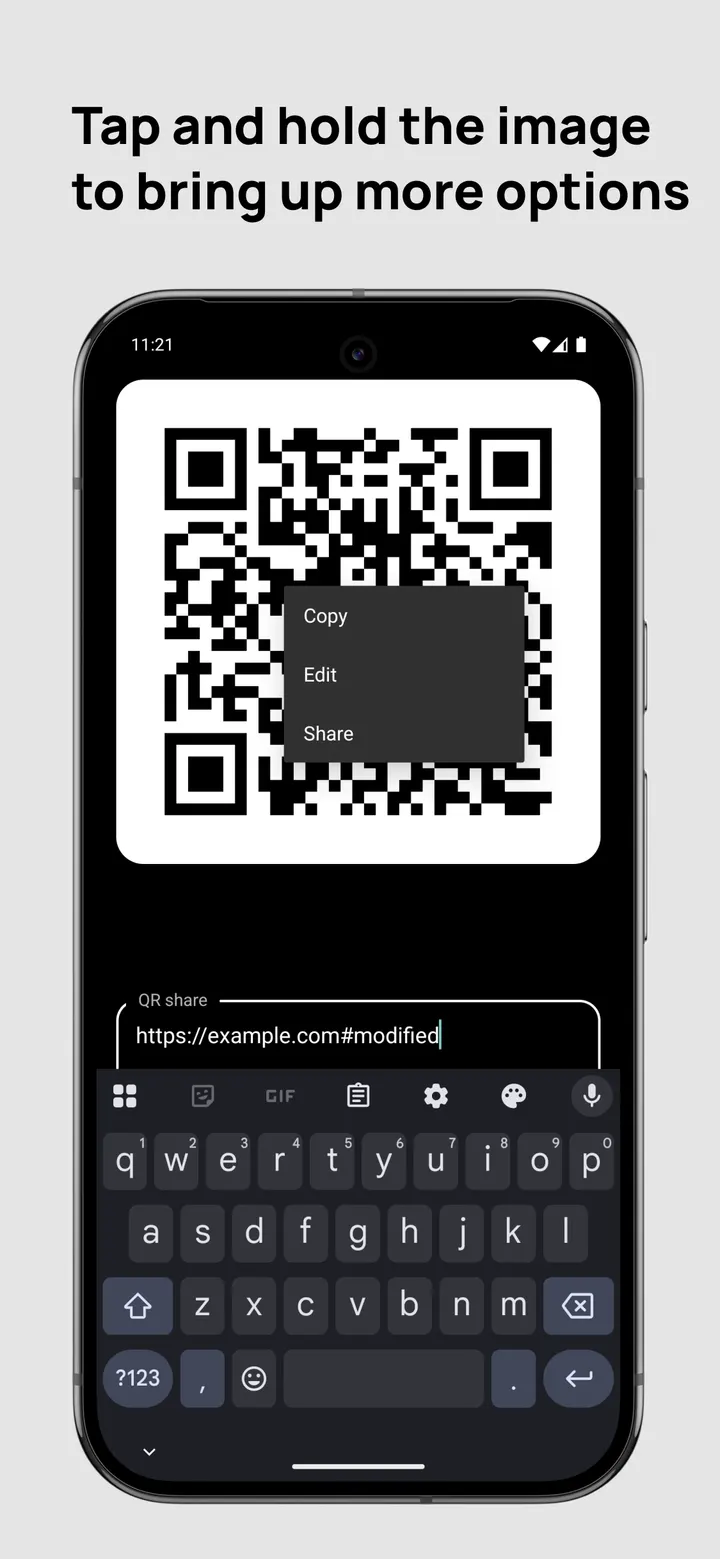
Once the code is on screen, you can change the shared text in the text box and the code follows the edit. Tap and hold on the picture to copy the QR code to the clipboard, edit the text, or share the image onward.
The app's one feature is generating a QR code from a share intent.
Free, ad-free and narrow in scope
QRshare is free and has no ads. It is open source under the Apache-2.0 licence, with code on GitHub at mrwm/QRshare. The package ID is com.wchung.qrshare, and the first release dates from January 13, 2025.
It does not scan codes, so it is not a replacement for scanner apps such as QR & Barcode Scanner or FreeScan QR Code Scanner.
QRshare pros and cons
Pros
- Free with no ads
- Open source under Apache-2.0, with code on GitHub
- Only 0.8 MB
- Works from the Android share sheet for links, contacts and text
- Runs on Android 5.0 and newer
Cons
- Generates codes only; it has no scanning feature
- No Google Play rating or install figures to go by
- Version 1.0.22 is the current release
Is QRshare safe?
The APK is kept unmodified, and its SHA-256 checksum is dfdb09b7eee1c129aad54e88802f1bed32ded1a263f6ed651e75ae2e5e9f08bd. Compare it with the file you download. QRshare is open source under Apache-2.0, so its code at https://github.com/mrwm/QRshare is open for you to read before you send links and contacts through it. It has no ads. Permissions are not listed here, so check the prompt that appears when you install.
How to install QRshare
- Download the APK with the button on this page and wait for it to finish.
- Compare the file with the SHA-256 checksum shown here if you want to confirm it arrived intact.
- Open the file on your phone and allow installs from this source when Android asks.
- Finish the install, then open QRshare from your app drawer.