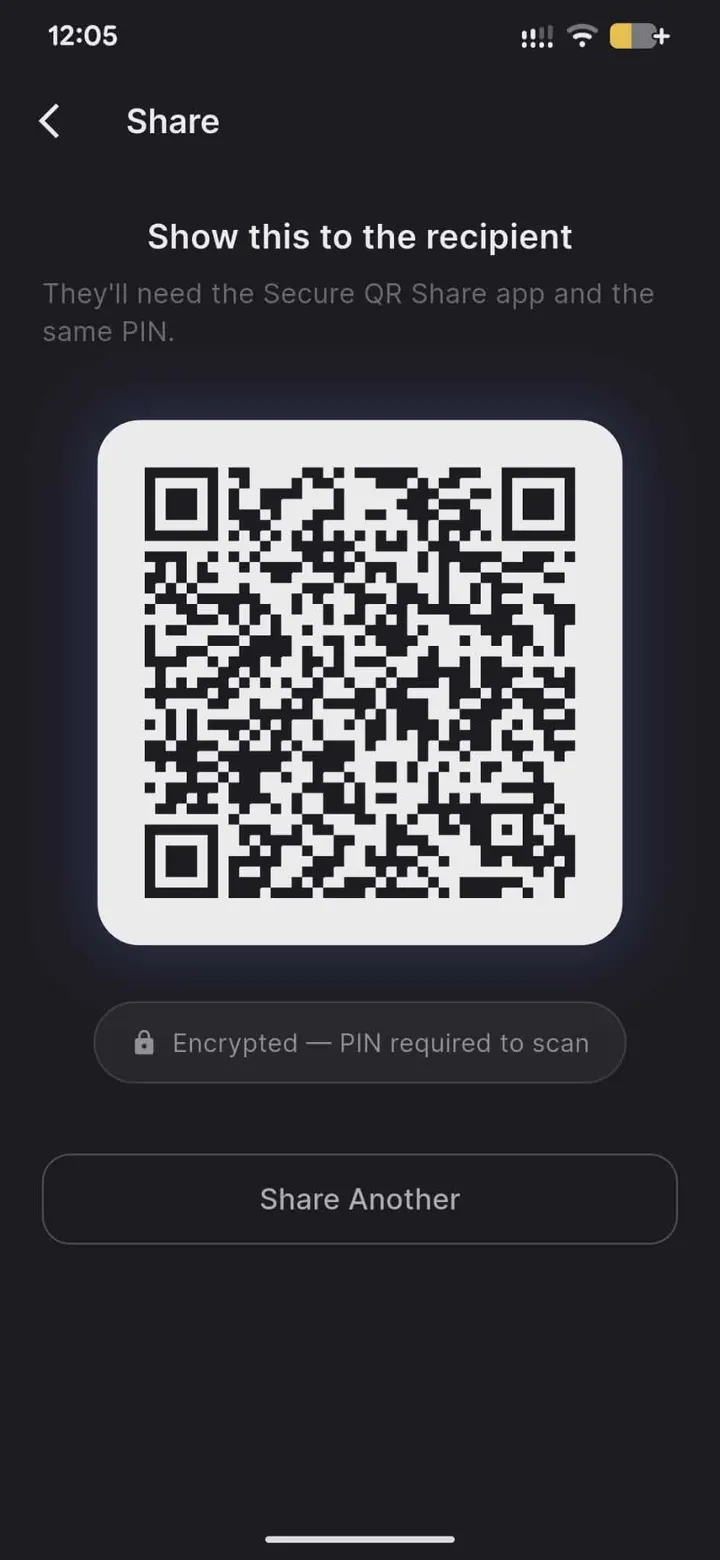
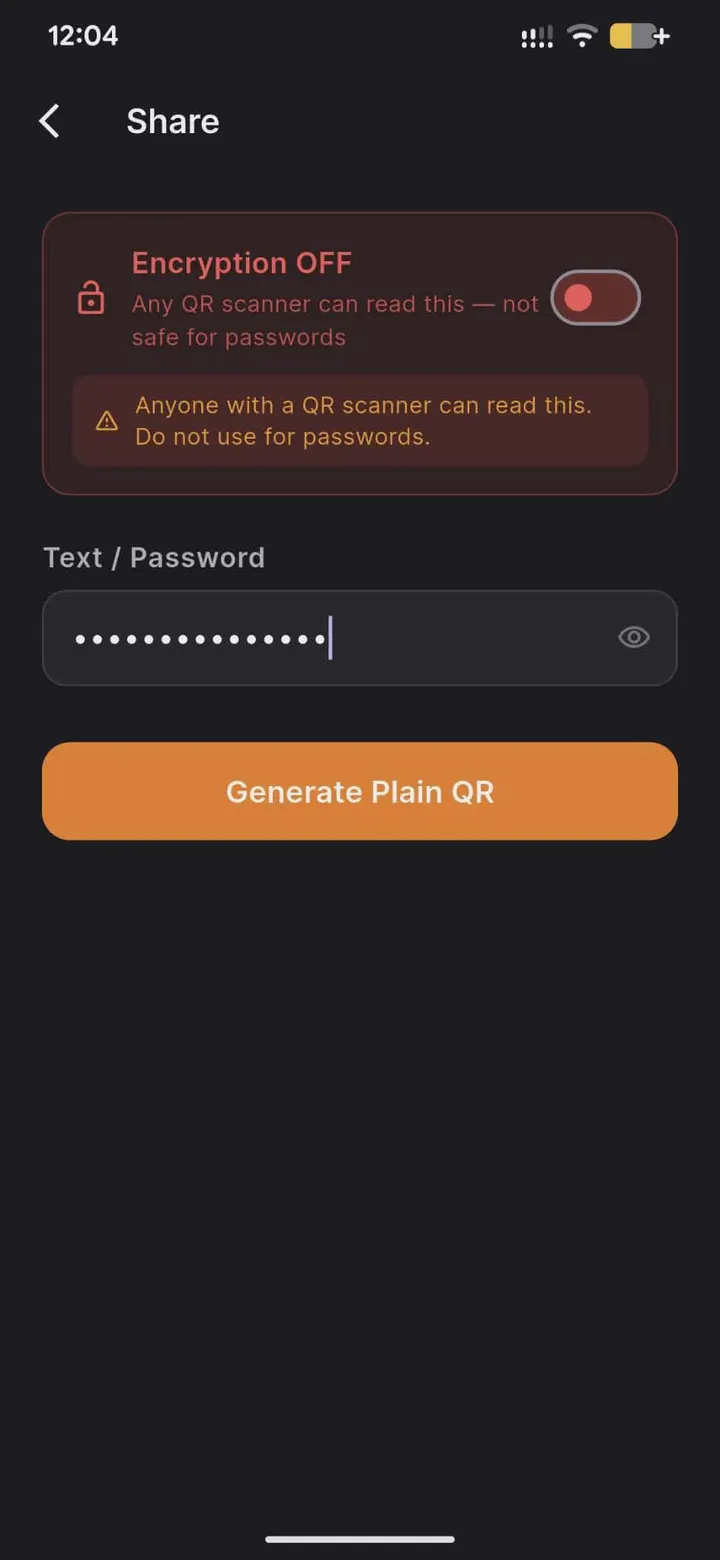
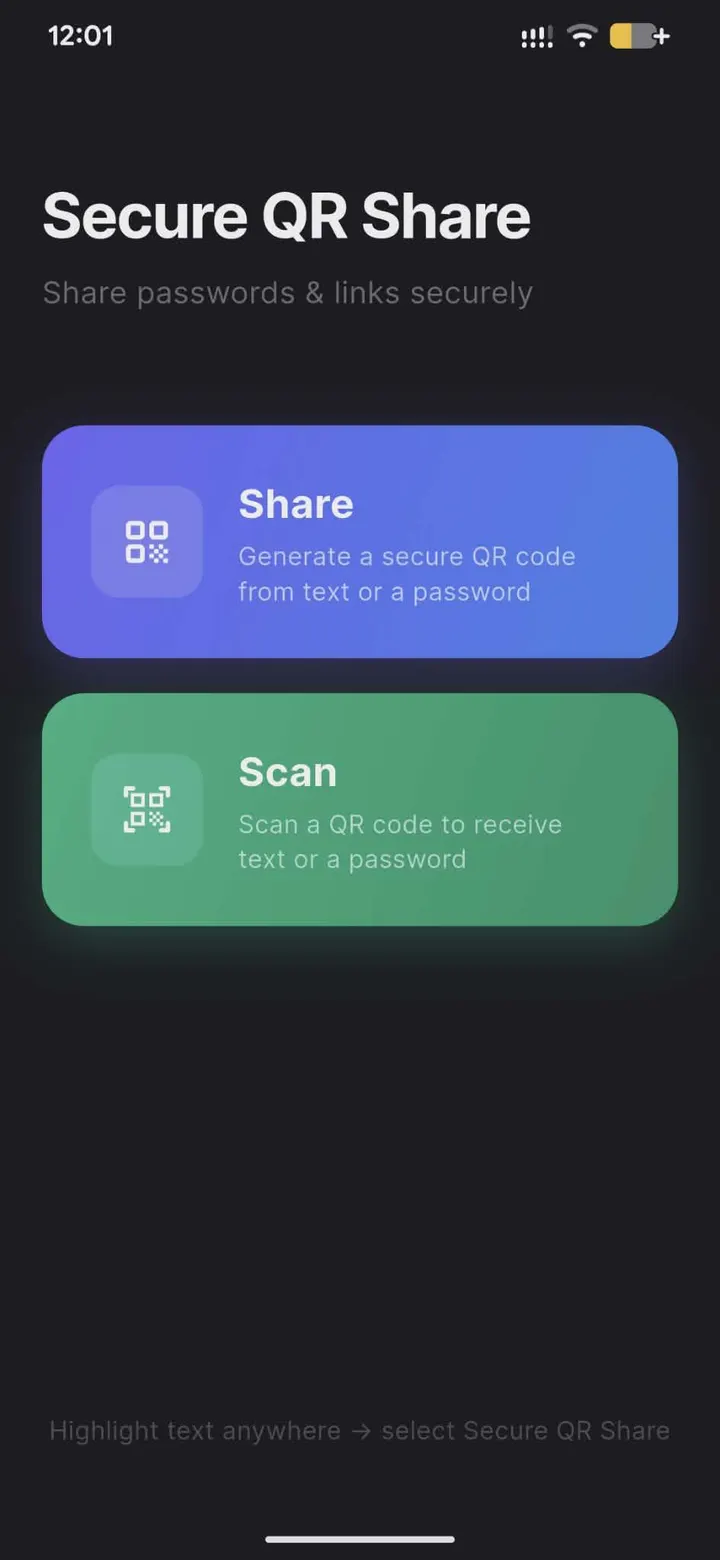
Secure QR Share is a free, open-source Android app that turns a password or short text into an AES-256 encrypted QR code, which the receiver unlocks with a shared PIN. Version 1.0.0 comes from developer Jonathan Drolet, needs Android 7.0 or newer and weighs 19.1 MB. The APK we serve is the unmodified original, and it comes with a SHA-256 checksum.
Free, no ads, and MIT licensed
Secure QR Share is free and shows no ads. The developer states there are no accounts, no tracking and no analytics, which fits an app that works fully offline and needs no internet permission at runtime.
The code is published on GitHub under the MIT license, so anyone can read it, check how the AES-256-CBC encryption with PIN-derived keys is done, or reuse it under that license. There are no in-app purchases.
How a PIN-protected QR handoff works
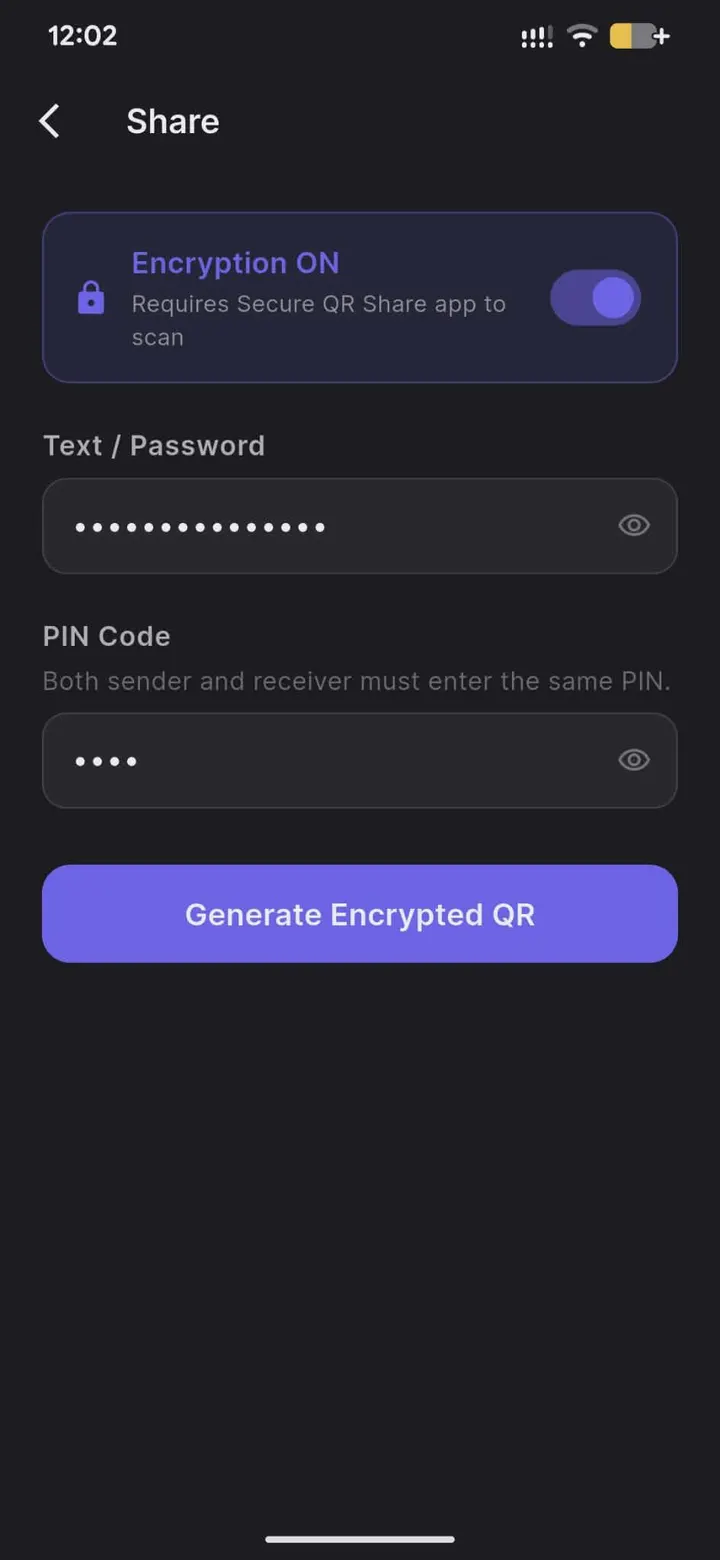
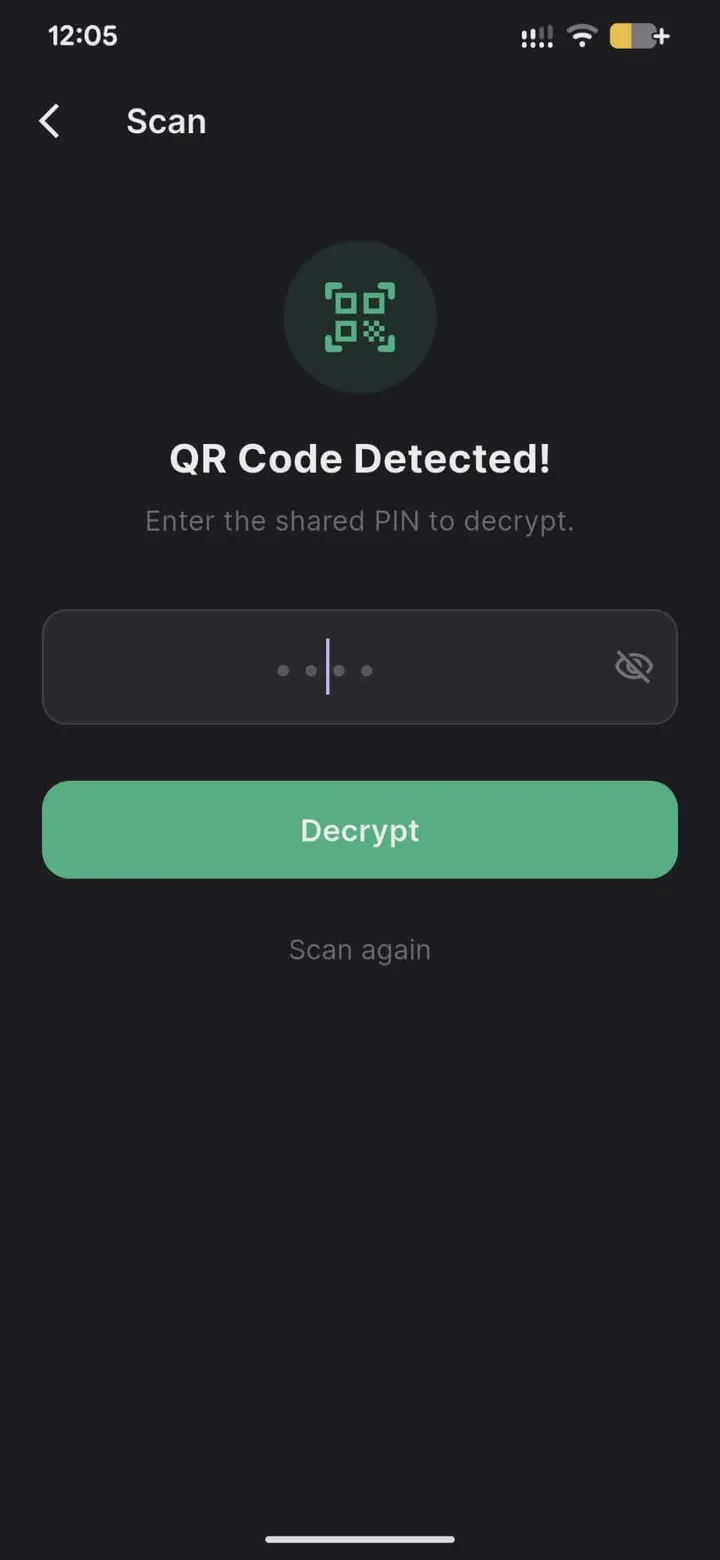
The sender types text or a password and picks a shared PIN. The app encrypts the payload with AES-256 and shows a QR code on screen. The receiver scans it with Secure QR Share, enters the same PIN, and the original text is decrypted and copied to the clipboard.
Encryption is AES-256-CBC with keys derived from the PIN. There is no server and no cloud involved, and the developer says the key is never stored or sent anywhere.
The app also works fully offline and needs no internet permission at runtime. That fits its purpose of passing secrets to someone standing nearby.
Share sheet, App Links and the unencrypted mode
Two integrations reduce typing. You can highlight text in another app and send it straight into Secure QR Share through the share sheet. App Links support lets QR codes be opened from the camera or a browser.
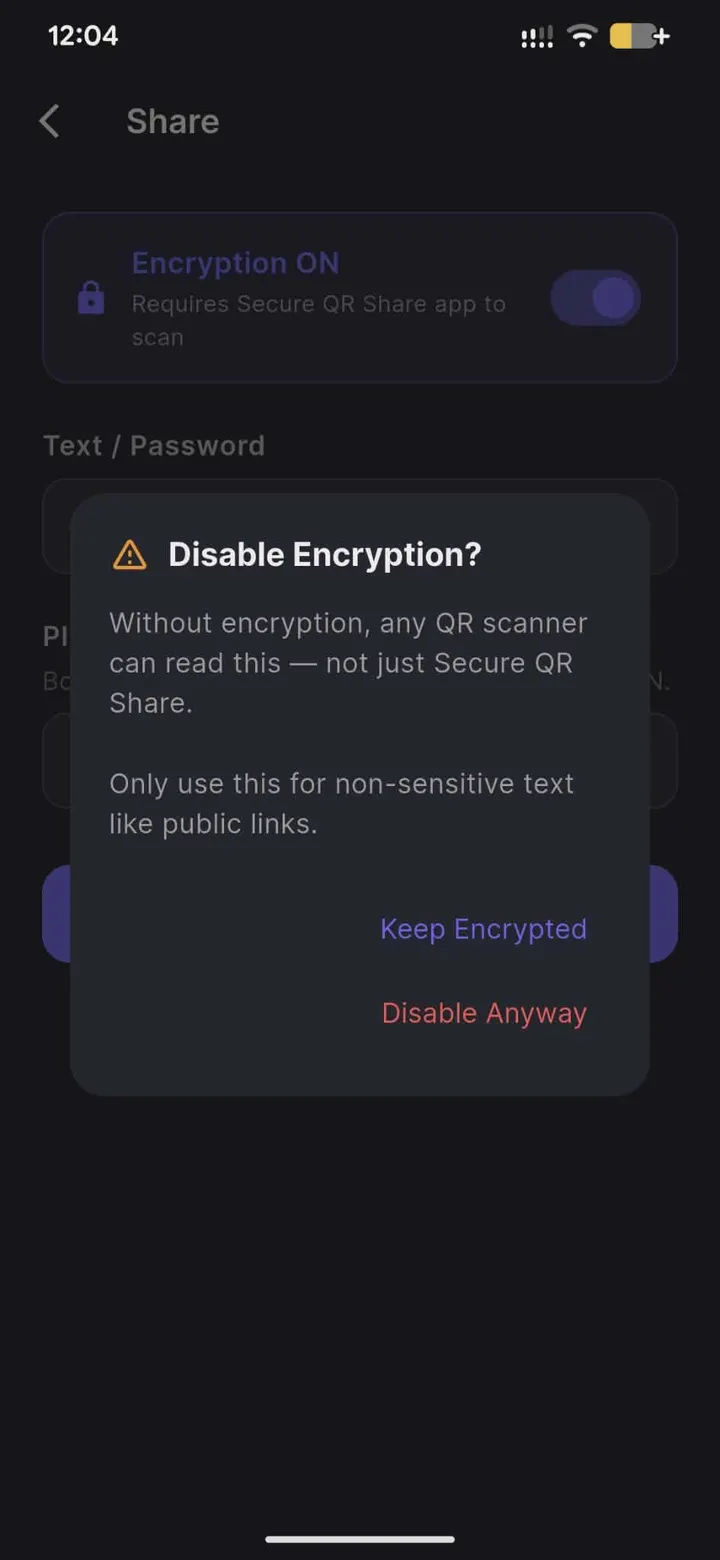
An optional unencrypted mode exists for non-sensitive public links.
A first release dated June 21, 2026
The current version is 1.0.0, released on June 21, 2026, and last updated the same day. This is the initial public build. Further versions will appear on the GitHub repository.
Secure QR Share pros and cons
Pros
- Free, with no ads, accounts, tracking or analytics
- AES-256-CBC encryption with PIN-derived keys and no server
- Works offline with no internet permission needed at runtime
- Source code is public on GitHub under the MIT license
- Share sheet and App Links support save manual copying
Cons
- Version 1.0.0 is a first release with no update history
- Both sides must agree on a PIN outside the app
- The optional unencrypted mode puts plain text in the QR code
Is Secure QR Share safe?
The APK is served unmodified, and its SHA-256 checksum is 34a22160e865702d53f9c2533bc68a01e46b9dffe37708ea0ea3fdb558979759. Jonathan Drolet publishes the app under the MIT license, with the source on GitHub. The developer says it works offline, needs no internet permission at runtime and has no server or cloud component. No independent security review is available, so those claims rest on the developer and the open code.
How to install Secure QR Share
- Download the APK with the button on this page and wait for it to finish.
- Compare the file with the SHA-256 checksum shown here if you want to confirm it arrived intact.
- Open the file on your phone and allow installs from this source when Android asks.
- Finish the install, then open Secure QR Share from your app drawer.