
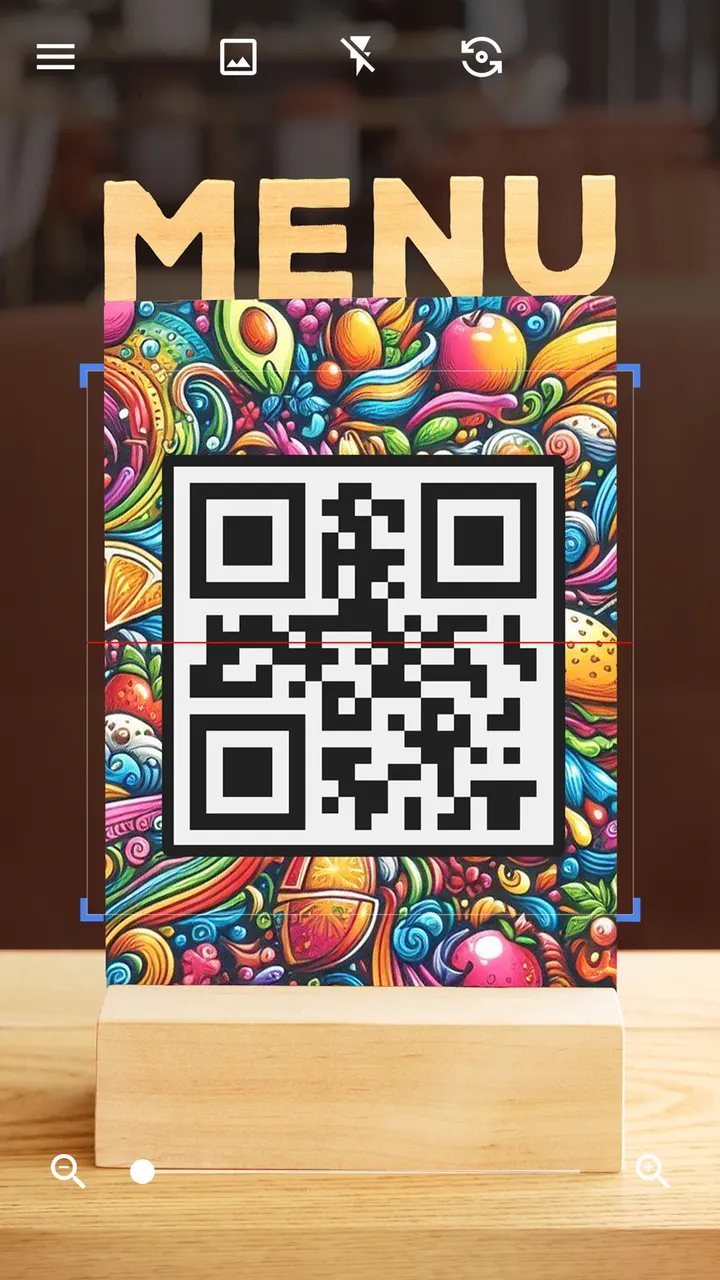
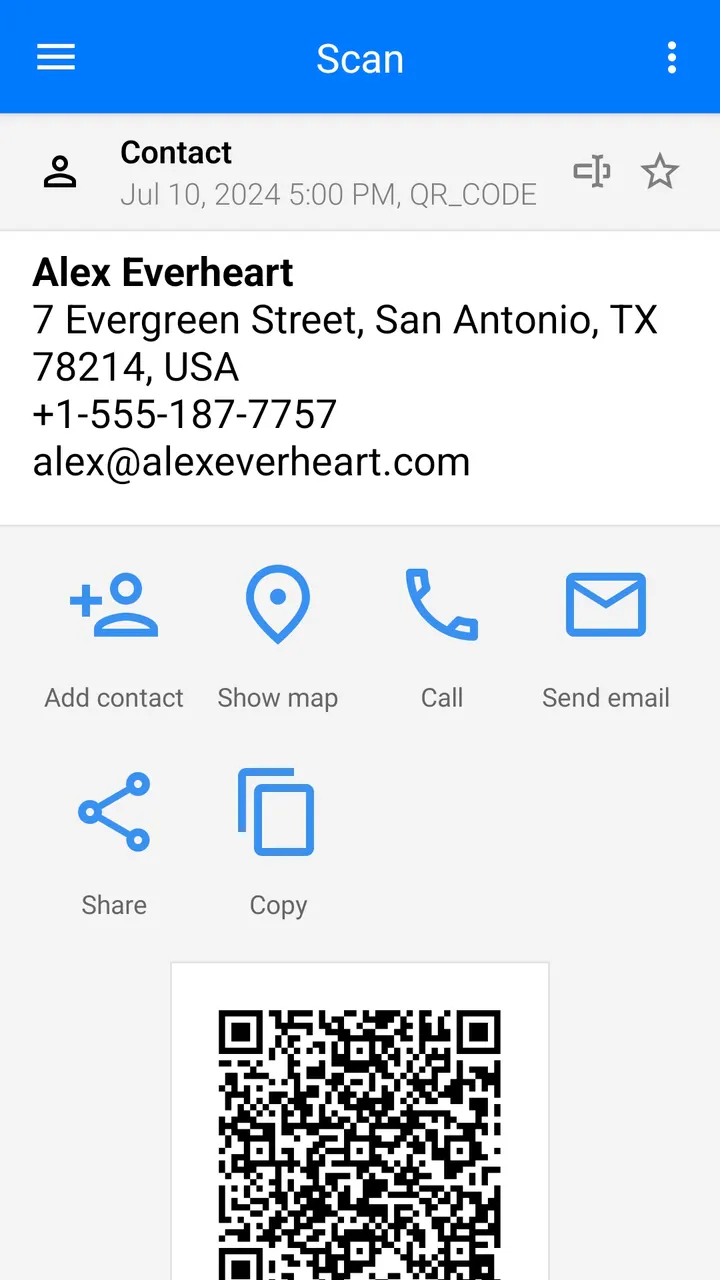
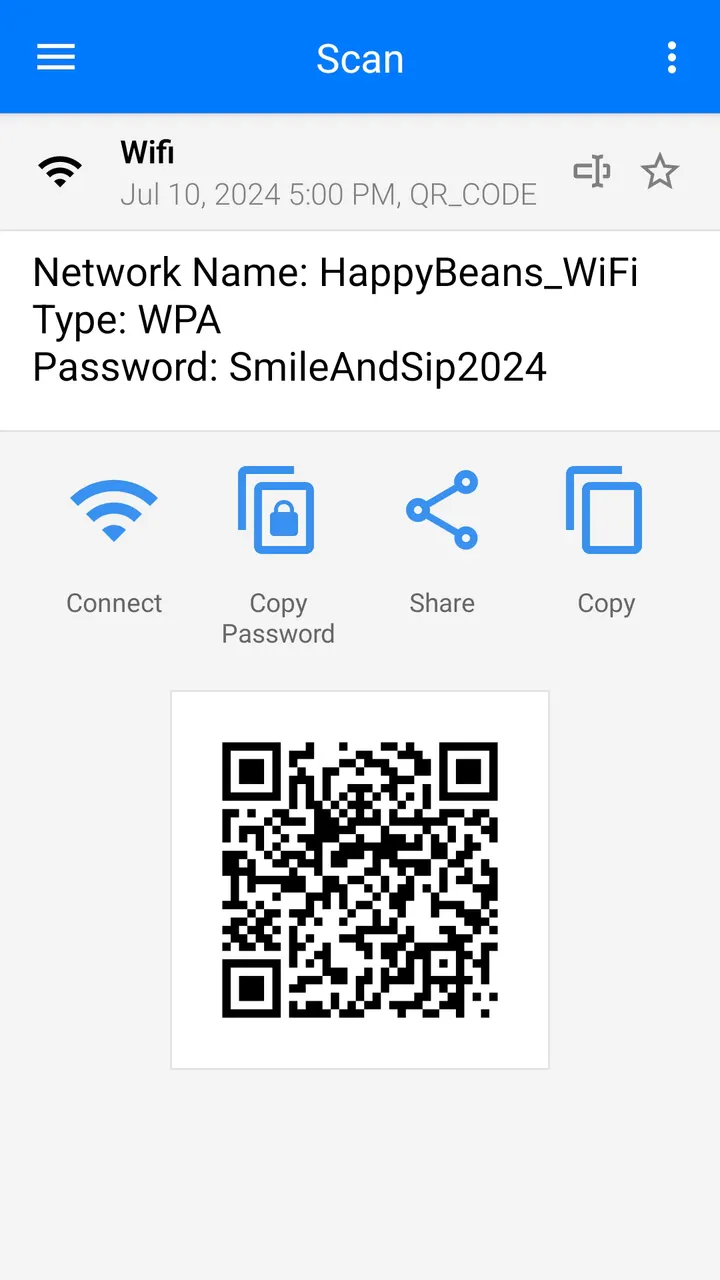
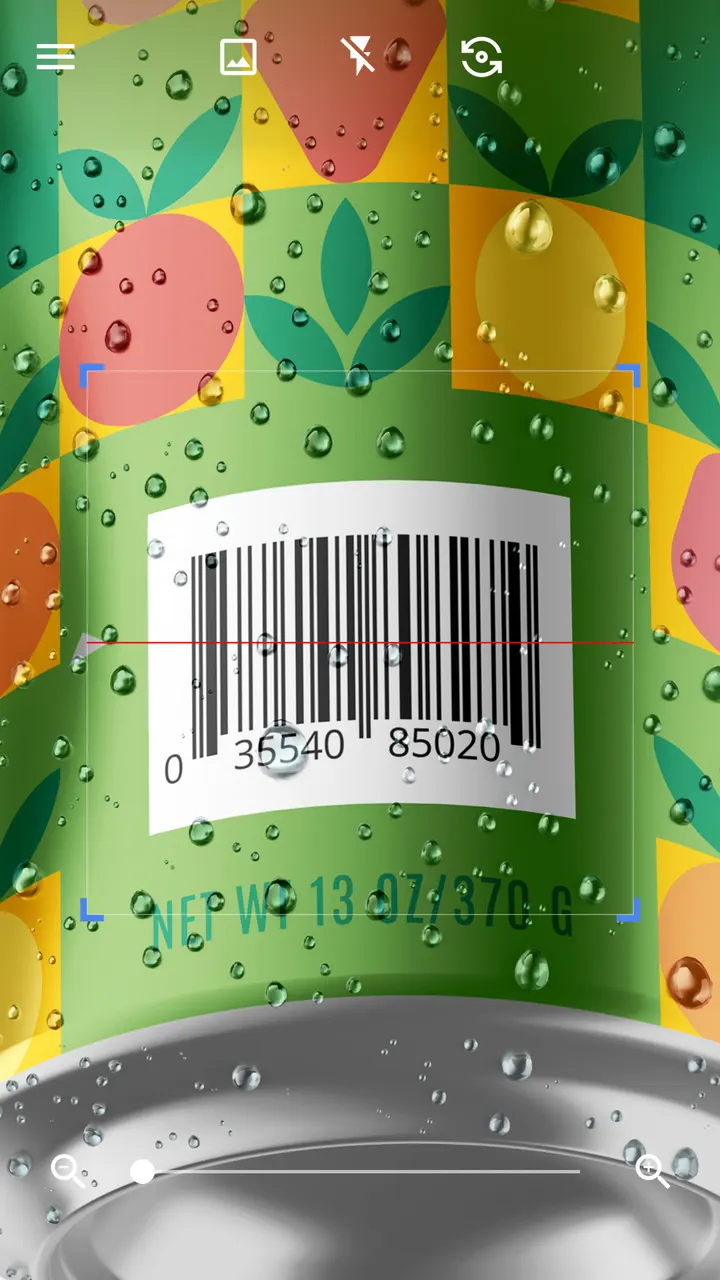
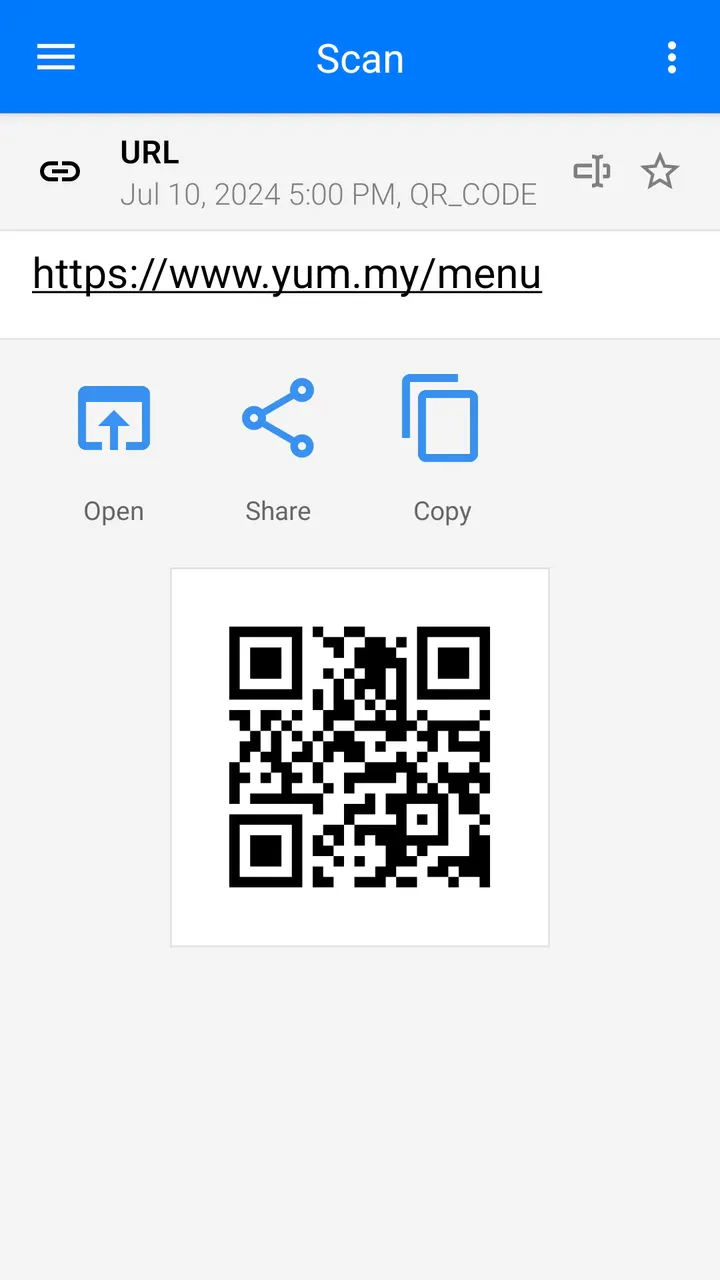
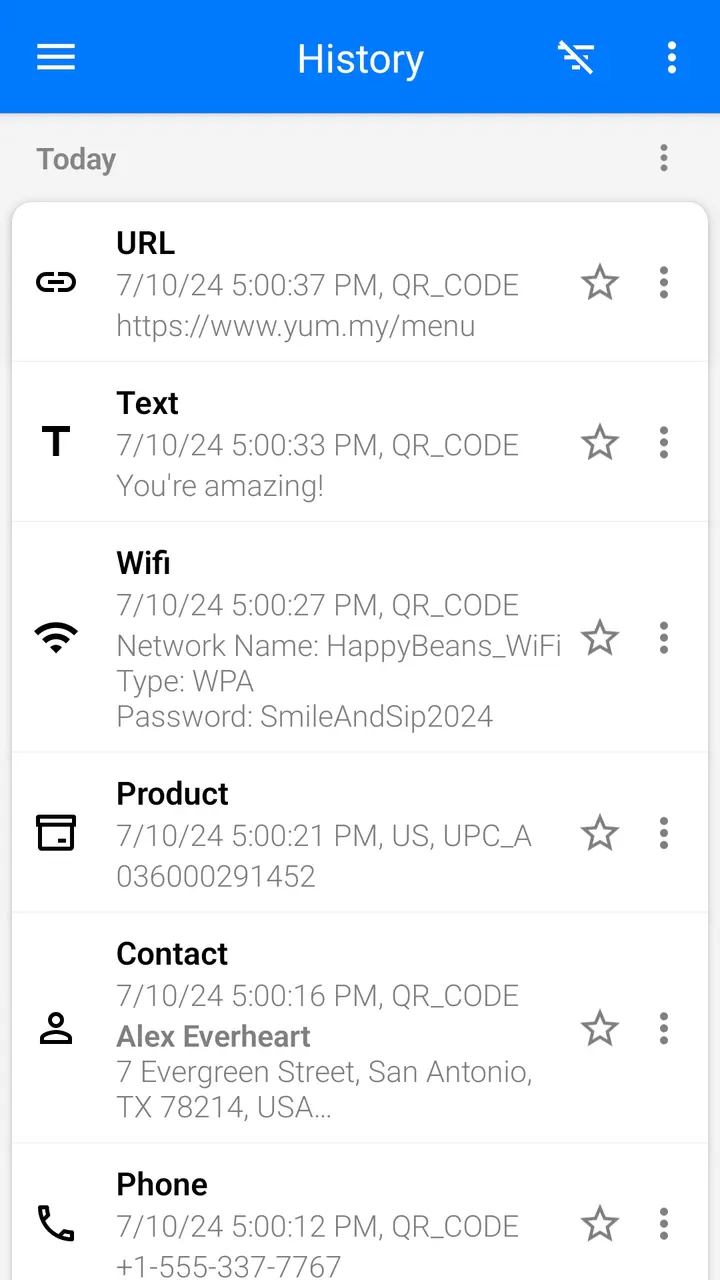
QR & Barcode Scanner by Gamma Play is a free Android tool that reads QR codes and barcodes through the camera. Scanning starts on its own, with no button presses, photos or zoom adjustments. It decodes text, URLs, ISBN, product, contact, calendar, email, location and Wi-Fi codes, then offers only the options that fit the code type. The app shows ads and has no in-app purchases.
Reading codes without pressing a shutter
The problem is simple: QR codes and barcodes show up on menus, products, Wi-Fi labels and coupons, and the phone camera alone does not always act on them. This app aims to cut the steps. You point the camera at a code and scanning starts on its own, with no photo and no manual zoom.
It reads text, URLs, ISBNs, products, contacts, calendar entries, email, locations and Wi-Fi codes. After decoding, it shows options that fit the code type, such as acting on a contact or a link.
Batch mode, image scanning and the built-in generator
Beyond live scanning, the app offers several extras. You can scan a code from an image or the gallery, receive images shared from other apps, and use batch mode to read several codes at once. Results can be exported as .csv or .txt, and .csv files can be imported. Favorites and sharing are also included.
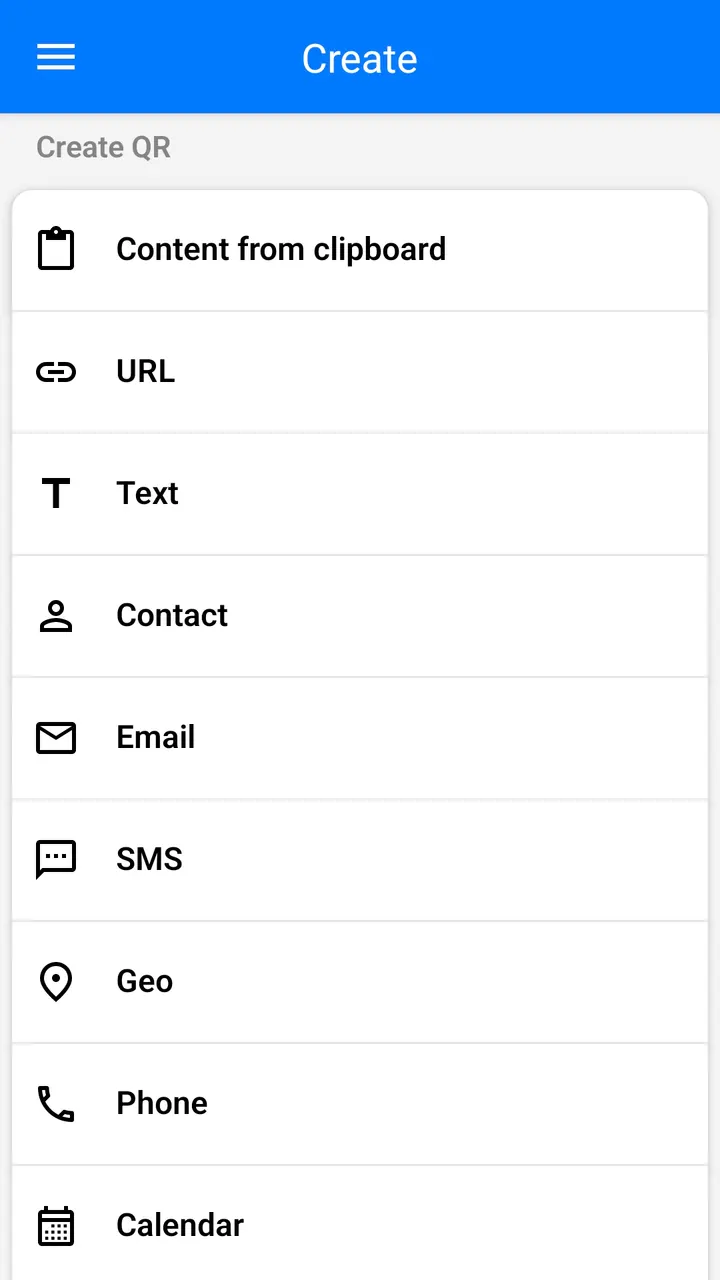
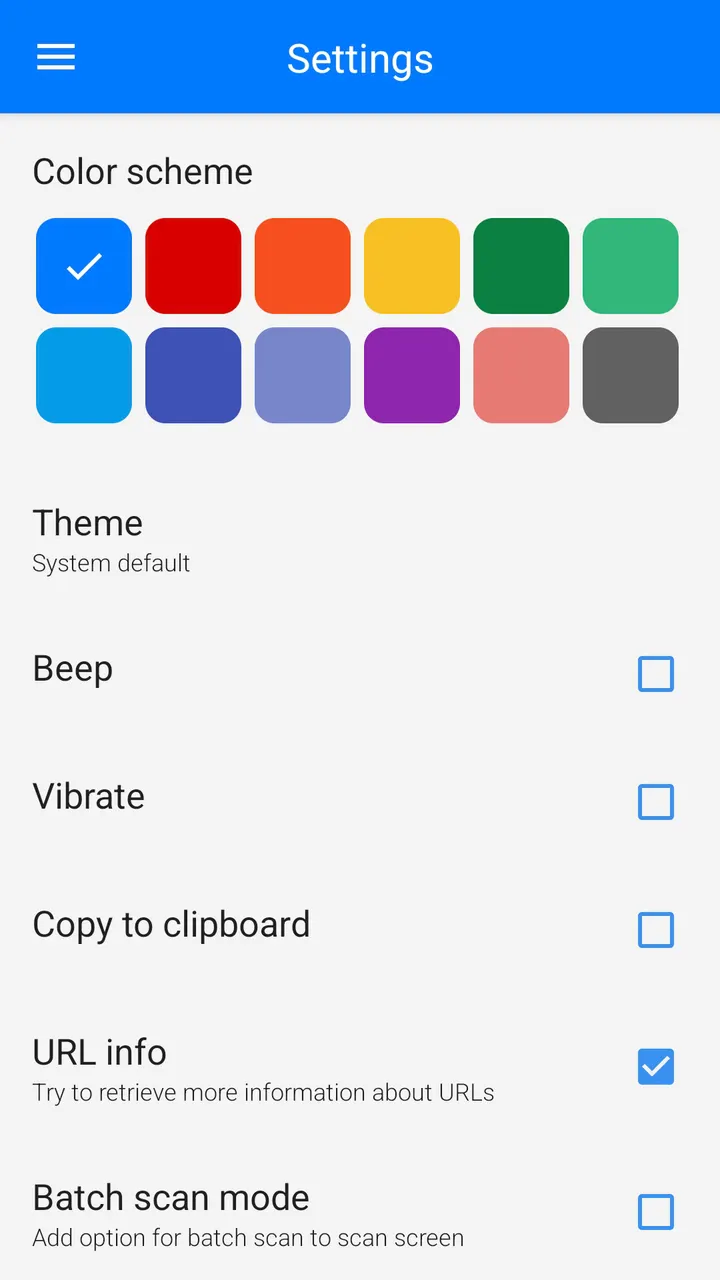
The app also generates QR codes. You type the data, or use clipboard content, and create the code. It also supports contact sharing through QR, color and theme changes, and a dark mode.
For difficult conditions, it has a flashlight for dark places and pinch to zoom for distant codes. It can also scan product barcodes in shops to compare prices, and scan coupon codes.
What to check before installing the 4.8-rated scanner
The scanner costs nothing and has no in-app purchases. Ads do appear, which is worth knowing for a tool you open for a few seconds at a time to read a code. The content rating is Everyone.
The version number varies by device. The most recent update came on November 3, 2026, and the app first appeared on March 12, 2015. App size and requested permissions are listed on its store page.
QR & Barcode Scanner pros and cons
Pros
- Free to install, with no in-app purchases in the listing data
- Scans automatically once the camera points at a code
- Includes a QR generator, with clipboard input
- Batch mode and .csv or .txt export
- Flashlight and pinch to zoom for dark or distant codes
Cons
- Contains ads
- Contains ads
- Version differs by device
- The developer makes broad claims, such as being the fastest, that are not independently verified
Is QR & Barcode Scanner safe?
The publisher is Gamma Play, and the package ID is com.gamma.scan. Over 500 million installs and a 4.8 rating on Google Play are encouraging, but they do not guarantee safety. The app shows ads. Check the permissions on the store page before installing, and be careful with links decoded from codes you do not know.
How to install QR & Barcode Scanner
- Press the Google Play button on this page.
- Check the listing in the Play Store and press Install.
- Open QR & Barcode Scanner when the install finishes. Updates arrive through Google Play.