
Brave suits people who want a browser that blocks ads and trackers without installing extensions. It comes from Brave Software, first released on October 11, 2016, and Google Play lists it at over 100 million installs. The version covered here is 1.98.63, updated on October 30, 2026. TopDown APK does not host the file; the download goes to the official server at github.com.
Who gets the most from Brave's built-in blocking
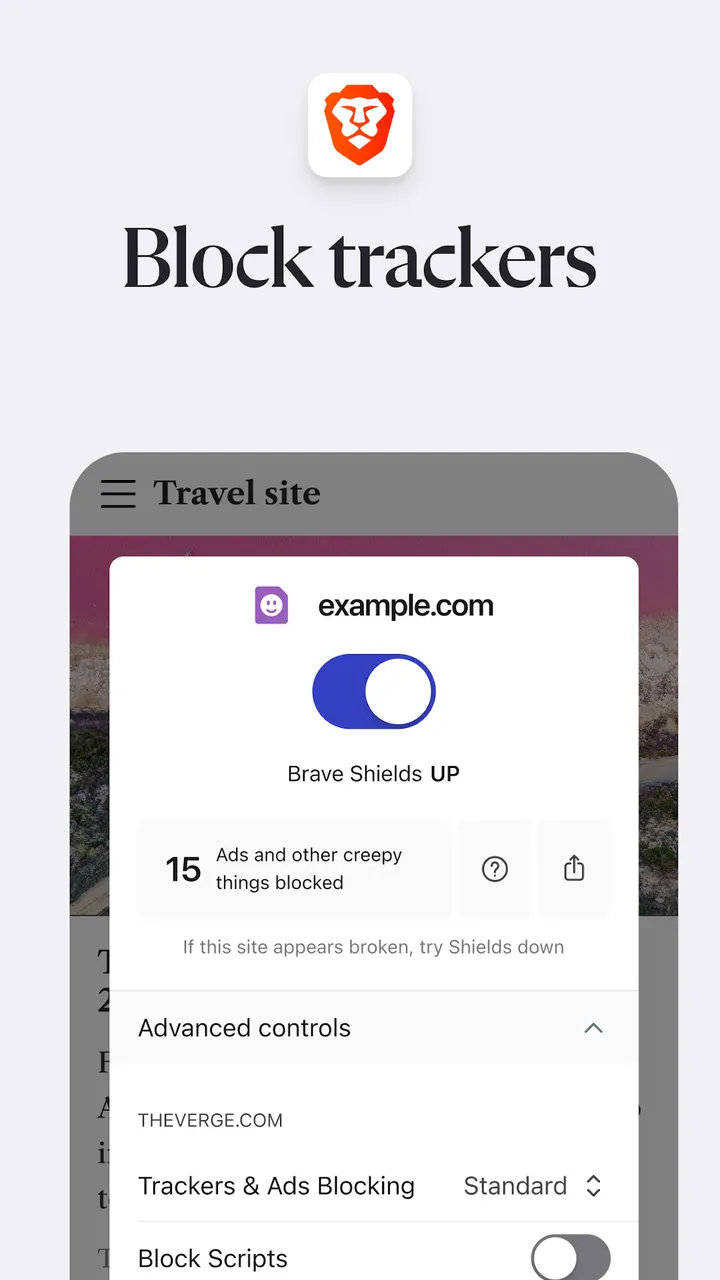
The browser is aimed at everyday users in the Google Play browsers category, rated Everyone. If you are tired of pop-ups, tracking scripts and cookie consent banners, the defaults address those directly. Cookie consent notices are blocked by default, and tracking codes are removed when you copy a URL.
People who care about open code have something to check as well. The source is public at github.com/brave/brave-browser under the MPL-2.0 licence. Anyone who wants a privacy-focused browser but rarely changes settings is the natural fit.
It requires Android 10 or newer, even though the store text mentions Android 7. Check your device version before downloading.
Leo, Firewall + VPN and Brave Search in practice
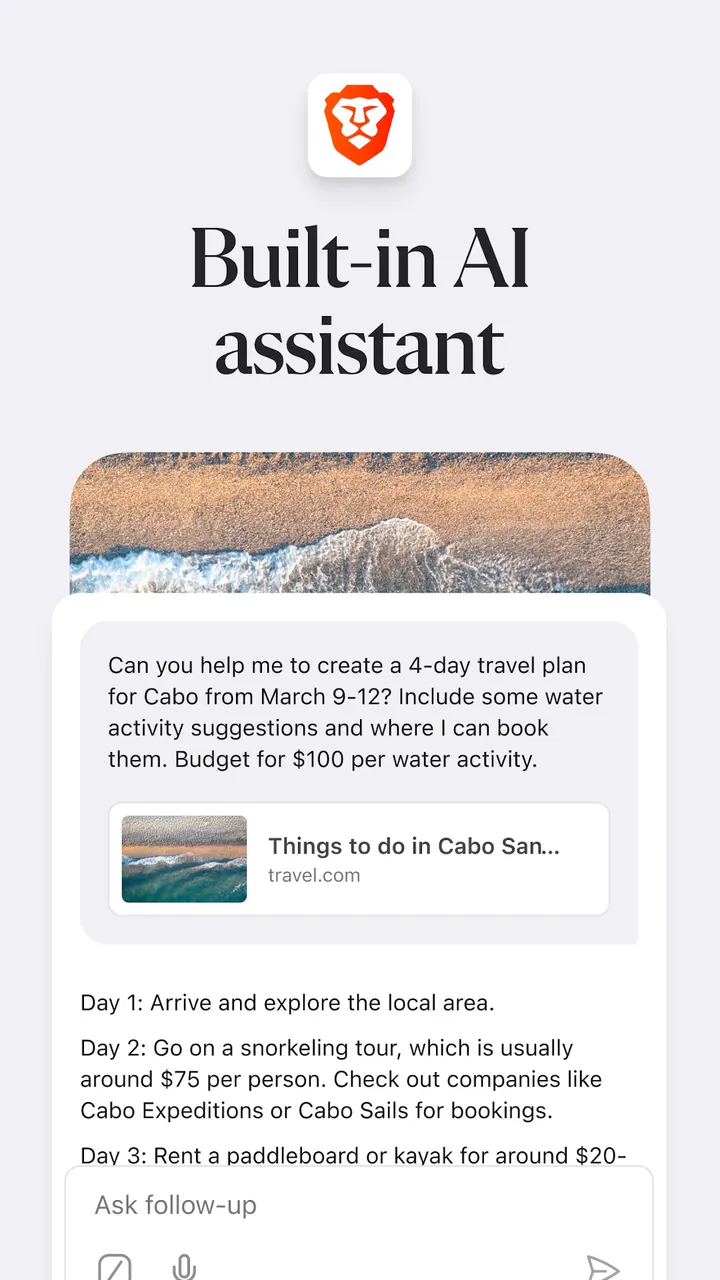
Brave Leo is the built-in AI assistant. The developer says it answers questions and translates languages, and that chats are not recorded, shared or used for model training. That is the developer's statement and has not been independently verified.
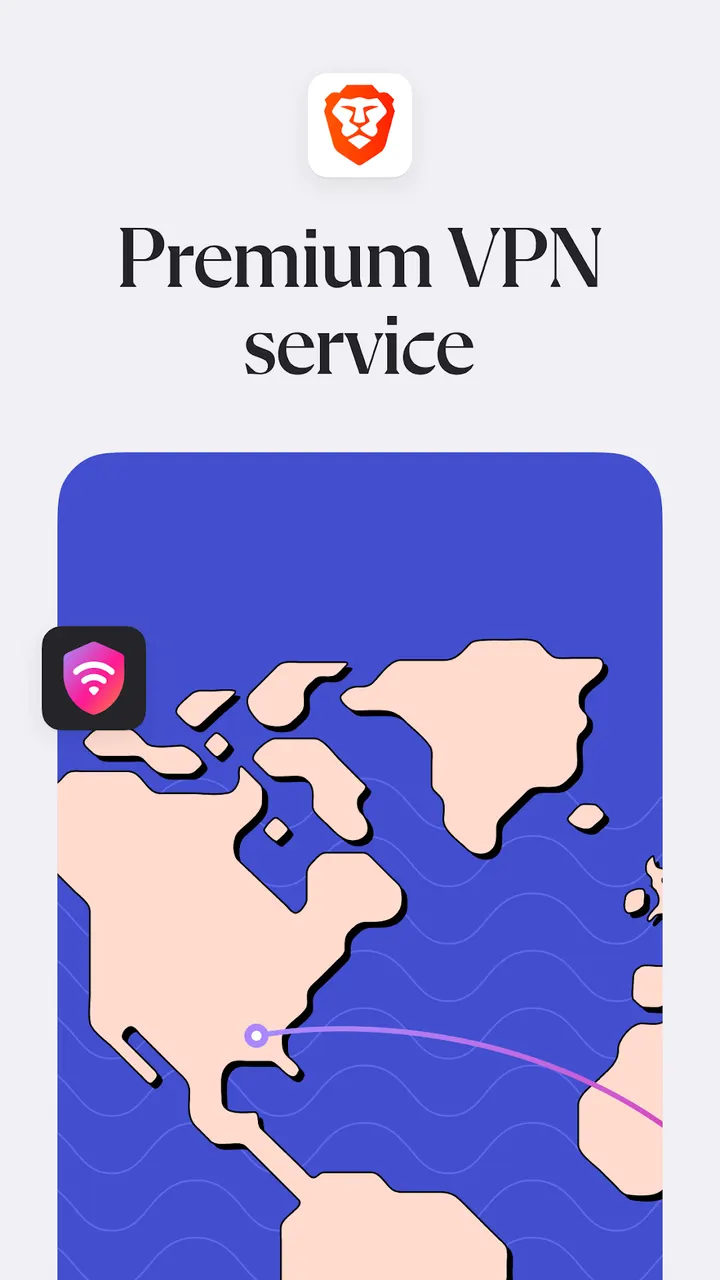
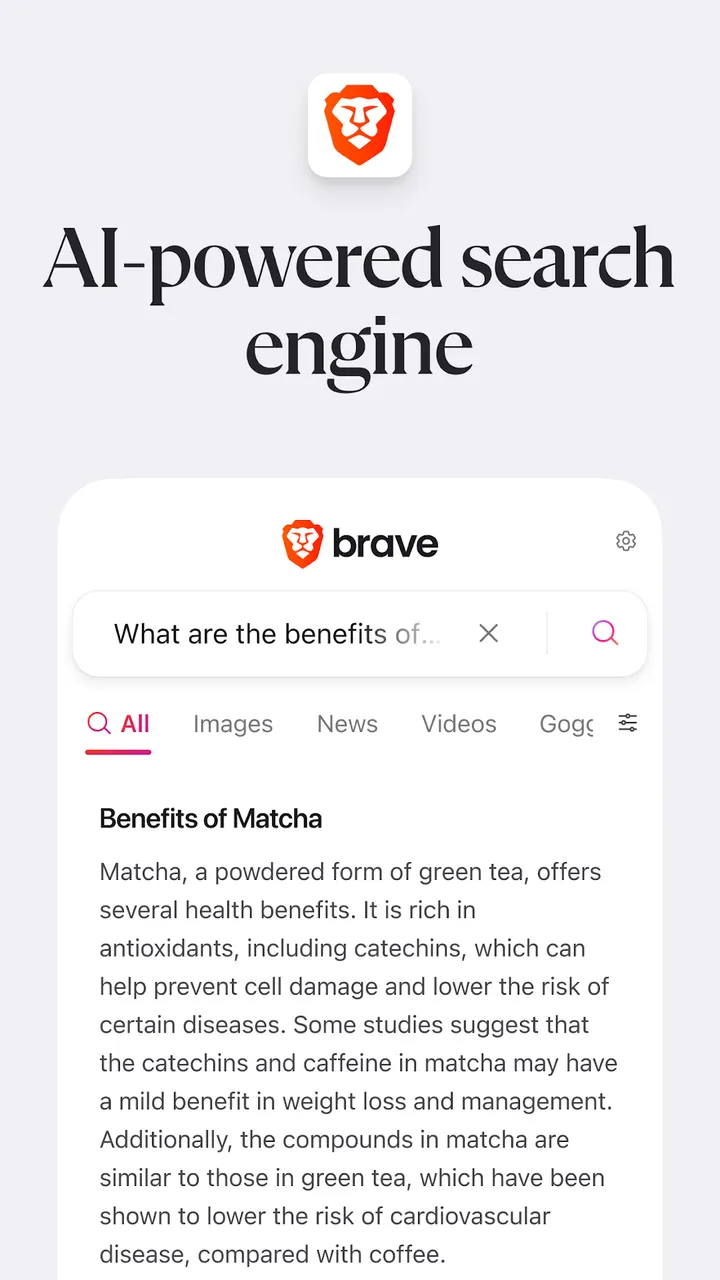
The Firewall + VPN feature is among the newer additions, alongside Night Mode for reading in low light. Brave Search is described as an independent search engine that does not profile users. Check inside the app whether the VPN needs a separate payment.
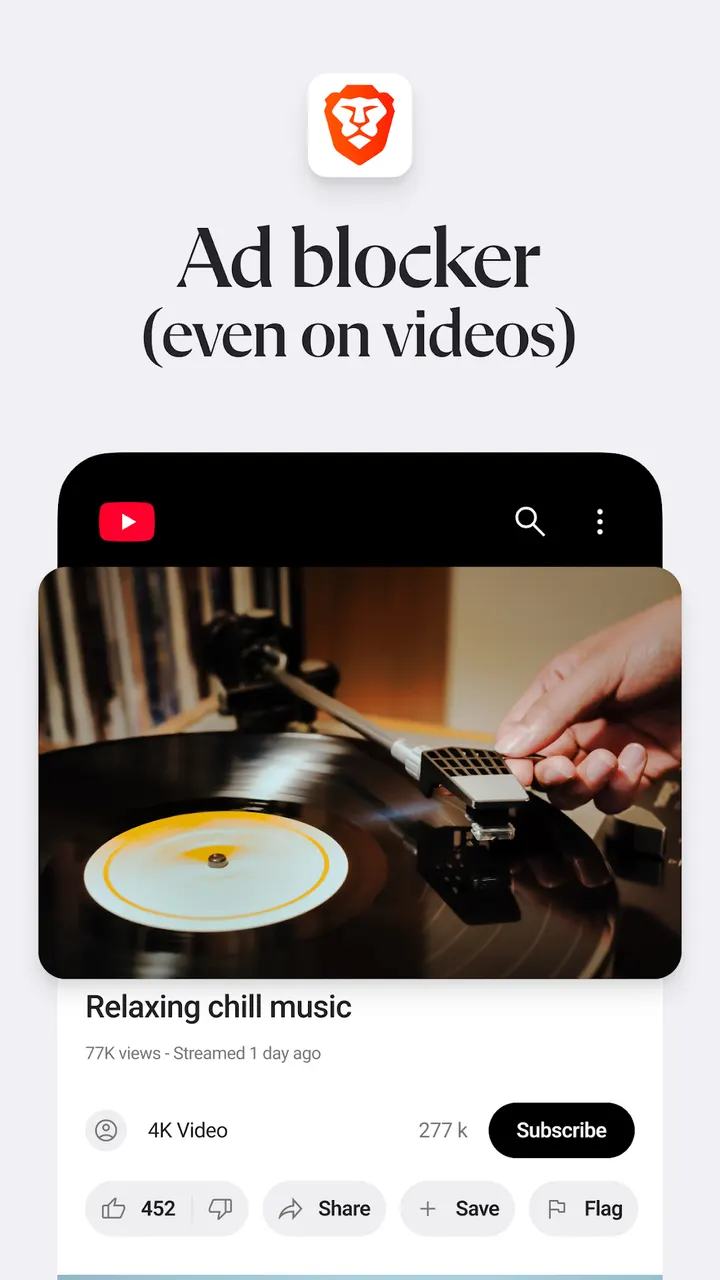
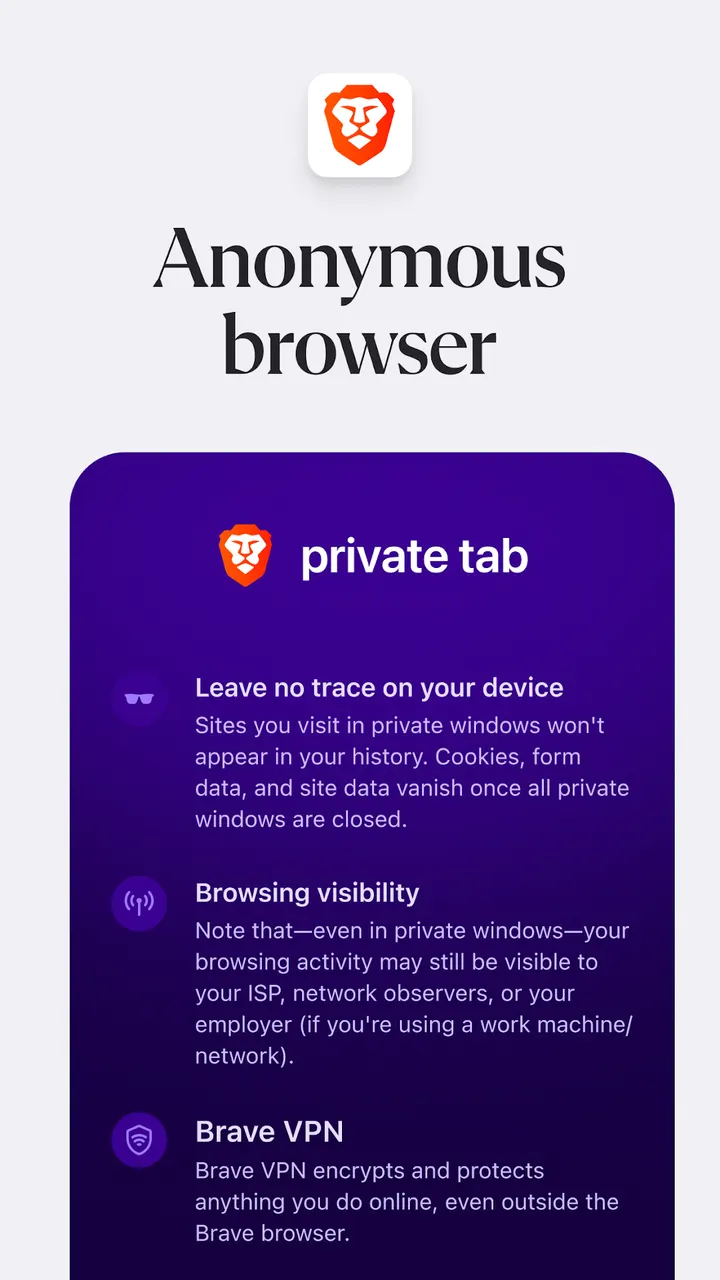
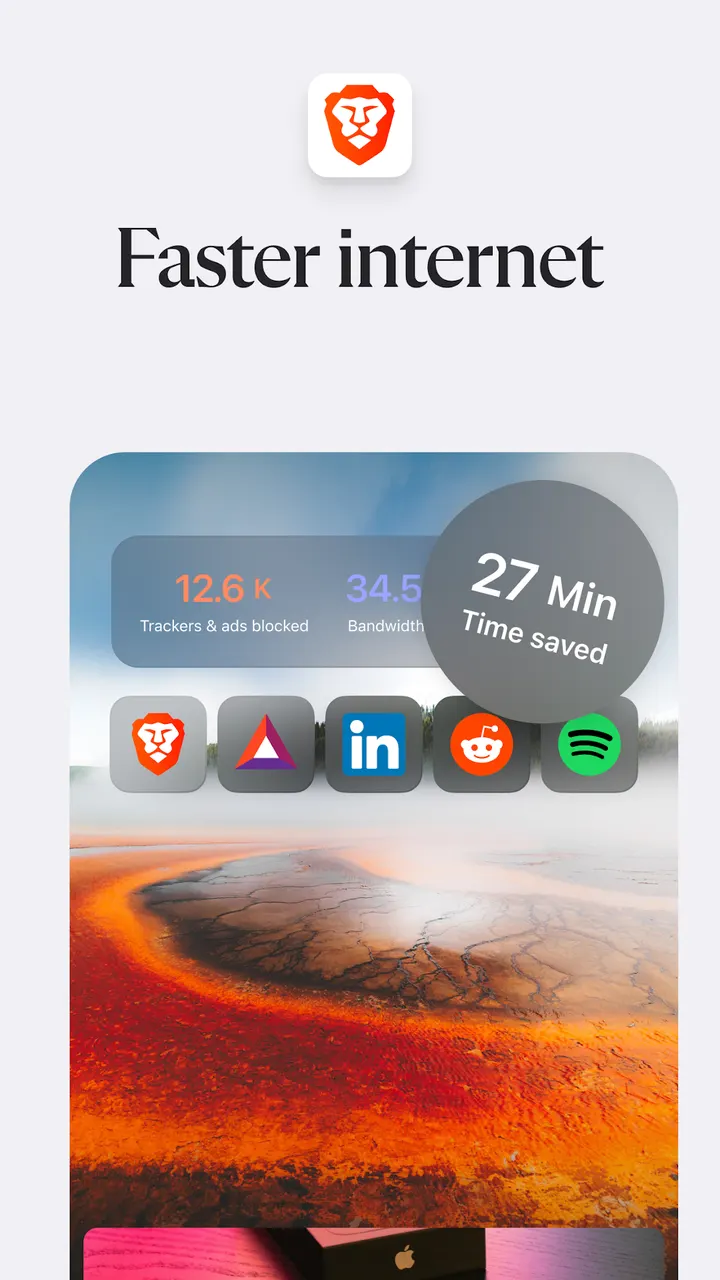
The everyday tools are more conventional: a free ad blocker, a pop-up blocker, script blocking, private tabs and secure bookmark sync. You can import and export bookmarks to and from another browser. The developer also says the browser saves data and battery and loads pages faster, with a claim of 3X faster browsing. No test is shown behind that figure.
Ads, in-app purchases and the 201.3 MB install
The app is free. Google Play flags it as containing ads and in-app purchases, which is notable for a browser that markets ad blocking.
Brave Rewards is part of the pitch. The developer says users can get paid for their attention by viewing ads, and that the model shares revenue with publishers through micropayments. Whether you want that is a matter of taste.
The package is 201.3 MB, which is large for a browser. Expect it to use noticeable storage on a phone with limited space. Google Play shows a rating of 4.8 from about 4 million ratings.
Brave Private Web Browser pros and cons
Pros
- Free ad blocker, pop-up blocker and script blocking built in
- Source code is public under the MPL-2.0 licence
- Includes Brave Leo AI assistant, which the publisher says does not record chats
- Rated 4.8 on Google Play from about 4 million ratings
- Cookie consent notices are blocked by default
Cons
- Google Play lists ads and in-app purchases
- The 201.3 MB download is heavy for a browser
- Requires Android 10 or newer
- Version 1.98.63 is the current release and requires Android 10 or later
Is Brave Private Web Browser safe?
Brave is published by Brave Software, and the package ID is com.brave.browser. The code is open under the MPL-2.0 licence at github.com/brave/brave-browser. TopDown APK rates the download as tier B, meaning the file is served from the official host github.com and not from our servers. No independent security audit is available, so privacy claims remain the developer's own.
How to install Brave Private Web Browser
- Press the download button to get the official file.
- Save the APK from that server to your phone.
- Open the file and allow installs from this source when Android asks.
- Finish the install, then open Brave Private Web Browser from your app drawer.