

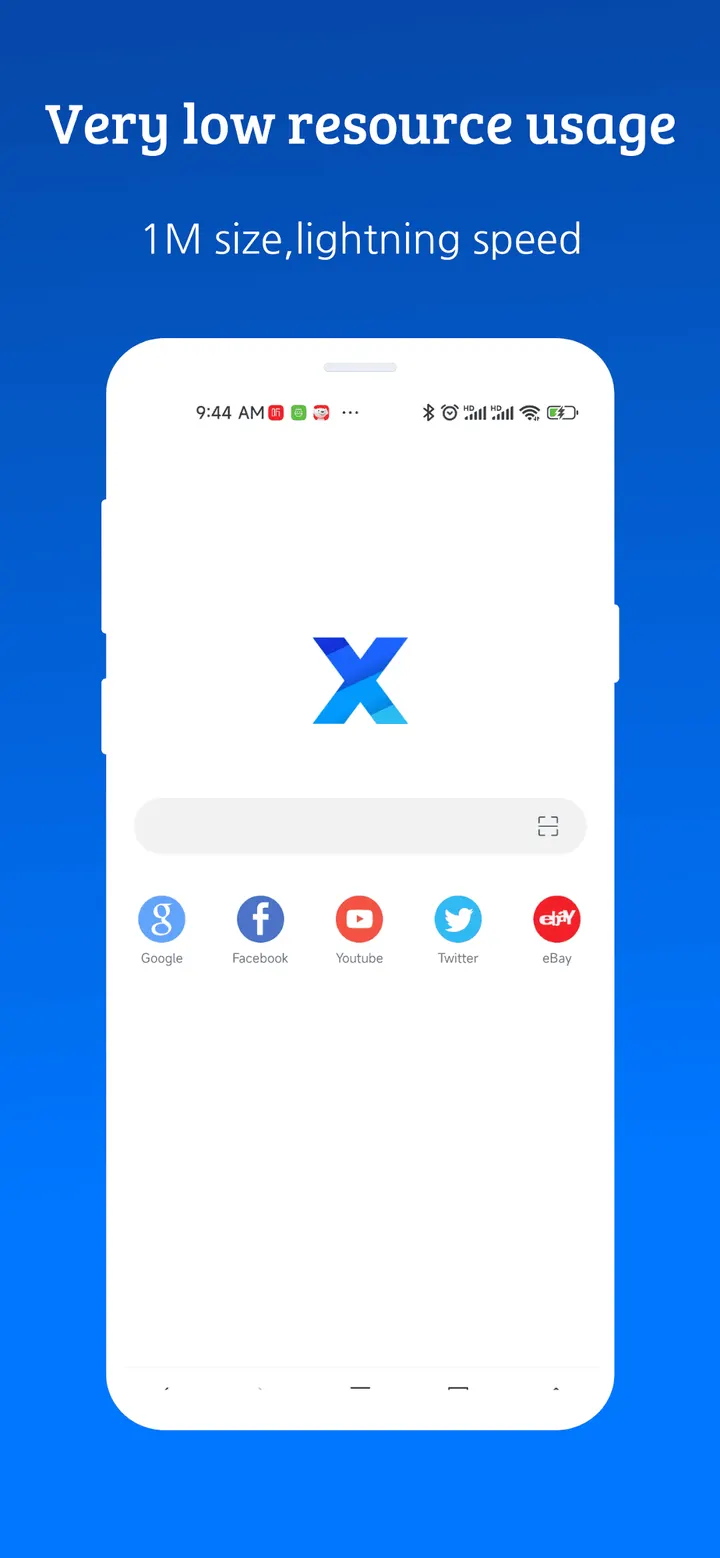
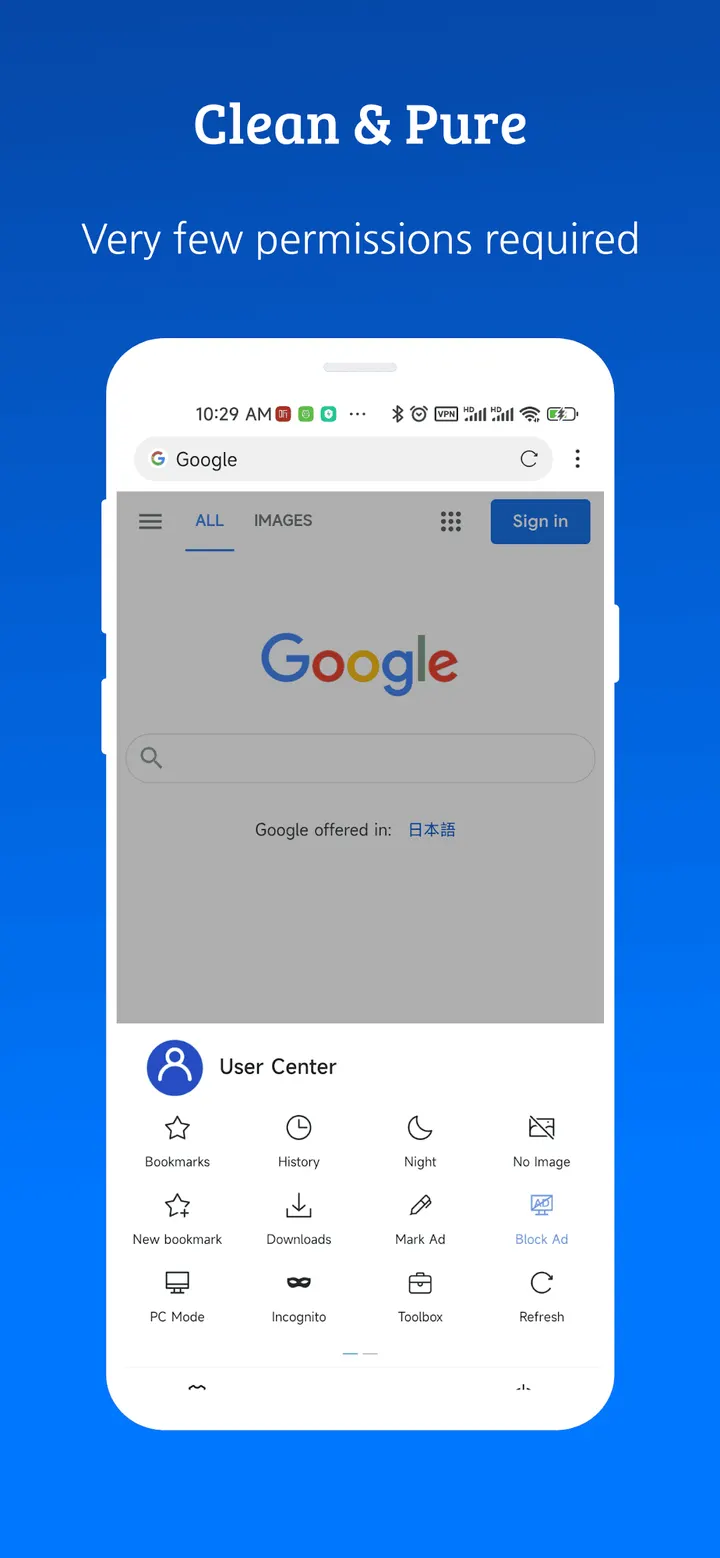
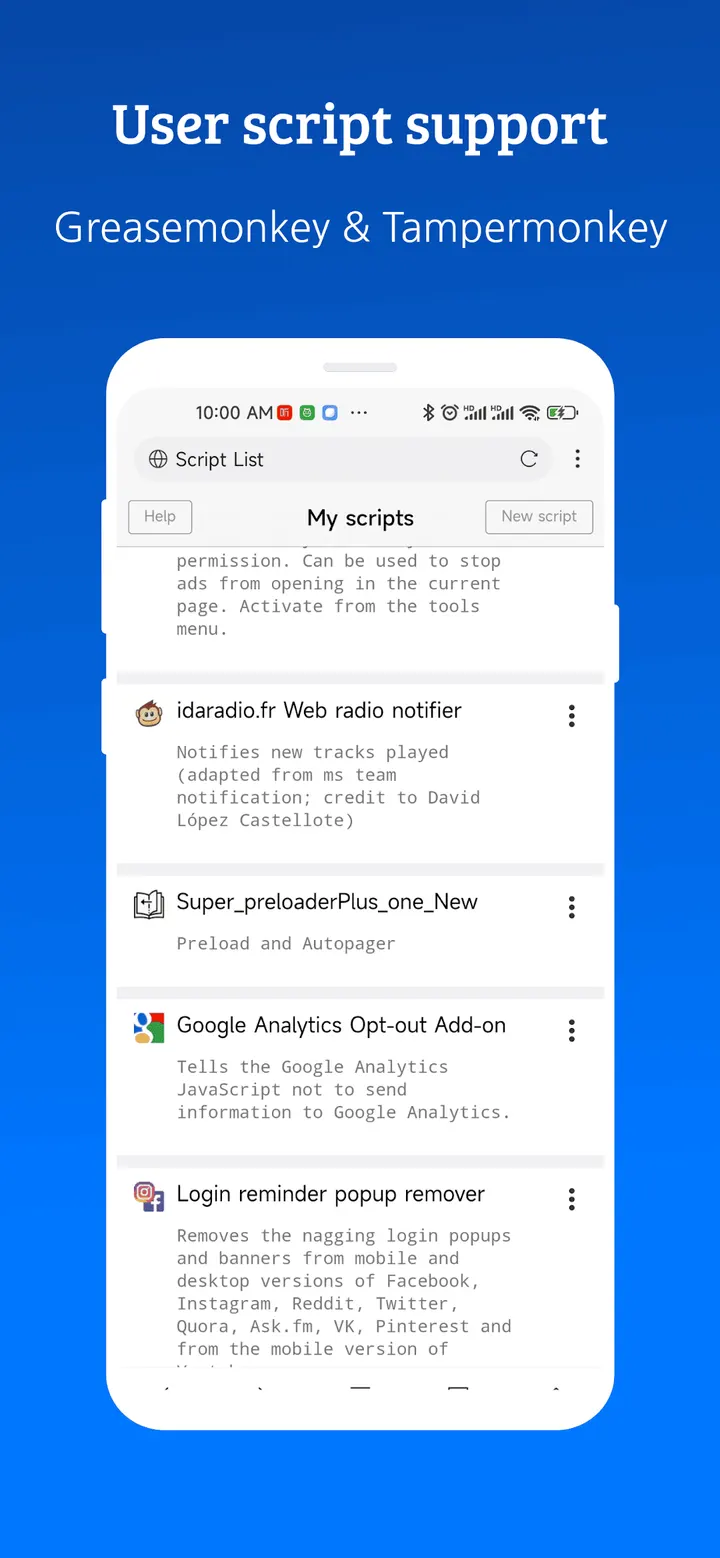
X Browser suits Android 7.0 or later devices when you want a small browser that blocks ads and saves web videos without extra apps. It comes from byteman.su and also supports GreaseMonkey and Tampermonkey user scripts, which is unusual for a browser this compact.
A browser that claims a 1M footprint
Size is the main selling point. The store description puts the app at about 1M and says it uses few resources, which fits its light focus. Version 5.6.4 was updated on October 16, 2026, and the app first appeared on September 28, 2018.
It costs nothing, shows no ads and has no in-app purchases. The content rating is Everyone.
A typical session with the ad blocker and video sniffer
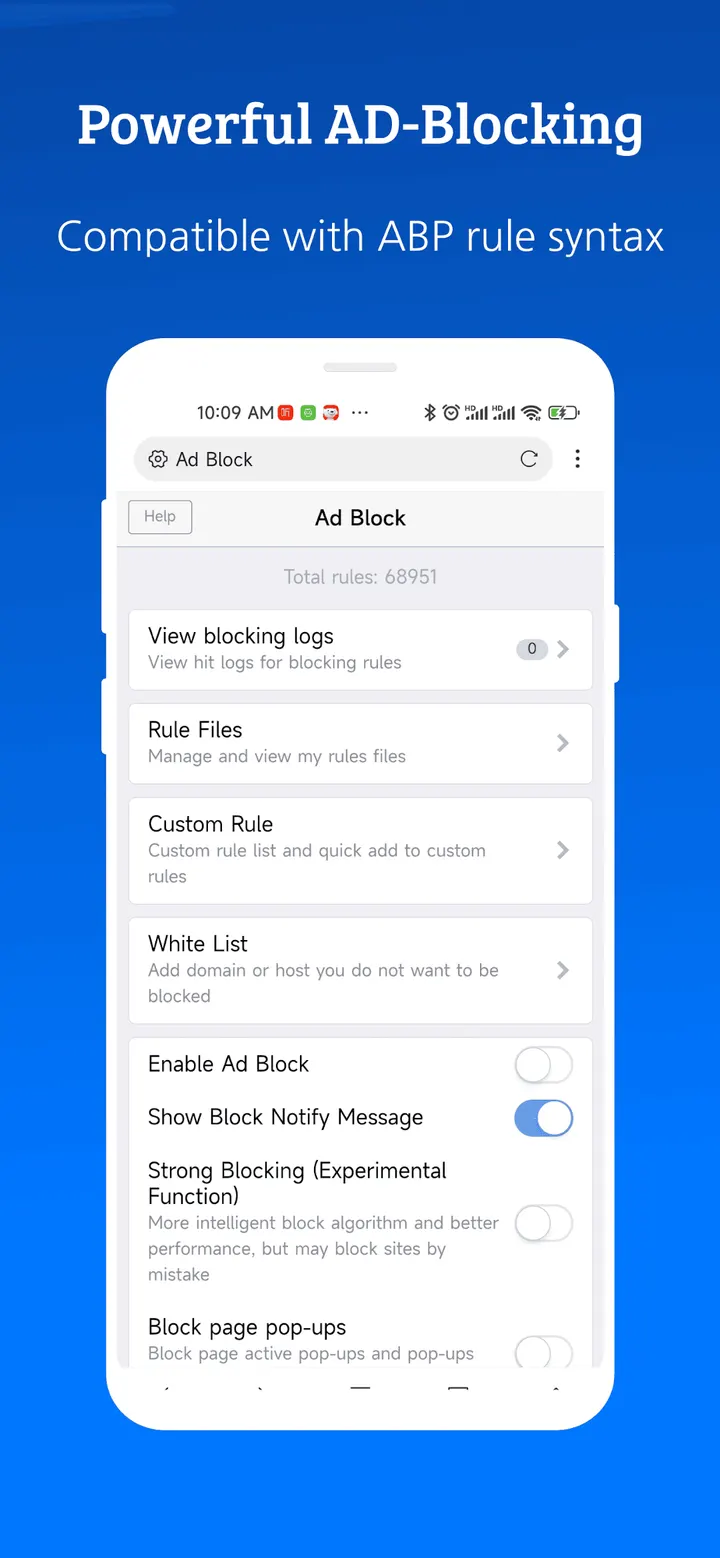
You open pages as in any browser, and the built-in blocker filters ads. The developer says it removes 80% of malicious ads, and it accepts imported or subscribed third-party rule lists. That matters if you already maintain filter lists elsewhere.
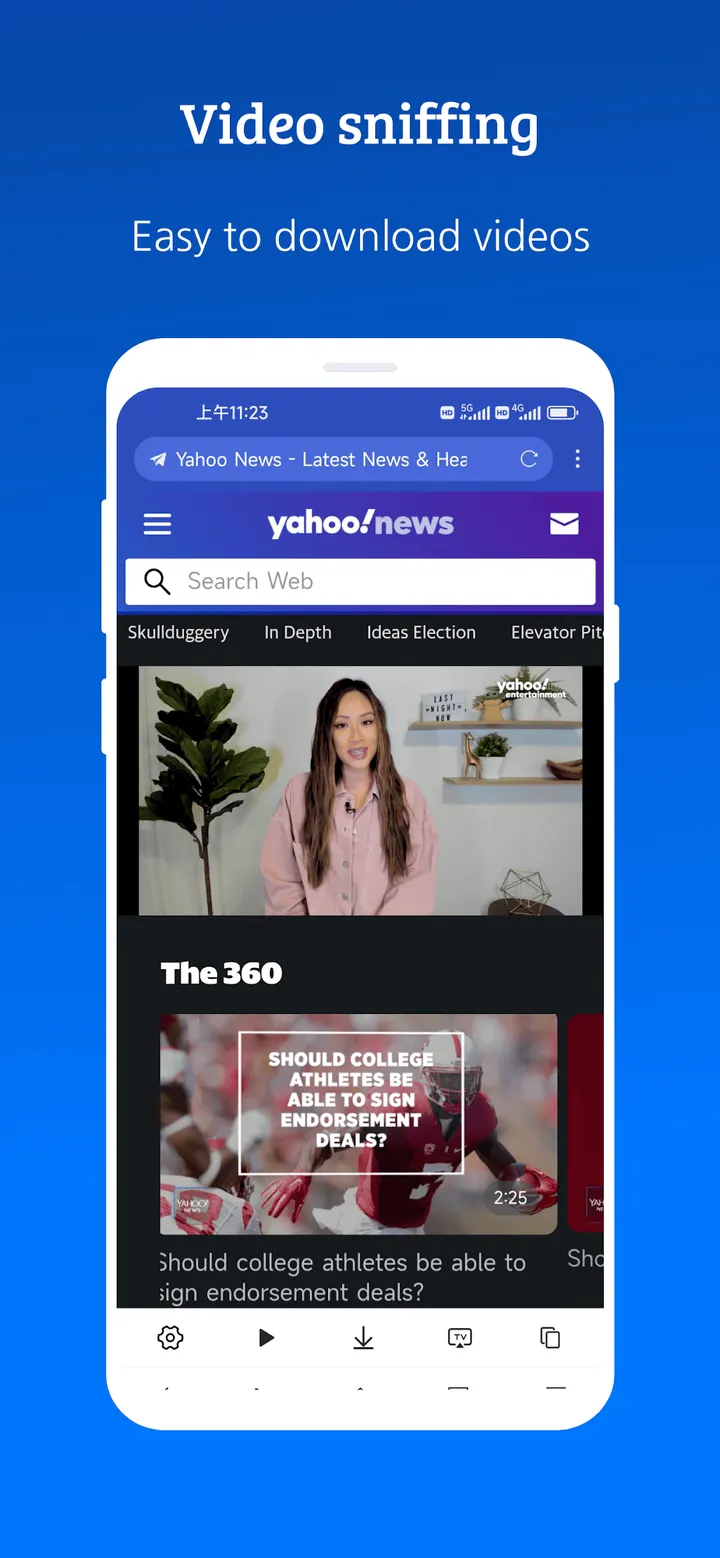
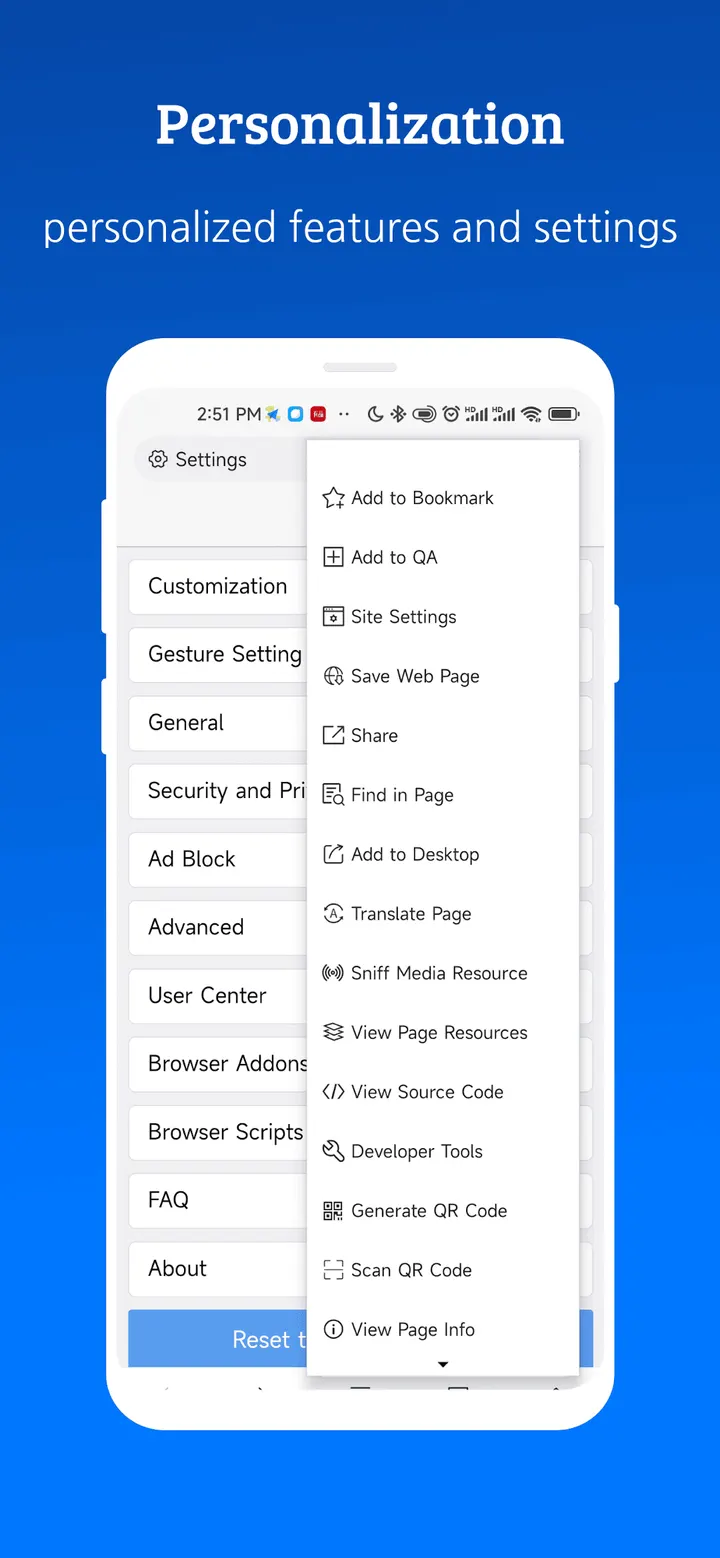
When a page holds a video, the sniffing feature detects it so you can save it. Autofill can enter saved details such as user name and address into forms. Greasemonkey and Tampermonkey user scripts are supported, and the app also offers gestures, shortcuts and appearance options.
How it sits next to DuckDuckGo, Brave and Chrome
Alternatives include DuckDuckGo, Brave Private Web Browser, Google Chrome, Opera, FOSS Browser and Privacy Browser.
X Browser's mix is user scripts, video saving and rule-list imports in a small package. Privacy-first picks such as DuckDuckGo or FOSS Browser may suit you better if scripting does not matter to you.
What's new in 5.6.4
Version 5.6.4 is the current release.
X Browser -Light & Super fast pros and cons
Pros
- Described as about 1M in size with low resource use
- Ad blocker accepts imported and subscribed third-party rules
- Video sniffing for saving web videos
- Greasemonkey and Tampermonkey user script support
- Free, with no ads and no in-app purchases
Cons
- Needs Android 7.0 or later
- Release notes for version 5.6.4 are not published
- The 80% ad-blocking figure comes from the developer's description, not independent testing
Is X Browser -Light & Super fast safe?
The publisher is byteman.su, with a website at en.xbext.com. The developer says the app asks for few permissions and runs no background services or push services. It also offers many security and privacy options, and autofill for saved form details. No independent security review is available.
How to install X Browser -Light & Super fast
- Press the Google Play button on this page.
- Check the listing in the Play Store and press Install.
- Open X Browser -Light & Super fast when the install finishes. Updates arrive through Google Play.