

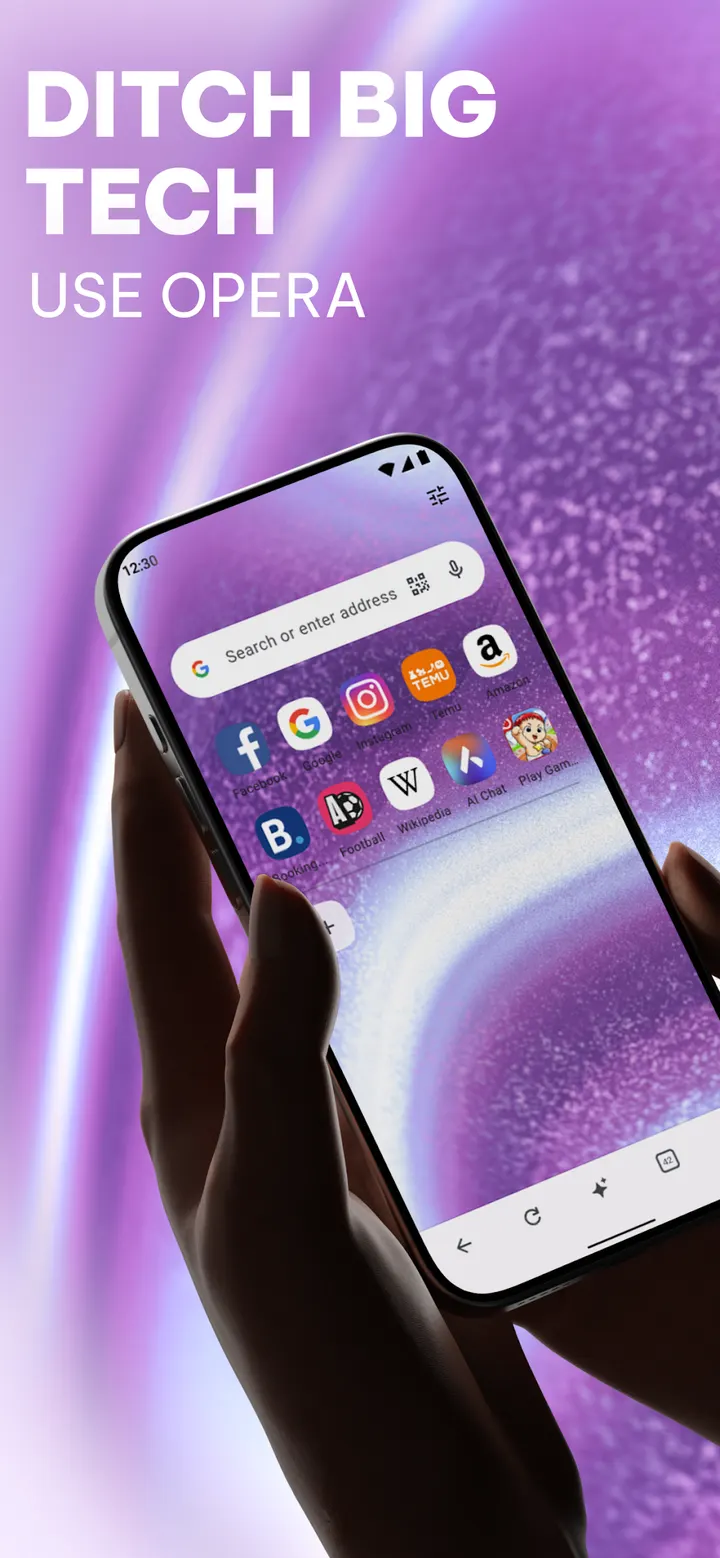
Compared with Google Chrome, one of its alternatives, Opera puts more tools inside the browser itself: a VPN, an ad blocker and an AI assistant come in the same app. It has over 500 million installs on Google Play and a 4.8 rating from about 5.5 million ratings. This page covers who it fits, how the main functions work, and what it costs.
Who gets the most from Opera's built-in tools
Opera suits people who want privacy and traffic controls without hunting for extensions. No extensions are required for the ad blocker or the VPN, which matters on mobile where add-ons are limited.
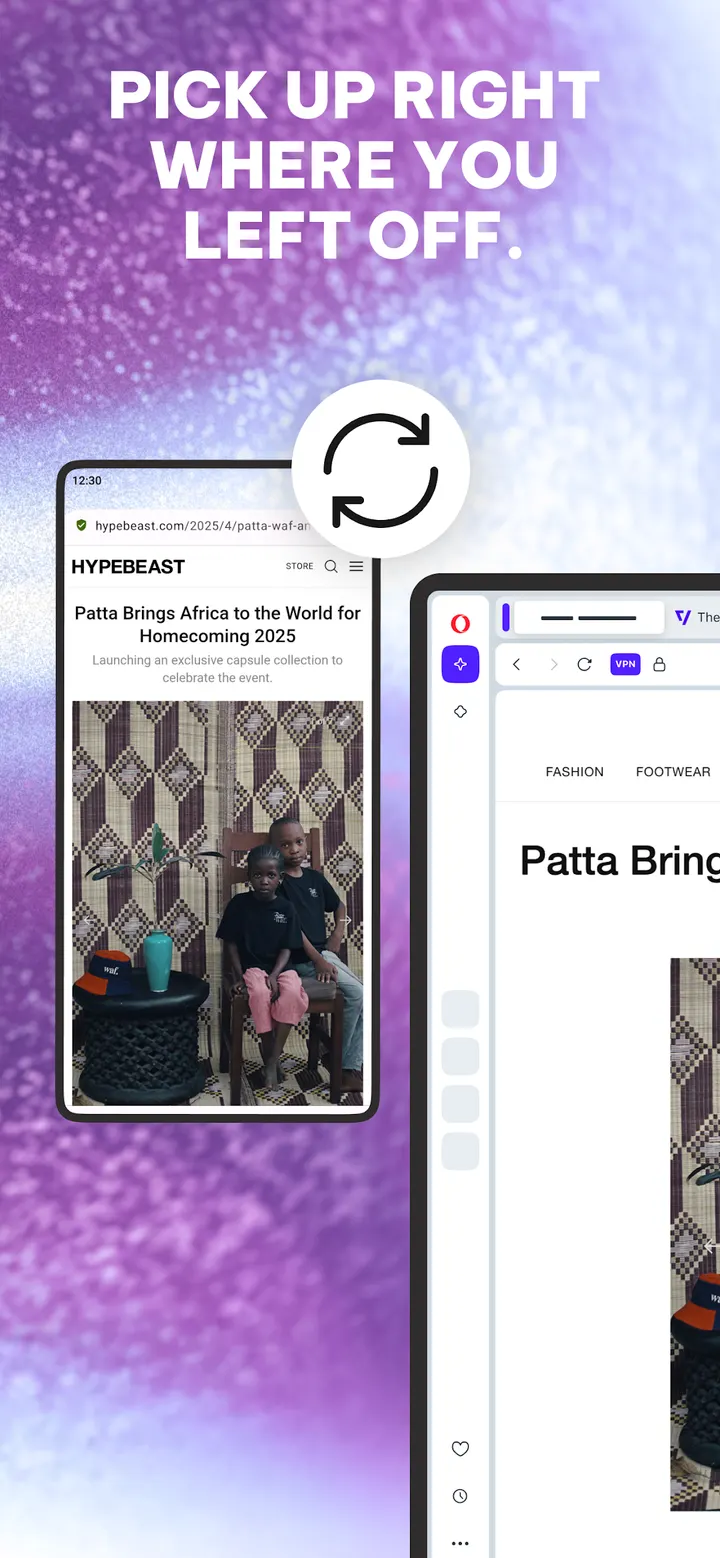
It also fits anyone who moves between phone and desktop. History and bookmarks sync across mobile and desktop with one Opera Account, and a feature called Flow shares files, links and notes between devices.
People on weak or expensive connections are another clear audience. A data savings mode compresses pages, and the downloader resumes interrupted transfers in the background. The app is rated Everyone and sits in the browsers category, first released on November 7, 2010.
The VPN, ad blocker and AI assistant in practice
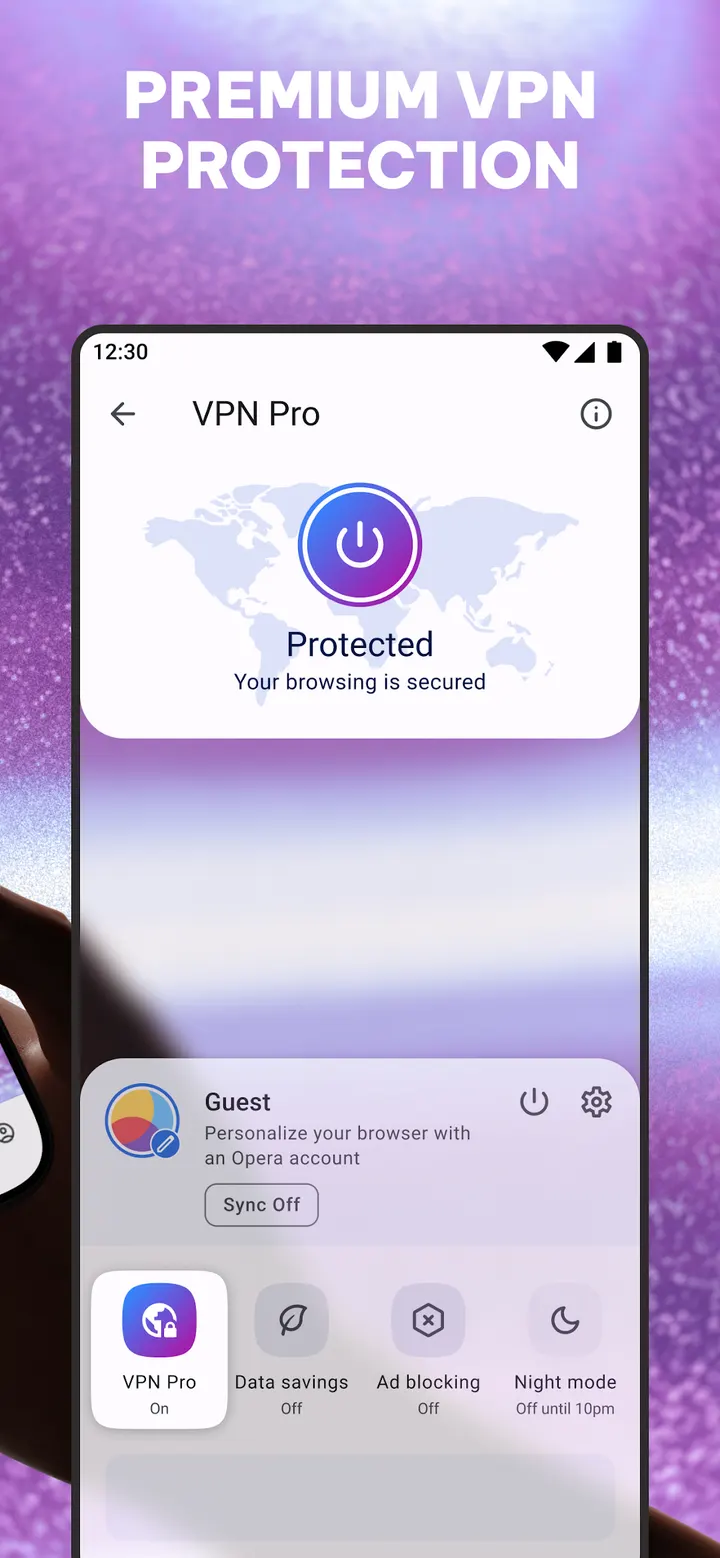
The VPN is free and, the developer says, needs no subscription or login. It offers three virtual locations and encrypts the connection.
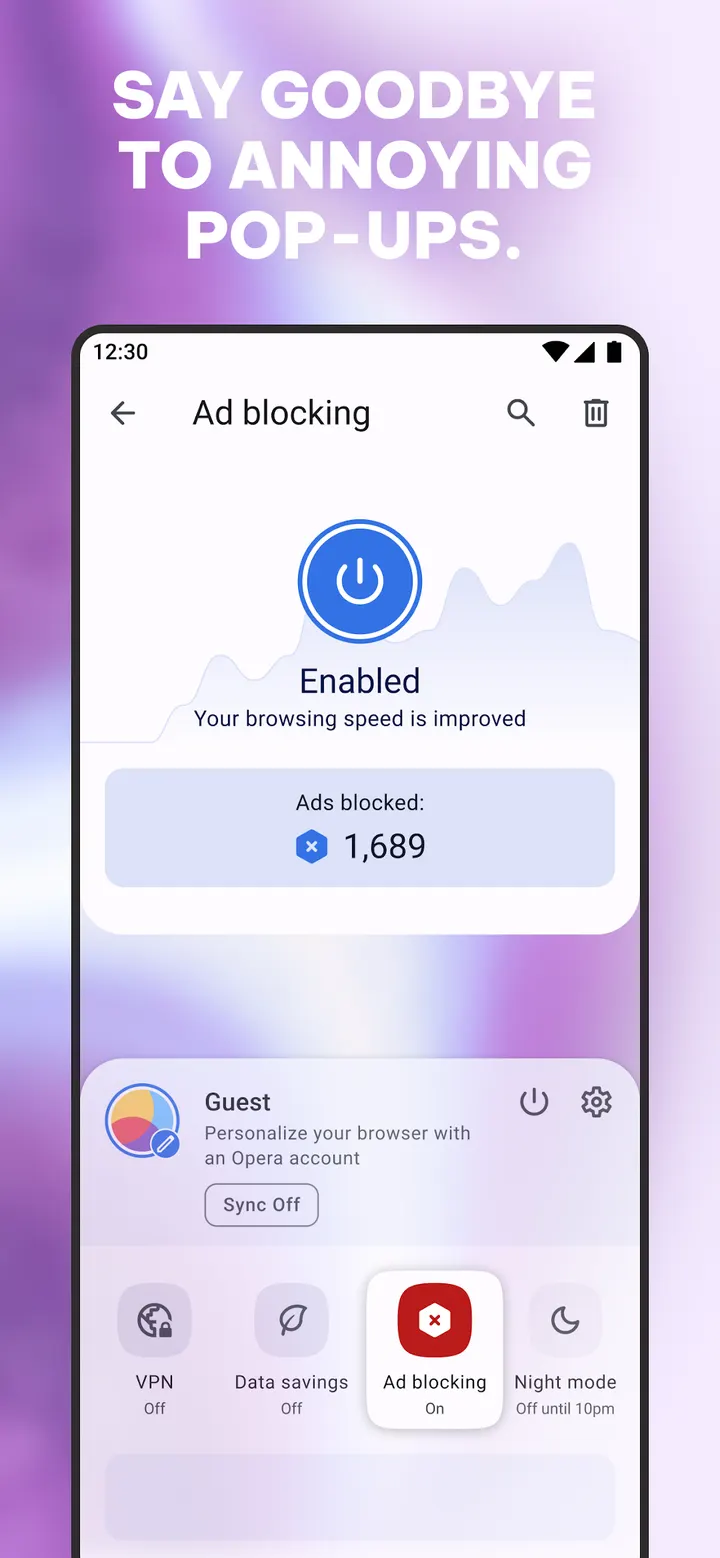
The ad blocker is built in and the developer says it speeds up page loads and saves battery. It also blocks pop-ups and lets you manage cookie and privacy dialogs from Settings. Private tabs clear browsing traces when closed, and private search is included.
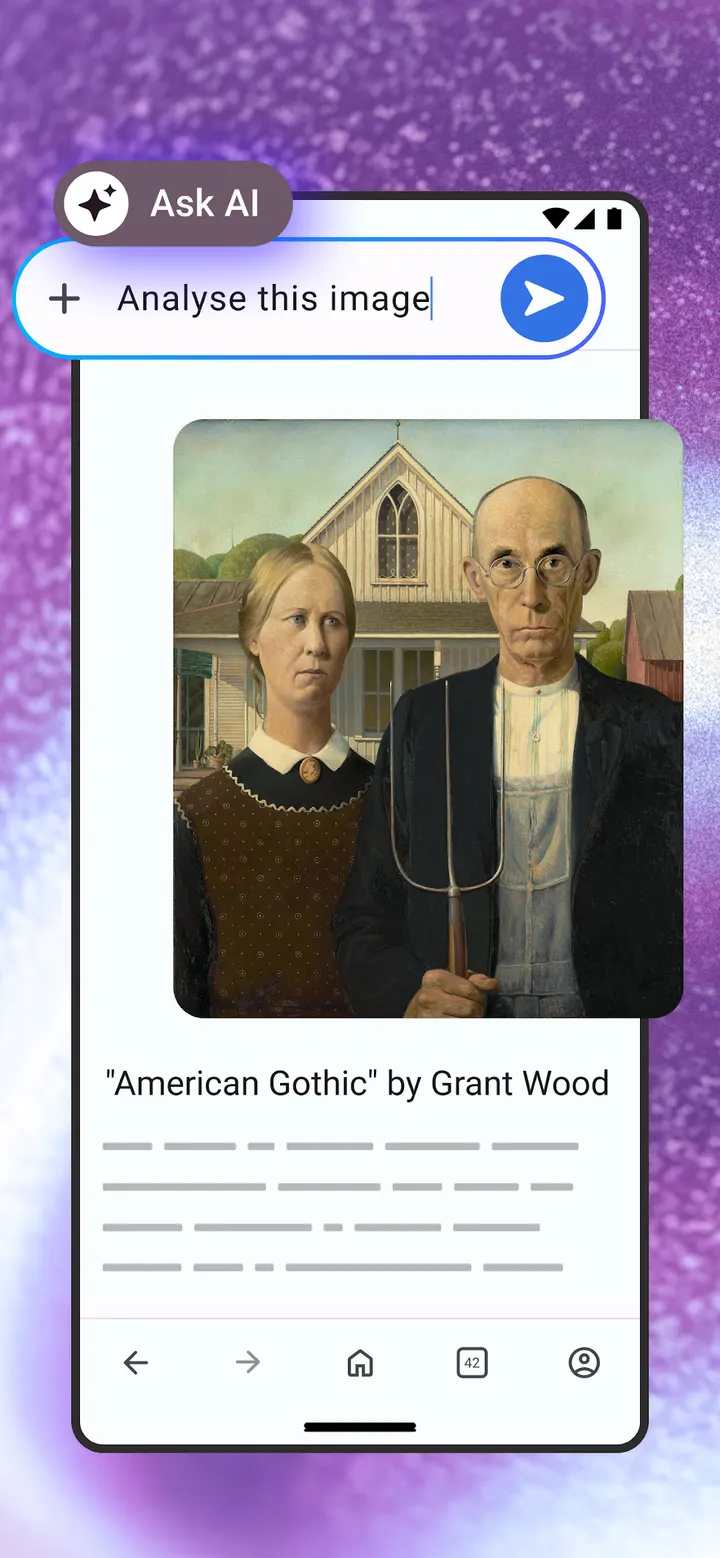
The AI side has a chat assistant for answers, article summaries and brainstorming, plus an image generator for wallpapers and social posts.
Offline pages, newsfeed and sports alerts
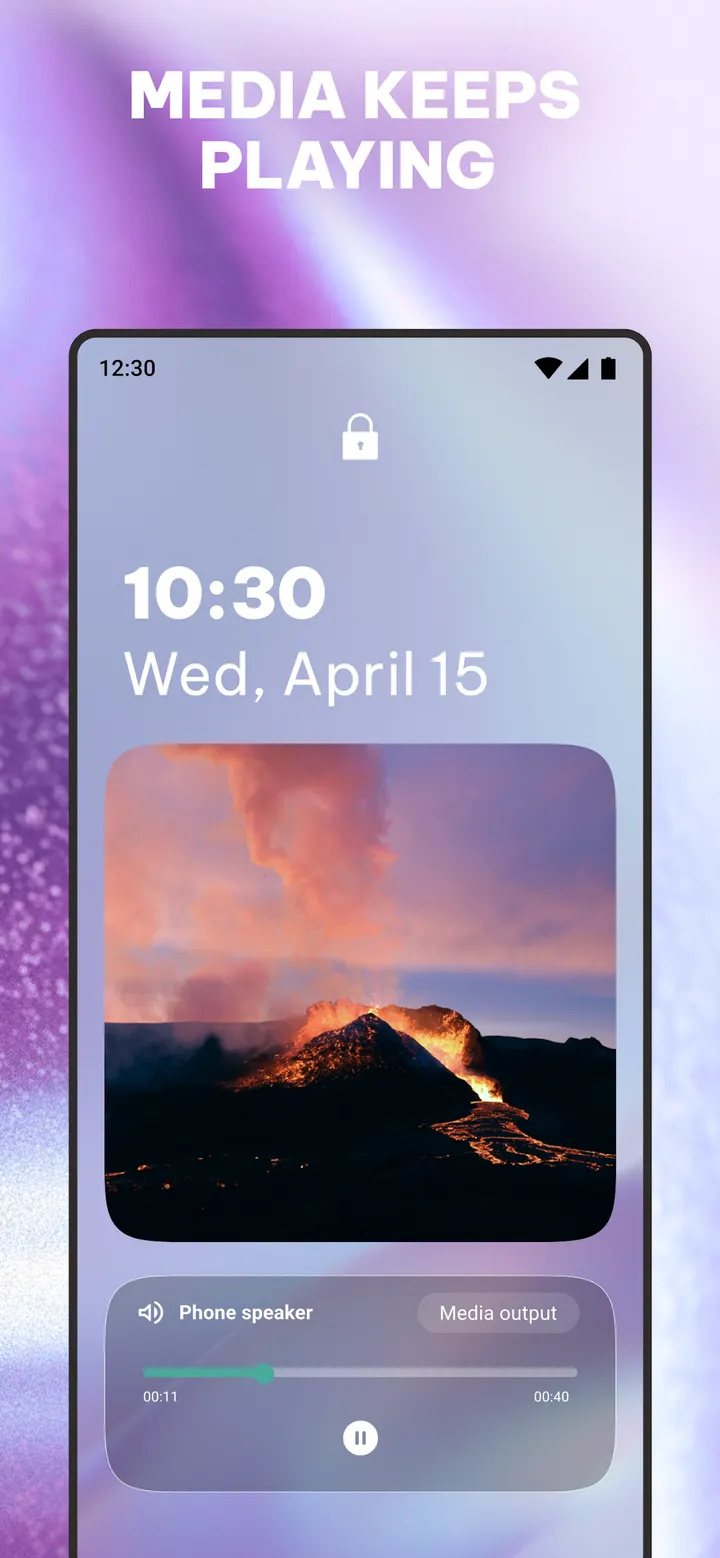
The Smart Download manager grabs videos and music where the site allows it. Downloads run in the background and pick up again after a dropped connection. You can also save pages for offline reading, and a Save as PDF option converts a page for later.
The custom newsfeed lets you follow topics and deselect those you do not want. Articles can be downloaded to read without a signal. Live scores and sports alerts are a separate feature.
Homepage, search engine and wallpaper are adjustable.
Ads and in-app purchases
Opera costs nothing to install, but Google Play flags both ads and in-app purchases. Read the store listing before paying for anything.
A browser that pitches a free VPN and a built-in ad blocker while also showing ads is a trade-off some people will want to weigh. For comparison, look at DuckDuckGo, Brave Private Web Browser, FOSS Browser, Privacy Browser and Fennec F-Droid.
Opera pros and cons
Pros
- Free VPN with three virtual locations and no login required, the developer says
- Built-in ad blocker that also handles pop-ups and cookie dialogs
- Data savings mode and resumable background downloads for weak connections
- Sync of history and bookmarks between mobile and desktop with an Opera Account
- AI chat assistant and image generator included in the browser
Cons
- Google Play lists ads in the app
- In-app purchases are present
- Ads are shown, according to Google Play
Is Opera safe?
Opera is published by Opera under the package name com.opera.browser and carries an Everyone content rating. The most recent version listed is 103.2.5234.90977, updated in October 2026. No licence information is provided, so nothing beyond that can be confirmed here.
How to install Opera
- Press the Google Play button on this page.
- Check the listing in the Play Store and press Install.
- Open Opera when the install finishes. Updates arrive through Google Play.