
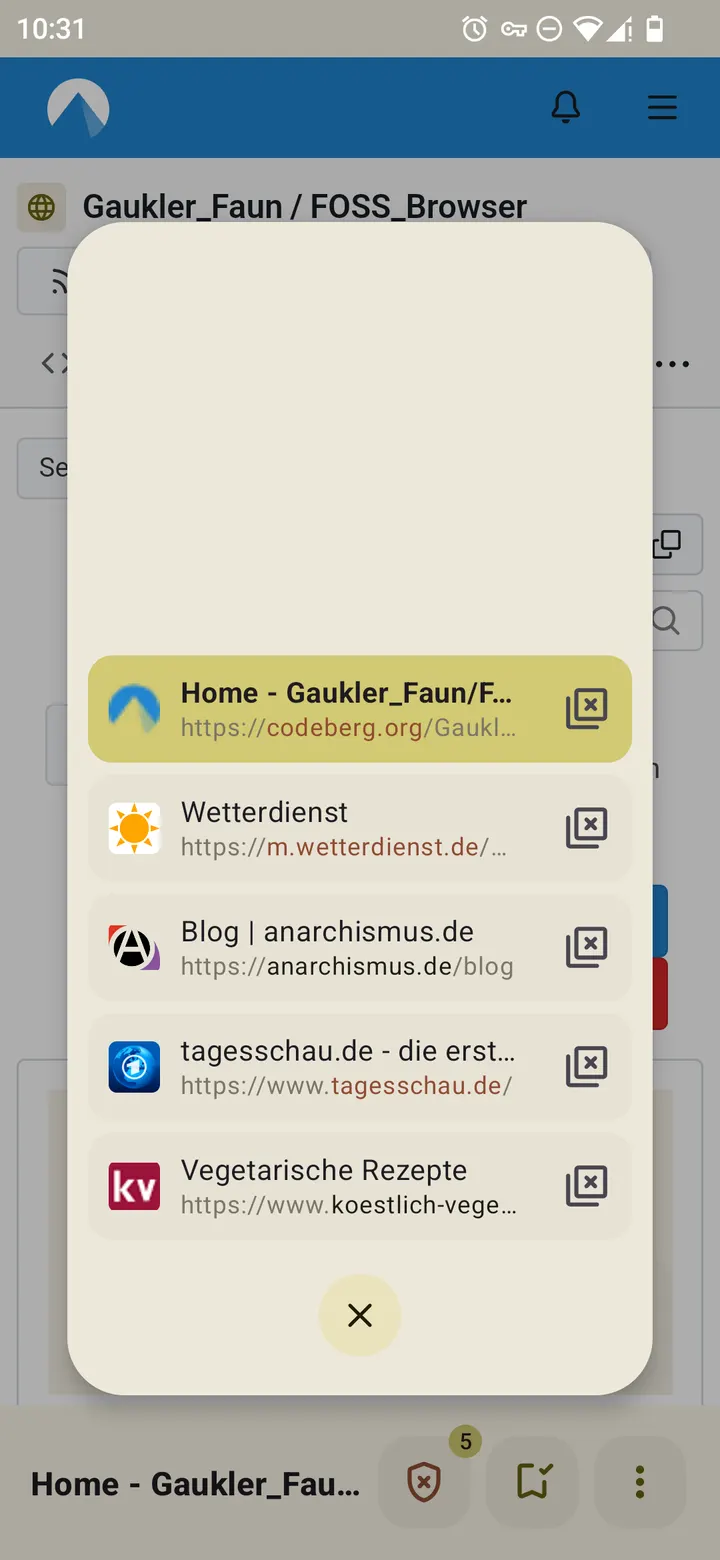
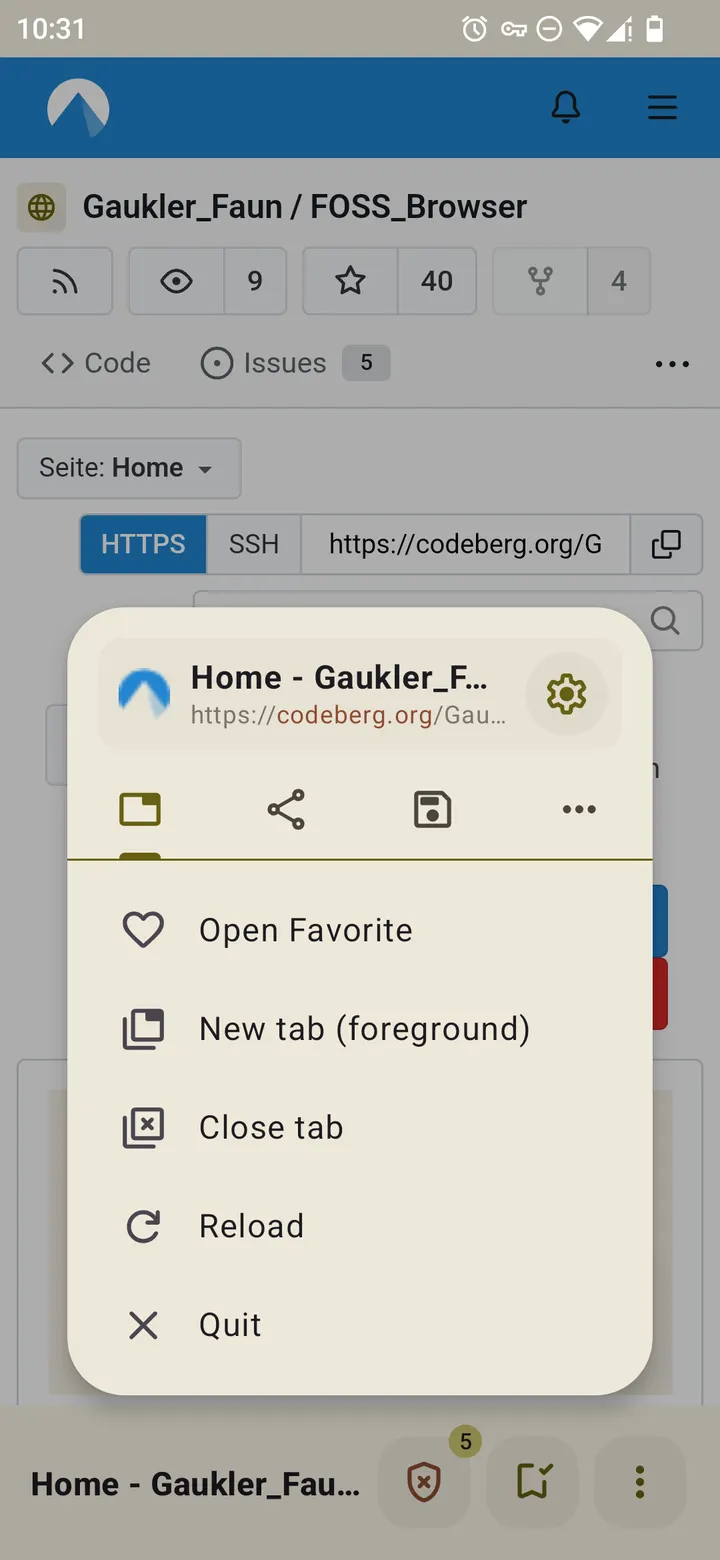
You open a link from a chat, want it to load in the background, and keep reading where you were. FOSS Browser handles that with a background-tab option, and it does so in a 3.4 MB package. It is an open source browser for Android by Gaukler Faun, first released on December 12, 2016, and the current version is 24.
Free, no ads, GPL licence
FOSS Browser is free and has no ads. There is no price tier and no paid unlock. The code is under the GPL-3.0-or-later licence, and the source sits on Codeberg for anyone who wants to read it.
The developer says the browser itself does not collect any data. We cannot verify that claim independently.
Profiles, AdBlock and per-domain trust
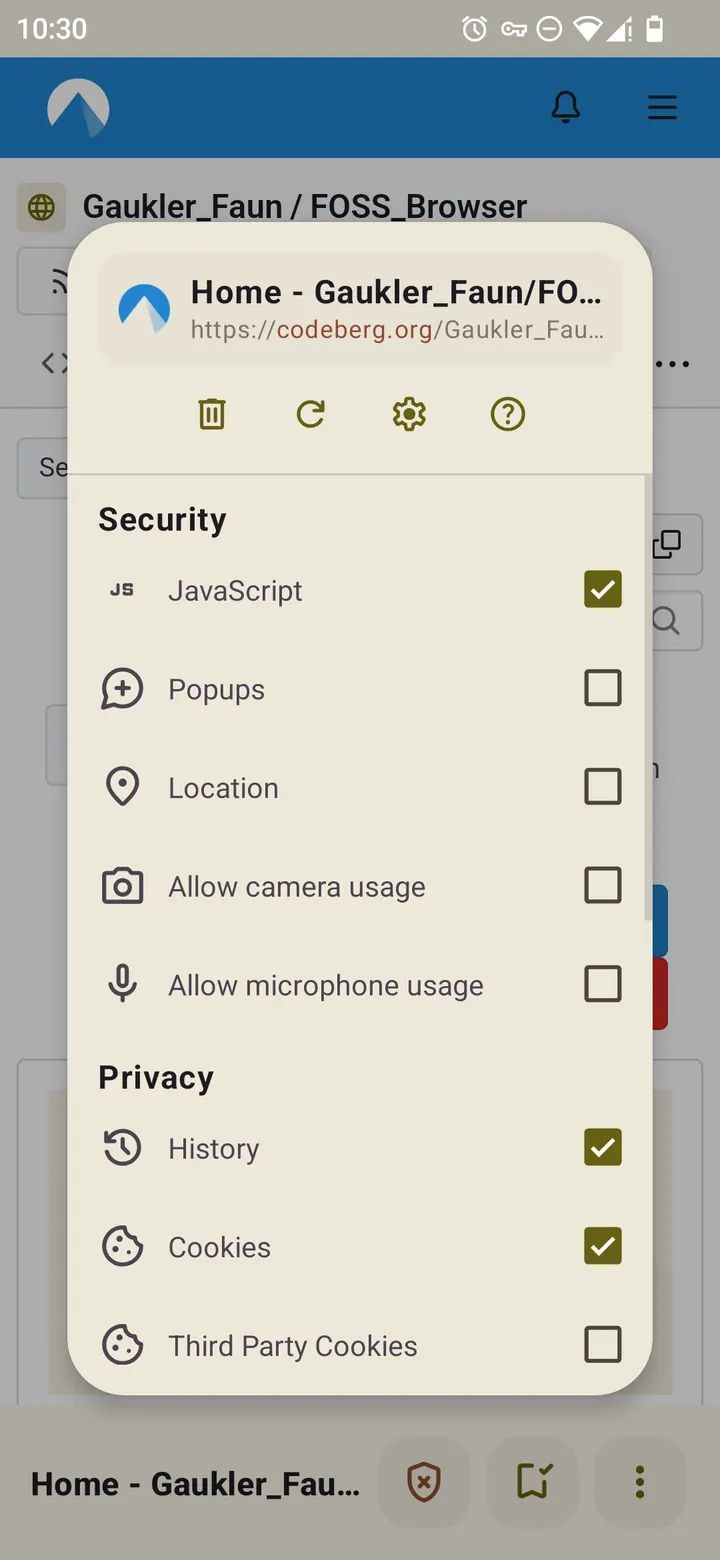
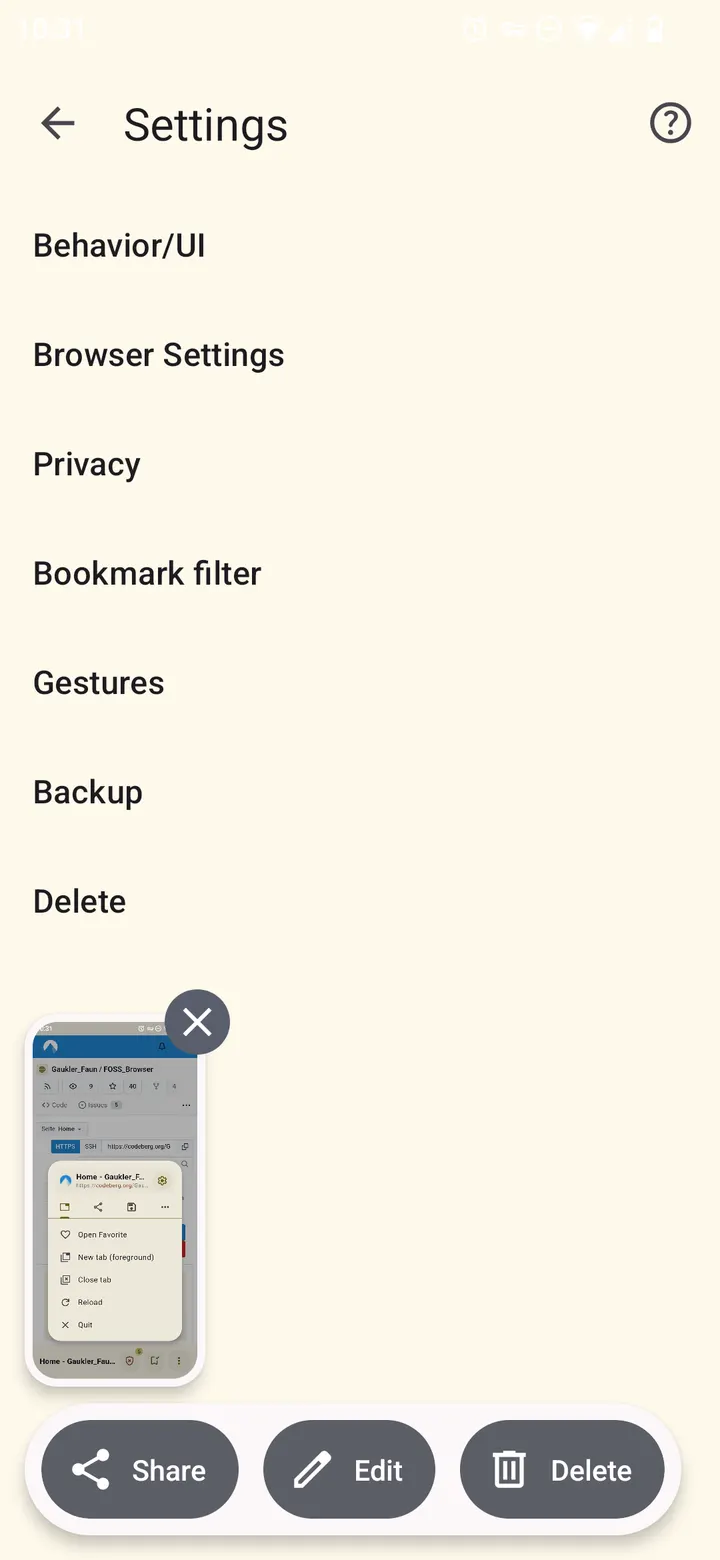
Privacy control is built around profiles. Each profile can switch AdBlock, JavaScript, cookies and fingerprint protection on or off. A profile can also be saved for a single domain, so a site such as github.com can always open under a trusted profile, even when you browse in a stricter mode.
The built-in AdBlock updates automatically and uses host lists from Steven Black. You decide which content types to block. One limit is stated plainly: third-party cookies cannot be disabled. Android autofill can be turned on or off, browser data can be deleted on exit, and you can pick a search engine or enter a custom one.
Bottom toolbar, gestures and backups
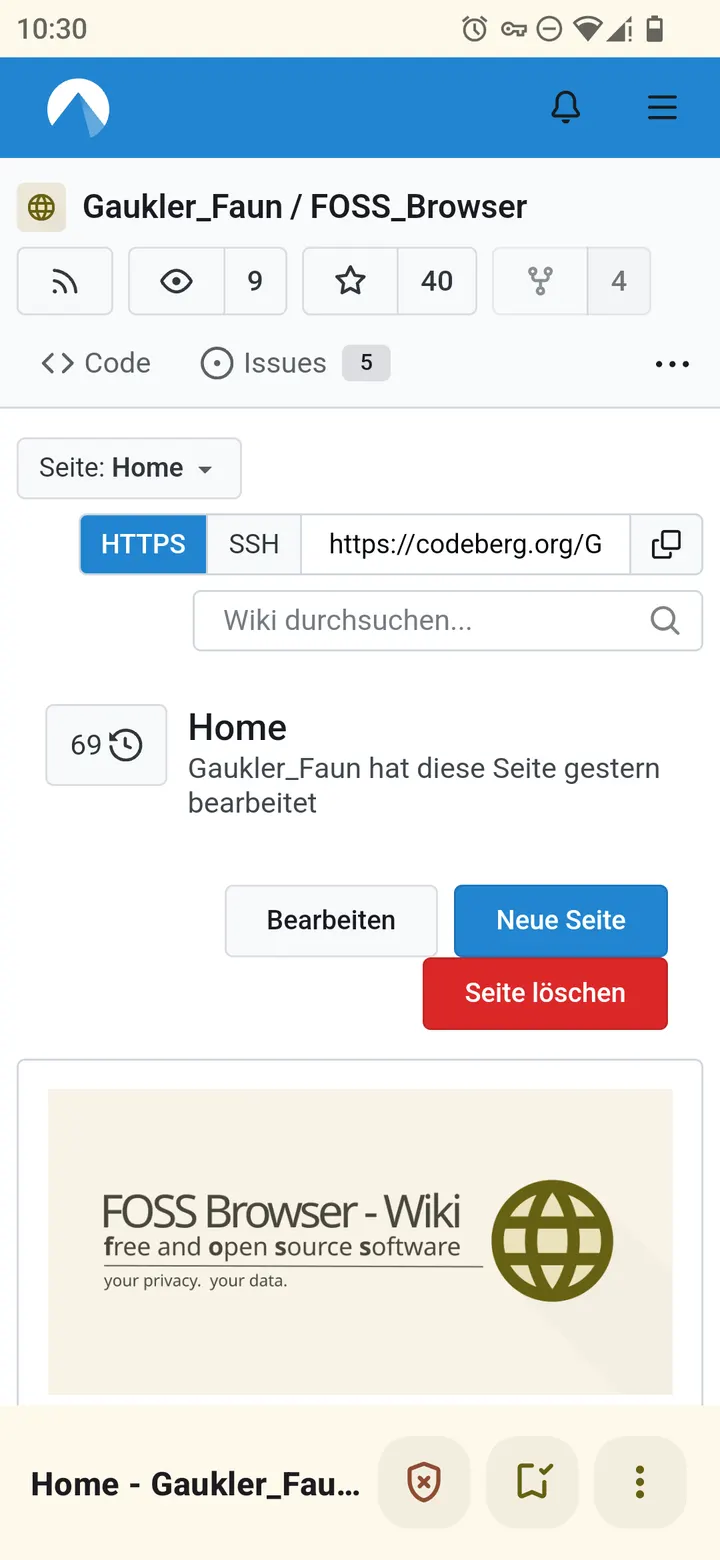
All interface elements sit at the bottom of the screen, which suits one-handed use. The design follows Material You, with system day and night mode and a wallpaper-based theme. Other options include keeping the screen on and restoring tabs on restart.
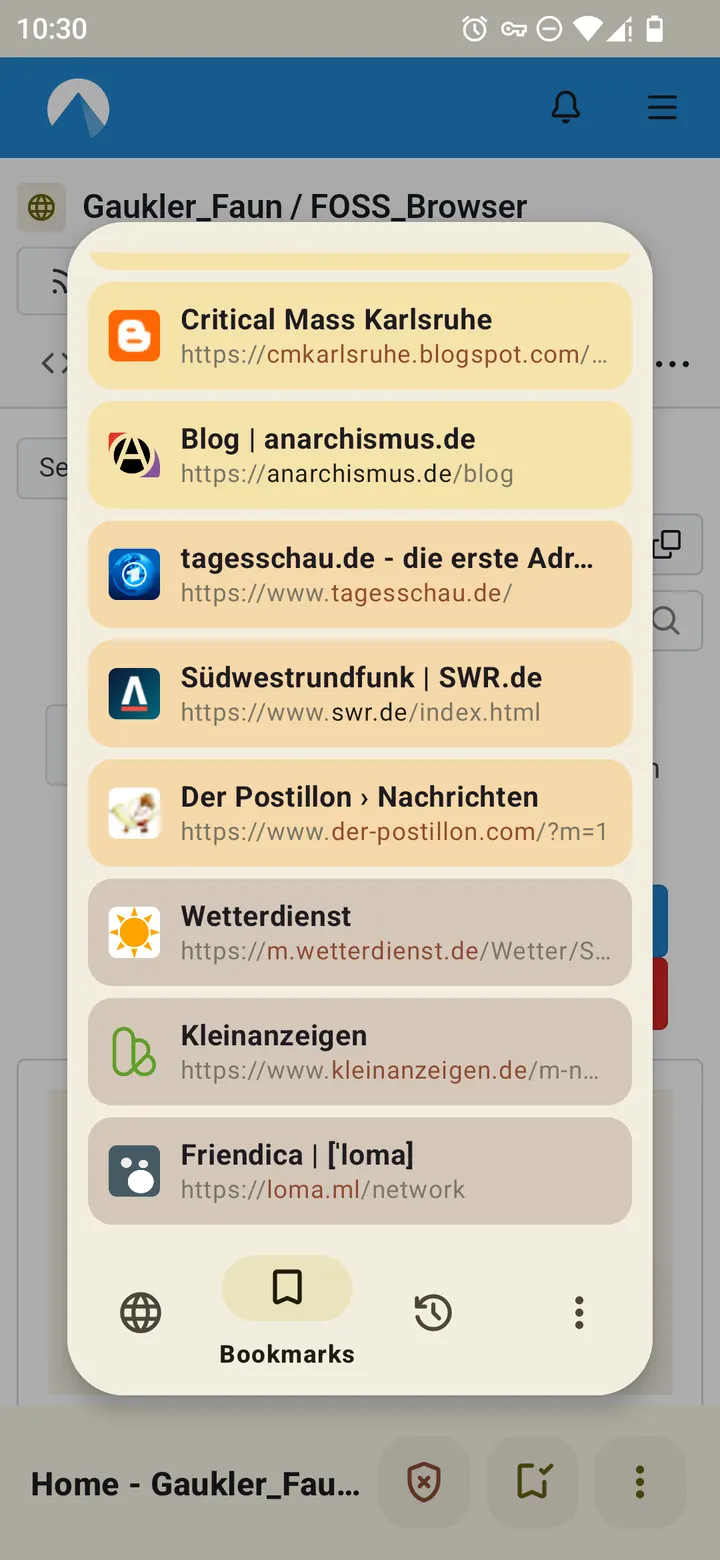
The toolbar and its buttons accept nearly twenty gestures in four directions, plus long presses, for actions like reloading, switching tabs or opening bookmarks. Bookmarks can be sorted with named filters. Backups of bookmarks, history, trusted websites and settings go to the SD card and can be restored on a fresh install or another device after you copy the files over.
Version 24 and upkeep
The current version is 24, updated on September 15, 2026, nearly ten years after the first release. It requires Android 10 or newer.
FOSS Browser pros and cons
Pros
- Free with no ads
- GPL-3.0-or-later licence with public source on Codeberg
- Per-profile and per-domain control over AdBlock, JavaScript and cookies
- Small 3.4 MB package
- Backup and restore of bookmarks, history and settings
Cons
- Third-party cookies cannot be disabled
- Requires Android 10 or newer
- Update notes are not published for version 24
- Backups are copied manually between devices
Is FOSS Browser safe?
The APK for FOSS Browser (package de.baumann.browser, by Gaukler Faun) is kept here unmodified, and you can compare the download against its SHA-256 checksum: 3cb274f869f777c8b420fd55a822eca72e11e22906161b07accd19b5c8be7b36. The source is published under GPL-3.0-or-later at https://codeberg.org/Gaukler_Faun/FOSS_Browser, so anyone can read the code.
How to install FOSS Browser
- Download the APK with the button on this page and wait for it to finish.
- Compare the file with the SHA-256 checksum shown here if you want to confirm it arrived intact.
- Open the file on your phone and allow installs from this source when Android asks.
- Finish the install, then open FOSS Browser from your app drawer.