
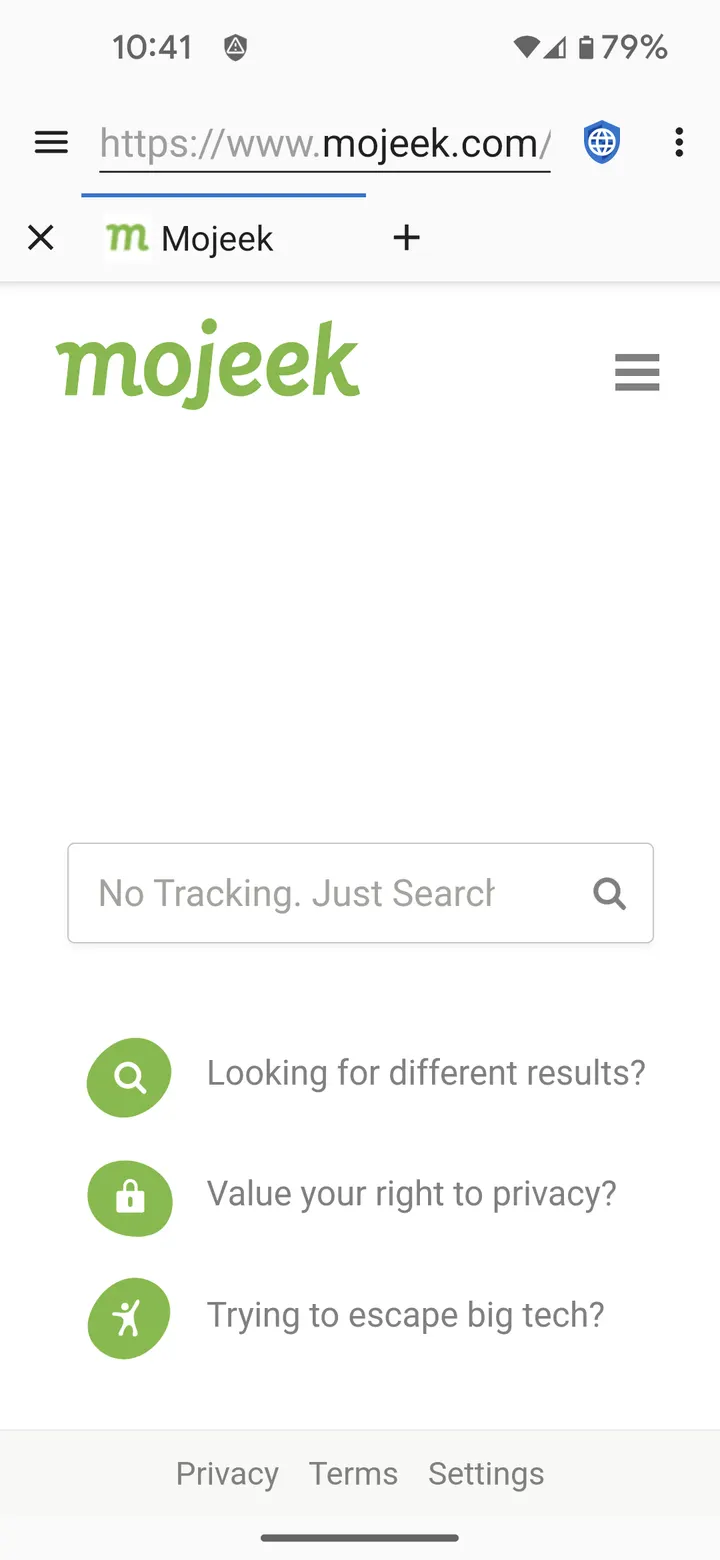
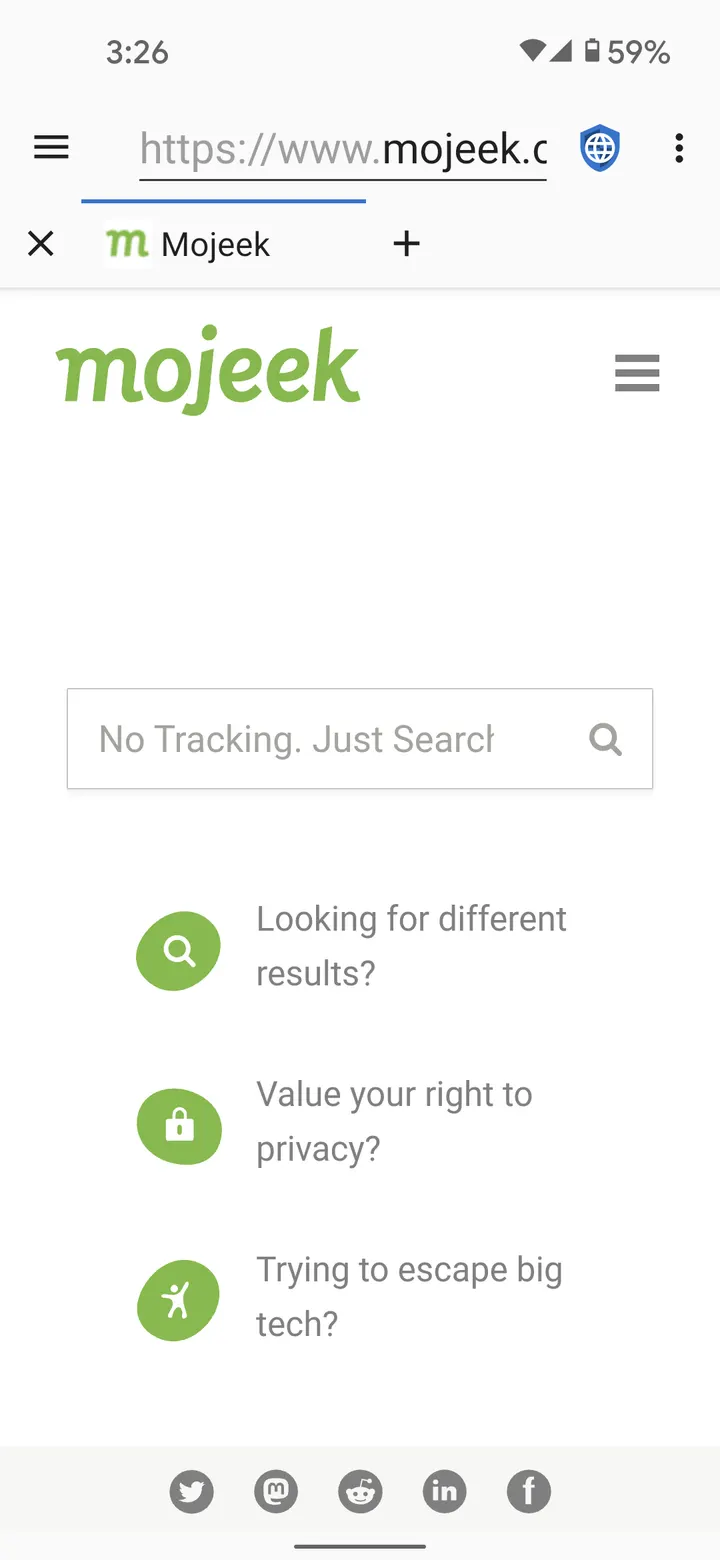
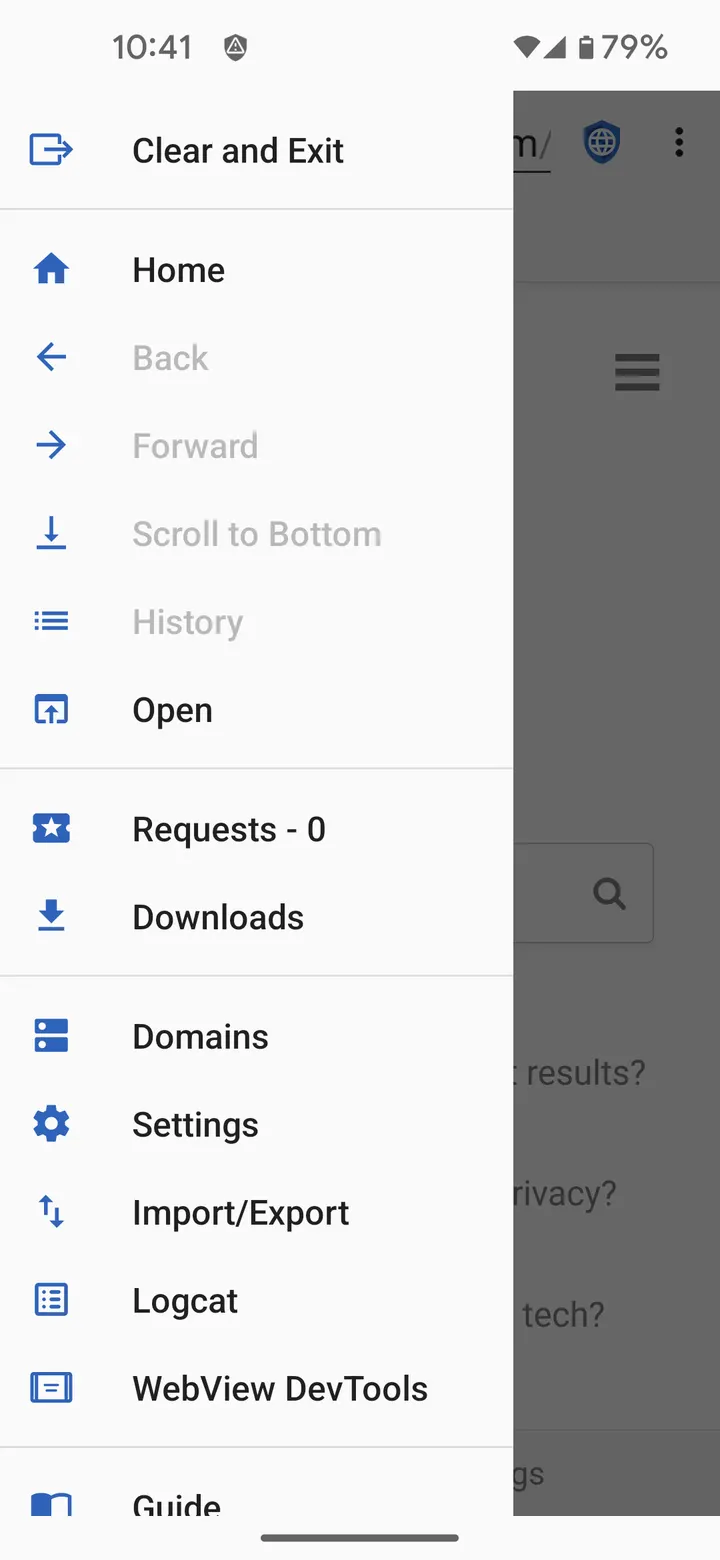
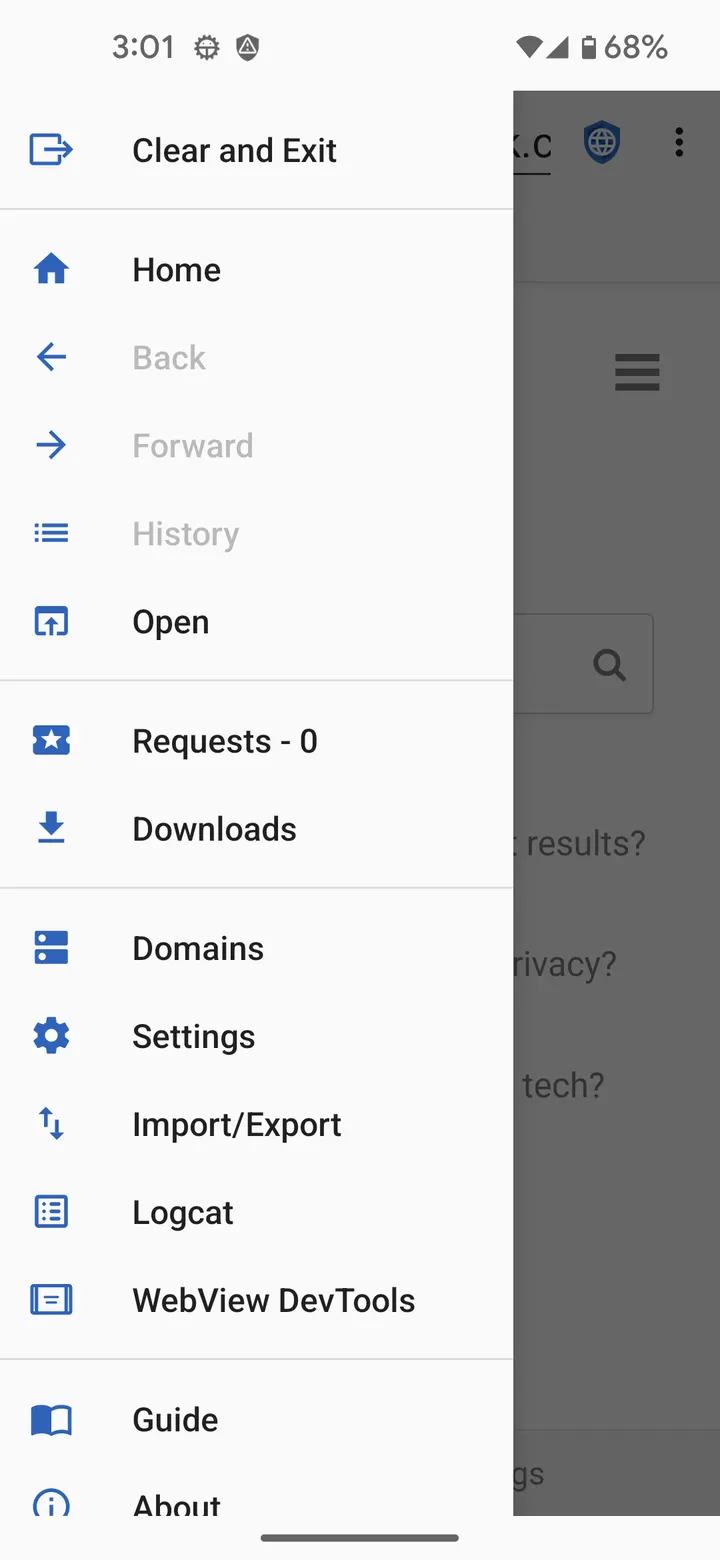
You open a news site on your phone, and within a second a dozen trackers have read your user agent, set cookies and stored data in the page's DOM. Privacy Browser, written by Soren Stoutner, is built to stop that by default. This page covers version 3.20.1, which needs Android 8.0 and weighs 16.3 MB.
Why tracking starts before you tap anything
The developer's argument is simple: data that is never collected cannot be abused. The app has two goals. It limits what your phone sends to the internet, and it limits what stays stored on the device.
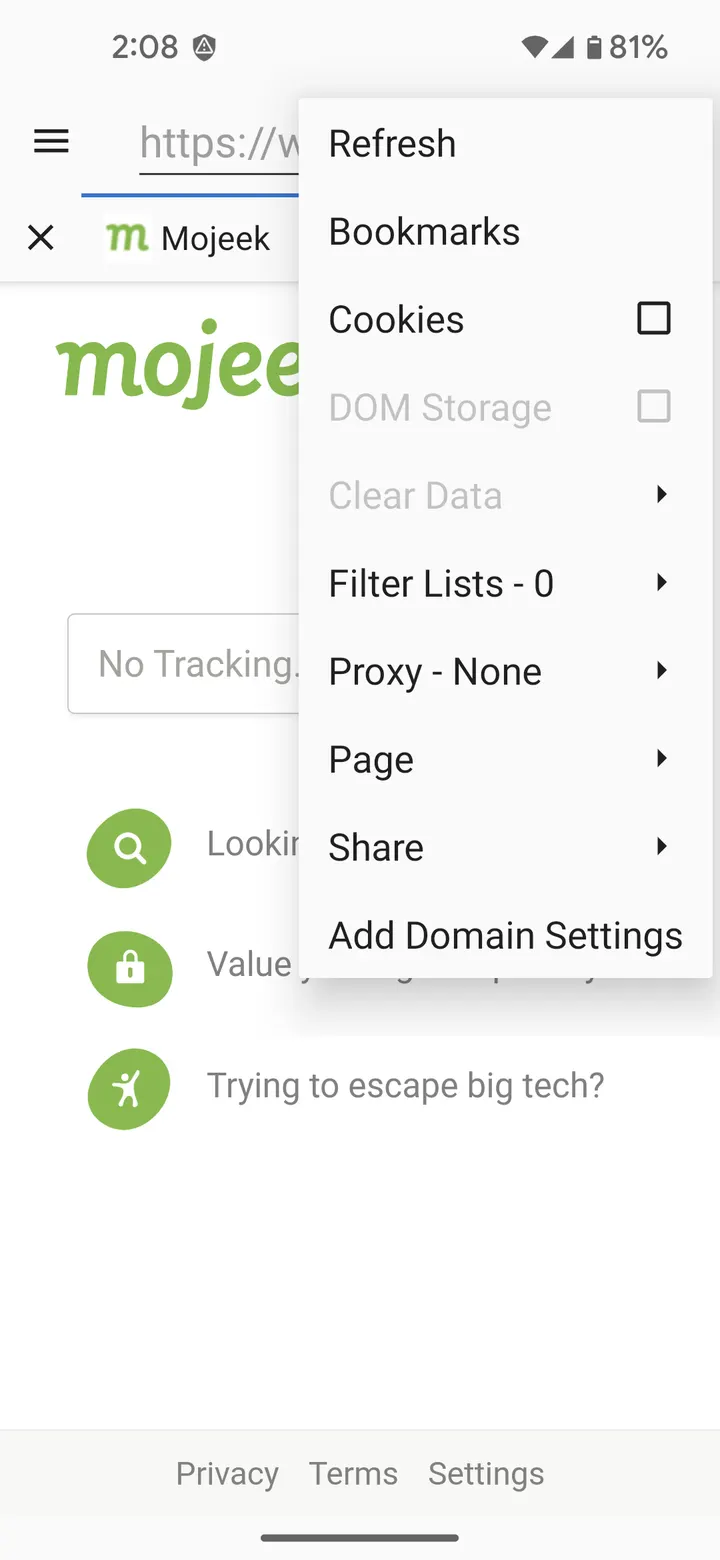
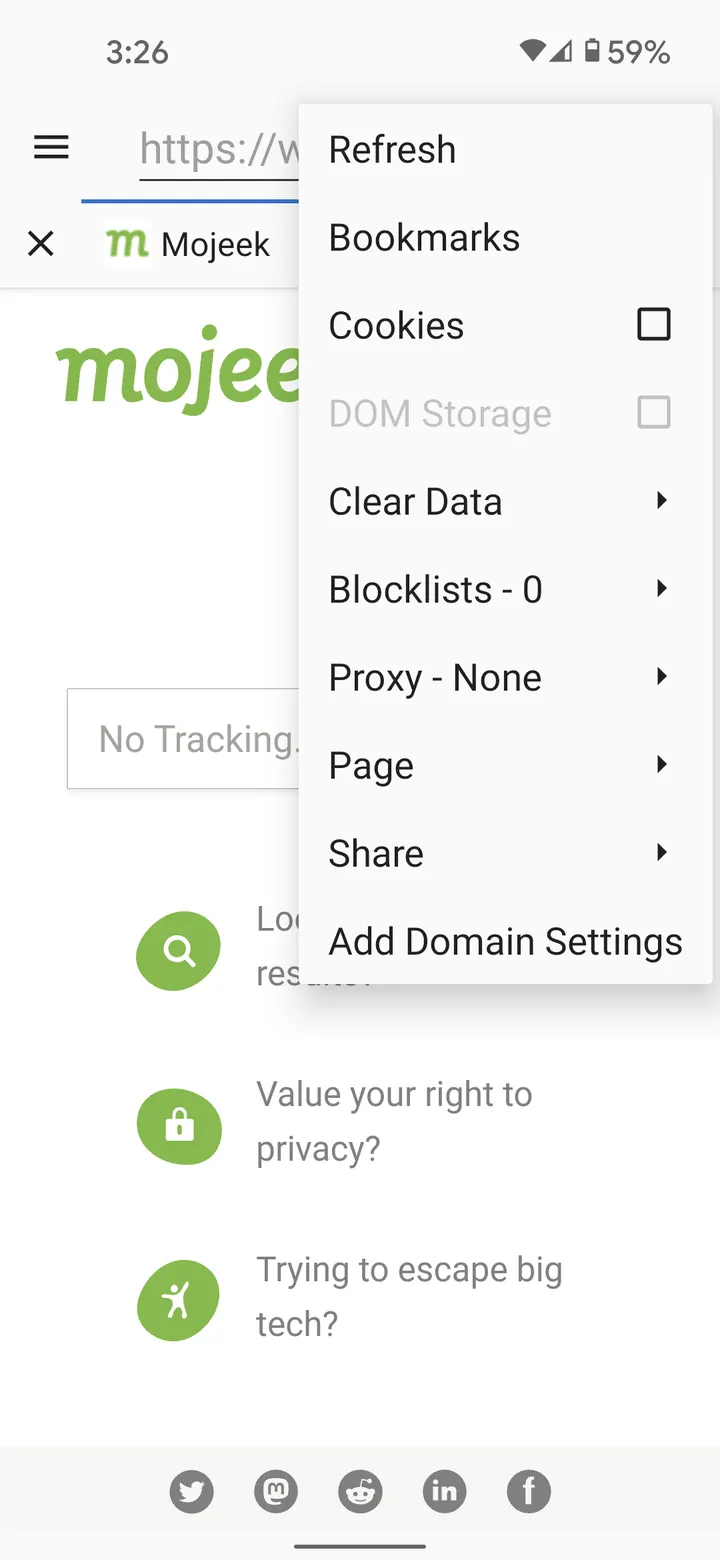
The store description points to JavaScript, cookies, DOM storage and user agents as the tools sites and ad networks use to identify visitors across visits. Most browsers leave these switched on. Privacy Browser turns the privacy-sensitive ones off at the start.
Per-site switches, EasyList and Tor Orbot
When a site breaks without one of those technologies, you can enable it for a single visit. Domain settings go further: they switch chosen features on when you enter a given site and off again when you leave.
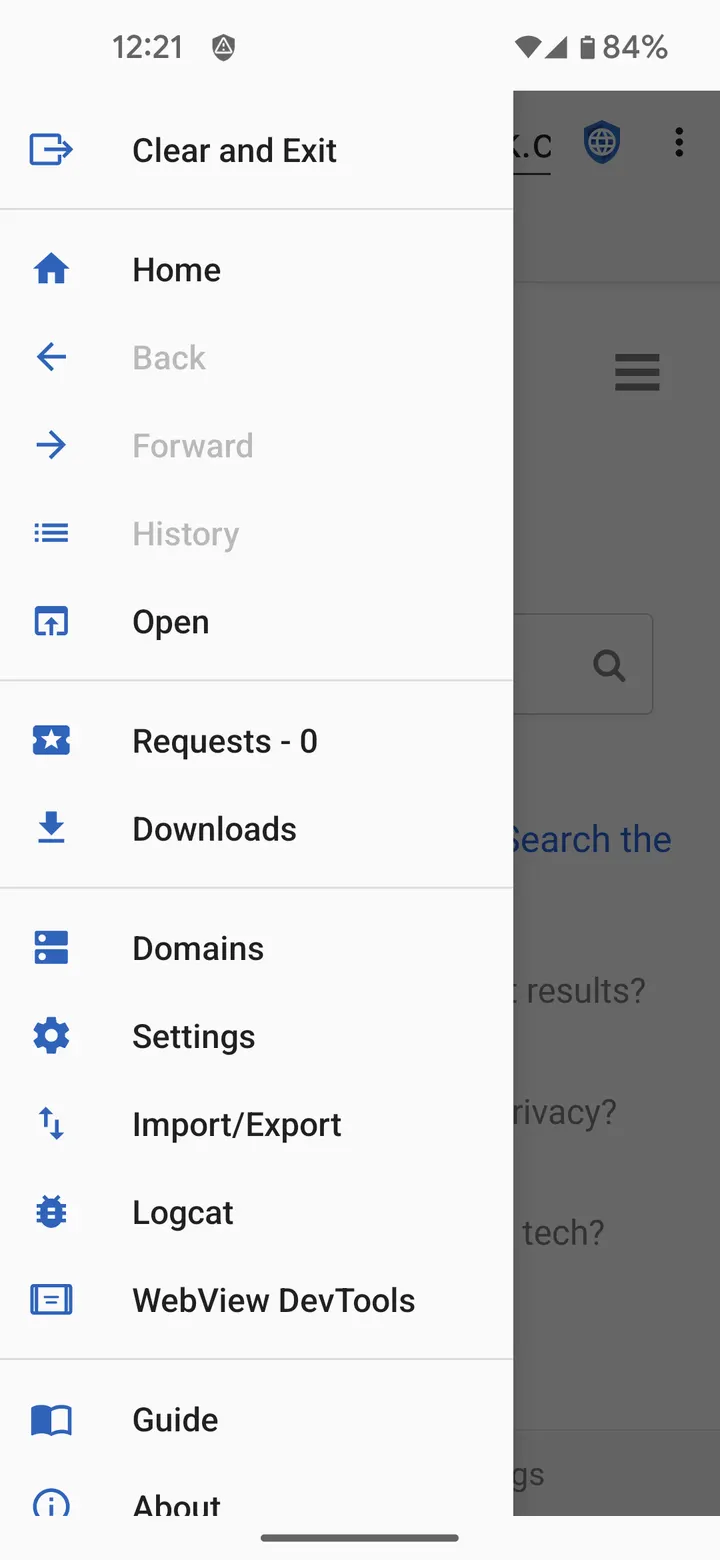
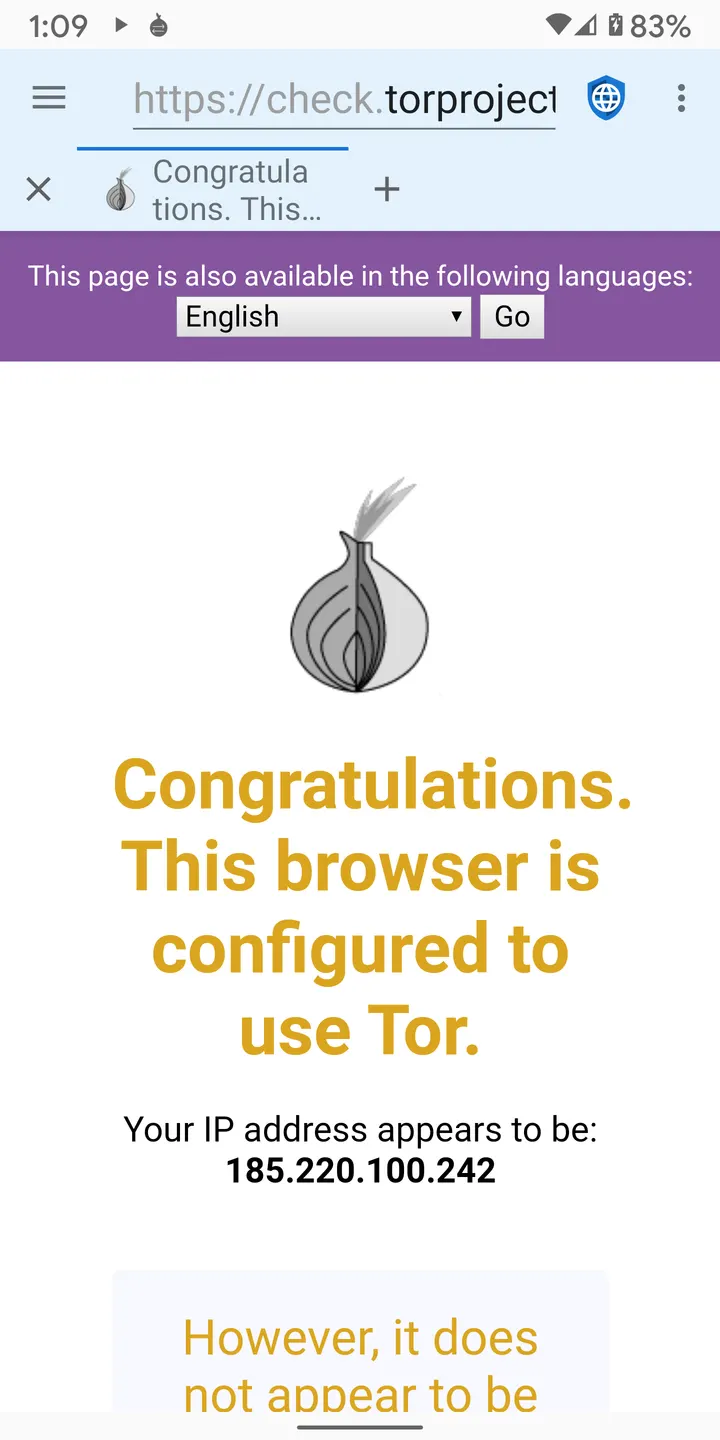
The feature list also names integrated EasyList ad blocking, Tor Orbot proxy support and SSL certificate pinning. Settings and bookmarks can be imported and exported, which helps when you move to a new phone. The app shows no ads of its own and costs nothing.
WebView dependency and the planned 4.x change
Privacy Browser currently renders pages with Android's built-in WebView. It works best with the latest WebView installed, so keep that component updated through your system.
The developer says the 4.x series will move to a fork called Privacy WebView, intended to allow more advanced privacy features. Version 3.20.1 does not include that change. The app's package ID is com.stoutner.privacybrowser.standard, and it first appeared on April 17, 2016. The latest update is dated April 4, 2026.
Privacy Browser pros and cons
Pros
- Privacy-sensitive web technologies are disabled by default and can be enabled per visit or per domain
- Integrated EasyList ad blocking and Tor Orbot proxy support
- No ads and no price, with source code under GPL-3.0-or-later
- Small download at 16.3 MB
- Settings and bookmarks can be exported and imported
Cons
- Relies on Android's WebView, so results depend on the installed WebView version
- Some sites may need features turned on manually before they work
- The advanced Privacy WebView is only planned for the 4.x series
- Requires Android 8.0 or newer
Is Privacy Browser safe?
The Privacy Browser file we keep is the unmodified build from Soren Stoutner. Its SHA-256 checksum is 209e0670cb44a959dd628737eaa5b8df05bfb605e4706de49ea2b72684cf72e3, so you can compare it with your downloaded copy before installing. The source code is public under GPL-3.0-or-later, which lets anyone check how it treats cookies, JavaScript and other tracking-prone features. It carries no ads.
How to install Privacy Browser
- Download the APK with the button on this page and wait for it to finish.
- Compare the file with the SHA-256 checksum shown here if you want to confirm it arrived intact.
- Open the file on your phone and allow installs from this source when Android asks.
- Finish the install, then open Privacy Browser from your app drawer.