
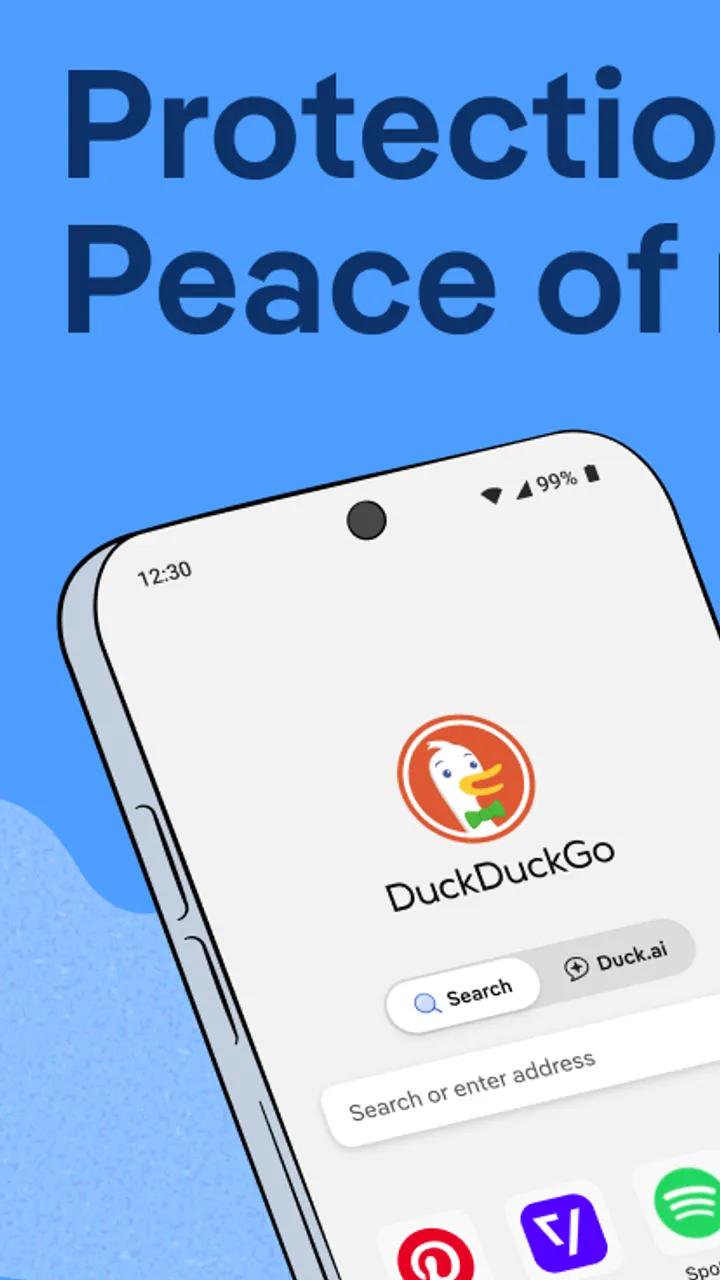
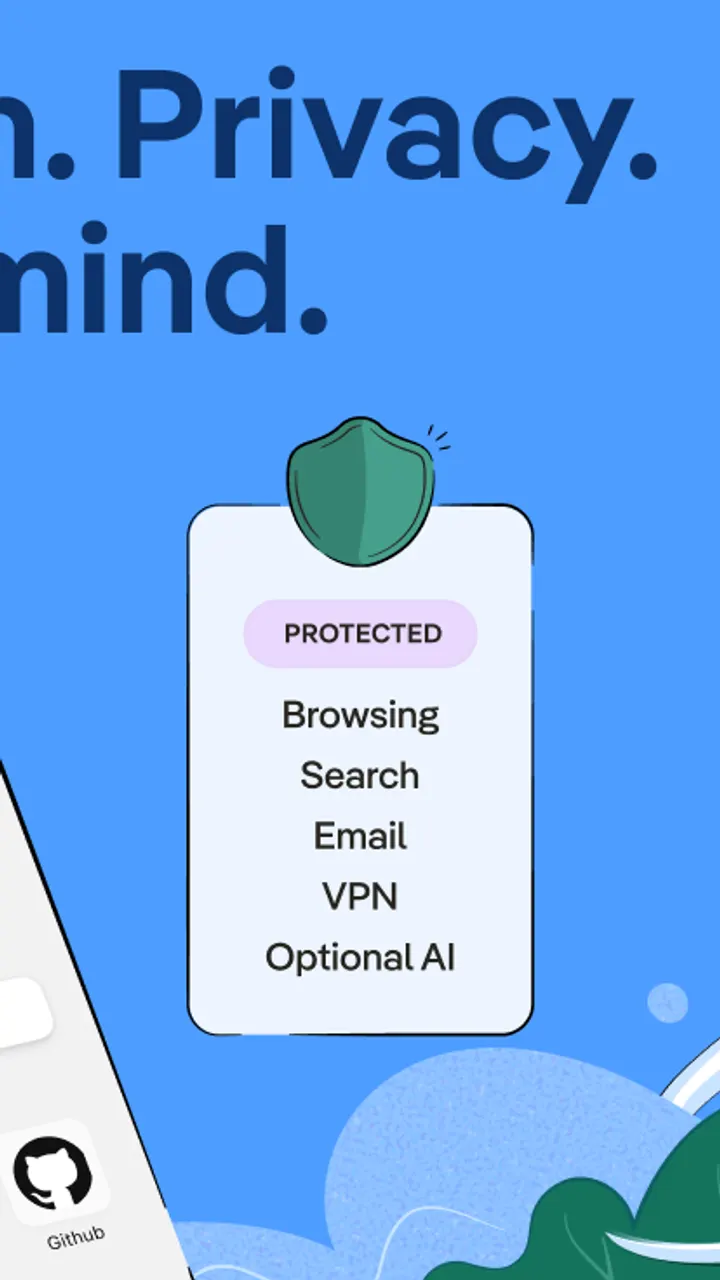
Brave Private Web Browser and DuckDuckGo both appeal to people who want fewer trackers, but DuckDuckGo pairs the browser with its own search engine, optional private AI chat in Duck.ai and a VPN that covers up to 5 devices. Version 5.299.0 was last updated on 2026-11-01 and needs Android 9 or newer. The APK is 92.9 MB, and the unmodified file is offered with its checksum.
Who a tracker-blocking browser with its own search fits
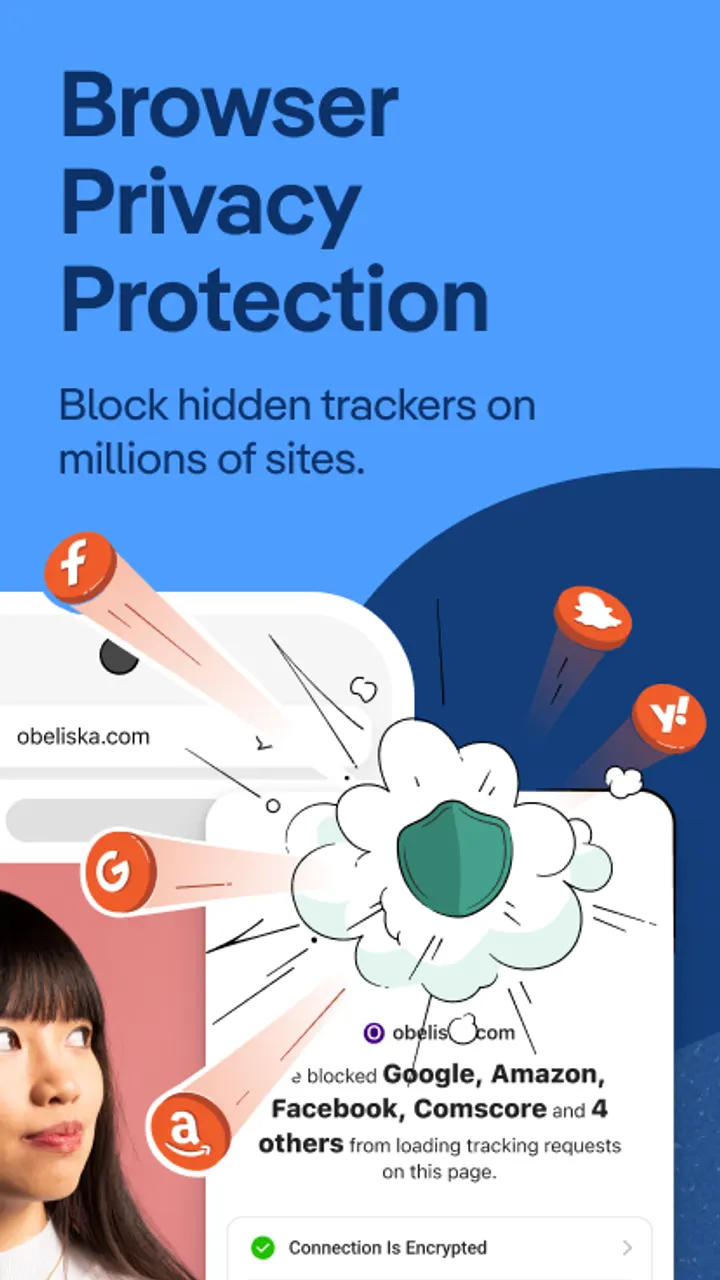
DuckDuckGo suits people who want privacy settings active from the first launch, not buried in menus. Search is built in and, per the developer, does not track queries. The browser also blocks most video ads and cookie pop-ups, so pages load with fewer interruptions.
The app needs Android 9 or newer and takes 92.9 MB. Google Play gives it a content rating of Everyone. The developer says it earns money from privacy-respecting search ads, and the app itself contains no ads.
Fire Button, App Tracking Protection and Duck.ai in practice
The Fire Button clears open tabs and browsing data in one step. Third-party tracker loading protection blocks most trackers before they load, and the browser forces many sites onto HTTPS. It also tries to block fingerprinting, which is the practice of combining browser and device details into a unique identifier.
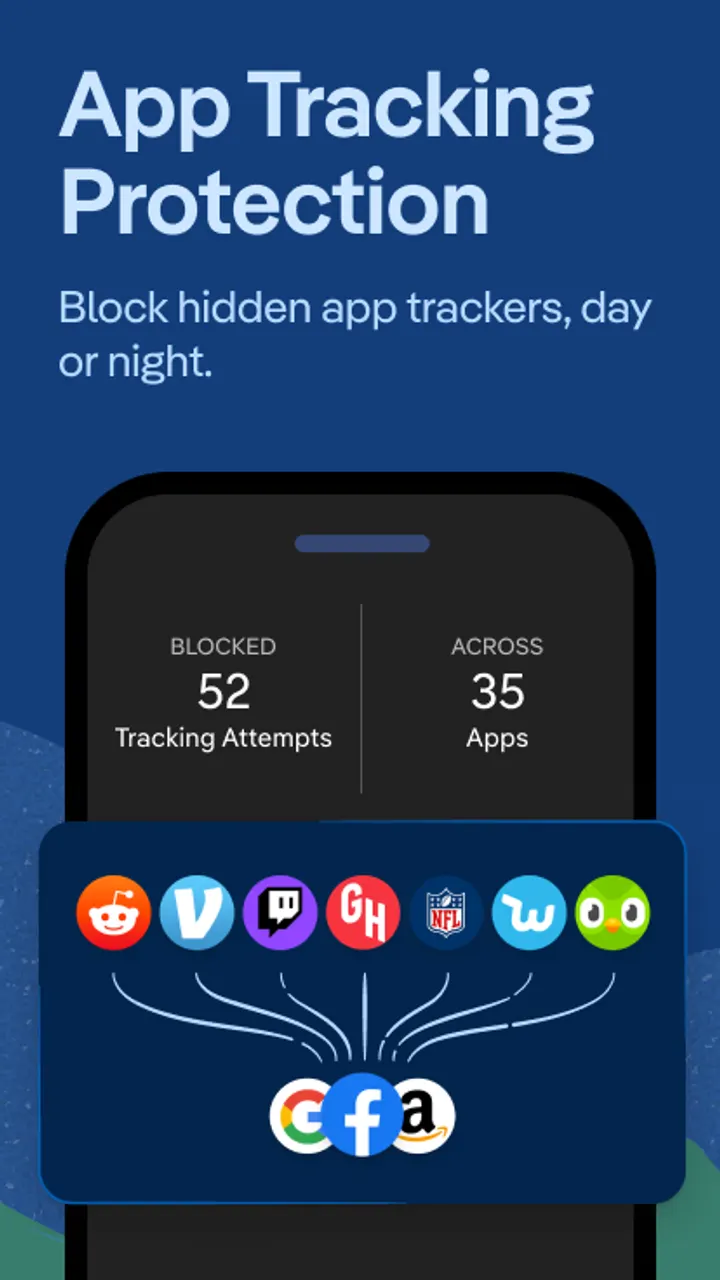
App Tracking Protection extends blocking to other apps on the phone. The developer states it uses a VPN connection but is not a VPN, works locally and does not collect personal data. Email Protection is optional and hides your address behind @duck.com addresses while blocking most email trackers.
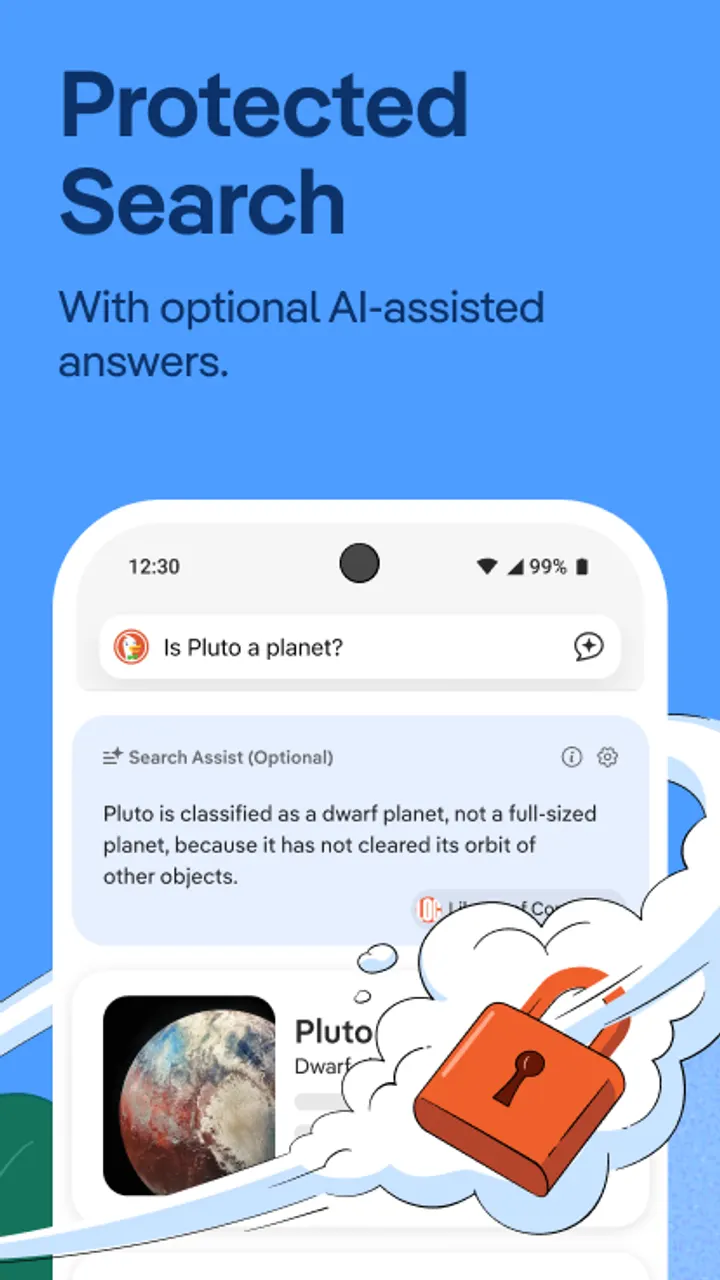
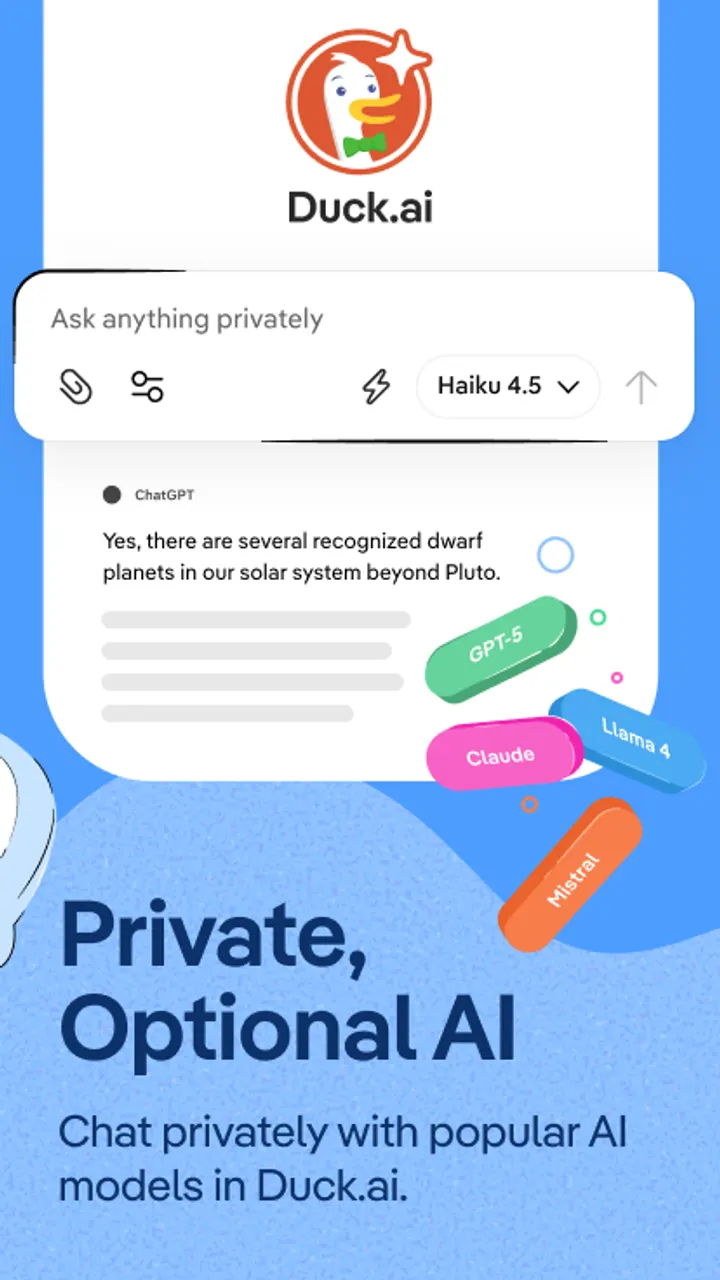
Duck.ai is the optional AI chat. According to the developer, conversations with third-party models are anonymized and not used to train AI. Search Assist is the other AI feature, and sync of encrypted bookmarks and passwords across devices is optional too.
Subscription extras and what stays behind the paywall
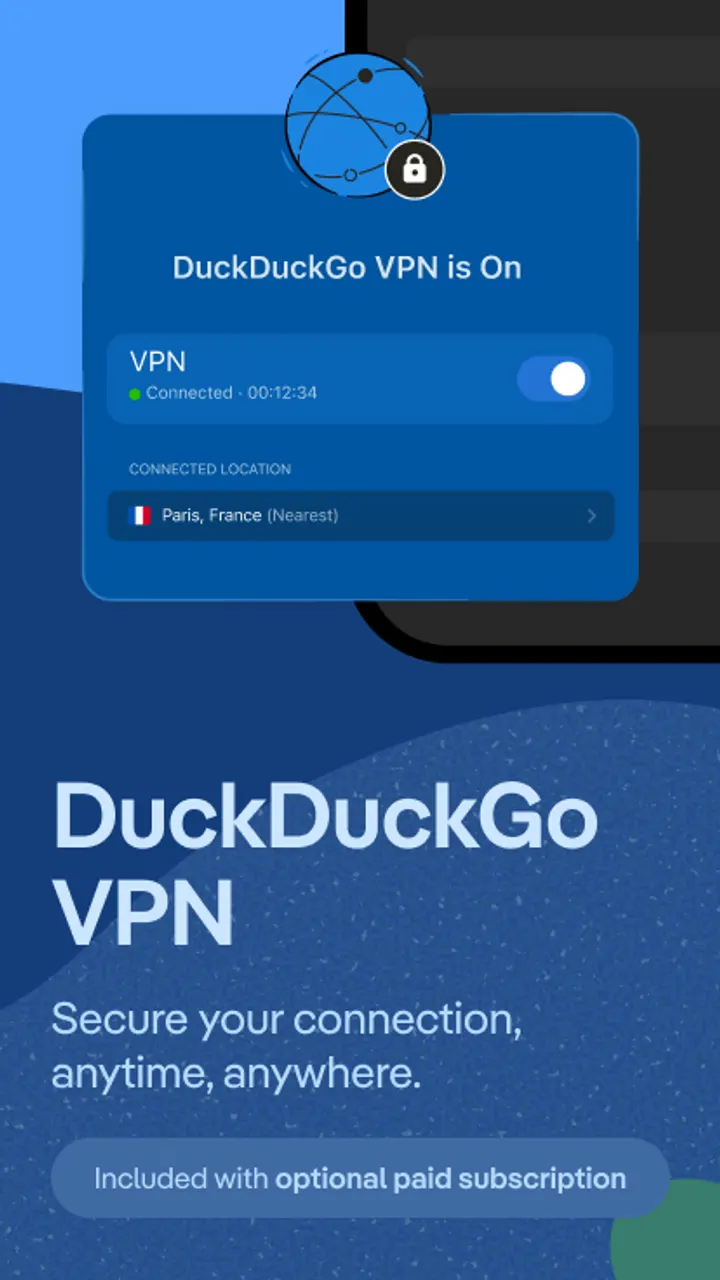
The browser is free, but the app offers in-app purchases. They cover the DuckDuckGo subscription. Subscribers get a VPN for up to 5 devices and advanced AI models in Duck.ai for complex tasks.
Two more items are included. Personal Information Removal finds and removes personal data from sites that sell it, and access is on desktop. Identity Theft Restoration offers help if your identity is stolen. Check the store page for subscription prices before buying.
The source is public under the Apache-2.0 license on GitHub, which lets you inspect how the app is built.
DuckDuckGo pros and cons
Pros
- No ads in the app, and the browser itself is free
- Built-in private search, tracker blocking and cookie pop-up handling
- Fire Button clears tabs and data in one step
- Open source under Apache-2.0 with code on GitHub
- Google Play rating of 4.7 from about 2.5 million ratings
Cons
- In-app purchases for the subscription that unlocks the VPN and advanced AI
- Personal Information Removal is accessed on desktop, not on the phone
- At 92.9 MB it is a fairly large download for a browser
- Version 5.299.0 has no published changelog
Is DuckDuckGo safe?
The unmodified APK has the SHA-256 checksum 6bee18a1b385f954ba9fc88960ec0b81dcebca045c40fc5e0a4e9b797f5171ba, so you can compare it with your download. DuckDuckGo publishes the Android source code on GitHub under the Apache-2.0 license. The browser itself shows no ads, while extras such as the VPN are sold through in-app purchases. Claims like Duck.ai never using your data to train AI come from the developer and have not been tested independently here.
How to install DuckDuckGo
- Download the APK with the button on this page and wait for it to finish.
- Compare the file with the SHA-256 checksum shown here if you want to confirm it arrived intact.
- Open the file on your phone and allow installs from this source when Android asks.
- Finish the install, then open DuckDuckGo from your app drawer.