
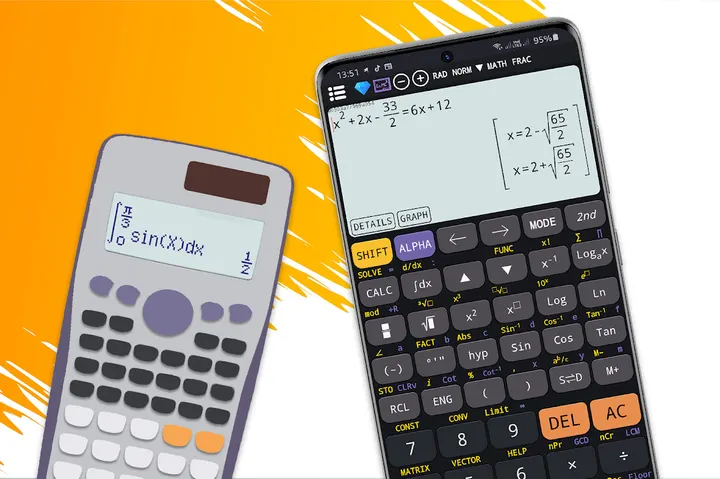
Scientific calculator plus 991 is a free Android calculator from SAMATICA EDUCATION TECHNOLOGY COMPANY LIMITED, built for students and engineering courses. It bundles several calculators in one app: basic 300 plus, advanced 115 plus, scientific 991 and 991 plus, and a graphing 84 plus. Android 7.0 or newer is required.
Who the 991 and 84 plus layouts suit
The app is aimed at school and university students, and engineering students in particular. Its keyboard layout follows the 300 es plus, 991 ex and es plus models, so anyone used to those physical calculators should find the keys familiar.
The content rating is Everyone, and the listing tags it under education.
Five calculators inside one app
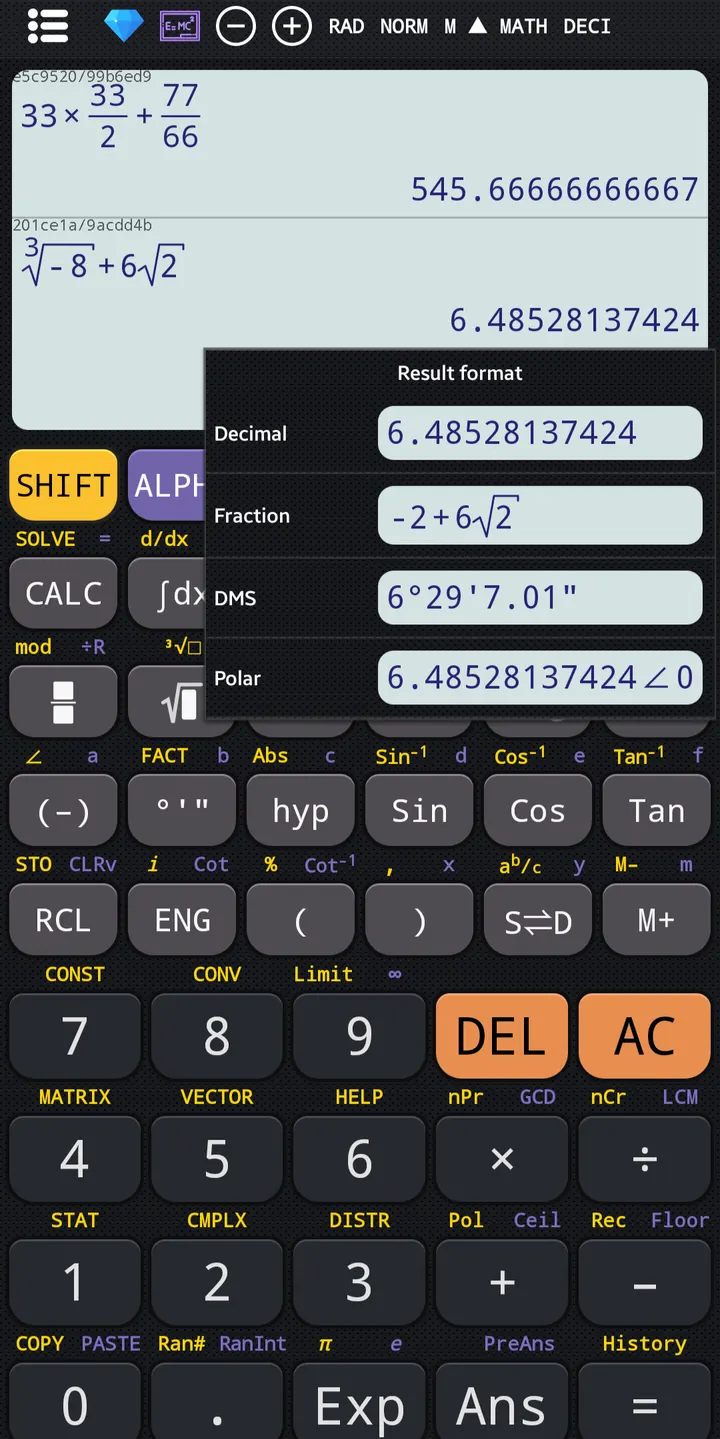
The package contains a basic 300 plus, an advanced 115 plus, a 991, a 991 plus and a graphing 84 plus. The basic mode covers percentages, powers, roots, trigonometry, logarithms and fraction conversion.
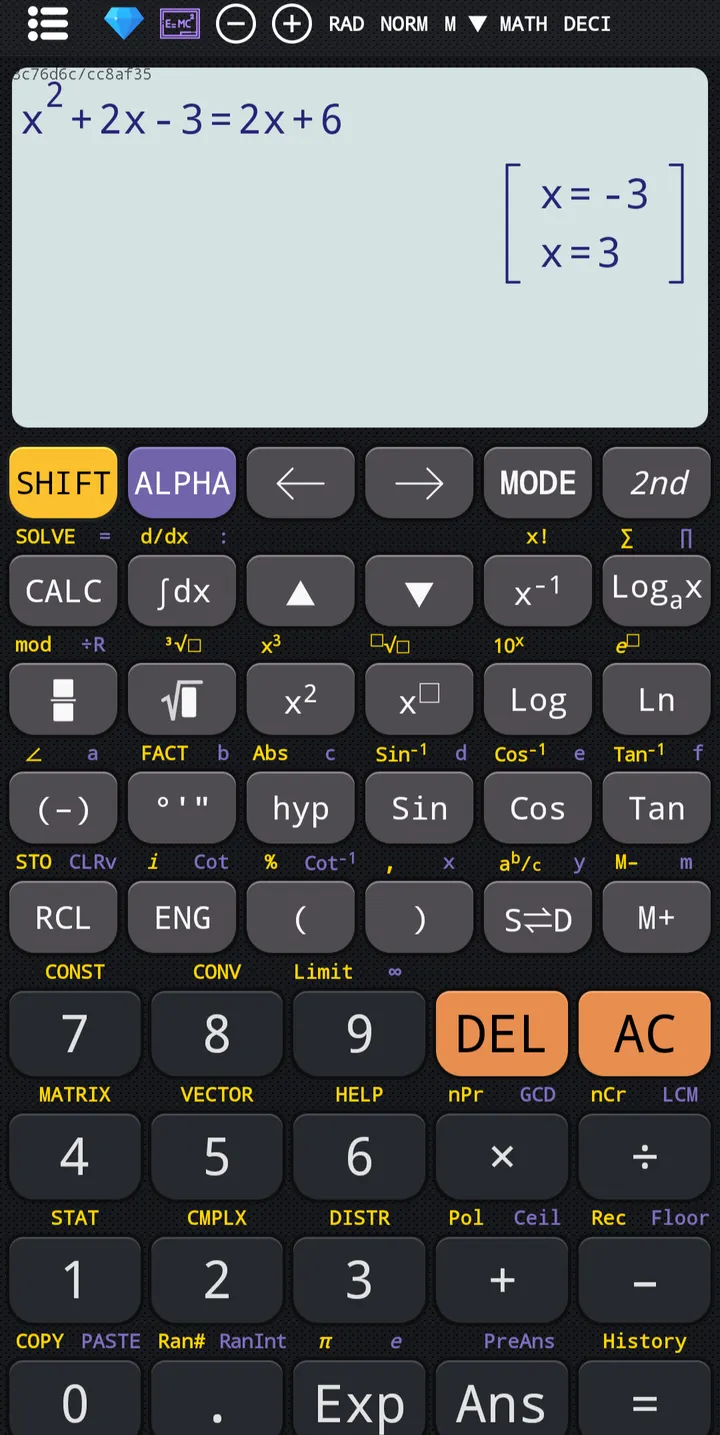
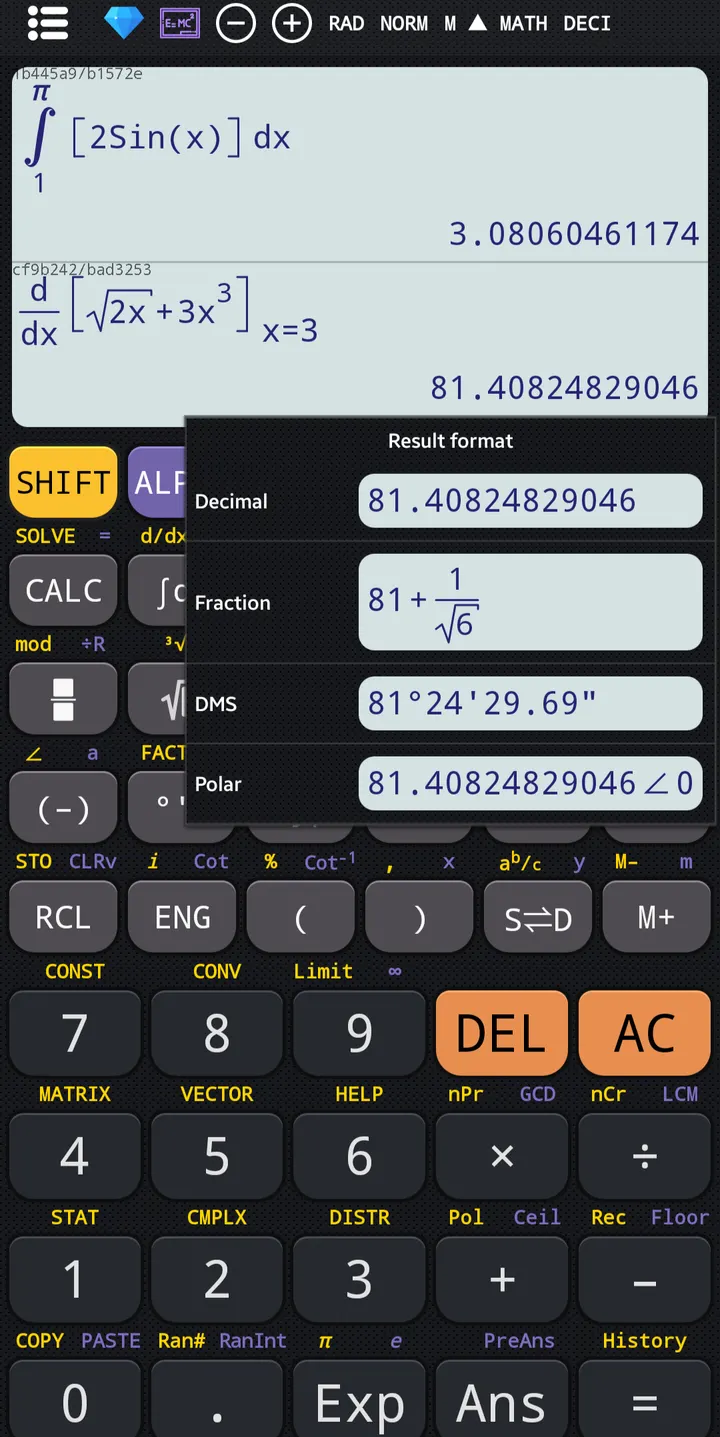
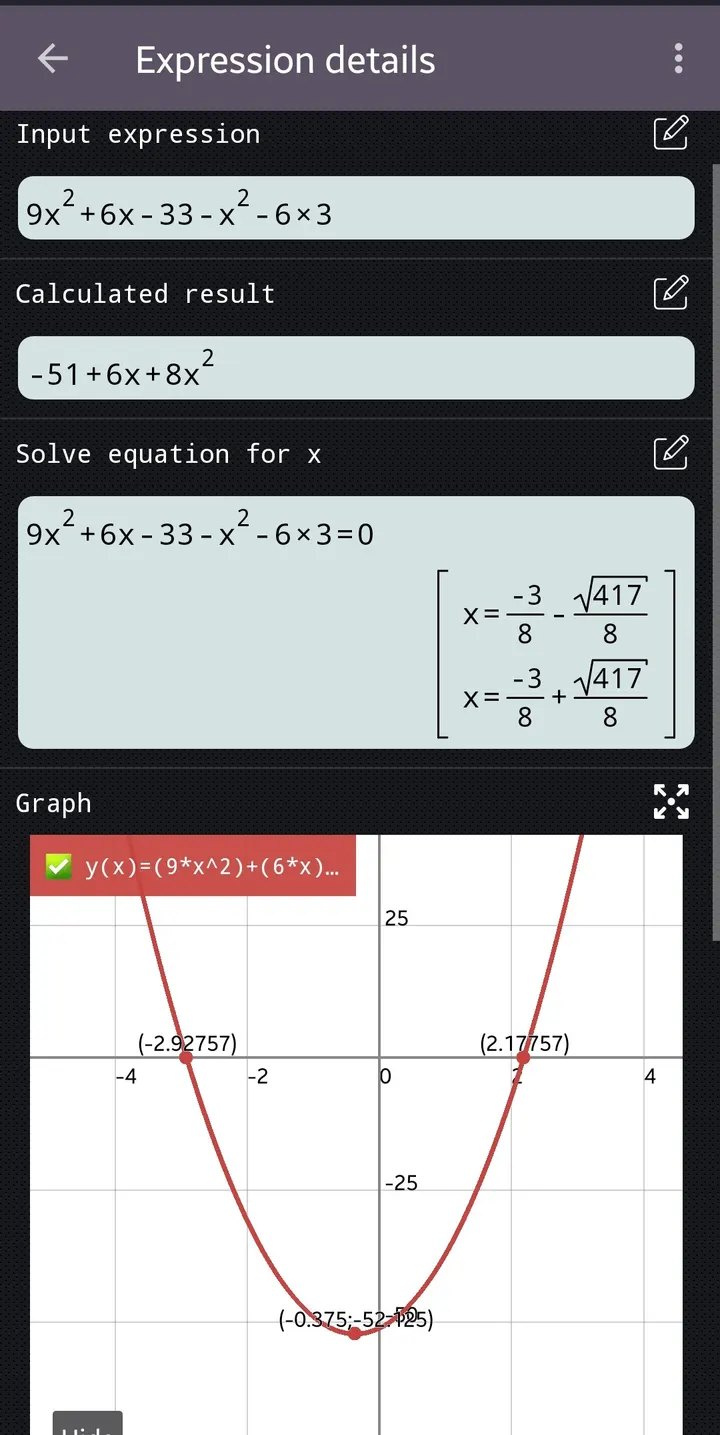
The 115 plus mode handles linear algebra, calculus, complex numbers, matrices and vectors, with results in rectangular or polar form. The 991 plus adds an equation solver for quadratic and cubic equations and systems of equations, plus derivatives and integrals. The 991 mode covers prime factors, GCD and LCM, combinations and permutations.
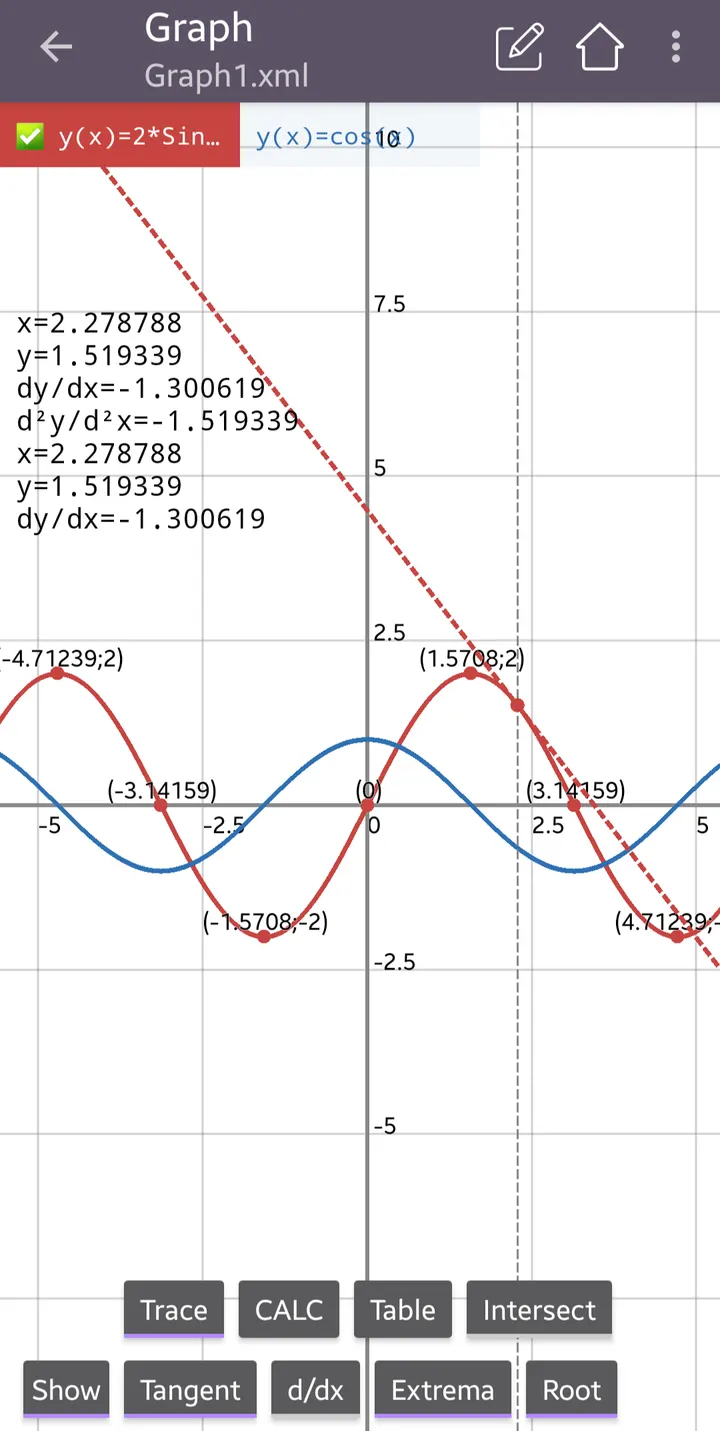
The graphing 84 plus plots function, polar, parametric and implicit graphs. It can draw tangents and find roots, minimums and maximums. The developer also lists a CAS for symbolic calculation, formulas for math and physics, unit conversion, themes and fonts.
Ads and in-app purchases in a free download
You can install it for free, though it carries both ads and in-app purchases. Which features are locked behind a purchase, and how often ads appear, is not described here.
The current version is 7.6.9.690, last updated on October 22, 2026. The app first came out on April 30, 2020.
Scientific calculator plus 991 pros and cons
Pros
- Five calculator modes in one install, from basic 300 plus to graphing 84 plus
- Equation solver covers quadratic and cubic equations and systems
- Graphing supports polar, parametric and implicit functions
- Free to download, with a 4.8 Google Play rating from 565.6 thousand ratings
- Keyboard layout follows 991 ex and 300 es plus calculators
Cons
- Contains ads
- Contains in-app purchases
- Version history is not published for the current release
Is Scientific calculator plus 991 safe?
Scientific calculator plus 991 shows ads and sells in-app purchases, though the app itself costs nothing. Its content rating is Everyone, and the version described here is 7.6.9.690, which needs Android 7.0 or newer. Review the permission list on its store page before you use it.
How to install Scientific calculator plus 991
- Press the Google Play button on this page.
- Check the listing in the Play Store and press Install.
- Open Scientific calculator plus 991 when the install finishes. Updates arrive through Google Play.


