
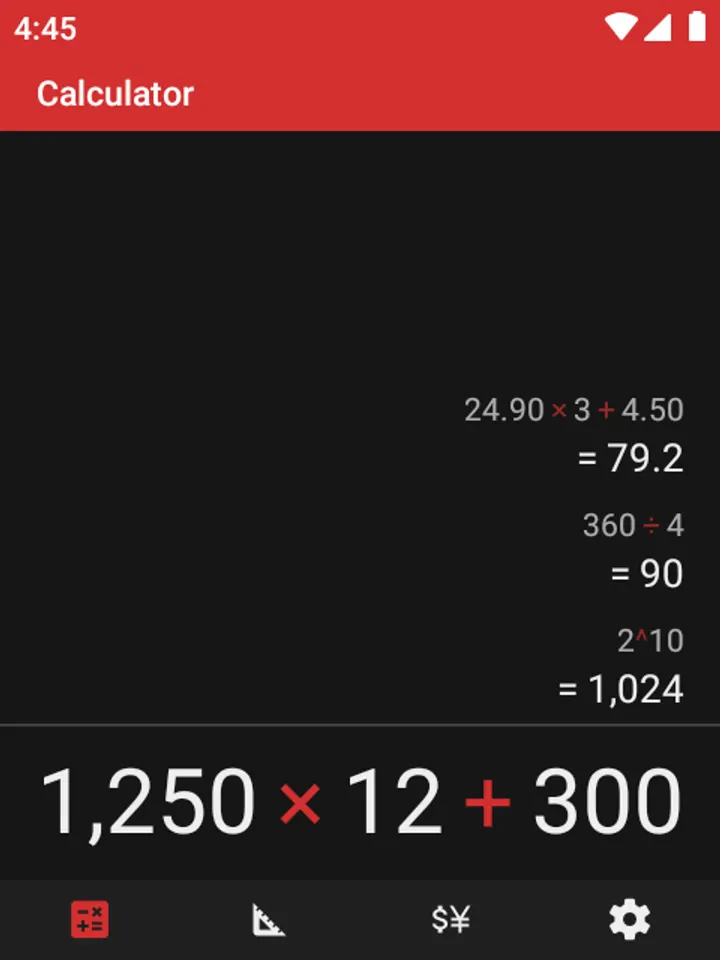
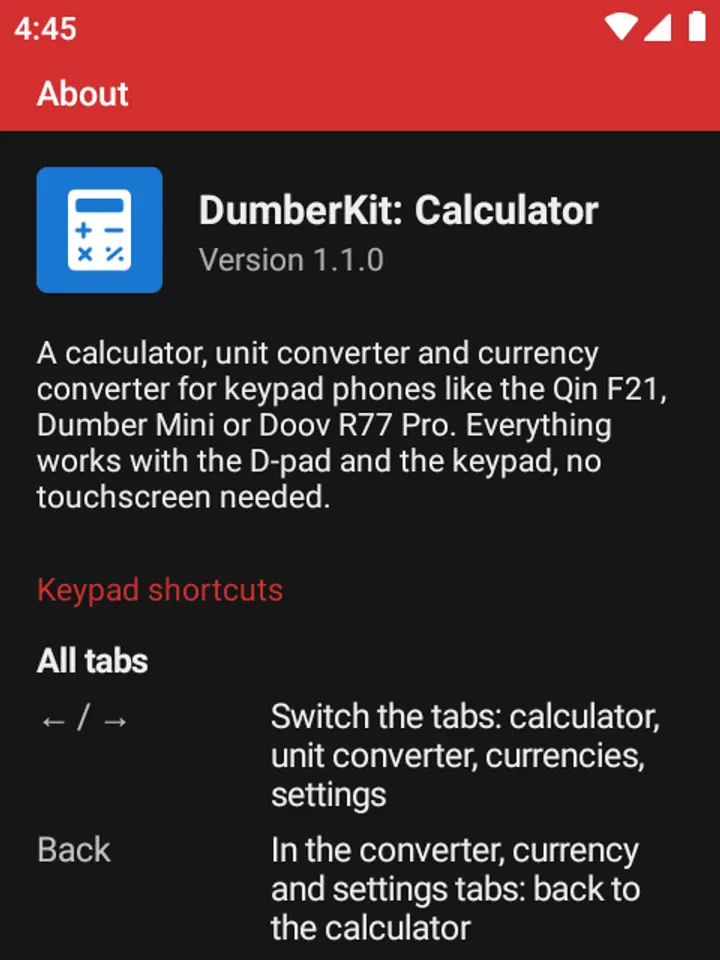
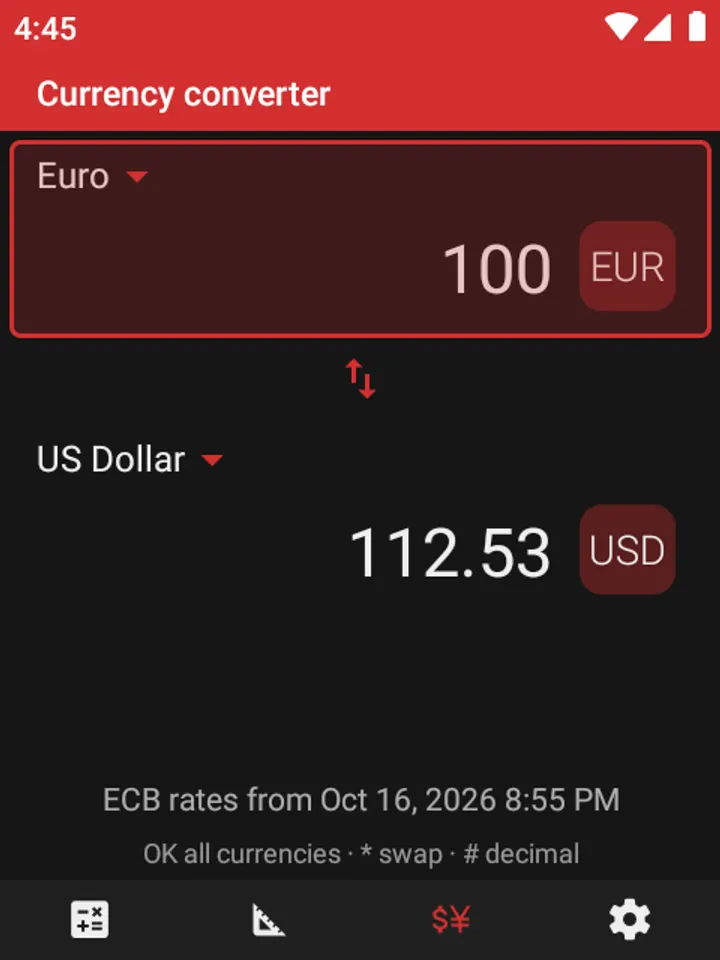
Samsung Calculator and ClevCalc both assume a touchscreen with buttons to tap. DumberKit drops the buttons entirely and takes input from the physical keypad, which is the whole point for phones like the Qin F21, Dumber Mini or Doov R77 Pro. The app is free, has no ads, and the build we host is the unmodified APK, version 1.1.0, released on October 14, 2026.
Why a keypad phone needs its own calculator
Most calculator apps expect a finger on a glass screen. On a keypad phone that leaves you hunting for awkward focus movements, or pressing the wrong thing through a pocket touch. DumberKit switches touch off inside the app, so nothing gets pressed by accident while the phone sits in a pocket.
The developer, lbockaj, built it on Fossify Calculator and took the keypad input idea from Calc-U-Later. The result is an app where you type the sum directly and press OK or Call to see the answer.
How the keys map to operators, symbols and history
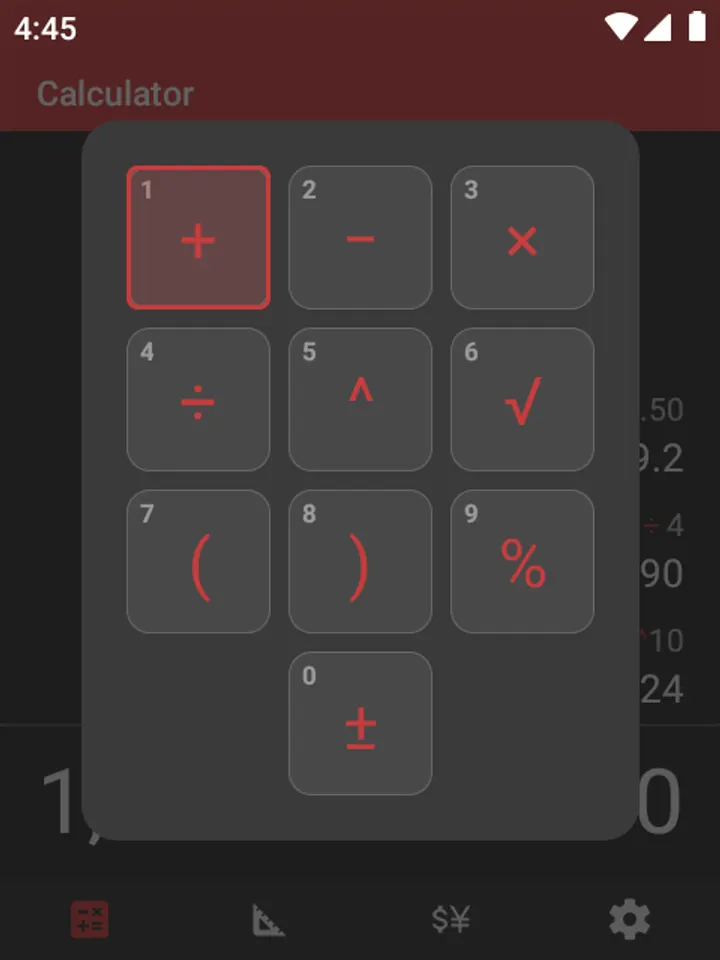
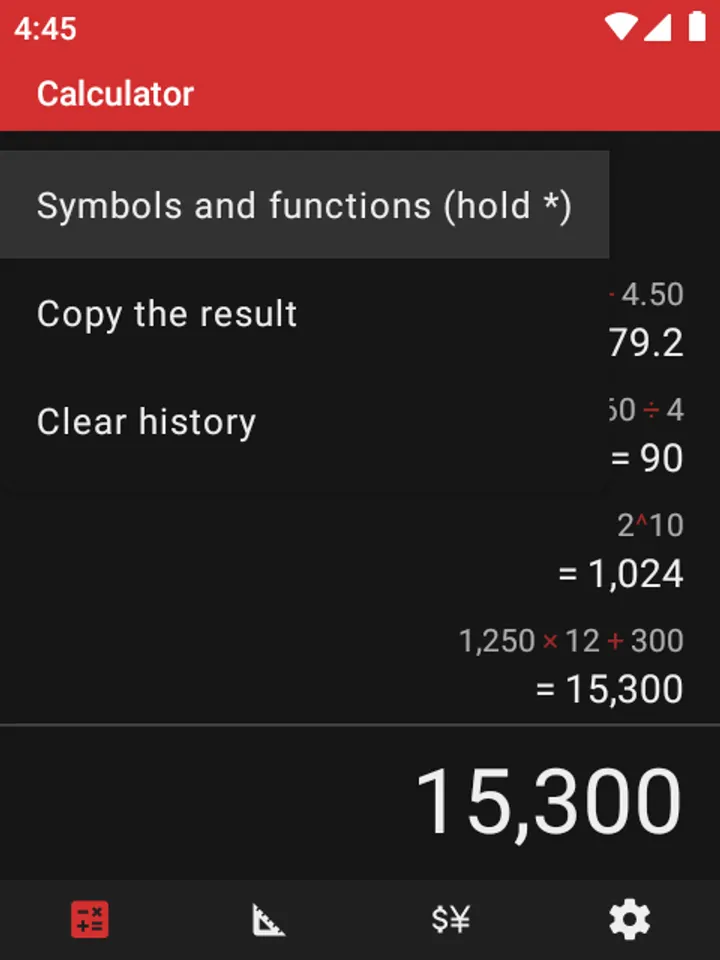
Digits 0 to 9 type numbers, and # inserts the decimal point. The * key adds an operator, and pressing it again cycles to the next one among +, −, × and ÷. Holding * opens a palette of extra symbols laid out like the keypad: ^, √, parentheses, % and ±.
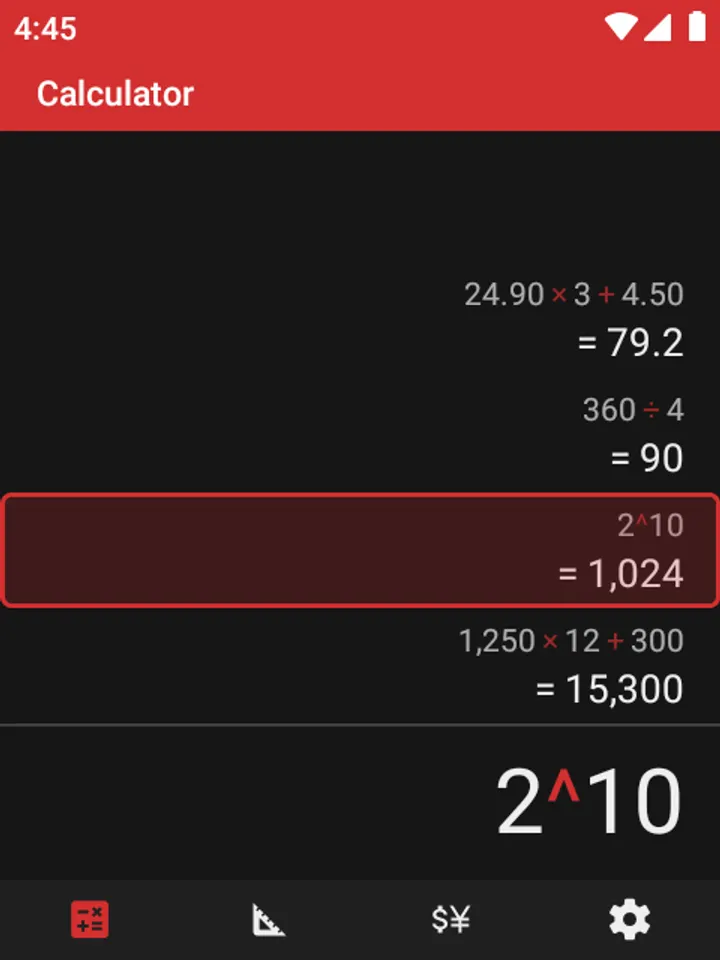
Back deletes the last character, and holding it clears everything. The up and down keys step through a history that works like a paper tape and is cleared when you close the app. Left and right switch between Calculator, Unit converter, Currency converter and Settings.
The calculator follows the usual order of operations and handles decimals exactly, so 0.1 + 0.2 gives 0.3.
Unit and ECB currency converters
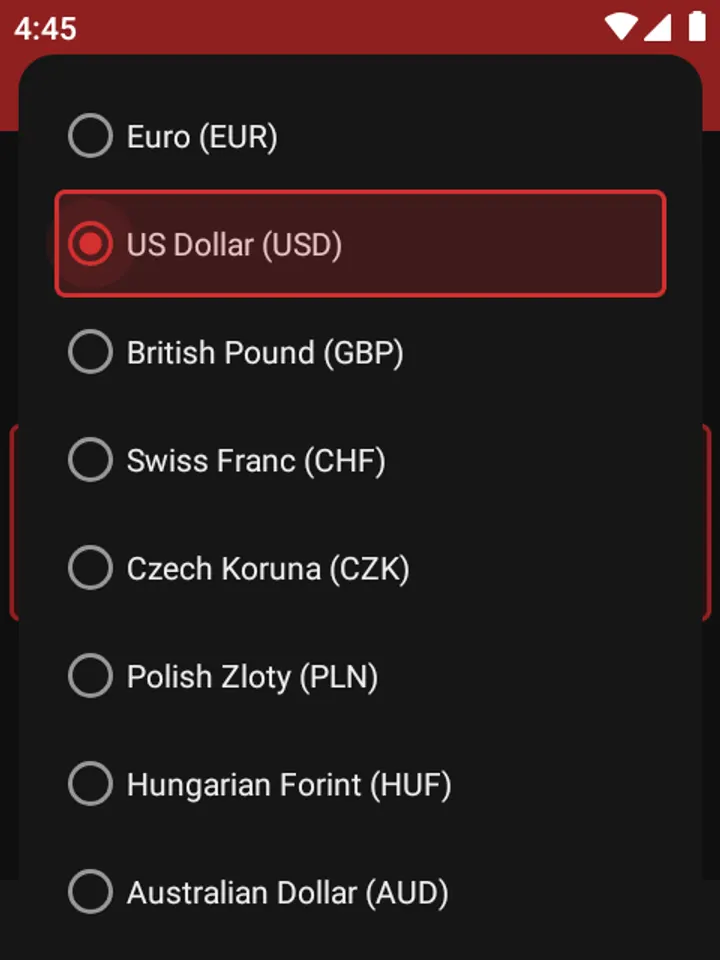
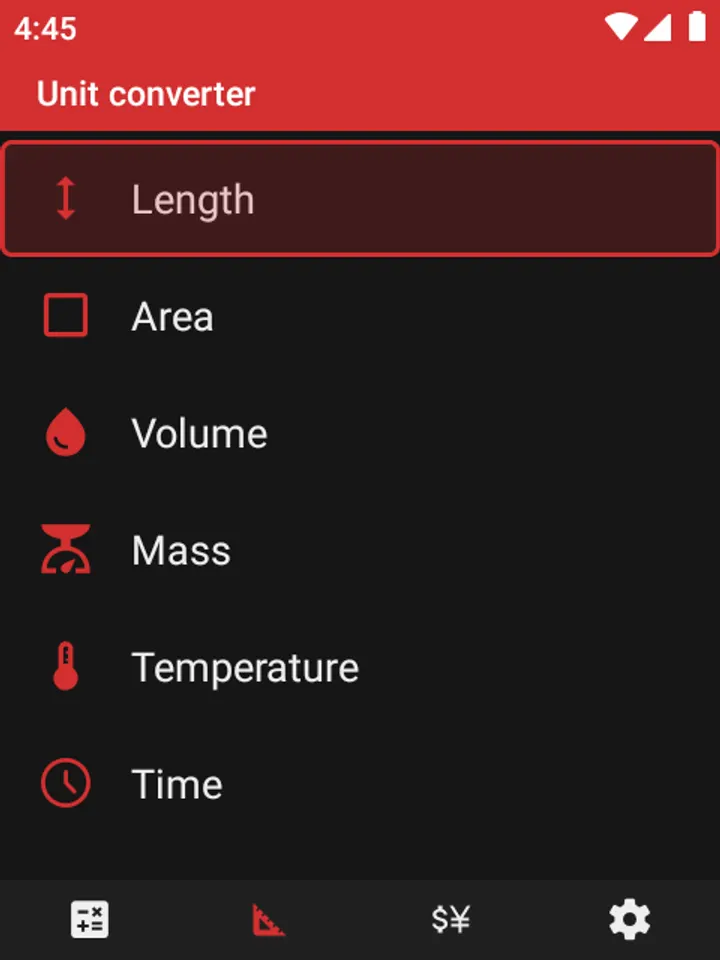
The unit converter covers length, area, volume, mass, temperature, time, speed, pressure and energy, and works in both directions. The currency converter lists about 30 currencies at the European Central Bank's rates. It keeps working offline using the last rates it downloaded.
You can copy a result, or send a converted value over to the calculator. Themes include system, light, dark, dark red and custom, with a color picker made for keypad use and a choice of icon color.
What to check before installing
The app needs Android 8.0 or newer and takes up 3 MB. It is built for keypad input, so a standard touchscreen phone is a poor fit. Internet access is used only to fetch currency rates.
The file is hosted unmodified with SHA-256 checksum dfcc7cb5138e6cb16fd5b95391550eb0113ae02a4449560ba3285f4180f7f63f, which you can compare against your download. Source code is on GitHub at lbockaj/DumberKit-Calculator.
What's new in 1.1.0
Version 1.1.0 was updated on October 22, 2026, after the first release on October 14, 2026.
DumberKit pros and cons
Pros
- No ads and no tracking; internet is used only for ECB currency rates
- Touch is disabled in the app, which prevents pocket presses
- Unit converter covers nine measurement types in both directions
- Currency converter with about 30 currencies works offline on the last rates
- Open source under GPL-3.0-only and just 3 MB
Cons
- Designed for keypad phones, so it suits touchscreens poorly
- History is cleared whenever the app is closed
- Currency rates come from the ECB only, and offline use relies on the last downloaded set
Is DumberKit safe?
The APK is stored here unmodified, so you can compare its SHA-256 checksum (dfcc7cb5138e6cb16fd5b95391550eb0113ae02a4449560ba3285f4180f7f63f) with the file you download. DumberKit is published by lbockaj under GPL-3.0-only, and the full source code is on GitHub at https://github.com/lbockaj/DumberKit-Calculator, so anyone can read what it does. It shows no ads and costs nothing.
How to install DumberKit
- Download the APK with the button on this page and wait for it to finish.
- Compare the file with the SHA-256 checksum shown here if you want to confirm it arrived intact.
- Open the file on your phone and allow installs from this source when Android asks.
- Finish the install, then open DumberKit from your app drawer.


