NerdCalci is for people who want a calculator that behaves like a text editor: developers, students, and anyone who keeps running totals and reuses values. It is a free Android app at version 4.9.8, with no ads and a download size of 2.1 MB. TopDown APK hosts the unmodified APK.
Open-source project by Vishal Telangre
NerdCalci comes from developer Vishal Telangre, who publishes the source on GitHub at github.com/vishaltelangre/NerdCalci under GPL-3.0-or-later, so the code can be read, modified and redistributed under those terms. Its package ID is com.vishaltelangre.nerdcalci.
The first release was on March 6, 2026, and the latest update is dated October 14, 2026. It is listed under calculators with science and education tags. Variables, unit conversions, percentage phrases like "15% off 1000", custom functions and syntax highlighting make it a fit for people who want more than basic arithmetic.
Variables, units, dates and custom functions
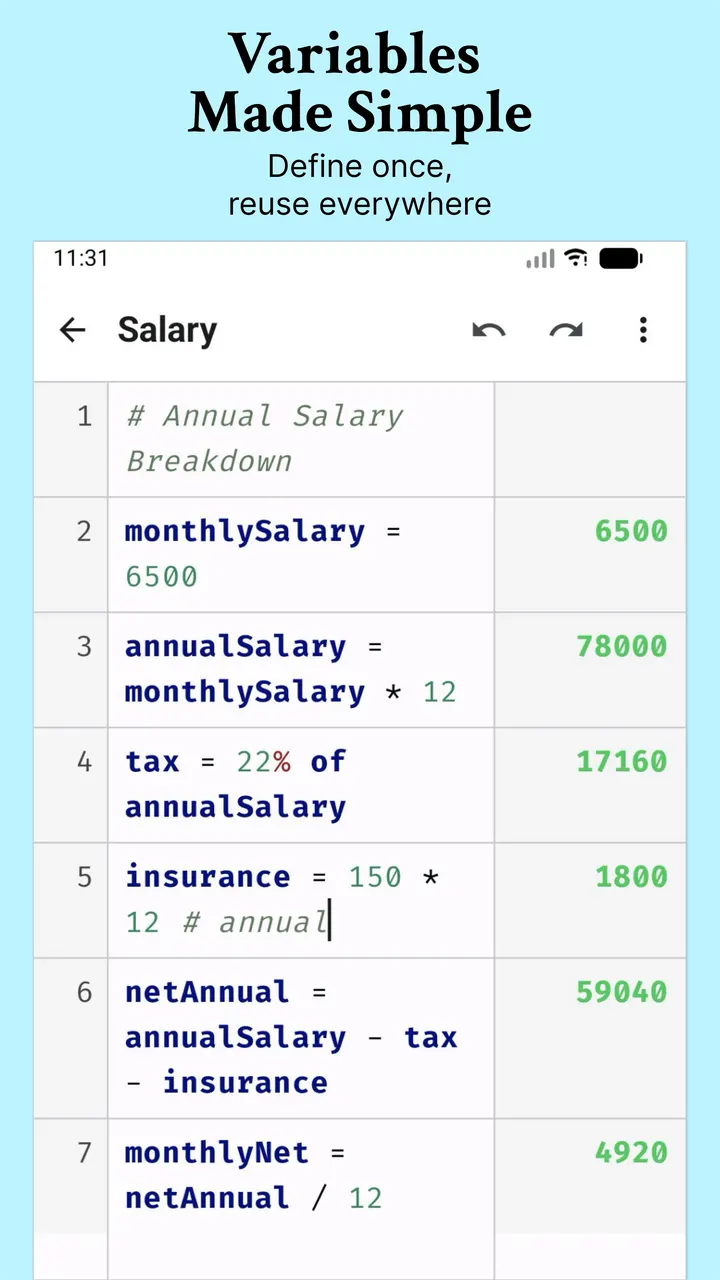
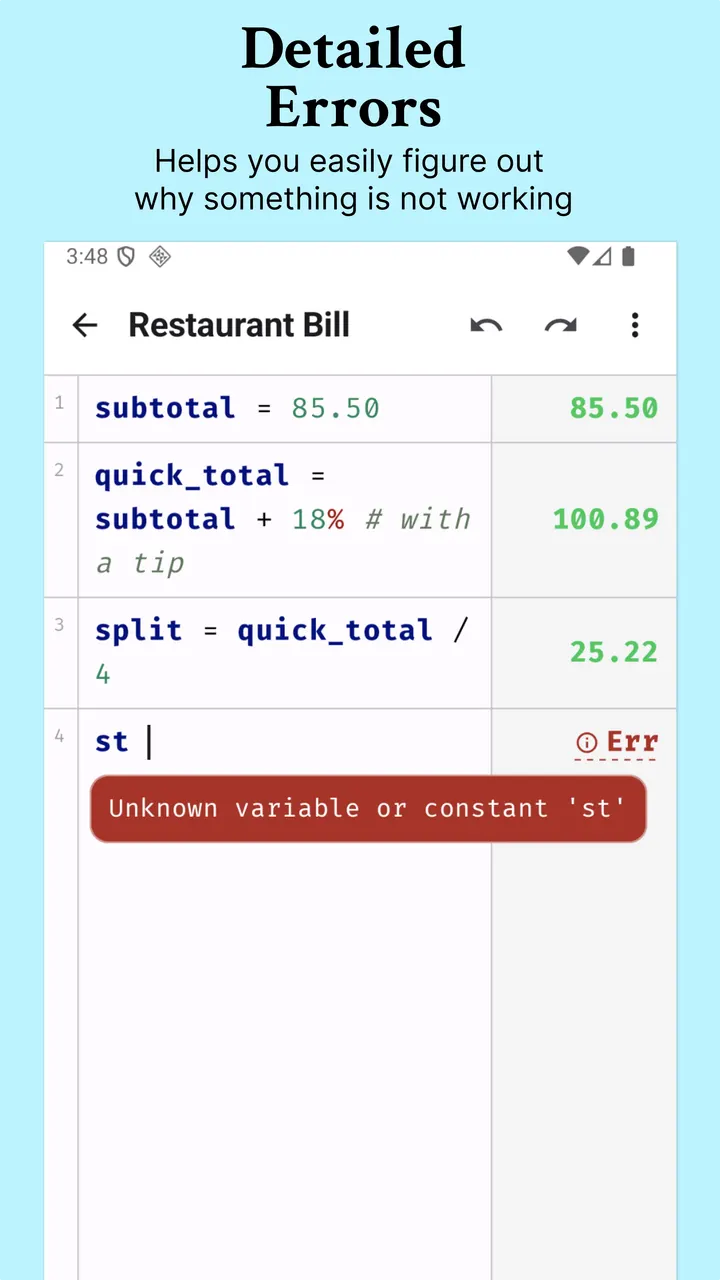
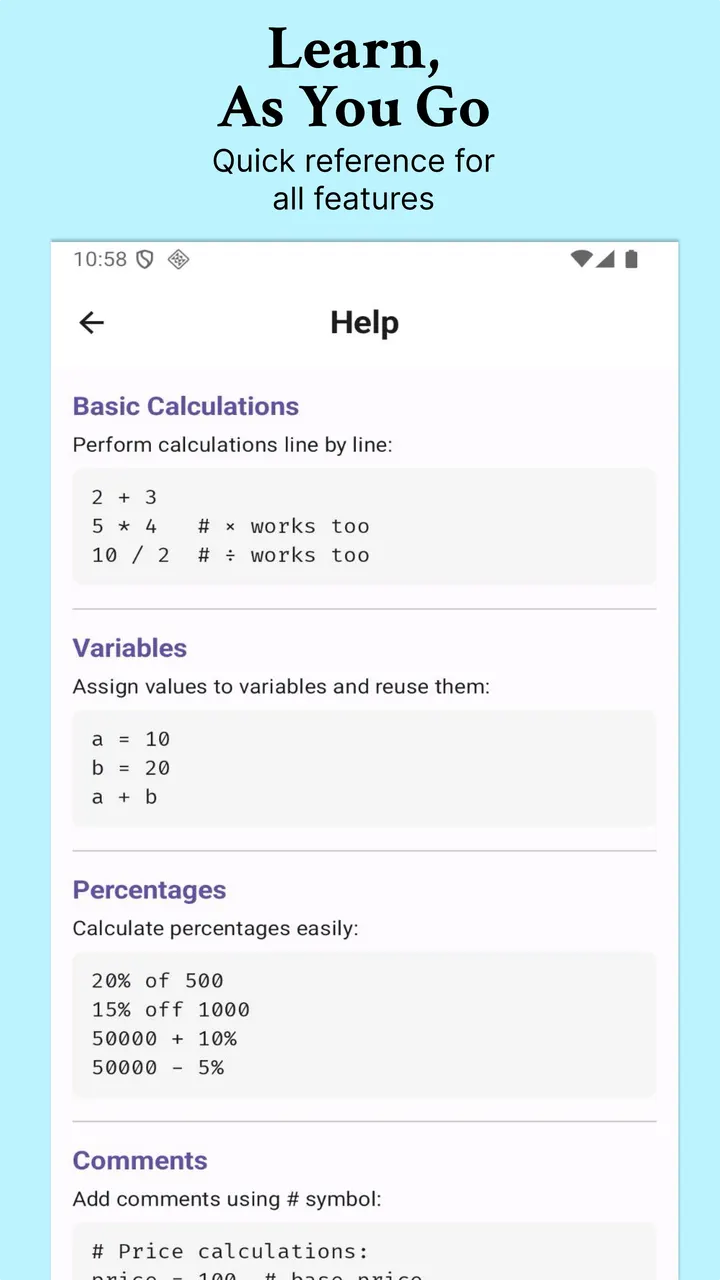
You type calculations as lines of text and define variables you can reuse in later lines. Percentages use natural phrasing such as "20% of 50000" or "15% off 1000". Unit conversions read the same way, for example "10 m in feet" or "100 kmph to mph".
The app also includes a calendar-aware date and time engine with timezone support. You can write custom functions with several statements and isolated scope. Two dynamic variables, total and avg, compute the sum and average of a block of lines.
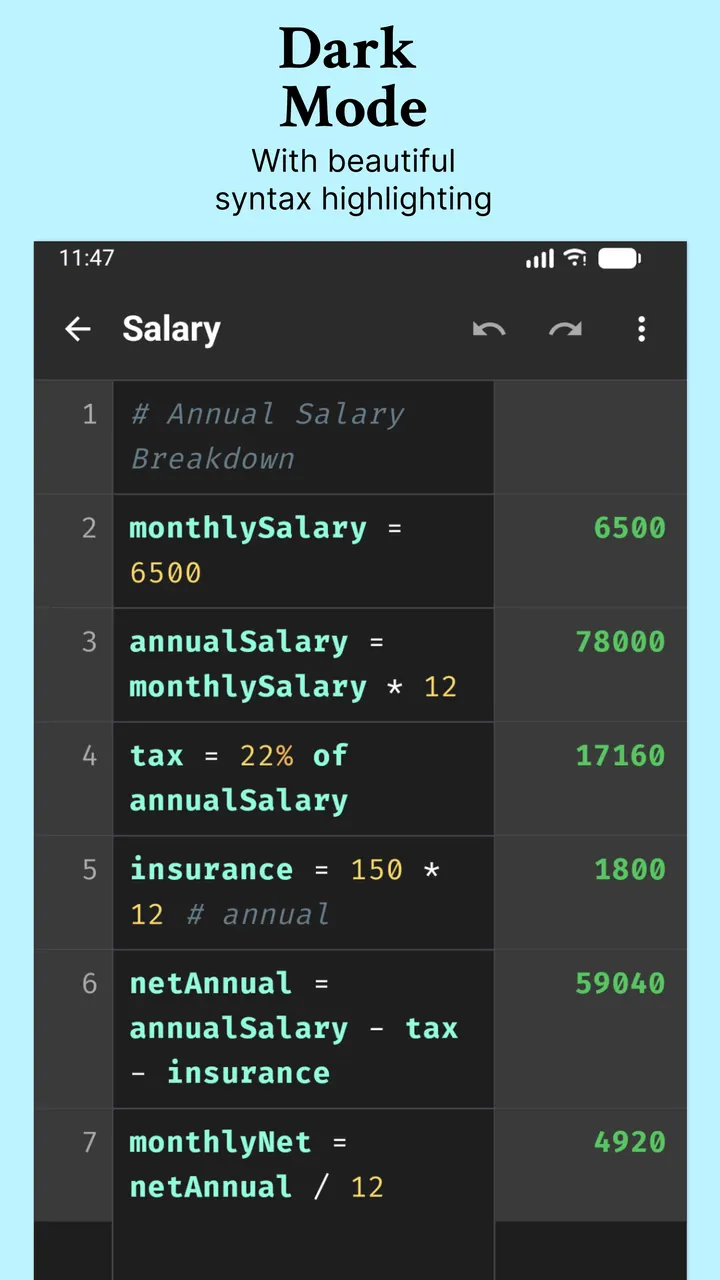
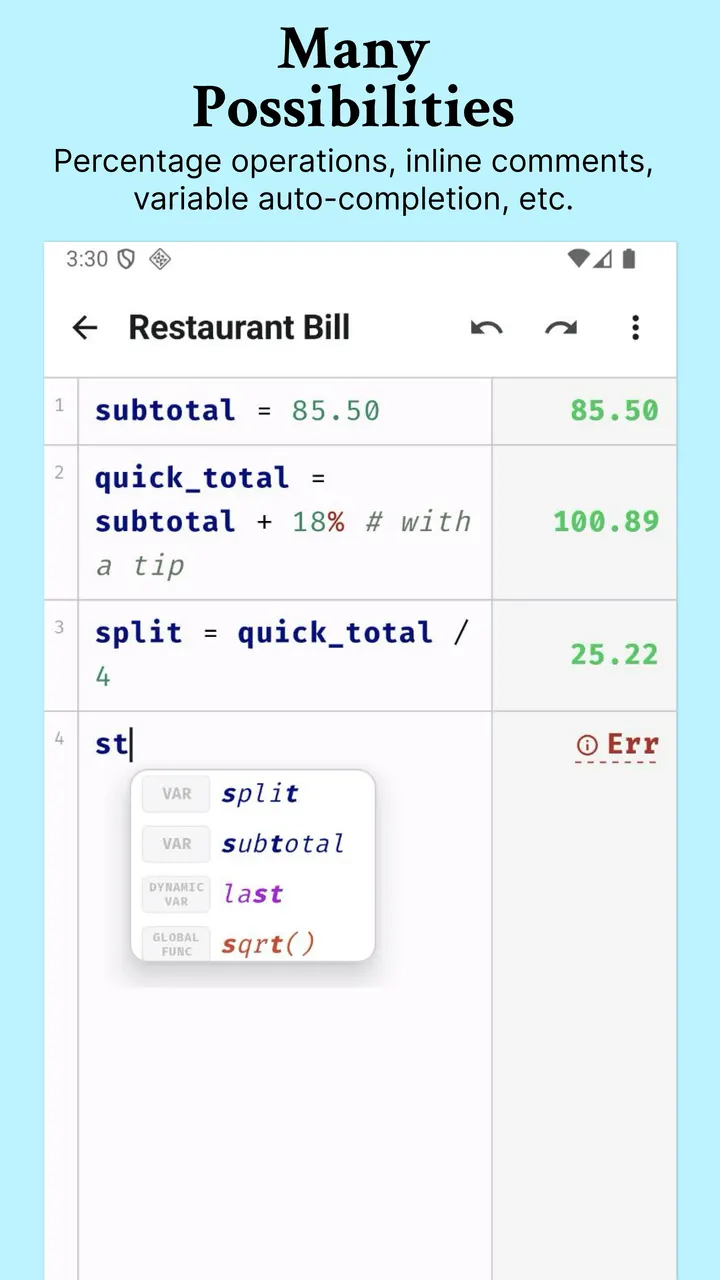
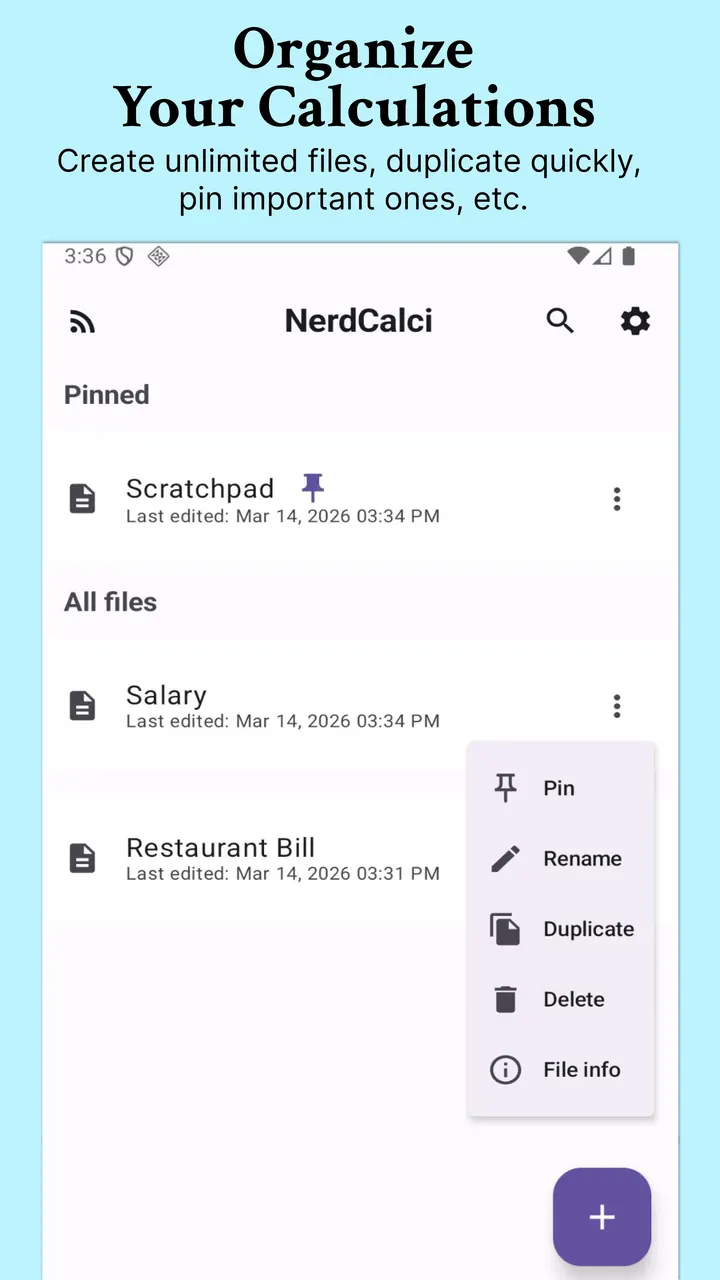
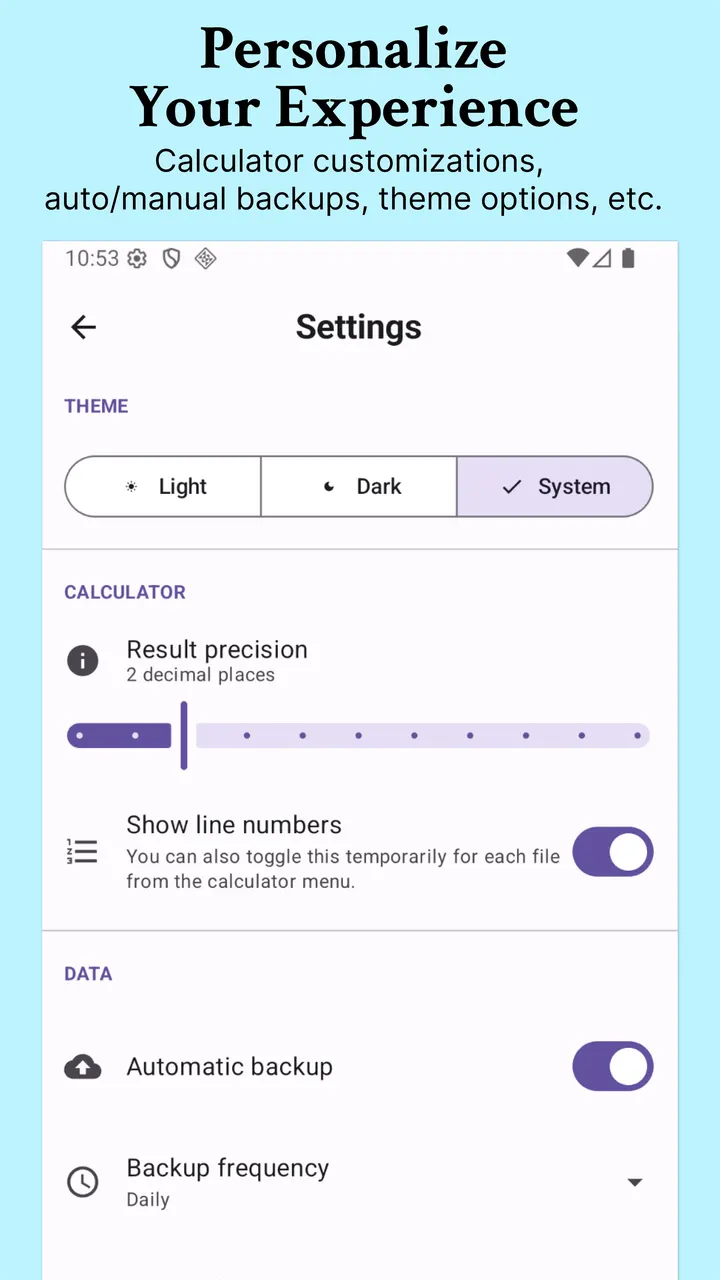
Around the calculator sit editor features: syntax highlighting, error explanations, auto-completion for variable names, and # comments. Work is stored in multiple files with auto-save, tags, pinning, search and duplication. Each file keeps up to 30 undo steps. You can back up files to app storage or a custom folder, and export results as a PNG image or a multi-page PDF. Theme options cover system, dark and light.
All of it works offline.
Android 6.0 and a 2.1 MB install
NerdCalci needs Android 6.0 or newer, so older phones are covered along with current ones. At 2.1 MB it is small for an app with this many editing tools.
It costs nothing and shows no ads.
What's new in 4.9.8
The app was last updated on October 14, 2026, and the current version is 4.9.8.
NerdCalci pros and cons
Pros
- Free with no ads, under the GPL-3.0-or-later licence
- Natural-language percentages and unit conversions such as "100 kmph to mph"
- Custom functions with multi-statement support and scope isolation
- Works offline and installs at only 2.1 MB
- Exports calculations as a PNG image or multi-page PDF
Cons
- Text-based input takes some learning compared with a standard keypad calculator
- Google Play rating and install count are not available for this app
- Version 4.9.8 is the current release
Is NerdCalci safe?
The APK is kept unmodified alongside its SHA-256 checksum, ac2f569045bc818bc9af6c906d94d58dc2b5063587dbc66f59bc296d5e0807a1. Compare it with your downloaded file to confirm they match. The source is published under GPL-3.0-or-later, so anyone can read how NerdCalci parses expressions, variables and unit conversions. It has no ads and costs nothing.
How to install NerdCalci
- Download the APK with the button on this page and wait for it to finish.
- Compare the file with the SHA-256 checksum shown here if you want to confirm it arrived intact.
- Open the file on your phone and allow installs from this source when Android asks.
- Finish the install, then open NerdCalci from your app drawer.


