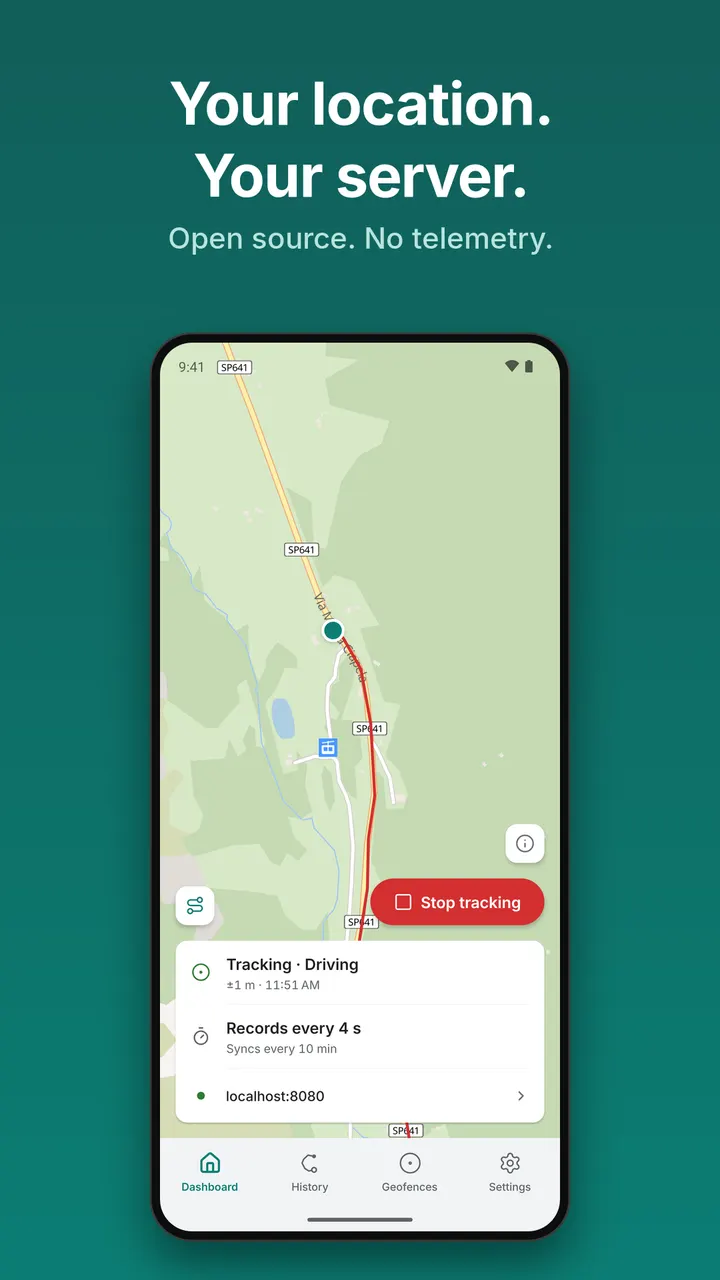
Life360 shares location through a company service, while Colota sends it only to a server you run yourself. It is an open-source GPS tracker from developer Max Dietrich, free and without ads. This page covers the project, its main functions and the Android requirements for version 1.21.1.
Max Dietrich's AGPL-licensed tracker
Colota is developed by Max Dietrich, with a project site at colota.app and public source code on GitHub. The licence is AGPL-3.0-only, so anyone can read the code behind the app. The first release was on April 29, 2026, and the latest update is dated October 31, 2026.
The app sits in the GPS and navigation category and carries tags for open source, offline use and location tracking and sharing. The developer says it uses no analytics, no telemetry and no third-party SDKs. The FOSS variant relies on Android's native LocationManager and has no Google Play Services dependency.
Backends, offline queues and trip history
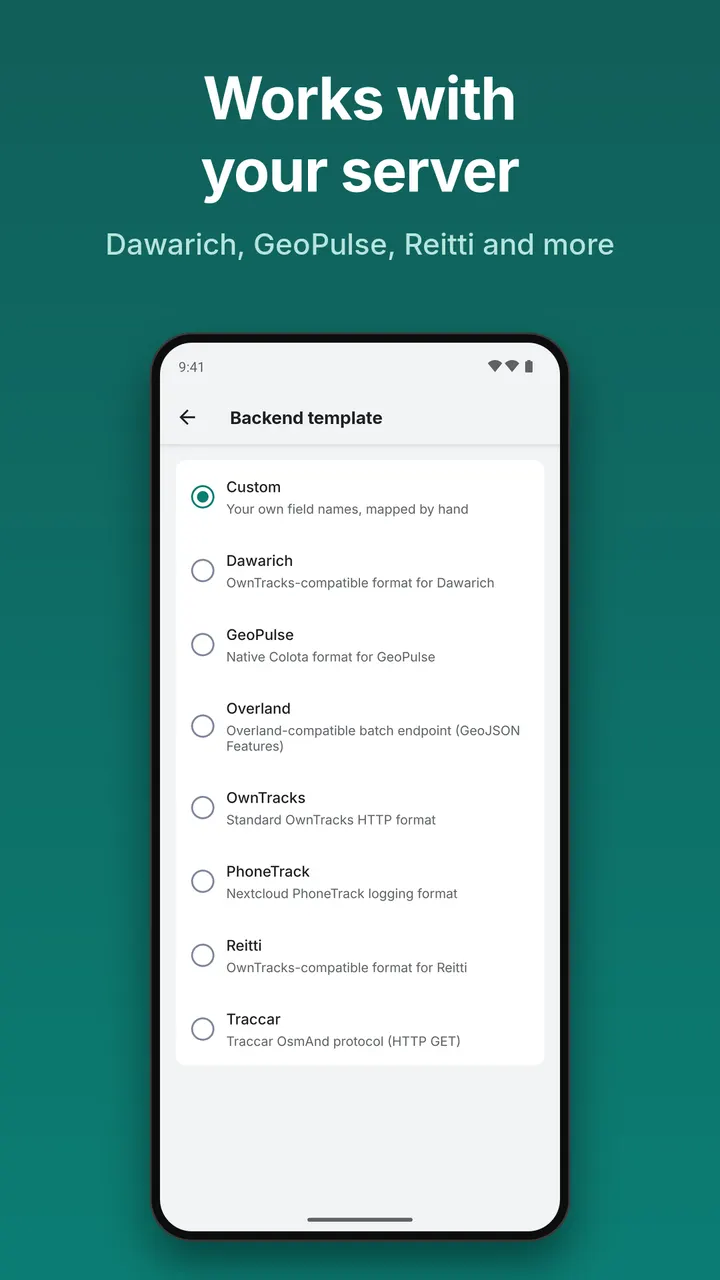
Colota posts locations as JSON over HTTP(S). Compatible targets include Dawarich, GeoPulse, Home Assistant, OwnTracks, Overland, PhoneTrack, Reitti and Traccar, plus any custom backend that accepts JSON. Authentication options include Basic Auth, Bearer tokens, client certificates (mTLS) and custom headers.
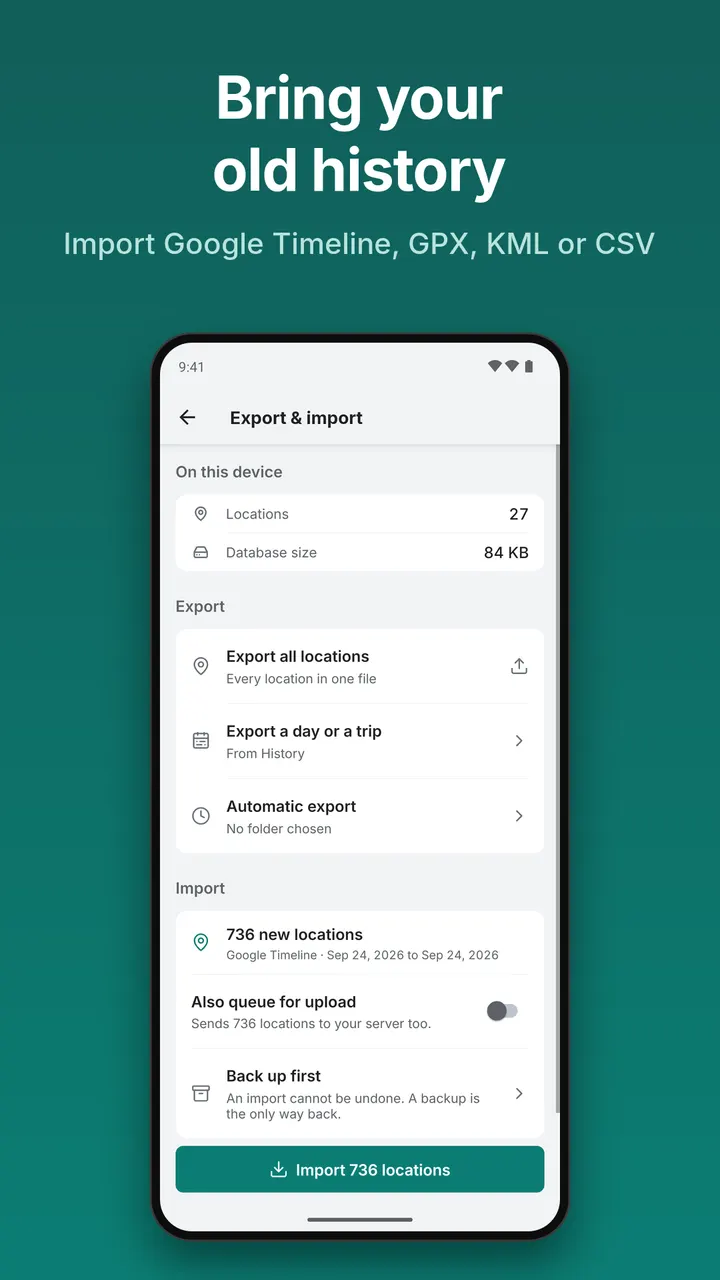
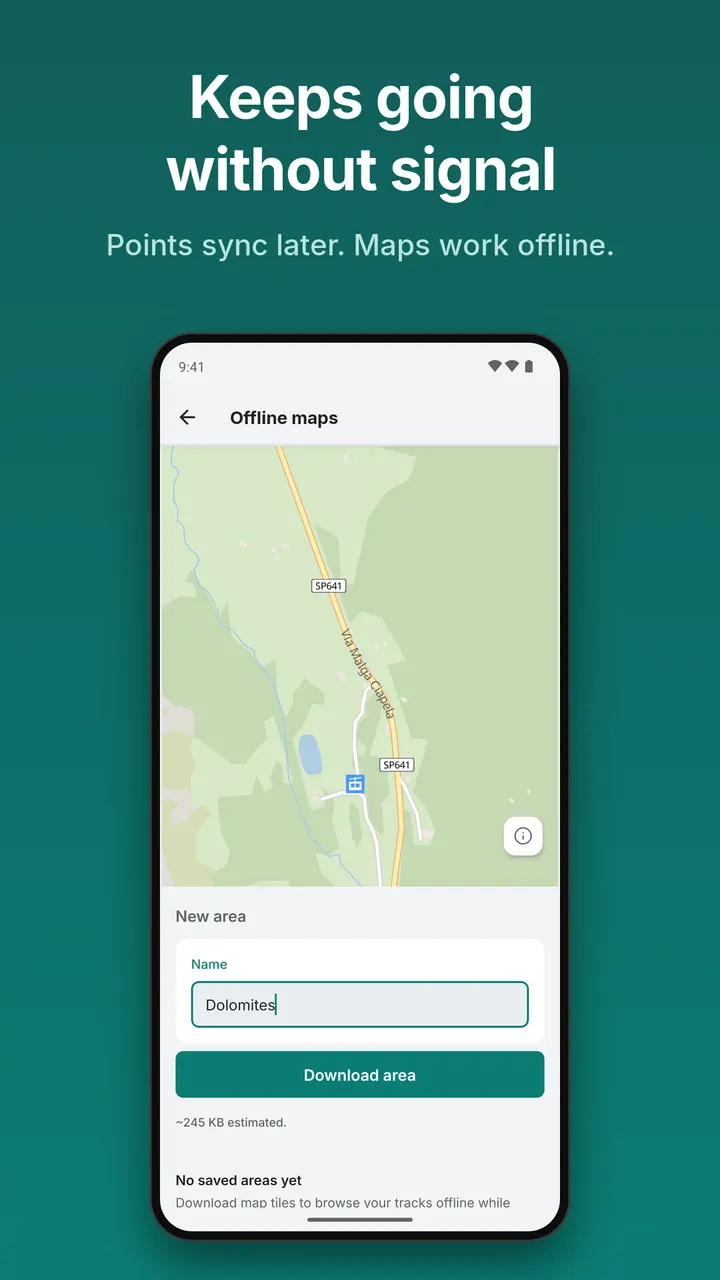
Without a server, the app still works. Locations are queued on the device and synced once a connection returns, and data can be exported as CSV, GeoJSON, GPX or KML. Offline map areas can be downloaded, and exports can run daily, weekly or monthly to a local folder with file retention.
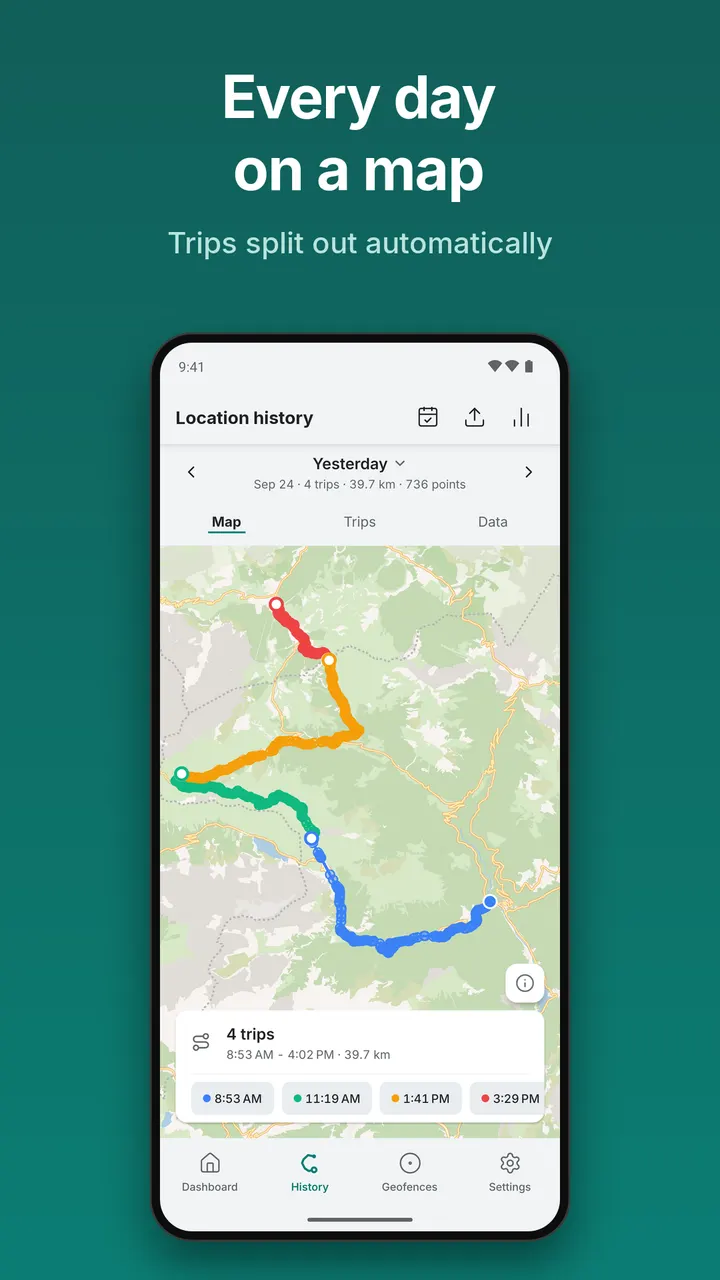
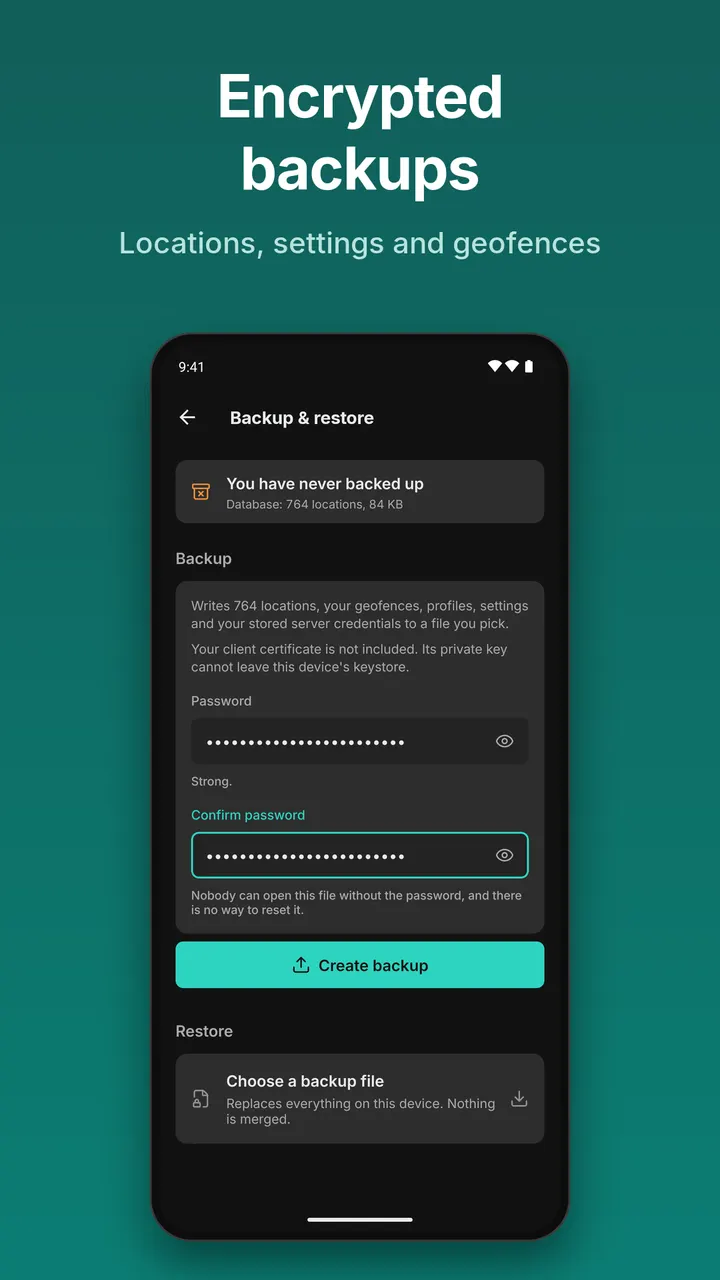
History tools include daily summaries, trip segmentation, manual trip merge and split, per-point notes and a calendar with activity dots. Existing tracks can be imported from GeoJSON, Google Timeline, GPX, KML or CSV. Backups are password-protected archives of locations, settings and geofences.
Tracking profiles, geofences and sync rules
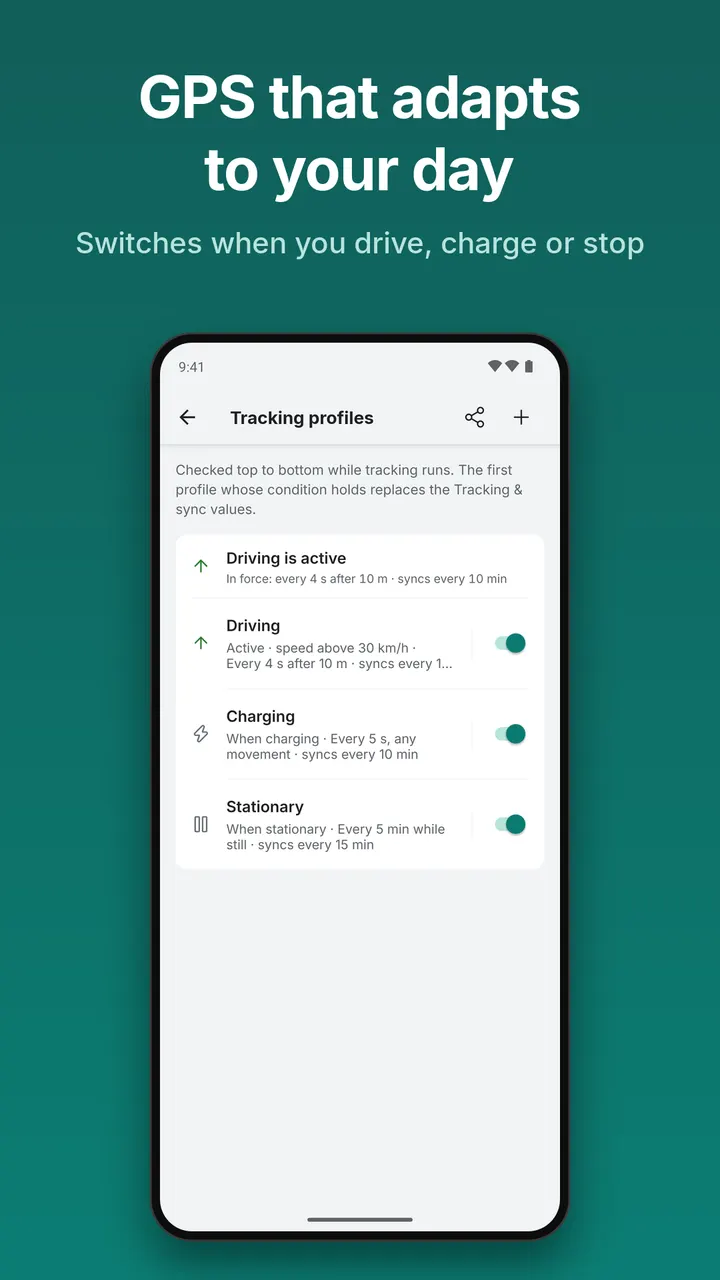
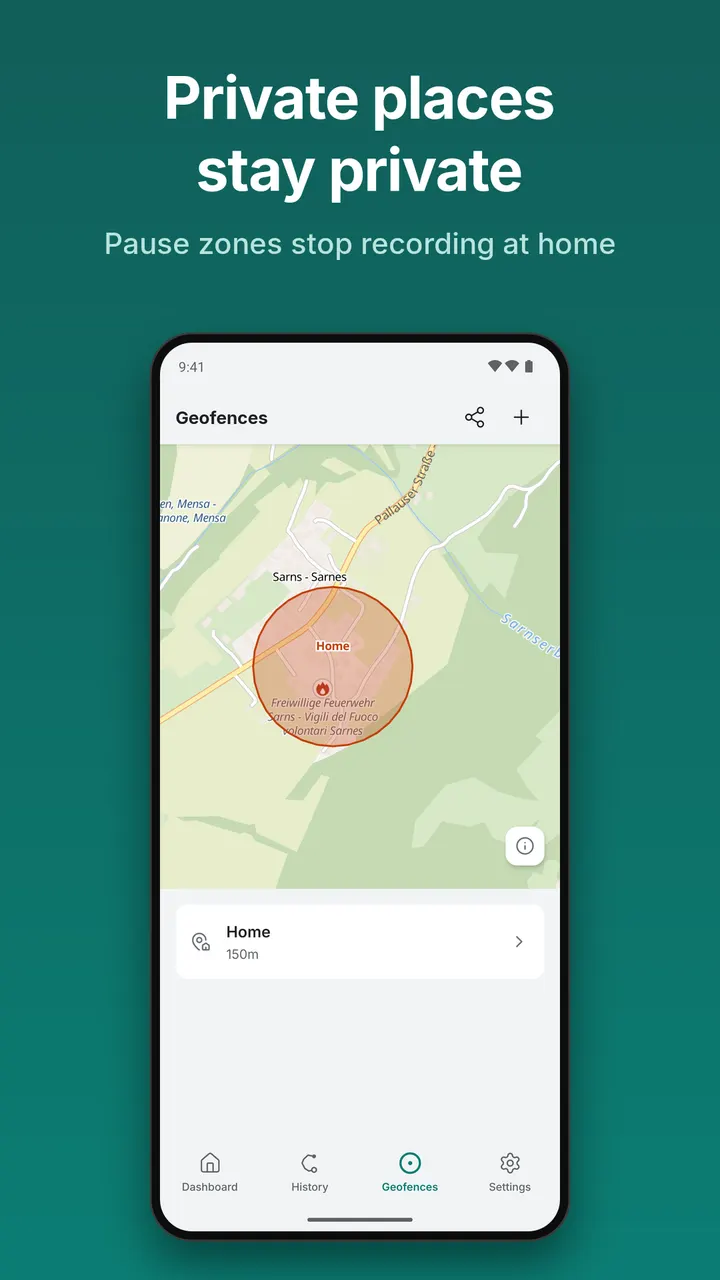
Geofencing works as pause zones: inside one, the app stops recording. Tracking profiles change the GPS interval, distance filter and sync settings depending on conditions such as charging, Android Auto, Wi-Fi, a Bluetooth device, speed or standing still.
Sync can be instant, batched or offline, and can be limited to Wi-Fi, a named SSID or a VPN. A foreground service, auto-start on boot and exponential backoff retry keep tracking running. Long-pressing the icon gives start and stop shortcuts that work with Tasker and Samsung Routines, and setup can be done through colota://setup links or QR codes.
Android 8.0 requirement and file details
Colota needs Android 8.0 or newer. The package ID is com.Colota and the download is 43.8 MB. Light and dark themes are both supported.
This is a tier A listing, so we host the unmodified APK. The SHA-256 checksum is 06e321490ac240bbd338ea4e4ce1242890d96a1907a7c922a3614ee39119799d, which you can compare against the file you download.
Colota pros and cons
Pros
- Free, with no ads and an AGPL-3.0-only licence
- Works with Traccar, OwnTracks, Home Assistant and other backends
- Queues locations offline and exports CSV, GeoJSON, GPX or KML
- Pause-zone geofencing and condition-based tracking profiles
- No analytics, telemetry or third-party SDKs, according to the developer
Cons
- Needs a server of your own to get live sharing
- Requires Android 8.0 or newer
- No Google Play rating or install count is available
Is Colota safe?
Colota is a tier A listing, and we host the unmodified APK with a published SHA-256 checksum. The source code is public under AGPL-3.0-only, and the developer says data goes only to backends you configure. No independent security audit is available, so check the checksum after downloading.
How to install Colota
- Download the APK with the button on this page and wait for it to finish.
- Compare the file with the SHA-256 checksum shown here if you want to confirm it arrived intact.
- Open the file on your phone and allow installs from this source when Android asks.
- Finish the install, then open Colota from your app drawer.