
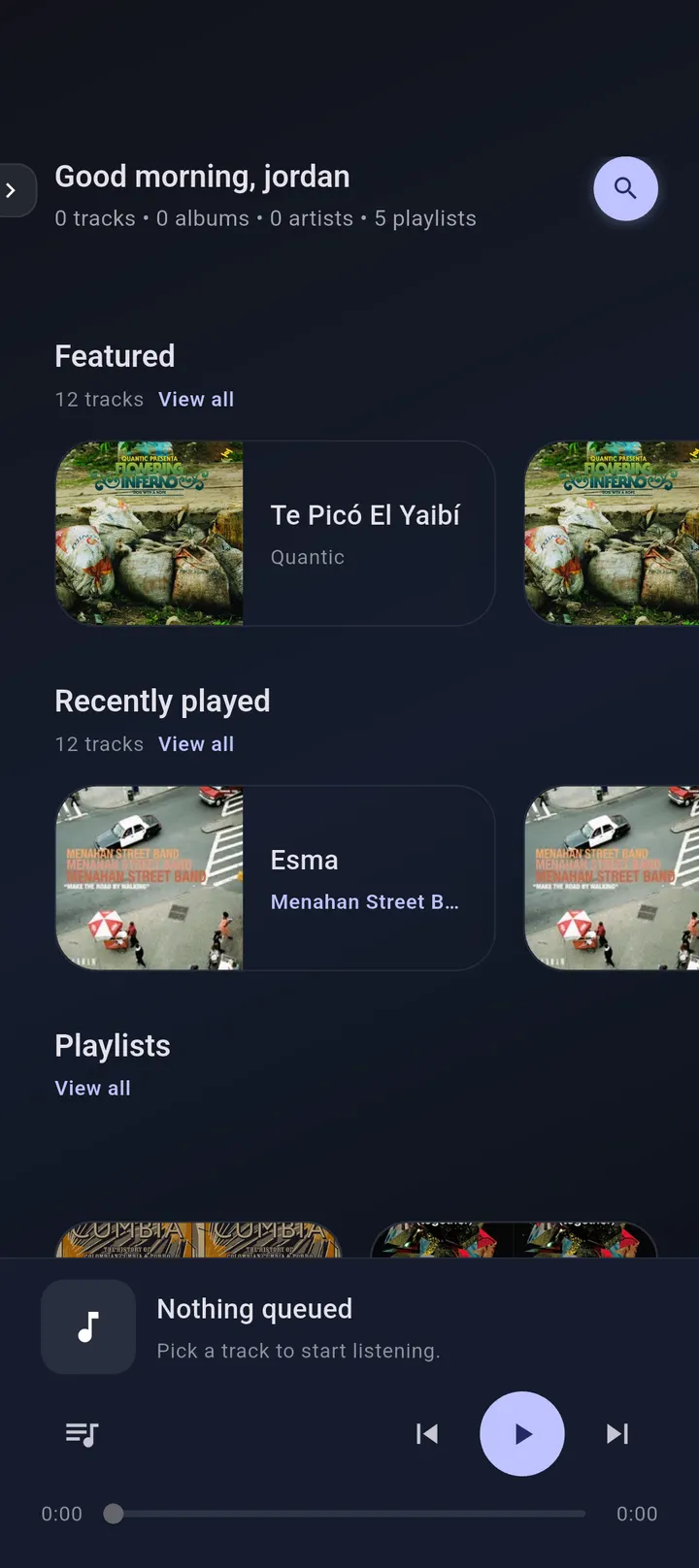
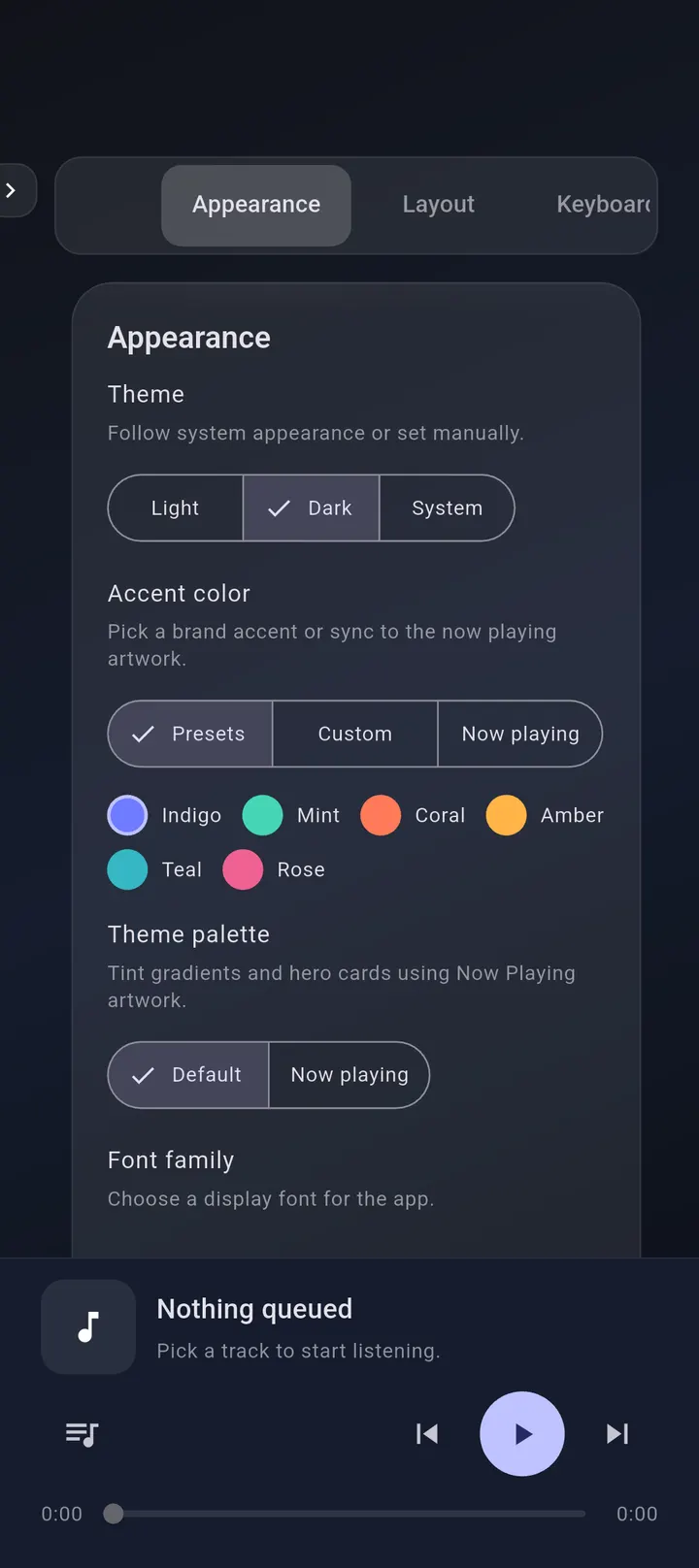
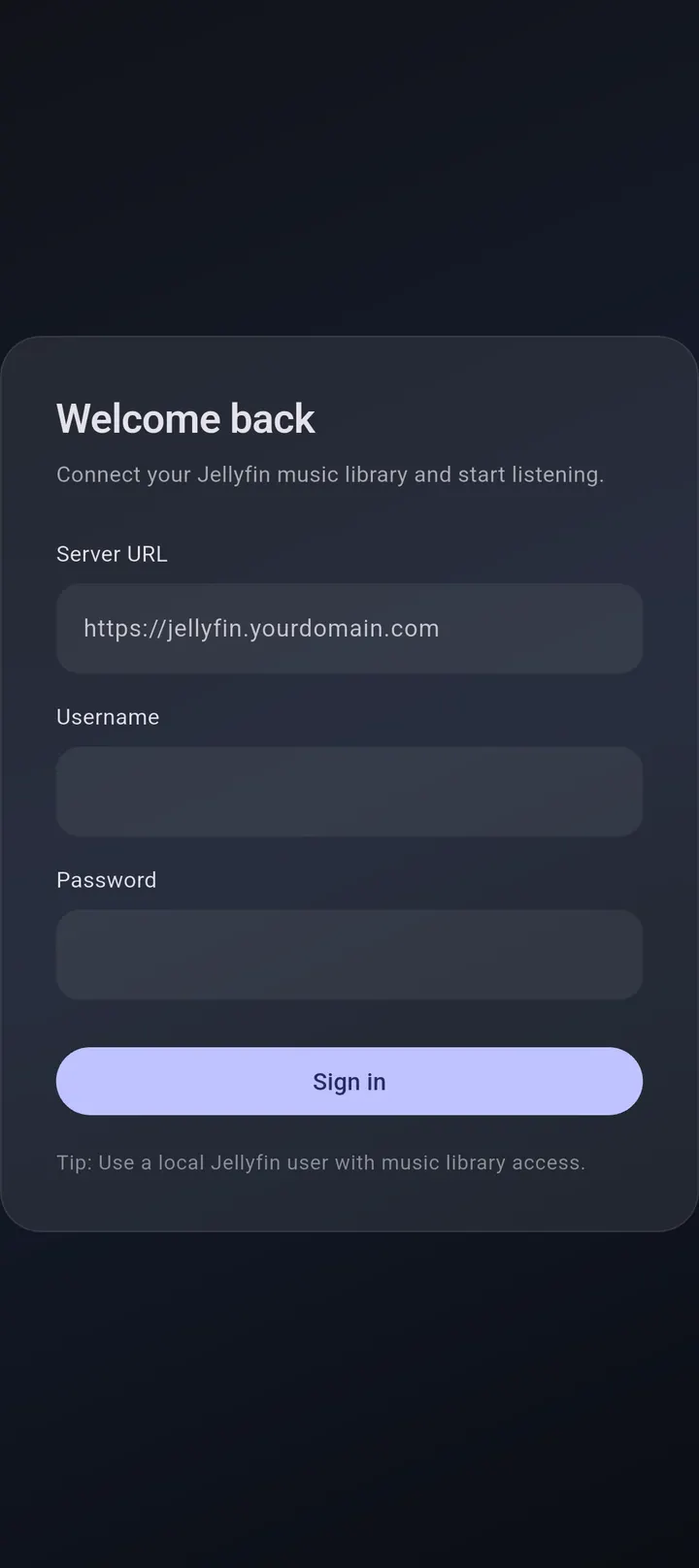
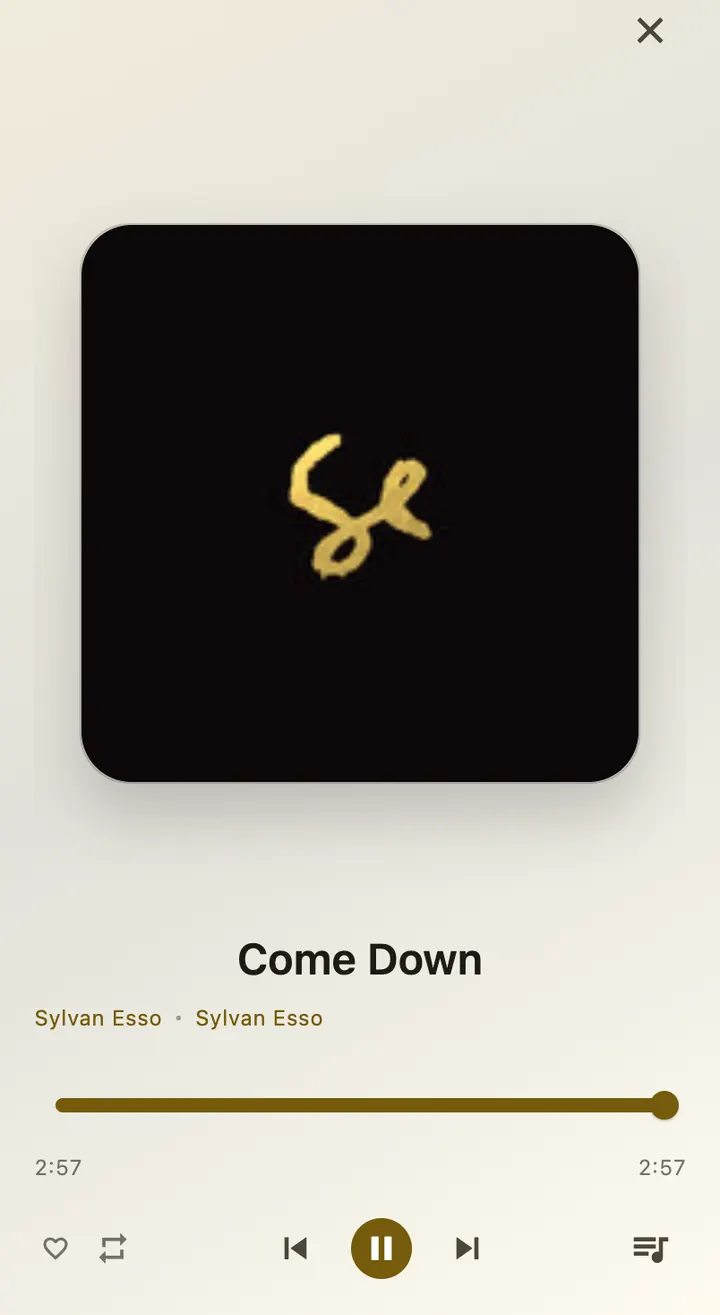
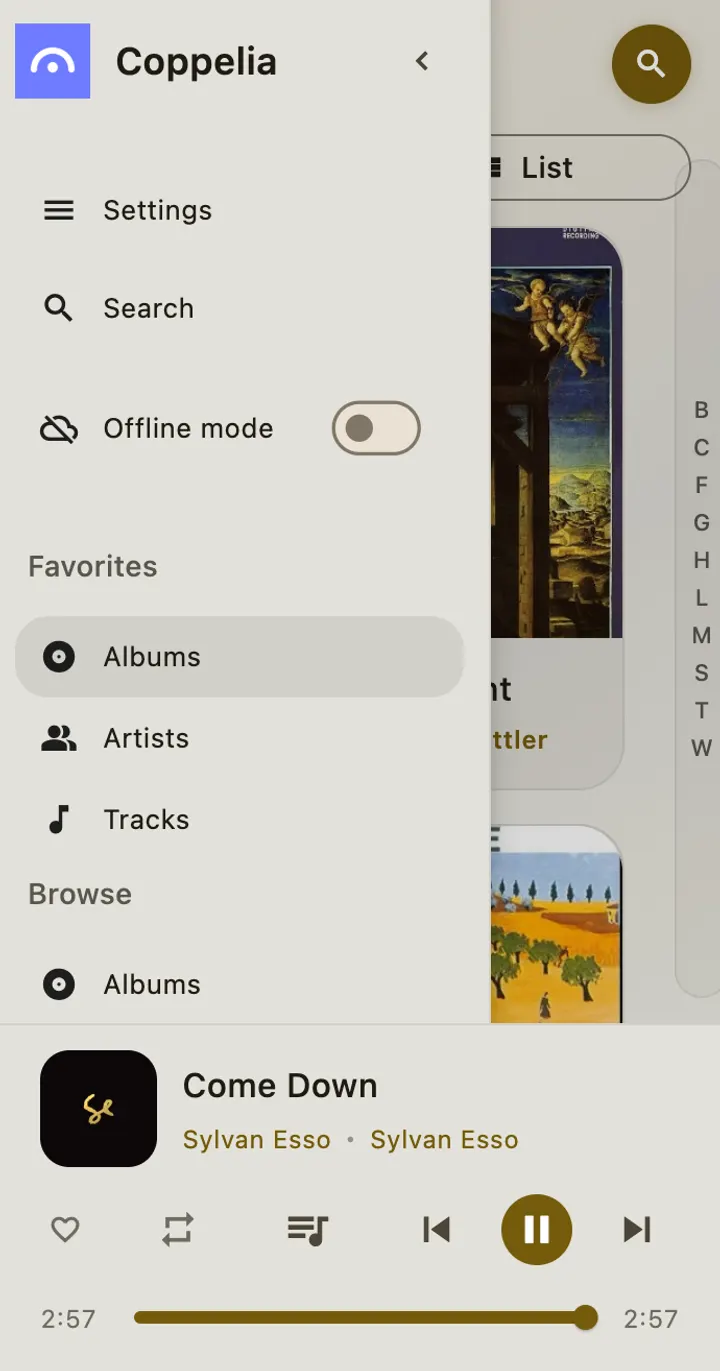
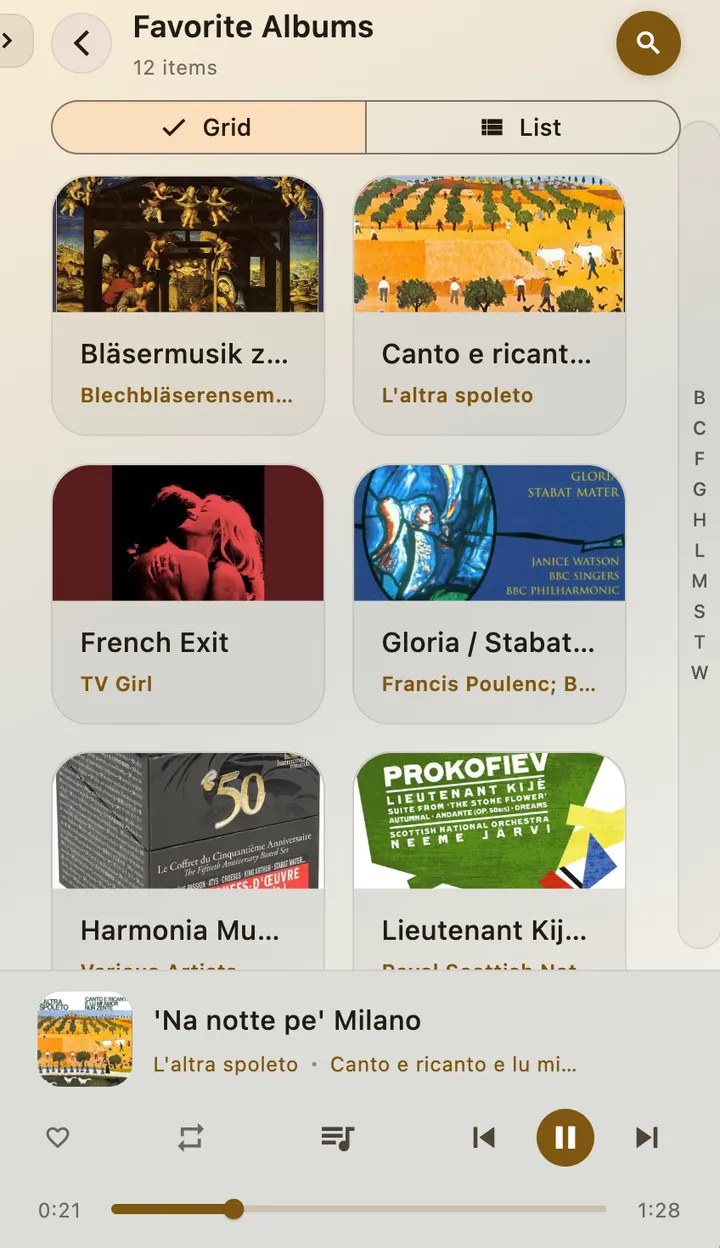
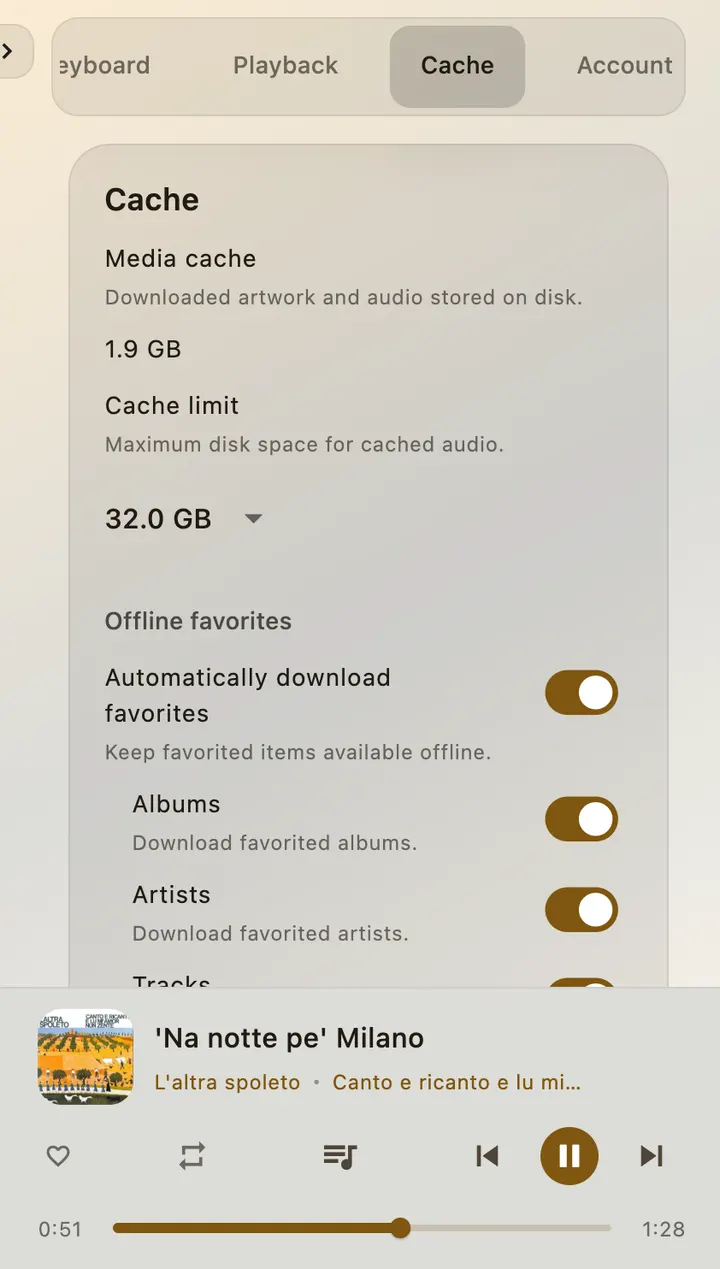
Coppelia is for people who run a Jellyfin server and want a dedicated music app on their Android phone. Developer Jordan Matelsky released it on June 27, 2026, and the current version is 0.1.2. It is free, carries no ads and needs Android 7.0 or newer.
A music client that only talks to Jellyfin
The defining fact is the target: Coppelia plays music from Jellyfin libraries and is not a general streaming app. You need your own server with music on it before the app does anything useful.
The APK is 27.1 MB, and the project is open source under the Apache-2.0 licence with code on GitHub.
Browsing, queueing and pinning tracks offline
You can browse by albums, artists, genres, playlists and tracks. Playback includes queue management and repeat. You can mark favorites and pin tracks, albums or artists for offline use, and a download manager with an offline mode handles those files.
Smart Lists update on their own. The theme is adjustable with dynamic color accents.
Where the listed alternatives fit
The alternatives named for this page are WhatsApp, Facebook, Messenger, Google Photos, X and Aegis Authenticator. None of them is a Jellyfin music player, so they are not direct substitutes. Coppelia covers a narrow job instead.
The developer also lists macOS, iOS and Linux builds, with Windows marked as coming later.
Coppelia pros and cons
Pros
- Free with no ads
- Open source under Apache-2.0, with the code on GitHub
- Offline pinning and a download manager for tracks, albums and artists
- Smart Lists that update automatically
- Runs on Android 7.0 and newer
Cons
- Needs a Jellyfin server, so it is useless without one
- Version 0.1.2 is an early release
- No Google Play rating or install count is available
Is Coppelia safe?
We host the unmodified APK and checked it against a SHA-256 checksum, which begins 76bda182. The app is open source under Apache-2.0, so its code can be inspected on GitHub. The publisher is Jordan Matelsky, who runs a project page for it. No independent security review is available.
How to install Coppelia
- Download the APK with the button on this page and wait for it to finish.
- Compare the file with the SHA-256 checksum shown here if you want to confirm it arrived intact.
- Open the file on your phone and allow installs from this source when Android asks.
- Finish the install, then open Coppelia from your app drawer.


