

Google Earth is made for exploring the planet, while Waze is made for getting through a drive without surprises. The two share little beyond maps, and Waze leans on reports from other drivers to show what is ahead. It is a free Android app from Waze, with ads and no in-app purchases. This page covers what the app does.
A map fed by drivers, from the Waze developer
Waze is published by Waze, whose website is waze.com. The developer says the map draws on the local knowledge of tens of millions of drivers around the world. Drivers can report incidents and hazards, and the app uses those reports along with live traffic data.
It sits in the GPS navigation category and carries an Everyone content rating. Among its features are police and speed camera locations, multi-lane guidance, toll pricing and road passes for HOV lanes. The package ID is com.waze, and the most recent update is dated November 3, 2026.
Police alerts, lane guidance and toll prices
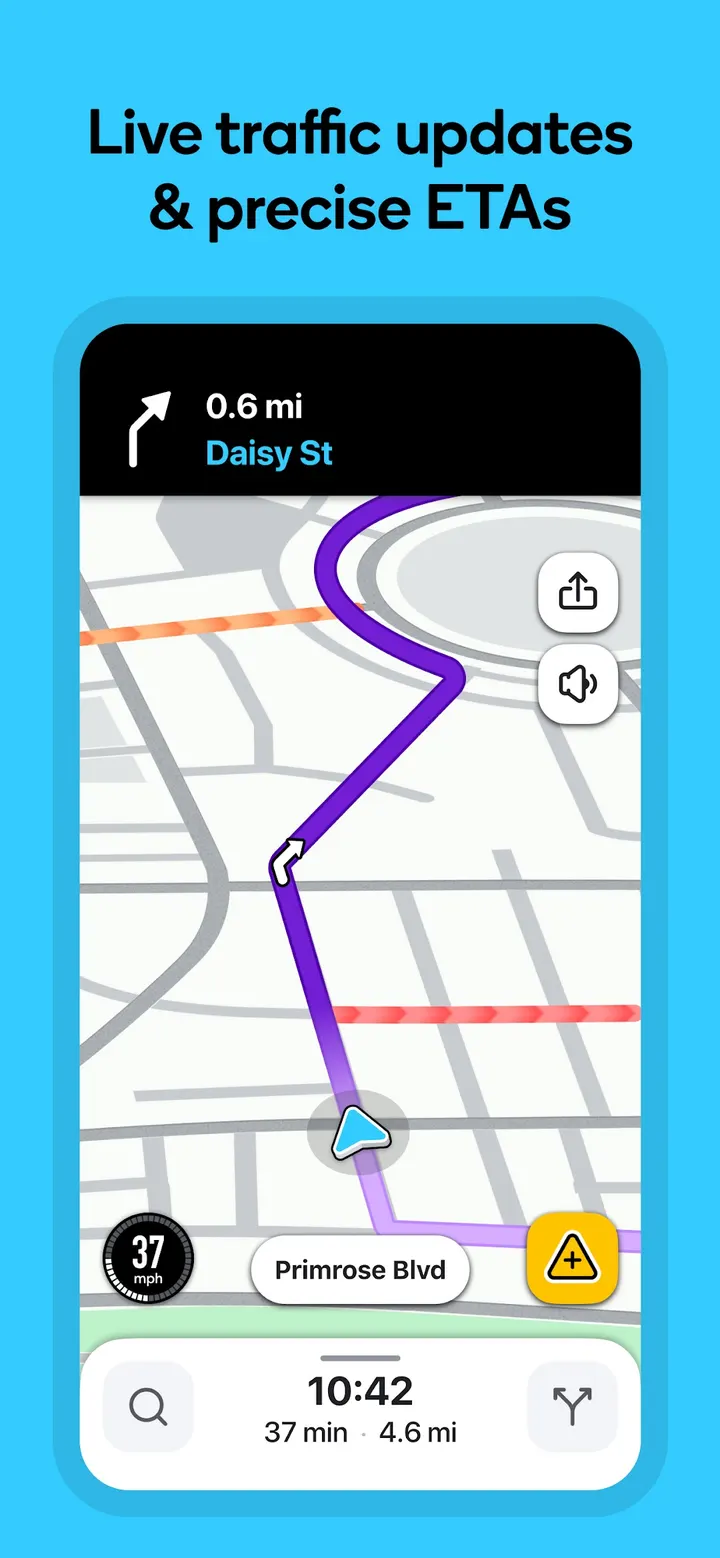
Core navigation includes real-time directions, ETAs and automatic rerouting based on live traffic, incidents and road closures. You can also check ETAs for a future departure or arrival time, which helps when planning a drive in advance.
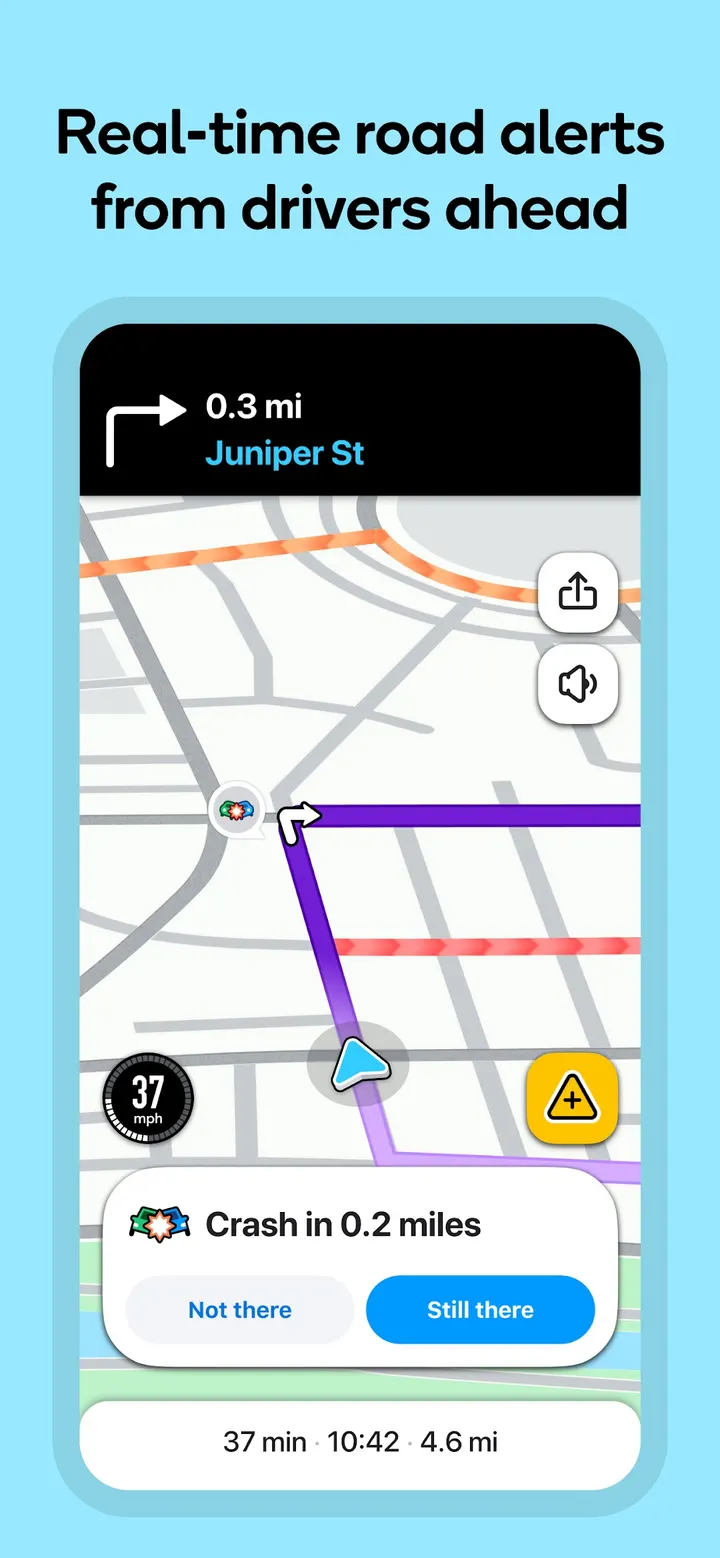
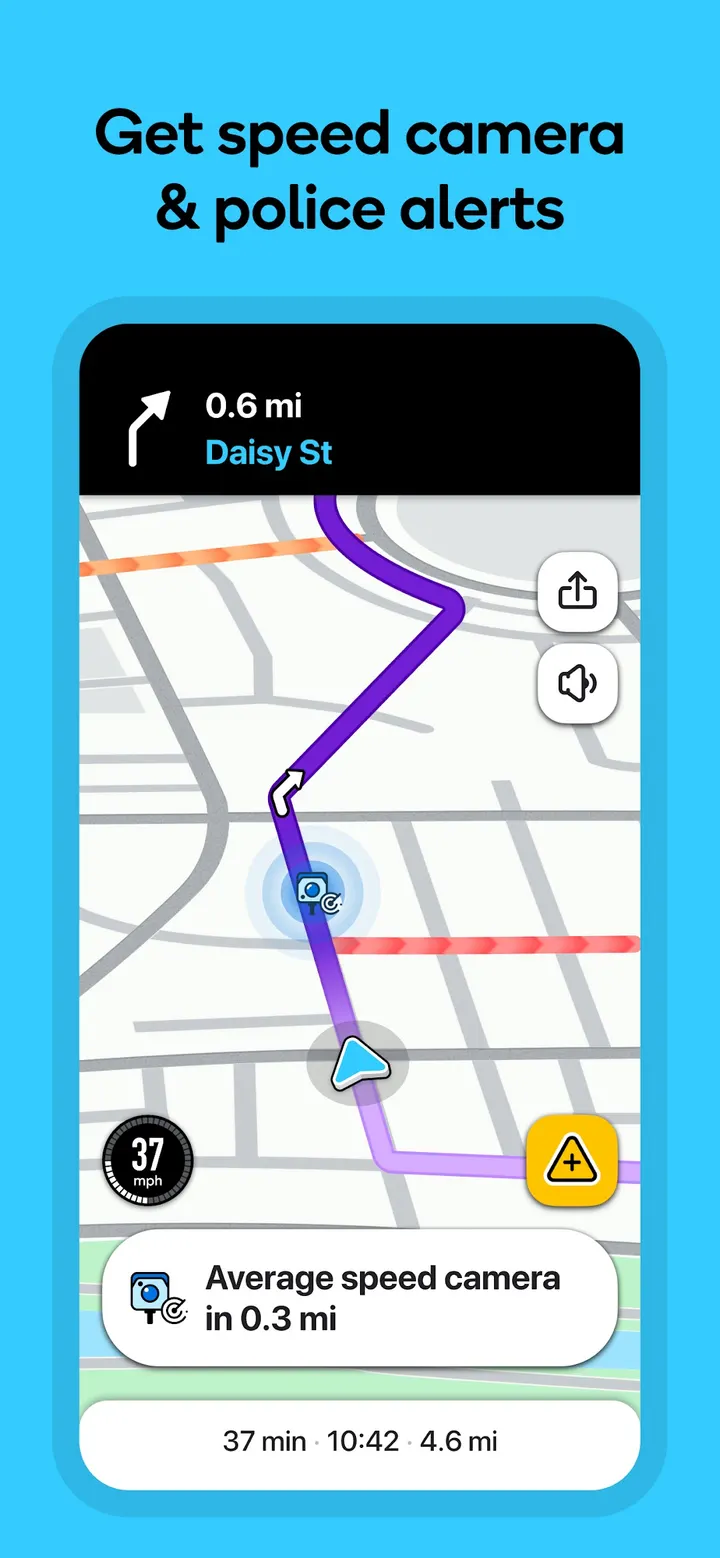
The alert list is long. It covers accidents, crashes, roadworks, objects on the road, potholes, speed bumps, sharp curves, bad weather, emergency vehicles and railway crossings. The app also marks police locations plus red light and speed cameras, and it announces upcoming speed limit changes next to a speedometer.
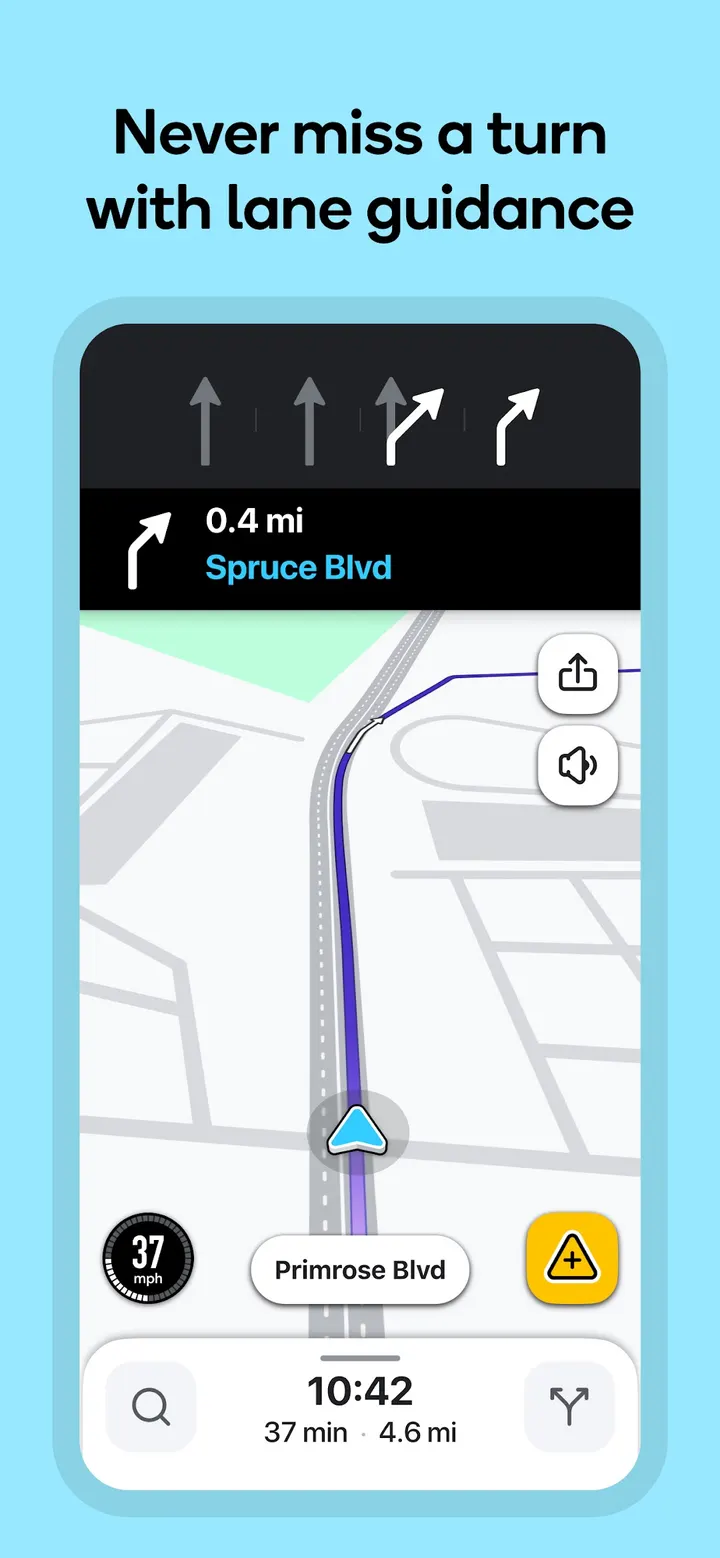
Lane and cost details get attention too. Multi-lane guidance tells you which lane to use, and toll pricing is shown with an option to avoid tolls. Road passes and vignettes can be added for HOV lanes and restricted traffic zones.
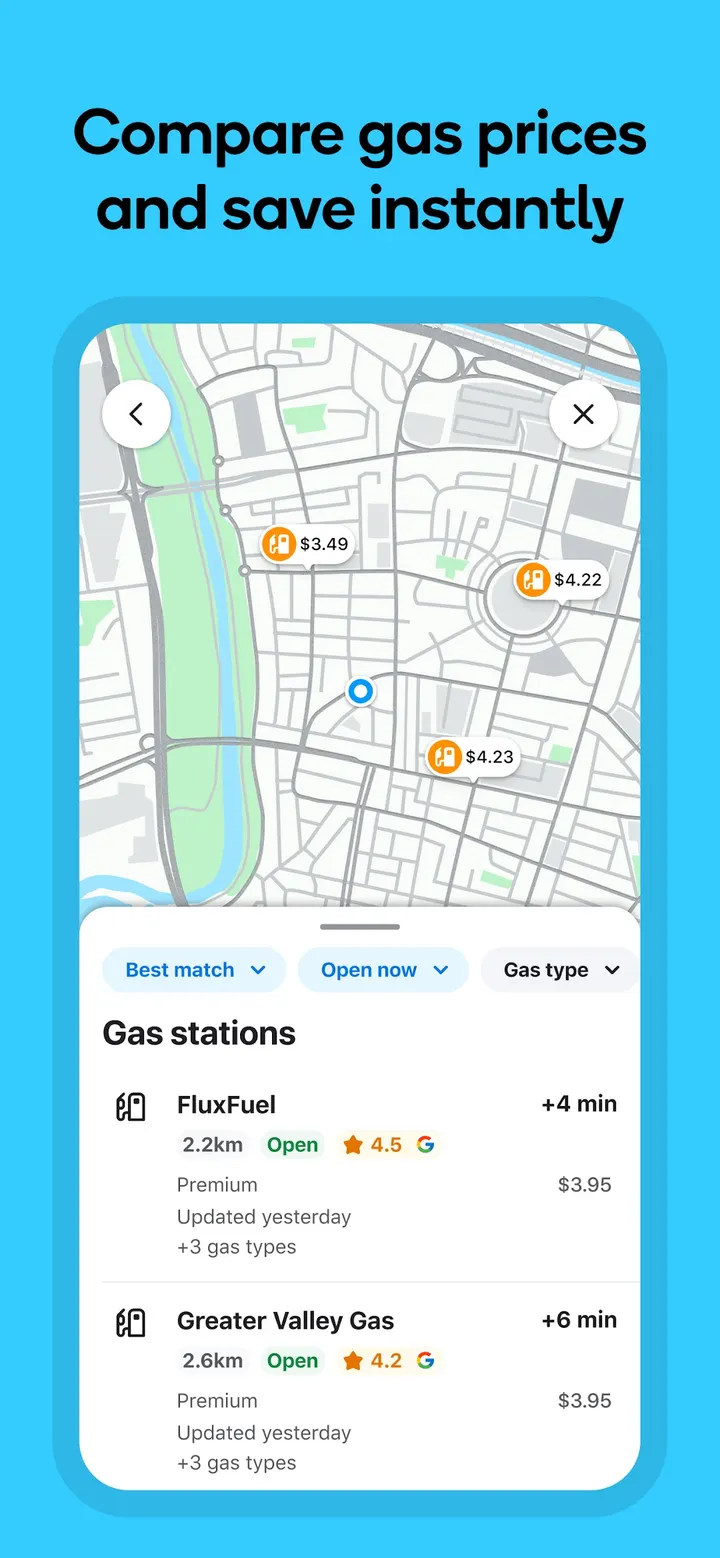
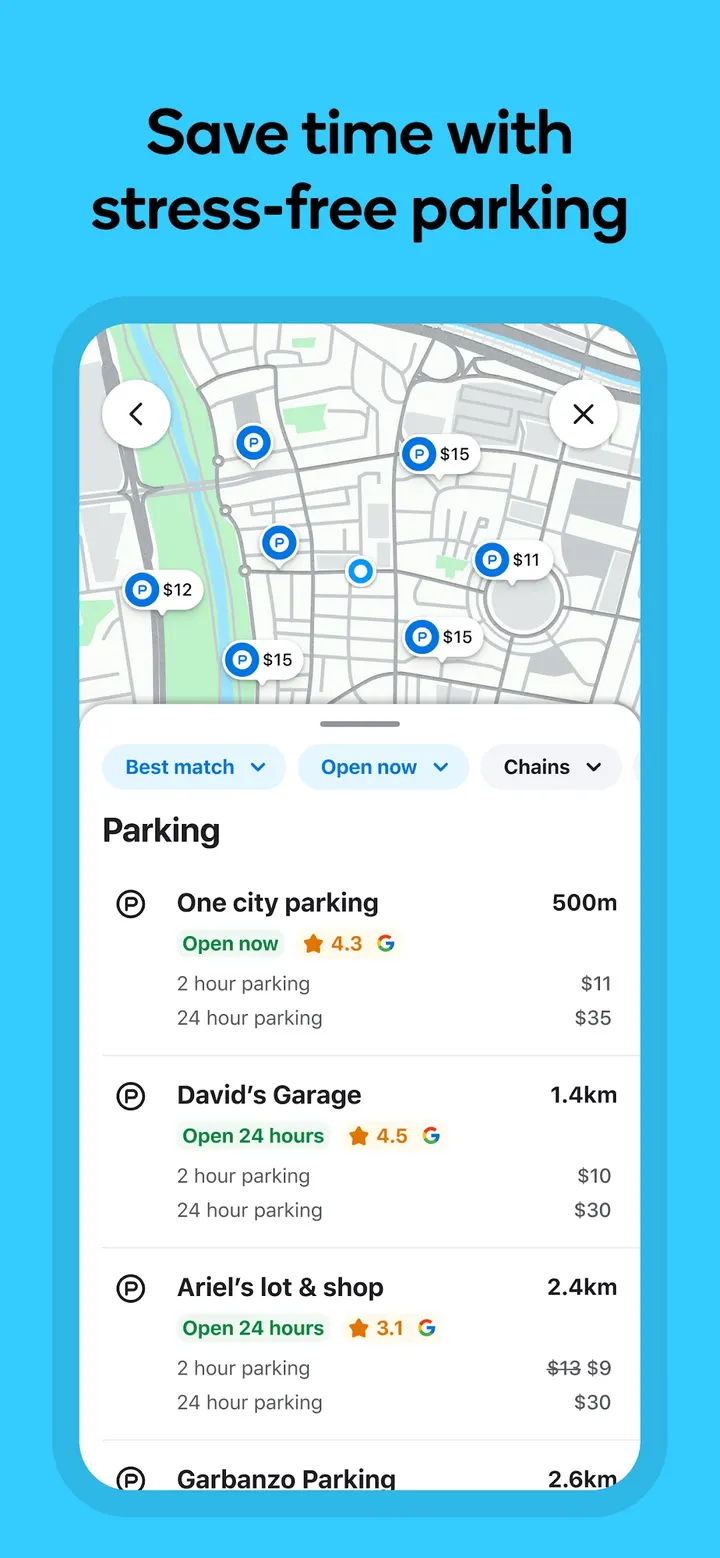
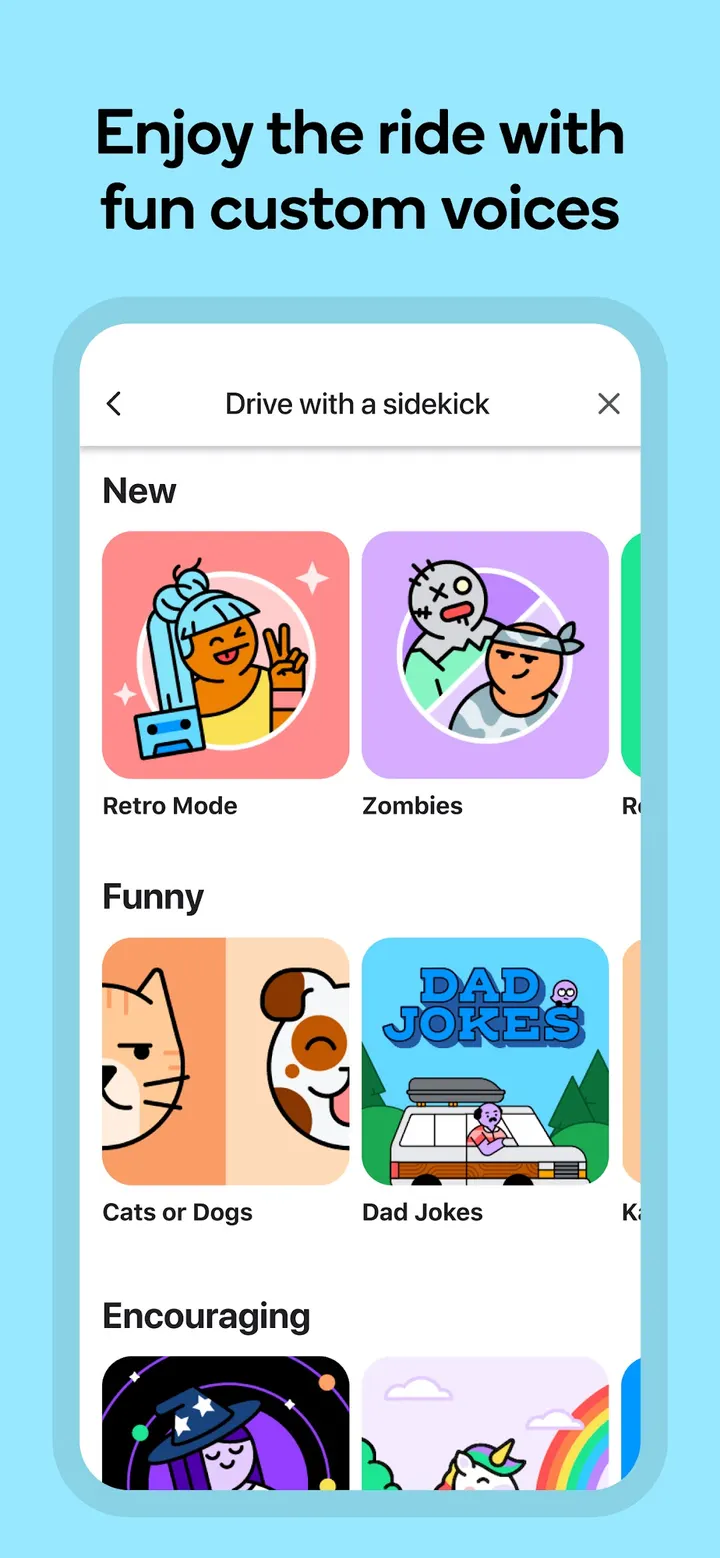
Along the route, the app lists fuel stations with prices and EV charging stations. It also compares parking lots and their prices near your destination. Voice guidance comes in several languages and local accents, including celebrity voices. Audio apps for podcasts, music, news and audiobooks can run inside Waze.
Android 10 and Android Auto requirements
The app needs Android 10 or later. The version differs by device, so no single version number applies.
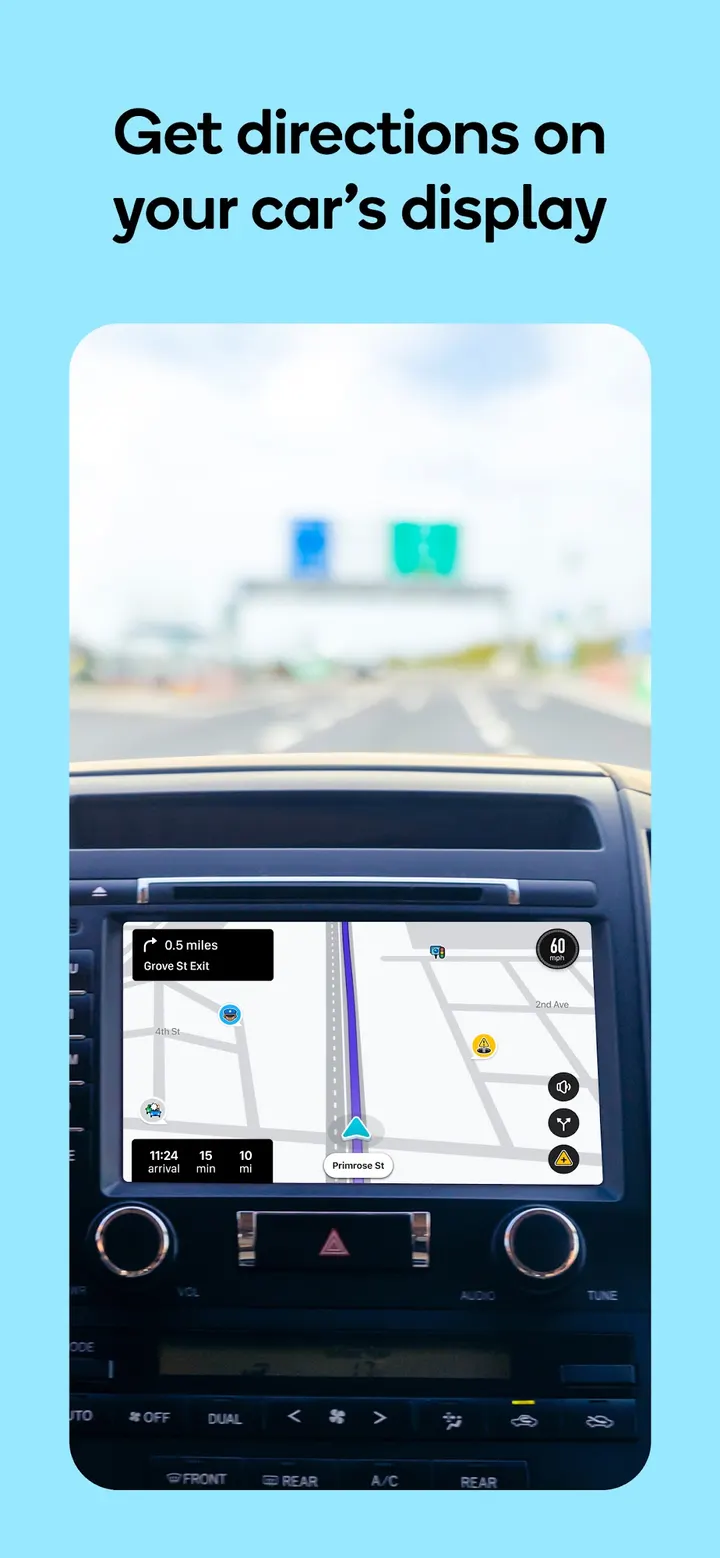
Waze can sync to a car's built-in display through Android Auto. Some features are not available in all countries. The developer also says Waze navigation is not intended for emergency or oversized vehicles, which matters for anyone driving a larger vehicle.
Waze Navigation & Live Traffic pros and cons
Pros
- Live traffic, incident and road closure data feeds automatic rerouting
- Marks police, red light and speed cameras along the route
- Shows toll pricing and lets you avoid tolls
- Works with Android Auto for in-car displays
- Free to install, with no in-app purchases listed
Cons
- Contains ads, according to the Google Play listing
- Some features are not available in all countries
- Not intended for emergency or oversized vehicles
- The version number differs by device
Is Waze Navigation & Live Traffic safe?
Waze comes from the developer Waze and is installed through Google Play, where it holds a 4.4 rating from about 8.9 million ratings. It carries an Everyone content rating. The app shows ads. Because it works with your location and lets you send road reports, read the privacy policy at waze.com/legal/privacy before you share either.
How to install Waze Navigation & Live Traffic
- Press the Google Play button on this page.
- Check the listing in the Play Store and press Install.
- Open Waze Navigation & Live Traffic when the install finishes. Updates arrive through Google Play.