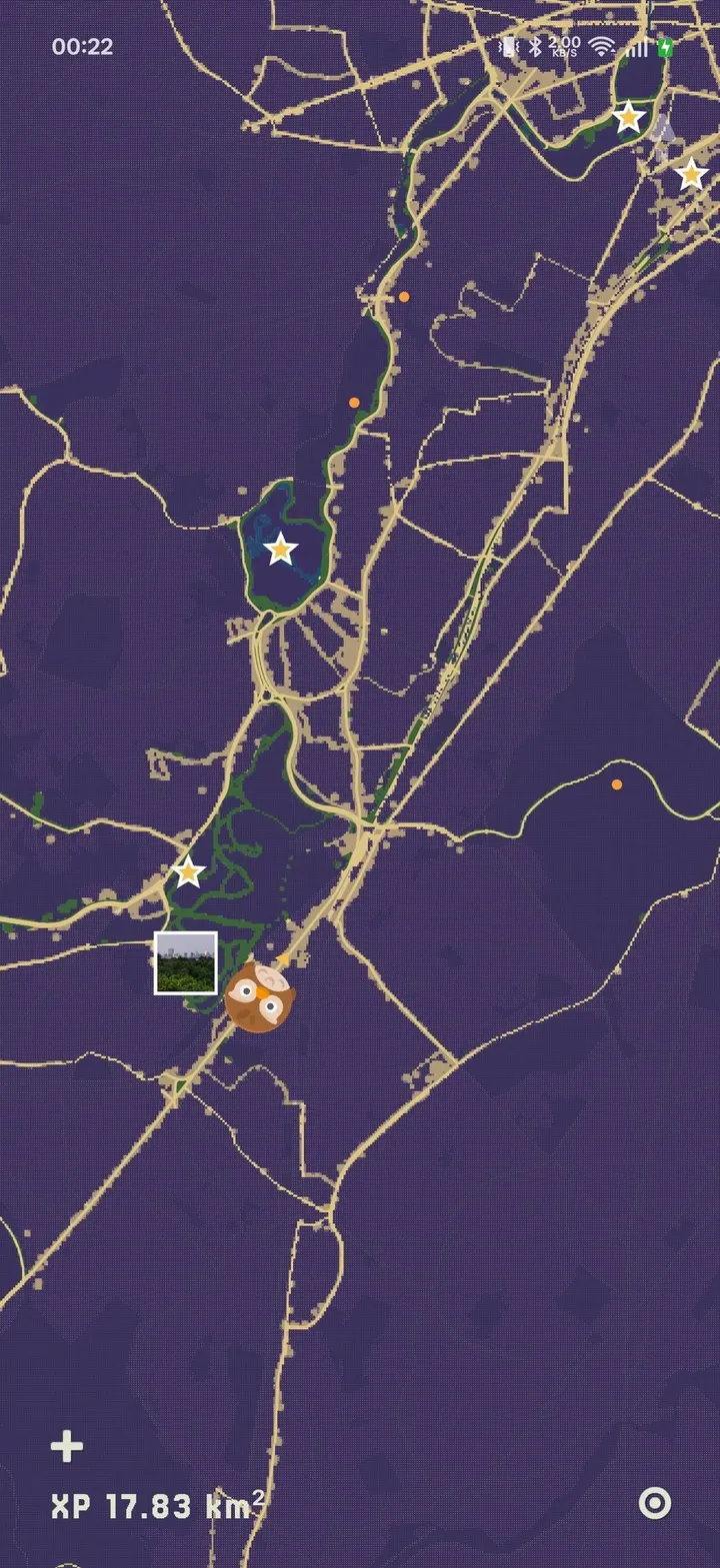
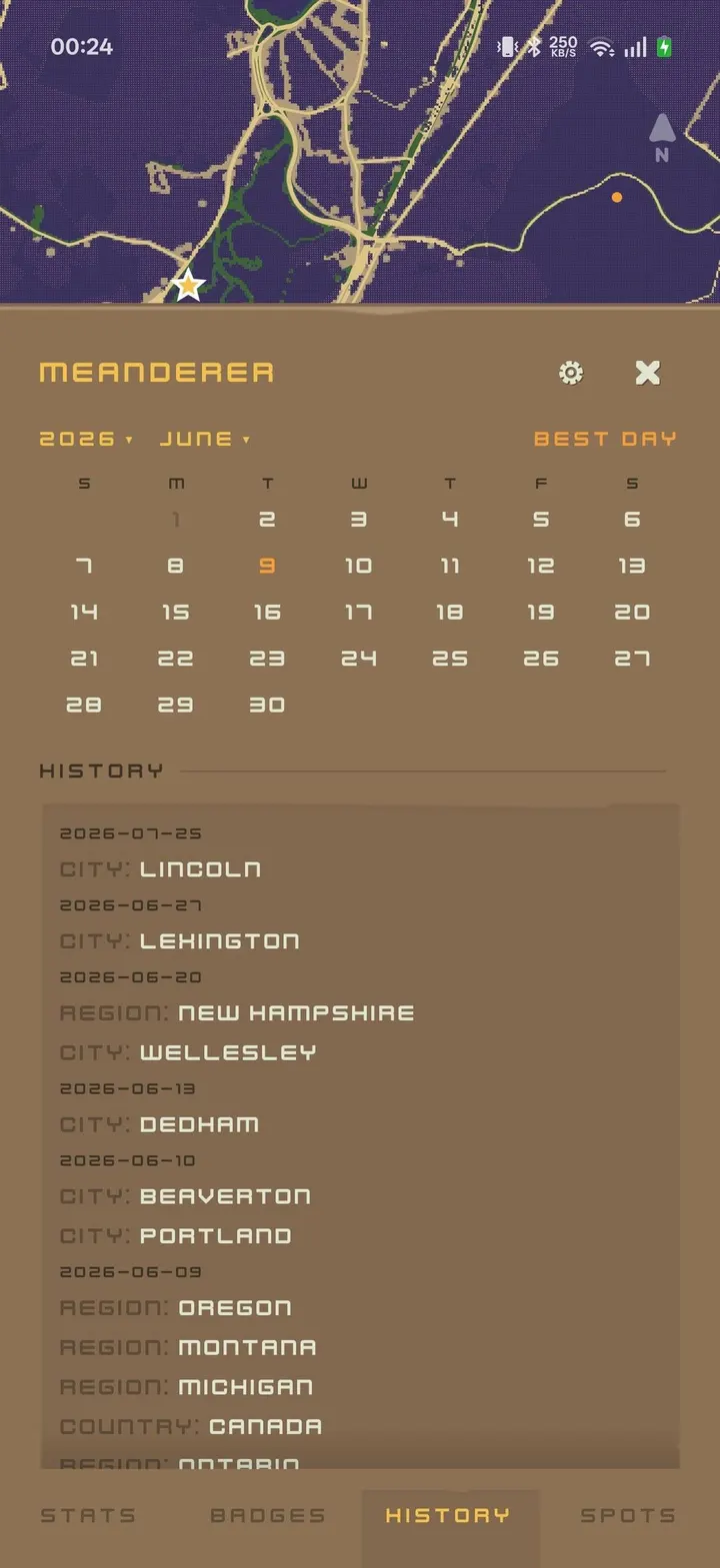
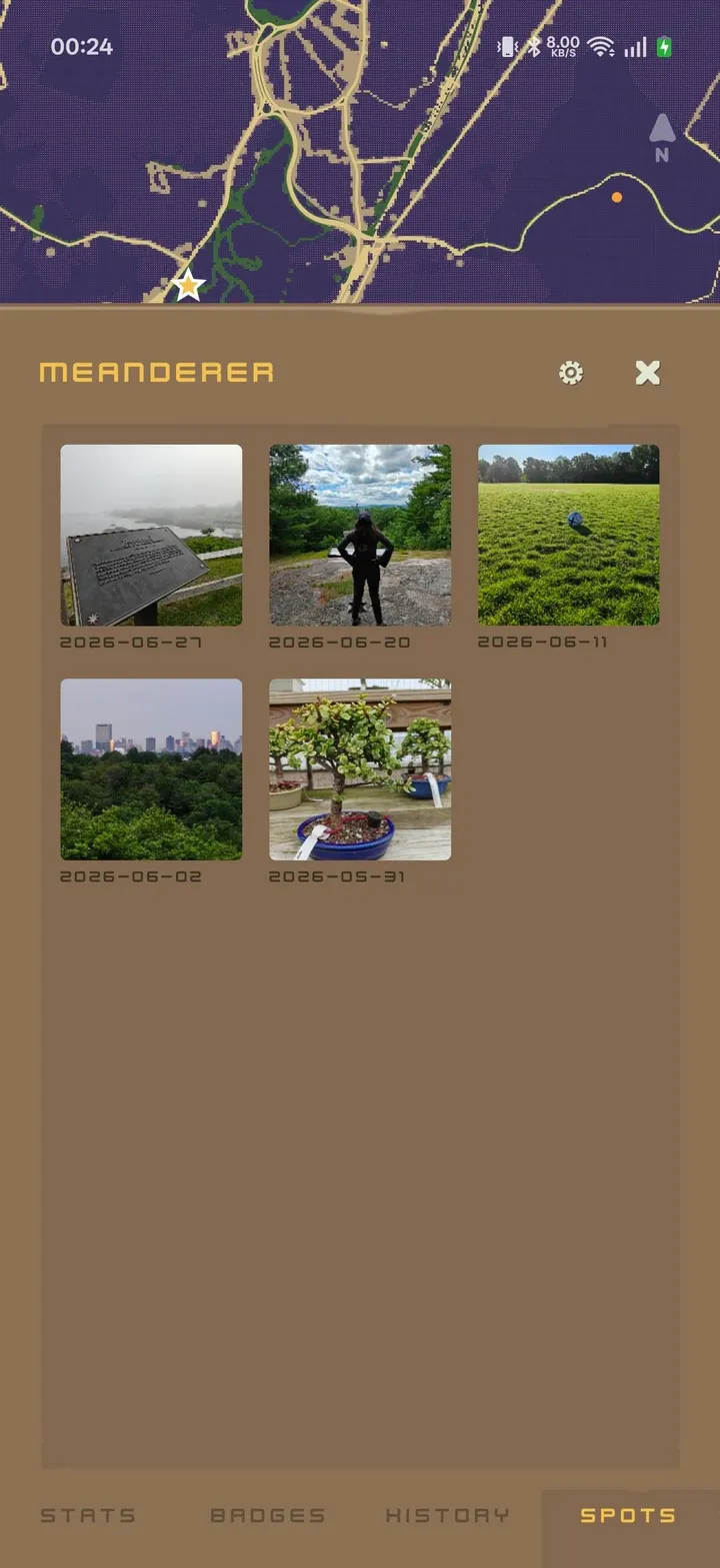
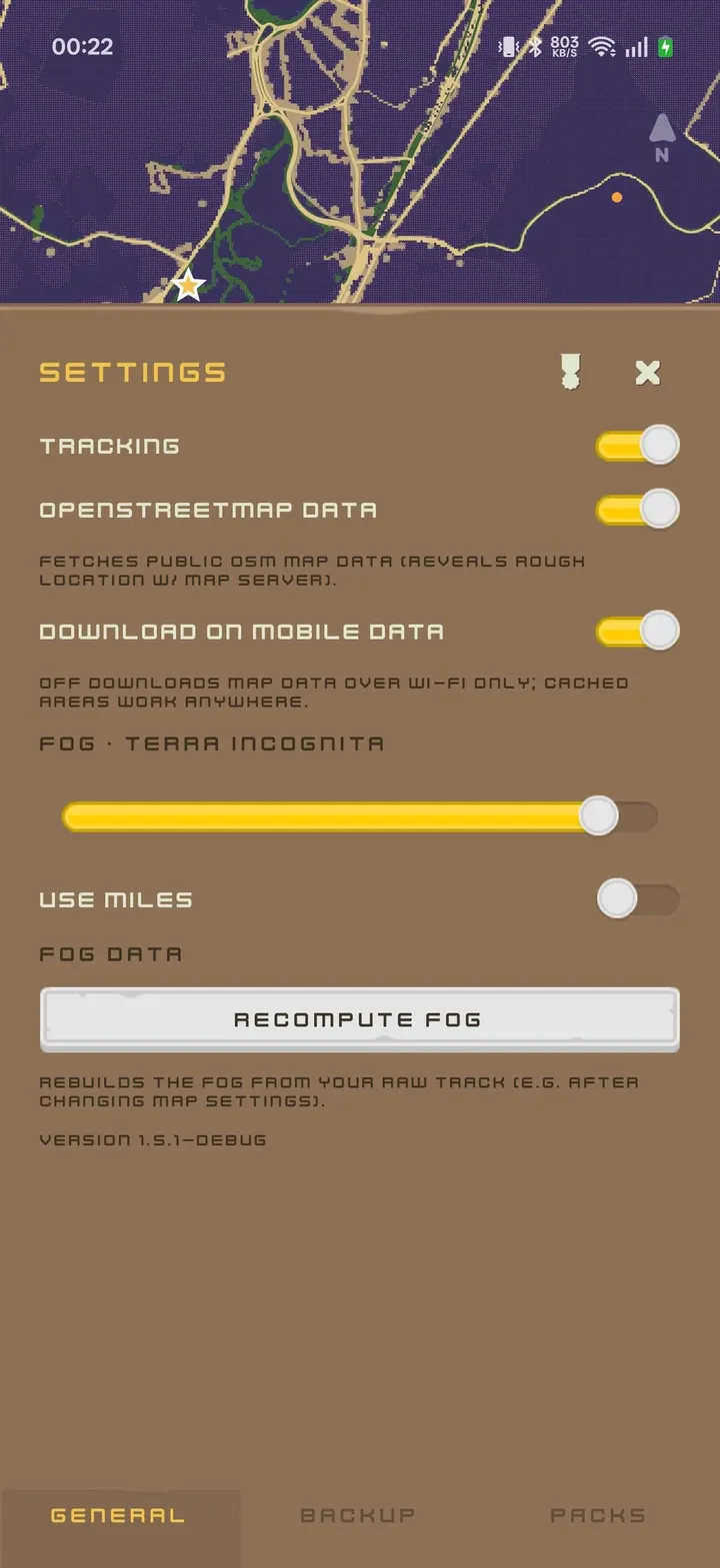
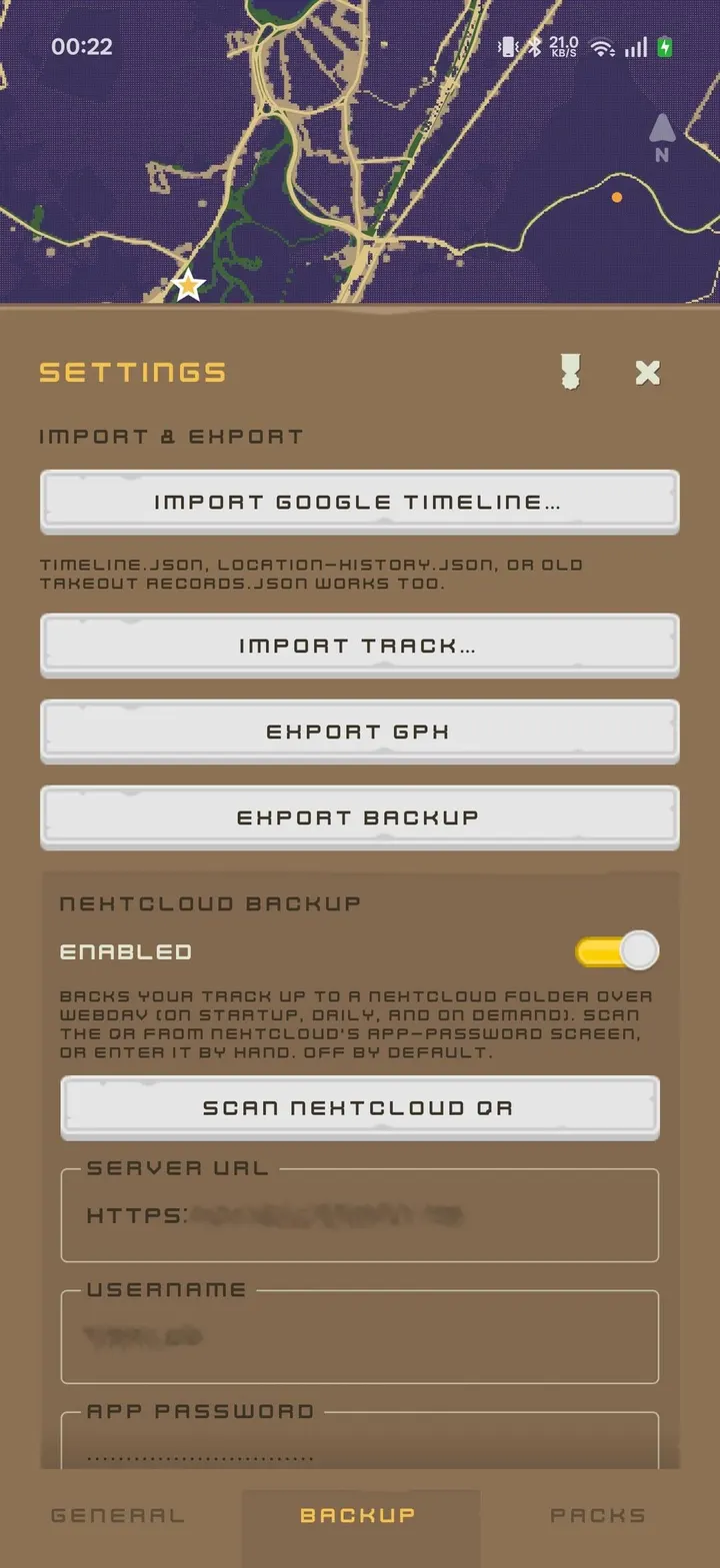
Foggy Maps suits walkers, runners and travelers who want a private record of the ground they have covered, without a social feed attached. The app starts with the whole world hidden under fog and clears it along your path. Version 1.7.3 needs Android 13 or newer and weighs 3.9 MB.
Free, open source and no ads
The app is free and has no ads. It is published by Carlos Asmat under the AGPL-3.0-or-later licence, and the source code sits on GitLab.
There is no price tier or paywall. The only optional extra is a backup to your own Nextcloud server through WebDAV, which stays off until you set up a server.
How the fog and the passport work
Fog is drawn by a GPU shader as a dithered gradient that stays pixel-locked at every zoom level. As you move, the fog clears along your path. Raw track points are stored locally in SQLite, and a per-tile heatmap is kept as a cache that the app can discard and rebuild from those points.
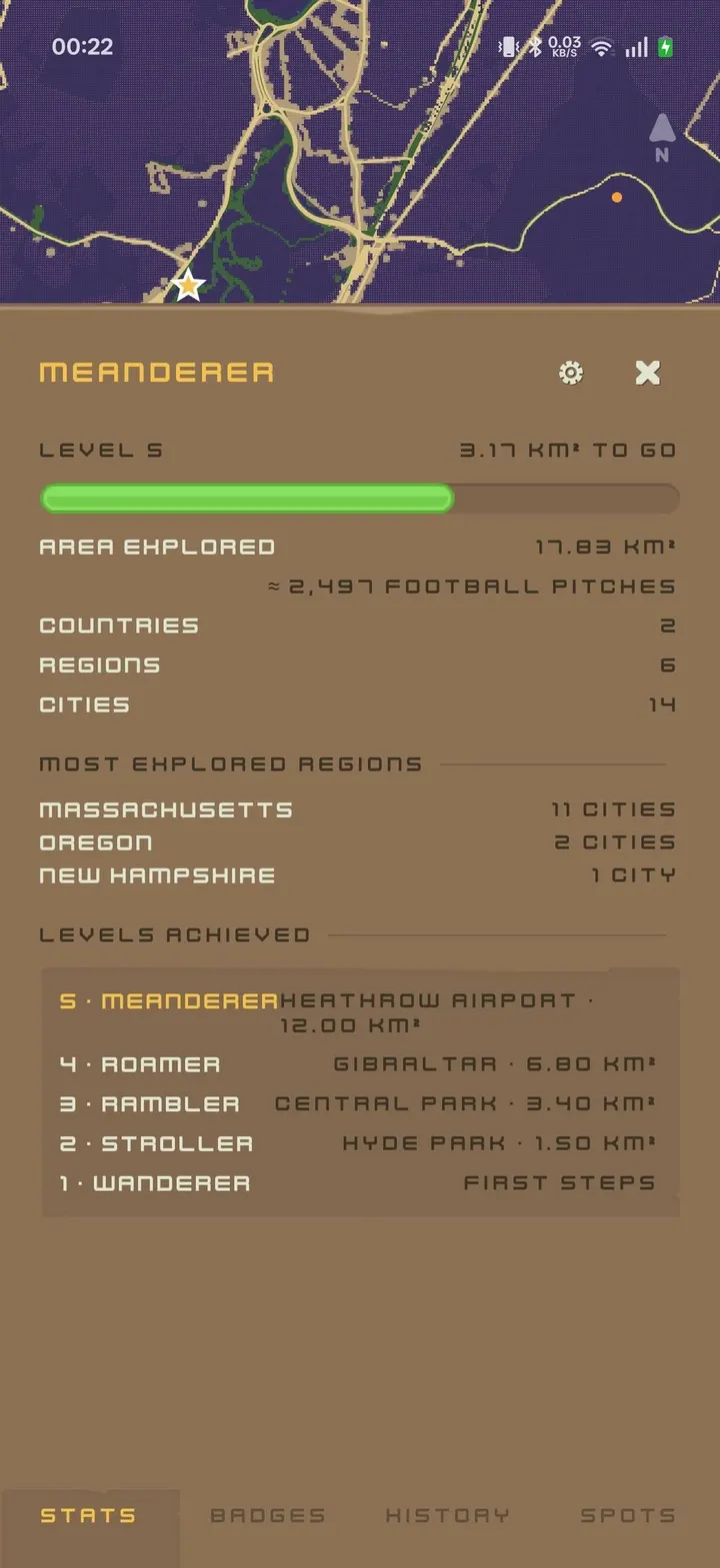
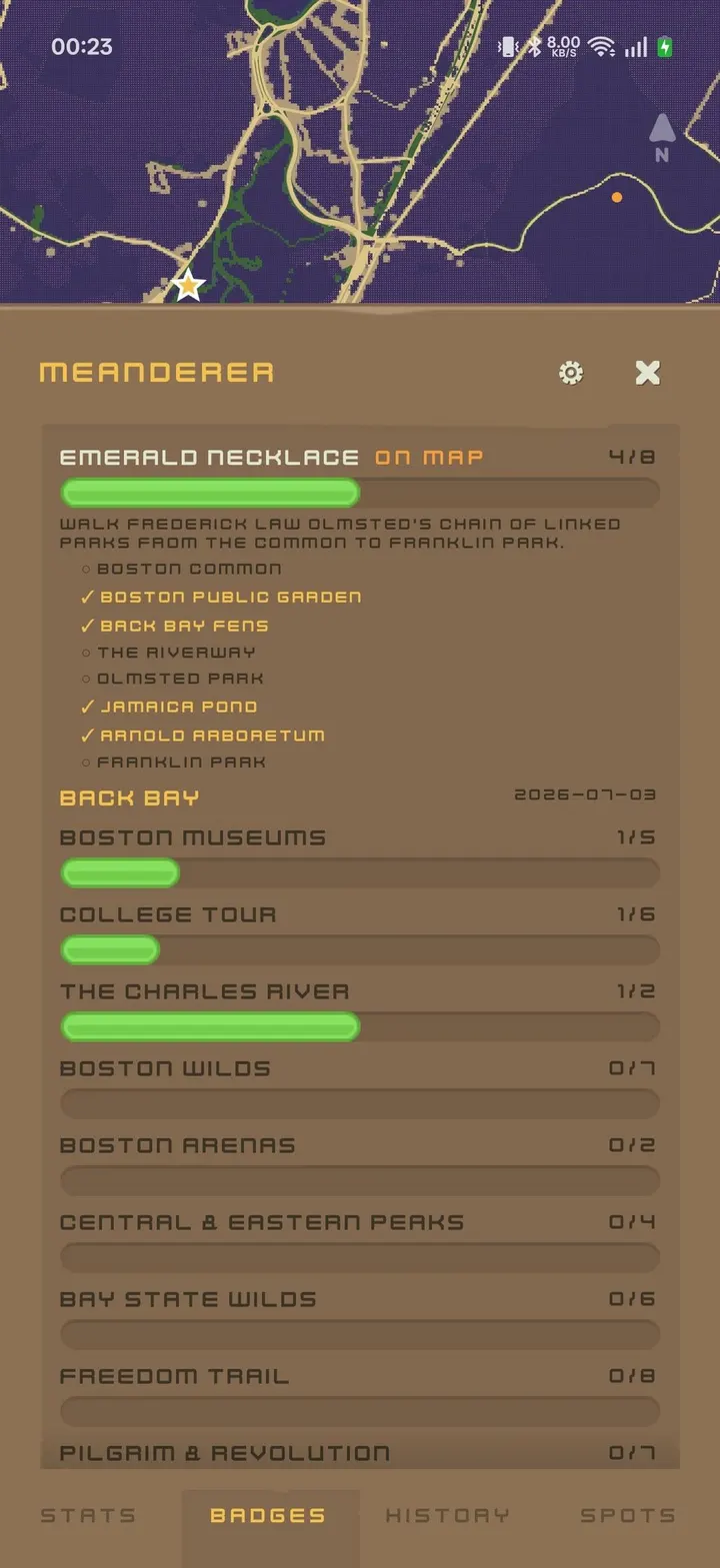
The game layer is deliberately light. Cleared ground counts as XP up a ladder of real-world landmarks, and only new ground earns it, so there are no streaks and no daily pressure. A scrapbook passport stamps the date of your first visit to each city, region and country, next to the landmarks and badges you have found.
Photos can be pinned to a spot. They clear the fog around them and appear on the map as thumbnails.
GPX, Google Timeline and backups
You can import GPX files or Google Timeline history, which helps if you want past trips to count. Export is available as GPX or as a full JSON backup.
Online map data comes from OpenStreetMap sources, namely the OpenFreeMap basemap and Overpass for terrain and place names. It is on by default and can be turned off in settings. With it off, the app makes no network requests. While it is on, the servers see your rough location, and both endpoints can be pointed at a server you run yourself.
Release and maintenance
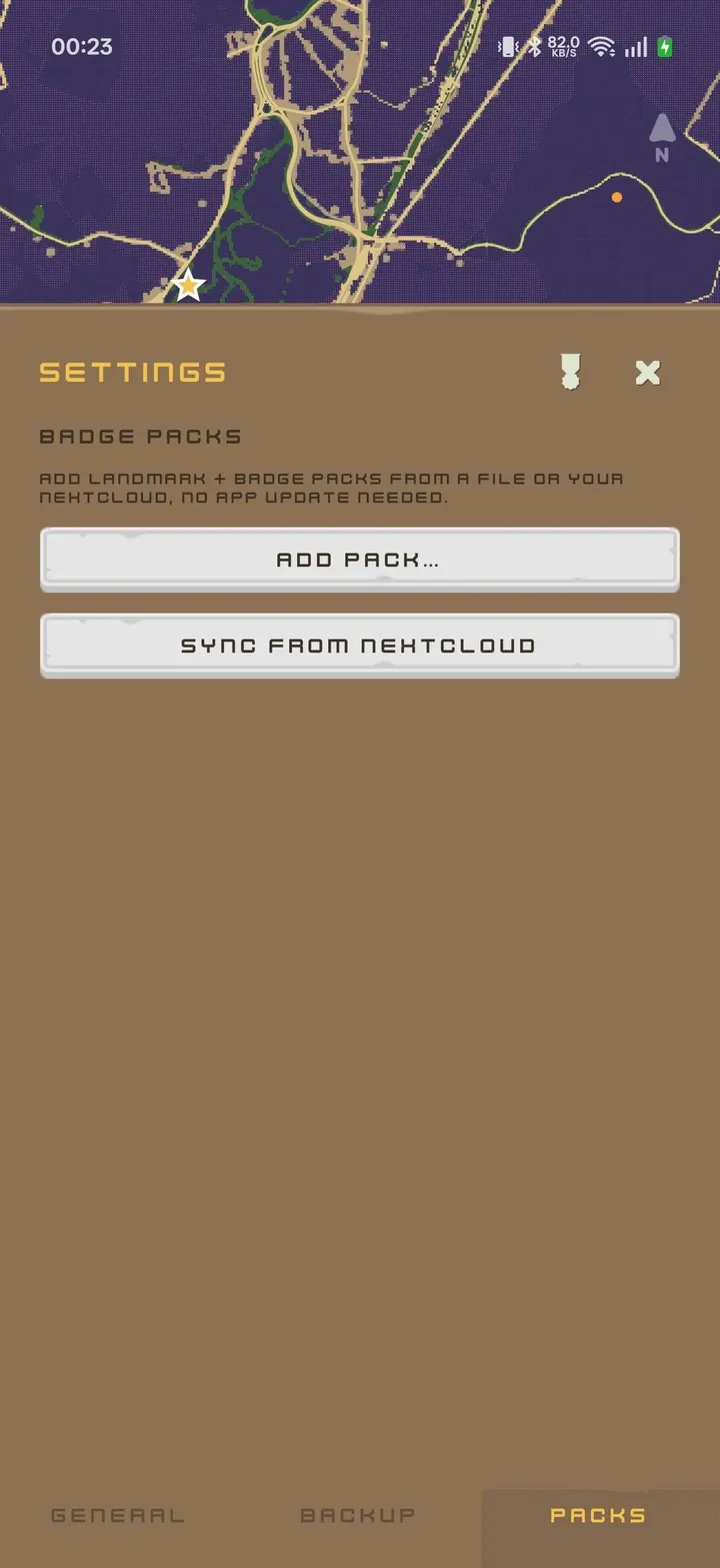
Version 1.7.3 was released on September 3, 2026 and last updated on September 15, 2026. Landmark and badge packs are plain JSON files that load at runtime, so content can change without a new app version.
Foggy Maps pros and cons
Pros
- Free with no ads, under the AGPL-3.0-or-later licence
- Track points and heatmap stay in local SQLite storage
- Imports GPX and Google Timeline, exports GPX and full JSON backup
- Works offline, and online map fetching can be switched off
- Small 3.9 MB download
Cons
- Requires Android 13 or newer
- Online map data is on by default and discloses rough location to the map servers
- Nextcloud backup needs a server of your own
- Version 1.7.3 is the current release
Is Foggy Maps safe?
We host the unmodified APK for Foggy Maps, and the file has a published SHA-256 checksum (0578b4741405f29b6a20f6ec613cf1c99610838acce5e61a411b3213c550af4c) you can compare against. The source is public under AGPL-3.0-or-later, and the app has no ads. Location data stays on the device unless you send it somewhere, and the app asks for each permission only when you enable the related feature. No independent security review is available.
How to install Foggy Maps
- Download the APK with the button on this page and wait for it to finish.
- Compare the file with the SHA-256 checksum shown here if you want to confirm it arrived intact.
- Open the file on your phone and allow installs from this source when Android asks.
- Finish the install, then open Foggy Maps from your app drawer.