

CoMaps is a free, open source maps and navigation app for Android 5.0 and up, built on OpenStreetMap data and carrying no ads. The build listed here is version 2026.10.05-19-FDroid, 67.2 MB, updated on October 8, 2026. TopDown APK hosts the unmodified APK, and the SHA-256 checksum is published so you can verify the file.
Maps that work without a mobile signal
The problem CoMaps addresses is dependence on a live connection and on a single map provider. Its maps are downloadable, and the developer says all app functions are designed to work offline. That covers searching for places, planning a trip abroad and finding waypoints on a remote hike.
The map data comes from OpenStreetMap, which the developer says includes places that Google Maps does not show. Map data can be updated inside the app or on the OpenStreetMap website. A basic built-in editor lets you correct data for everyone.
Outdoor mode, transit layer and voice guidance
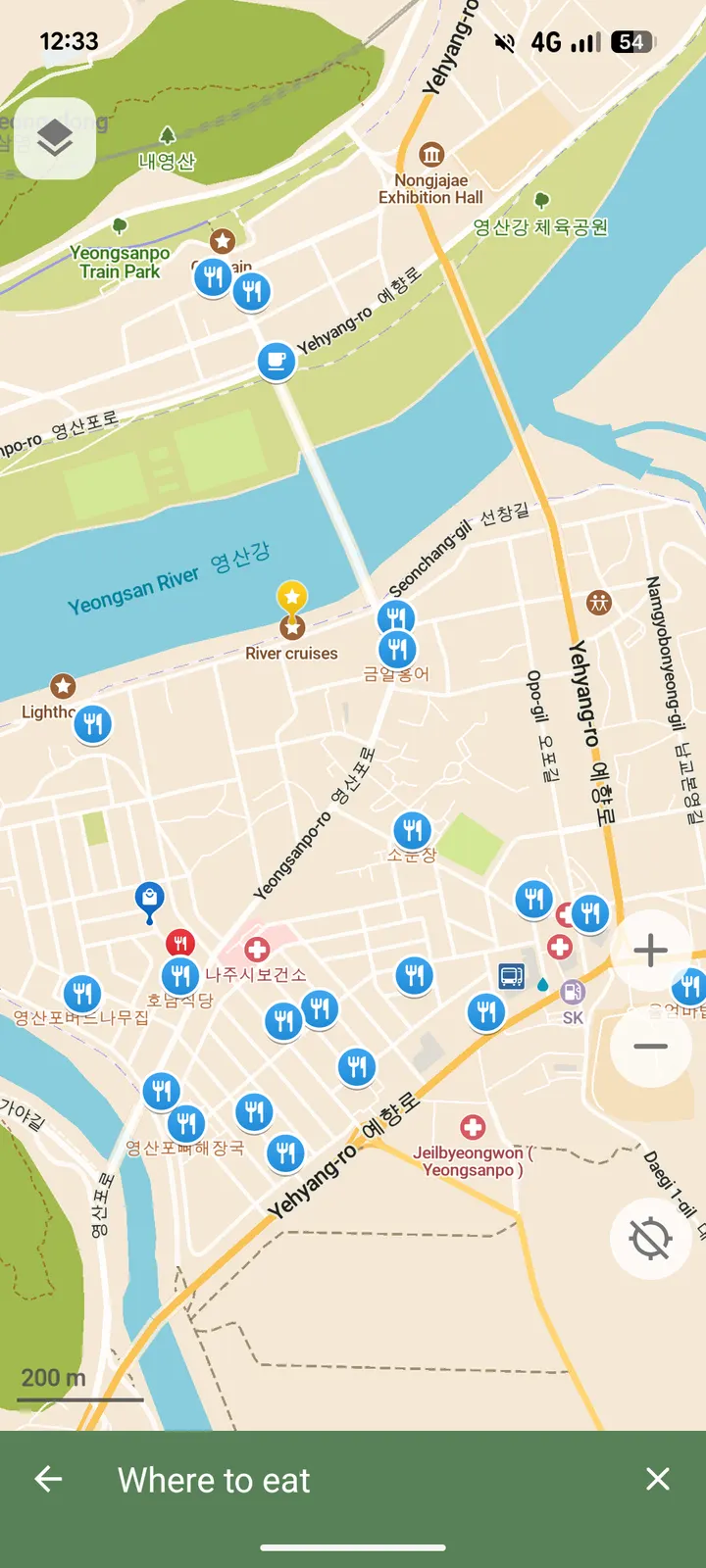
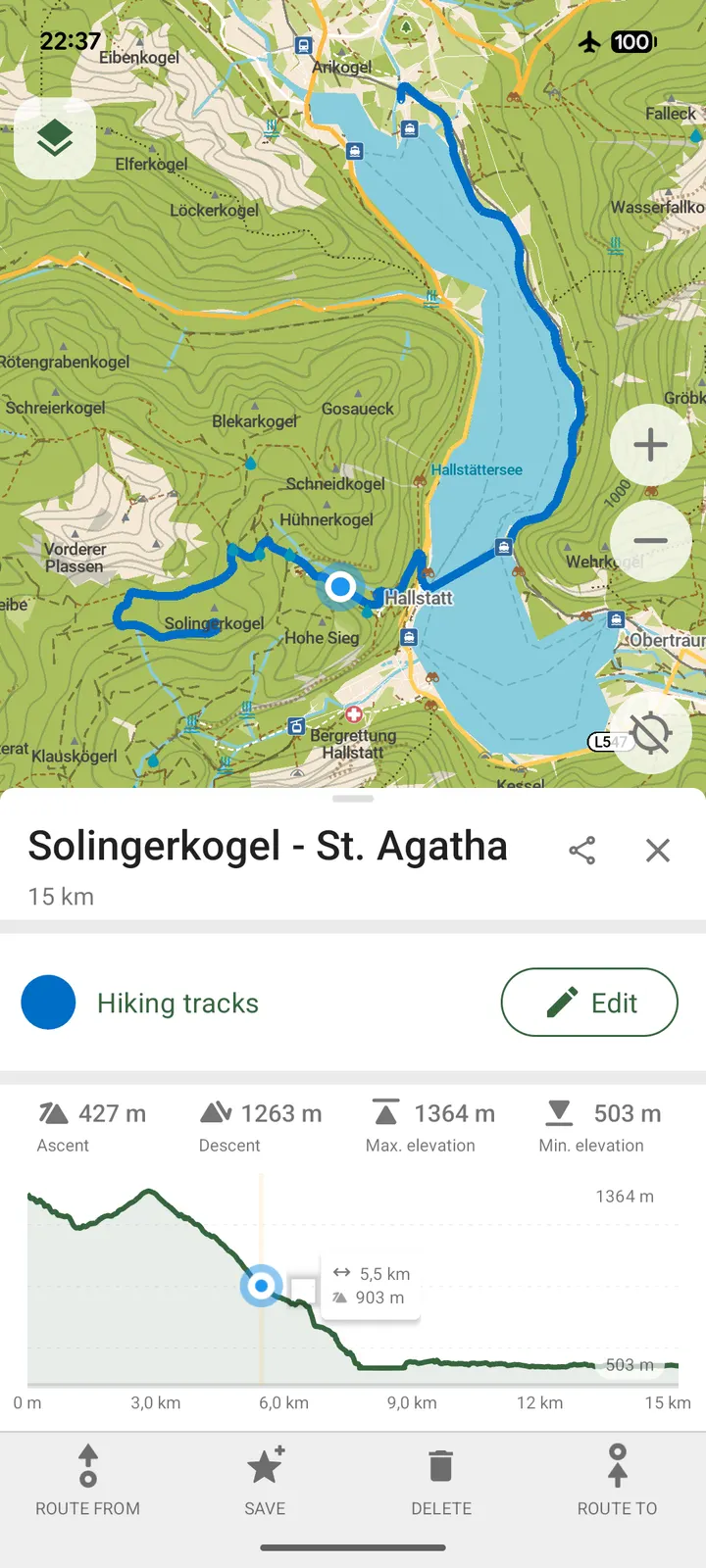
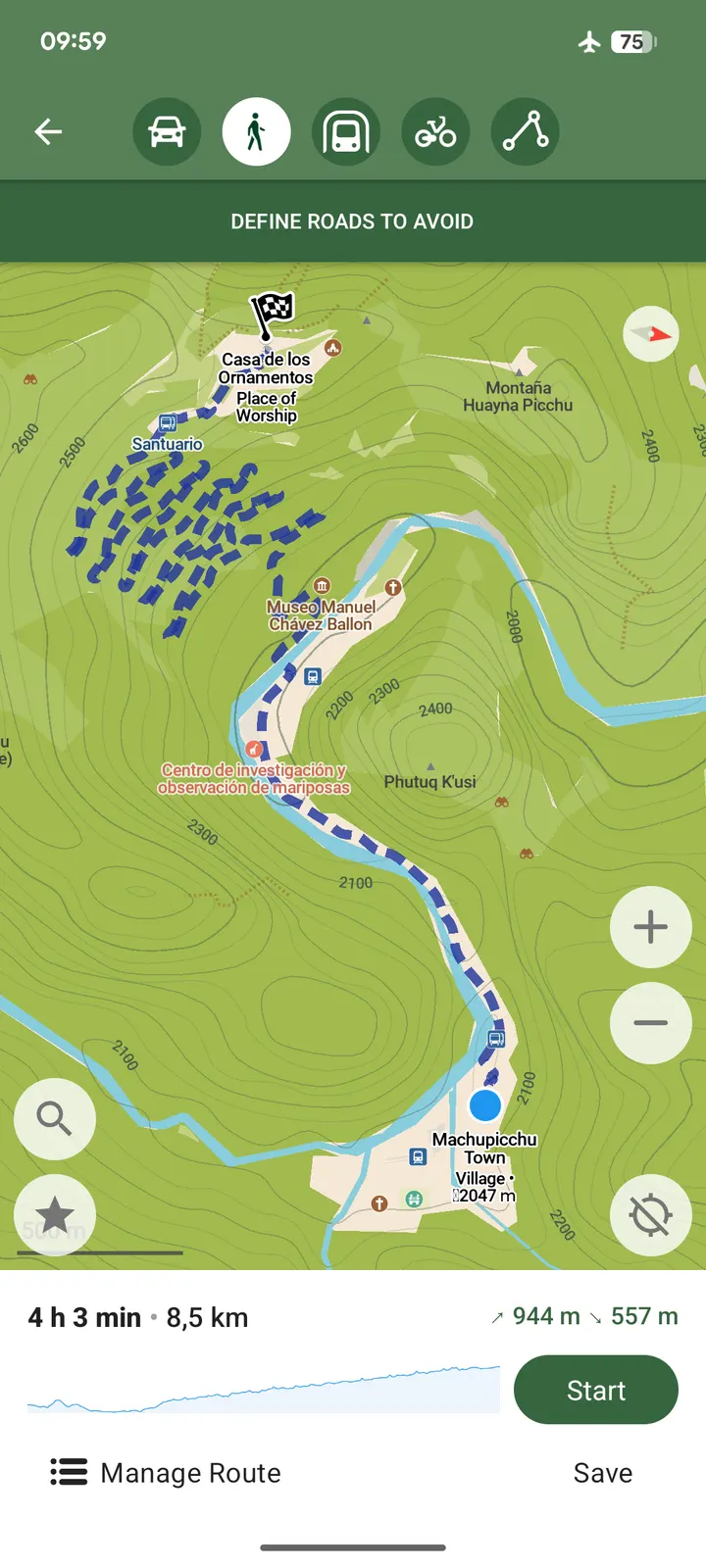
For hiking, the outdoor mode highlights trails, campsites, water sources, peaks and contour lines. Walking paths and cycleways are also mapped. Points of interest include restaurants, gas stations, hotels, shops and sights, and search works by name, address or category.
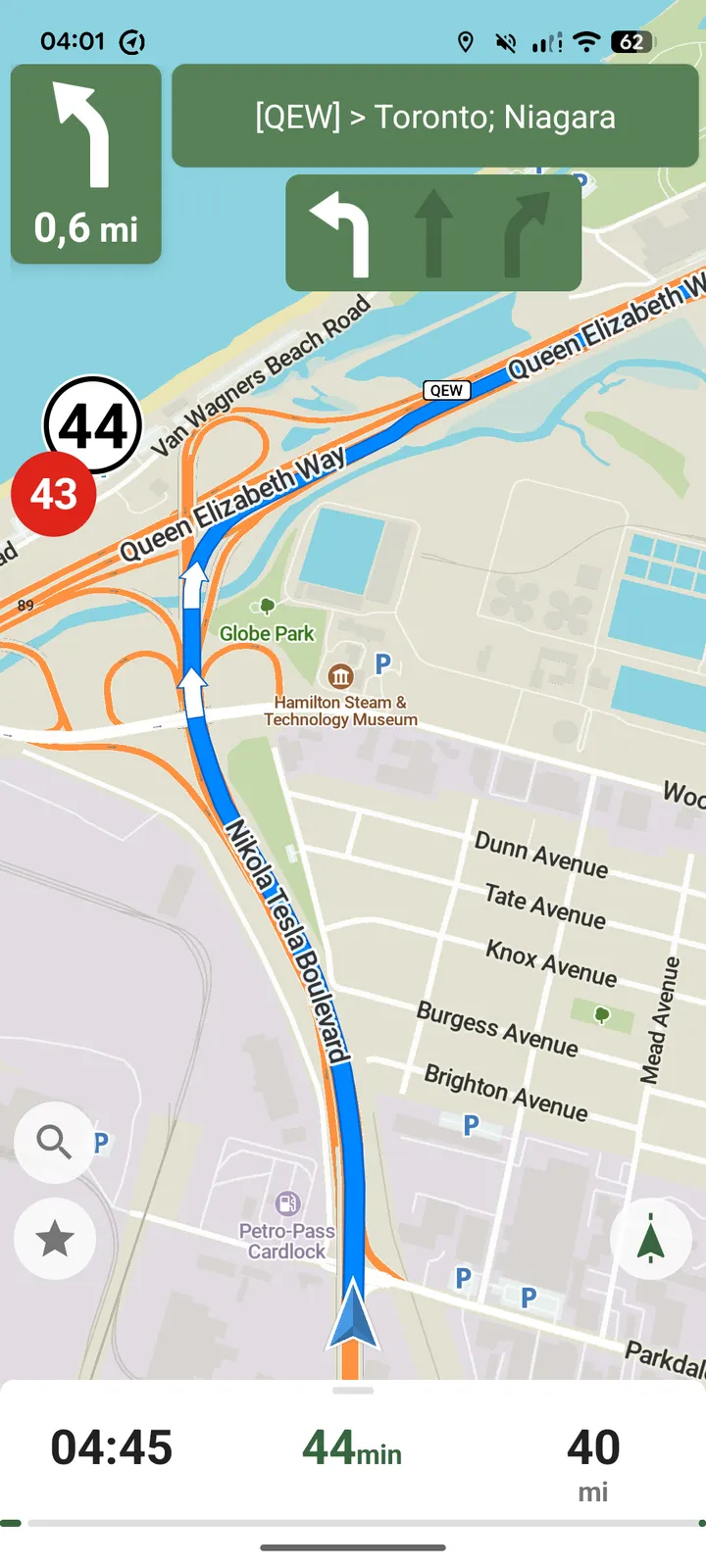
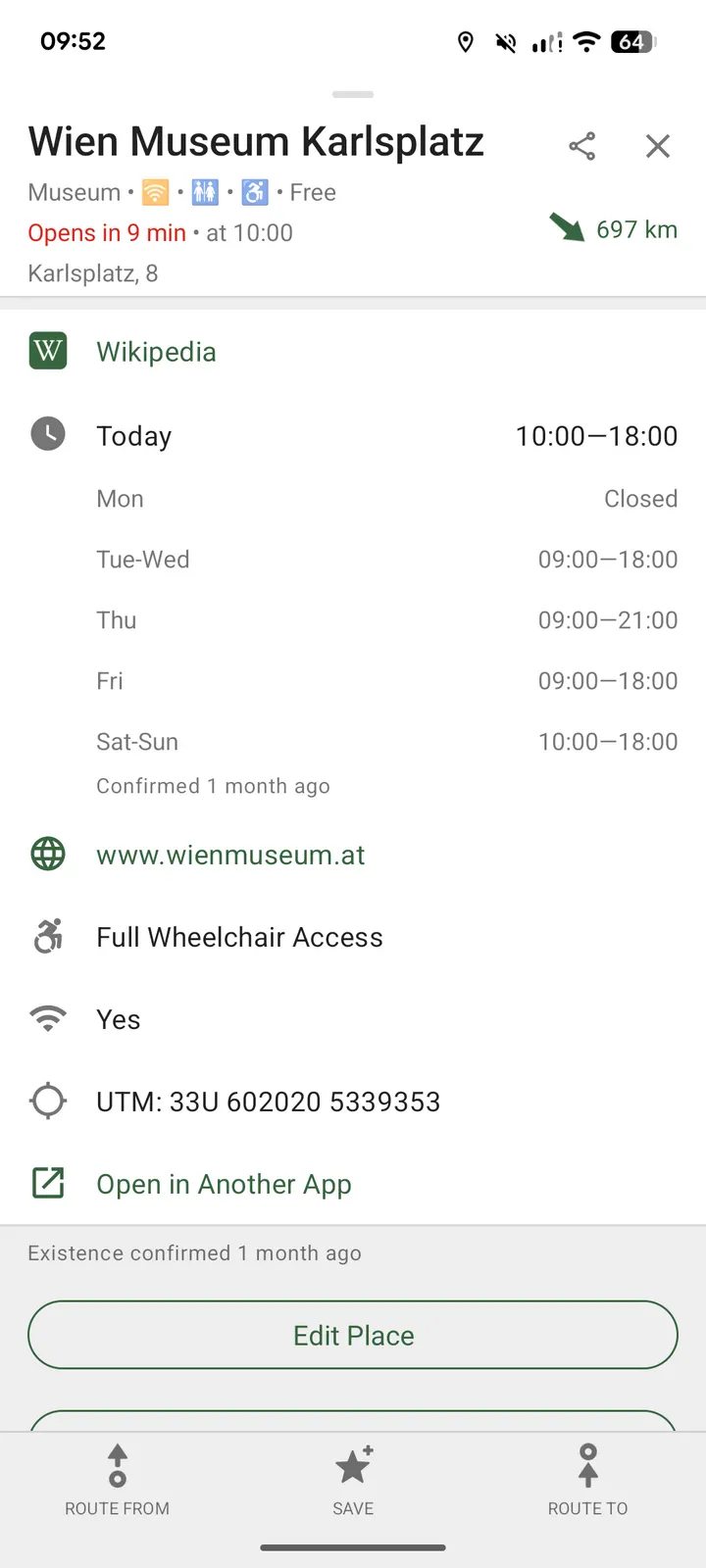
Navigation comes with voice announcements for walking, cycling or driving. Other listed tools are a subway transit layer with directions, offline Wikipedia articles, track recording and one-tap bookmarks. Bookmarks and tracks can be imported and exported in KML, KMZ and GPX formats, and there is a dark mode for night use.
Lineage and what to check before installing
CoMaps is a fork of Organic Maps, which itself is a fork of Maps.ME. The project is community-led and not-for-profit, with its source on Codeberg under the Apache-2.0 licence. A project website exists at comaps.app.
Check that your device runs Android 5.0 or newer and has room for the 67.2 MB app plus any regional maps you download. Look at map download sizes in the app before fetching large regions. The package ID is app.comaps.fdroid, which marks this as the F-Droid build.
CoMaps pros and cons
Pros
- No ads and free to use
- Offline use, with downloadable maps
- Outdoor mode with trails, water sources and contour lines
- Open source under Apache-2.0, with code on Codeberg
- Imports and exports bookmarks and tracks in KML, KMZ and GPX
Cons
- Developer is listed as unknown
- Map download sizes vary by region
- Map detail depends on OpenStreetMap contributions in your area
Is CoMaps safe?
The APK we serve for CoMaps is the unmodified file, and its SHA-256 checksum is 90b091be84c5a22f306729ae710b40b1cc1acf3918da6629d15da8027866dc46. Compare it with the file you download to confirm it matches. The code is public under Apache-2.0 at codeberg.org/comaps/comaps, so anyone can read it. The developer describes the app as built with privacy in mind, though that is the project's own claim and no outside review is cited here.
How to install CoMaps
- Download the APK with the button on this page and wait for it to finish.
- Compare the file with the SHA-256 checksum shown here if you want to confirm it arrived intact.
- Open the file on your phone and allow installs from this source when Android asks.
- Finish the install, then open CoMaps from your app drawer.