
You open your phone to check one message and surface twenty minutes later in a feed you never meant to visit. Defang, an Android launcher by Scandiking, is built for that moment. It does not block anything. It adds a short pause so you can decide whether to continue.
A speed bump instead of a wall for engagement-heavy apps
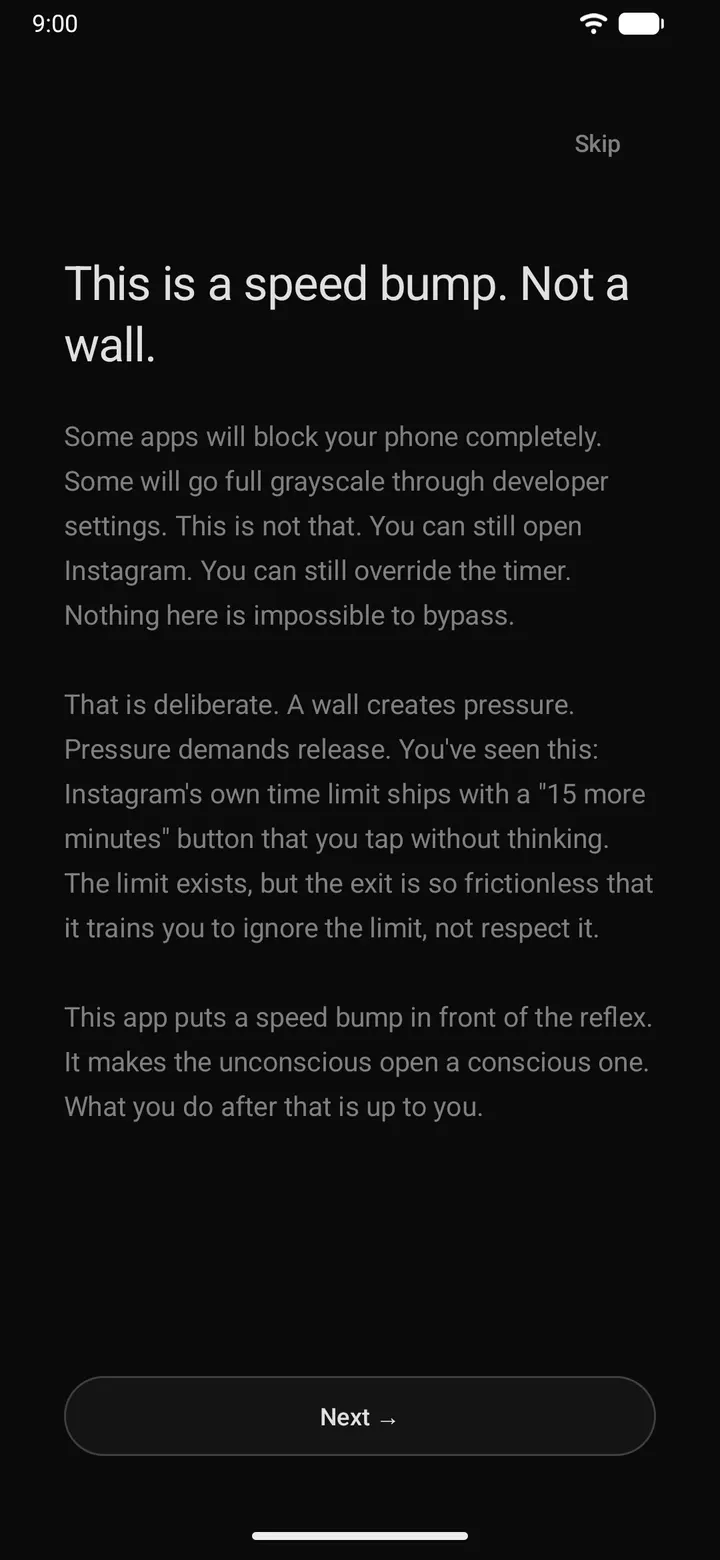
The developer's stance is that a hard block invites workarounds, while a small delay invites a pause. So Defang is deliberately bypassable. You can still open Instagram, and you can still override the timer.
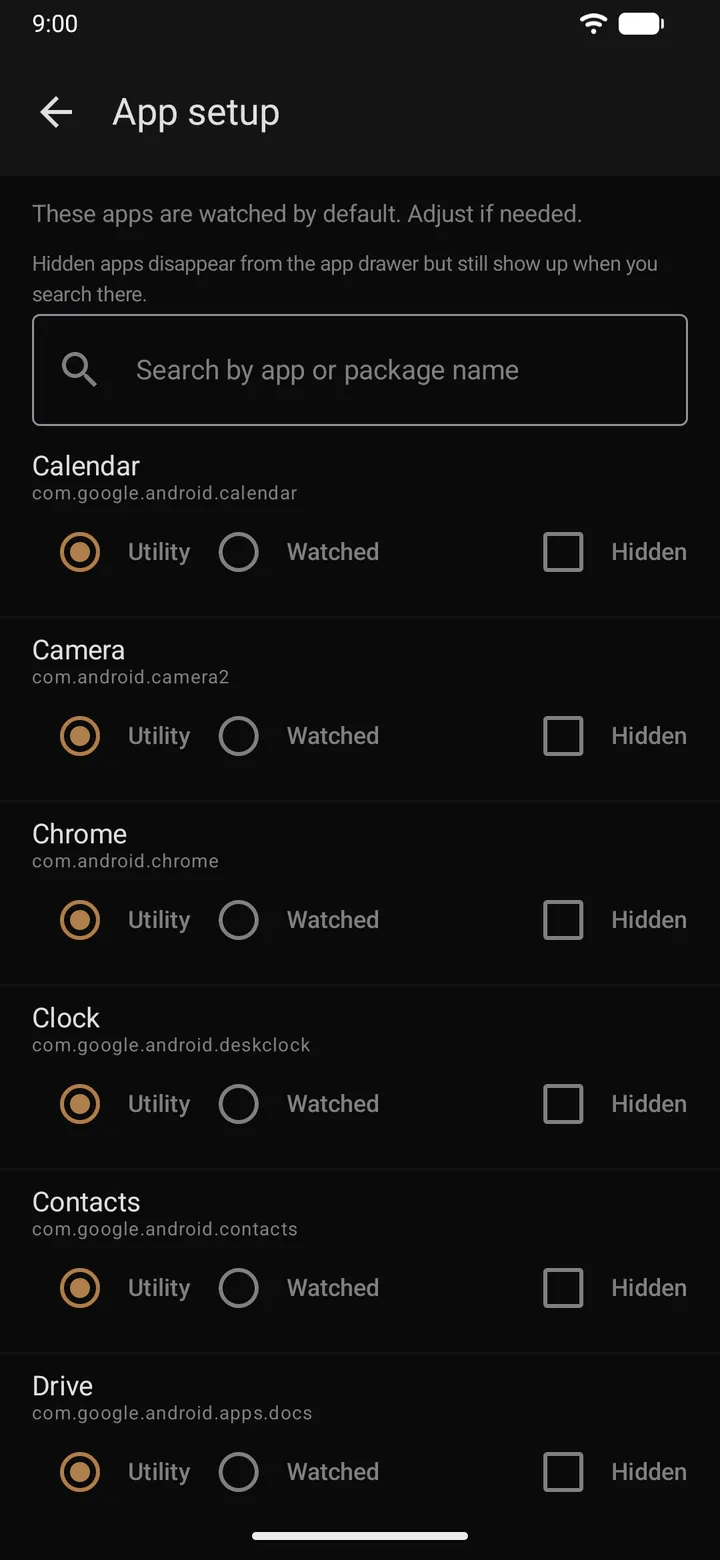
You choose which apps are watched. Utility apps such as the camera, calculator, phone and maps open instantly, so the friction only touches the apps you flagged.
Intent gate, cool-down and grayscale in practice
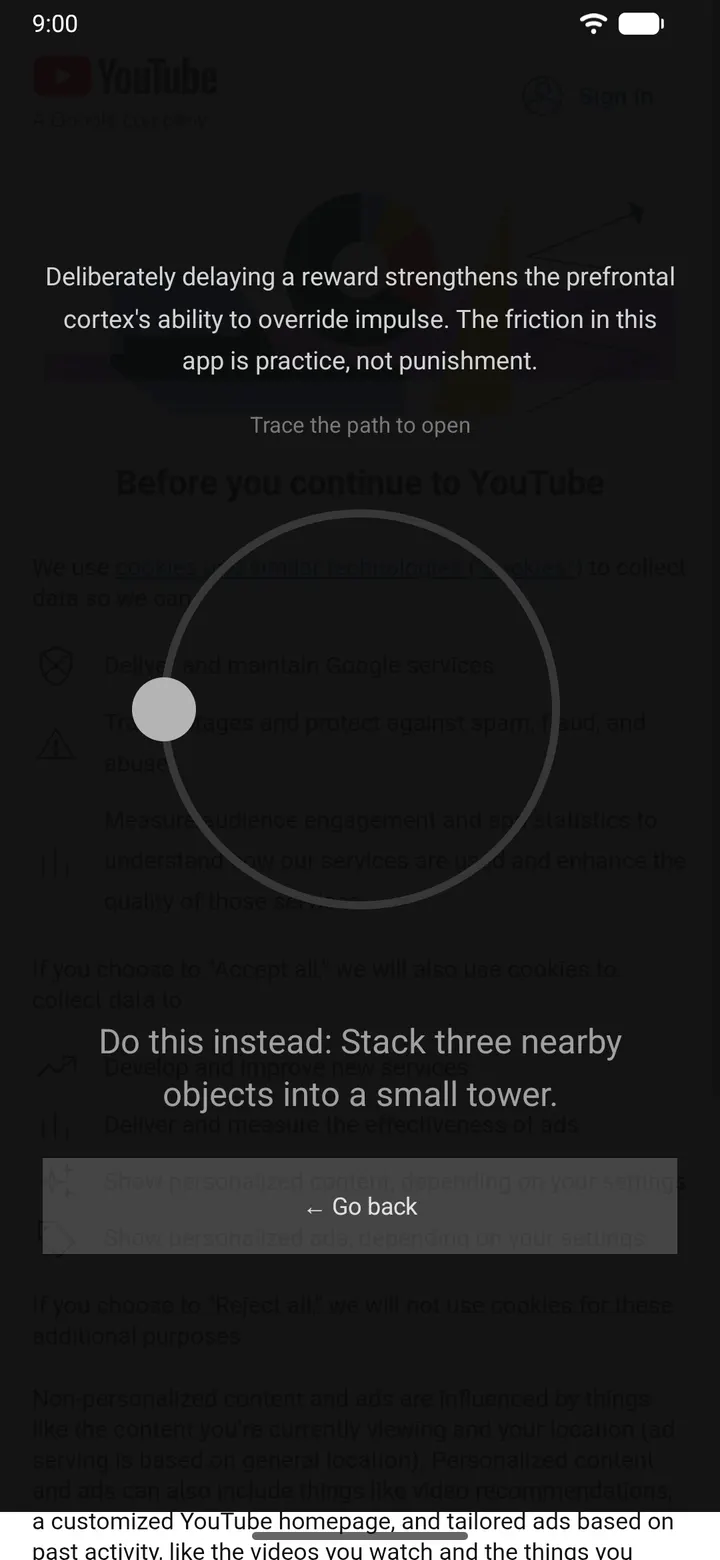
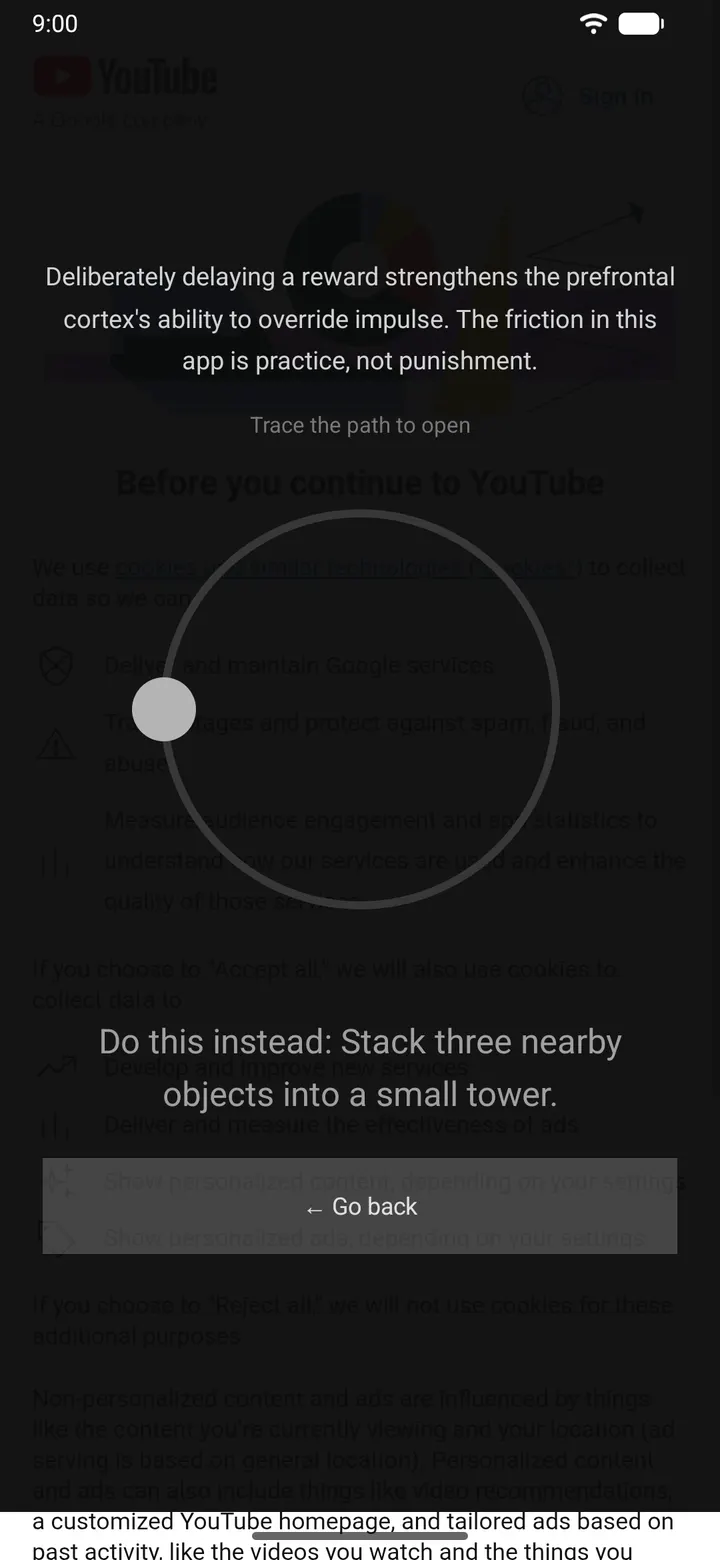
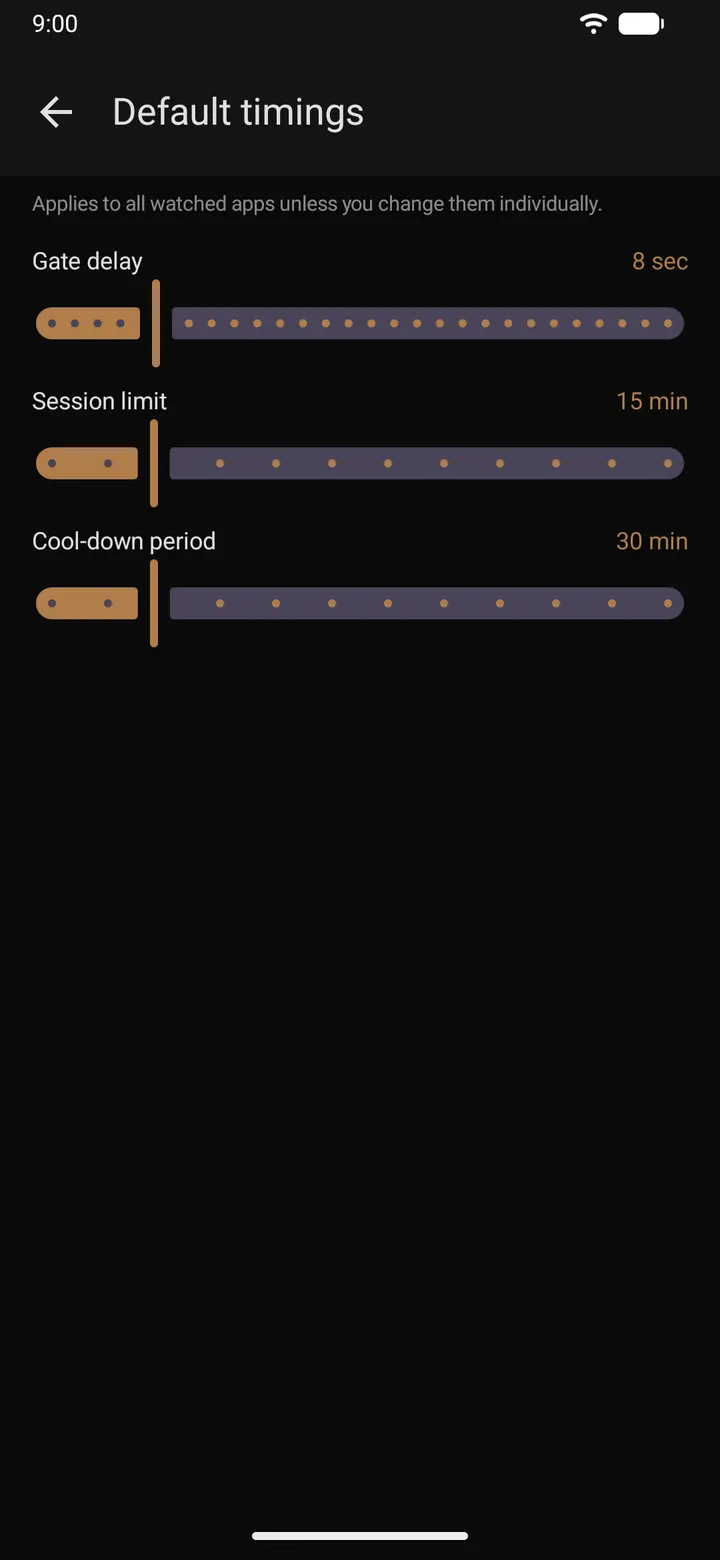
Tapping a watched app brings up a full-screen pause with a countdown. The "Open anyway" button only activates when it ends. You can state what you came for or go back.
After a session ends, reopening is locked for a period you set in advance. The description also lists a session timer overlay, where extending costs a 30-second wait, a written reason, and works once per day.
Per-app grayscale turns watched apps colorless while the camera, maps and photos keep their colors. Notification batching delivers pings from watched apps as a muted summary at times you pick, and real contacts still come through.
Offline prompts and the weekly usage report
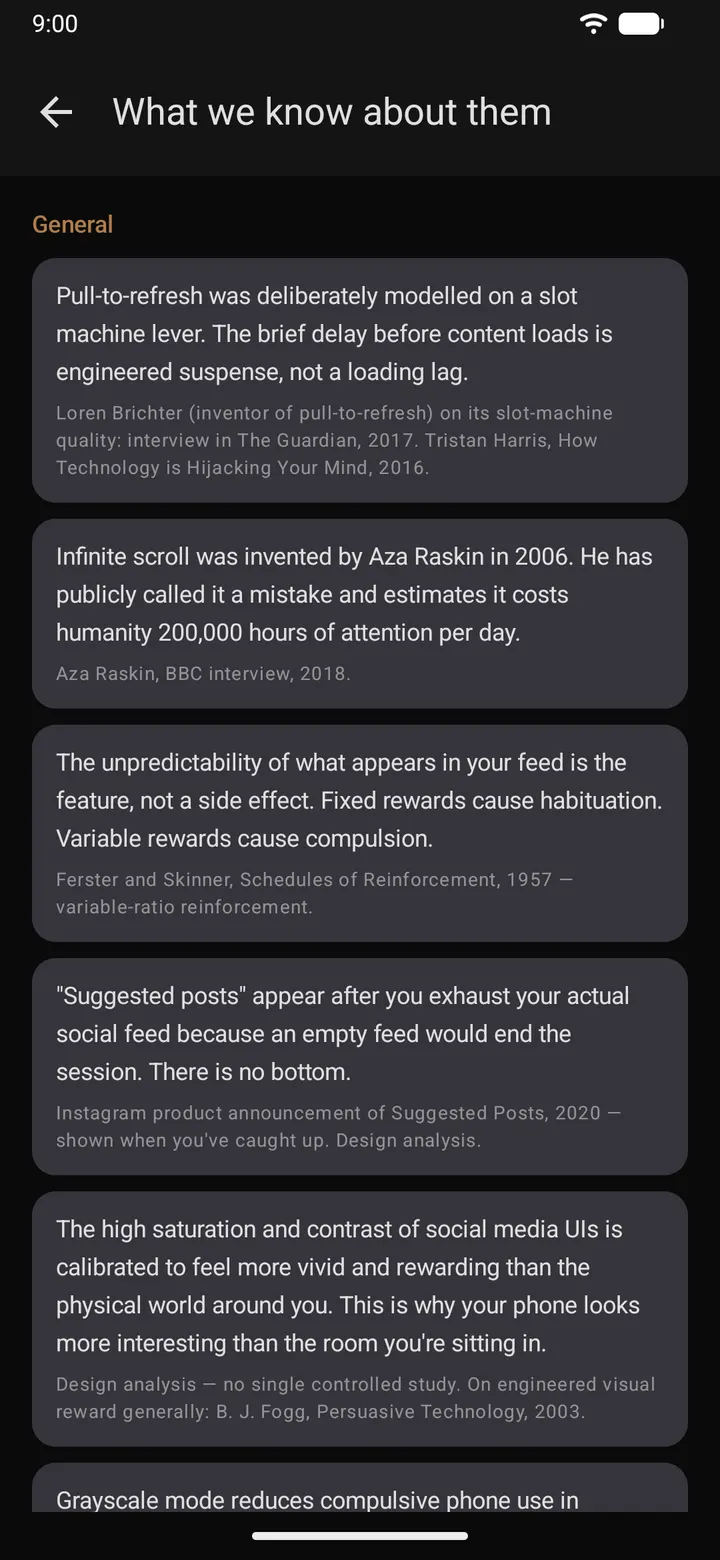
When a session ends, Defang can suggest a small physical task. The listing's own example is tidying the coffee table. Short awareness notes about variable reward schedules and notification timing are also included.
The usage report shows weekly time per app, per day, and how often a quick check of a direct message turned into a 20-minute scroll. The interface is available in English and Norwegian.
Permissions to check before installing Defang
Defang needs the accessibility service for foreground app detection, notification access for batching, and display-over-apps permission for overlays. That is a significant set of grants, so read each prompt.
Per-app grayscale needs a one-time adb grant of WRITE_SECURE_SETTINGS. The app works without it, minus that feature. The package is 1.9 MB and requires Android 8.0 or newer.
What's new in 0.1.24
Version 0.1.24 was updated on October 31, 2026.
Defang pros and cons
Pros
- Free, with no ads and a GPL-3.0-only licence
- Source code is public on GitHub
- Utility apps like camera and maps always open instantly
- The developer says there is no telemetry and data stays on the device
- Small 1.9 MB download
Cons
- Needs accessibility, notification access and overlay permissions
- Grayscale requires a manual adb grant
- Version 0.1.24 suggests an early-stage project
- Only English and Norwegian are listed
Is Defang safe?
We host the unmodified APK for Defang as a Tier A listing, with a SHA-256 checksum you can compare against the file: d8a1219b75b7c5e95a54a3850a454f9d5f075b98705785113e74bb14c09d4ff6. The licence is GPL-3.0-only and the source is public on GitHub. The developer says there is no telemetry, but the app asks for broad permissions, so grant only what you need. No independent security review is available.
How to install Defang
- Download the APK with the button on this page and wait for it to finish.
- Compare the file with the SHA-256 checksum shown here if you want to confirm it arrived intact.
- Open the file on your phone and allow installs from this source when Android asks.
- Finish the install, then open Defang from your app drawer.


