
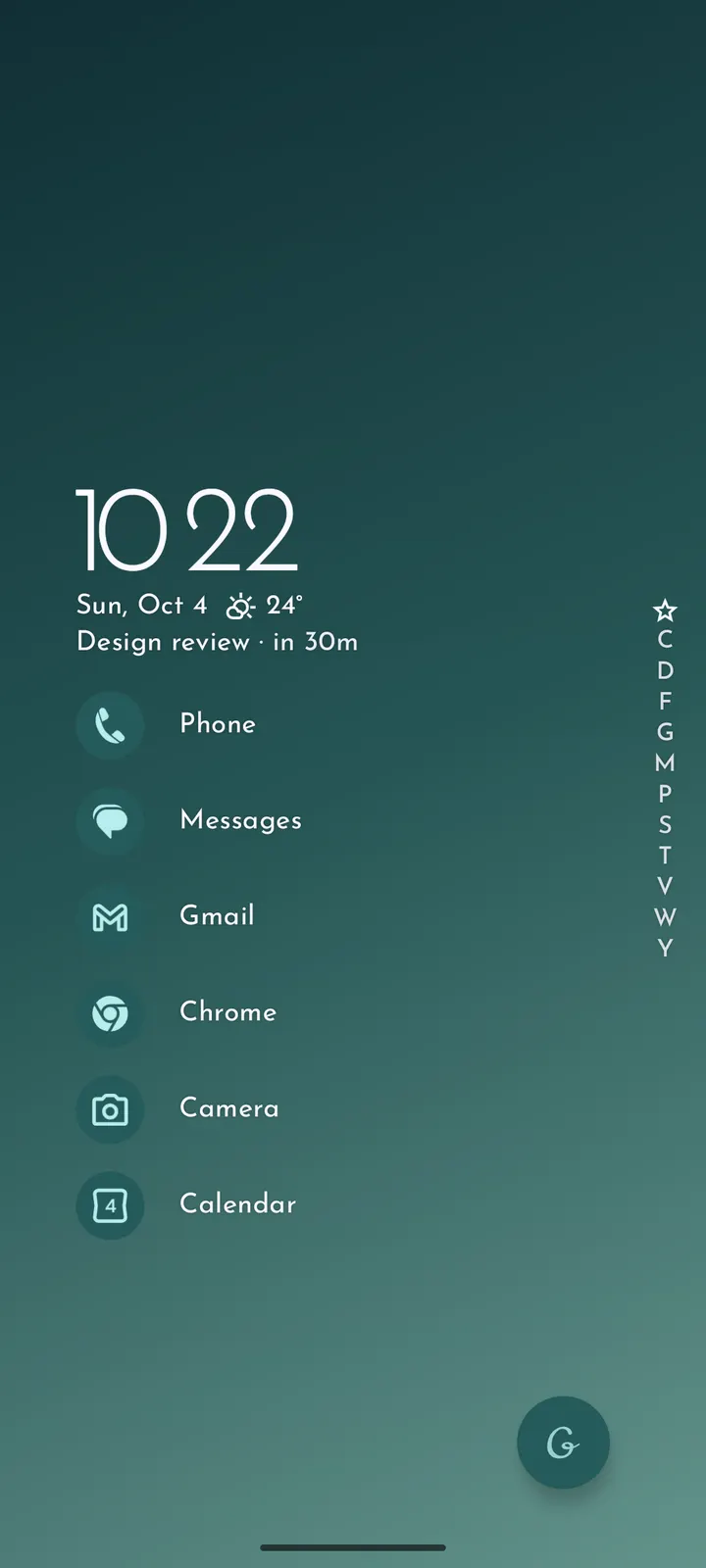
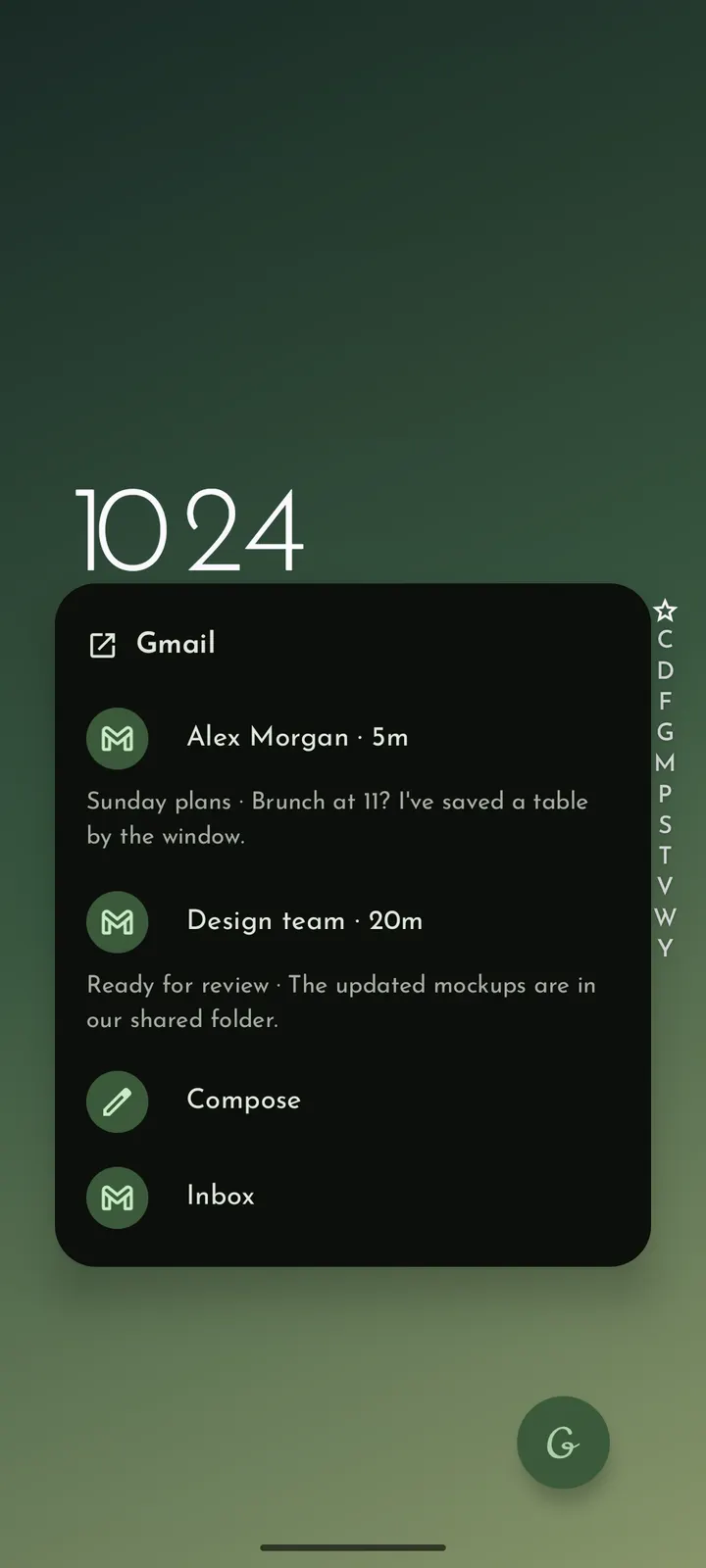
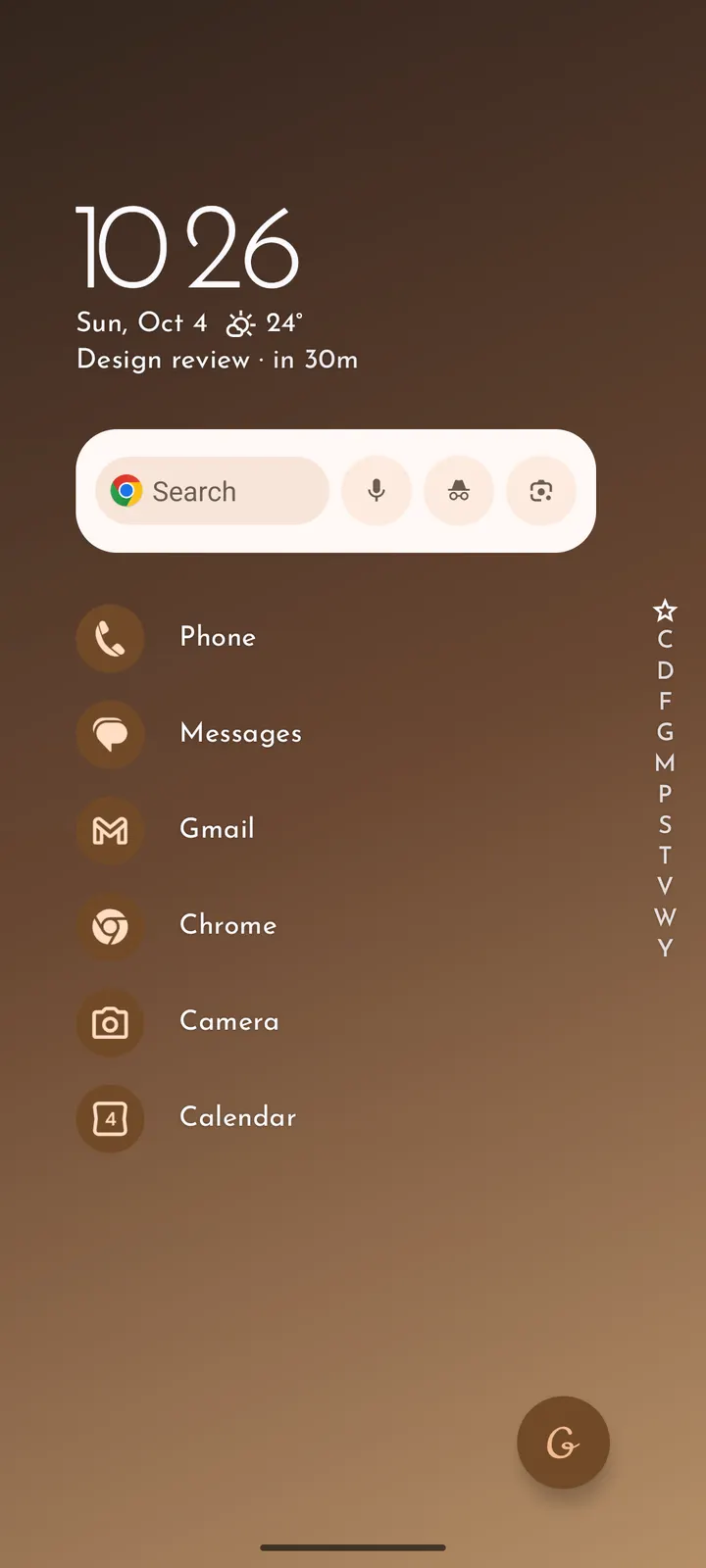
Grace Launcher is a free, open-source launcher for Android 9 and later, published by Galaxy-rio under the GPL-3.0-only licence. Version 1.2.2 is a 9.8 MB download with no ads and no price. The home screen is a list rather than a grid of icons.
No ads, no price, and source code on GitHub
Grace Launcher is free and shows no ads. Its code is public on GitHub under GPL-3.0-only, so anyone can read how it works.
The developer's description says the launcher does not ask for Internet access. That is why the weather view relies on Breezy Weather, which you install and configure separately.
Alphabet rail, calendar agenda and music controls
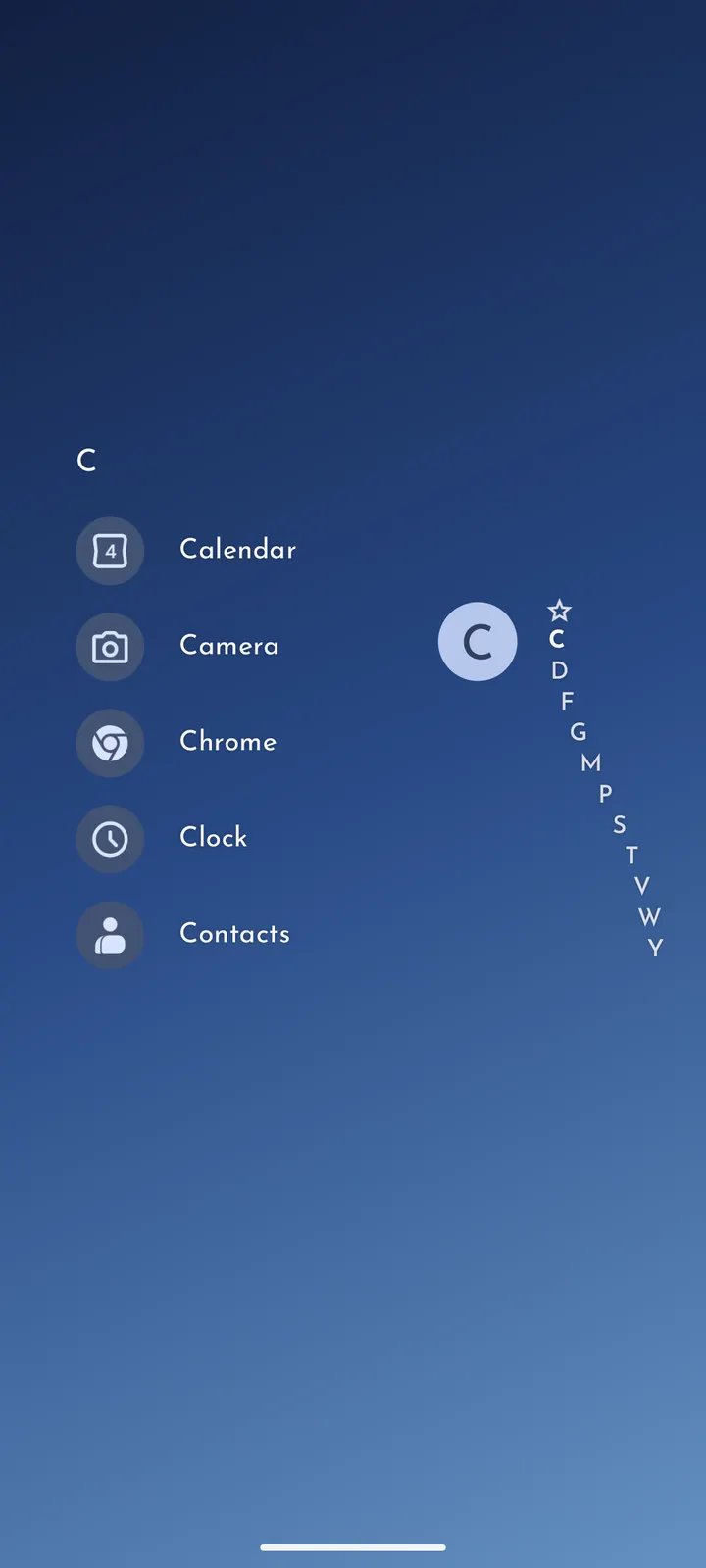
The home screen is built around an app list. Favorite apps sit close at hand, and an alphabet rail lets you jump through the rest of the list.
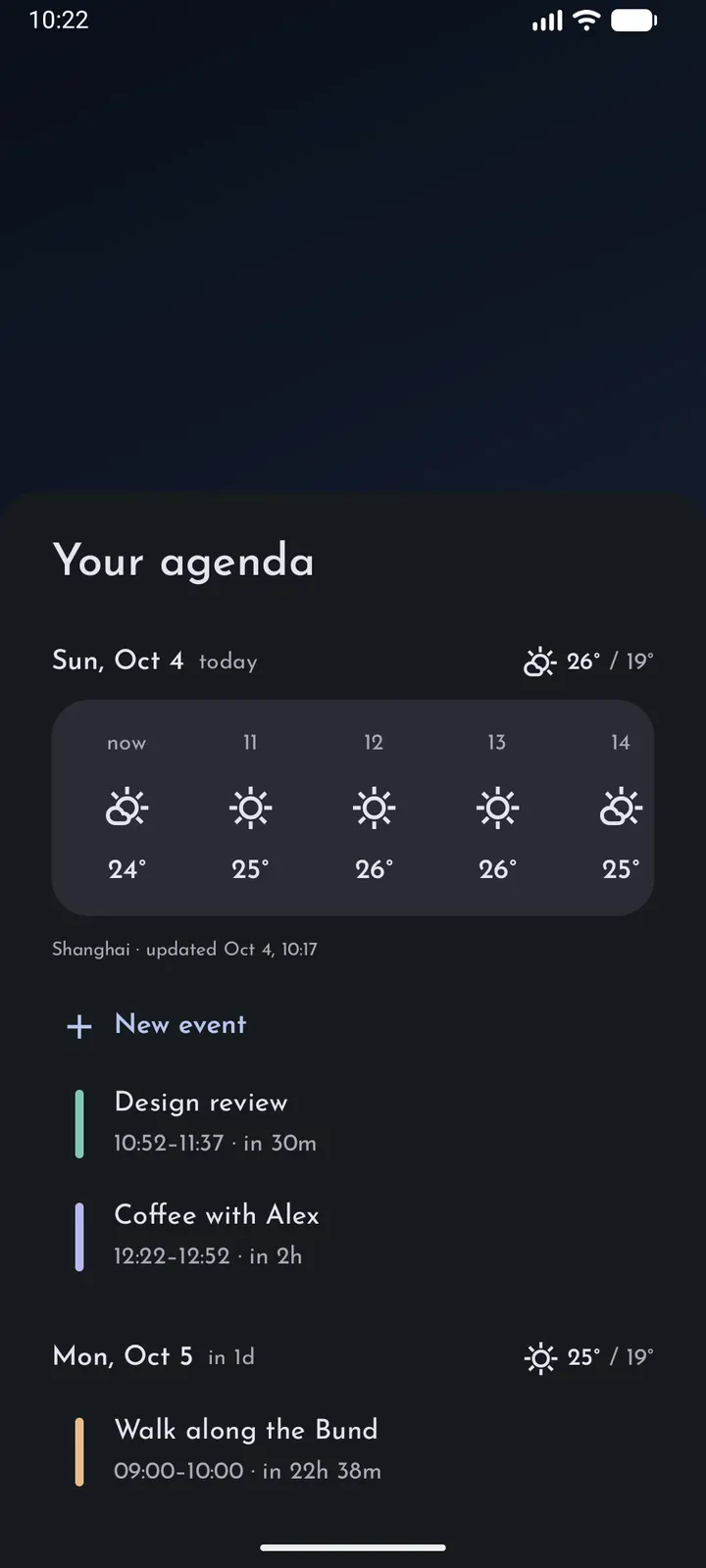
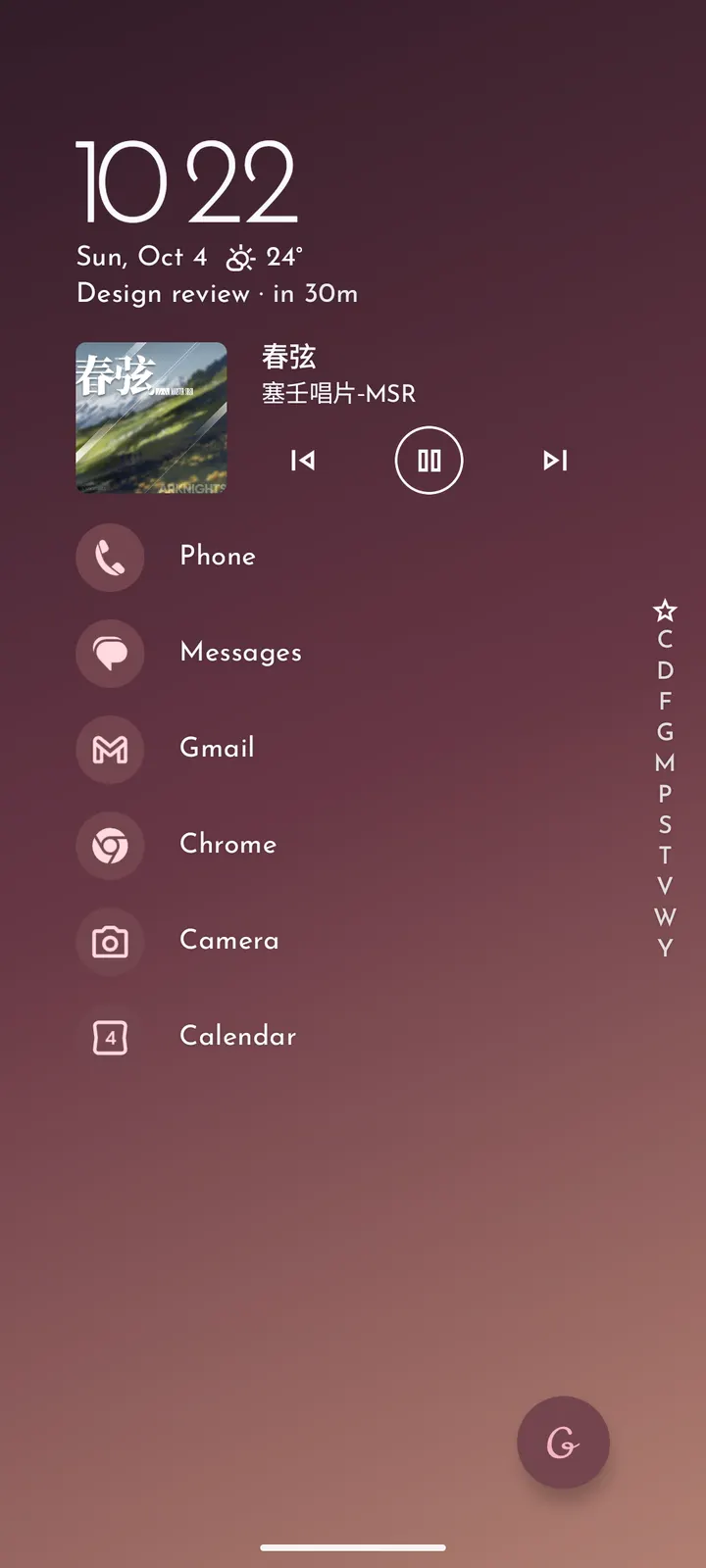
Upcoming calendar events and notifications can appear on the home screen, and music playback can be controlled from there too. Calendar and notification access are optional, and each one switches on only its matching feature.
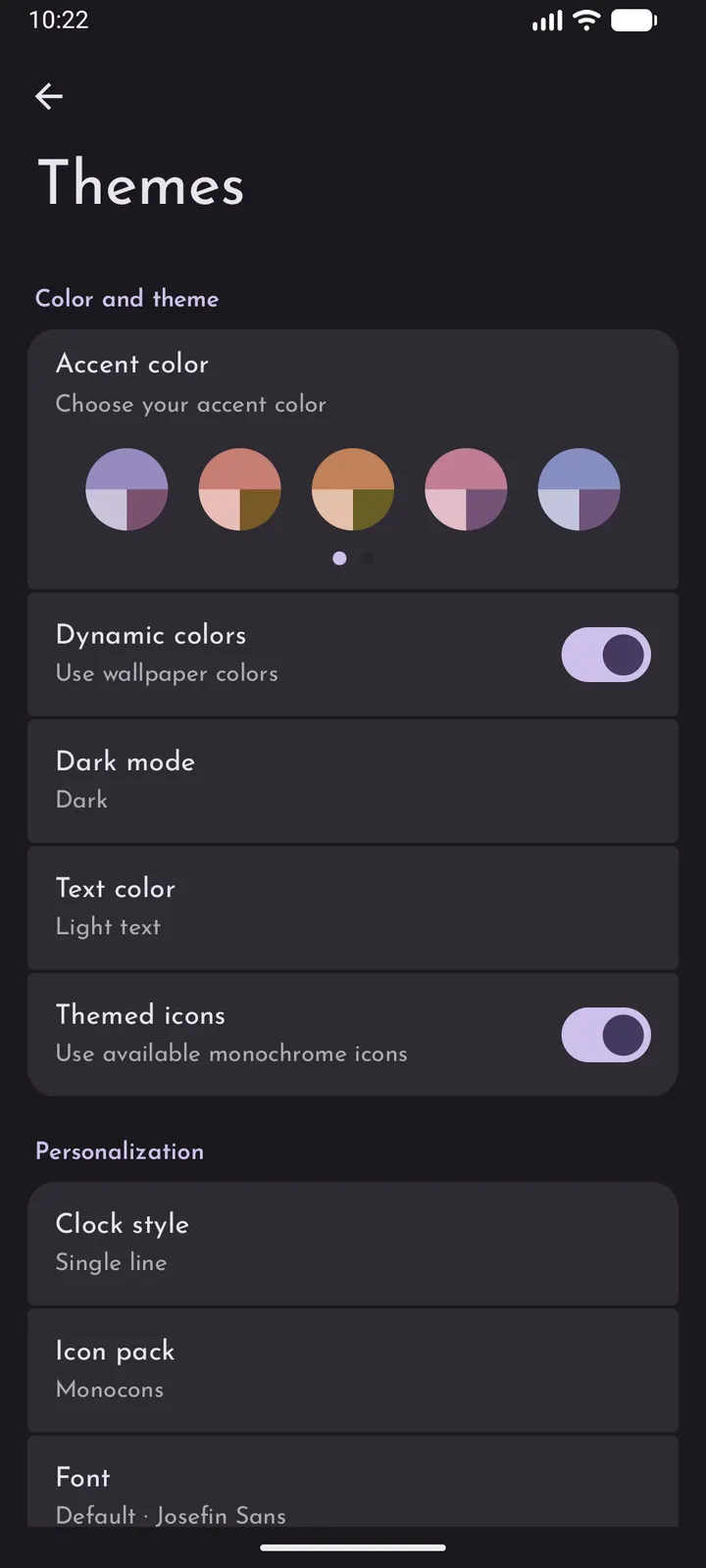
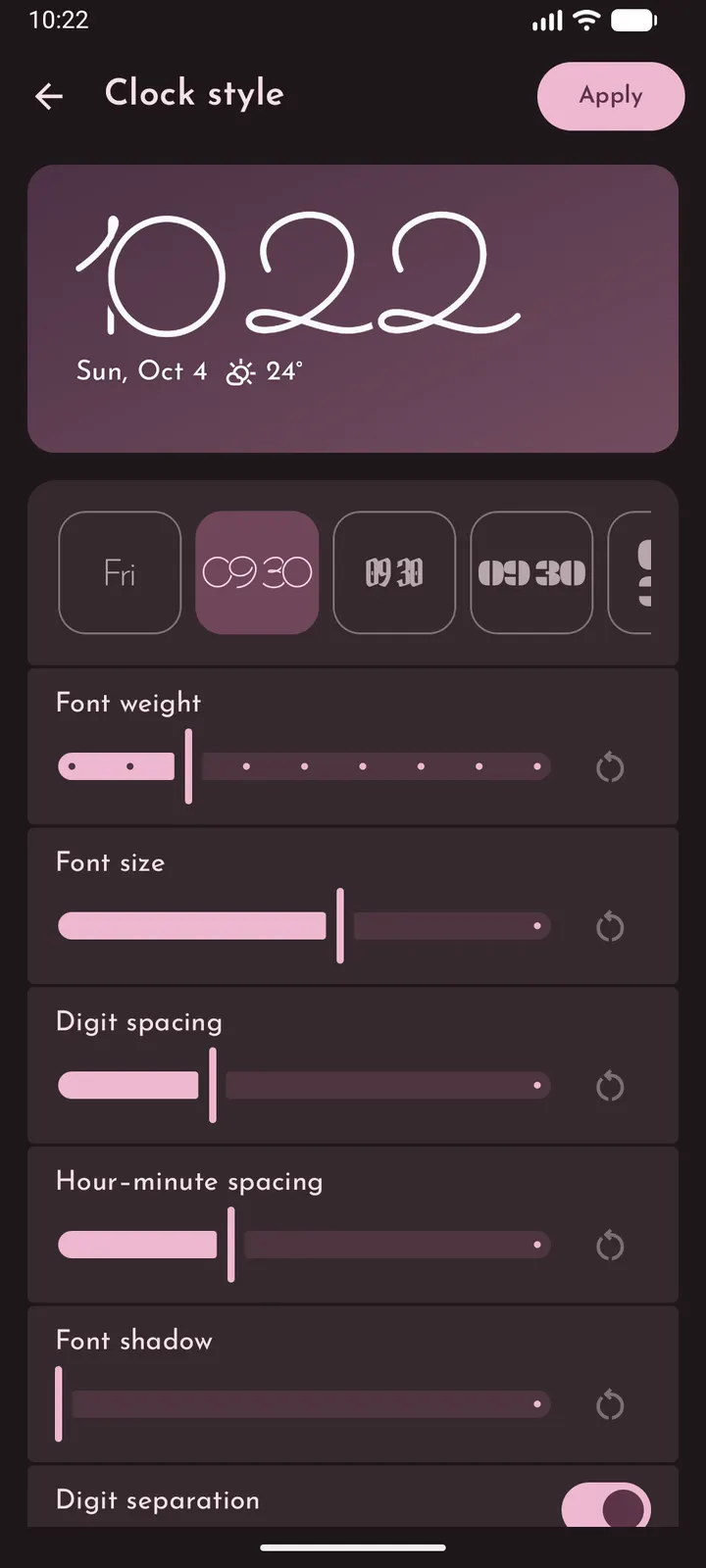
Colors, icons and folders can be changed using Material You. Weather is shown through Breezy Weather, which has to be installed and configured separately.
Version 1.2.2 and how recent it is
The first release was on October 3, 2026, and the latest update is dated November 4, 2026. About a month separates the two, so the project is young.
Grace Launcher pros and cons
Pros
- Free, with no ads listed
- Open source under GPL-3.0-only, with code on GitHub
- Small 9.8 MB package
- Calendar agenda and music controls on the home screen
- Calendar and notification access are optional
Cons
- Needs Android 9 or later
- Weather needs Breezy Weather installed and set up separately
- Young project, with about a month between first release and latest update
Is Grace Launcher safe?
The APK on this page is the unmodified file, and you can check it against the SHA-256 checksum shown here. Galaxy-rio publishes the source under GPL-3.0-only. According to the developer there is no tracking and no Internet permission is requested. Calendar and notification access are optional, so grant them only if you want the agenda and notification features on the home screen.
How to install Grace Launcher
- Download the APK with the button on this page and wait for it to finish.
- Compare the file with the SHA-256 checksum shown here if you want to confirm it arrived intact.
- Open the file on your phone and allow installs from this source when Android asks.
- Finish the install, then open Grace Launcher from your app drawer.


