
Hex Launcher suits people who want a plain, fast home screen and care more about privacy than widgets or icon packs. It is free, shows no ads, and is released under the Apache-2.0 licence. The current version is 1.4.12. The unmodified APK is stored here with its SHA-256 checksum, so you can compare it with the file you download.
One developer, public source on GitHub
Hex Launcher is published by Marshall Mann-Wood under the package name com.mrmannwood.hexlauncher. The first release dates to March 22, 2022, and the most recent update was on September 22, 2026.
The project is designed and maintained by a single person. The source code sits on GitHub at MrMannWood/launcher under the Apache-2.0 licence, so anyone can read it or check how it works. The developer also says he accepts feedback.
Search-first layout and six gesture shortcuts
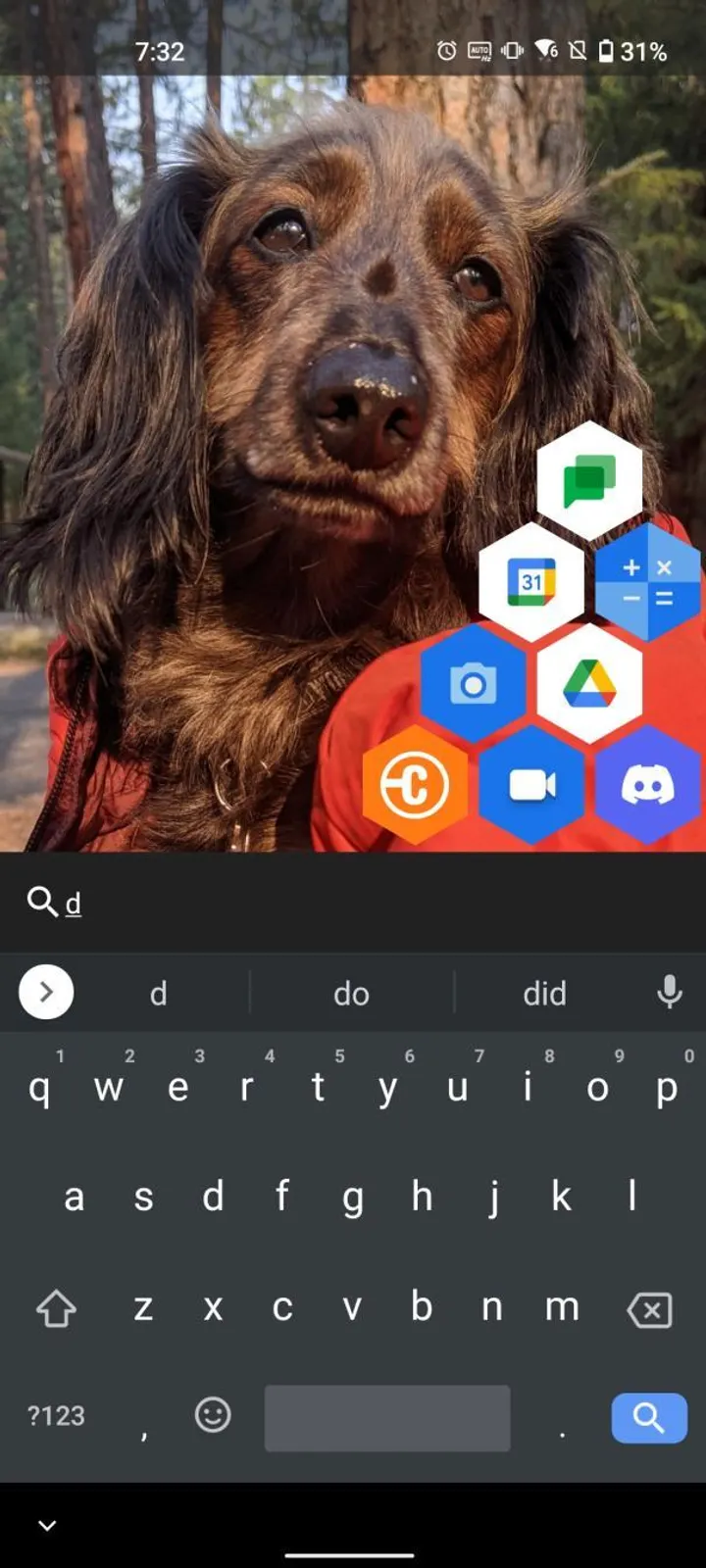
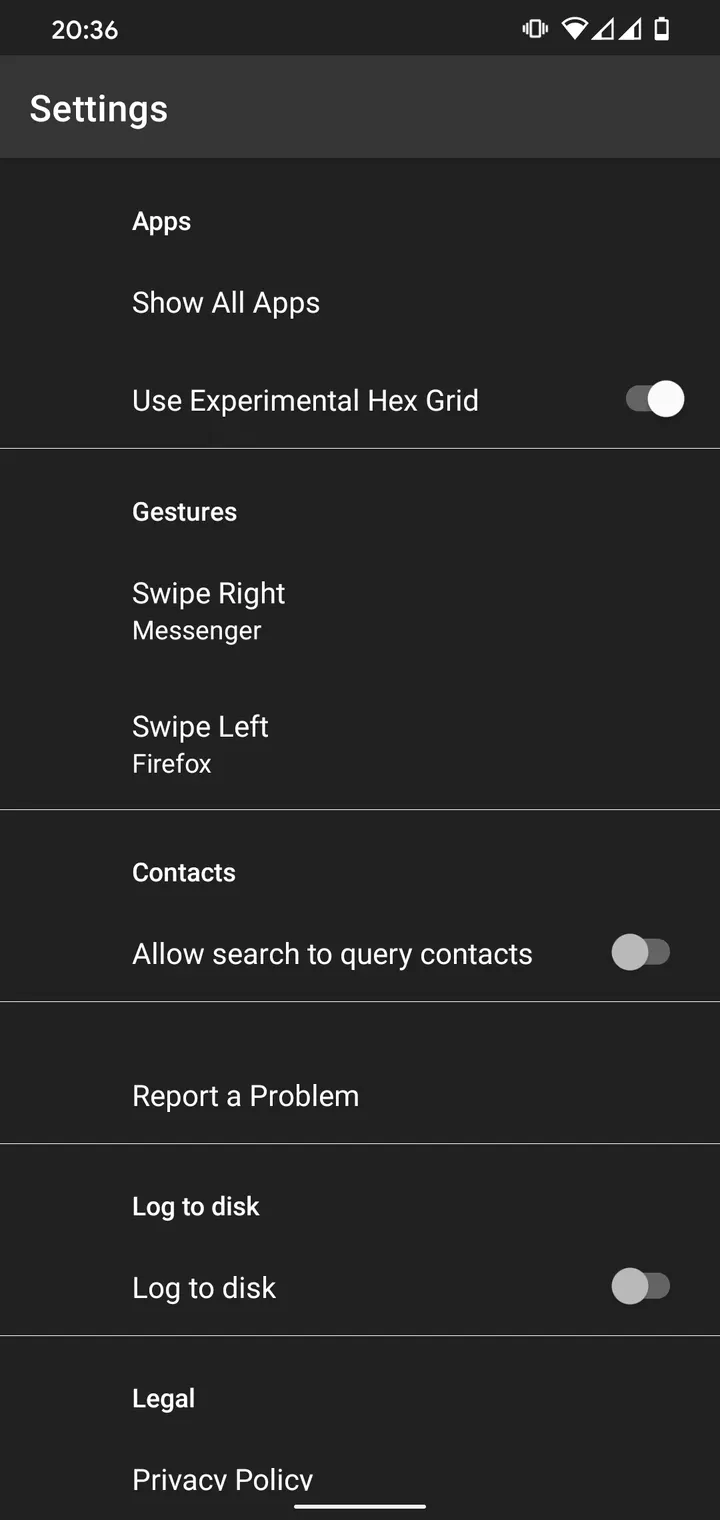
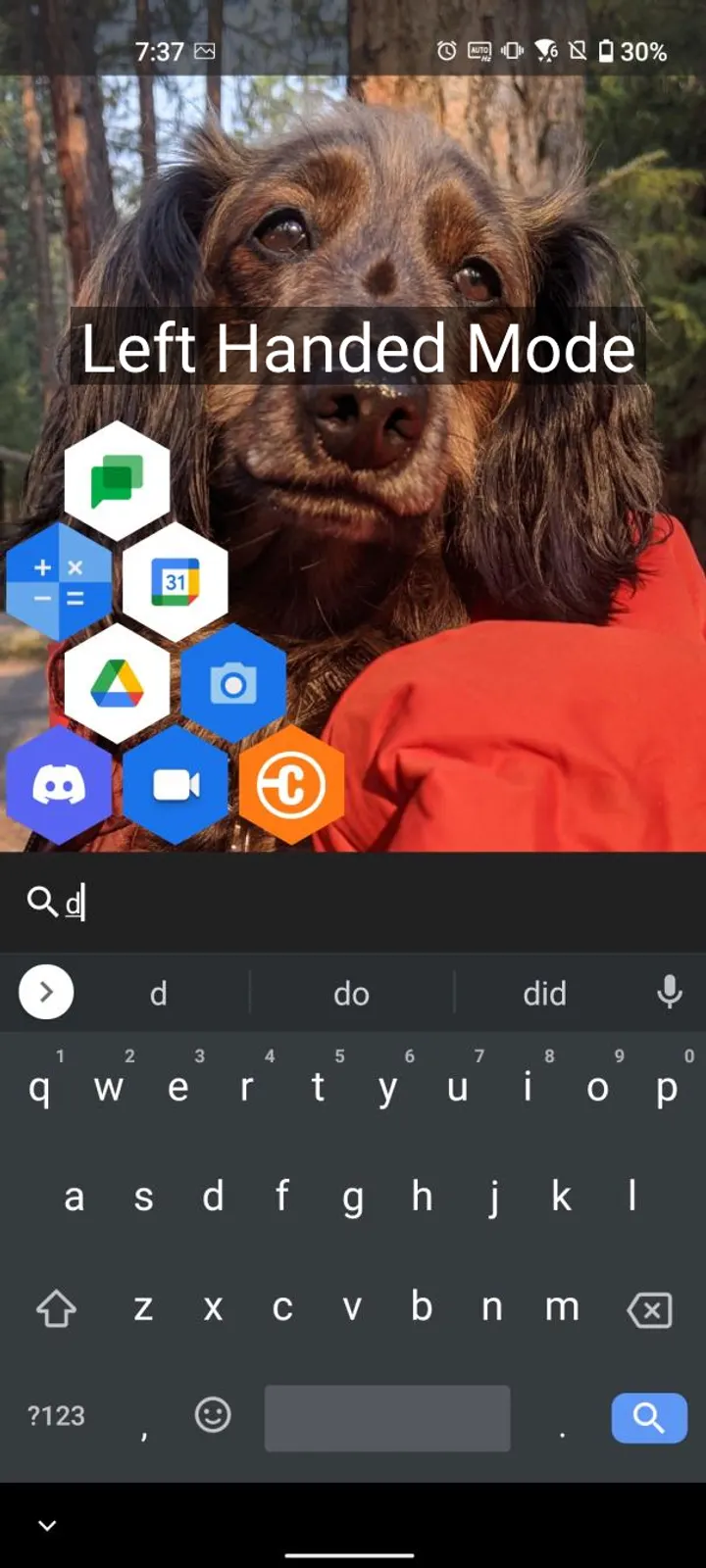
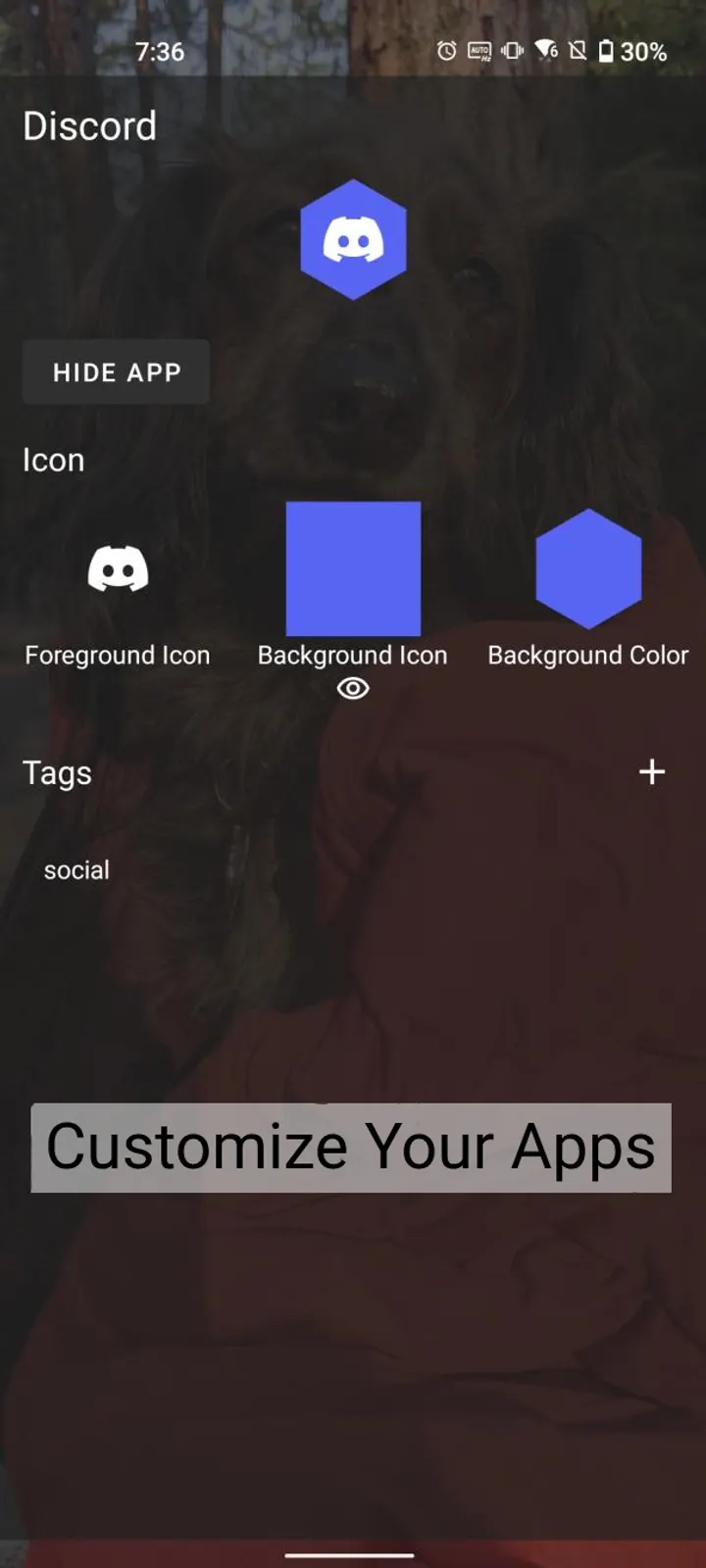
The main idea is to bring the app you want to your thumb quickly. Instead of pages of icons, the launcher opens on a search-first screen where results appear within thumb reach. You can also assign six apps to gestures for fast access.
The developer says the launcher was written from scratch to be small and quick, and that it should not drain the battery. We have not measured battery use, so treat that as the developer's claim. The developer also says the design aims to discourage aimless scrolling, which fits the stripped-down approach.
The tags on the page are open-source, launcher, system and no-ads.
Privacy: no internet connection at all
According to the developer, Hex Launcher has no trackers, no analytics and no data-gathering code. The developer also says the app cannot connect to the internet, a stronger claim than most launchers make. There are no ads.
Two optional settings exist for people who want to help with debugging: on-device logging, and sending bug reports by email. Both are off by default, per the developer.
The app is free and has no in-app purchases. Its source is published under the Apache-2.0 license, so anyone can read the code behind these privacy claims.
Android 8.0 minimum and a 1.9 MB download
Hex Launcher needs Android 8.0 or newer. At 1.9 MB the APK is small, so it takes little storage and downloads quickly even on a slow connection.
As a launcher it replaces your home screen, and Android will ask you to choose it as the default home app after installing. Screen types and tablet behavior are not described in the source material, so they are not covered here. Alternatives in the catalog include Launcher OS, Defang, Escape Launcher, Grace Launcher, Multi Launcher and Murine Launcher.
Hex Launcher pros and cons
Pros
- Open source under the Apache-2.0 licence, with code on GitHub
- No ads and no analytics, and the developer says it cannot reach the internet
- Very small at 1.9 MB
- Search-first screen plus six gesture-assigned apps
- Free
Cons
- Maintained by one developer, so support depends on a single person
- Minimalist design leaves out features that heavier launchers include, such as widgets and icon pack options
- Requires Android 8.0 or newer
- Version 1.4.12 is the current release.
Is Hex Launcher safe?
The APK for Hex Launcher comes from our own server unmodified, and its SHA-256 checksum is published so you can verify the download. The source code is public under the Apache-2.0 licence at github.com/MrMannWood/launcher. The developer says the app has no trackers, no ads and no internet access, and no in-app purchases are listed. A launcher controls your home screen, so install only a file whose checksum matches.
How to install Hex Launcher
- Download the APK with the button on this page and wait for it to finish.
- Compare the file with the SHA-256 checksum shown here if you want to confirm it arrived intact.
- Open the file on your phone and allow installs from this source when Android asks.
- Finish the install, then open Hex Launcher from your app drawer.


