
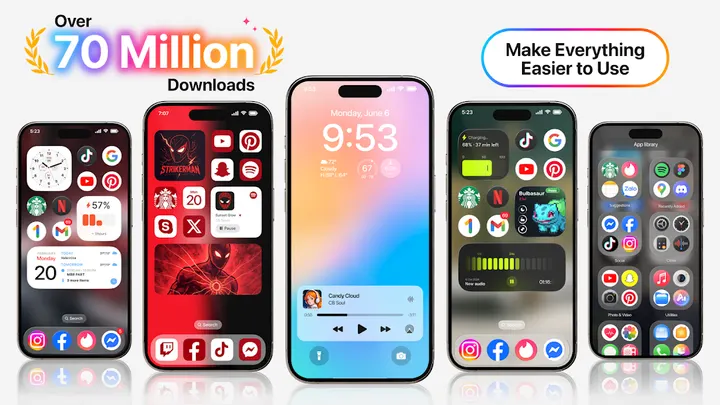
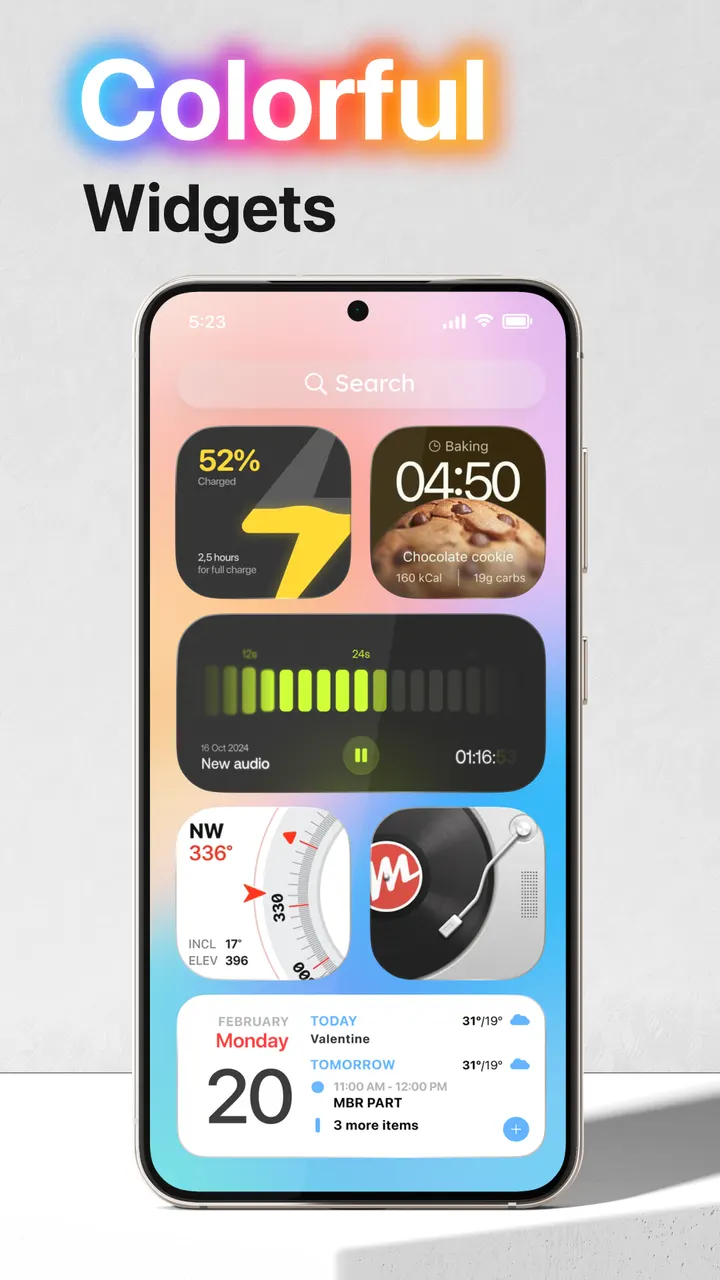
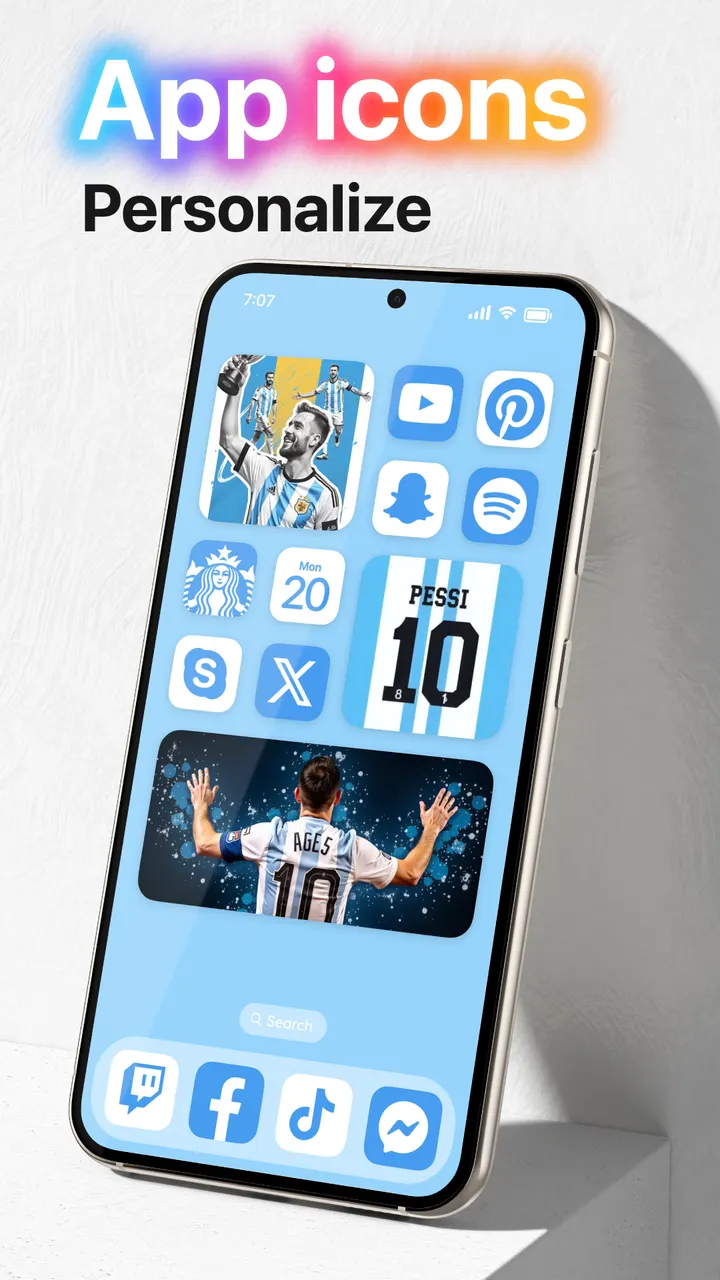
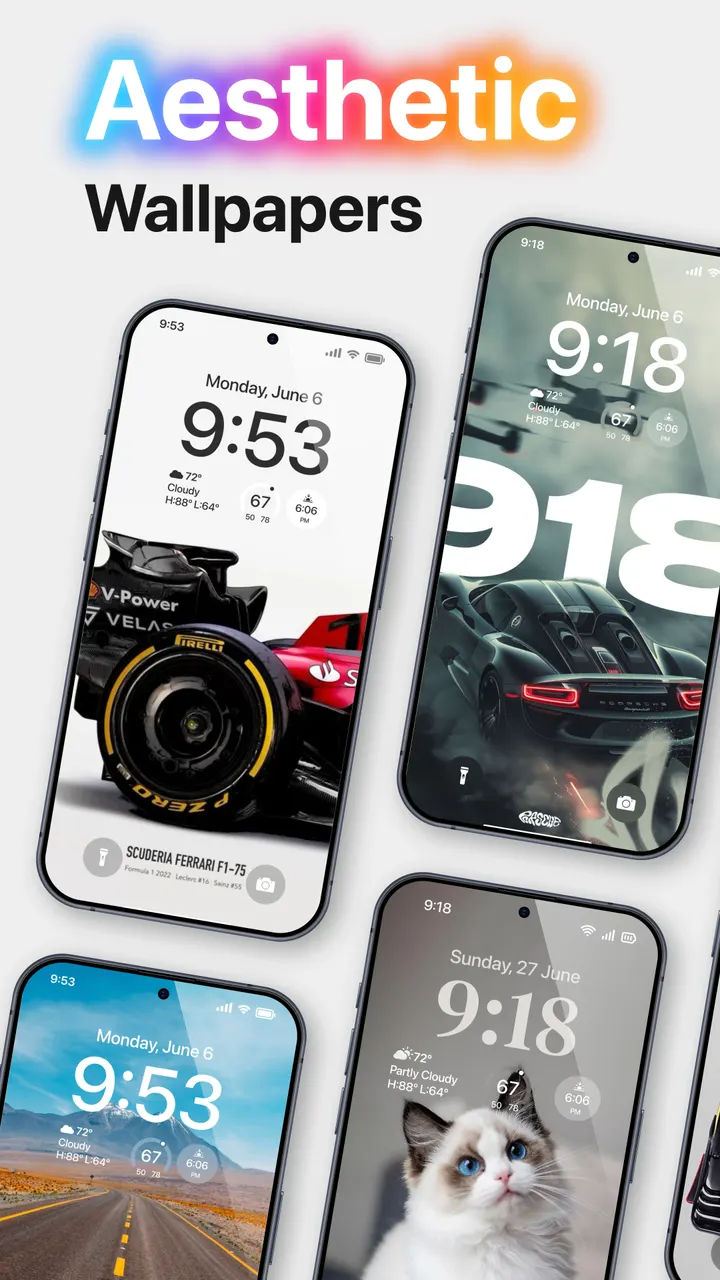
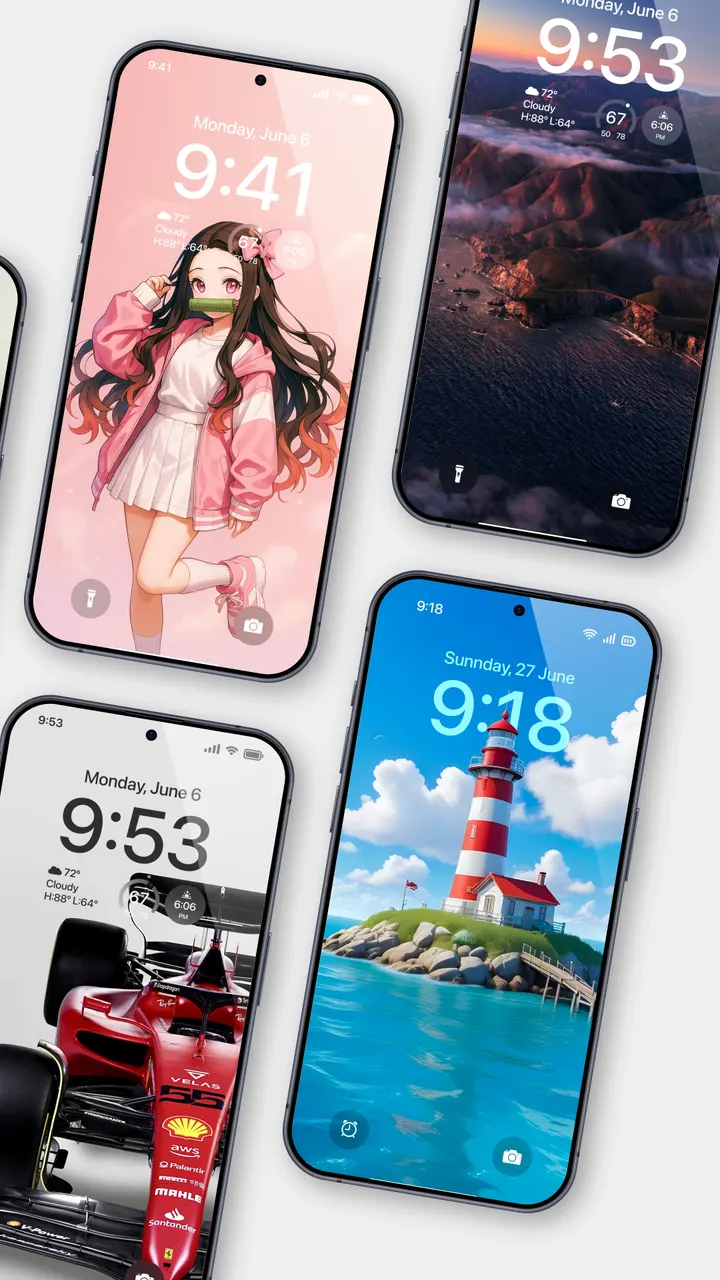
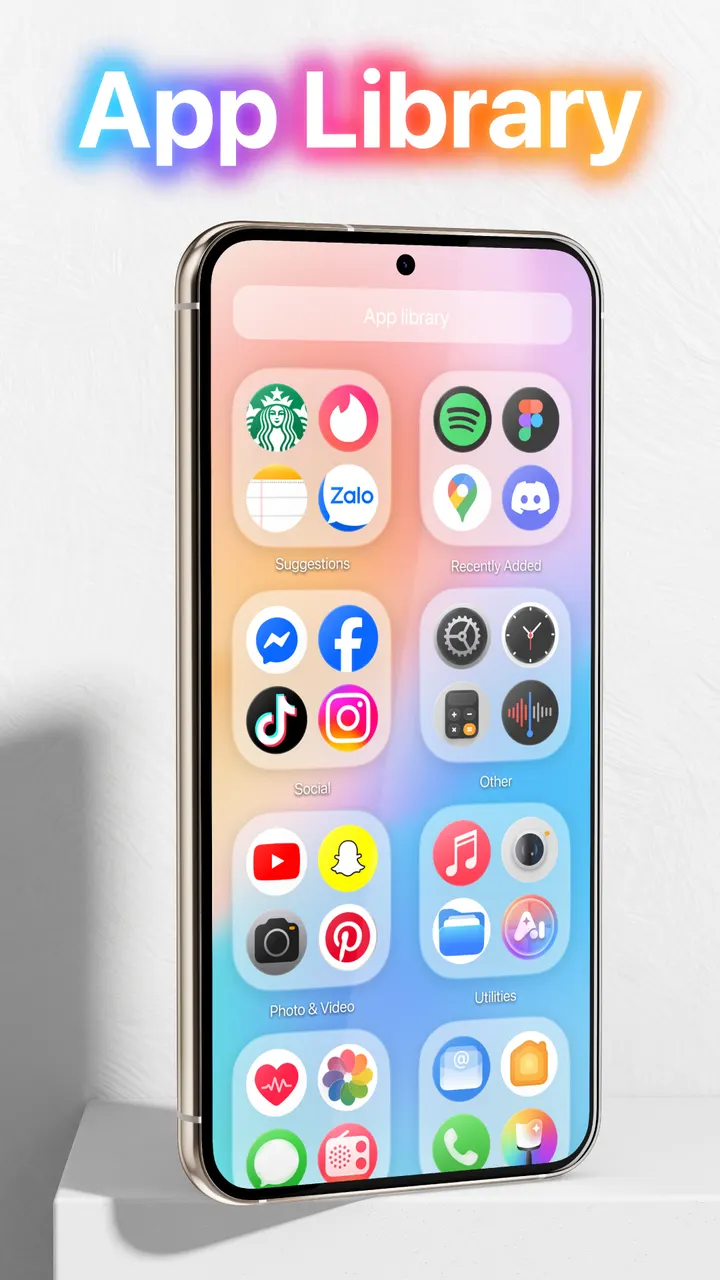
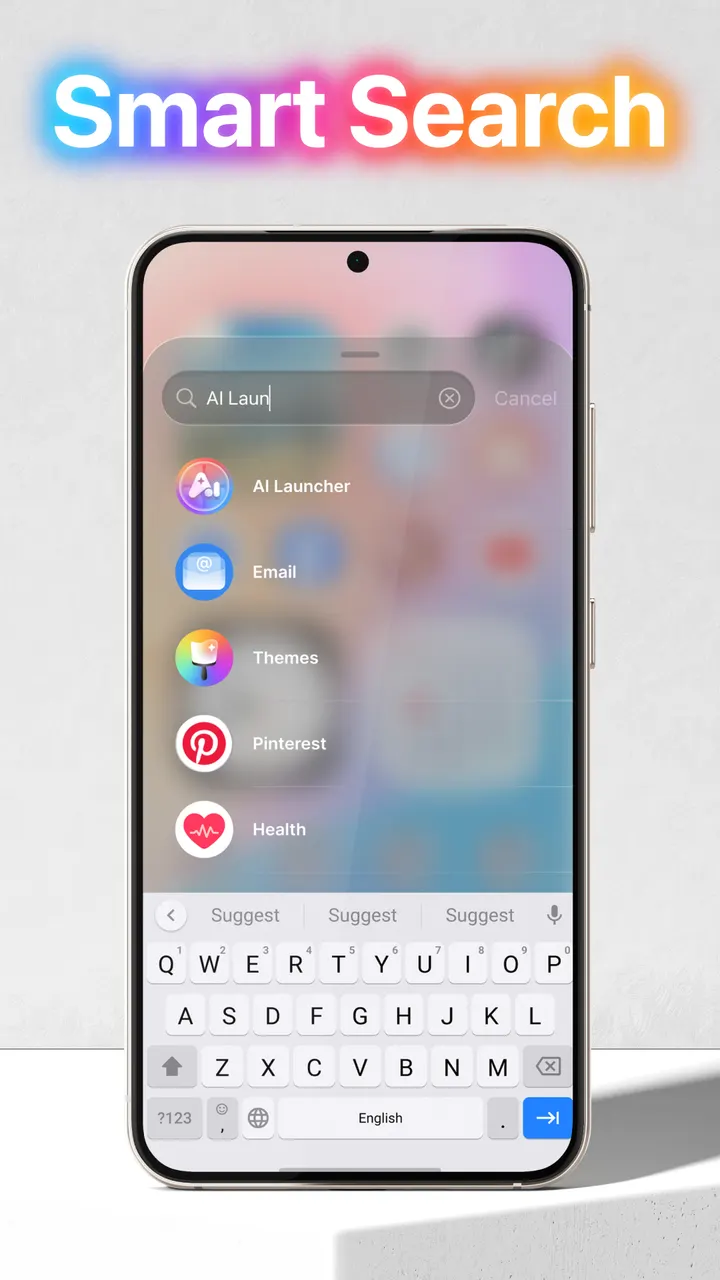
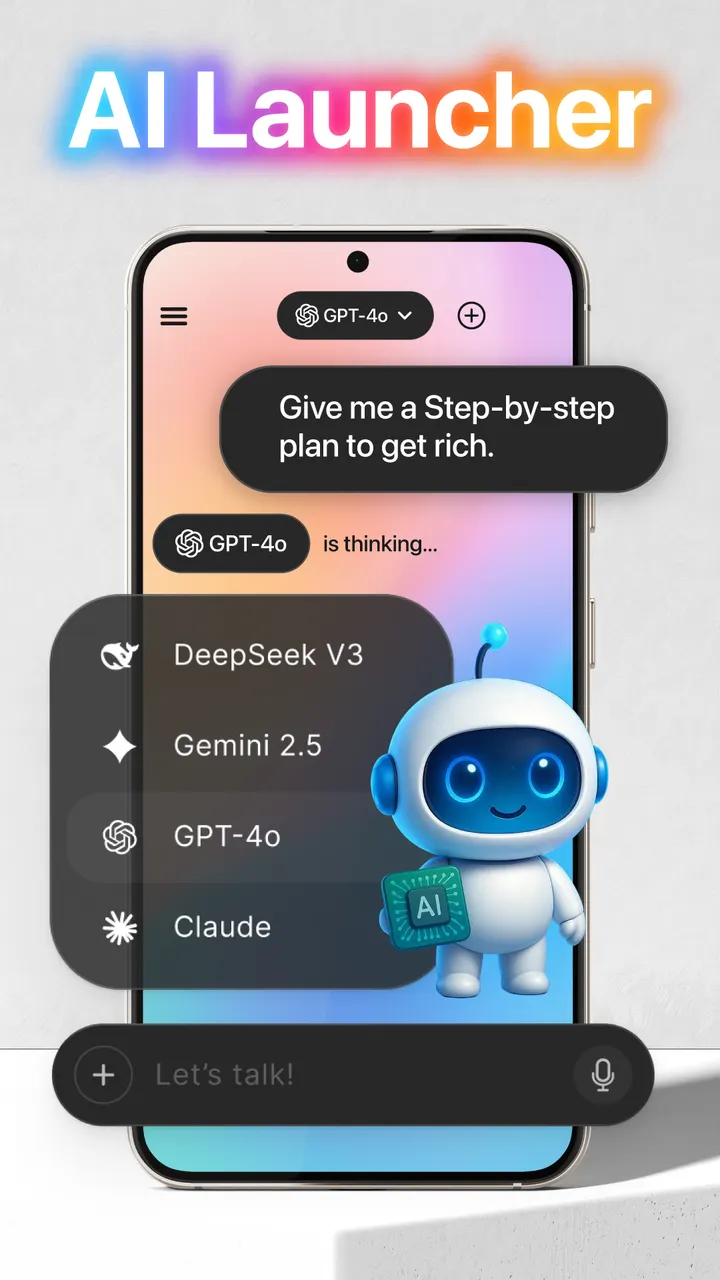
Launcher OS by Apps Genz is a free launcher that restyles both the home screen and the lock screen. The lock screen can open the camera, show incoming calls and display notifications, and a built-in file search and voice-to-text AI chat are included. Version 7.0.1 was updated on October 16, 2026 and runs on Android 8.0 or later.
Permissions to expect on first launch
Launcher OS asks for a long list of special permissions, and the developer says they are needed for it to work properly. Plan a few minutes in the system settings after installing. The list covers camera, phone state, notification access, storage, draw over screen and microphone.
Most of these tie to the lock screen. Camera access lets you open the camera from a locked phone, phone state shows calls on the lock screen, and notification access shows alerts there. Draw over screen lets the lock screen appear over other applications.
You can read each request against its stated purpose before granting it. Storage access is used for setting wallpapers from your device and for saving images from the developer's server.
What Launcher OS does for your phone
The developer describes Launcher OS as a way to make a phone simpler and nicer to look at. It is listed under launchers and personalization, with a content rating of Everyone.
Two features go past the home screen. A universal file search, which relies on the MANAGE_EXTERNAL_STORAGE permission, is meant to find any file on the device quickly. The microphone permission converts your voice to text inside an AI chat.
When Hex Launcher or Escape Launcher may suit you better
If you prefer to grant as few permissions as possible, a launcher with a narrower scope may fit better. The app is free but shows ads and has in-app purchases, which can matter if you want a clean experience.
Alternatives in the catalog include Hex Launcher, Defang, Escape Launcher, Grace Launcher, Multi Launcher Home Screen and Murine Launcher. Check each listing on Google Play before switching.
Phones running a version older than Android 8.0 cannot install Launcher OS at all, which makes an alternative the only route there.
Launcher OS pros and cons
Pros
- Over 100 million installs on Google Play
- 4.4 rating on Google Play from about 1.8 million ratings
- Free to install, with a content rating of Everyone
- Built-in file search and voice-to-text for AI chat
- Updated on October 16, 2026, so it is still maintained
Cons
- Shows ads
- Contains in-app purchases
- Requires many special permissions, including microphone and full storage access
- Needs Android 8.0 or later
Is Launcher OS safe?
Install Launcher OS from Google Play, the only place this page points to. Apps Genz publishes it and maintains a website at appsgenz.com. Because a launcher asks for broad access, check each permission before you agree, especially storage, microphone and notification access. The app also contains ads and in-app purchases.
How to install Launcher OS
- Press the Google Play button on this page.
- Check the listing in the Play Store and press Install.
- Open Launcher OS when the install finishes. Updates arrive through Google Play.


