
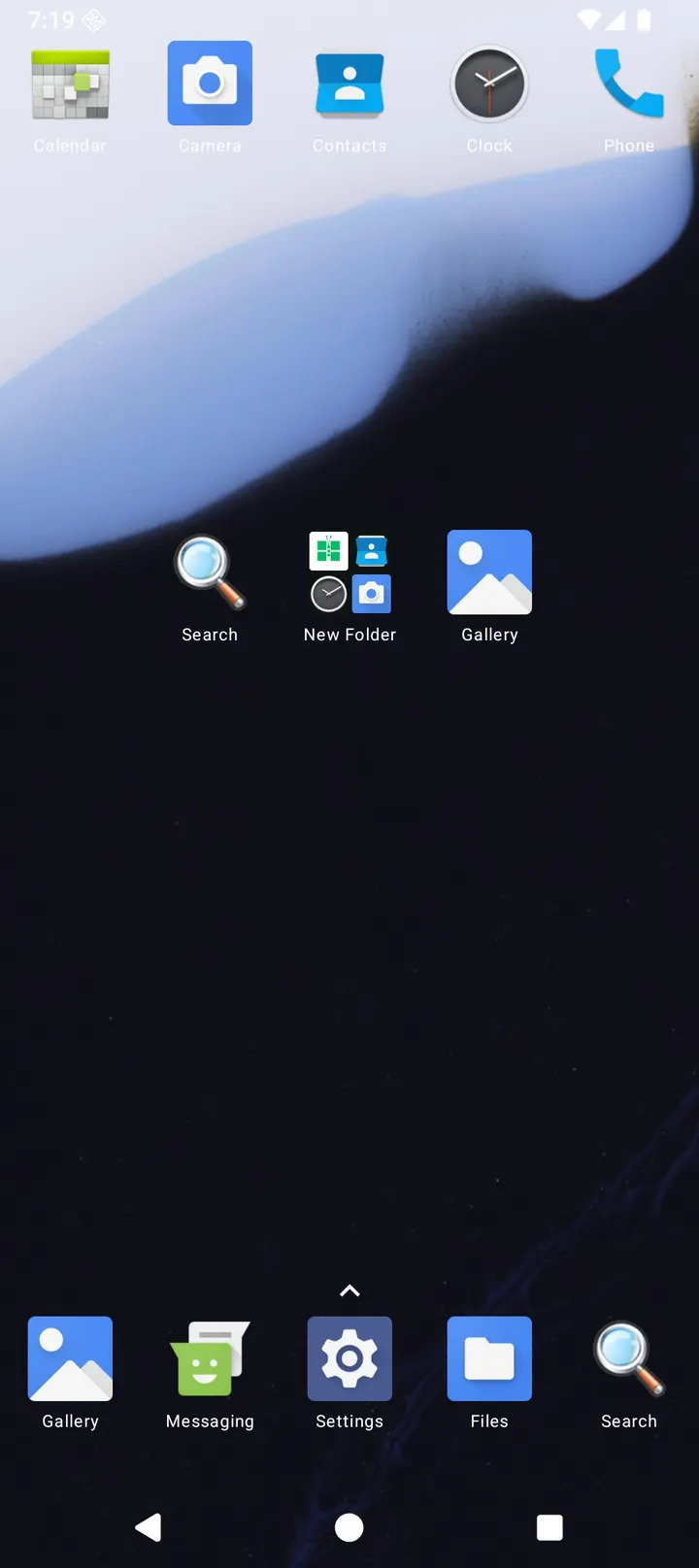
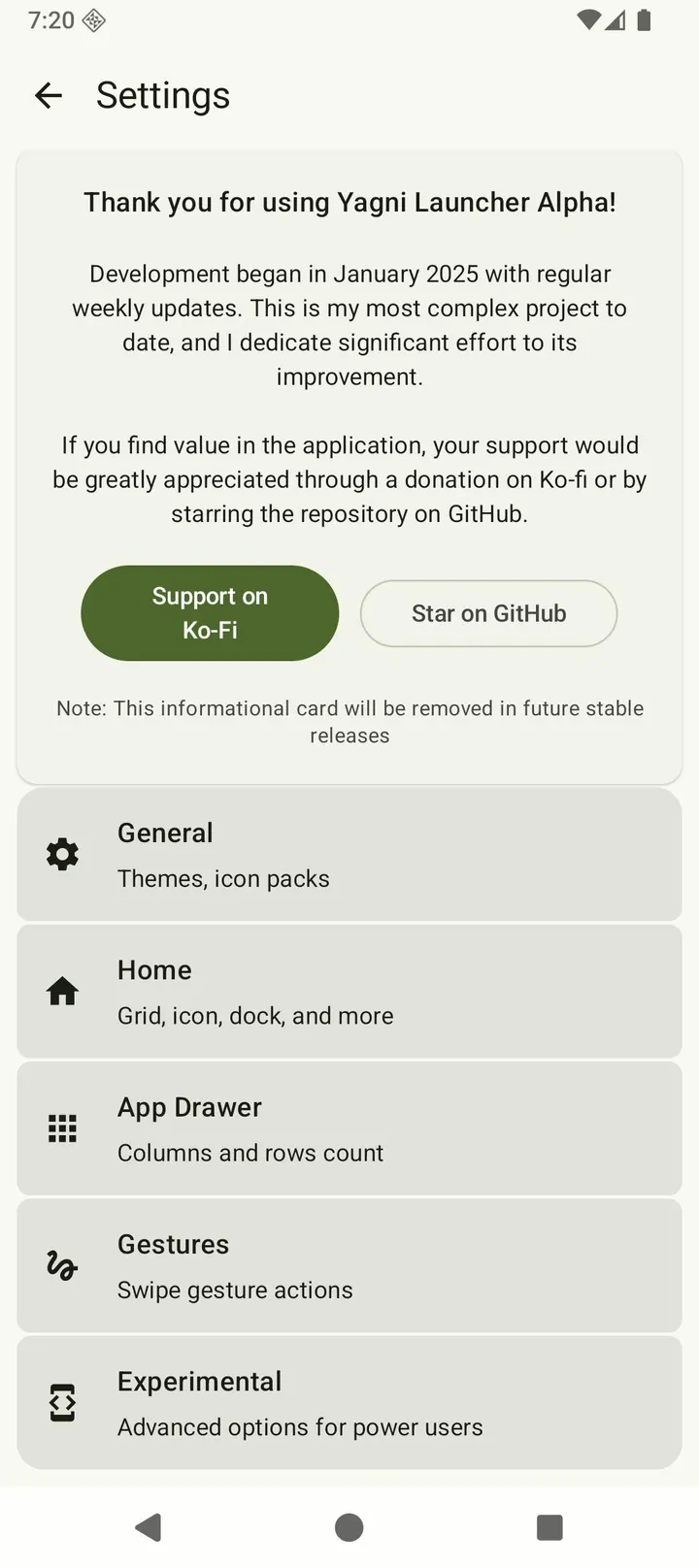
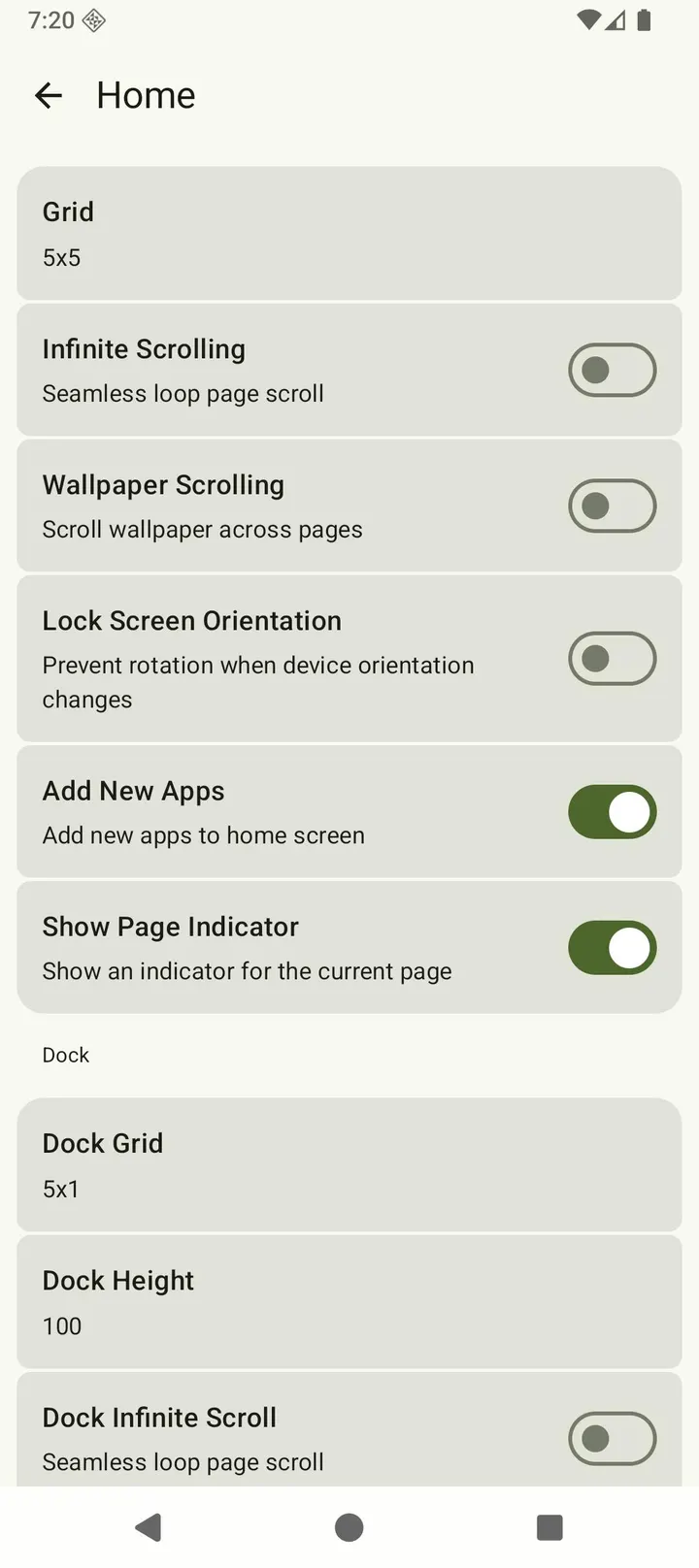
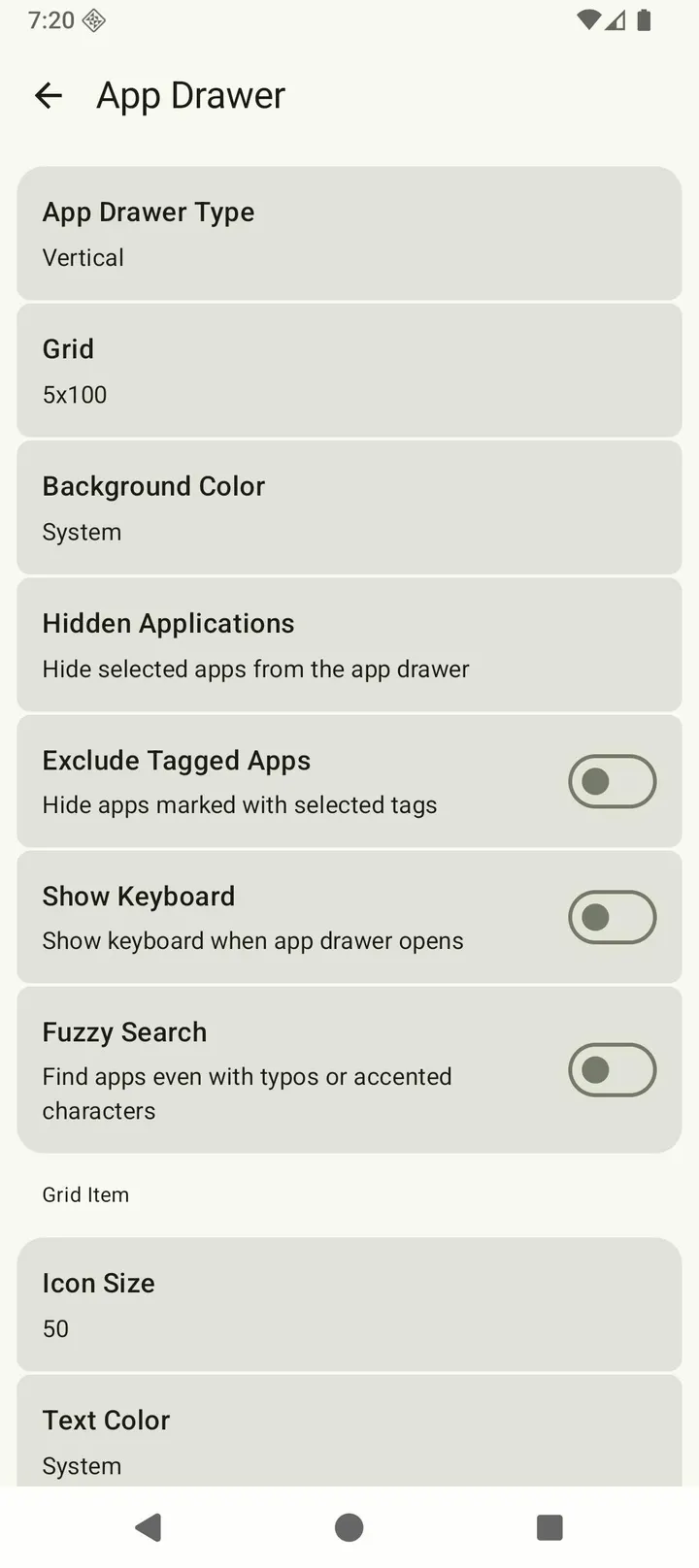
Hex Launcher and Escape Launcher both sit in the same niche, but Yagni Launcher takes a narrower route: it rebuilds the stock Android home screen from scratch and keeps it open source. The current build is 1.0.8-alpha, released under GPL-3.0-only, with no ads and a price of zero. The developer is listed as unknown.
A stock launcher rebuilt in Kotlin and Compose
The defining fact is the project's aim: a stock-style launcher written from scratch. The store text says it uses Kotlin and Jetpack Compose and avoids legacy code. The name comes from the programming principle YAGNI, which says not to add a function until it is needed.
The author states the goal as strong features without trackers or paywalls. The source is public on GitHub at T31n/YagniLauncher, so the claim can be checked.
What a session looks like at 2.8 MB
The APK is 2.8 MB, and the installed footprint is near 2 MB. The developer says that is 80 to 90 percent smaller than typical stock launchers.
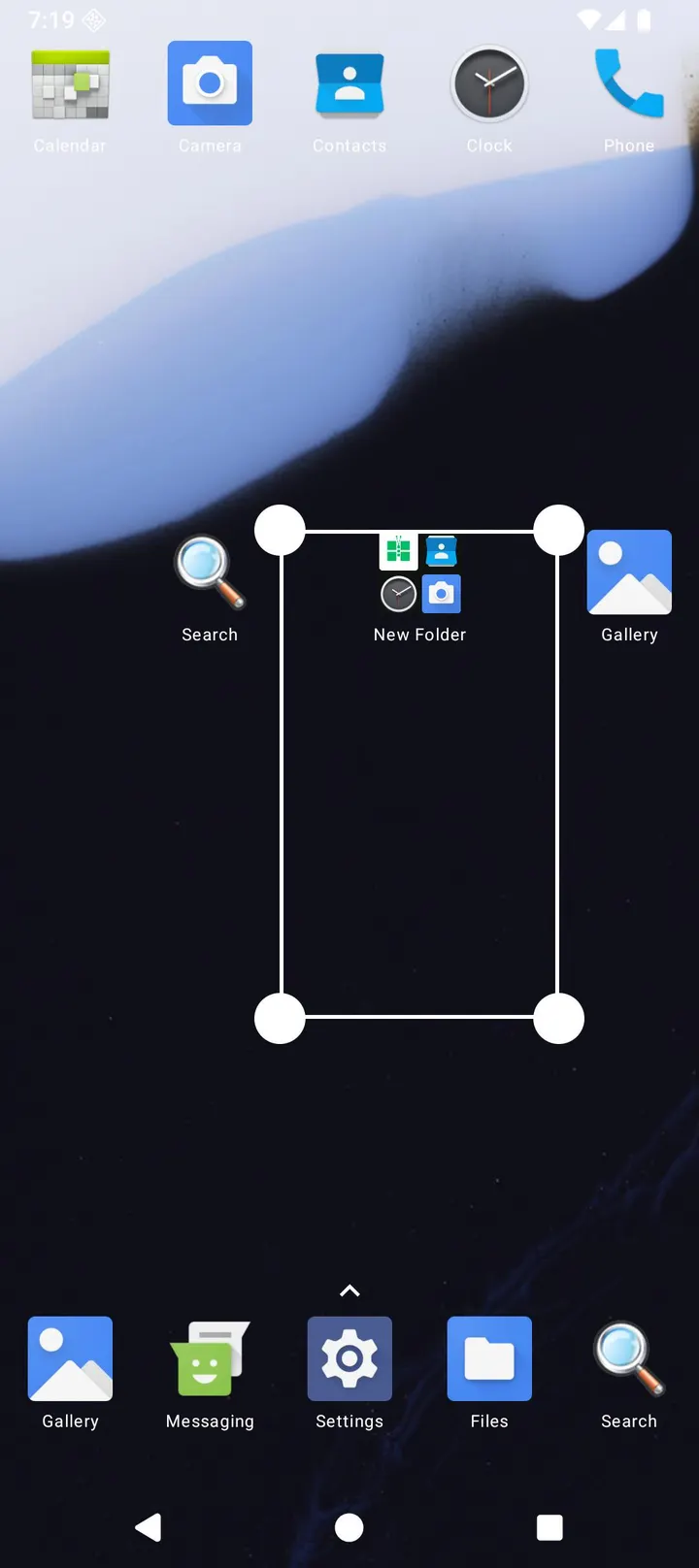
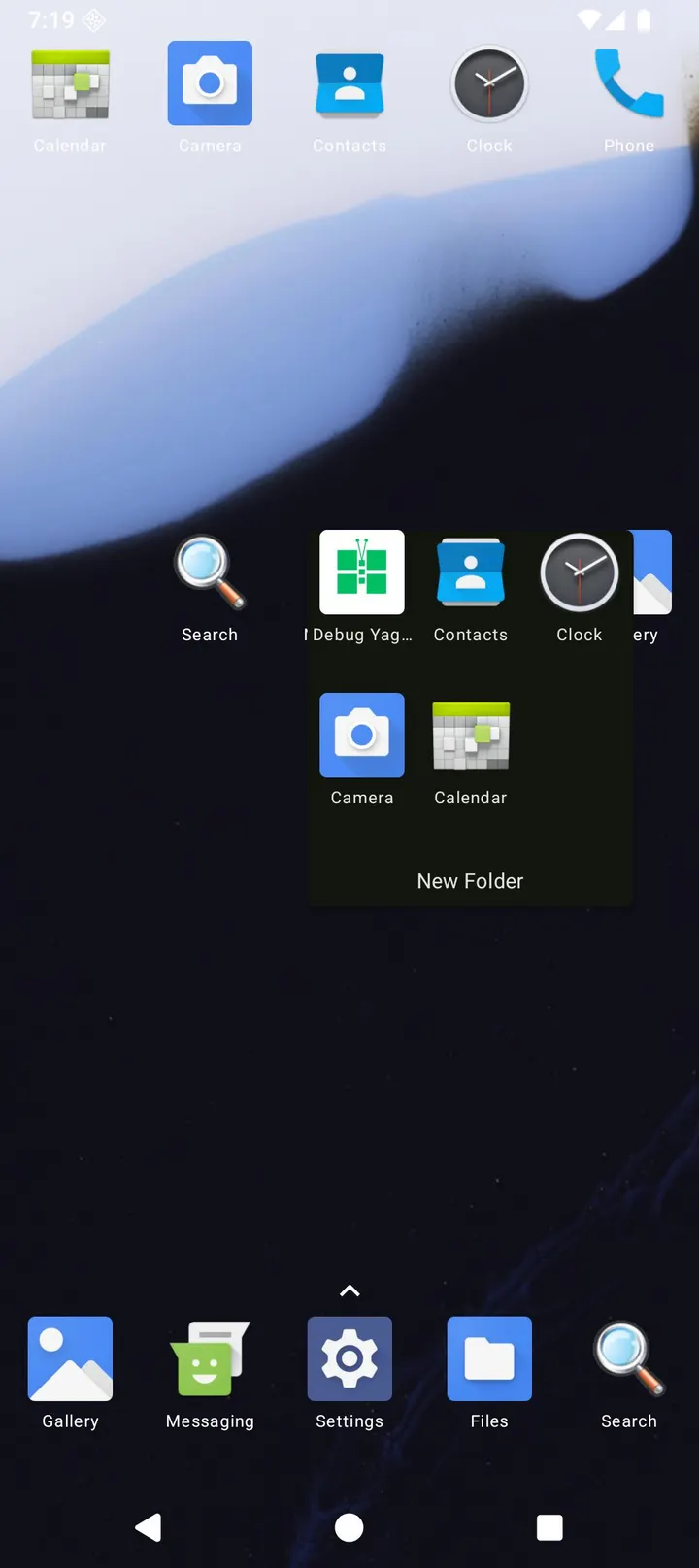
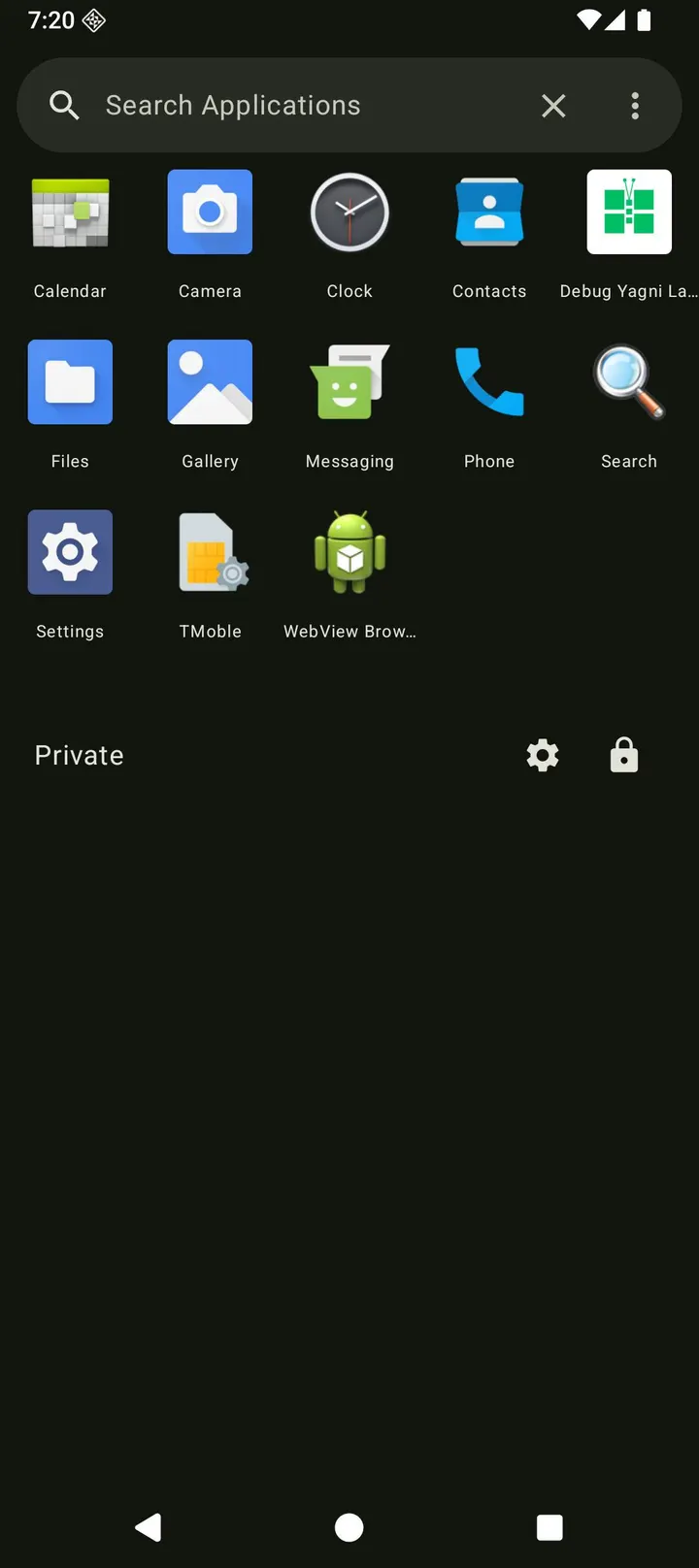
You install it, set it as the home app, and use a layout that follows stock behavior. The developer warns of bugs, instability and unfinished features, so expect rough spots on a daily phone.
Yagni against Hex, Escape and Grace
Hex Launcher, Launcher OS, Defang, Escape Launcher, Grace Launcher and Multi Launcher are other launchers you could try. Yagni is free, shows no ads and is released under GPL-3.0-only.
The alpha stage is the main drawback. It suits people who like following an open project as it grows more than those who need a settled daily launcher.
Yagni Launcher pros and cons
Pros
- Open source under GPL-3.0-only with code on GitHub
- No ads and no price
- Small 2.8 MB download
- Runs on Android 7.0 and newer
- Built with Kotlin and Jetpack Compose
Cons
- Alpha stage, with bugs and incomplete features expected
- Developer is listed as unknown
- Update notes are not published with releases
- Size and battery claims are not independently measured
Is Yagni Launcher safe?
The APK is stored unmodified, and its SHA-256 checksum is 18cc284e58df541d25898874cd4ba49a6ae5b66a9539abe1d8fbe4ddc17a258d. Compare it with the file you download. Yagni Launcher is open source under GPL-3.0-only, with the code public on GitHub, and it carries no ads. The developer is unknown and version 1.0.8-alpha is labeled alpha, so expect bugs and note your current home screen layout before switching.
How to install Yagni Launcher
- Download the APK with the button on this page and wait for it to finish.
- Compare the file with the SHA-256 checksum shown here if you want to confirm it arrived intact.
- Open the file on your phone and allow installs from this source when Android asks.
- Finish the install, then open Yagni Launcher from your app drawer.


